
CodoBookings
| 开发者 | junaidte14 |
|---|---|
| 更新时间 | 2025年12月14日 21:31 |
| PHP版本: | 7.4 及以上 |
| WordPress版本: | 6.9 |
| 版权: | GPLv2 or later |
| 版权网址: | 版权信息 |
详情介绍:
CodoBookings is a modern, lightweight booking and appointment-management plugin for WordPress. It’s designed to make scheduling, managing, and tracking appointments effortless.
Whether you're a coach, consultant, tutor, or agency, CodoBookings helps you manage your entire booking process directly inside WordPress — cleanly, securely, and efficiently.
🎯 Key Features
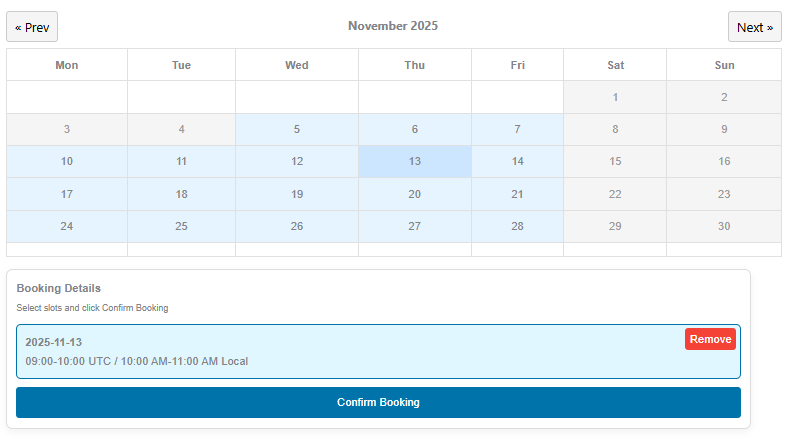
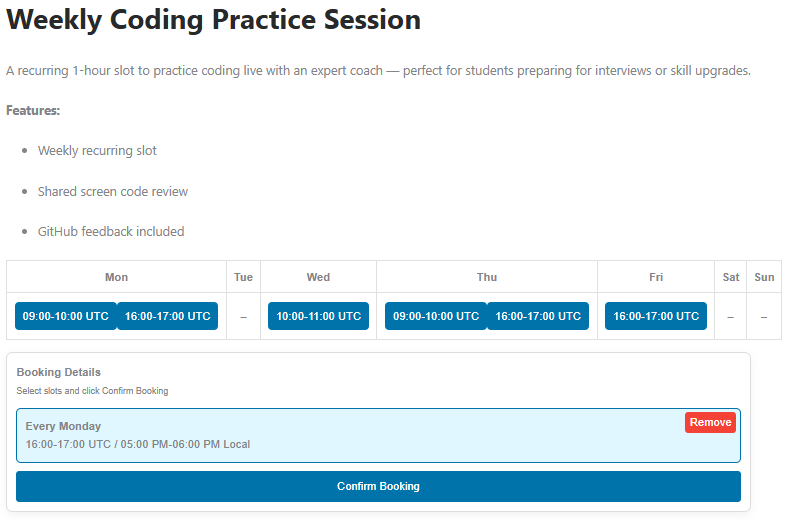
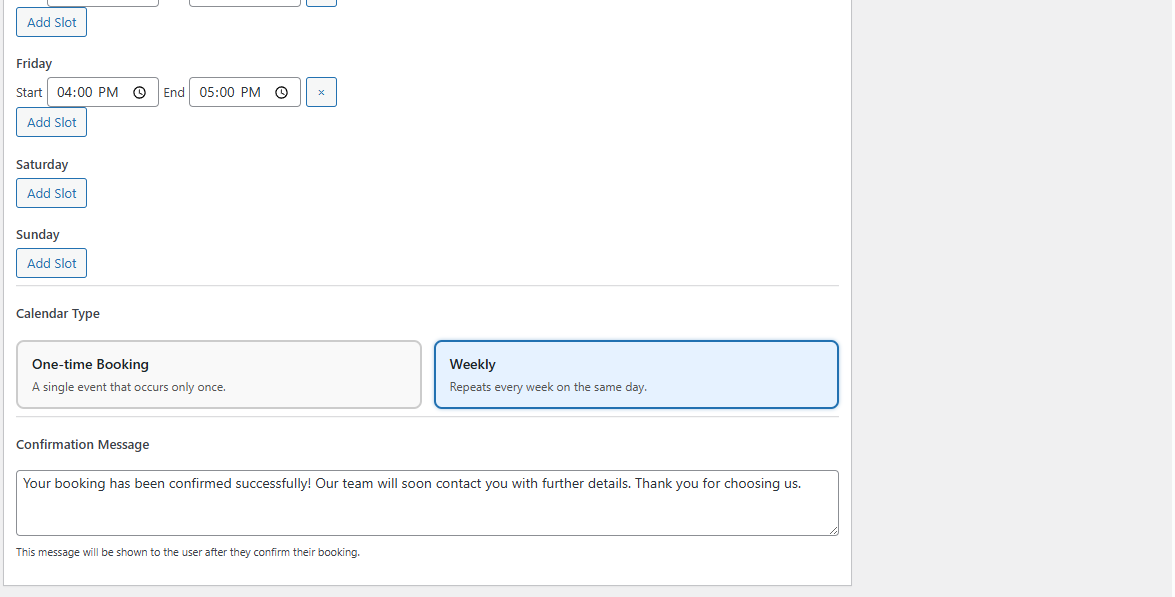
- Flexible Booking Types – Supports both one-time and weekly recurring appointments.
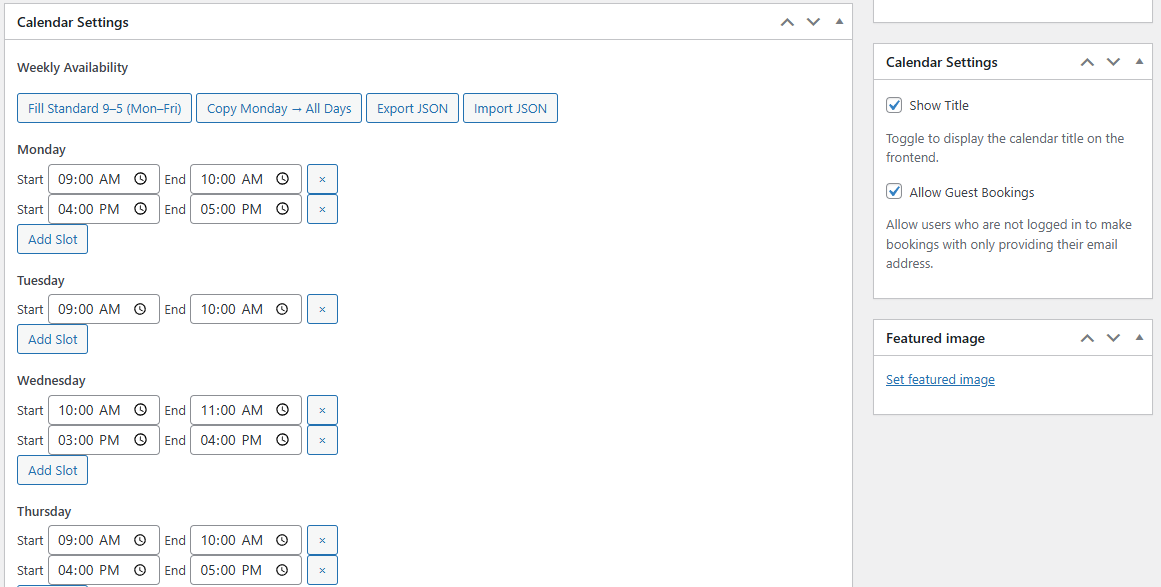
- Guest Bookings – Customers can book appointments without creating an account by just providing their email address.
- Email Notifications – Automatic HTML email confirmations and status update notifications for you and your clients.
- Shortcodes for Easy Embedding – Display booking calendars or grids anywhere using simple shortcodes.
- Design System - A powerful design system to customize colors, layout and custom CSS.
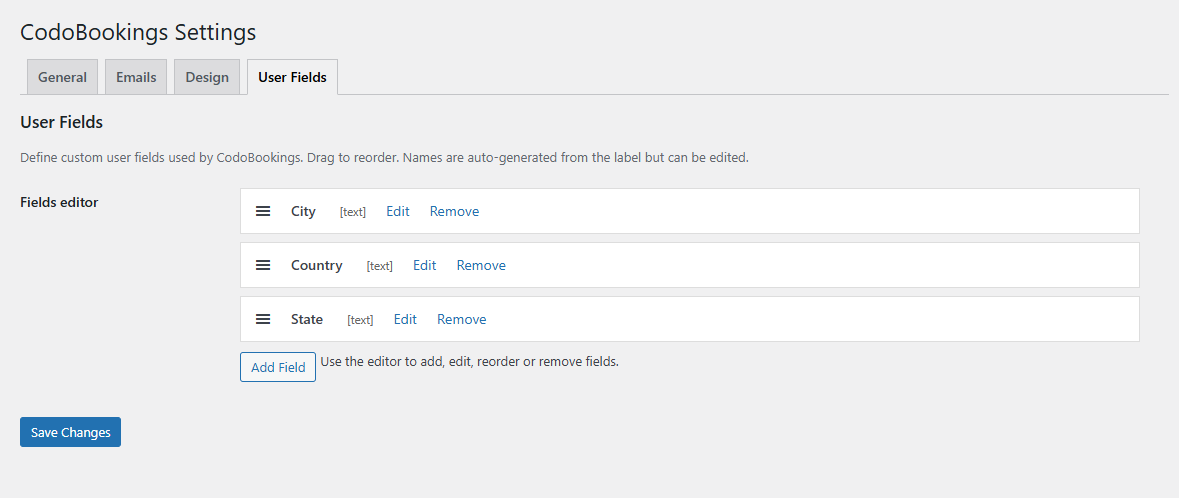
- User Fields – A drag & drop enabled dynamic User Fields system to collect custom user data associated to a booking.
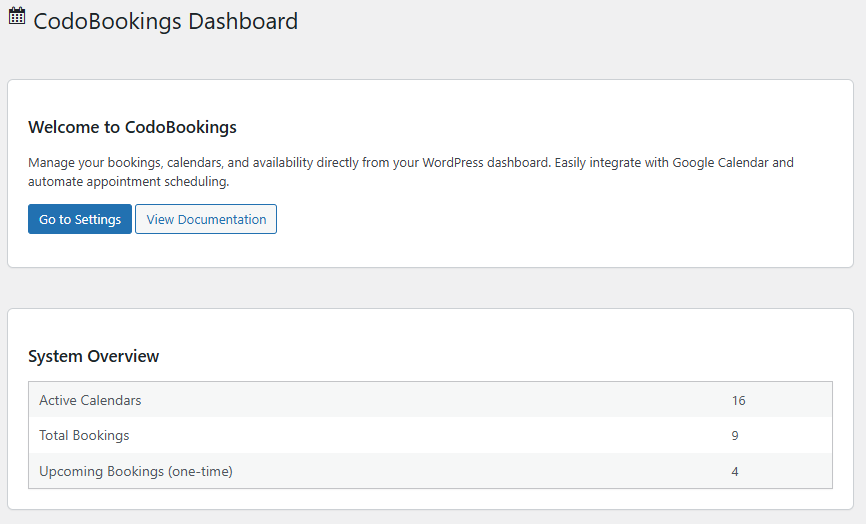
- Admin Dashboard Widget – See your key booking stats right on the WordPress dashboard.
- Clean Front-End Interface – Modern, minimal design that adapts to any WordPress theme.
- Translation Ready – Includes
.potfile for localization with tools like Poedit. - Extensible Architecture – Modular structure ready for integrations and add-ons.
- Secure & Optimized – Sanitized inputs, escaped outputs, and lightweight queries.
安装:
- Upload the plugin folder
/codobookings/to the/wp-content/plugins/directory, or install it via the Plugins screen in WordPress. - Activate CodoBookings through the Plugins menu in WordPress.
- Navigate to CodoBookings → Settings to configure general options and email preferences.
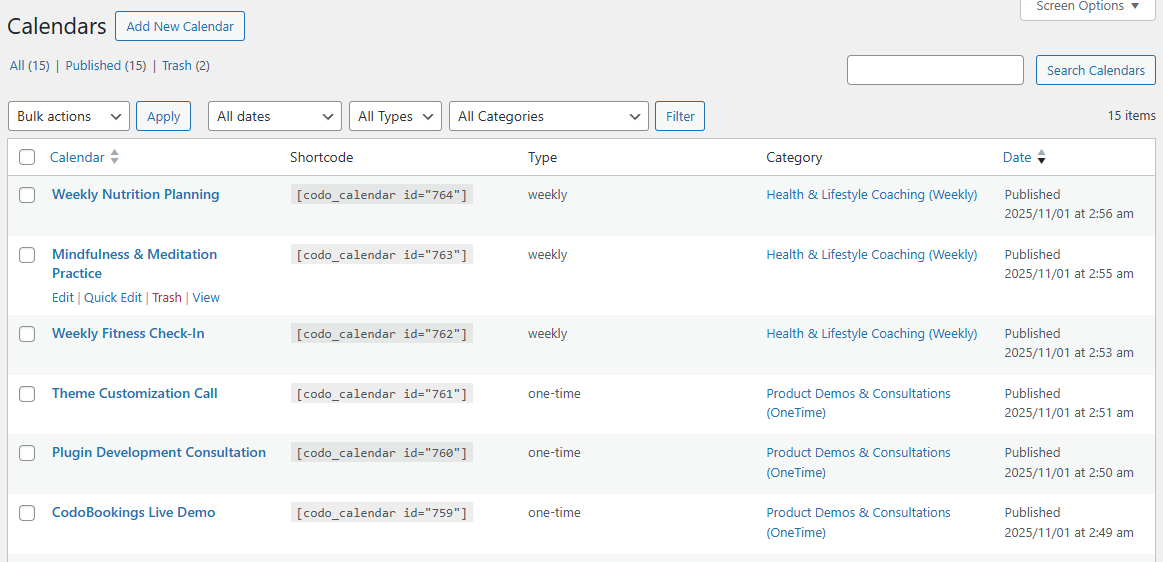
- Create your first booking calendar under CodoBookings → Calendars.
- Add a calendar to any page using this shortcode: [codo_calendar id="123"].
- You can also view any calendar on a page which is automatically created upon the plugin activation by providing calendar_id as a query parameter.
- To display multiple calendars in a grid layout, use: [codo_calendars_grid columns="3"]
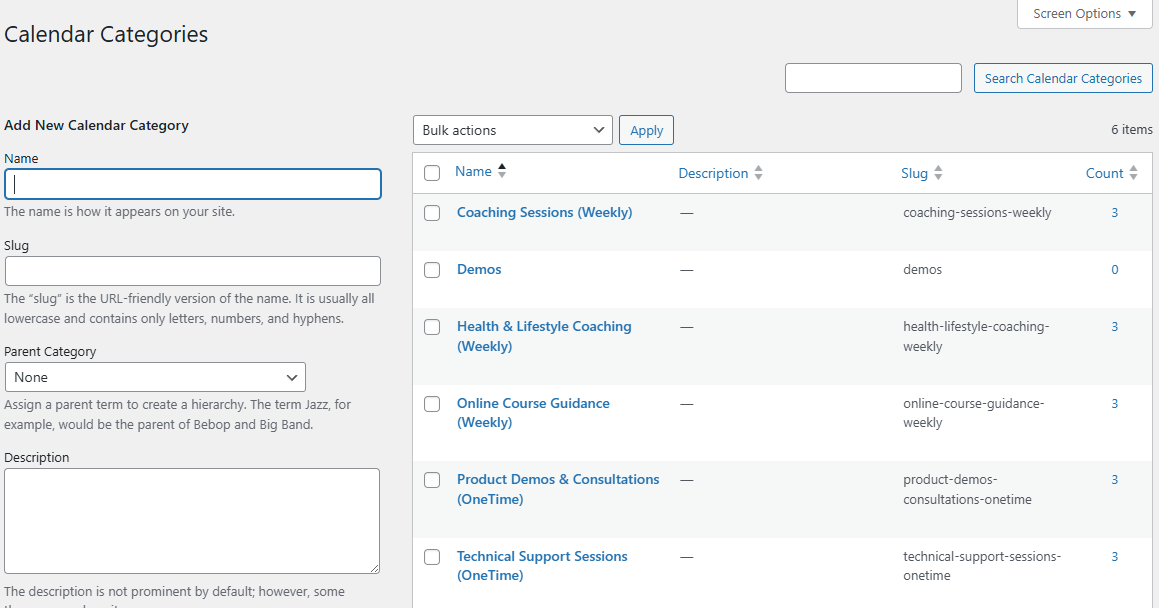
- To display calendars from a specific category in a grid layout, use: [codo_calendars_grid columns="3" category="category-slug"]. The category-slug is available on CodoBookings → Categories page for each category.
屏幕截图:

常见问题:
How can I manage calendars?
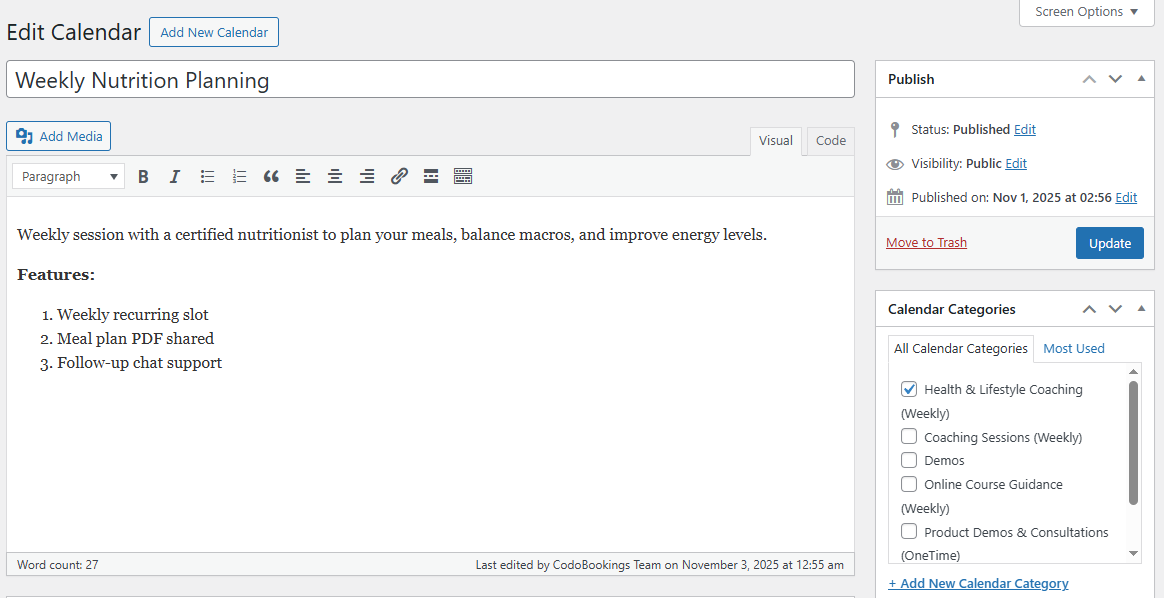
All calendars can be viewed and managed under CodoBookings → Calendars. You can update, define availability slots, change the calendar type, or define a custom confirmation message easily from the admin area.
How can I manage bookings?
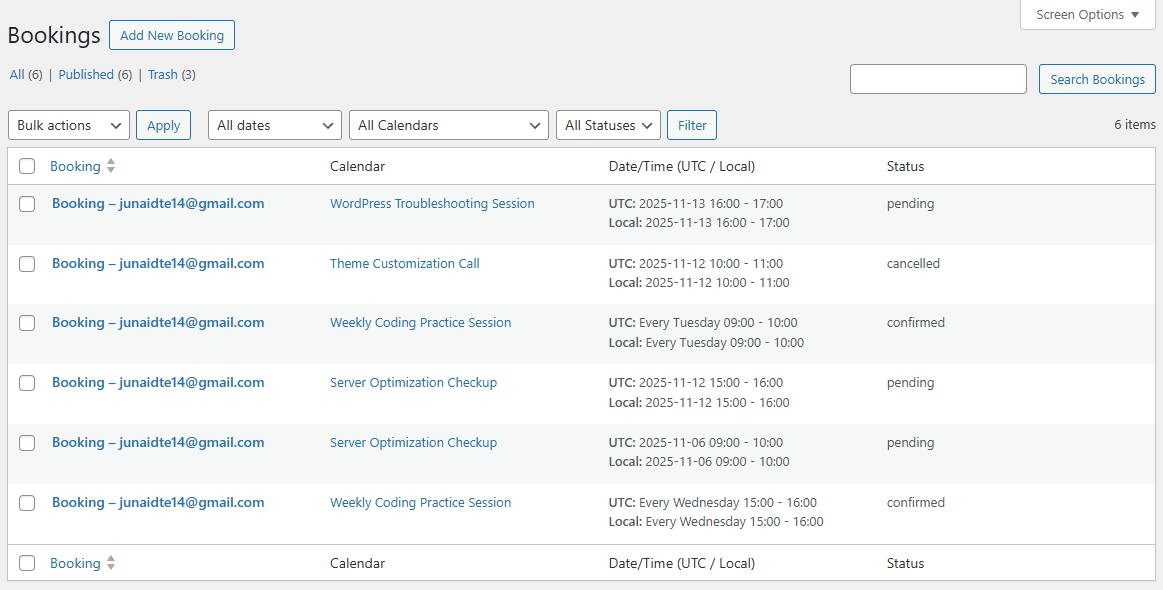
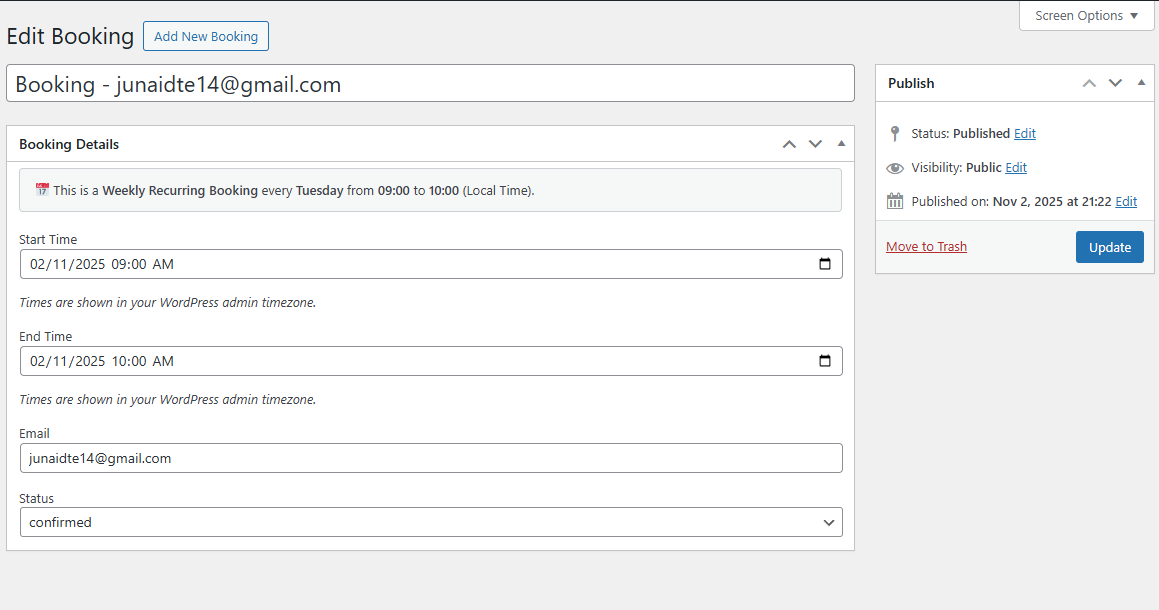
All bookings can be viewed and managed under CodoBookings → Bookings. You can update, confirm, or cancel bookings easily from the admin area.
Is it developer-friendly?
Yes! CodoBookings uses a modular structure and provides multiple hooks and filters for extending core functionality.
Is CodoBookings translation ready?
Yes, the plugin includes a .pot file under the /languages/ directory for easy translation via Poedit or WPML.
Can I sell bookings?
Not yet, but upcoming extensions will integrate with WooCommerce and Paid Memberships Pro to handle payments and restrictions.
更新日志:
1.4.1
- FIXED: Issues with design system is fixed.
- NEW: A drag & drop enabled dynamic User Fields system to collect custom user data associated to a booking.
- NEW: Ability to define/use global user fields, calendar specific fields or no user fields at all.
- NEW: Show user fields before or after the main booking calendar.
- NEW: Ability to define required or optional user fields.
- NEW: Supported input field types include text, textarea, number, select, radio, and checkbox.
- NEW: Frontend and backend validation for user field type, data and values.
- NEW: Design Customization System - Customize your booking calendars to match your brand
- NEW: Theme Color Inheritance - Automatically detects and uses your WordPress theme colors
- NEW: Basic Design Settings - Control primary color, text color, and border radius
- NEW: Custom CSS Field - Add your own CSS for advanced customization
- NEW: CSS Variables Architecture - All styles use CSS custom properties for easy theming
- NEW: 15+ Extension Hooks - Extensive filter and action hooks for developers
- NEW: New Setting - Define default booking status
- IMPROVED: Frontend Styling - Removed all hardcoded colors and sizes
- IMPROVED: Sidebar Rendering - Dynamic styles now use CSS variables
- IMPROVED: Theme Integration - Better compatibility with any WordPress theme
- IMPROVED: Performance - Optimized CSS generation with intelligent caching
- IMPROVED: Extensibility - Clean separation for premium extensions
- FIXED: Hardcoded styles in JavaScript sidebar rendering
- FIXED: Calendar grid responsive behavior on mobile devices
- DEVELOPER: New design-focused hooks and filters for extensions
- DEVELOPER: Smart auto-color generation (secondary from primary, heading from text)
- Added User Fields Extension link on dashboard page
- Updated the translations file
- New hooks introduced in PHP code
- Some wording changes
- Hooks added in JS code for future extensibility
- Fixed confirmation message visibility
- Initial Release with following features
- Added booking grid and single calendar shortcodes.
- Added recurring booking logic (weekly).
- Added guest bookings feature.
- Added admin dashboard widget for quick stats.
- Added booking management interface.
- Added global email notification system.
- Translation ready with
.potfile included.