Coming Soon Maintenance Mode
| 开发者 |
webenvo
awordpresslife razipathhan hanif0991 muhammadshahid fkfaisalkhan007 sharikkhan007 zishlife FARAZFRANK |
|---|---|
| 更新时间 | 2026年6月17日 22:42 |
| PHP版本: | 5.6 及以上 |
| WordPress版本: | 6.9 |
| 版权: | GPLv2 or later |
| 版权网址: | 版权信息 |
详情介绍:
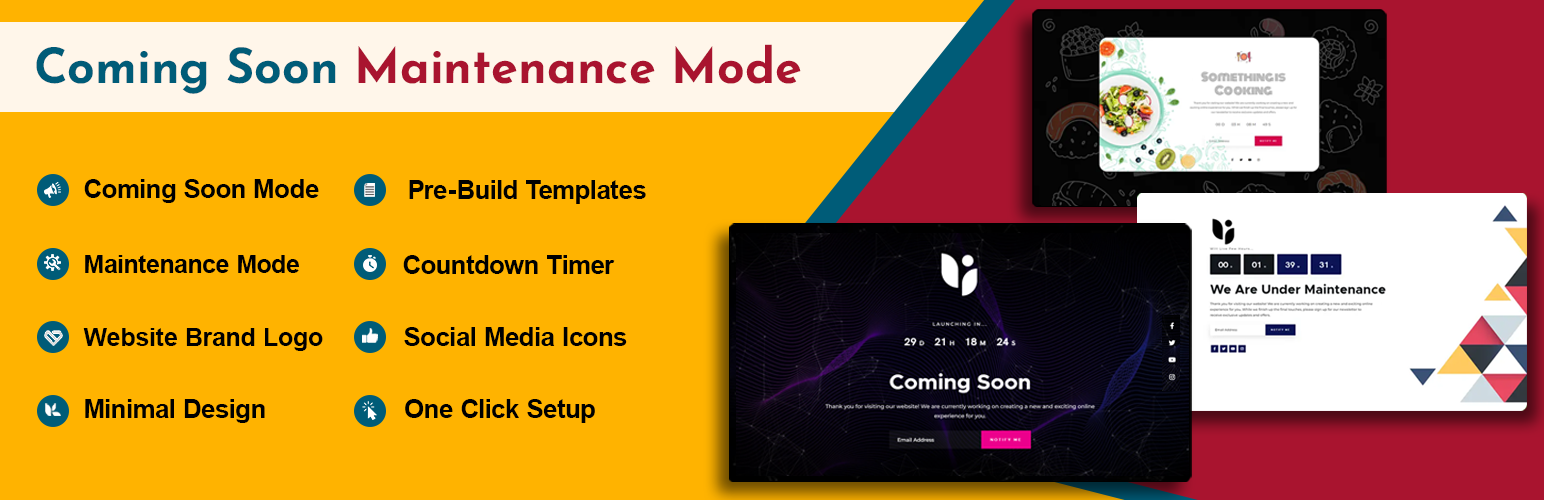
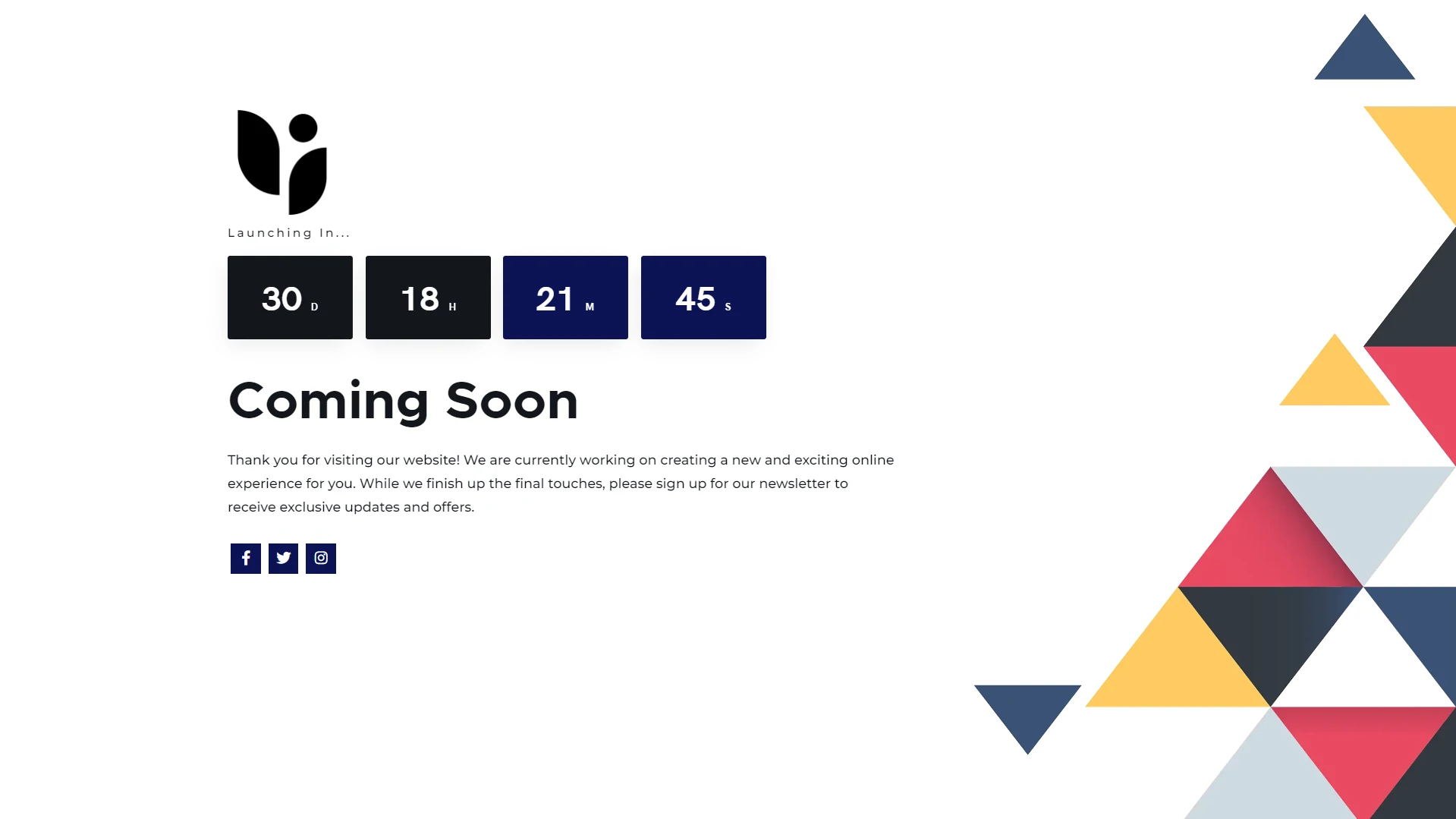
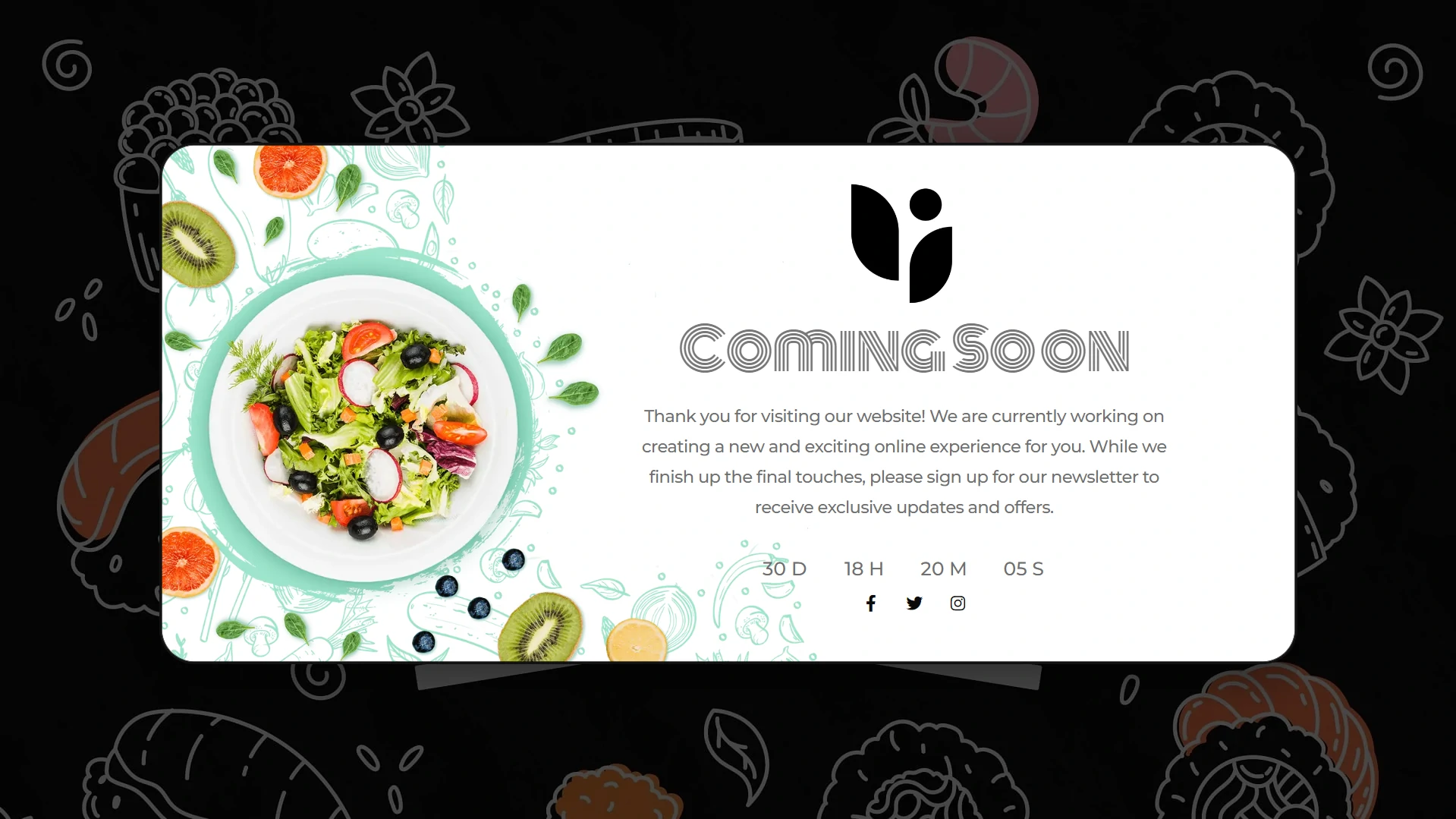
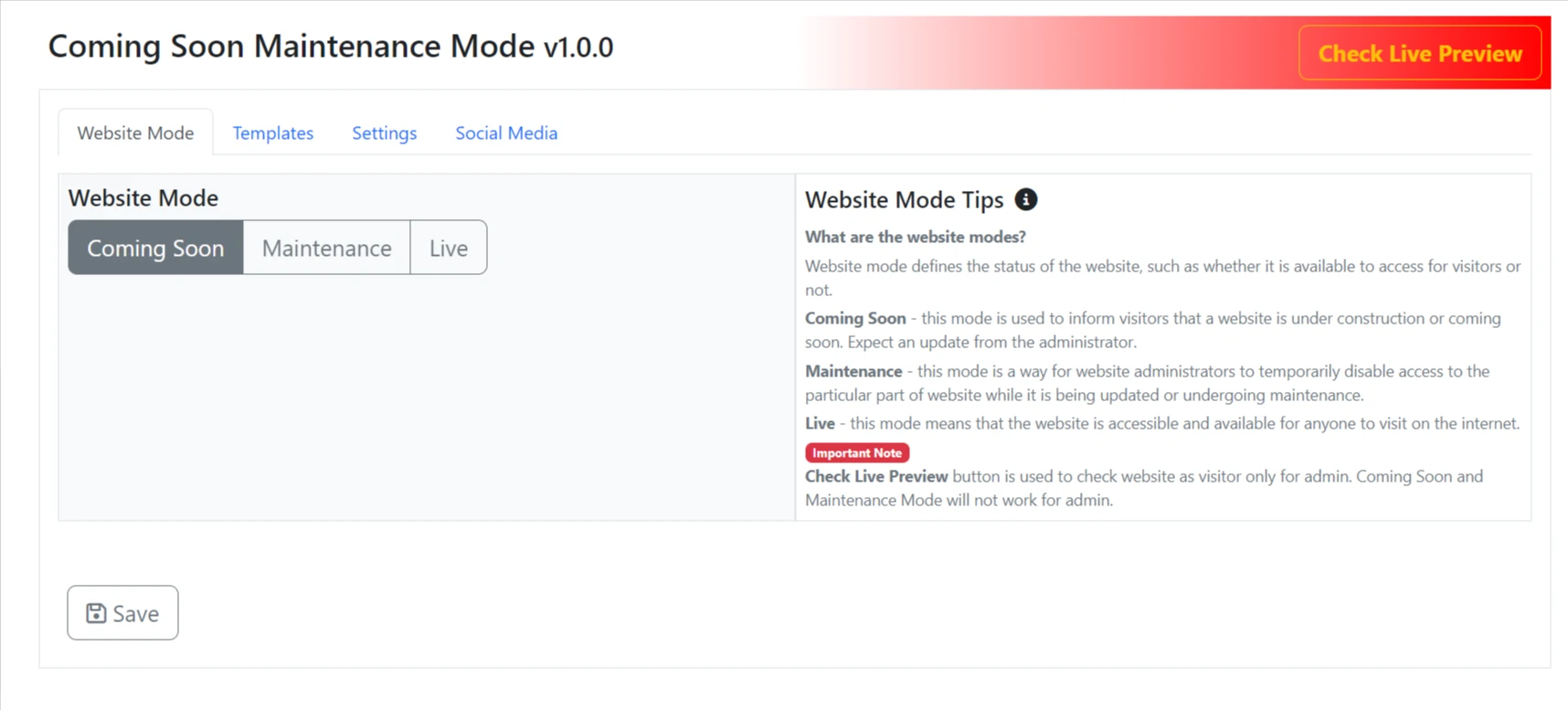
- Coming Soon Mode: Activate a coming soon page to inform visitors about your upcoming site launch.
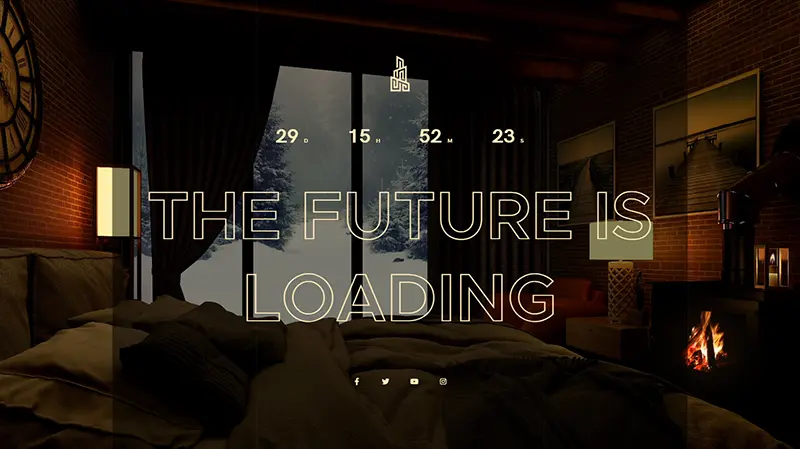
- Multiple templates: Comes with 35+ prebuilt templates ready to shine.
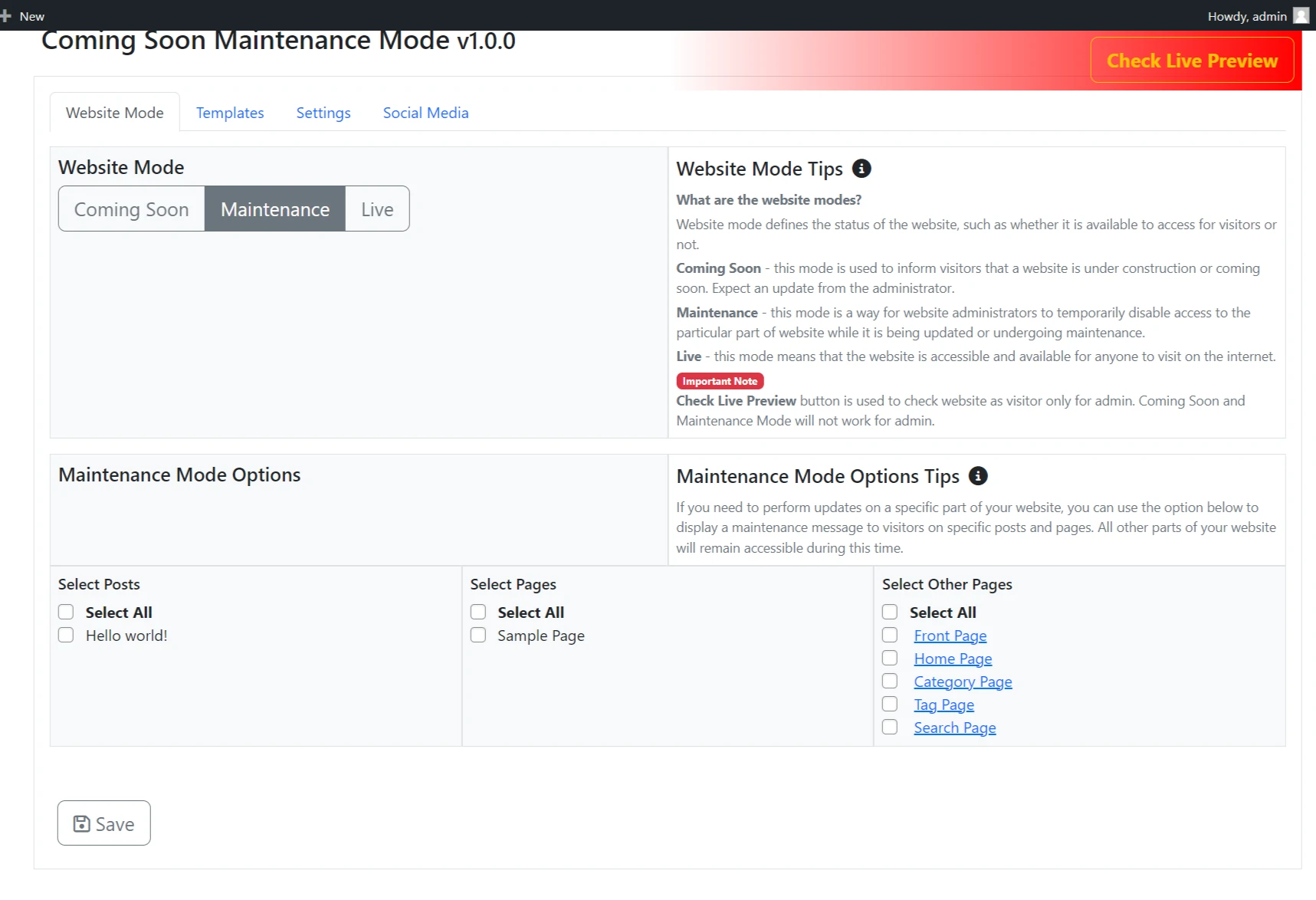
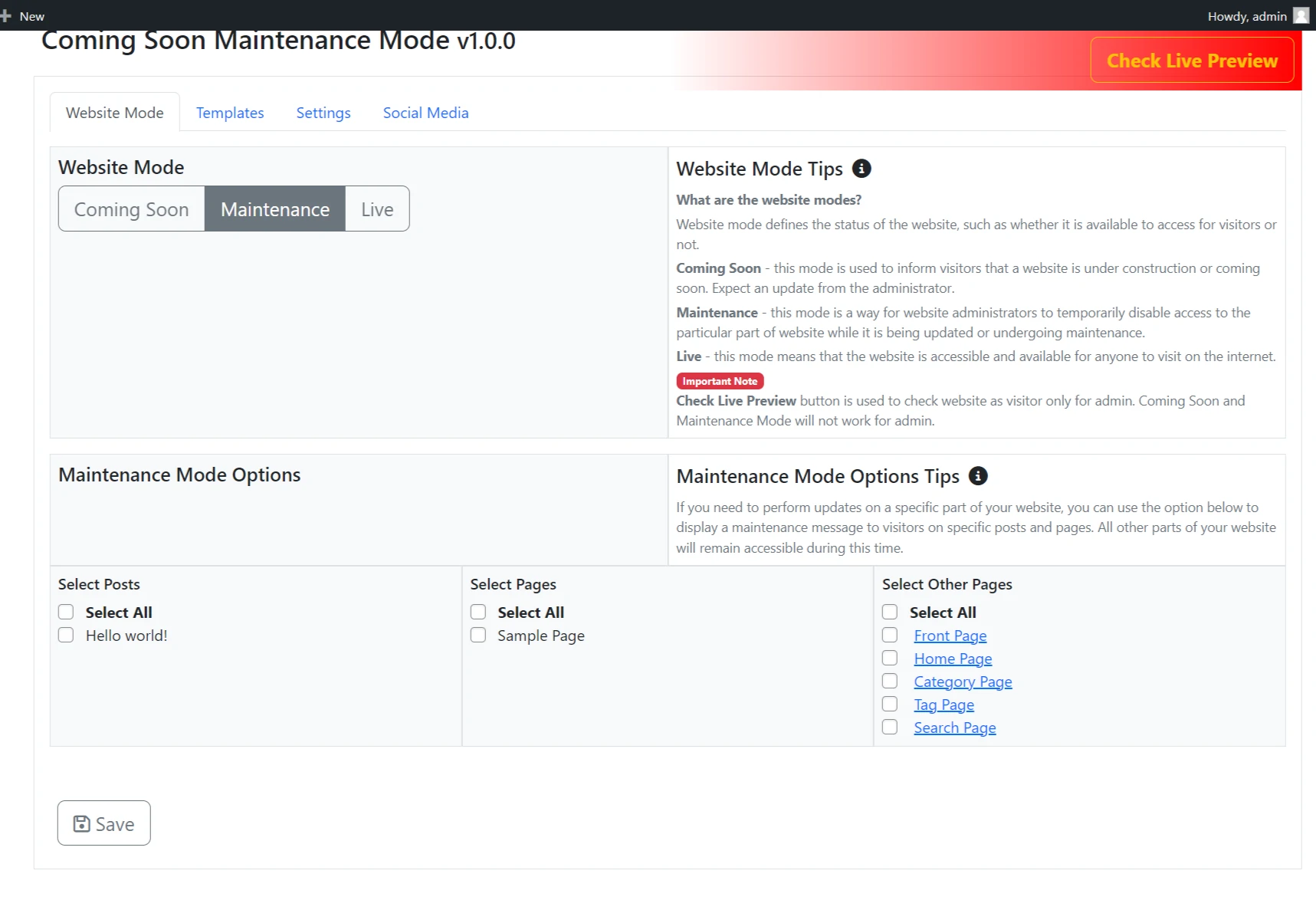
- Maintenance Mode: Display a maintenance message when performing updates or fixing issues.
- Responsive Design: Templates are built to adapt to different screen sizes.
- Customization: Adjust background images, colors, and text to align with your content.
- SEO Protection: Emits intelligent HTTP status codes (200 OK for Coming Soon, 503 for Maintenance) so search engines know exactly how to handle your site without dropping your rankings.
- Bootstrap 5 Interface: Uses a modern interface for backend settings.
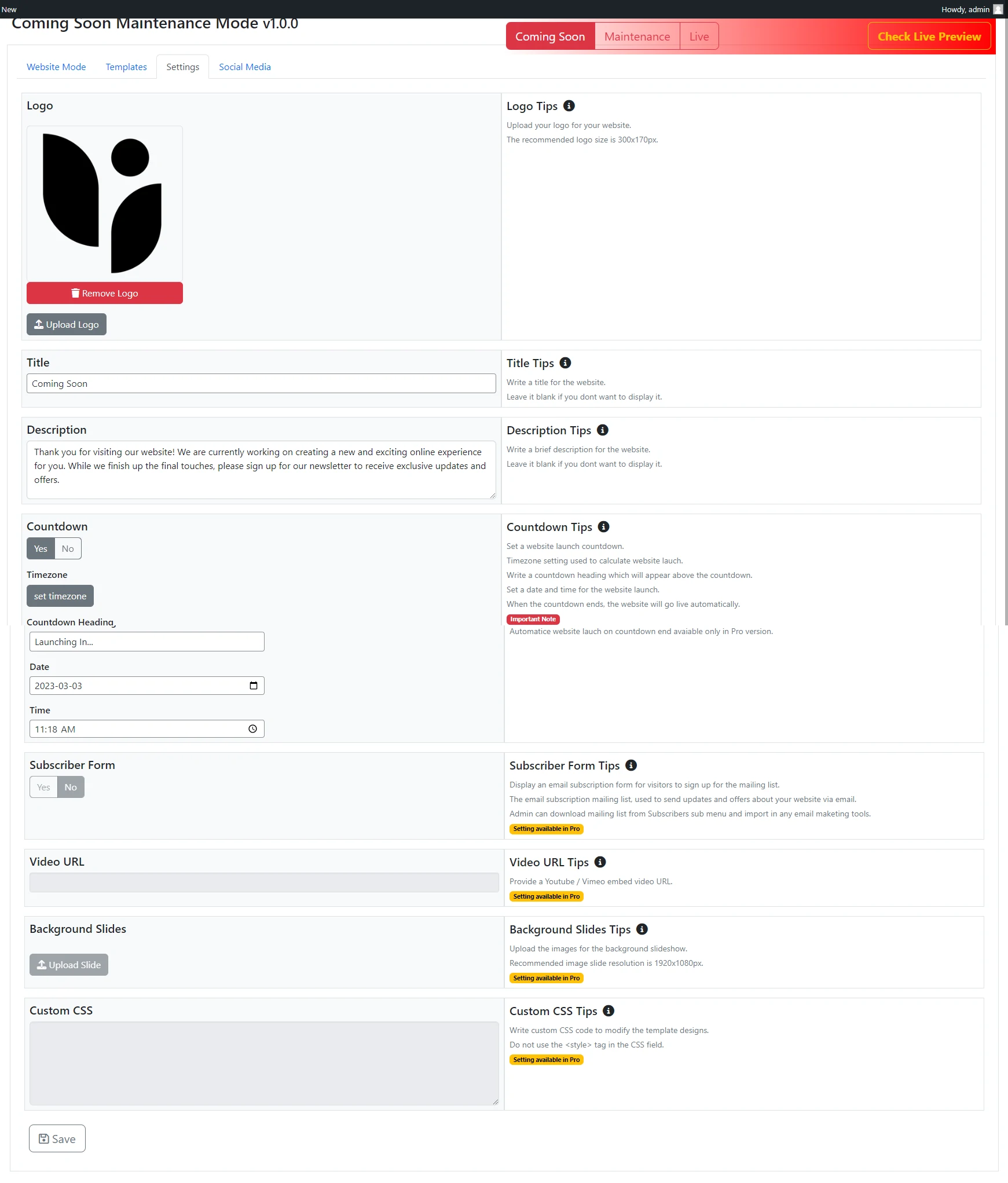
- Countdown Timer: Optionally display a timer to indicate when the site will be live.
- Auto Launch: Schedule your site to go live automatically.
- One Click Setup: Get started quickly without complicated configuration steps.
- Super Fast and Handy: Lightweight plugin that won't slow down your site.
- Minimal Design: Clean, distraction-free templates that focus on your message.
- Free Responsive Templates: Choose from professionally designed templates that work on all devices.
- Customization Settings: Personalize colors, backgrounds, and content to match your brand.
- Website Auto Launch: Set a date and time for your site to go live automatically.
- 35+ Premium Templates: Access a wide variety of professionally designed templates.
- Video Support: Add background videos to make your page more engaging.
- Pre Built Templates: Ready-to-use designs that require minimal setup.
- Advanced Plugin Settings: Fine-tune every aspect of your coming soon page.
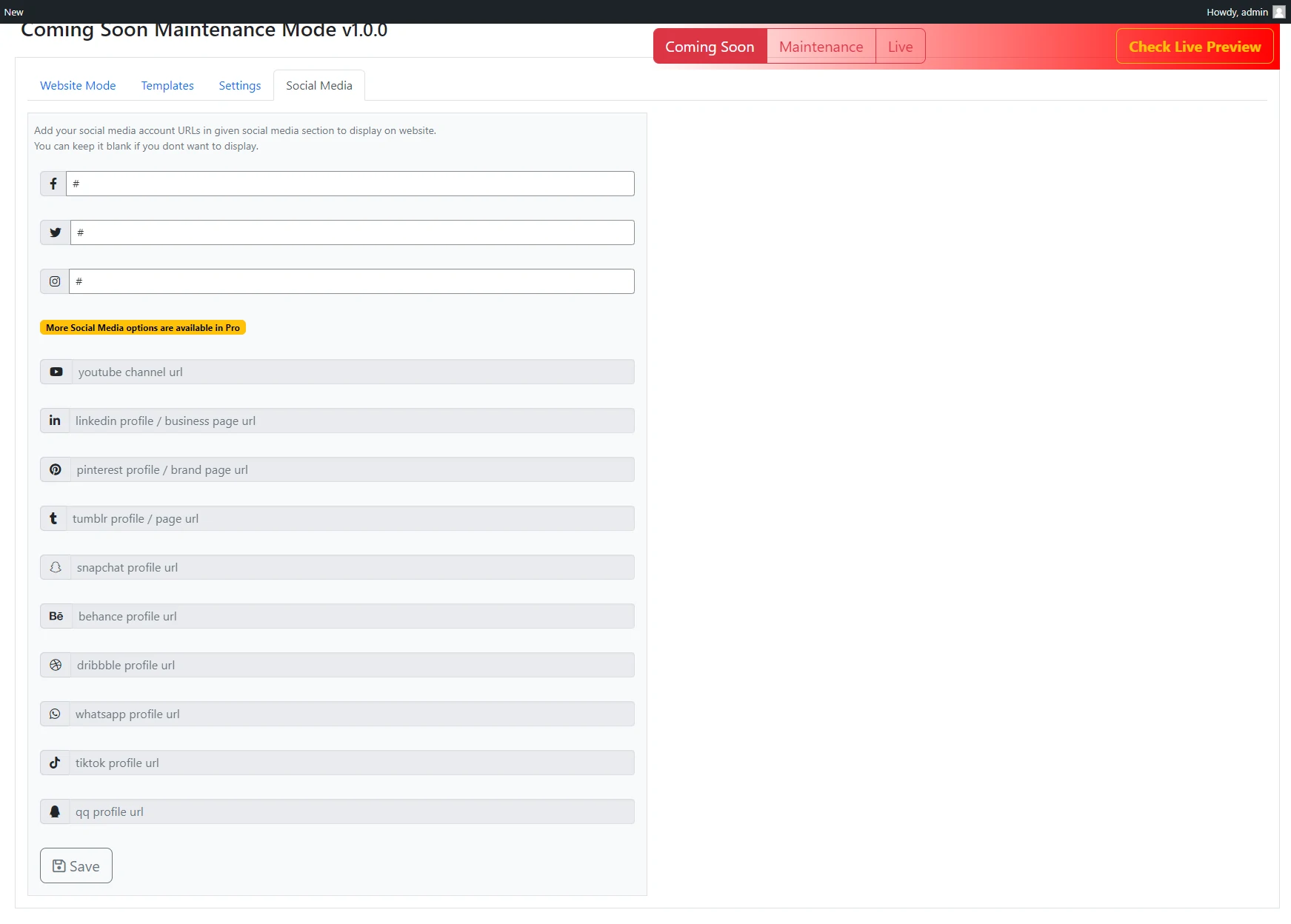
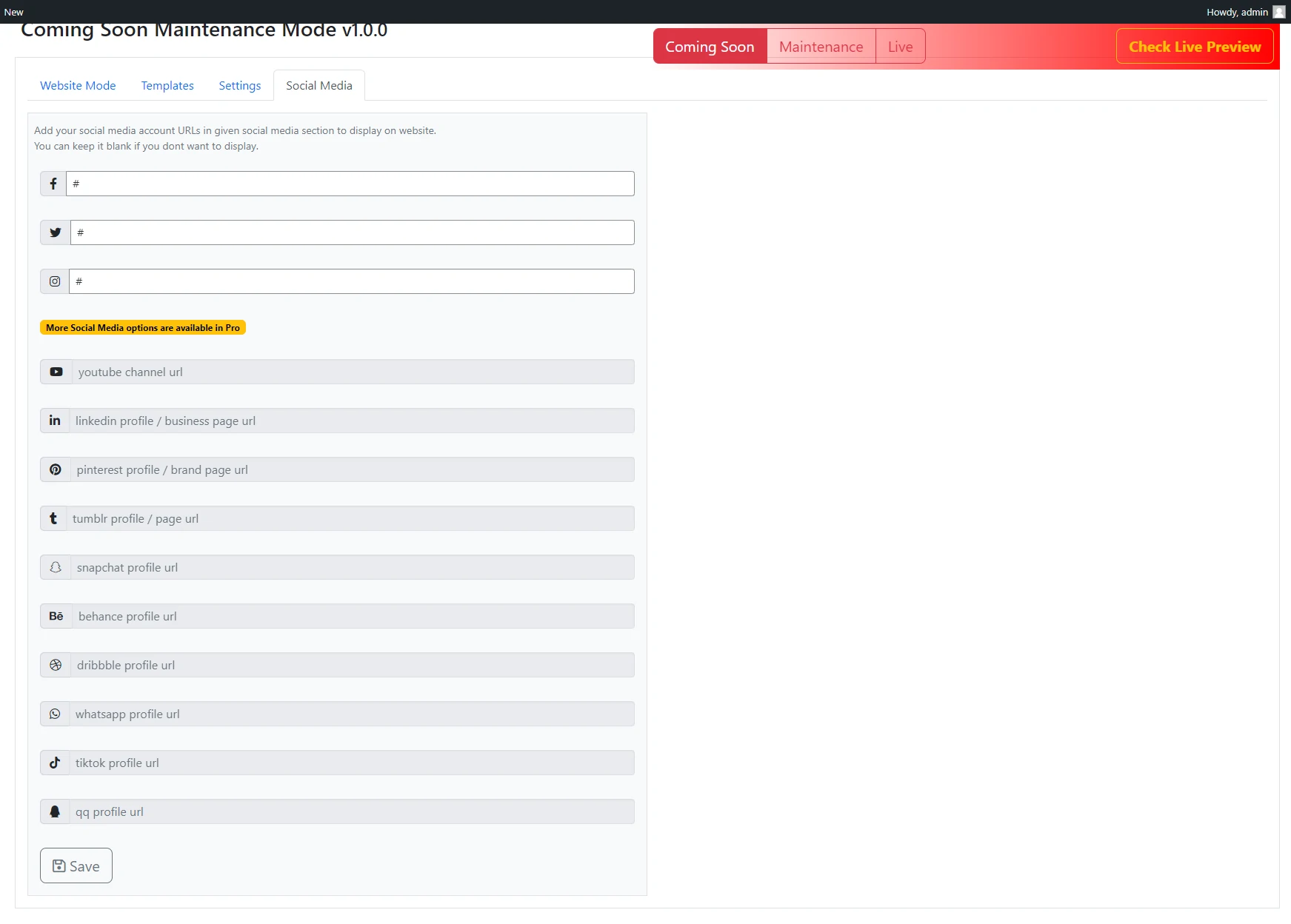
- Social Media Profiling: Connect your social accounts to build your audience before launch.
- Custom CSS: Add your own styles for complete design control.
安装:
- Upload the plugin files to the
/wp-content/plugins/directory, or install the plugin through the WordPress plugins screen. - Activate the plugin through the 'Plugins' screen in WordPress.
- Use the plugin settings panel to configure your Coming Soon or Maintenance Mode page.
- For detailed visual instructions, refer to the Plugin Documentation.
屏幕截图:
常见问题:
How do I activate the Coming Soon or Maintenance Mode?
After installing the plugin, go to your WordPress dashboard and navigate to the plugin settings. You'll find an option to enable either Coming Soon or Maintenance Mode. Simply select your preferred mode and save the settings.
Will logged-in users see the coming soon page?
No, by default, logged-in administrators and users with appropriate permissions can view the live site while visitors see the coming soon page. This allows you to work on your site while it's in maintenance mode.
Can I customize the coming soon page design?
Yes, the plugin offers extensive customization options. You can change backgrounds, colors, fonts, add your logo, customize text, and choose from multiple responsive templates to match your brand.
How do I schedule my site to go live automatically?
The plugin includes an auto-launch feature. In the settings, you can set a specific date and time for your site to automatically switch from coming soon mode to live mode without manual intervention.
Does this plugin affect SEO?
Yes! The plugin uses intelligent HTTP status codes to protect your Google rankings:
- Coming Soon Mode returns a
200 OKstatus, telling Google that your new website is actively being built and should start being indexed. - Maintenance Mode returns a strict
503 Service Unavailablestatus. This acts as a "Do Not Disturb" sign for search engines, telling them your site is just down for quick repairs and they should come back later without dropping your search rankings!
Can I collect email addresses from visitors?
Yes, But only in Pro version many templates include built-in email subscription forms. You can collect visitor emails to build your audience before your official launch.
Will the plugin work with my theme?
Yes, the plugin works independently of your WordPress theme. It displays a standalone coming soon page that doesn't rely on your theme's design.
Can I preview the coming soon page before activating it?
Yes, you can preview your coming soon page while logged in as an administrator before making it live to visitors.
How do I add social media links?
The plugin includes social media options in the settings panel. You can add links to your Facebook, Twitter, Instagram, and other social profiles in Pro.
Is the plugin compatible with caching plugins?
Yes, the plugin is designed to work with popular caching plugins. However, you may need to clear your cache after activating or deactivating the coming soon mode.
Can I use custom CSS?
Yes, the Pro version includes a custom CSS option that allows you to add your own styles for complete design control.
What's the difference between Coming Soon and Maintenance Mode?
Coming Soon mode is typically used for new websites that haven't launched yet, while Maintenance Mode is used for existing sites that are temporarily offline for updates or repairs.
Can I use it on commercial websites?
Yes, this plugin is released under the GPL license, allowing usage on any website, including commercial projects.
How do I switch back to a live site?
Go to the plugin settings and change the status to "Live" or "Disabled" to deactivate the coming soon or maintenance page and make your site publicly accessible.
Does it work with multisite installations?
Yes, the plugin is compatible with WordPress multisite installations and can be activated on individual sites within your network.
Can I add a countdown timer?
Yes, the plugin includes countdown timer functionality. You can set a launch date and the timer will automatically count down to that moment.
What happens if I deactivate the plugin?
If you deactivate the plugin, your site will immediately become publicly accessible again. All your settings will be saved if you decide to reactivate it later.
Is the plugin translation ready?
Yes, the plugin is translation ready and supports multiple languages, making it easy to create coming soon pages in your preferred language.
How do I get support?
For support questions, please visit the WordPress.org support forum for this plugin. Pro version users receive priority support through our dedicated support channels.
更新日志:
- New: Added a dedicated Tools tab with Factory Reset and Import/Export configuration capabilities (June 17, 2026).
- Update: Replaced browser alerts with beautiful, modern SweetAlert2 popups for all confirmation dialogs (June 17, 2026).
- Update: Perfected vertical centering layout for Template 1 (June 17, 2026).
- Update: Overhauled responsive layouts, fixed vertical centering bugs, and perfected mobile spacing and font scaling for Templates 3, 4, and 5 (June 17, 2026).
- Update: Added default countdown date to current date + 1 month on plugin activation.
- SEO: Added proper HTTP status codes (200 OK for Coming Soon mode and 503 Service Unavailable with Retry-After for Maintenance mode) to comply with SEO best practices (June 17, 2026).
- Requirement: Renamed all generic function, class, constant, and variable prefixes to 'comisoma' for WP.org guideline compliance.
- Update: Implemented database option migration to preserve user settings during prefix rename.
- Update: Fixed case consistency for plugin constants and renamed internal JS functions.
- Update: Adjusted admin menu position to a lower priority (position 81) to comply with WordPress.org guidelines.
- Compliance: Documented third-party library sources in readme.txt for human-readable code compliance.
- Update: Replaced background videos with statically served images (
temp-11-fg.webp,temp-15-fg.webp) for Template 11 and Template 15 as per the latest requirements. - Update: Removed redundant
templates/videos/directory to further optimize plugin weight. - Update: Pruned unused third-party libraries (Lity, Pace, Modernizr, Bootstrap) and CSS to reduce plugin file size.
- Compliance: Removed restricted Pro functionality code (Custom CSS logic) from the free version.
- Update: Minimalist layout refinements for Templates 11 and 15.
- Security: Updated Modernizr library to 3.13.1 to resolve outdated footprint vulnerabilities.
- Update: Refactored inline scripts and styles from all templates to use WordPress core
wp_enqueue_*functions for better performance and compliance.
- Security: Fixed broken nonce verification in AJAX save handler
- Security: Removed unauthenticated AJAX endpoint (wp_ajax_nopriv_csmm_save)
- Security: Used require_once for core file includes (plugin-install.php, theme-install.php) per WP.org guidelines
- Fixed: Removed auto-activation of plugins after install — install and activate are now separate user actions
- Fixed: Added proper capability checks to all AJAX handlers for plugin/theme install, update, and activate
- Update: Removed duplicate inline JavaScript in favour of properly enqueued external script
- Update: Cleaned up plugin dashboard for WordPress.org guidelines compliance by removing Pro up-sells
- Update: Added a dedicated Pro Features menu page
- Update: UI modernization for Pro features layout
- Fixed: Logo upload not showing preview after selecting image
- Fixed: Logo setting not saving on form save
- Fixed: Mismatched Requires PHP version in readme.txt
- Fixed: Added direct file access protection to all template files
- Fixed: Removed offloaded remote video URLs from templates 11 and 15
- Security: Added nonce verification for logo upload AJAX request
- Plugin is migrated to new website
- All interlinks updated
- Plugin Check plugin all error fixed.
- Favicon Icon bug fixed.
- Testing WordPress 6.7.1
- Template 11, 15 Added
- Bug Fix: Fixed.
- Logo upload issue fixed
- Promo banner size issue fixed
- All PCP error fixed
- Vulnerability issue fixed, reported by Wordfence.com
- Admin banner code sanitized and escaped properly
- Updated to latest version of WordPress
- Add info banner to admin
- The truck version was not committed so recommitted with that version
- Plugin now available into 15 language translations: Arabic, Chinese, Finnish, French, German, Hindi, Hungarian, Italian, Indonesian, Japanese, Dutch, Russian, Spanish, Polish, Portuguese.
- Update
- video tutorial added and docs tab updated
- starter version