
CommentMate – Live Feedback & Copy Collection
| 开发者 | thepluginhub |
|---|---|
| 更新时间 | 2026年11月5日 11:44 |
| PHP版本: | 8.1 及以上 |
| WordPress版本: | 7.1 |
| 版权: | GPLv2 or later |
| 版权网址: | 版权信息 |
详情介绍:
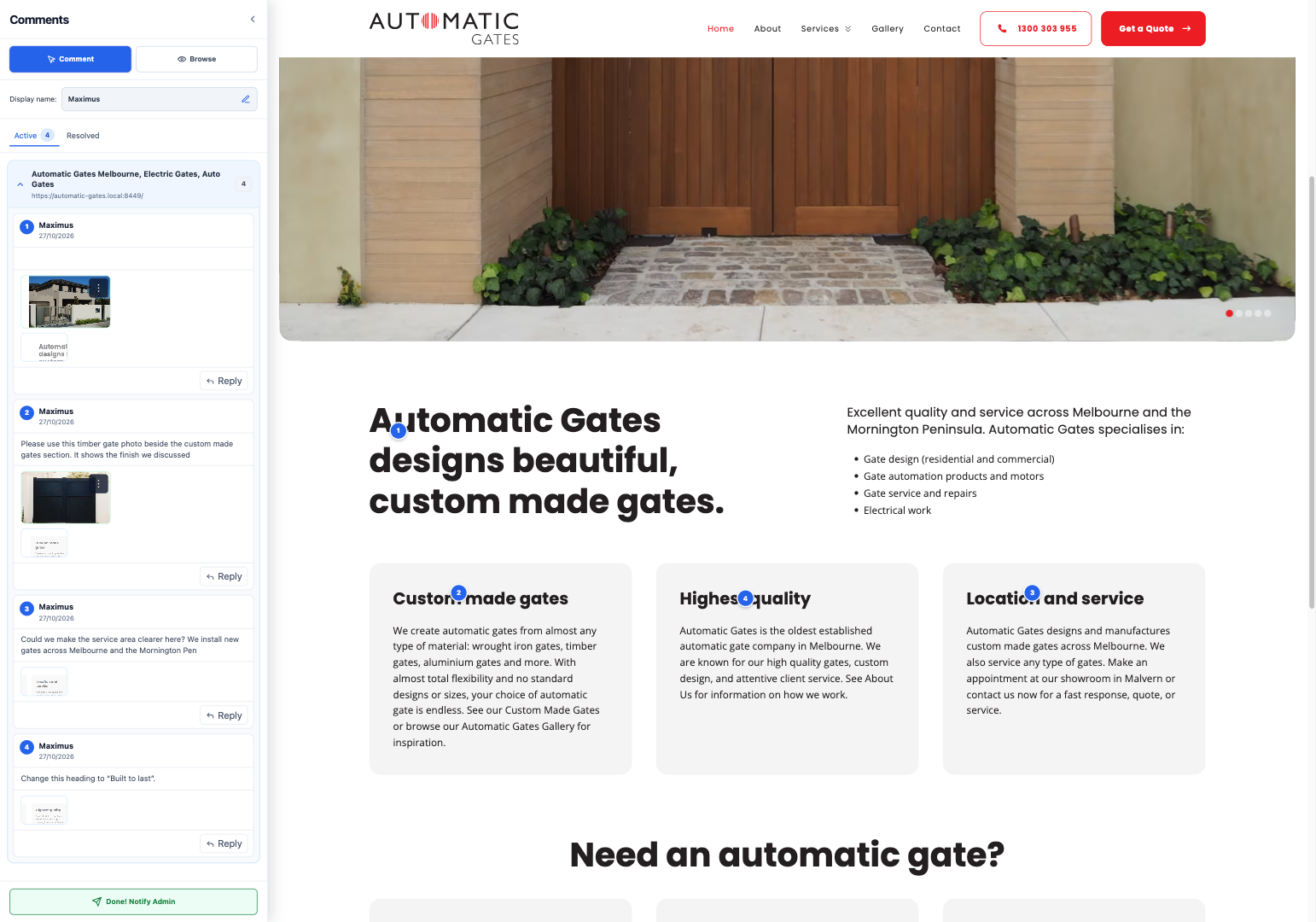
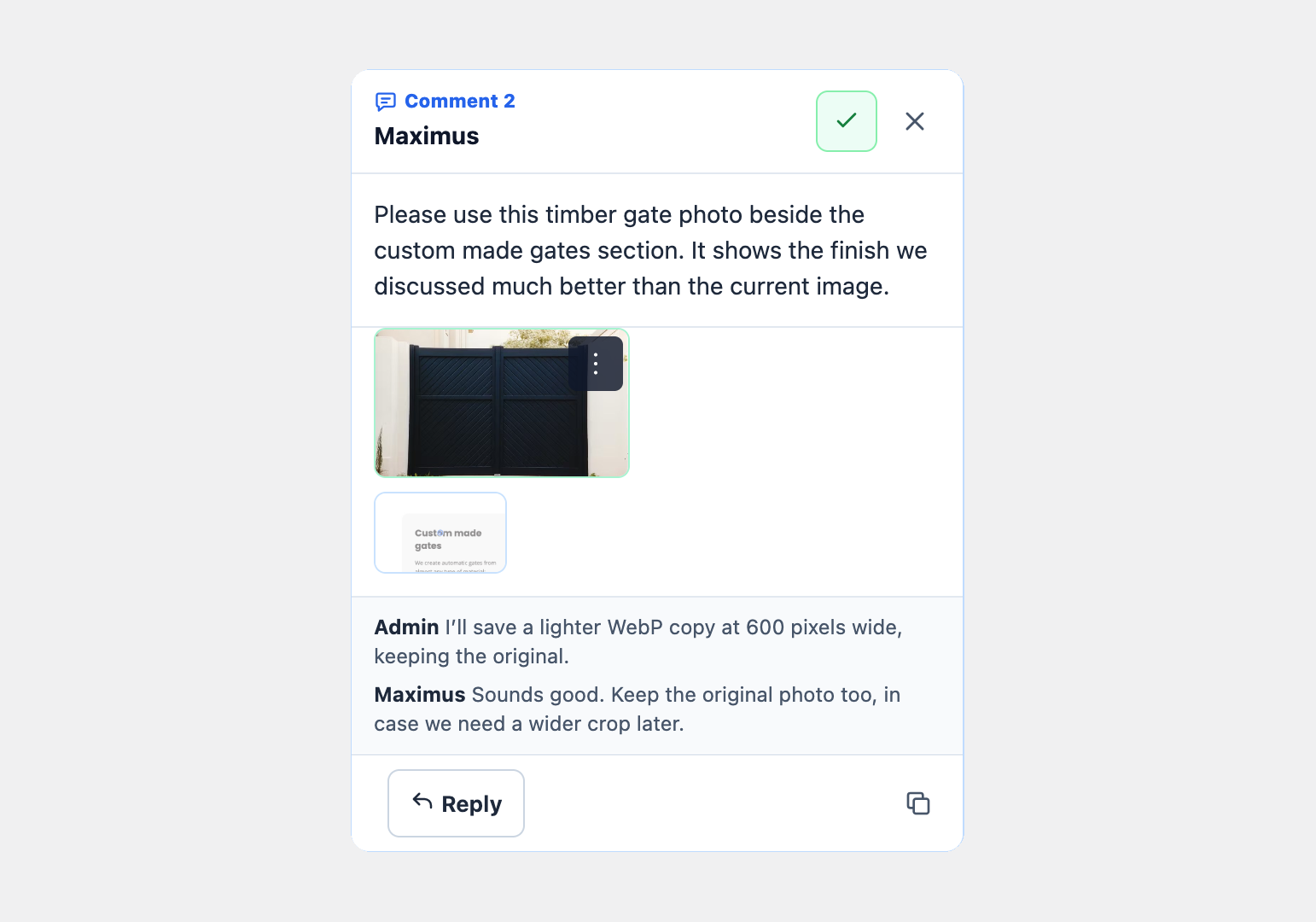
- Contextual comments, copy-ready text, administrator comments and threaded replies.
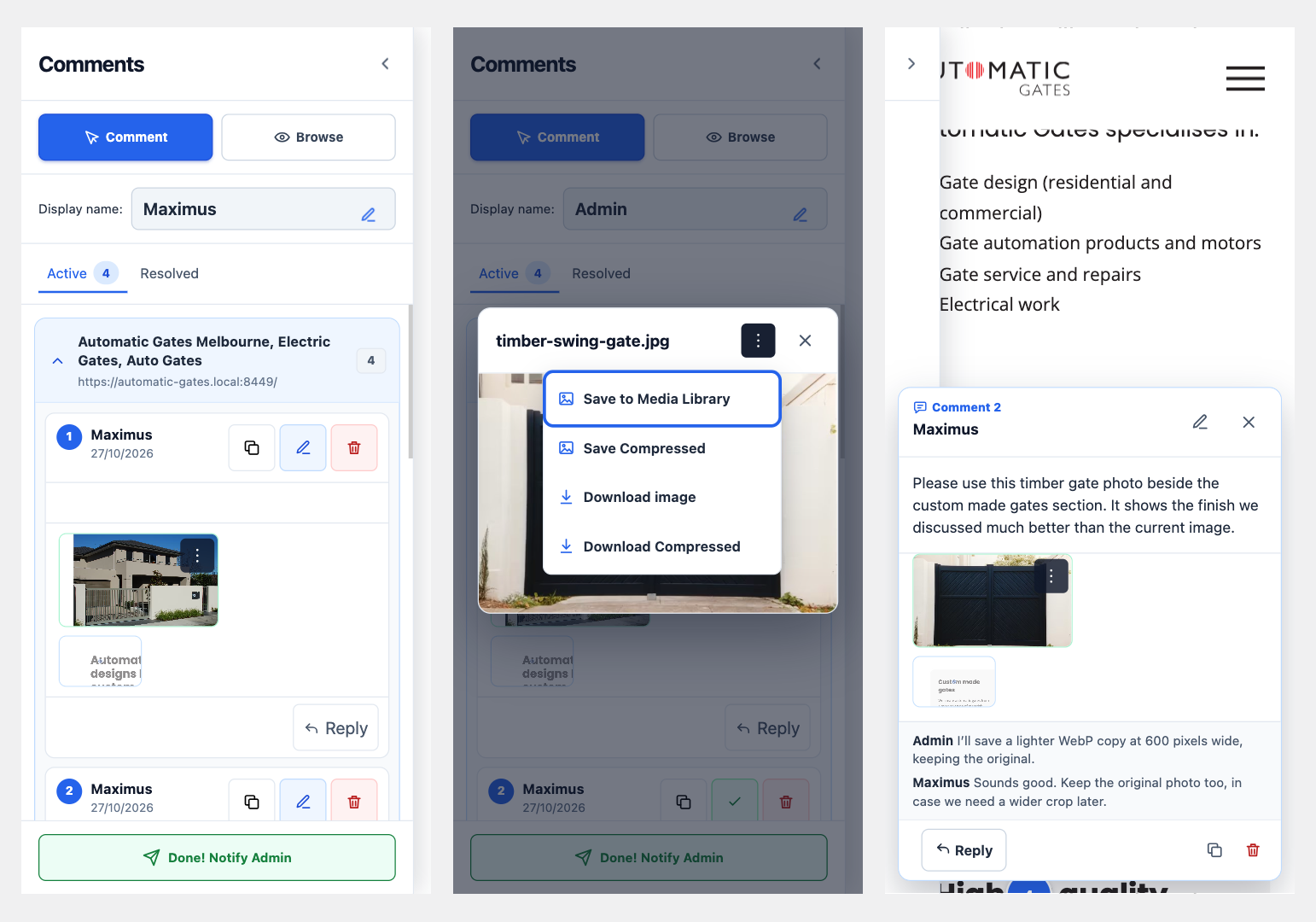
- Active and resolved feedback, image/PDF attachments and context screenshots.
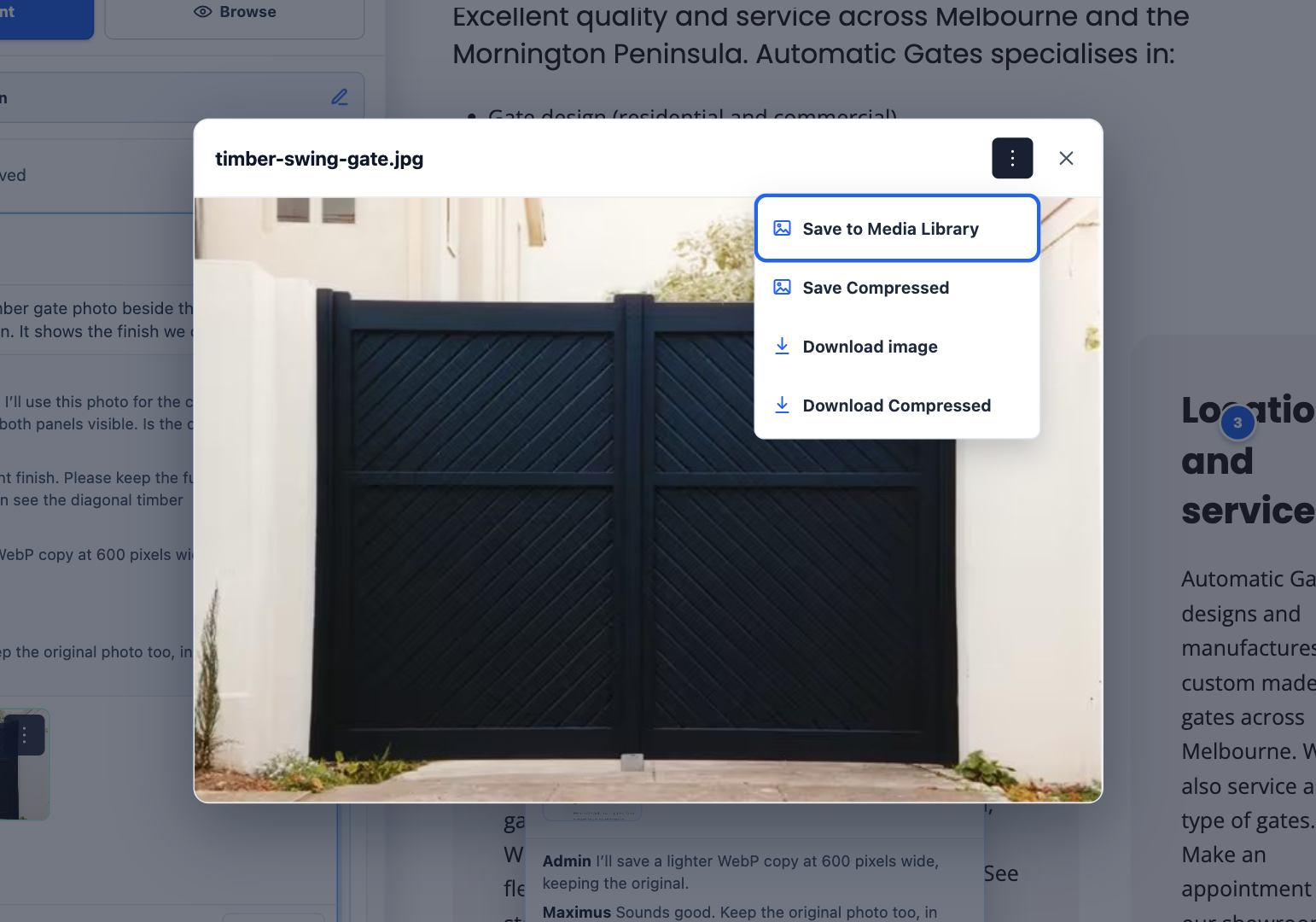
- Image previews, original downloads and Save to Media Library.
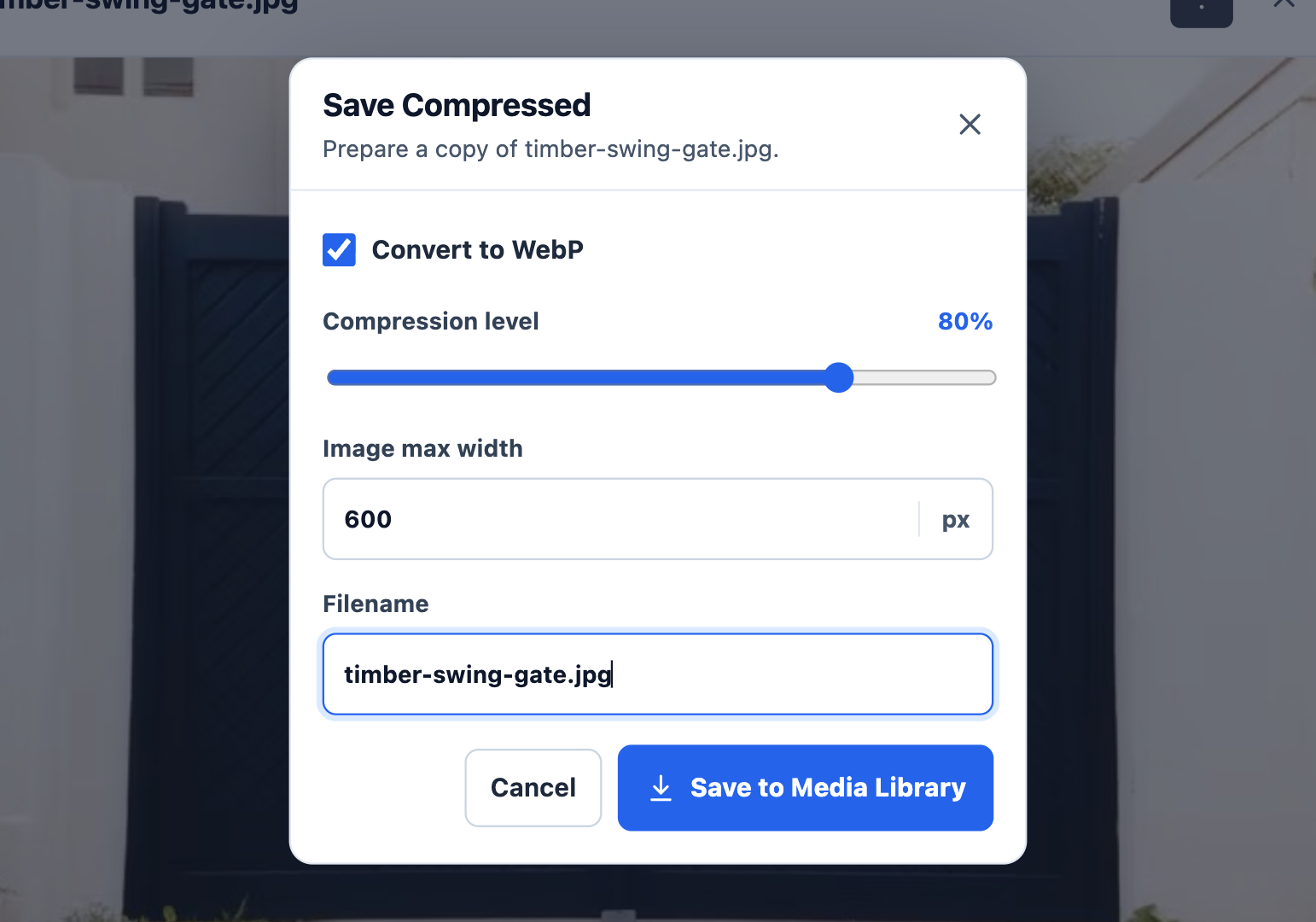
- Maximum-width, quality and WebP controls for separate compressed downloads or saved copies. Originals are preserved; identical saved copies are reused.
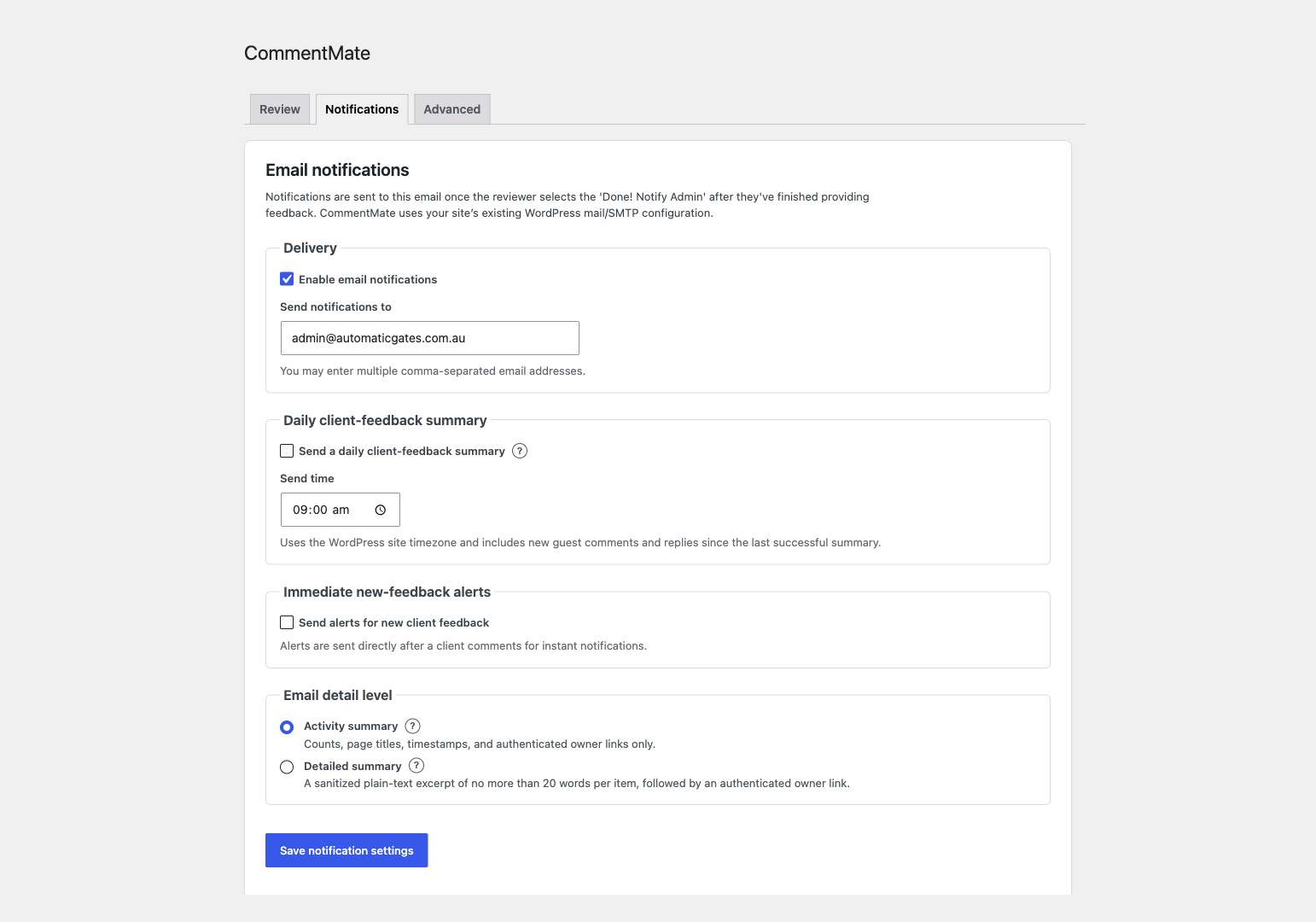
- Done! Notify Admin completion notifications and optional daily/immediate notifications.
- Stop sharing revokes the link and reviewer sessions first. Then keep the review data or explicitly confirm deletion. Saved Media Library images, including compressed copies, remain.
安装:
- Back up your WordPress site. Confirm Sodium and InnoDB are available. CommentMate can activate on HTTP; enable HTTPS before sharing or using review sessions. Administrators see a setup notice on the Plugins and CommentMate screens until HTTPS is available.
- Install and activate the CommentMate ZIP. Keep the folder commentmate and main file commentmate.php.
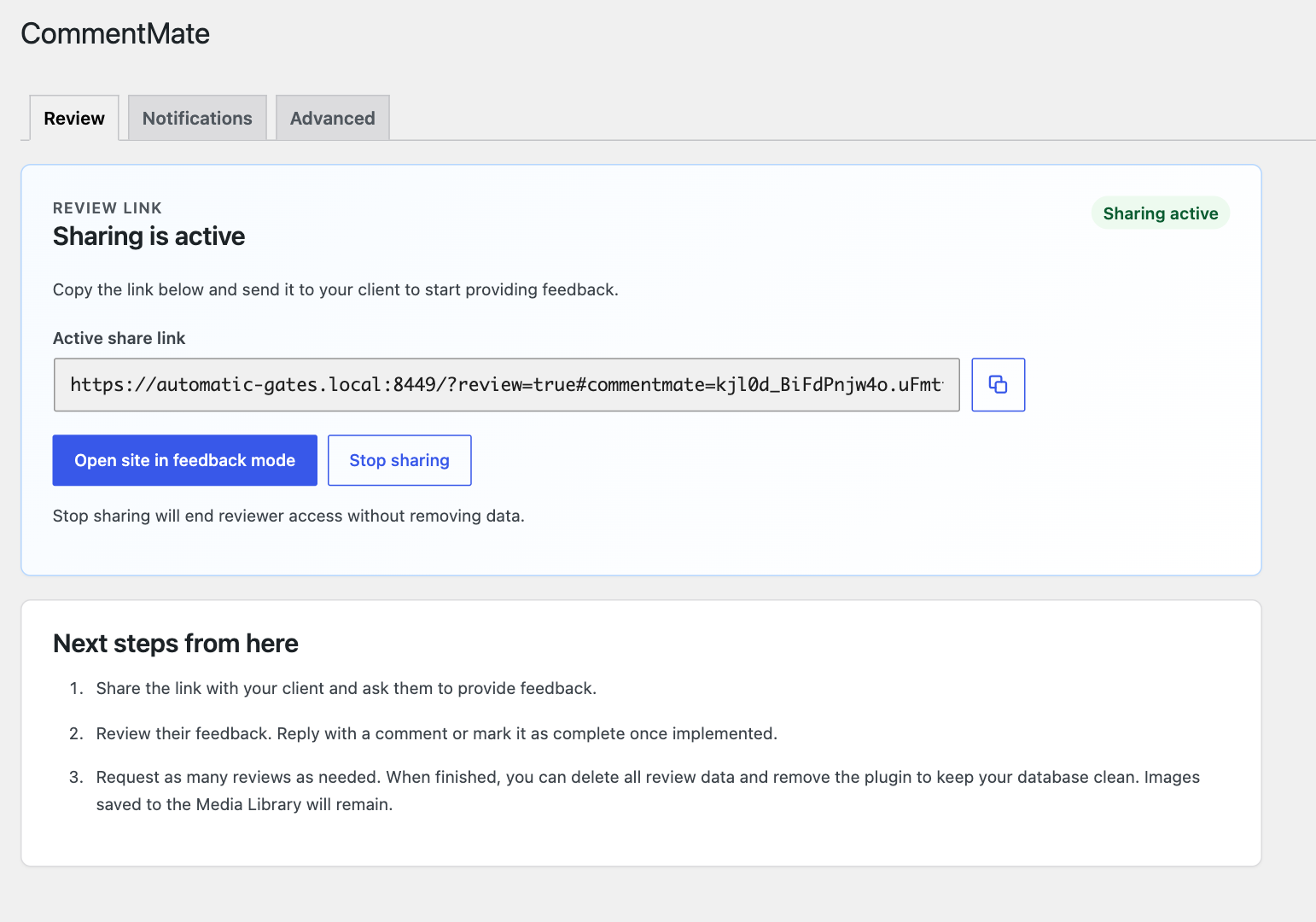
- Open CommentMate as an administrator and create a private review link on Review. All site administrators can manage the same review.
- Check Advanced hosting/storage results and Notifications recipients before inviting reviewers. Exclude ?review=true, CommentMate REST responses and reviewer cookies from every page cache/CDN.
- Copy the private link and share it only with intended reviewers. They choose a display name, select page content and add feedback. The owner can comment using WordPress authentication and a saved display name (initially Admin).
- Use Stop sharing to revoke access. Keep review data is the default; Delete review data opens a second confirmation. If deletion is interrupted, follow the retry/continue control. Do not remove private files or keys manually.
屏幕截图:
常见问题:
Are image saving and compression free?
Yes. All current features are included free. Compression makes a separate copy and does not replace the original image.
How do I update a 0.1.13 or 0.1.15 installation?
Back up the database, private storage and wp-config.php securely. Deactivate CommentMate without clicking Delete. Replace the existing commentmate folder in place using the latest verified CommentMate ZIP, then reactivate. Do not uninstall and reinstall: WordPress Delete may erase review data. Confirm administrator access, feedback, attachments and notification settings after replacement. The old signed updater must be inactive during replacement. Following directory publication, Free uses WordPress.org's update system.
How do I keep private files safe when moving or restoring a site?
Use a durable, non-public parent directory. Where automatic detection cannot establish one, ask your host to define COMMENTMATE_PRIVATE_STORAGE_DIR in wp-config.php before activation. Back up the plugin database tables/options, every registered private-storage directory, and wp-config.php authentication salts securely. Restore them together with Media Library uploads. Preserve the install identity and review keys. Do not rotate salts or move only the database while encrypted files are needed. Verify an existing attachment decrypts and a saved media copy still opens before discarding the backup.
What if deletion fails?
Sharing stays stopped. CommentMate retains its cleanup checkpoint and encryption key until verification succeeds. Resolve the reported private storage problem, then retry or use Continue deleting data in Advanced. A stale Stop sharing confirmation cannot delete a resumed review. Reusable notification settings are kept. Changed or missing saved media does not block cleanup. Saved Media Library images, including compressed copies, remain accessible.
Is a paid edition required?
No. A separate future Pro add-on is planned, but no paid features, price or release date are defined. Every feature described here is included in Free.
更新日志:
- Allow silent activation on HTTP and show scoped HTTPS setup guidance. Sharing and review sessions still require HTTPS.
- Use WordPress directory helpers for private storage, hosting checks and safe uninstall, including relocated public directories.
- Authenticate protected REST routes through explicit permission callbacks while preserving guest and administrator safeguards.
- Show complete replies in scrollable threads and keep mobile comment details beside their numbered pins.
- Improve mobile name editing, sidebar width and swipe gestures, mode selection and scroll containment.
- Refine narrow author names and crowded host headers; strengthen database input/query handling and directory readiness.
- Replace the unfinished-draft reminder with Remove / Publish / Edit, retain the chosen point, and protect draft publication and file recovery.
- Remove redundant new-link instructions. Show deletion completion without the old warning and refresh the admin screen on dismissal.
- Share review management across site administrators and simplify Review/Advanced guidance.
- Allow private-data cleanup to continue after saved images are edited or removed; preserve saved Media Library files.
- Refine collapsible sidebar groups, long-name wrapping and narrow card actions.
- Modernize the add-comment cursor, use its lower-left tail as the click point and mark the chosen spot with a blue dot while typing.
- Add touch creation/replies, keyboard-aware overlays and collapsible page groups; retain desktop-first guidance.
- Add guarded owner placement repair, tab-memory draft recovery and failed file retry without reposting text.
- Add private owner notification failure details and safe retries; lazy-load review modules with WordPress translations.
- Keep stable identifiers and the short CommentMate menu label; expand the display name.
- Add private review downloads, confirmed owner transfer/missing-owner recovery, feedback usage and bounded storage controls.
- Add first-review and full-backup guidance; retain PHP 8.1 compatibility with supported-hosting advice.
- Use WordPress-managed screen assets, correct file-feature requirements, refresh dependencies and prepare all interface text for translations.
- Restrict approval and reopening to the owner; reviewers can edit or delete their own comments from the popup.
- Add inline display-name editing and refine review/notification guidance and completion-button styling.
- Correct the notification introduction to distinguish completion notifications from optional automatic alerts.
- Align Keep review data and Delete review data with consistent spacing and wrapping; retain safe defaults and confirmation.
- Added optional confirmed cleanup after Stop sharing, bound to the stopped review.
- Preserved saved original and compressed Media Library images during cleanup.
- Added public source/build files and directory packaging; removed the external updater.
- Corrected PHP 8.1 return-type compatibility.
- Added owner commenting and improved narrow-sidebar controls and text copying.
- Added compressed image saving/downloads and Done! Notify Admin.
- Improved review setup and exit controls.