
Conflict Finder
详情介绍:
Conflict Finder is a comprehensive troubleshooting plugin designed for WordPress administrators, developers, and support professionals who need to identify the root cause of site issues.
From a single interface, Conflict Finder allows you to:
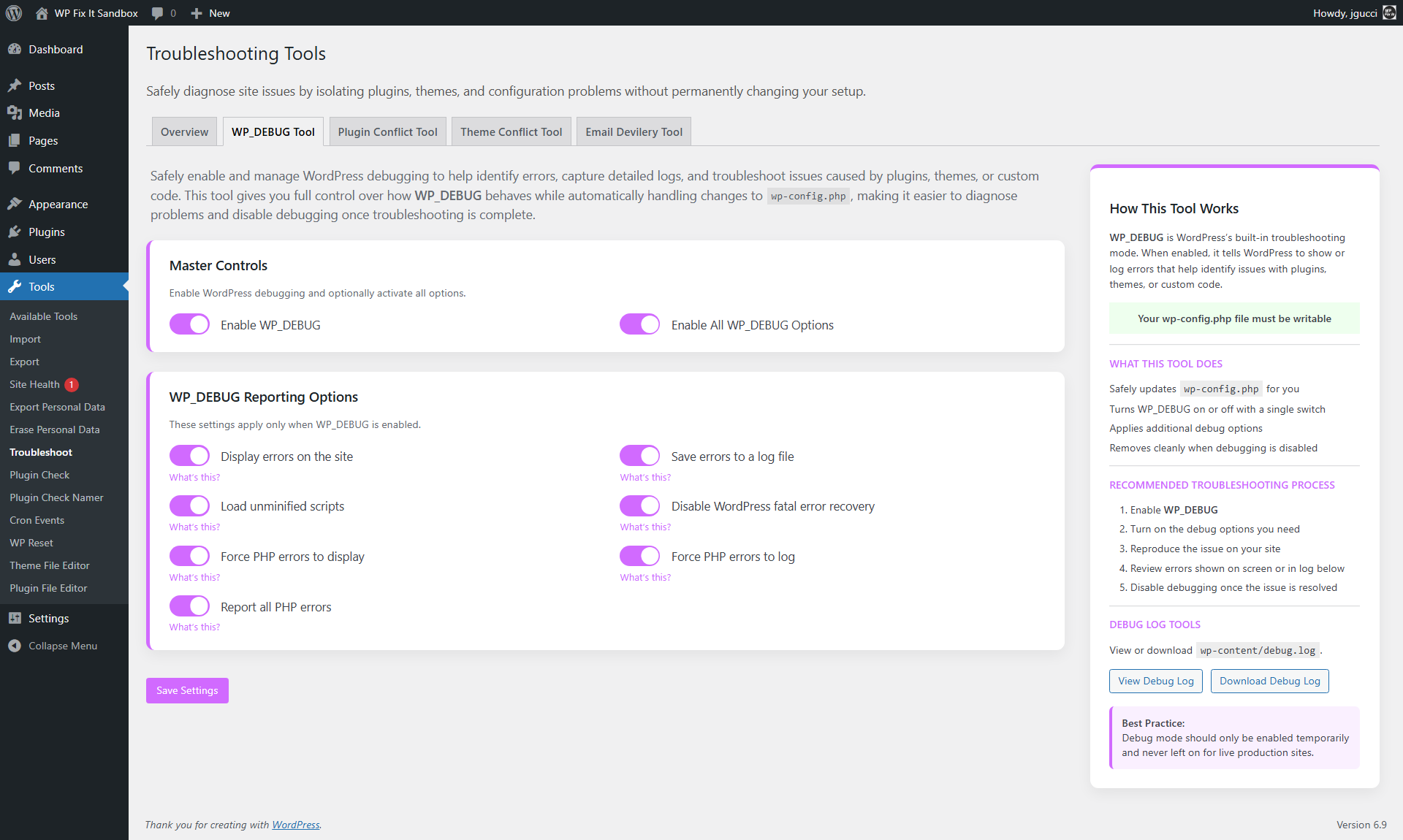
- Enable and manage WP_DEBUG without manually editing files
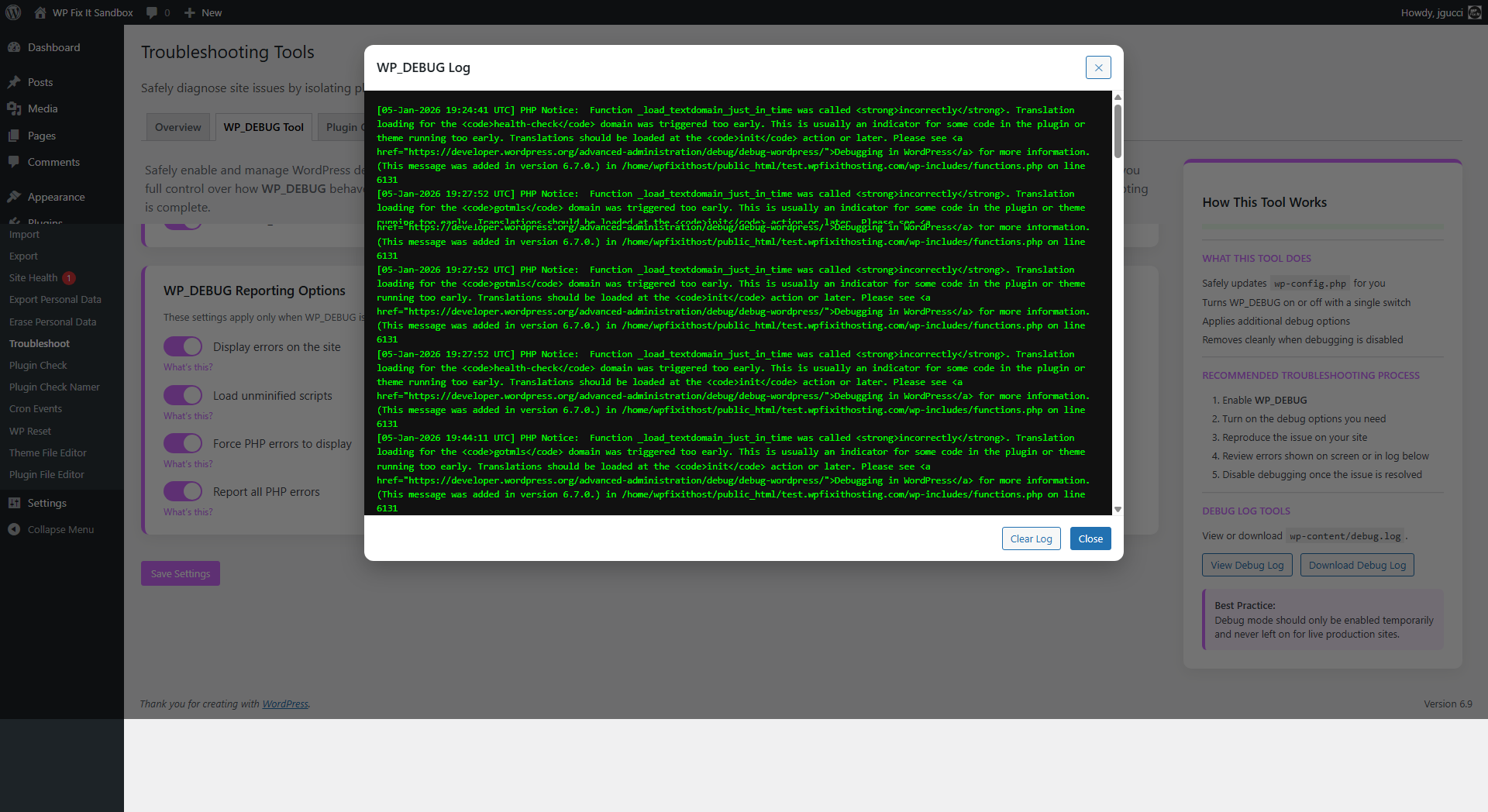
- View, download, and clear the WordPress debug log
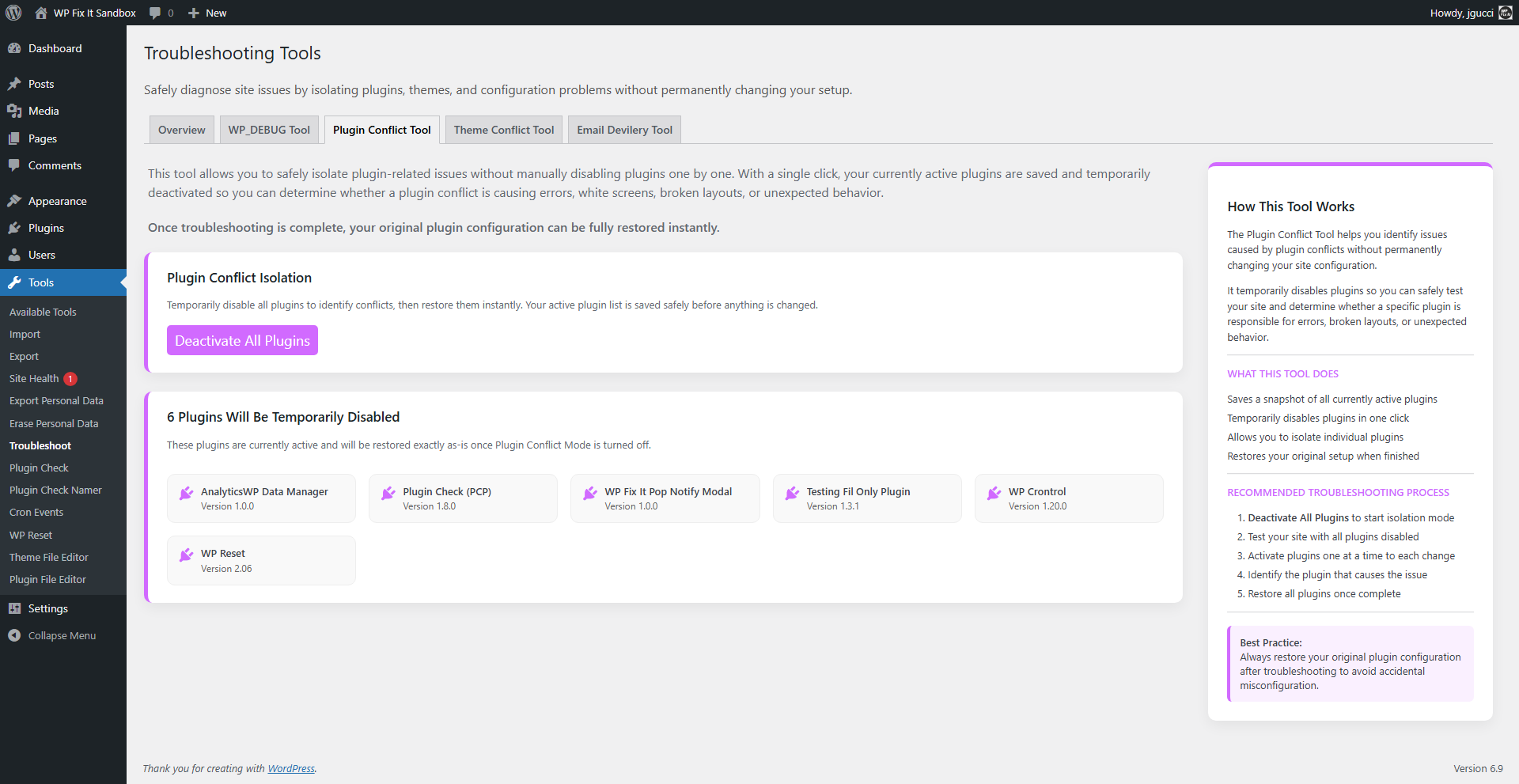
- Temporarily disable plugins to identify conflicts
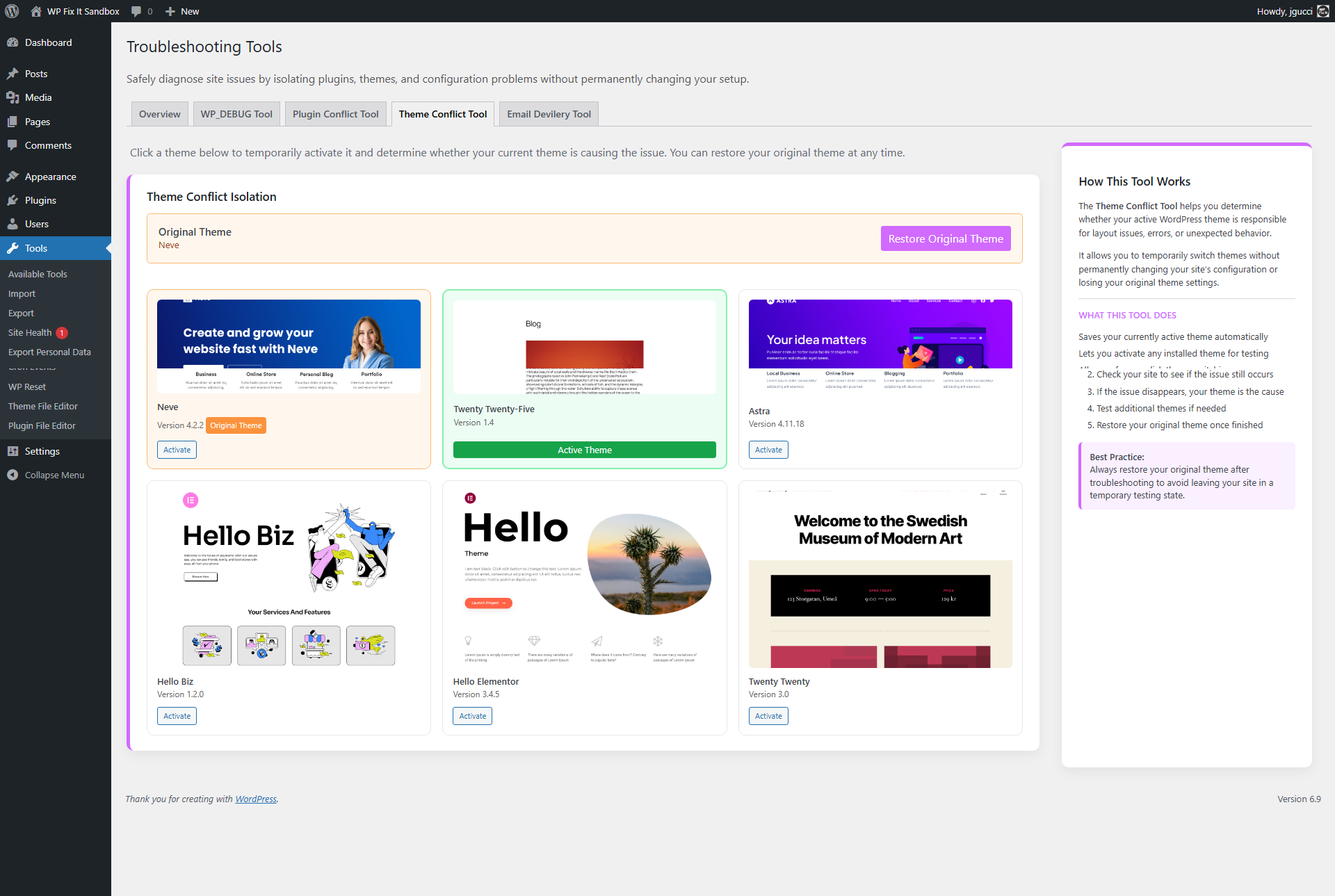
- Switch themes to test theme-related issues
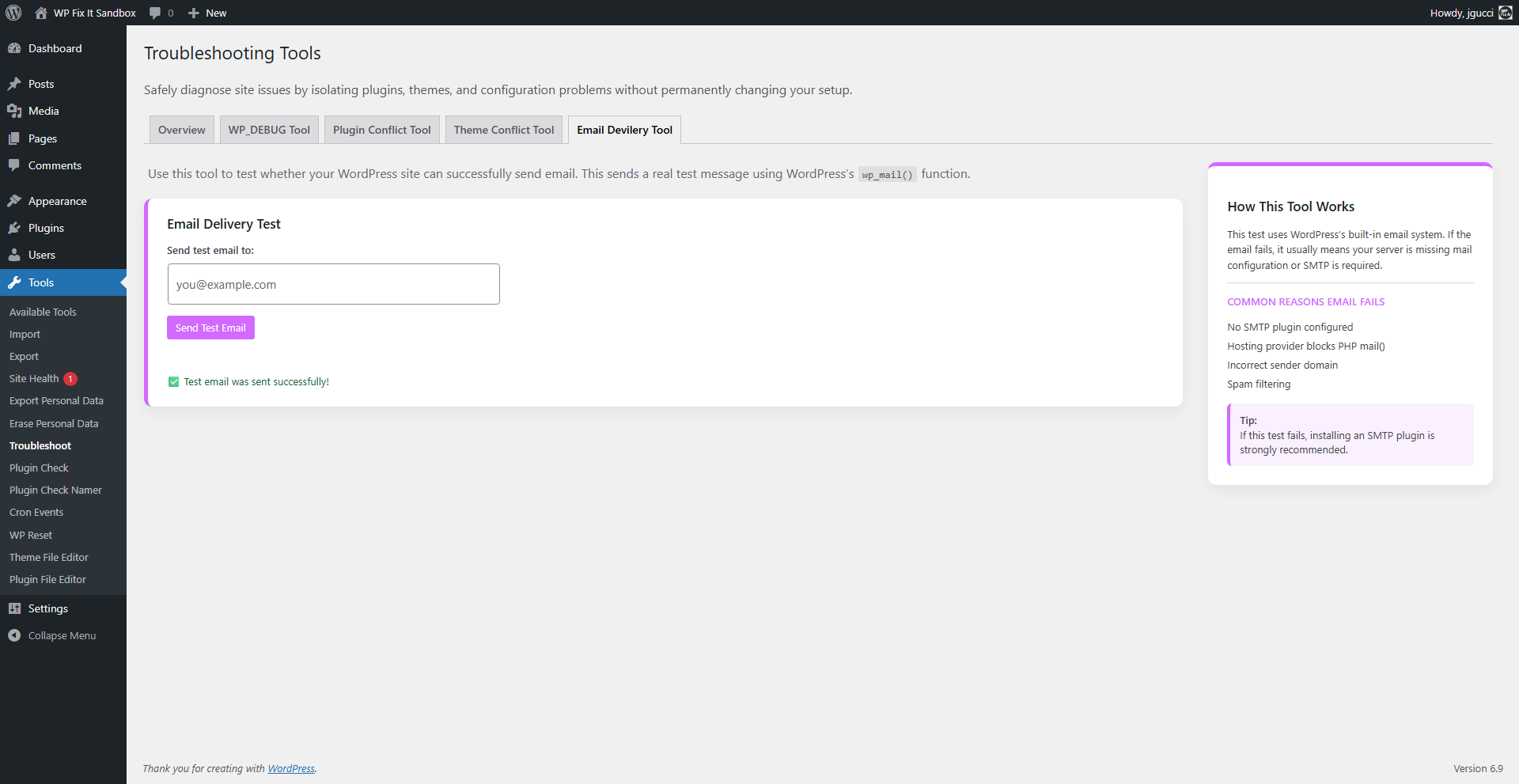
- Test WordPress email delivery using
wp_mail()
- Disabled plugins
- A different active theme
- Debug notices or errors being displayed
- Changes visible to logged-out visitors
安装:
- Upload the plugin ZIP file via Plugins → Add New → Upload Plugin, or extract it to
/wp-content/plugins/. - Activate Conflict Finder from the Plugins menu.
- Access the tools under Tools → Troubleshoot.
屏幕截图:
更新日志:
7.3 June 15th, 2026
- Ready for WordPress 7.0
- Refined email testing tool to avoid spam filters
- Improved email testing tool
- Major release with internal refactoring and stability improvements
- Improved admin-only safety enforcement
- Enhanced debug log viewing and clearing
- Improved conflict detection workflows
- UI and accessibility improvements
- Code cleanup for Plugin Check and WordPress coding standards compliance
- Tested and verified with WordPress 6.8
- Update for WordPress 6.8
- Fixed iFrame height
- Fixed modal console errors
- Corrected styling issue on viewport buttons
- Added logged-out preview for error testing
- Redesigned responsive error page
- Improved plugin and theme restoration checks
- Added error notification emails
- Added pretty error page for non-admin users
- Added reset option for recovery from error states
- Initial release