Connectapre - Smart Contact Button
| 开发者 | sujitale07 |
|---|---|
| 更新时间 | 2026年2月16日 00:42 |
| PHP版本: | 7.4 及以上 |
| WordPress版本: | 6.9 |
| 版权: | GPLv2 or later |
| 版权网址: | 版权信息 |
详情介绍:
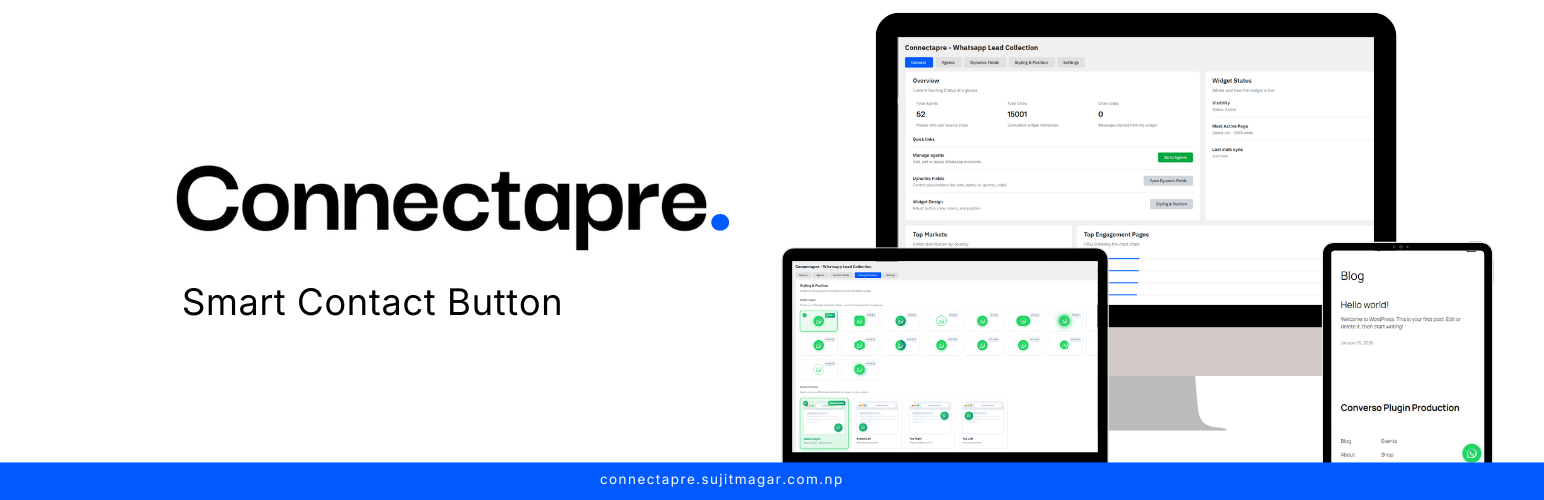
Connectapre adds a smart click-to-chat button for WhatsApp, routing visitors to the right agent based on country, business hours, login status, scroll position, and more. With multi-agent support, dynamic greetings, and conversion tracking, Connectapre ensures conversations start at the right moment.
安装:
- Upload the
connectaprefolder to/wp-content/plugins/. - Activate “Connectapre - Smart Contact Button” in Plugins → Installed Plugins.
- Open Connectapre - Smart Contact Button in the admin menu to configure the tabs.
常见问题:
Does the WhatsApp button respect the “Enable WhatsApp CTA” toggle?
In the current 1.0.0 build the button always renders once the plugin is active. A future release will wire the toggle into the front-end output.
Can I extend the saved options on the front end?
Yes. All settings are stored via the WordPress options API (get_option). Developers can consume those values in custom templates or filters.
更新日志:
1.0.0
- Initial release with admin settings, agent manager, dynamic fields, and 20 button presets.