Contactus
| 开发者 | |
|---|---|
| 更新时间 | 2026年3月7日 17:05 |
| PHP版本: | 7.4 及以上 |
| WordPress版本: | 6.9.1 |
| 版权: | GPLv2 or later |
| 版权网址: | 版权信息 |
详情介绍:
Contactus widget removes hurdles and facilitates communication for both sides. It thus supports customer acquisition and customer retention in equal measure.
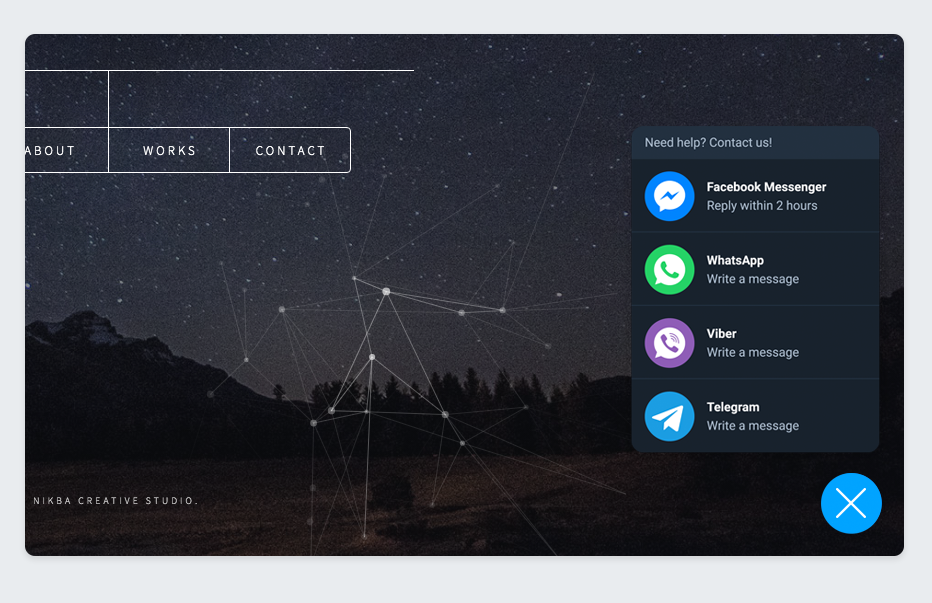
You can integrate Contactus that lead your visitors directly to the apps you’re offering as contact options: Facebook Messenger, WhatsApp, Telegram, and Viber.
You can add your individual values for Widget Title and Button Text. This is very useful for multilingual sites!
Features (v2.0)
- Simple mode – Enter your public key only; the plugin auto-generates the embed code.
- Advanced mode – Paste the full script tag from the Contactus dashboard (backward compatible).
- Gutenberg block – Add the Contactus Widget block to specific posts or pages.
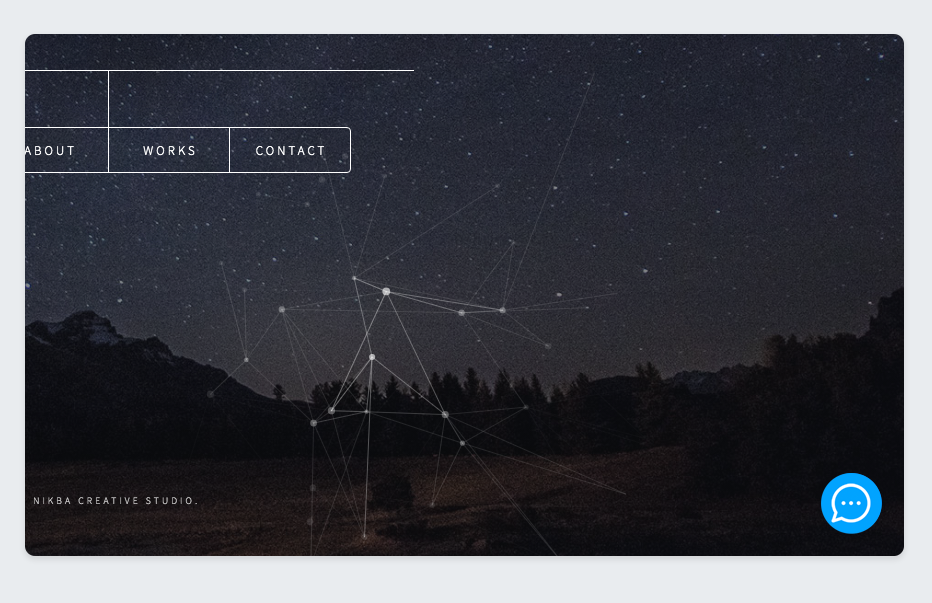
- Site-wide widget – The widget is injected in the footer on all pages, or use the block for per-page placement.
安装:
Adding Contactus to your WordPress site is really easy, follow these steps :
- Install and activate the Contactus Plugin through the 'Plugins' menu in WordPress.
- After installation, click the Contactus section in the left toolbar.
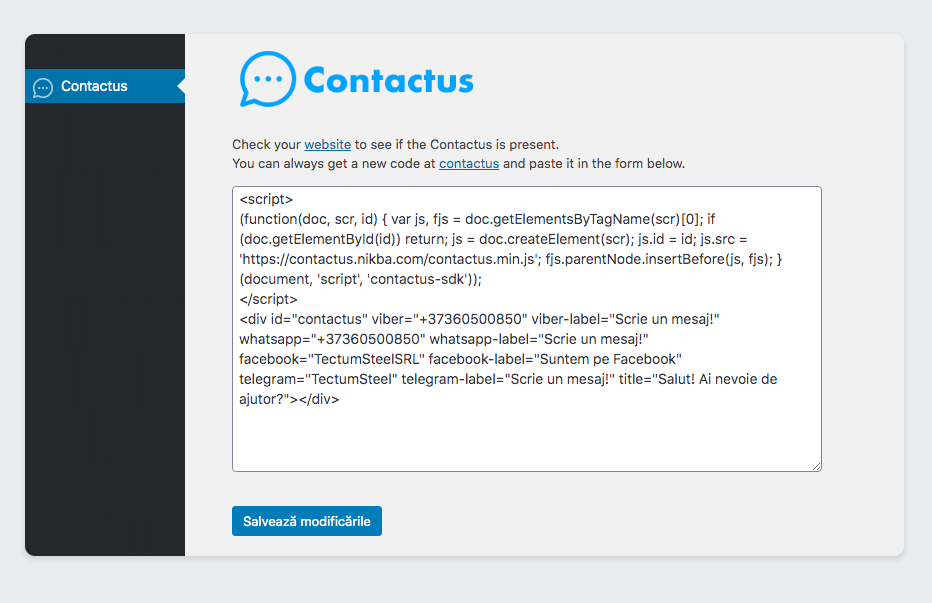
- Go to Contactus and get your public key or embed code.
- Simple mode: Enter your public key (e.g. pk_xxx) and click Save.
- Advanced mode: Copy the full script tag from the dashboard, paste it in the form, and click Save.
- Done! The widget appears site-wide in the footer. Optionally, add the "Contactus Widget" block to specific posts or pages.
屏幕截图:
常见问题:
Can i use Contactus for free?
Absolutely! You can use Contactus for free and with no limited features.
Do i need any software on my server for Contactus to work?
No, you don't! Contactus is a SaaS service, which means all server stuff is on us. You just need to install the Wordpress module, and you're all set.
How will i receive messages from my customers?
You will receive messages directly in your messenger application! Facebook, Viber, Telegram or WhatsApp
What is the difference between Simple and Advanced mode?
Simple mode (recommended): Enter only your public key from the Contactus dashboard. The plugin generates the embed code automatically. Advanced mode: Paste the full script tag if you need custom configuration or prefer manual control. Both modes are fully supported.
更新日志:
2.0.0
- Modernized for WordPress 6.9.1 and 2026 best practices.
- Added Simple mode: enter public key only; plugin auto-generates embed.
- Added Advanced mode: paste full embed code (backward compatible).
- Refactored into includes/ classes (Admin, Frontend, helpers).
- Proper Settings API with add_settings_section and sanitize callbacks.
- Security: sanitize public key and embed code on save.
- Abilities API integration (WordPress 6.9+).
- Gutenberg block: add Contactus Widget block to posts/pages.
- Preview on site button in admin.
- Requires PHP 7.4+, WordPress 6.0+.
- Bundled translations: Romanian (ro_RO) and Russian (ru_RU).
- Plugin is now translation-ready (load_plugin_textdomain, all admin strings wrapped).
- Bundled translations: Russian (ru_RU) and Romanian (ro_RO) included in the plugin.
- Added languages/ folder with .pot template and .po/.mo files for included languages.
- Tested with WordPress 6.9.1. Requires WordPress 5.9 or higher.
- Limited plugin tags to 5 for directory compliance.
- Welcome our very first version of the plugin!