Content Forge - AI & non-AI content generator, scheduled AI posts, dummy data for your site
| 开发者 | sapayth |
|---|---|
| 更新时间 | 2026年8月17日 05:10 |
| PHP版本: | 7.4 及以上 |
| WordPress版本: | 7.0 |
| 版权: | GPLv2 or later |
| 版权网址: | 版权信息 |
详情介绍:
- Autopilot: scheduled AI post generation with daily, weekly, monthly, or custom intervals
- Multiple topic strategies for Autopilot: cycling list, random list, one-shot queue, AI-suggested from theme
- Per-Autopilot tone (professional, casual, technical, conversational) and length controls
- Publishing modes for Autopilot: draft, pending review, scheduled, or immediate publish
- Safety controls: daily post caps, auto-pause after consecutive failures, duplicate guard
- AI-generated featured images for Autopilot posts (OpenAI and Google), with placeholder fallback
- Email notifications for Autopilot runs (every run, failures only, or off)
- AI-powered content generation using OpenAI, Anthropic, Google, Mistral, and DeepSeek
- Assign generated posts to a specific author, or shuffle them across a random pool of authors
- Traditional content generation (no AI required)
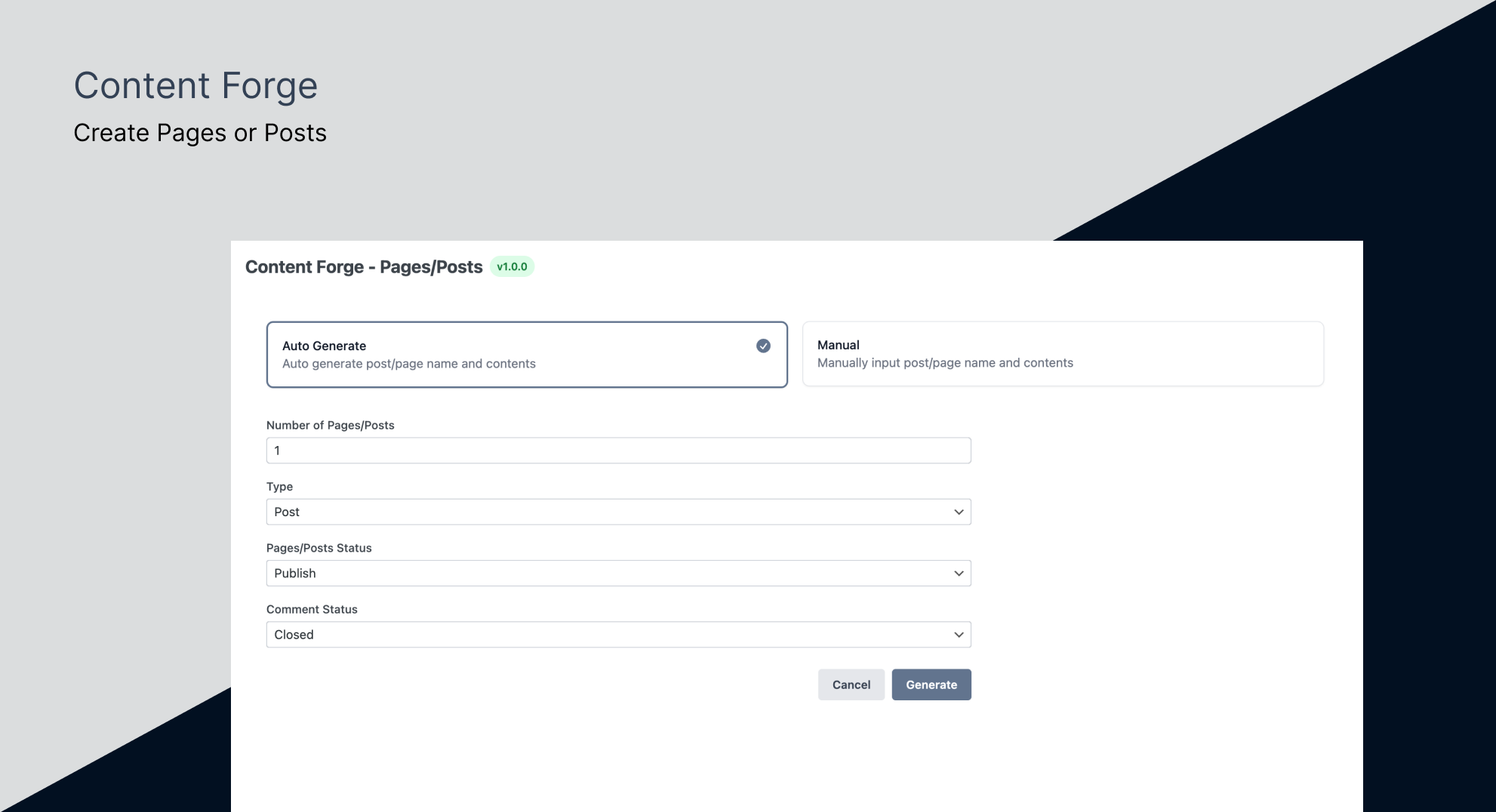
- Generate fake posts with realistic titles, content, metadata, and excerpts
- Create dummy pages with hierarchical structure
- Generate featured images using Picsum and Placehold.co
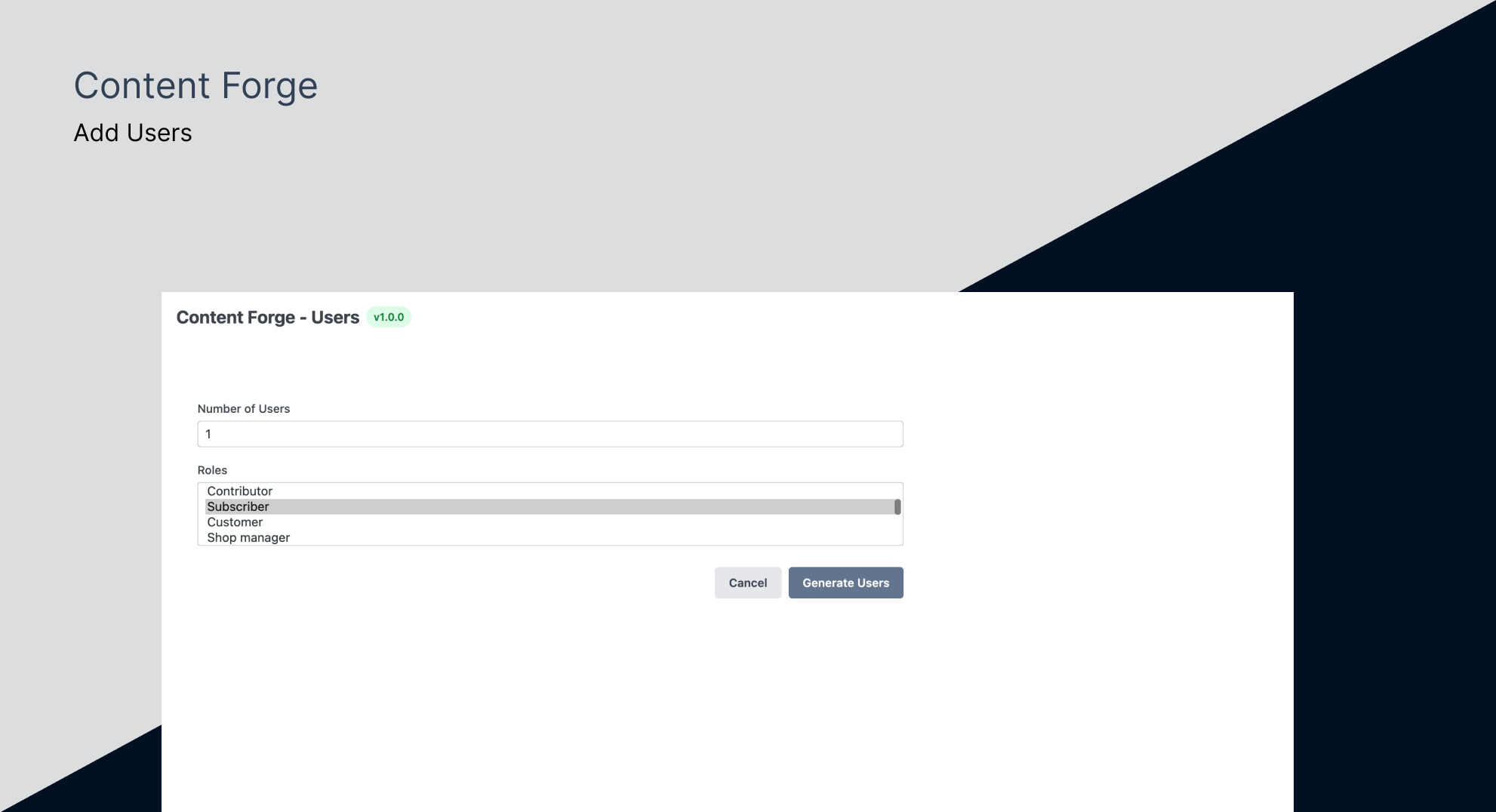
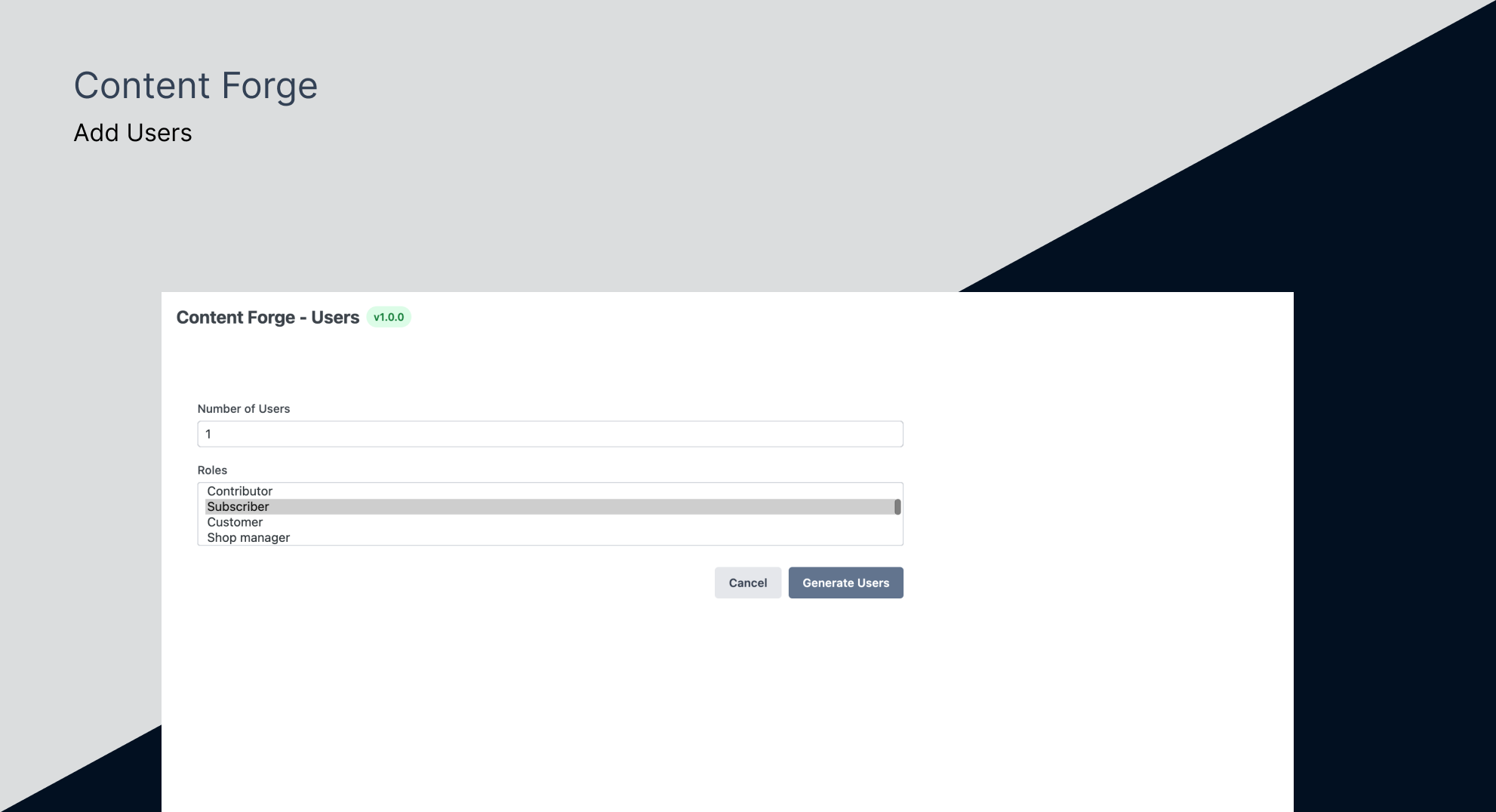
- Generate test users with various roles and capabilities
- Create fake taxonomies (categories and tags)
- Assign generated posts, pages, CPTs and products to taxonomy terms, so category and tag archives actually have content
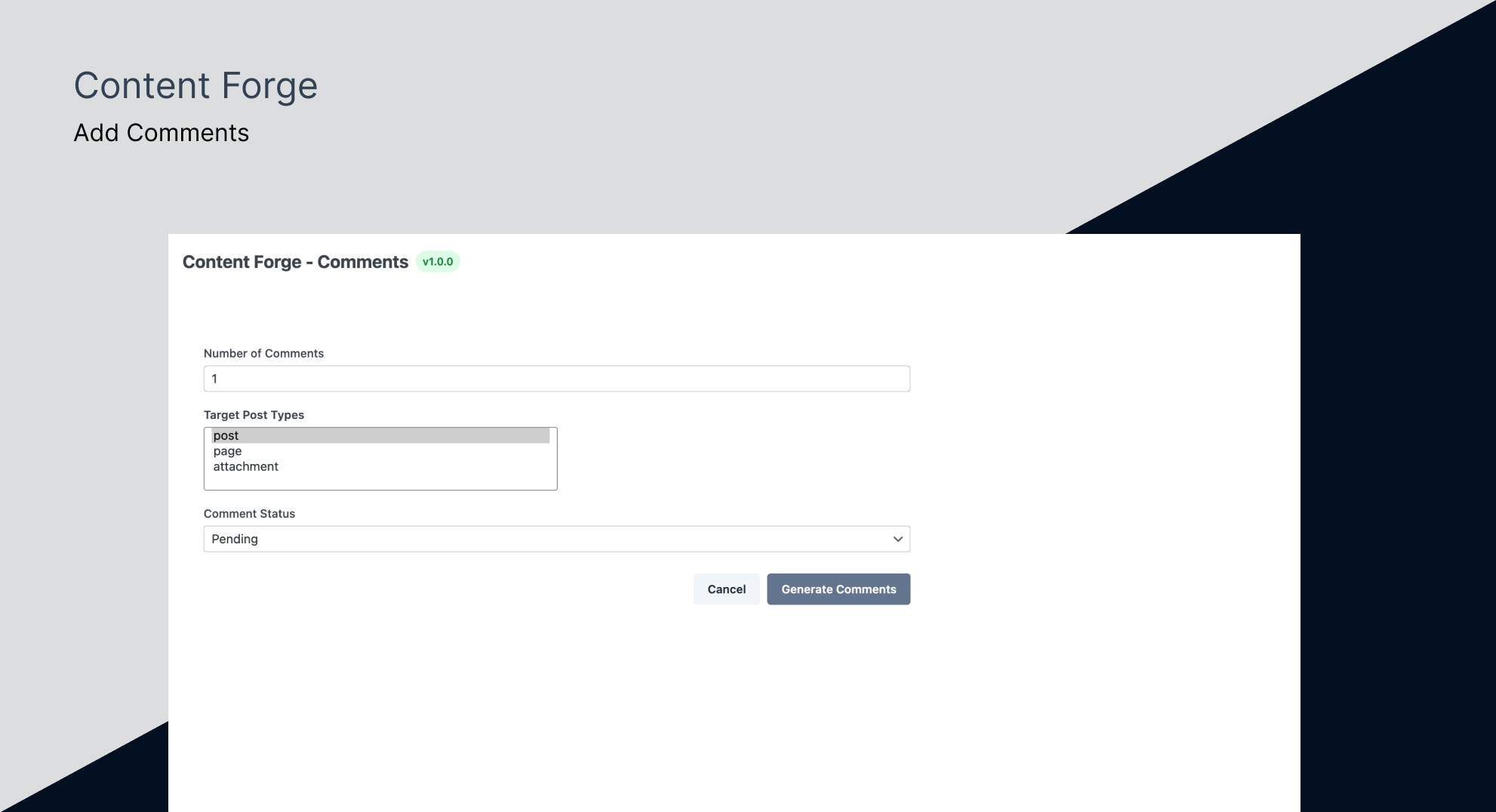
- Generate realistic comments and comment threads
- Bulk generation capabilities for efficient testing
- Dashboard showing what you have generated, Autopilot health, and one-click cleanup
- Edit and View links on every generated item, so you can jump straight to it
- Clean and intuitive admin interface
- Follows WordPress coding standards
- Translation ready
- Scheduled AI blogging for solo creators and niche site owners
- Editorial workflows where AI produces drafts and humans review before publish
- Filling demo or staging sites with realistic ongoing content
- Theme development and testing, including category, tag and custom taxonomy archive templates
- Plugin development
- Client demonstrations
- Performance testing with large datasets
- Content structure planning
- Training and educational purposes
安装:
- Upload the plugin files to the
/wp-content/plugins/content-forgedirectory, or install the plugin through the WordPress plugins screen directly. - Activate the plugin through the 'Plugins' screen in WordPress.
- Navigate to the Content Forge menu in your WordPress admin dashboard.
- Configure your generation settings and start creating dummy content.
屏幕截图:
常见问题:
Do I need an AI API key to use this plugin?
No. Content Forge has two independent modes. The traditional generator creates dummy posts, pages, users, comments, and taxonomies without any AI configuration — install, activate, generate. An AI API key (OpenAI, Anthropic, or Google) is only required if you want AI-generated content on demand or you want to use Autopilot.
Is the generated content safe for production sites?
Content Forge is designed for development and testing purposes only. While the generated content is safe, it's recommended to use this plugin only on development, staging, or testing environments.
Can I customize the type of content generated?
Yes, Content Forge provides various options to customize the generated content. You can choose between AI-powered generation (with provider selection: OpenAI, Anthropic, or Google) or traditional generation methods. Additional customization options include post types, user roles, taxonomy term assignment, content length, featured images, and post excerpts.
Will this plugin slow down my site?
Content Forge only runs when you actively generate content through the admin interface. It doesn't affect your site's frontend performance.
Can I delete all generated content at once?
Yes, Content Forge provides bulk deletion options to easily remove all generated content when you're done testing.
Is the plugin translation ready?
Yes, Content Forge is fully translation ready and includes a .pot file for translators.
Can generated posts be assigned to categories and tags?
Yes. Every generation form has a Taxonomies section listing the taxonomies registered for the post type you picked — categories and tags for posts, product categories and product tags for WooCommerce products, and any custom taxonomy your theme or plugins register. For each one you can assign specific terms, draw at random from all existing terms, or assign nothing. You also set how many terms each item gets, so a post can land in one category and pick up two to four tags. Terms are spread unevenly on purpose, which is what real content looks like and what surfaces pagination bugs in archive templates. Content Forge assigns existing terms rather than inventing new ones. Generate the terms first on the Taxonomies screen, then generate the posts.
What is Autopilot?
Autopilot is a free, built-in feature that schedules AI-generated posts. You set the topic source, frequency, tone, length, and what happens to the post (draft, pending, scheduled, or immediate publish), and Content Forge runs it in the background using your AI provider. See the full setup guide: https://wp.sapayth.com/schedule-ai-blog-posts-wordpress/
Is Autopilot free?
Yes. Autopilot and every other feature of Content Forge are free. You only pay your AI provider (OpenAI, Anthropic, or Google) for their API usage.
Will Autopilot publish posts without my permission?
No. Autopilot defaults to saving every generated post as a draft. You explicitly opt into pending review, scheduled, or immediate publish modes per Autopilot.
What happens if the AI fails repeatedly?
Autopilot auto-pauses after a configurable number of consecutive failures (default 3) and emails you. You fix the cause (expired API key, rate limit, etc.) and click Resume.
Can I run multiple Autopilots at the same time?
Yes. Run one per category, niche, or author — they operate independently.
更新日志:
- New - Taxonomy assignment — generated posts, pages, CPTs and products can finally land in real categories and tags, so your archive templates have something to render
- New - AI featured images — Autopilot posts can now generate their own artwork from the post title, so a scheduled post arrives ready to publish
- New - Placeholder featured images for Autopilot, for when you want a thumbnail without spending API credits
- New - Dashboard — a landing page showing what you have generated, whether Autopilot is healthy, and where to go next
- New - Edit and View links on every generated item, so you can open one without hunting for it in wp-admin
- Enhancement - Generated images now get alt text from their post title
- Enhancement - Refreshed admin interface built on a shared component set, with contrast-checked colours throughout
- Fix - Deleting generated content from anywhere in WordPress now clears its tracking row, instead of leaving a ghost behind in the counts
- Note - AI images use your own provider credits, roughly one image per generated post, bounded by your daily post cap. Available on OpenAI and Google; other providers fall back to placeholders.
- New - Byline roulette — assign generated posts to one author or shuffle them across a random crew
- New - DeepSeek and Mistral join the AI party — more brains, more choices
- New - Random date-range for generated posts — time travel your content
- New - Easy Digital Downloads, The Events Calendar & WP User Frontend support — more post types, more fun
- New - Deactivation cleanup — we tidy up after ourselves
- Fix - CPT page no longer awkwardly shows Post & Page in the dropdown
- Fix - Friendly empty state when no CPT plugins are active
- New - Random date-range for generated posts — time travel your content
- New - Easy Digital Downloads, The Events Calendar & WP User Frontend support — more post types, more fun
- New - Deactivation cleanup — we tidy up after ourselves
- Fix - CPT page no longer awkwardly shows Post & Page in the dropdown
- Fix - Friendly empty state when no CPT plugins are active
- New - Random date-range for generated posts — time travel your content
- New - Easy Digital Downloads, The Events Calendar & WP User Frontend support — more post types, more fun
- New - Deactivation cleanup — we tidy up after ourselves
- Fix - CPT page no longer awkwardly shows Post & Page in the dropdown
- Fix - Friendly empty state when no CPT plugins are active
- New - WooCommerce integration
- New - weDocs integration
- New - Optional AI-powered content generation using OpenAI, Anthropic and Google
- New - Add feature image using Picsum and Placehold.co
- New - Generate Post Excerpt
- New - Added featured image generation with placeholder support
- New - Added post excerpt generation
- Enhancement – Content formatting for both Block and Classic editors