Content Version for Git
| 开发者 | maksonlee |
|---|---|
| 更新时间 | 2026年7月12日 03:55 |
| PHP版本: | 7.4 及以上 |
| WordPress版本: | 7.0 |
| 版权: | GPLv2 or later |
| 版权网址: | 版权信息 |
详情介绍:
- Automatic Git versions for normal post and page saves.
- Batched Git versions for direct category and tag relationship changes.
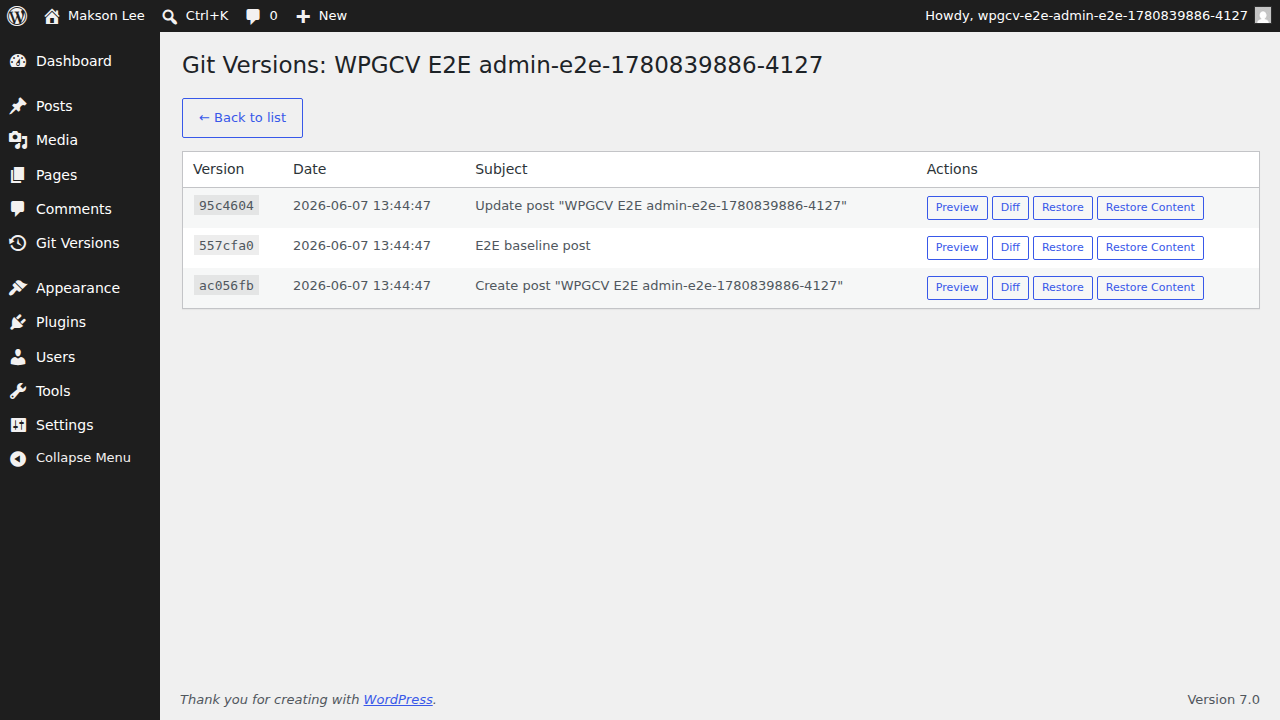
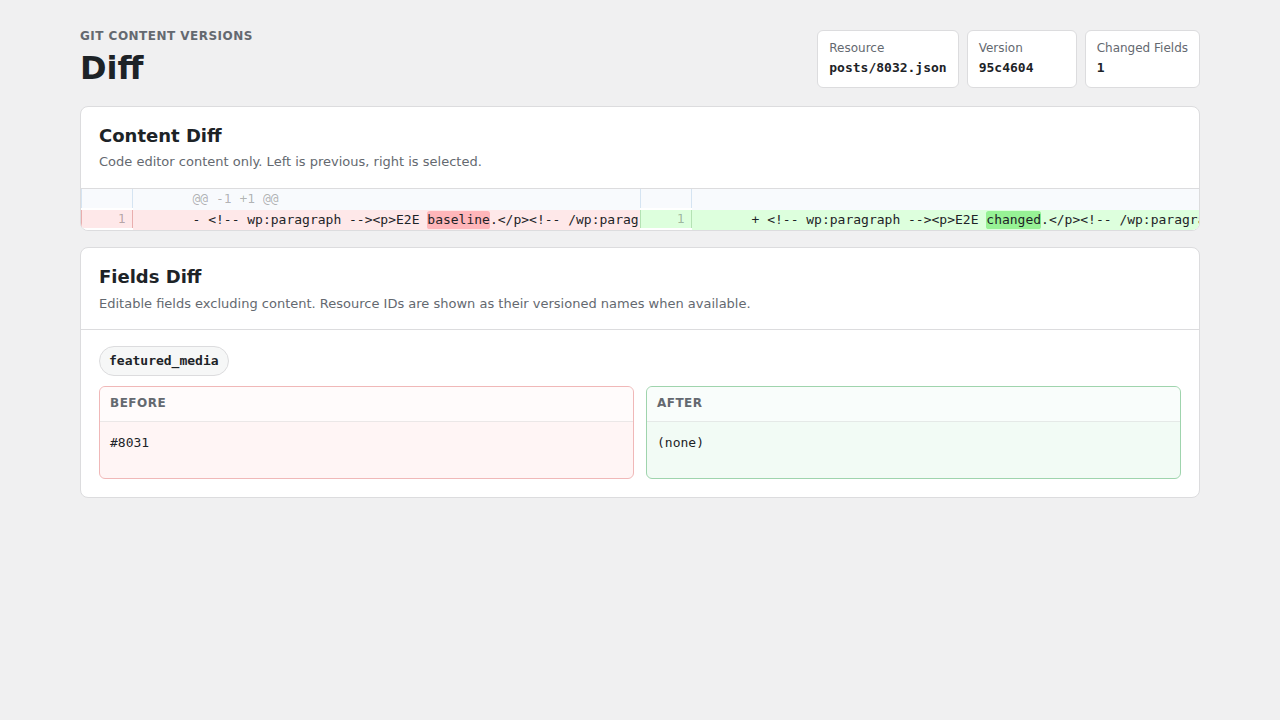
- Side-by-side content diffs and field diffs.
- Full restore and content-only restore modes.
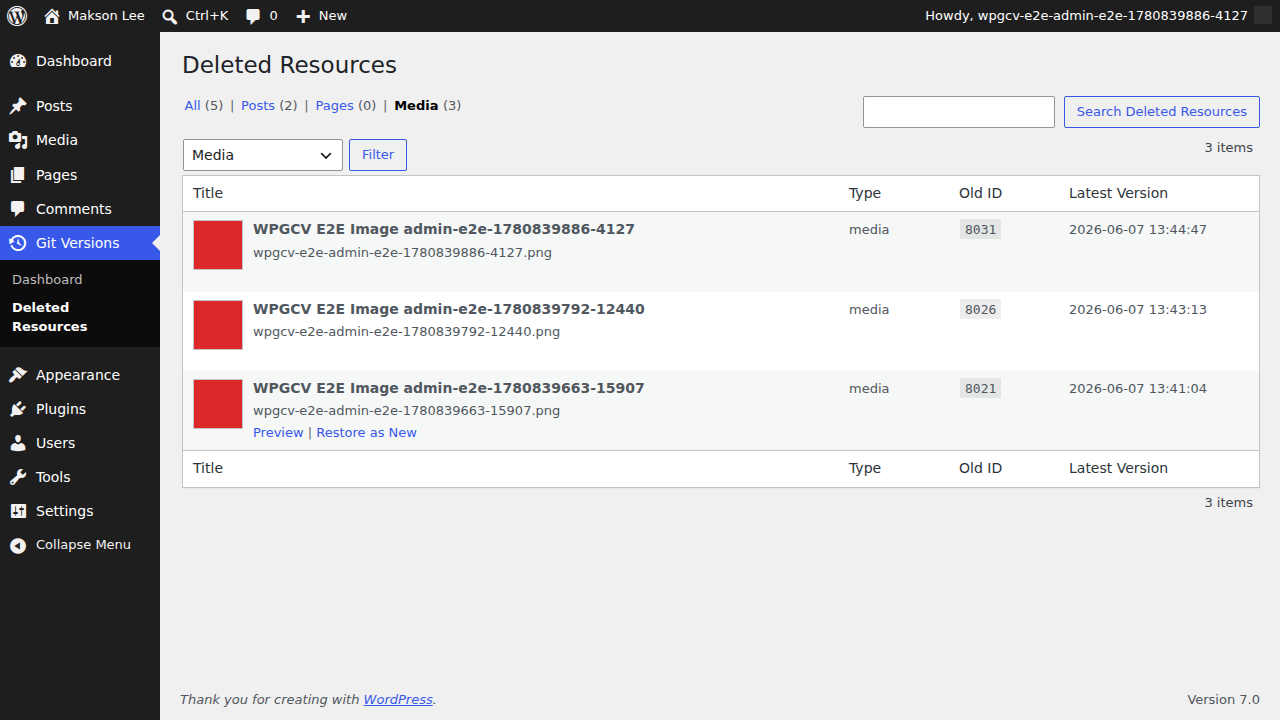
- Deleted Resources view for posts, pages, and tracked media.
- Restore deleted posts/pages as new drafts and deleted media as new attachments.
- Optional media metadata and file tracking.
- Manual import of existing posts, pages, and media.
- Version store dashboard with branch, latest commit, tracked file count, and GitHub version store status.
- Direct GitHub API commits without a local Git worktree.
安装:
- Upload the plugin files to the
/wp-content/plugins/content-version-for-git/directory, or install the plugin through the WordPress plugins screen. - Activate the plugin through the Plugins screen in WordPress.
- Create a dedicated GitHub repository, or choose a dedicated branch in an existing repository.
- Create a GitHub personal access token that can read and write repository contents for that repository.
- Open Content Versions > Dashboard.
- Configure the GitHub version store and media tracking.
- Review any GitHub settings notice. Empty repositories can be initialized by the plugin; non-empty repositories should use an existing writable branch.
- Use Import Existing Content if you want to add existing posts, pages, and media to GitHub.
屏幕截图:
常见问题:
Where are Git versions stored?
GitHub is the version store. The plugin reads and writes versions through the GitHub API without a local Git repository.
Does this replace WordPress revisions?
No. It adds a Git-backed version history for selected WordPress resources.
Does the GitHub version store run by default?
No. The GitHub version store is disabled until an administrator enables it and provides a repository URL, branch, and token. Without GitHub configured, versions are not durably stored and the plugin does not keep a local Git repository.
What GitHub repository do I need?
Create the repository in GitHub before configuring the plugin. The repository can be private or public, but private is strongly recommended because content versions can include unpublished content, metadata, and media files. The repository may be empty. If it is empty, the plugin can initialize the configured branch on the first write.
Can I use a branch that already has commits?
Yes, but a dedicated repository or dedicated branch is strongly recommended. Normal version writes use the current branch head as the parent commit and preserve unrelated files. If the branch already contains Content Version for Git files under posts/, pages/, or media/, use Rebuild GitHub Index after connecting it to a site that has not indexed it yet.
Why should I avoid sharing the branch with other work?
Reset GitHub Version Store rewrites the configured branch to a new empty history. WordPress content is not deleted, but unrelated files and commits on that branch will no longer be part of the branch history after reset.
What token permissions are required?
Use a token that can read and write contents in the selected repository. For fine-grained personal access tokens, select the version-store repository and grant Contents read and write access.
What happens if GitHub API writes fail?
The version is not stored. Configure GitHub before relying on the plugin for durable version history.
Are media files stored in Git?
Only when media tracking is enabled. In that mode, referenced media metadata and files are committed directly to GitHub.
更新日志:
- Fixed missing post versions when categories or tags are changed directly or in bulk without a post save.
- Batched taxonomy-only relationship changes into a single Git commit per request.
- Added automatic versions for category/tag metadata and registered term-meta changes.
- Improved large import reliability with smaller batches, import batch locking, and longer GitHub API request timeouts.
- Added automatic retry handling for interrupted import progress requests and gateway timeout responses.
- Added clearer import progress messages that point to Nginx, PHP-FPM, or load balancer timeout settings when relevant.
- Moved dashboard action feedback next to the relevant GitHub settings, import, rebuild, and reset controls.
- Replaced the GitHub repository API size display with a version-store content size calculated from tracked GitHub tree blobs.
- Added status API fields for version-store size while keeping existing size fields backward compatible.
- Fixed first import into an empty GitHub repository when media files require Git blob creation.
- Added GitHub settings checks and notices for missing repositories, empty repositories, missing branches, existing version-store branches, and branches that appear to contain unrelated content.
- Documented GitHub repository, branch, token, and reset-history requirements.
- Clarified that GitHub is the required durable version store.
- Renamed GitHub-related UI wording to GitHub version store.
- Tightened restore permissions for full Git version restores.
- Replaced trusted output wrappers with late escaping for generated admin HTML.
- Removed runtime shell diff generation from the diff view.
- Renamed the plugin and package slug for WordPress.org resubmission.
- Addressed WordPress.org review feedback for asset enqueuing, filesystem locations, and plugin metadata.
- Initial public release candidate.
- Added Git-backed versions for posts, pages, terms, and optional media resources.
- Added preview, diff, full restore, and content-only restore.
- Added Deleted Resources and restore-as-new flows.
- Added import existing content controls.
- Added GitHub version store settings.