ContentEcho
| 开发者 | thewebcitizencom |
|---|---|
| 更新时间 | 2026年10月15日 08:33 |
| PHP版本: | 7.4 及以上 |
| WordPress版本: | 7.1 |
| 版权: | GPLv2 or later |
| 版权网址: | 版权信息 |
详情介绍:
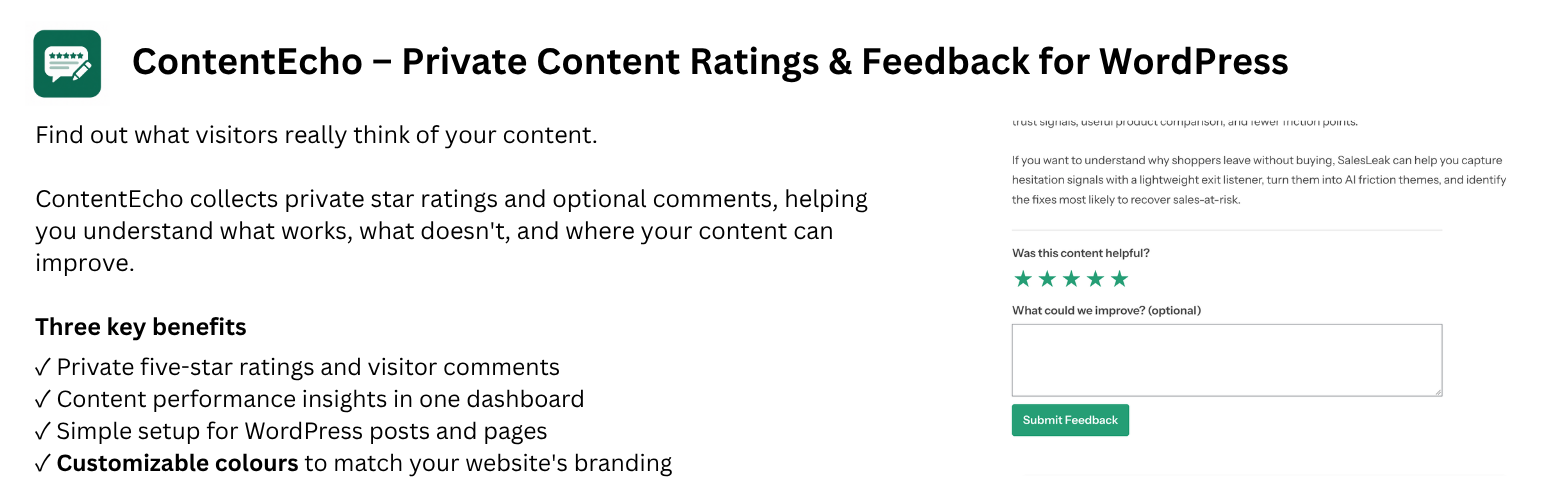
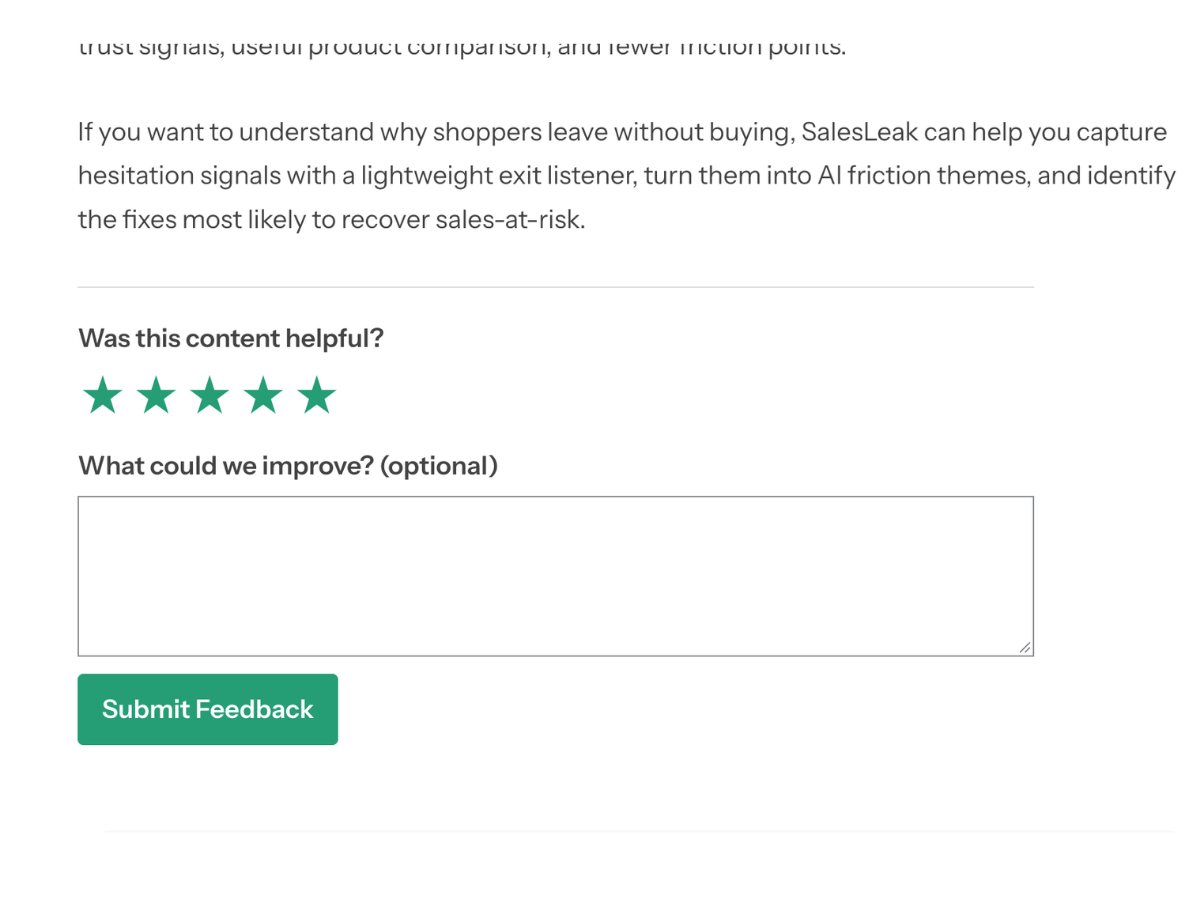
- Easy for visitors: Ask “Was this content helpful?” with five stars and an optional comment.
- Private by design: Keep submitted ratings and comments in your WordPress admin area instead of displaying public scores.
- Content-level reporting: See rating totals, average ratings, and comment counts for individual content items.
- Explore feedback: Filter content performance and browse individual submissions to identify areas for improvement.
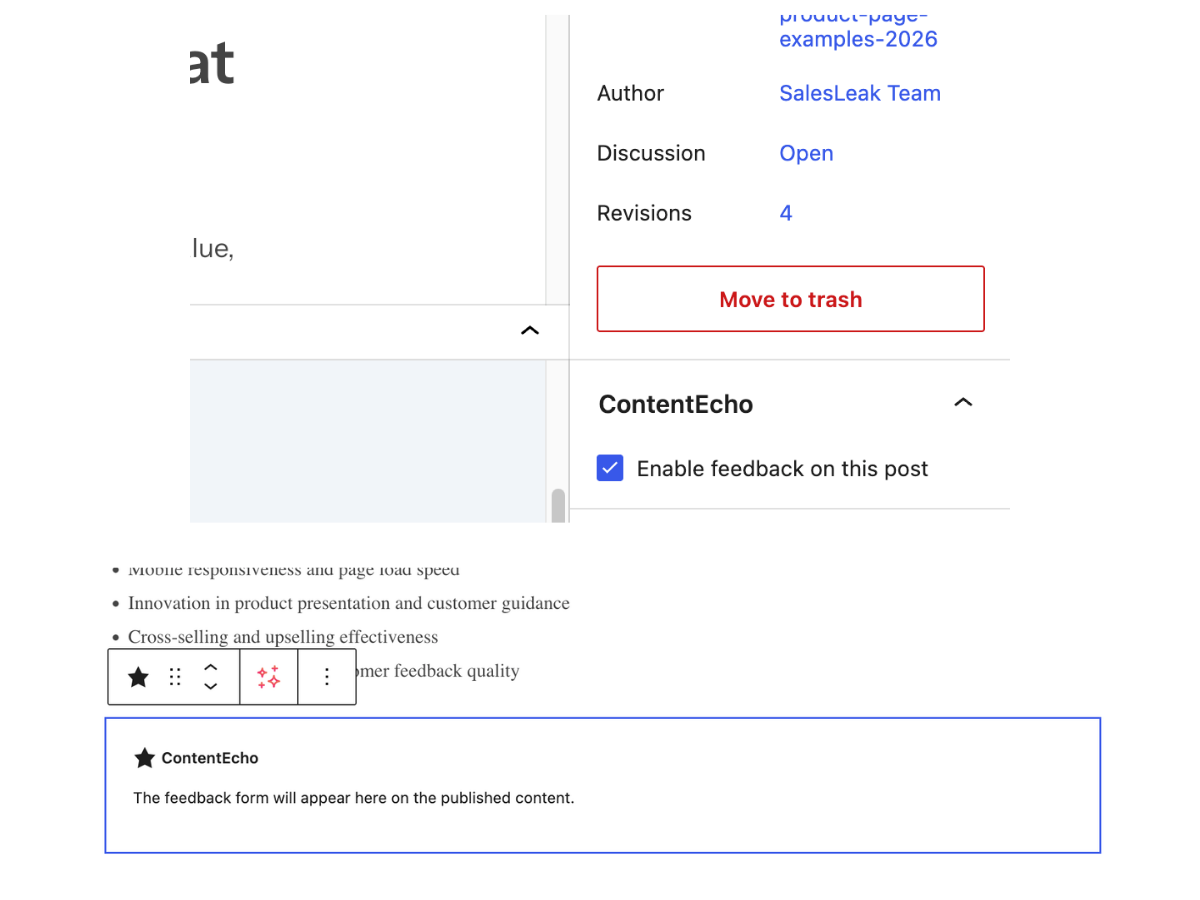
- Flexible placement: Add feedback automatically after an enabled post, or place the widget manually with a block or shortcode.
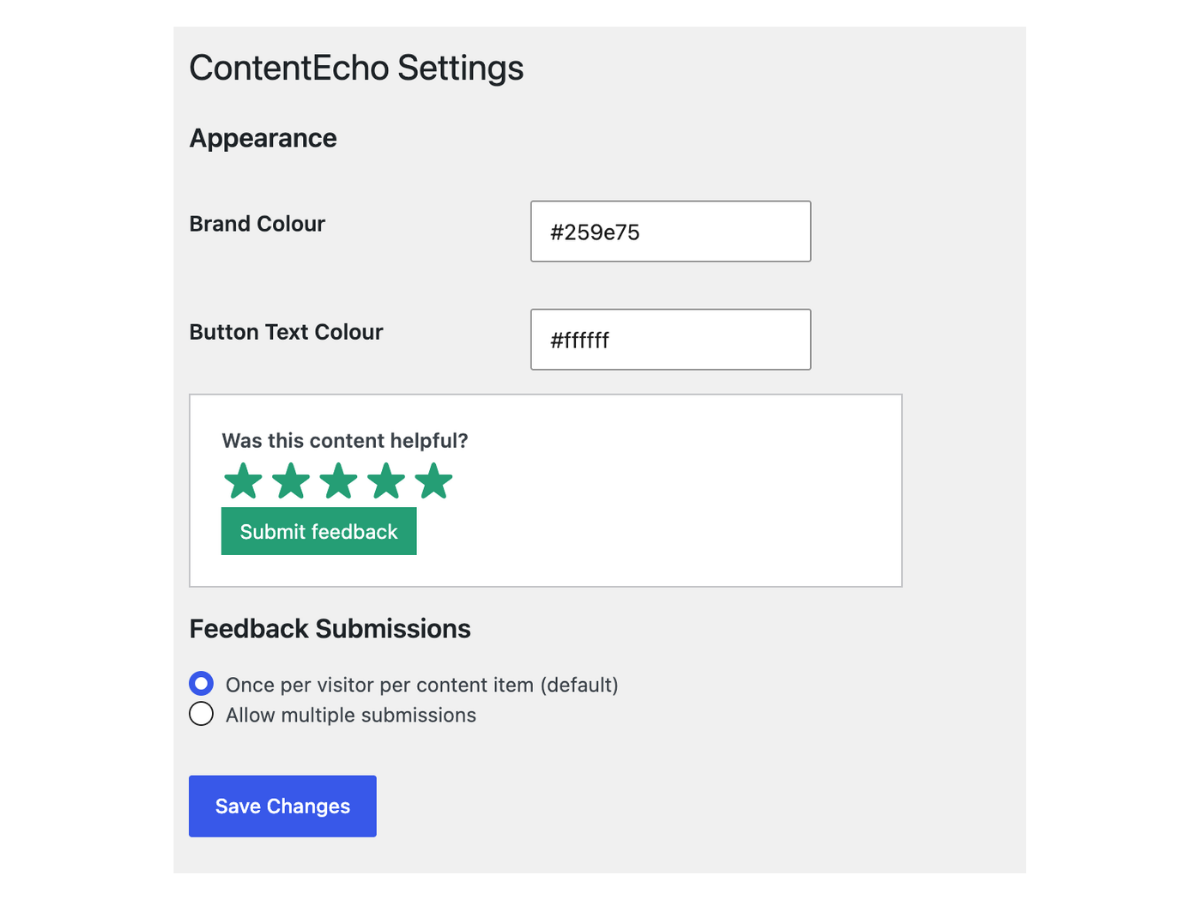
- Simple appearance controls: Choose a brand colour and button text colour, with a live preview.
- Submission preferences: Choose once-per-visitor-per-content feedback (best effort) or allow multiple submissions.
[contentecho_feedback] shortcode anywhere in a post. Manual placement takes priority over automatic placement.
Pages: Insert the ContentEcho block or [contentecho_feedback] shortcode exactly where you want the widget. ContentEcho does not automatically append feedback to pages.
Custom post types: Use the block where the block editor is supported, or the shortcode in editors that process shortcodes.
Private feedback, not public reviews
ContentEcho does not publish submitted ratings or comments as public review scores and does not add review-rating structured data for search engines. Its purpose is to help site owners understand and improve their content.
安装:
- Upload and activate ContentEcho from the WordPress Plugins screen, or install it from WordPress.org when available.
- Open ContentEcho > Settings to choose your colours and feedback submission preference.
- For a post, enable feedback in the editor to place the widget after the article, or insert the ContentEcho block where you want it.
- For a page, insert the ContentEcho block at your preferred location. You can also use
[contentecho_feedback]in editors that support shortcodes. - Review submitted ratings and comments under ContentEcho > Overview and All Feedback.
屏幕截图:
常见问题:
Are ratings and comments shown publicly?
No. Submitted ratings and comments are available in the WordPress administration area, not published alongside your content.
Can I decide where the widget appears?
Yes. Posts can display the widget automatically after their content when enabled. Posts, pages and supported custom post types also support manual placement using the ContentEcho block or [contentecho_feedback] shortcode.
Does ContentEcho automatically appear on every page?
No. You choose where to enable it. Standard pages require manual placement.
Is a written comment required?
No. Visitors choose a star rating, then can optionally leave a comment before submitting.
Can visitors submit feedback more than once?
You can allow multiple submissions or limit feedback to once per visitor per content item. The once-per-visitor option uses a best-effort approach and cannot guarantee identification across browsers or devices.
Do visitors need an account?
No. Visitors can submit feedback without registering or signing in.
Does ContentEcho add public review stars or rating schema?
No. It is designed to collect private content feedback rather than generate public reviews or search-result rating markup.
更新日志:
- Initial public release.