
ConversionWax
| 开发者 | conversionwax |
|---|---|
| 更新时间 | 2026年4月2日 02:05 |
| PHP版本: | 7.4 及以上 |
| WordPress版本: | 6.9 |
| 版权: | GPLv2 or later |
| 版权网址: | 版权信息 |
详情介绍:
- Install the plugin and enable it from Settings > ConversionWax
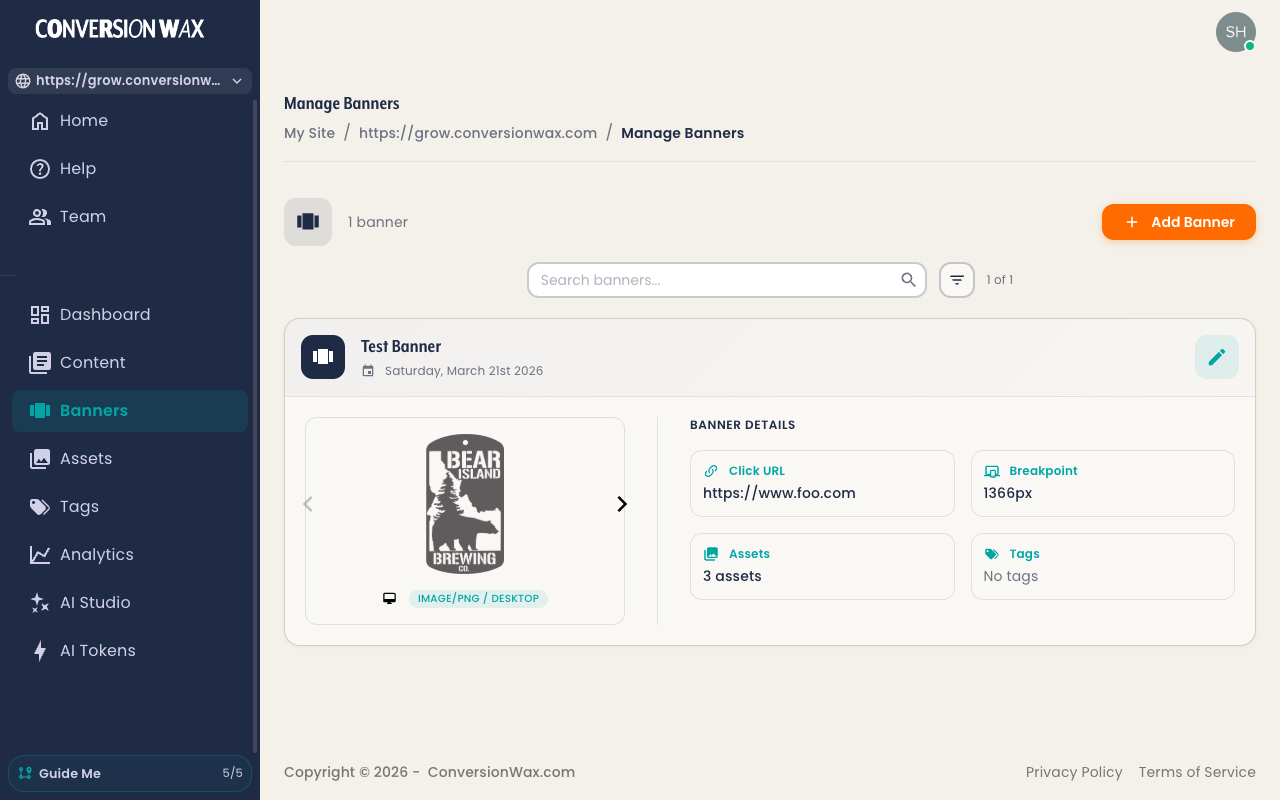
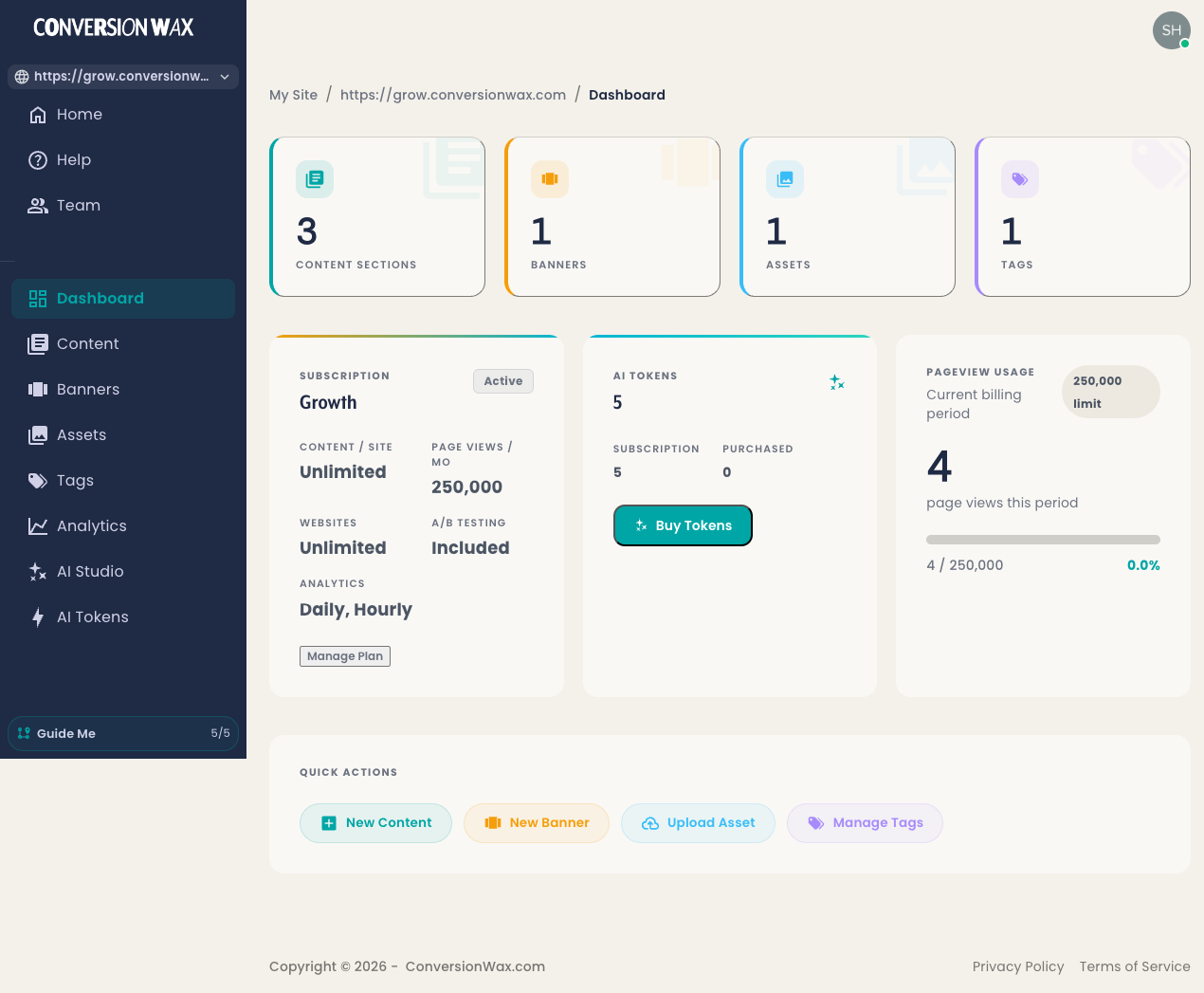
- Create banners and personalization rules in the ConversionWax dashboard
- Drop the
[conversionwax id="your-id"]shortcode wherever you want a banner - ConversionWax handles the rest - delivering personalized content and tracking results
- Geo-targeting - Show different banners by country, city, or region
- Campaign matching - Personalize based on UTM parameters and URL variables
- A/B testing - Split traffic between variants and track which converts best
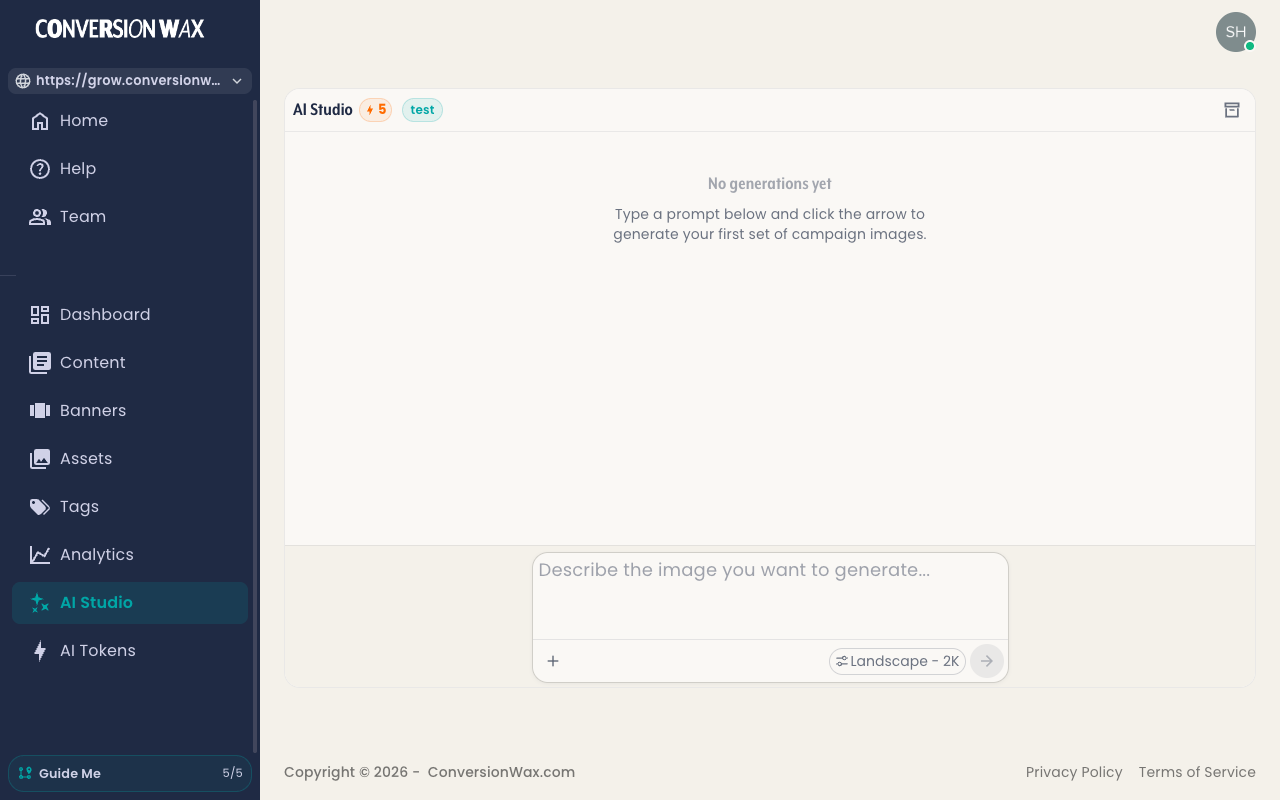
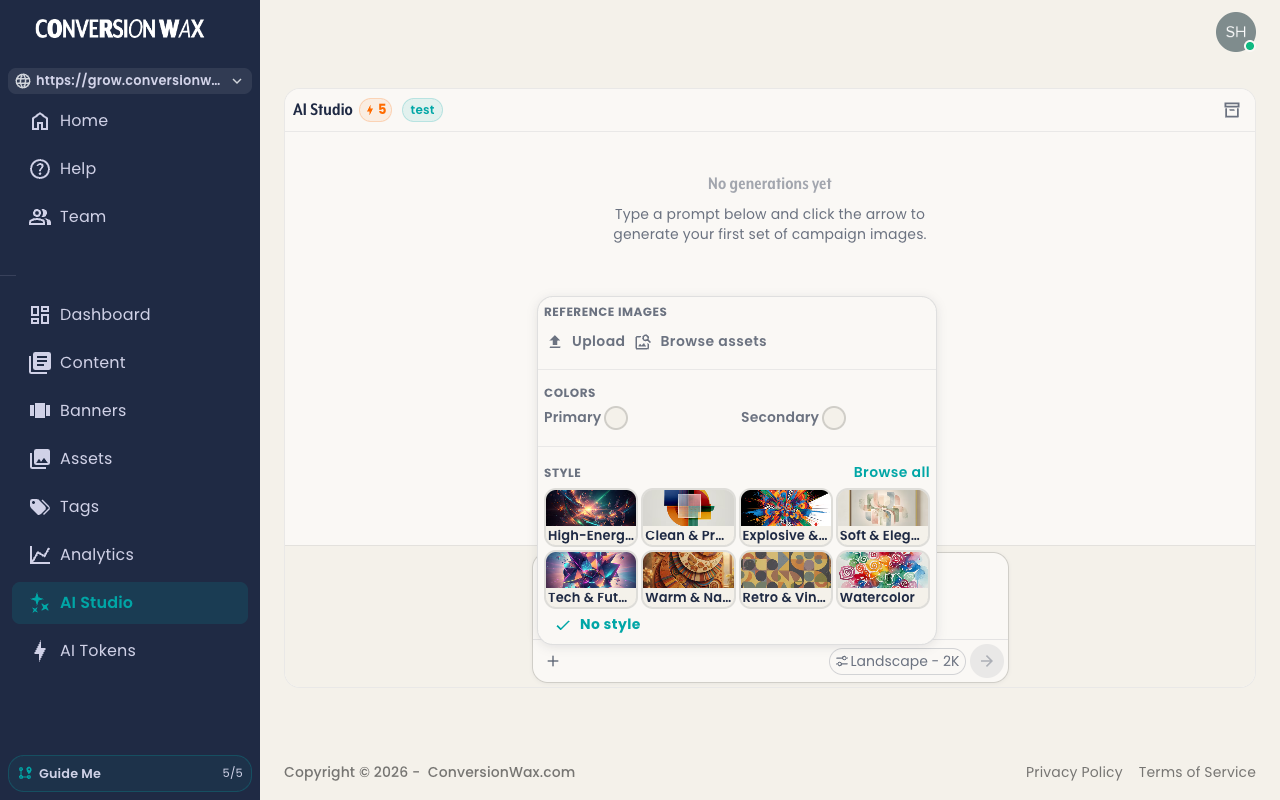
- AI Studio - Generate banner images from text prompts, no designer required
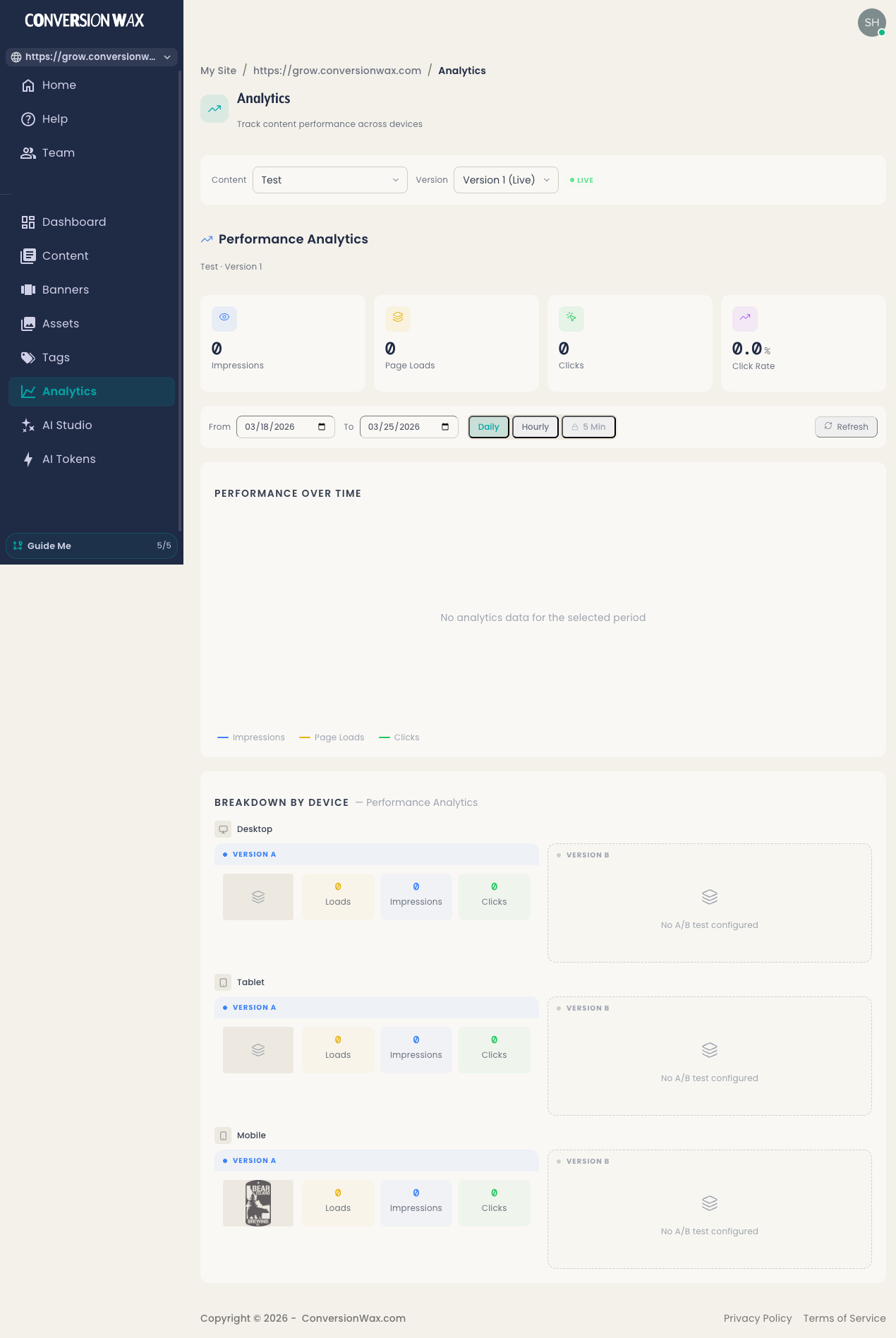
- Real-time analytics - Track impressions, clicks, and conversion rates
- Device targeting - Serve viewport-optimized content for desktop, tablet, and mobile
- Time-based rules - Schedule banners by date, time, and timezone
- Team collaboration - Role-based access for owners, admins, and editors
- Multiple content types - Single banners, slideshows, and personalized text
- Simple settings page to enable/disable the script
- Configurable script injection location (header or footer)
- Shortcode for placing banner containers anywhere on your site
- Deferred script loading for fast page performance
- Clean uninstall - removes all data when the plugin is deleted
[conversionwax id="your-content-id"]
Replace your-content-id with the ID from your ConversionWax dashboard. You can use multiple shortcodes on the same page for different banners.
Third-Party Service:
This plugin relies on ConversionWax, a third-party SaaS platform. When enabled, it connects to:
https://assets.conversionwax.com- loads the ConversionWax JavaScript applicationhttps://cfg.conversionwax.com- loads per-banner configuration and stylesheets
安装:
- Upload the
conversionwaxfolder to the/wp-content/plugins/directory, or install directly from the WordPress plugin directory - Activate the plugin through the 'Plugins' menu in WordPress
- Go to Settings > ConversionWax to configure the plugin
- Enable ConversionWax and choose your preferred script injection location
- Create banners in your ConversionWax dashboard
- Use the
[conversionwax id="your-id"]shortcode to place banner containers on your pages
屏幕截图:
常见问题:
What is ConversionWax?
ConversionWax is a personalization and A/B testing platform that lets you show different banners and content to different visitors based on their location, device, campaign source, and more. You create rules and variants in the ConversionWax dashboard, and this plugin delivers the personalized content to your WordPress site.
Do I need a ConversionWax account?
Yes. The plugin connects your WordPress site to the ConversionWax service where you create and manage your banners, targeting rules, and A/B tests. You can start a free 14-day trial with full features and no credit card required.
Is ConversionWax free?
ConversionWax offers a free 14-day trial with all features included. After that, paid plans start at $19/month for up to 50,000 pageviews. See pricing details.
Where do I get my banner ID?
Log in to your ConversionWax dashboard to create content and get banner IDs. Each piece of content has a unique ID you use in the shortcode.
Can I place multiple banners on one page?
Yes. Use the [conversionwax] shortcode multiple times with different IDs on the same page.
Does this plugin slow down my site?
The ConversionWax script loads with the defer attribute and is highly optimized for performance. You can also choose to load it in the footer to minimize any impact on initial page rendering. The plugin is compatible with Core Web Vitals best practices.
What content types can I personalize?
ConversionWax supports three content types: single banners (a static image or message that can be personalized per visitor), slideshows (rotate through multiple images or offers automatically), and personalized text (dynamic headlines, calls-to-action, or any text on your page).
Do I need user consent before enabling this plugin?
If your jurisdiction requires consent for third-party scripts and analytics (GDPR, CCPA, etc.), yes. This plugin loads external JavaScript that may collect visitor analytics data. You must implement consent management separately using a cookie consent plugin or custom solution - the ConversionWax plugin does not include built-in consent management.
Which WordPress themes and page builders are compatible?
ConversionWax works with all standard WordPress themes including Astra, Divi, GeneratePress, and Flavor. It is compatible with Gutenberg, Elementor, and WooCommerce.
更新日志:
- Initial release
- Admin settings page with enable/disable and script inject location
- Frontend script injection with defer attribute for fast loading
- [conversionwax] shortcode for placing banner containers anywhere
- Clean uninstall - removes all plugin data on deletion