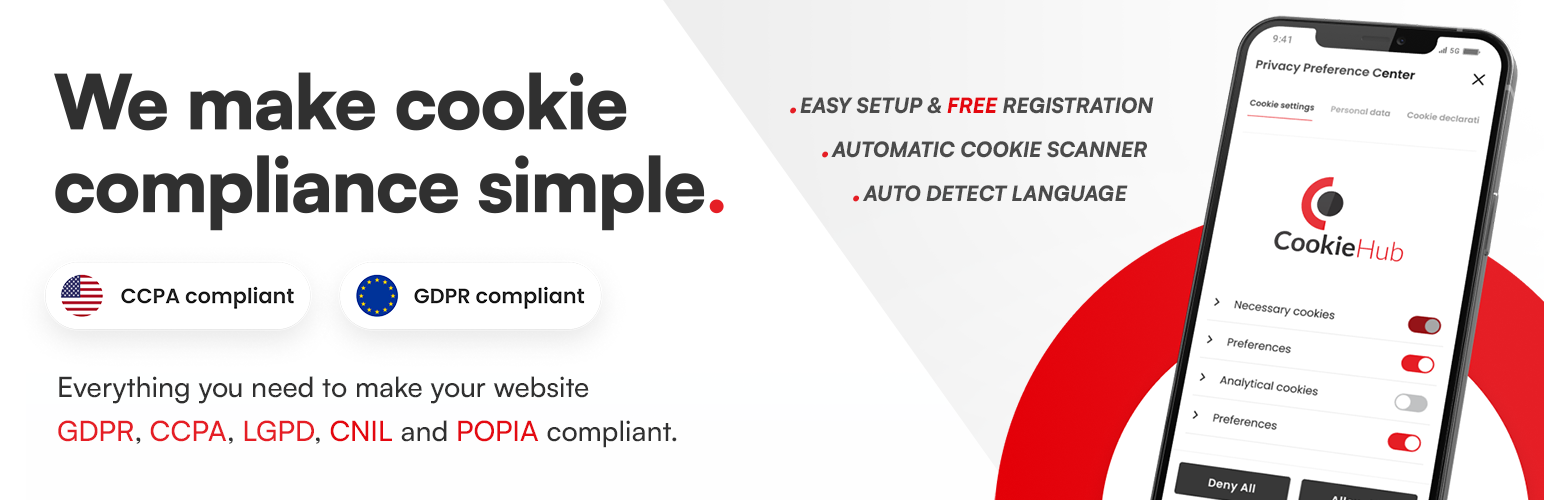
CookieHub - Cookie Consent Banner (DSGVO, CCPA, RGPD and GDPR compliance)
| 开发者 | cookiehub |
|---|---|
| 更新时间 | 2026年8月24日 21:57 |
| PHP版本: | 5.2 及以上 |
| WordPress版本: | 7.1 |
| 版权: | GPLv2 or later |
详情介绍:
安装:
- Navigate to the 'Plugins' page within your WordPress dashboard and select 'Add New'.
- Search for 'CookieHub'.
- Click 'Install Now' for the CookieHub plugin.
- Once installed, activate CookieHub from your Plugins page.
- Proceed to the ‘after activation’ section below.
- Download the CookieHub plugin from the source you have been provided with.
- Upload the 'cookiehub' folder to the /wp-content/plugins/ directory via FTP.
- Activate the CookieHub plugin through the 'Plugins' menu in WordPress.
- Follow the next steps in the ‘after activation’ section below.
- Upon activation, you will be prompted to configure the CookieHub settings.
- Follow the setup wizard to customize the consent management features according to your needs.
- Once configured, CookieHub will start managing consent on your website effectively.
常见问题:
What is CookieHub?
CookieHub is a cookie and online tracking consent management platform that helps websites and apps comply with global privacy regulations, including the EU's General Data Protection Regulation (GDPR) and the California Consumer Privacy Act (CCPA).
How does CookieHub work?
CookieHub works by providing website and app owners with an easy-to-use interface to create and manage consent banners, manage user consent preferences, and automatically block or allow cookies based on user preferences.
Is CookieHub GDPR compliant?
Yes, CookieHub is GDPR compliant. It provides all the tools necessary for website and app owners to obtain and manage user consent, and is regularly updated to ensure compliance with the latest privacy regulations.
Is CookieHub CCPA compliant?
Yes, CookieHub is CCPA compliant. It provides website and app owners with the ability to comply with the CCPA's opt-out of sale requirements, as well as to manage user consent preferences.
How Do I Find My Domain Code?
Your domain code is a unique identifier for your website on CookieHub. To find it, log in to your CookieHub account and navigate to the dashboard. The domain code can be found in the list of domains.
What Is Development Mode?
Development mode is a feature that allows you to test CookieHub on your website without publishing changes. This feature is useful on development websites to test changes to the CookieHub functionality or user interface. Remember to disable development mode when your website is ready for production. Please note that development mode is only available for domains with paid subscriptions
How Does CookieHub Detect the Language?
CookieHub seamlessly identifies the language utilized on your website by tapping into the language settings provided by WordPress or WPML. To leverage the multi-language feature, ensure that you enable the desired languages within the CookieHub dashboard.
What Is Automatic Cookie Blocking?
CookieHub provides automatic cookie blocking to help you manage and control the cookies on your website. Once configured, CookieHub will block cookies until the user gives explicit consent, ensuring compliance with privacy regulations.
What Is Google Consent Mode?
Google Consent Mode is a feature that allows you to control how Google tags behave based on user consent. With CookieHub, you can easily integrate Google Consent Mode, providing a more tailored and compliant user experience when using Google services.
What Are 3rd Party Tags?
Third-party tags refer to external scripts or services that may be integrated into your website. CookieHub allows you to manage these third-party tags and control their behavior based on user consent, enhancing transparency and compliance. Within the CookieHub WordPress plugin, you have the flexibility to input third-party tags directly into designated boxes. CookieHub will intelligently manage these tags, enabling or disabling them in accordance with user consent. Each cookie category is conveniently displayed as a tab, allowing you to insert the third-party tag either in the HTML head section or at the end of the body tag. It's essential to insert each tag into only one of the boxes per category to prevent any potential conflicts.