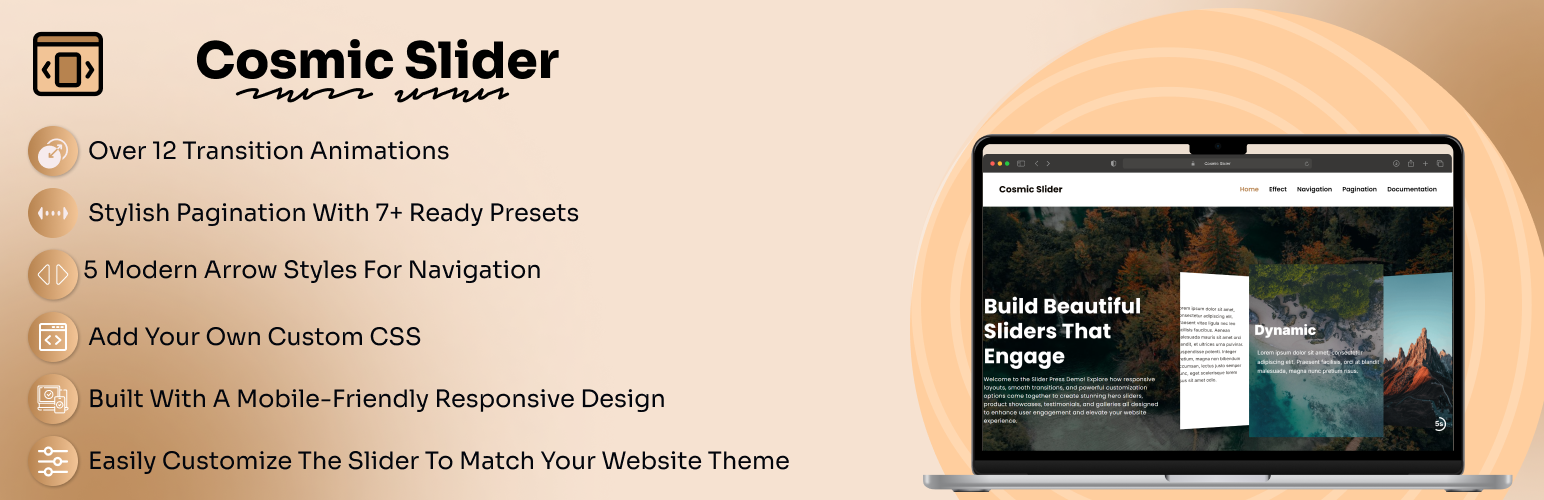
Cosmic Slider
| 开发者 | cosmicinfosoftware |
|---|---|
| 更新时间 | 2026年3月31日 21:25 |
| PHP版本: | 7.4 及以上 |
| WordPress版本: | 6.9 |
| 版权: | GPLv2 or later |
| 版权网址: | 版权信息 |
详情介绍:
Cosmic Slider is a powerful and feature-rich WordPress slider plugin powered by Swiper.js, the most modern mobile touch slider library. This plugin seamlessly integrates with the WordPress Gutenberg block editor, allowing you to create beautiful, responsive sliders with rich content using blocks.
Unlike traditional image-only sliders, Cosmic Slider lets you build slides using the full power of Gutenberg blocks - add images, text, headings, videos, galleries, and any other block content to create engaging, interactive sliders.
安装:
- Upload the plugin to the
/wp-content/plugins/cosmic-slider/directory or install it via Plugins > Add New. - Activate the plugin through the Plugins menu in WordPress.
- Navigate to Cosmic Slider in the WordPress admin menu to create a new slider.
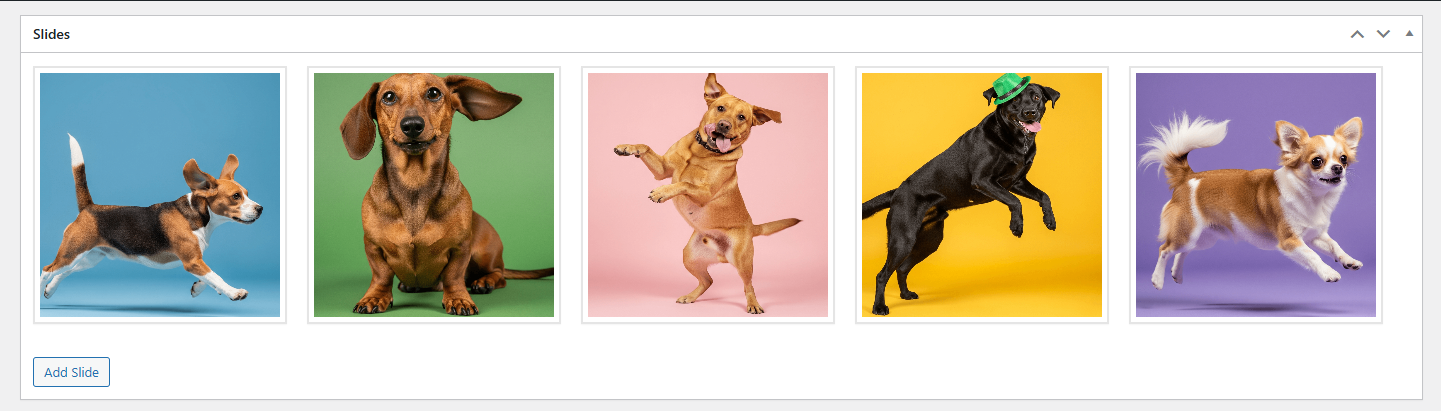
- Add slides using the Gutenberg block editor - each slide can contain any combination of blocks (images, text, videos, etc.).
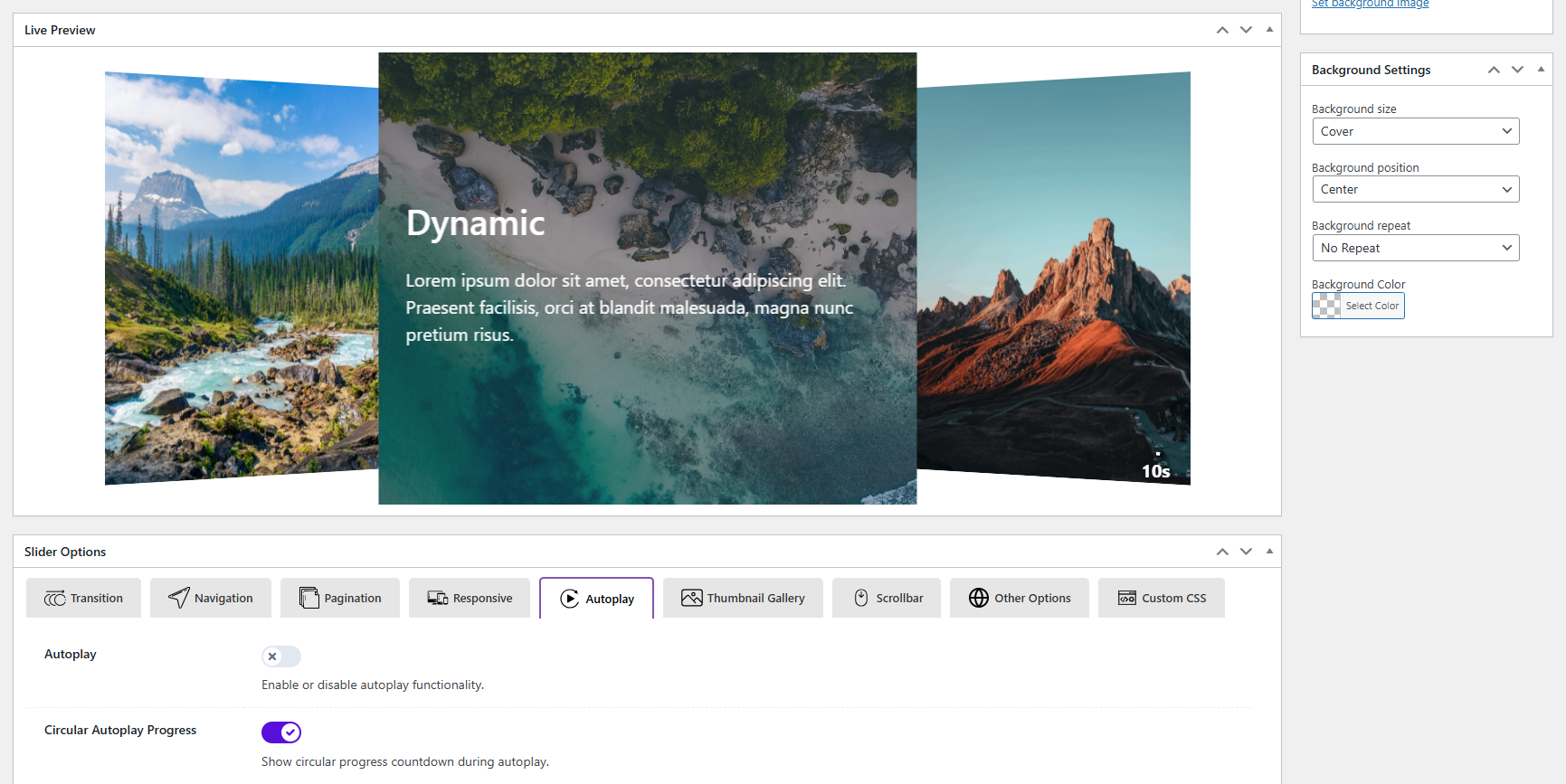
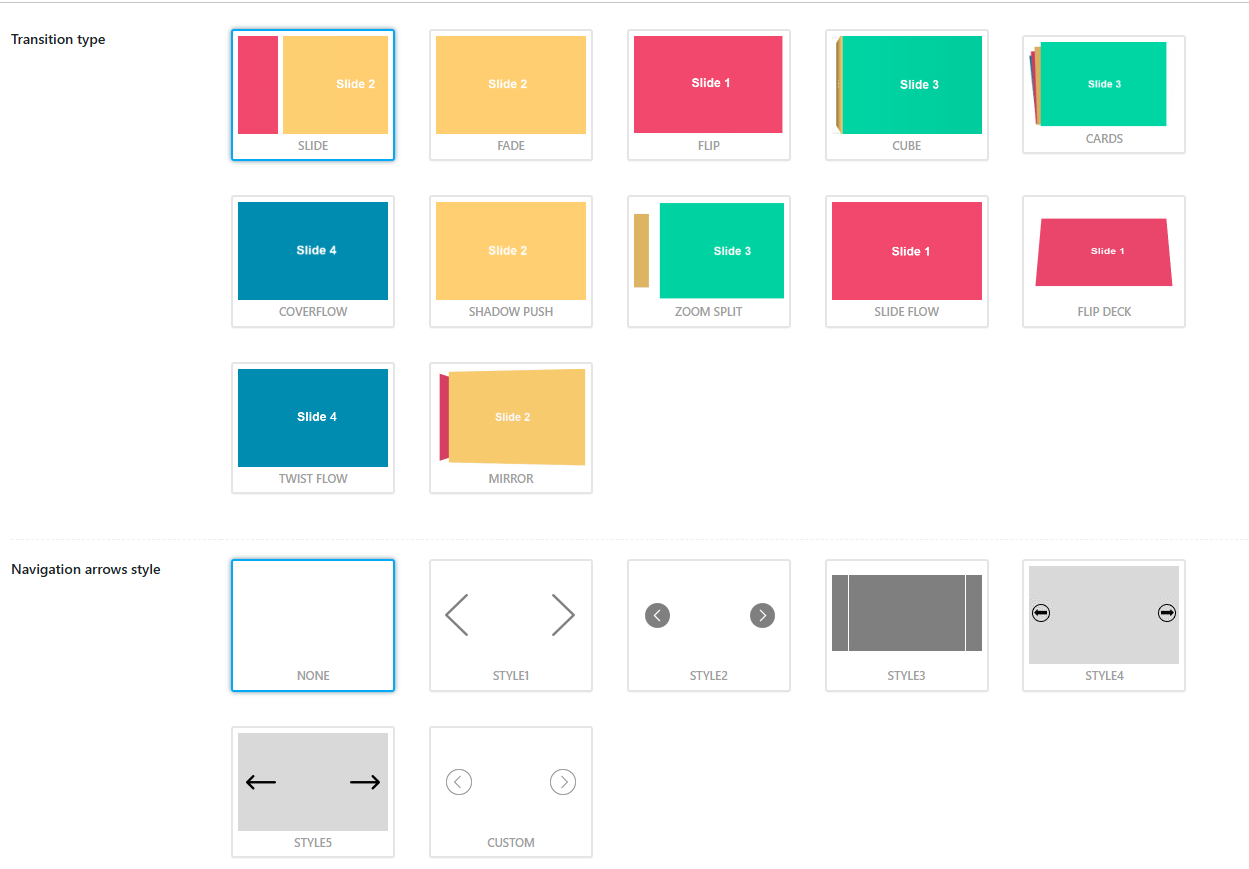
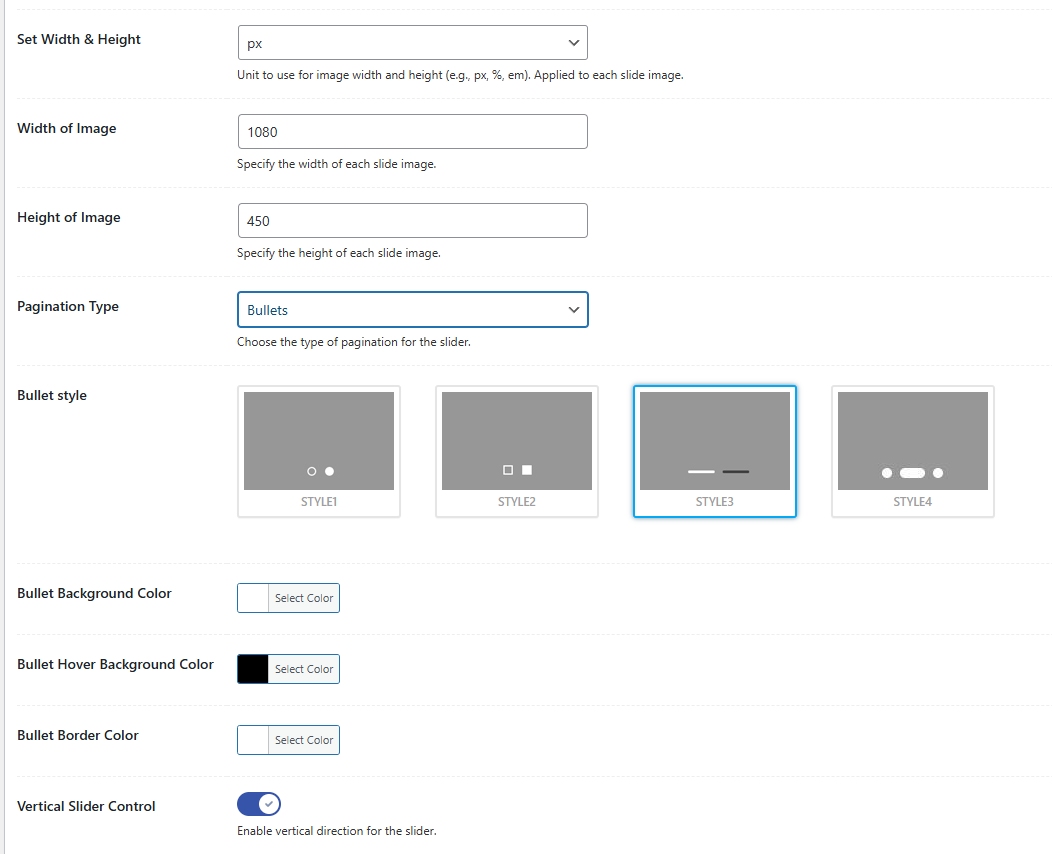
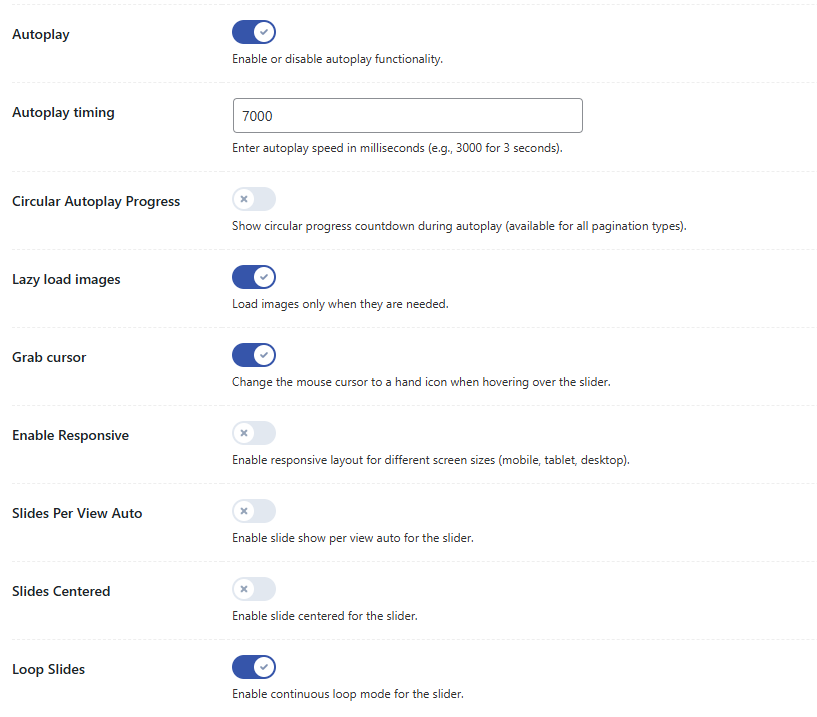
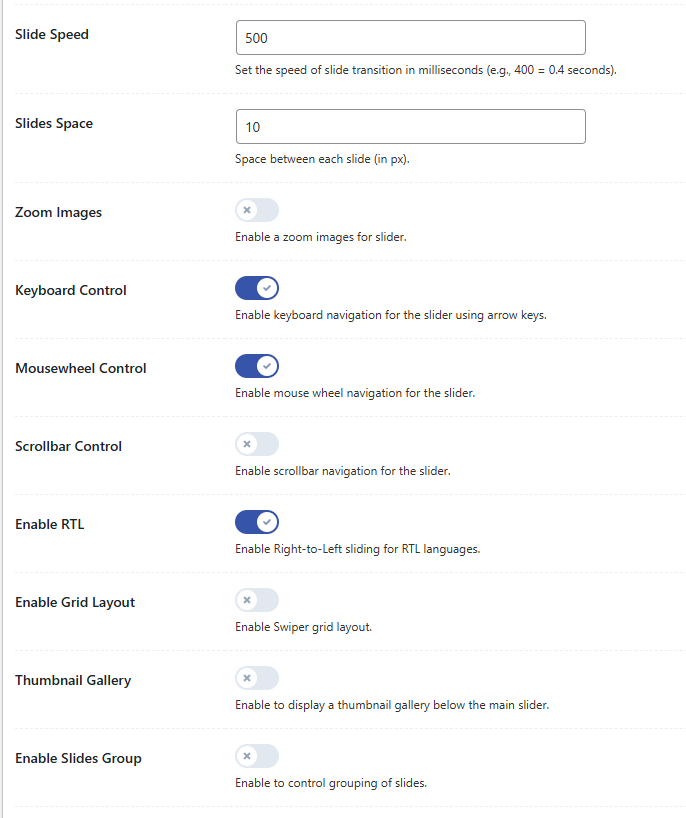
- Configure slider options in the settings tabs: Transition, Navigation, Pagination, Autoplay, Responsive, and Other Options.
- Use the shortcode
[wpsp_slider id="SLIDER_ID"]to display the slider anywhere on your site, whereSLIDER_IDis the ID of your slider.
屏幕截图:

常见问题:
How do I add a slider to my page?
Use the shortcode [wpsp_slider id="SLIDER_ID"] where SLIDER_ID is the ID of the slider post. You can find the shortcode in the slider edit screen sidebar.
Does this plugin support responsive design?
Absolutely! All sliders are fully responsive and support touch gestures for mobile devices. You can also configure responsive breakpoints in the settings.
Will this work with my theme?
It works with most well-coded WordPress themes. For custom themes, minimal CSS adjustments may be needed.
Can I use multiple sliders on one page?
Yes! You can insert multiple sliders using different shortcodes on the same or different pages.
What animation effects are available?
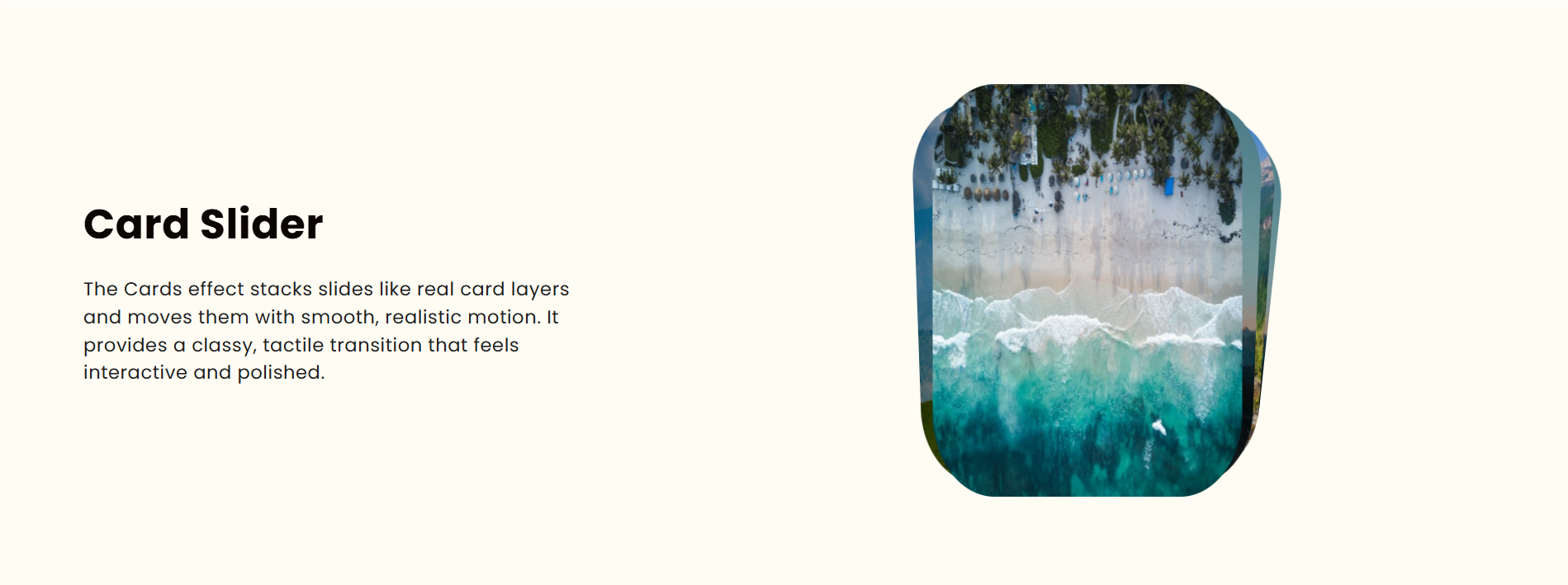
The plugin includes 10+ transition effects: Slide, Fade, Flip etc. You can choose any of these effects in the Transition settings tab.
更新日志:
1.0.0
- Initial release
- Swiper.js-powered responsive slider
- Multiple transition effects (slide, fade, flip, cube)
- Gutenberg block editor integration for slide content
- Admin interface with tabbed settings
- Customizable navigation arrows and pagination
- Autoplay functionality with time indicator
- Background settings for slider and slides
- Shortcode output:
[wpsp_slider id="123"] - Responsive design with mobile touch support