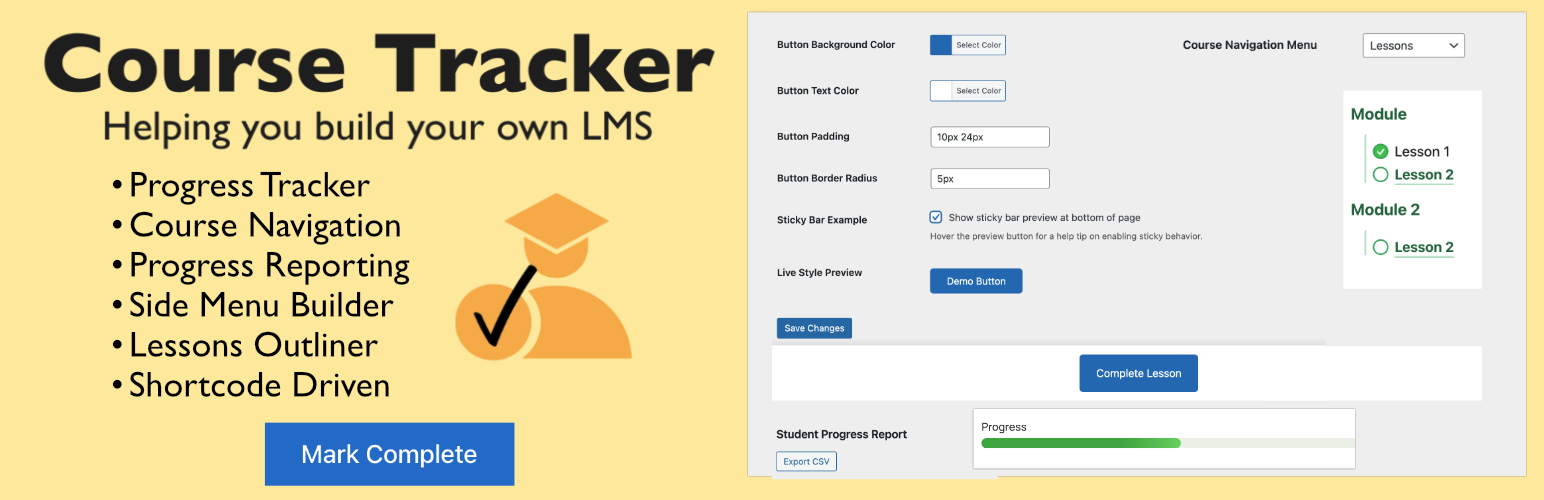
Course Tracker - Simple WordPress Lesson Progress & LMS Navigation
详情介绍:
- Shortcode-Driven: Add course navigation, progress bars, and completion buttons anywhere — no coding required.
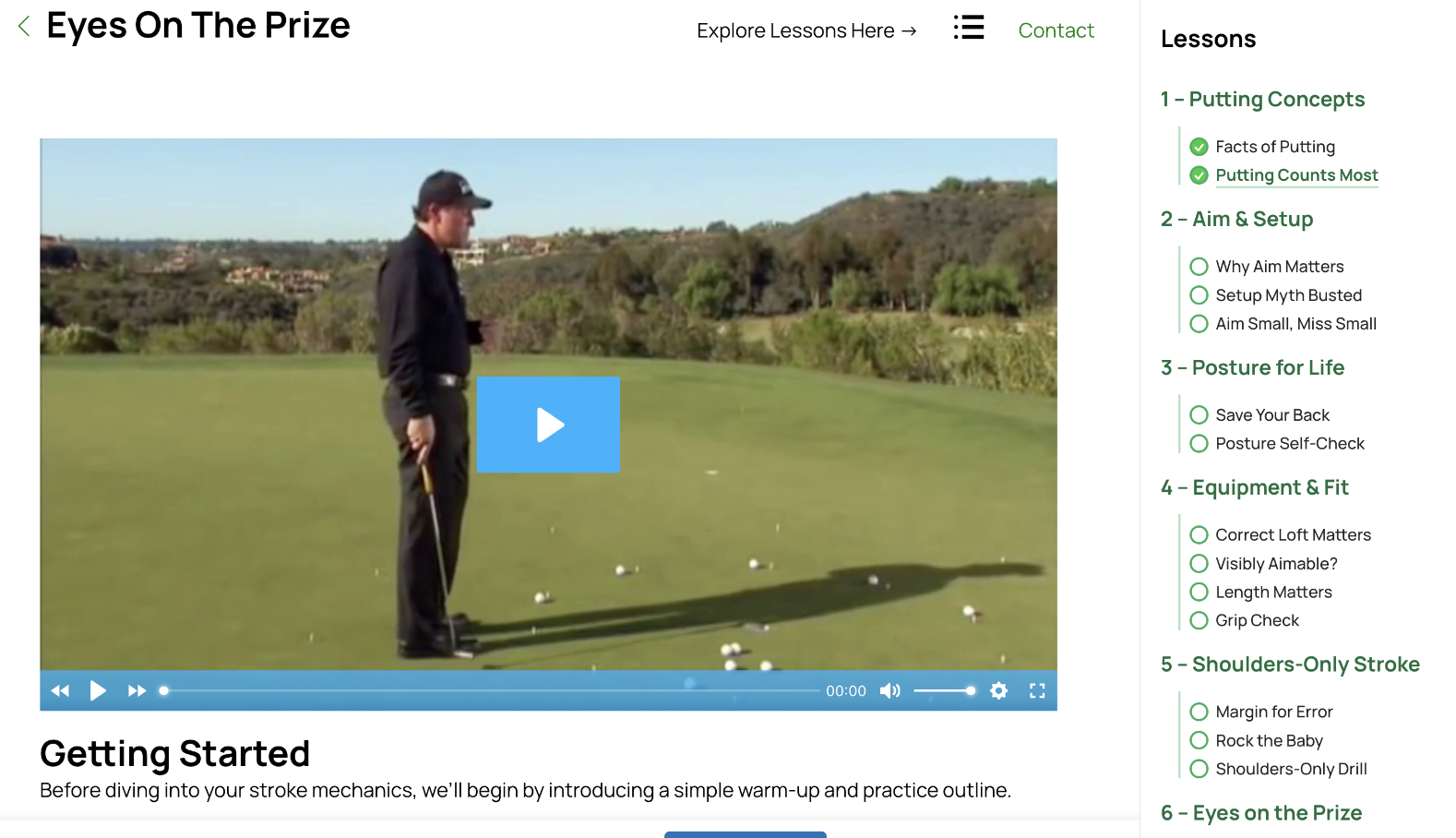
- Menu-Based Navigation: Uses the native WordPress Menu Builder to create your course outline and automatically show lesson checkmarks and arrows as students progress.
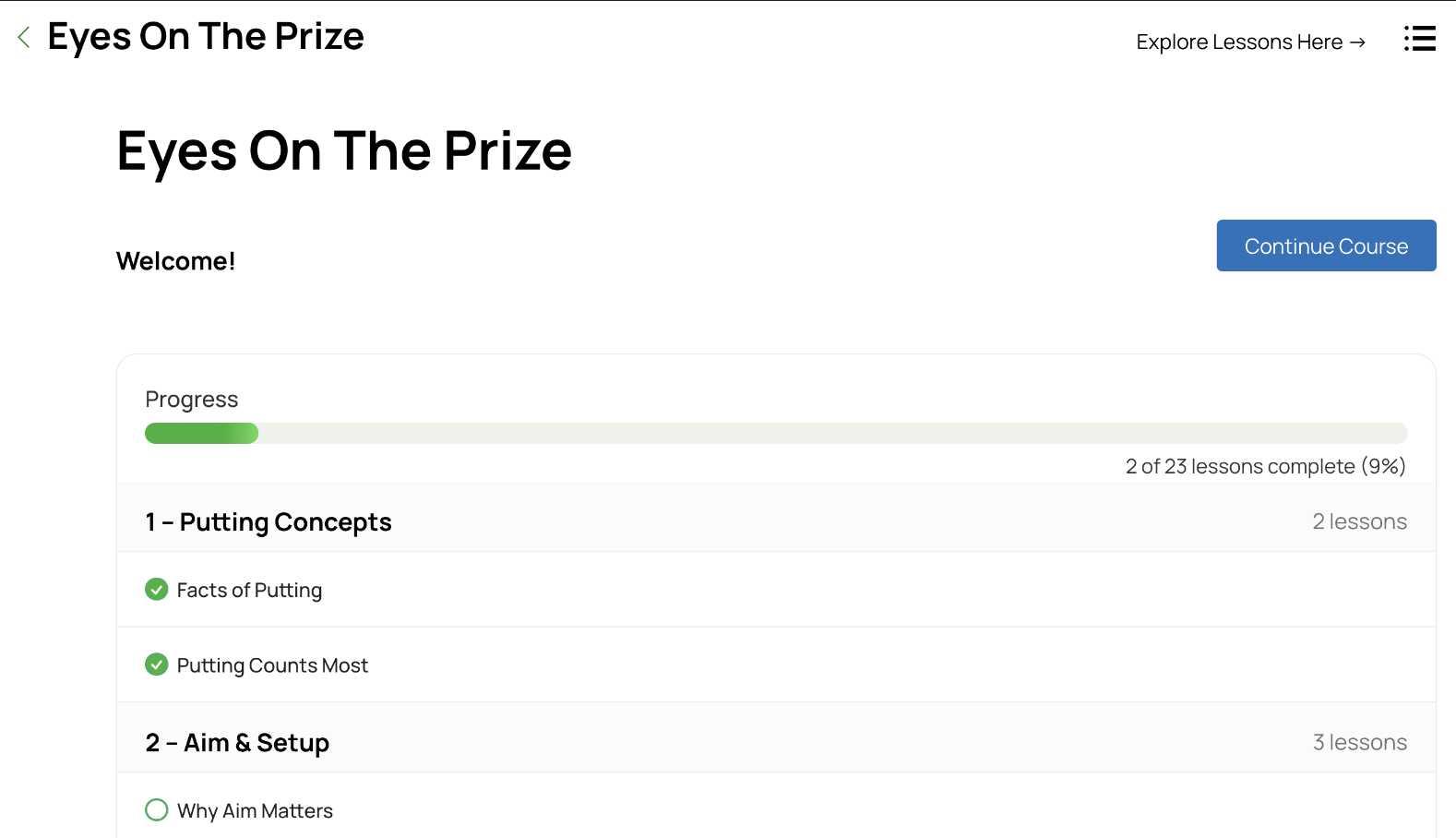
- Lesson Completion Tracking: Students can mark lessons complete and instantly see their updated progress.
- Standalone Progress Bar: Display a progress bar independently from the course outline using the new
[ctrkr_progress_bar]shortcode. - Custom Progress Text: Customize wording like “lessons”, “modules”, or “sections” using shortcode attributes and dynamic tokens.
- Progress Bars & Checkmarks: Display lesson progress visually with customizable bars, icons, and completion text.
- Custom Slide-in Content: Add custom HTML, notices, buttons, downloads, or shortcodes below the slide-in navigation panel.
- Navigation Styling Controls: Fine-tune navigation spacing, colors, active states, and checkmark styling directly from settings.
- Build Your Own LMS: Create a complete learning experience directly inside WordPress — no third-party LMS plugins or subscriptions needed.
- Works with All Editors: Compatible with Classic Editor, Gutenberg, Bricks Builder, Elementor, and other page builders.
- Lightweight & Fast: Built for speed, simplicity, and compatibility with any theme.
- Save & Restore Progress: Students can export or import progress data anytime — no external accounts or sync required.
- Privacy-First: All progress data stays in your WordPress database, never sent elsewhere.
安装:
- Upload the plugin files to the
/wp-content/plugins/course-trackerdirectory or install via the WordPress plugin installer. - Activate the plugin through the Plugins menu in WordPress.
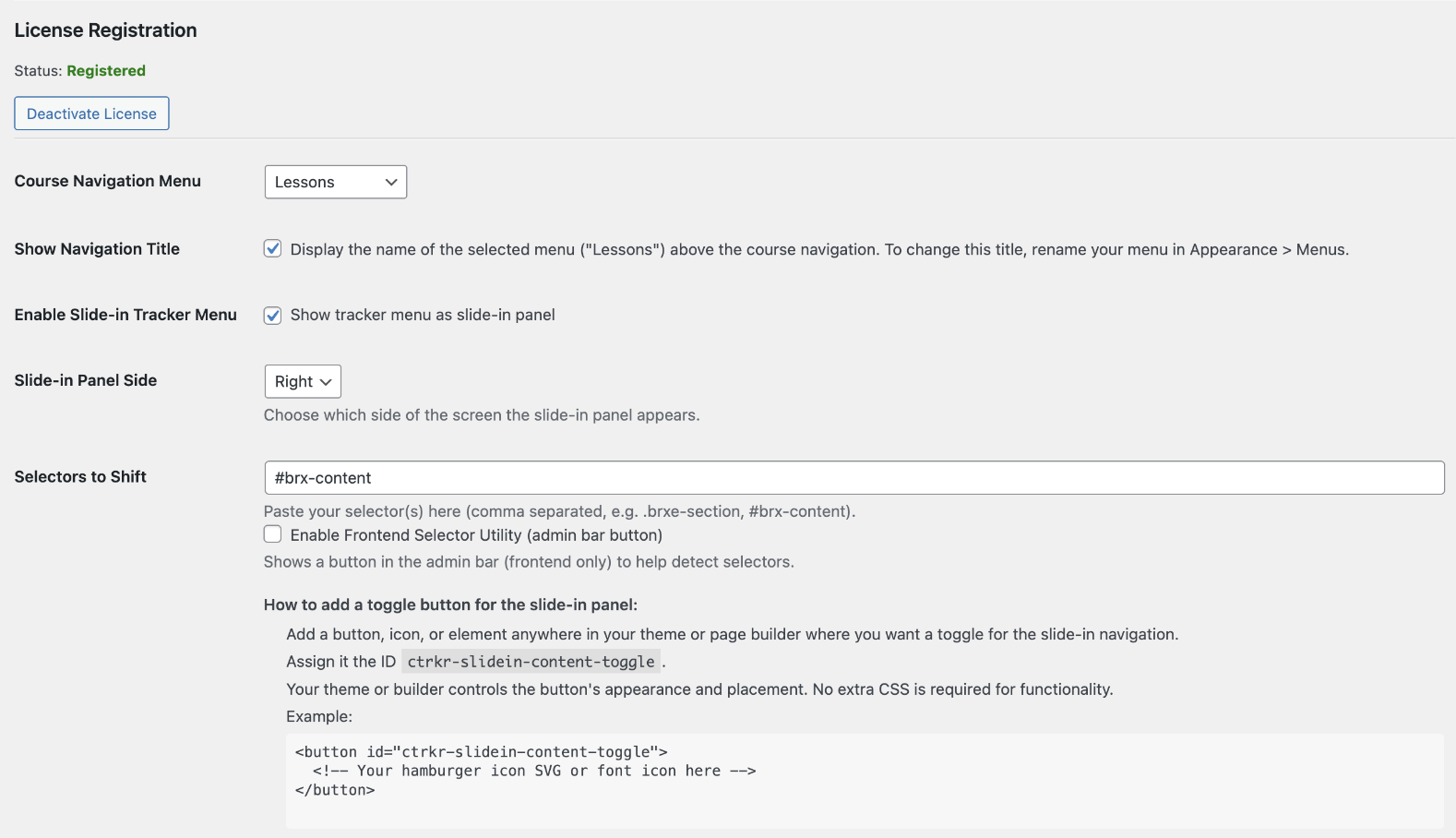
- Go to Settings → Course Tracker to select your course navigation menu and configure options.
- Add shortcodes (see below) to your lesson or course pages.
屏幕截图:
常见问题:
Does this plugin require another LMS like LearnDash or TutorLMS?
No. Course Tracker is completely standalone — it's not an add-on for any LMS platform. It uses your WordPress menu system and shortcodes to build your own lightweight learning platform directly inside WordPress.
How does Course Tracker use the WordPress menu builder?
Course Tracker connects to the native WordPress Menu Builder to create your course structure. Each menu item (lesson) becomes part of a visual course navigation panel. When a student marks a lesson as complete, a checkmark automatically appears next to that lesson.
Do I need to code or edit templates?
No coding is required. Course Tracker is 100% shortcode-driven, so you can insert navigation, progress bars, and completion buttons anywhere. It works seamlessly with Classic Editor, Gutenberg, Bricks Builder, Elementor, and most other page builders.
Do I need to use all the shortcodes? Which ones are required?
You only need to use the course navigation shortcode ([ctrkr_nav]) and the complete button shortcode ([ctrkr_complete_button]) for the plugin to function effectively.
However, we suggest adding all shortcodes to a test post to see what each one does and how they enhance your course layout.
Can I customize wording like “lessons” or “modules”?
Yes. Several shortcodes support customizable text attributes, allowing you to change wording such as “lessons,” “modules,” “sections,” or “steps” to better match your course structure.
Can I use this directly on a page or post?
Yes, you can. But we recommend creating a course or lesson template in your page builder so your shortcodes appear consistently across all lessons. Otherwise, you'll need to insert shortcodes manually on each page, which isn't ideal. For more about templates, please visit rankbydesign.com and click LMS for video examples on building a course in Bricks Builder. More guides for other themes are coming soon, as Course Tracker works independently of any theme.
Can I style the buttons and navigation?
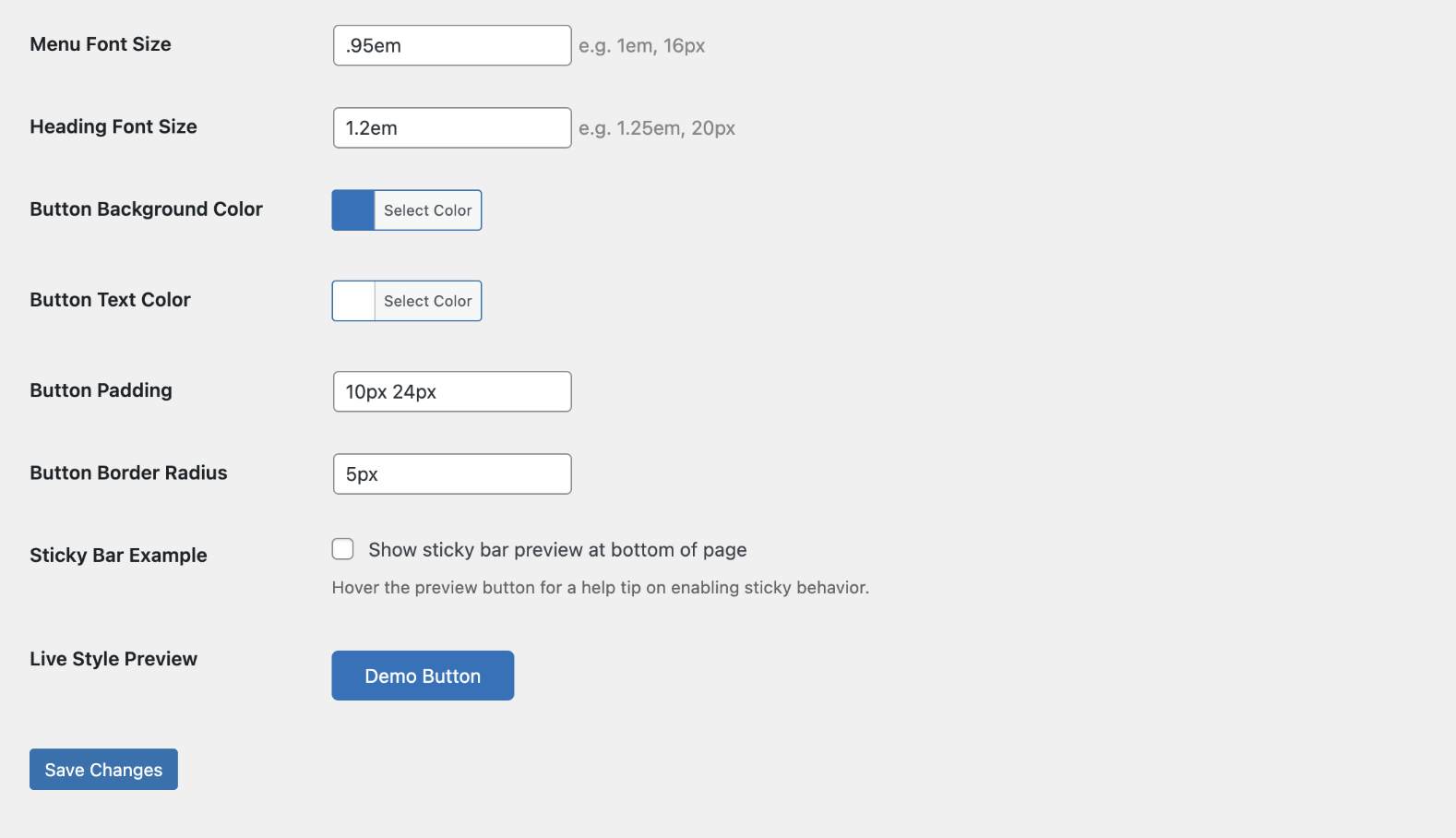
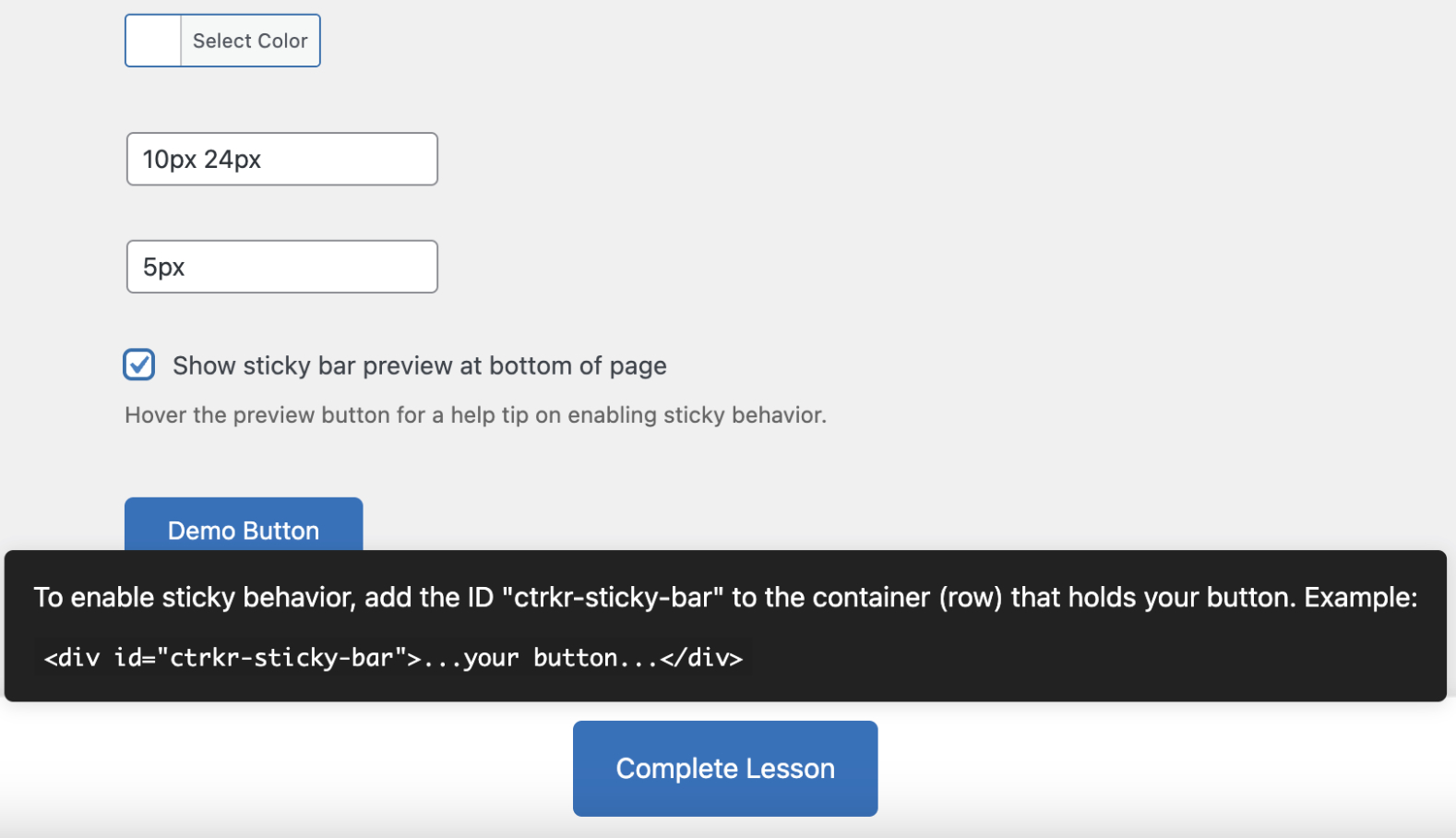
Yes! The plugin includes built-in styling controls to customize colors, spacing, active states, and checkmark styles. You can also fine-tune the look using the WordPress Customizer or theme CSS. Need help matching your site's design? Reach out anytime — we're happy to help.
Where is student progress stored?
All student progress is stored privately in your own WordPress database and never sent to any external service. Students can also export/import their own progress files if needed.
Does it work with my theme?
Yes! Course Tracker is designed to work with any modern WordPress theme or page builder. Because it uses shortcodes and menus instead of theme-specific templates, it adapts cleanly to your layout.
Is Course Tracker free?
Yes. You can track progress for up to 20 users (including the admin) for free. For larger sites or unlimited users, you can upgrade with a small one-time fee, which helps support ongoing improvements and new features.
更新日志:
- Added standalone
[ctrkr_progress_bar]shortcode. - Added customizable text support for progress and lesson shortcodes.
- Added custom HTML/shortcode content area below slide-in navigation.
- Added additional navigation styling controls and active state settings.
- Improved slide-in panel flexibility
- Improved look for course navigation.
- New navigation styling settings added.
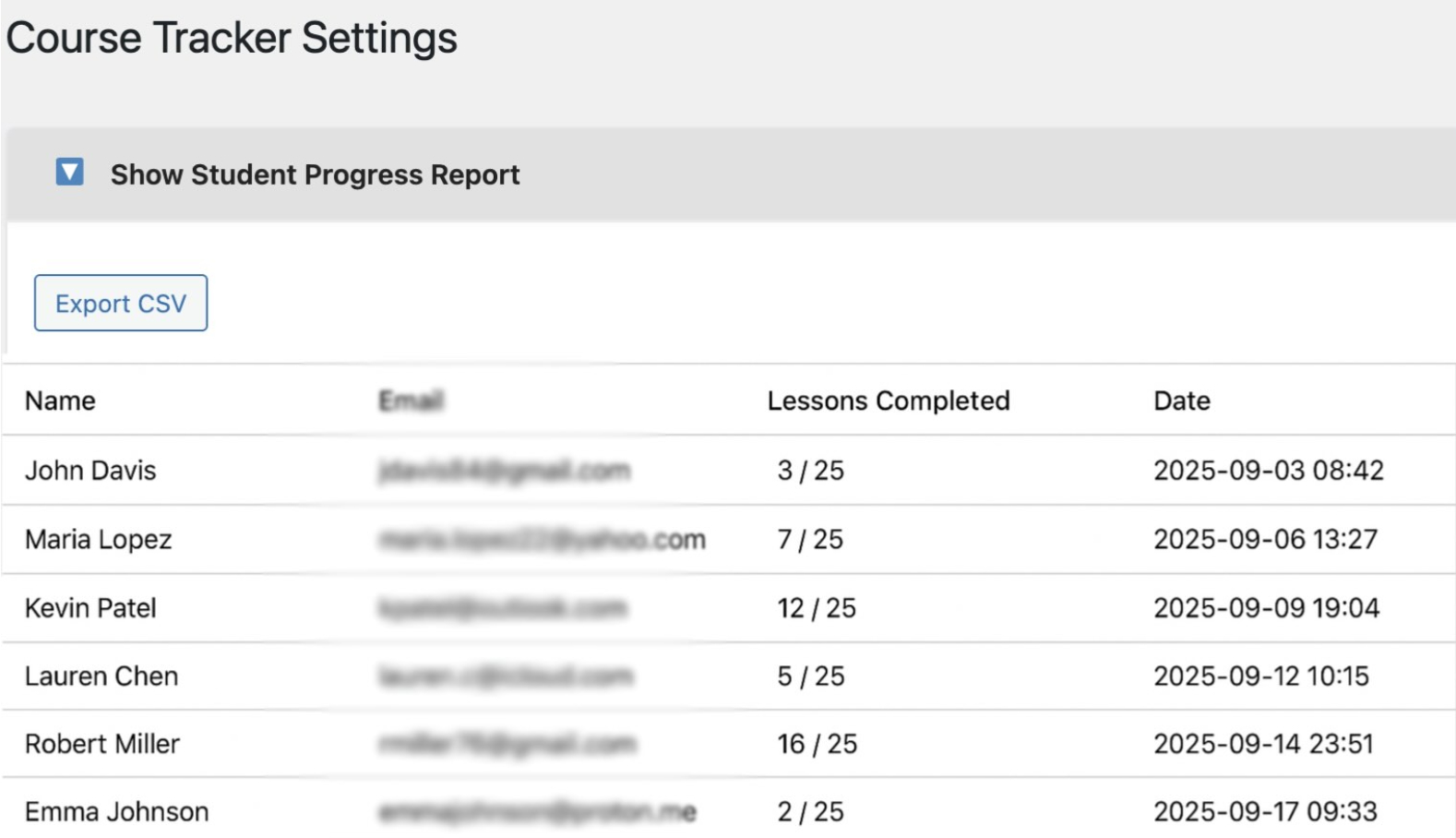
- Fixed CSV export issue for student reports.
- Tightened shortcode security and stability.
- Initial version released at WordPress Plugin Directory.
- Improved button styling and settings UI.
- Refinements and new options added to the slide-in panel.
- Fixed remaining domain handling errors with PCP.
- Fixed domain handling and improved data sanitation.
- No changes to plugin features or functionality.
- Plugin completely refactored for simplicity and security.
- Always saves progress permanently to WP database, even in free mode.
- Free mode supports up to 20 users; premium unlocks unlimited.
- Added color picker and slide-in tracker panel.
- Improved admin settings and license activation.
- Initial working version released at rankbydesign.com.