
CPlanTeam Content Planner with AI
| 开发者 | CPlanTeam |
|---|---|
| 更新时间 | 2026年3月27日 22:08 |
| PHP版本: | 7.4 及以上 |
| WordPress版本: | 6.9 |
| 版权: | GPLv2 |
| 版权网址: | 版权信息 |
详情介绍:
- Plan your content – Create and schedule content ideas with titles, structures, keywords, and dates.
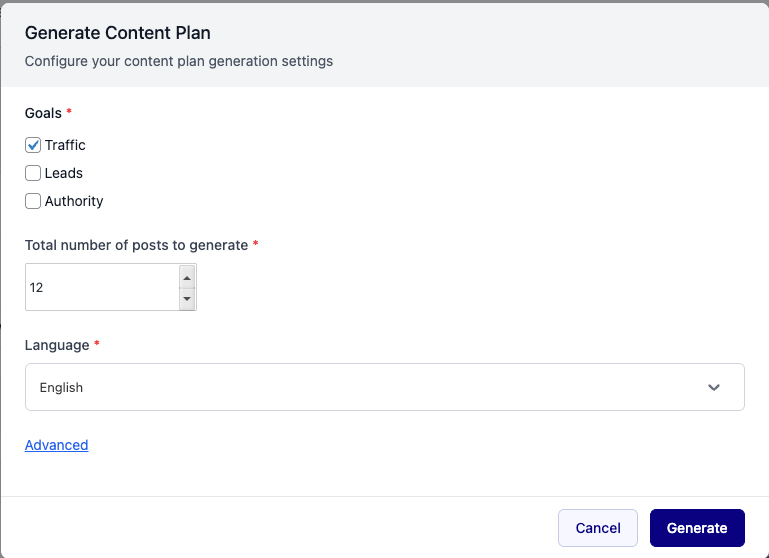
- Generate AI content plans – Let AI suggest a full content plan based on your goals (Traffic, Leads, Authority) and preferences.
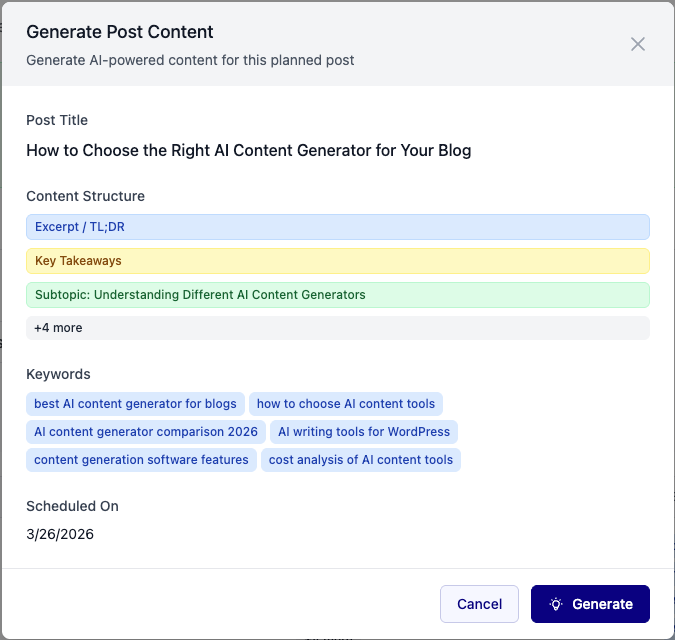
- Generate full posts from plans – Turn any plan item into a complete WordPress post with one click.
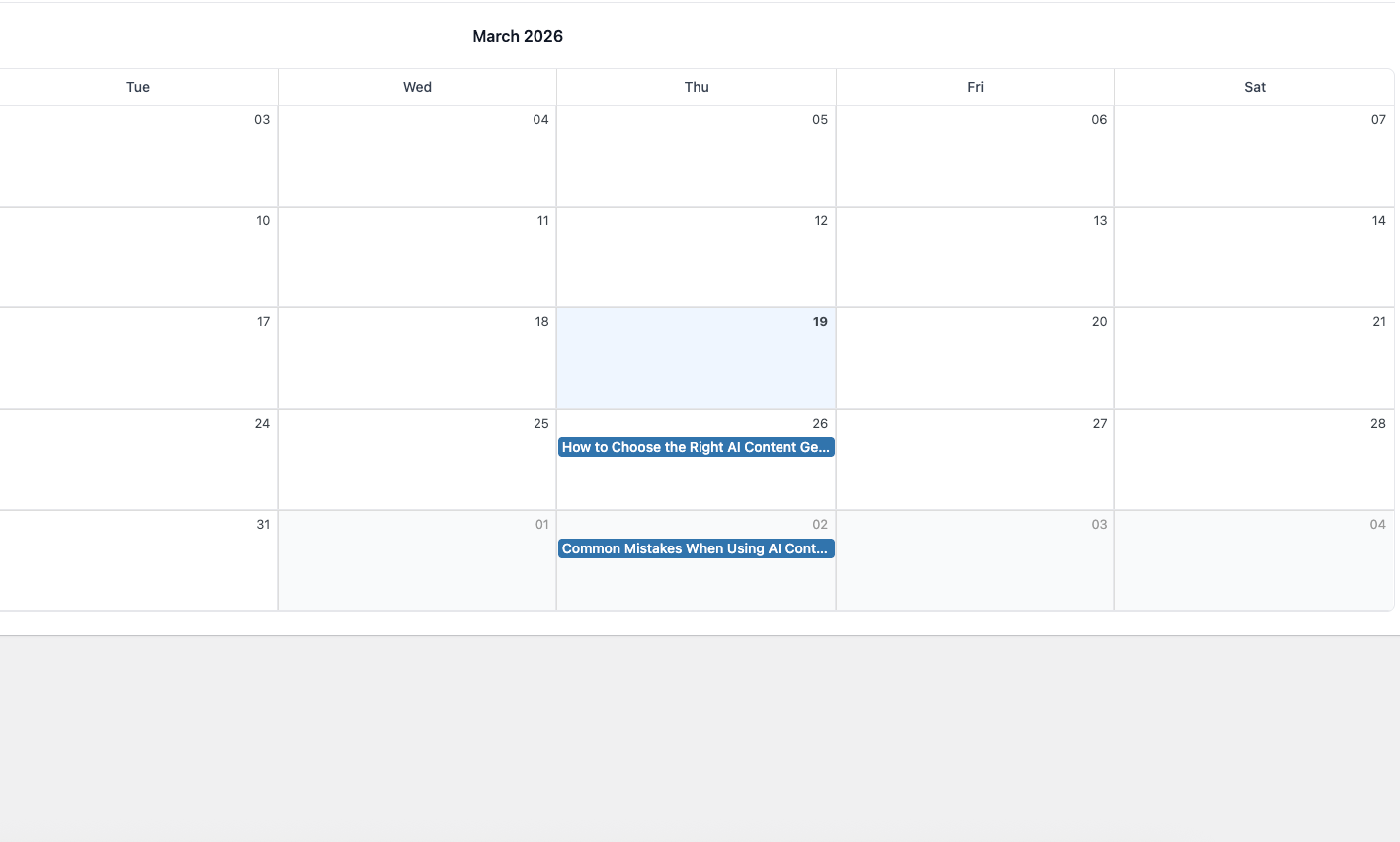
- View in Table or Calendar – Switch between a list view and a visual calendar to see your schedule at a glance.
- Manage everything in one place – Edit, reschedule, bulk delete, and keep track of drafts, scheduled, and published items.
- Track usage – See your AI token balance and renewal date in the dashboard.
- Background tasks – Generation runs in the background; you can keep working while AI creates your content.
- Activate the plugin-no complex setup.
- Complete onboarding – Choose your content goal, language, and optional recommendations.
- Opt in when prompted to enable AI features (optional but recommended).
- Create plans manually or click Generate AI to get a batch of ideas.
- Generate posts from any plan item when you’re ready to publish.
- Free: 20 AI tokens per 30 days-enough to try the full workflow and generate several posts.
- Pro: 300 AI tokens per 30 days for heavier content production.
- Bloggers who want to plan ahead
- Small businesses managing their own content
- Editors coordinating multiple writers
- Anyone who wants AI help without leaving WordPress
安装:
- Upload the plugin files to the
/wp-content/plugins/content-plandirectory, or install the plugin through the WordPress Plugins screen directly. - Activate the plugin through the Plugins screen in WordPress.
- Open AI Planner in your admin menu to start planning.
- Follow the onboarding steps to set your goals and generate your first content plan.
屏幕截图:
常见问题:
Does this plugin require any special configuration?
No. CPlanTeam Content Planner with AI works out of the box after activation. You can start planning and generating content immediately.
What PHP version is required?
PHP 7.4 or higher is required.
Do I need to opt in for the plugin to work?
The plugin works without opting in, but AI features (content plan generation and post generation) require opt-in. You can still create and manage content plans manually without opting in.
How many AI generations do I get for free?
Free users receive 20 AI tokens per 30 days. Tokens are used when generating content plans and when generating posts from plan items. Your usage and renewal date are shown in the dashboard.
Where is the API hosted?
CPlanTeam Content Planner with AI uses our own API at api.contentplan.app for AI generation and related services.
What if I run out of tokens?
Tokens reset on your renewal date (shown in the Usage box). You can also upgrade to Pro for 300 tokens per 30 days.
Can I use my own editor (Gutenberg, Elementor, Classic)?
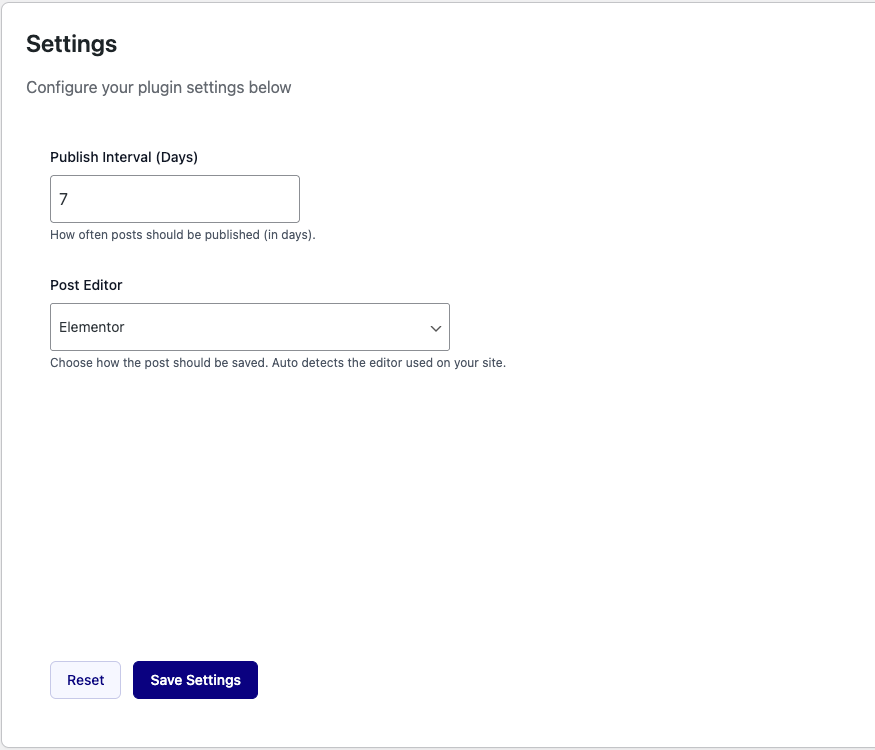
Yes. In Settings, you can choose Auto (detect your editor), Gutenberg, Elementor, or Classic for how generated posts are saved.
更新日志:
- Initial release
- AI content plan generation
- AI post generation from plan items
- Table and Calendar views
- Onboarding and usage tracking
- Tasks panel and activity log