Bifröst - Instant Passwordless Temporary Login Links
| 开发者 | Hakik |
|---|---|
| 更新时间 | 2026年8月24日 00:27 |
| PHP版本: | 6.2 及以上 |
| WordPress版本: | 7.1 |
| 版权: | GPLv2 or later |
| 版权网址: | 版权信息 |
详情介绍:
Bifröst is a WordPress plugin that helps create instant passwordless login links. Use those links to securely allow people temporary admin access to your WordPress site (dashboard).
As WordPress site owners, we frequently give temporary admin access to people. Among many cases, giving temporary admin access to support engineers to troubleshoot an issue is prominent. In contrast with the default process of creating a user, Bifröst can instantly create a secure login link.
安装:
- Install using the WordPress built-in Plugin installer, or Extract the zip file and drop the contents in the wp-content/plugins/ directory of your WordPress installation.
- Activate the plugin through the ‘Plugins’ menu in WordPress.
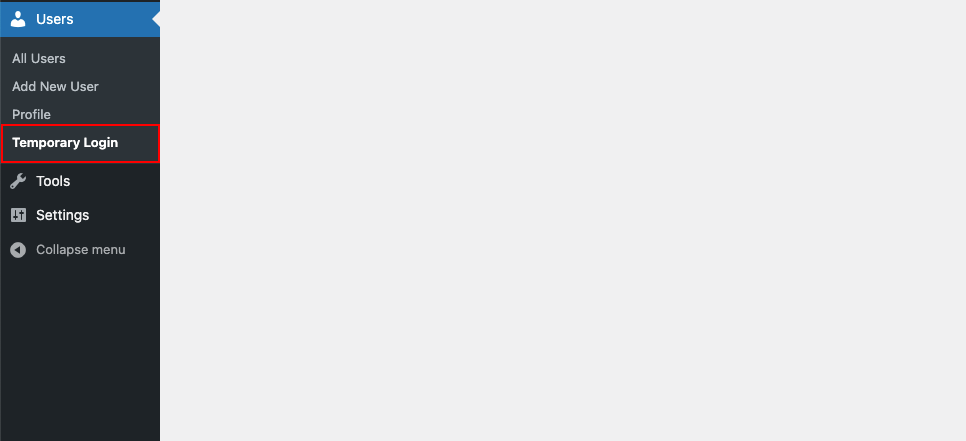
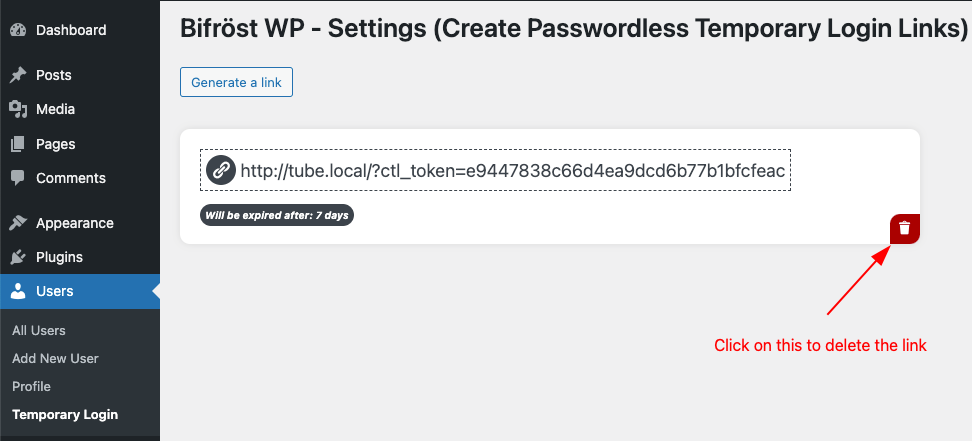
- Go to the Temporary Login tab within the Users menu.
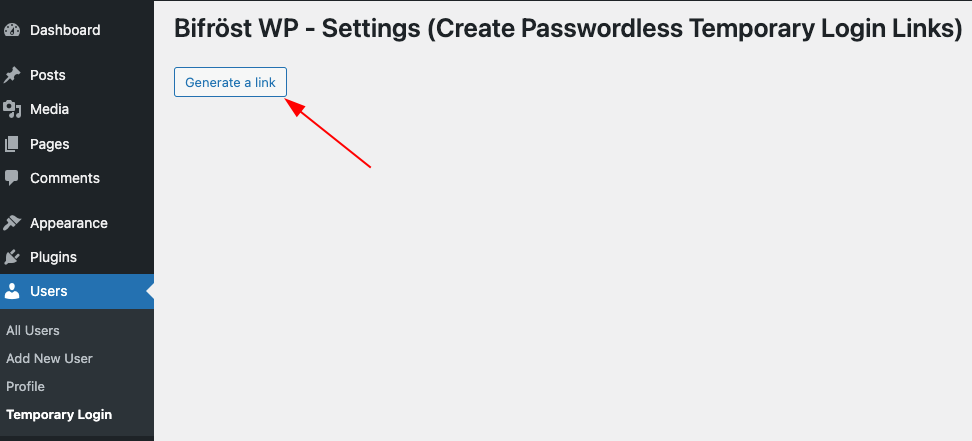
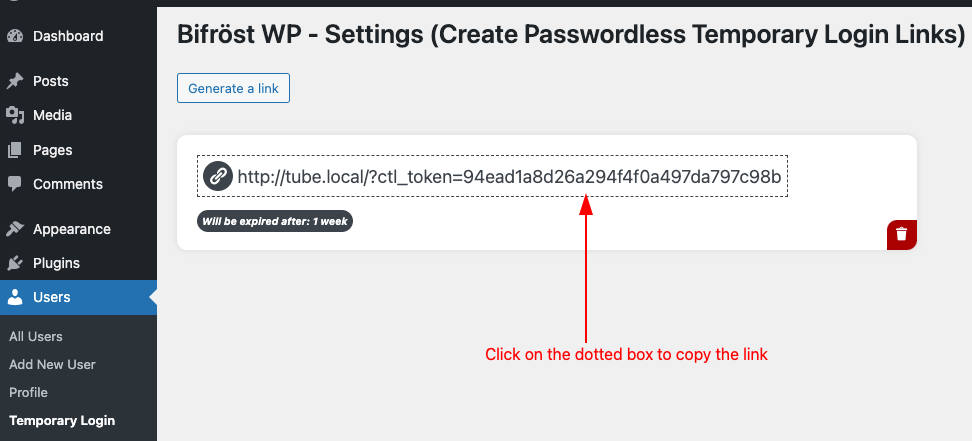
- Click "Generate a link", and you’re all set.
屏幕截图:
常见问题:
Why should I use Bifröst?
Bifröst aims to add ease to your workflow by simplifying user creation on your WordPress site. To create a WordPress user, you must perform at least four steps. Those steps include setting a username, email address, password, and the user's role. Bifröst simplifies the process and empowers you to create a passwordless login with a single click.
What if I forget to revoke access?
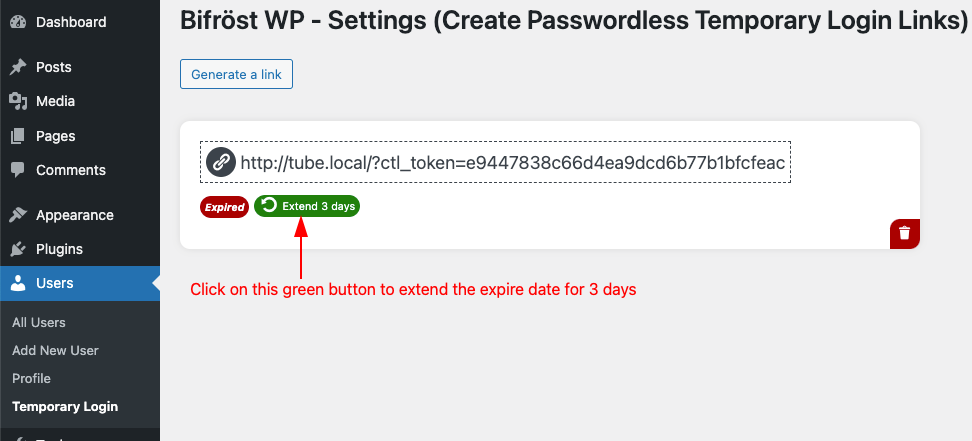
Not to worry. The URL is automatically disabled at the expiration time with no action needed on your part.
Can I share a feature request?
Yes, we appreciate your feedback and ideas. Please share your feature request here.
更新日志:
1.0.10
- Add:
Temporary Accessbadge for login links. - Compatibility: WordPress 7.0.
- Security: Codebase updated based on Plugin Check Plugin (PCP).
- Compatibility: WordPress 6.9.
- Fix: Security Vulnerability.
- Update: Disallow profile.php for temporary users.
- Tweak: Loads the scripts only on the plugin settings page.
- Removed:
load_plugin_textdomain()as this plugin is hosted on WordPress.org, so, it is no longer need to manually include this function call for translations under the plugin slug. WordPress will automatically load the translations as needed.
- Fix: Show Toolbar when viewing site.
- Compatibility: WordPress 6.8.
- Security: Codebase updated based on Plugin Check Plugin (PCP).
- Compatibility: WordPress 6.7.
- Fix: Disallowed a temporary user to access plugin setting page using a link.
- Update: Extend time for 3 days is always visible now.
- Security: Temporary users are not allowed to access the User/Profile menu.
- Tweak:
admin_initwas changed withwp_dashboard_setupto control capabilities and admin menu. - Appearance: Fixed the outline style of the delete button and added a tooltip for clear instruction.
- Add: Disallow the temporary user to delete an user of the site.
- Add: POT file added.
- Fix: Text domain for a method.
- Fix: Headers already sent warning after deleting a link.
- Fix: Plugin file header, sanitize for wp_nonce, prefix related issue, internationalization issues.
- Initial release