
Crypto Converter ⚡ Widget
| 开发者 | falselight |
|---|---|
| 更新时间 | 2026年8月20日 03:45 |
| 捐献地址: | 去捐款 |
| PHP版本: | 5.4 及以上 |
| WordPress版本: | 7.1 |
| 版权: | GPLv2 or later |
| 版权网址: | 版权信息 |
详情介绍:
安装:
- Visit "Plugins > Add New"
- Search for "Crypto Converter Widget"
- Activate "Crypto Converter Widget" from your Plugins page.
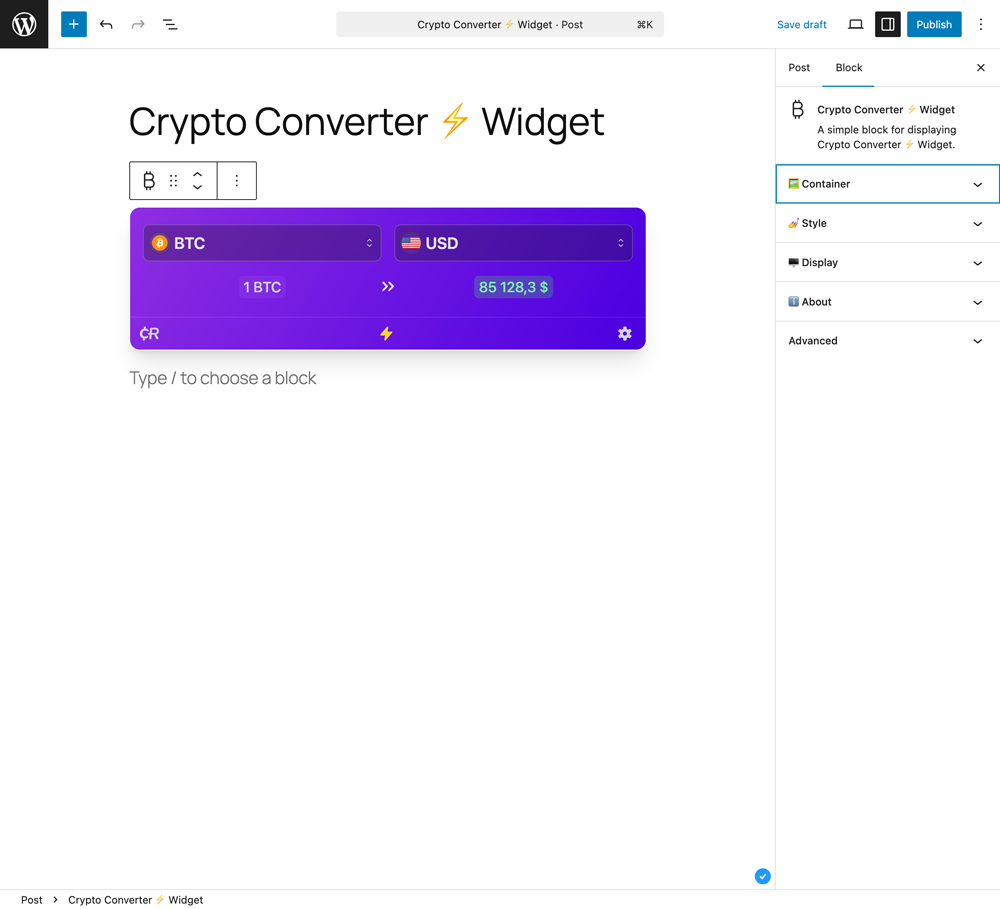
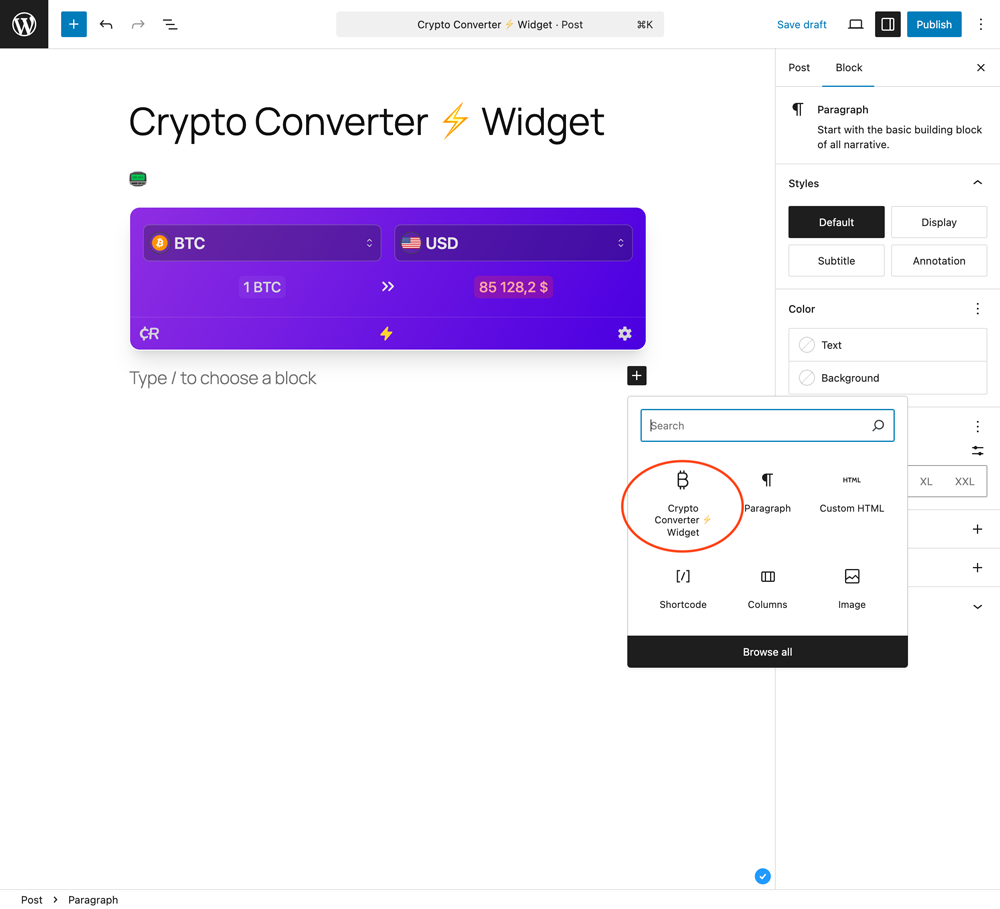
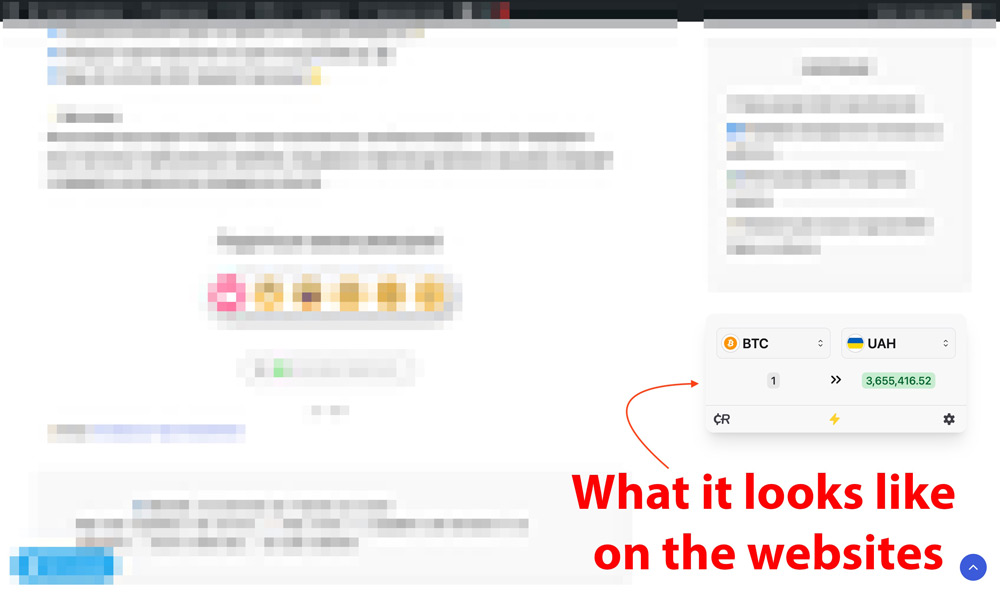
- Add the Gutenberg block, use the shortcode, or place it in a widget area.
- Download "Crypto Converter Widget".
- Upload the "Crypto Converter Widget" directory to your "/wp-content/plugins/" directory, using your favorite method (ftp, sftp, scp, etc...).
- Activate "Crypto Converter Widget" from your Plugins page.
- Add the Gutenberg block, use the shortcode, or place it in a widget area.
屏幕截图:
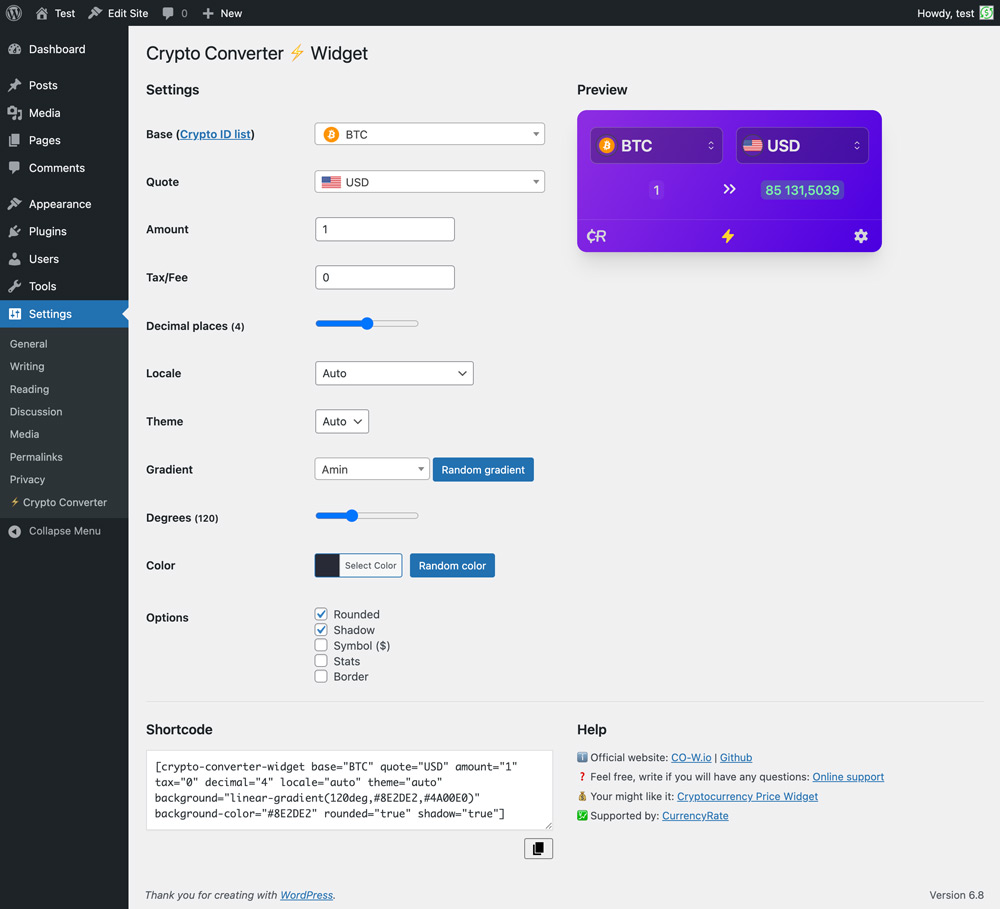
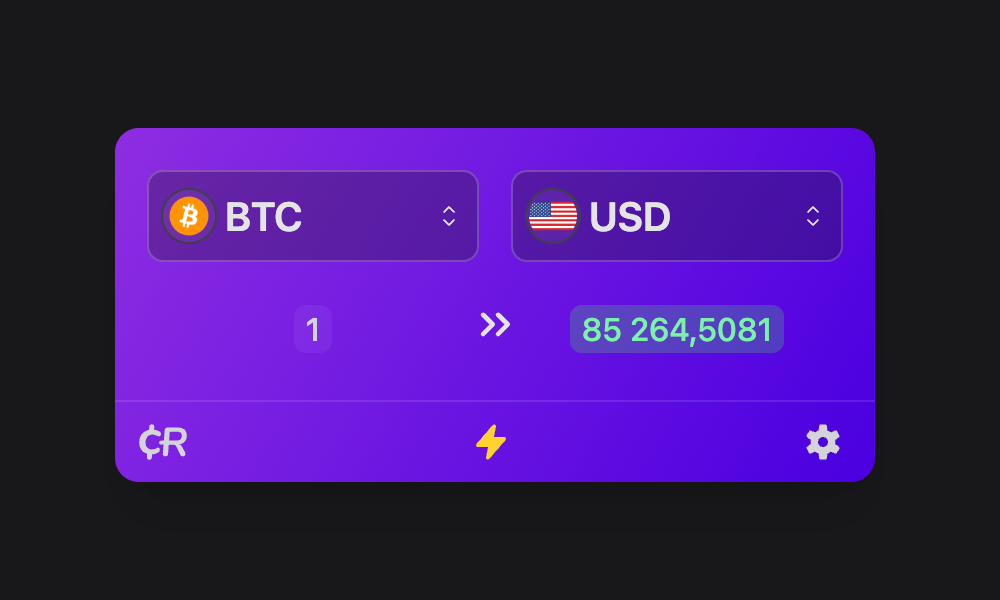
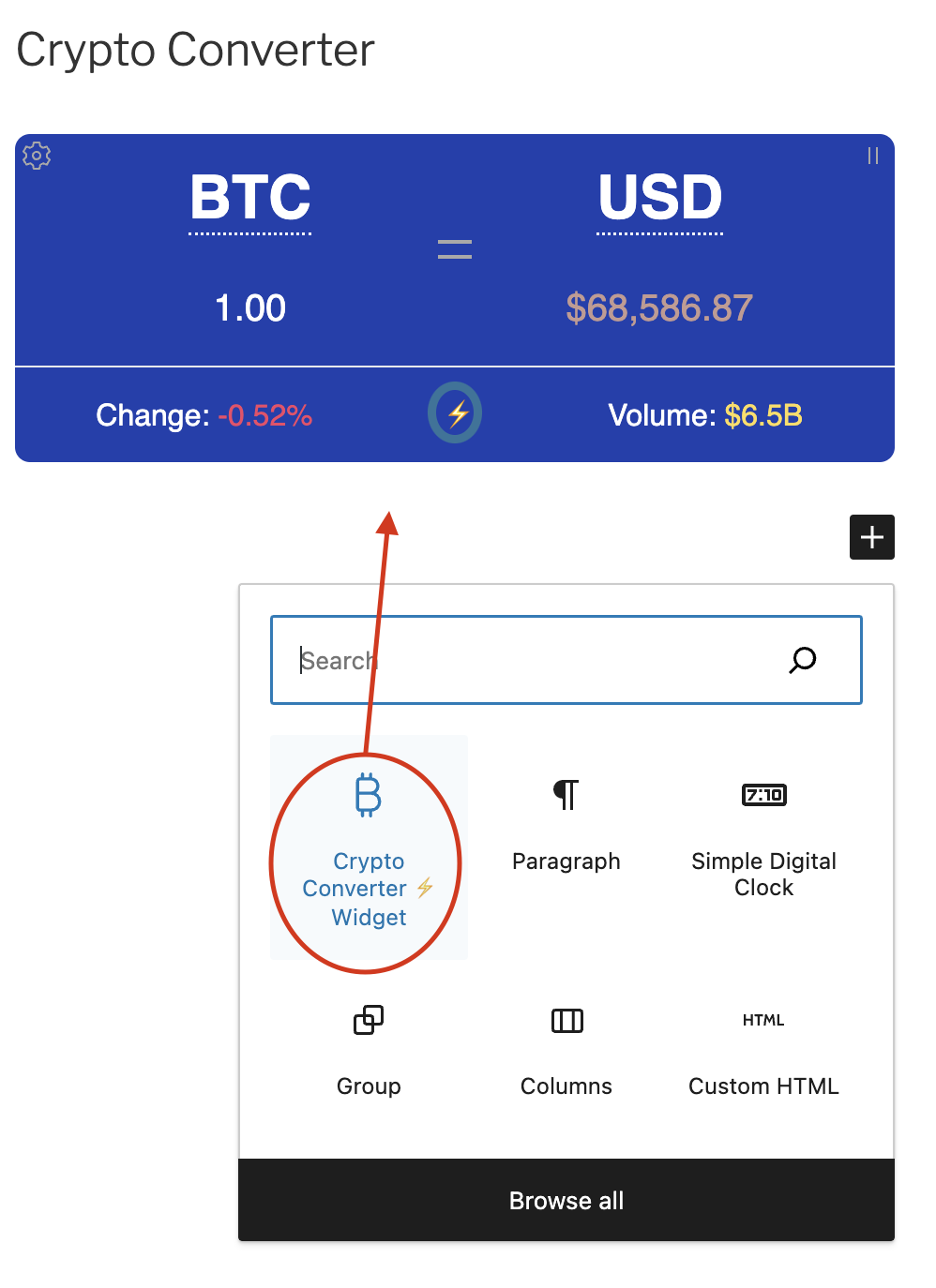
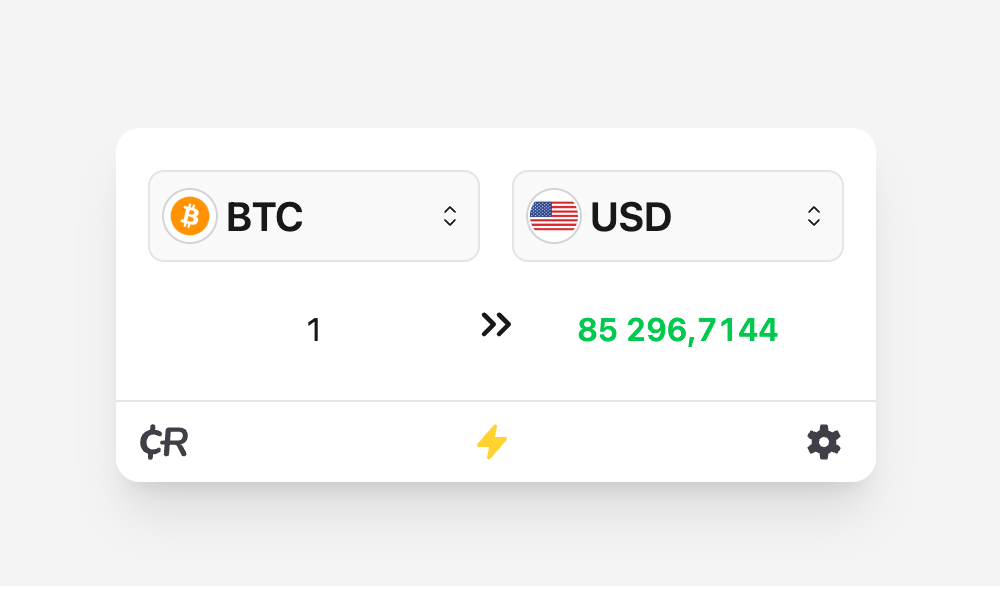
常见问题:
Do I need an API key?
No. Standard WordPress usage works without an API key.
How do I add the converter to a page?
Use the "Crypto Converter ⚡ Widget" Gutenberg block, or paste the shortcode into any shortcode-enabled area:
[crypto-converter-widget base="BTC" quote="USD" amount="1"]
Can I use it without the Gutenberg block?
Yes. The shortcode works in posts, pages, classic editor content, widget areas, and site-editor template parts that support shortcodes.
Which assets can I use?
Use symbol-based values such as BTC, ETH, USD, EUR, or XAU. The widget supports ≈14k crypto symbols plus fiat and commodity entries.
Can I customize the design?
Yes. You can use light, dark, or auto theme mode, rounded corners, border, shadow, custom background color, and CSS gradients.
Can I control locale, decimals, and fees?
Yes. The widget supports locale-aware formatting, decimal precision, fiat symbol display, and an optional tax/fee percentage adjustment.
How do I make a fixed-width converter?
Wrap the block or shortcode in a container with a fixed width. Keep the width at least 320px for a usable layout.
Does the plugin do cryptojacking or mining?
No. The plugin renders a currency converter widget only.
Where can I get support?
Use the official WordPress.org support forum: Support
更新日志:
- Fixed compatibility with the WordPress 7.1 block editor.
- Improved widget initialization reliability in the editor while preserving asynchronous loading on public pages.
- Synchronized the bundled widget and CDN version with release 3.3.4.
- Updated the bundled public widget JavaScript to public widget release 3.3.2
- Added local
assets_runtime_V3.json,assets_catalog_V3.jsonfor lightweight WordPress admin and block currency suggestions - Updated plugin version metadata, asset versions, and generated standalone HTML CDN snippet to 3.3.2
- Updated the bundled public widget JavaScript to public widget release 3.2.5
- Updated plugin version metadata, asset versions, and generated HTML CDN snippet to 3.2.5
- Updated the main public widget JavaScript bundle and WordPress metadata to version 3.2.2
- Updated asset copy to ≈14k crypto symbols plus fiat and commodity entries
- Refined the Source attribution into a compact product-style signature
- Updated Gutenberg block registration and editor markup for WordPress 7.0 compatibility
- Fixed Gutenberg block selection and inspector console warnings
- Added compatibility fallbacks for older WordPress installs reported by Plugin Check
- Refreshed readme description, usage, screenshots, FAQ, installation notes, and upgrade notice
- Security: added capability checks on AJAX handlers
- Compatibility: declared support for WordPress 7.0
- Compatibility: fixed PHP 7.x const visibility
- Added uninstall.php for clean plugin data removal
- Fixed i18n escaping functions for translatable strings
- Fixed admin settings version output escaping
- Removed debug console.log calls from JS assets
- Fixed duplicate PHPDoc comments
- Updated support links to WordPress.org forum
- Minor fixed
- Major fixed
- Fixed compatibility JS (thank you @homu9).
- Minor fixed
- Windows scroll fixed (thank you @toludavid1)
- Minor fixed\
- Minor fixed\
- Minor fixed\
- Implement four‑layer API provider architecture
- Redesign user interface
- Revamp core engine
- Improve performance and stability
- Enhance flexibility with configurable options
- Introduce advanced feature set
- Resolve major bugs\
- ✅ Plugin Check: 🎉 No errors found.
- Update POT file
- Minor fixed
- Fixed some WP Error
- Fixed notice
- Minor fixed
- Minor fixed
- Minor fixed
- Minor fixed
- Minor fixed
- languages fixed
- Minor fixed
- Gutenberg fixed
- Minor fixed
- Gutenberg block supported
- Update languages
- Minor fixed
- Add async strategy load script
- Minor fixed
- Security fixed
- Minor fixed
- Minor fixed
- Security fixed: https://www.cve.org/CVERecord?id=CVE-2023-49150
- Minor fixed
- Security fixed: https://www.cve.org/CVERecord?id=CVE-2023-49150
- Minor fixed
- Minor fixed
- Corrected languages
- Changing the version of the main script
- Minor fixed
- Important fixed
- Minor fixed
- Add languages
- Minor fixed
- Stable release