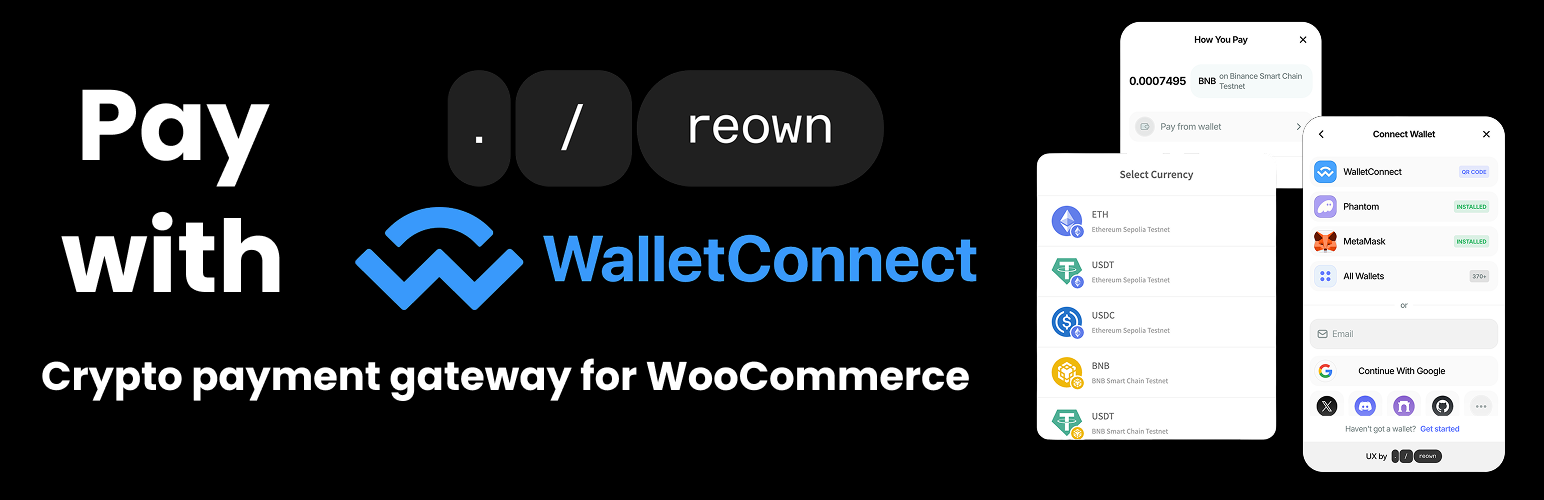
Crypto Payment Gateway with Reown AppKit Pay (WalletConnect) for WooCommerce
| 开发者 | BeycanPress |
|---|---|
| 更新时间 | 2025年7月15日 11:59 |
| PHP版本: | 8.1 及以上 |
| WordPress版本: | 6.8 |
| 版权: | GPLv3 |
| 版权网址: | 版权信息 |
详情介绍:
Crypto Payment Gateway with Reown AppKit Pay (WalletConnect) for WooCommerce
Right after Reown announced AppKit Pay, we got to work integrating it with WooCommerce. This initial version—set to be improved further in the future—is now available. All you need to do is enter your wallet address in the settings and create an AppKit ID (Project ID) via Reown Cloud. That’s it! You can now accept crypto payments directly through WooCommerce using Reown (WalletConnect) AppKit Pay.
See AppKit Pay by clicking here
How to setup?
See: Reown AppKit Pay for WooCommerce Setup
Supported networks
- Ethereum
- Polygon
- Binance Smart Chain
- Avalanche
- Base
- EVM networks (Ethereum, BNB Smart Chain, Polygon, Avalanche, Fantom, Arbitrum, Optimism, etc.)
- Solana (soon)
- Bitcoin (soon)
- Native coins (like ETH, MATIC, BNB, AVAX, etc.)
- Any tokens exist in price API
- use cookies;
- track users by stealth;
- send any data to external servers;
- https://beycanpress.com/
- Privacy policy: https://beycanpress.com/privacy-policy/
- This is our website. We use it to provide support and sell premium plugins.
- https://reown.com/
- Privacy policy: https://reown.com/privacy-policy
- This is the main package to accept crypto payments on this plugin.
安装:
- Upload the entire
/reown-payment-gatewaydirectory to the/wp-content/plugins/directory. - Activate Reown Payment Gateway for WooCommerce through the 'Plugins' menu in WordPress.
- Enjoy.
更新日志:
1.0.2
- Updated readme.txt
- Plugin released.