
Cryptocurrency Price Widget
| 开发者 | falselight |
|---|---|
| 更新时间 | 2026年8月21日 03:37 |
| 捐献地址: | 去捐款 |
| PHP版本: | 5.4 及以上 |
| WordPress版本: | 7.1 |
| 版权: | GPLv2 or later |
| 版权网址: | 版权信息 |
详情介绍:
- Demo and generator: CO-IN.IO https://www.youtube.com/watch?v=D7thN9c8PxM
- Gutenberg block for modern WordPress editing, plus the original shortcode for backward compatibility.
- No API key required: install, add the block, choose assets, and publish.
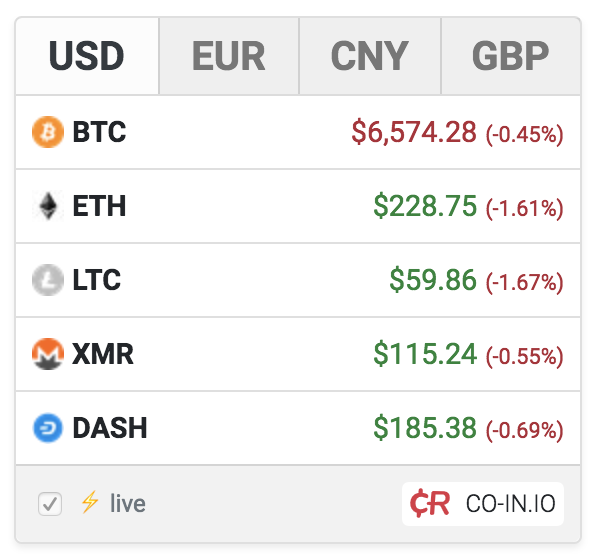
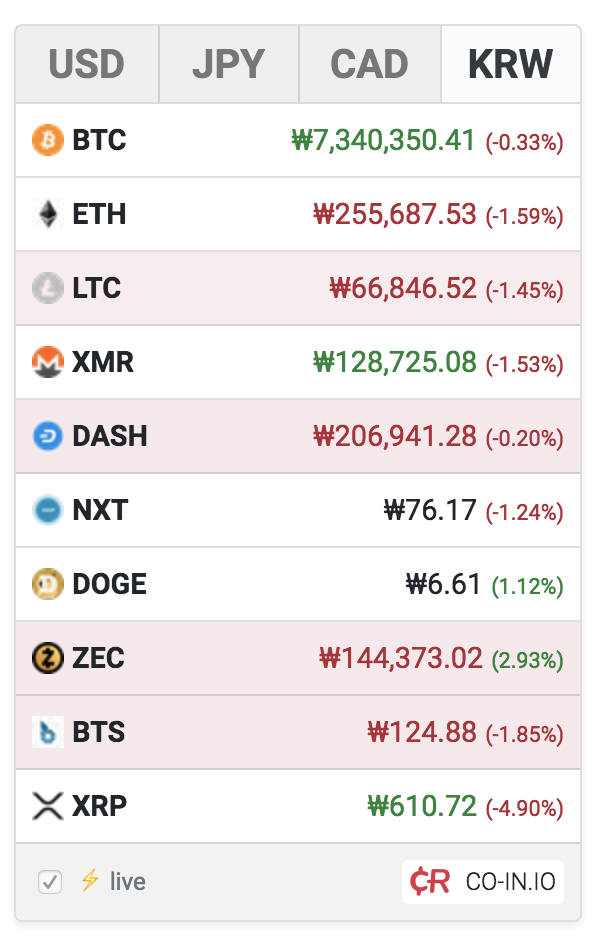
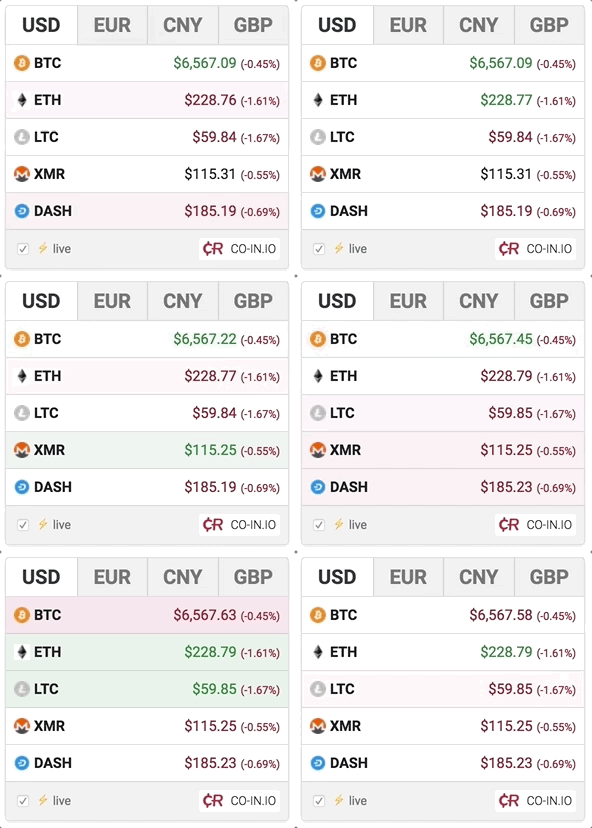
- Live streaming prices in a compact, attention-grabbing widget.
- Fast setup with a built-in preview, block controls, and shortcode generator.
- Flexible design controls for color, rounded corners, shadow, border, striped rows, streaming, and source attribution.
- Lightweight WordPress integration: your site only outputs the widget embed code and settings, while rendering and live market delivery happen in the visitor's browser.
- 14,280 supported unique-symbol cryptocurrency choices and 160 bundled fiat currencies in the admin selector and block controls.
- Updated local fiat flags, CO-IN.IO crypto asset JSON v3, CoinLore-backed metadata, and a more resilient setup experience for WordPress 6.x and 7.0.
- Multilingual-ready output with localized widget script loading.
- Crypto blogs and market news sites
- Web3, wallet, exchange, and fintech landing pages
- Price overview pages and comparison pages
- Affiliate and education content around Bitcoin, Ethereum, and altcoins
- Publishers who want a live widget without building their own price feed integration
- Install and activate the plugin.
- Open a post or page in the block editor.
- Add the Cryptocurrency Price Widget block.
- Choose the currencies for the top row and the assets for the price list.
- Adjust the widget design, preview the result, and publish. Shortcode users can still open Settings > CR Crypto Price, generate a shortcode, and paste it into any post, page, or shortcode-friendly area.
- items - comma-separated asset symbols shown in the main list
- base - comma-separated currencies shown in the top row
- backgroundColor - background color in hex format without the # symbol
- streaming - 1 to enable live updates, 0 to disable them
- striped - 1 to enable striped rows, 0 to disable them
- rounded - 1 to enable rounded corners, 0 to disable them
- boxShadow - 1 to enable a shadow, 0 to disable it
- border - 1 to show a border, 0 to hide it
- signature - 1 to show the Source: CurrencyRate.Today attribution, 0 to hide it
- CO-IN.IO loads the front-end widget script and the admin preview. Service URL: https://co-in.io/crypto-price-widget/
- CO-IN.IO publishes the public cryptocurrency asset metadata used by the admin selector and Gutenberg block controls. Metadata URL: https://co-in.io/data/crypto-assets.json
- The CO-IN.IO widget runtime may request CoinLore for crypto prices and MoneyConvert CDN for fiat cross-rates in the visitor browser. Gutenberg editor previews load the same browser-side runtime inside an authenticated preview iframe. Service URLs: https://api.coinlore.net/api/ticker/?id=... and https://cdn.moneyconvert.net/api/latest.json
- CurrencyRate.Today is used for the optional Source attribution link. Service URL: https://currencyrate.today/ Privacy Policy: https://currencyrate.today/page/privacy Legal Disclaimer: https://currencyrate.today/page/disclaimer
- CryptoCompare is used in the admin area for cryptocurrency icon assets only. It is not used as the supported-asset list. Service URL: https://www.cryptocompare.com/ Privacy Policy: https://www.cryptocompare.com/privacy-policy/ Terms & Conditions: https://www.cryptocompare.com/terms-conditions/
安装:
- Visit Plugins > Add New.
- Search for Cryptocurrency Price Widget.
- Install and activate the plugin.
- Open Settings > CR Crypto Price.
- Configure your widget, copy the generated shortcode, and paste it into any post or page.
- Download Cryptocurrency Price Widget.
- Upload the cryptocurrency-price-widget directory to your /wp-content/plugins/ directory.
- Activate the plugin from the Plugins page in WordPress.
- Open Settings > CR Crypto Price.
- Configure the widget and paste the generated shortcode where you want the widget to appear.
屏幕截图:
常见问题:
How do I publish the widget on a page?
Add the Cryptocurrency Price Widget block in the WordPress editor and configure it from the block sidebar. You can also configure the widget in Settings > CR Crypto Price, copy the generated shortcode, and paste it into a post, page, Shortcode block, or any area that supports shortcodes.
Do I need an API key?
No. The plugin does not require an API key, provider account, or paid market-data setup. Install it, add the Gutenberg block or shortcode, choose your currencies and assets, and publish.
Can I use it as a Gutenberg block?
Yes. Version 1.4.0 and later adds a native Gutenberg block with controls for assets, fiat currencies, color, streaming, striped rows, rounded corners, shadow, border, and source attribution.
Can I still use shortcodes?
Yes. Shortcodes remain fully supported for backward compatibility, classic editor workflows, widgets, templates, and existing content.
Will it slow down my site?
No. The plugin does not calculate prices or stream market data on your WordPress server. Your site only outputs the widget embed code and settings, while the CO-IN.IO runtime handles rendering and live market delivery in the visitor browser.
Can I choose my own coins and fiat currencies?
Yes. The admin selector and Gutenberg block controls use the CO-IN.IO public asset JSON v3 with 14,280 CoinLore-backed unique symbols and 160 bundled fiat currencies. The top row is limited to bundled fiat currencies, while the main list is used for cryptocurrencies and keeps custom ticker symbols for legacy compatibility. The widget API remains symbol-based, for example items="BTC,ETH,DOGE", so duplicate CoinLore symbols are intentionally excluded. You can also keep older custom ticker symbols in existing shortcodes; unsupported symbols are ignored safely by the widget runtime.
Can I customize the widget look?
Yes. You can control the background color, streaming mode, striped rows, rounded corners, shadow, border, and the optional Source attribution.
How do I make the widget a fixed width?
Place the shortcode output inside a container with a fixed width. For best results, keep the available width at 220px or wider.
Can I hide the Source attribution link?
Yes. Set the signature option to 0 in the shortcode, or disable it in the admin settings before copying the generated shortcode.
Where does the live data come from?
The front-end widget and admin preview load from CO-IN.IO. The supported asset universe comes from the CO-IN.IO public JSON at https://co-in.io/data/crypto-assets.json. The widget runtime uses CoinLore for crypto prices and MoneyConvert CDN for fiat cross-rates in the visitor browser. The optional Source attribution link points to CurrencyRate.Today, and cryptocurrency icons in the admin selector are loaded from CryptoCompare.
更新日志:
- Verified compatibility with WordPress 7.1.
- Added compatibility support for rendering the Cryptocurrency Price Widget shortcode inside Custom HTML widgets.
- Added a copy button for the generated shortcode on the plugin settings page.
- Stabilized Gutenberg editor preview iframe height handling.
- Improved editor preview compatibility with strict hosting security scanners.
- Reduced block registration memory usage by avoiding a full crypto asset catalog load for default editor metadata.
- Scoped admin settings scripts and styles to the plugin settings page only.
- Prefixed admin settings IDs and scoped token picker selectors to avoid modifying other plugin admin pages.
- Limited the admin and Gutenberg top-row selectors to bundled fiat currencies, while preserving existing saved shortcode and block output.
- Kept custom ticker symbols available for the main cryptocurrency list for legacy compatibility.
- Declared WordPress 6.3 as the minimum supported version in the plugin header and readme to match the current Gutenberg block implementation.
- Preserved existing Gutenberg block rendering, editor preview, admin settings, and shortcode behavior.
- Added editor script and editor style metadata to block.json so WordPress.org can detect the bundled Gutenberg block.
- Preserved existing Gutenberg block rendering, editor preview, admin settings, and shortcode behavior.
- Removed the unsupported streaming interval control from the admin shortcode generator and Gutenberg block settings.
- Stopped sending streamingInterval to the CO-IN.IO widget runtime from shortcode, block, and editor preview output.
- Preserved existing shortcode and saved block compatibility while keeping streaming as the supported live-update option.
- Changed the Gutenberg editor preview to a same-origin iframe that loads the real CO-IN.IO widget runtime.
- Removed WordPress 7.1 editor component size deprecation notices from the block controls.
- Preserved shortcode output, saved block attributes, free-form symbols, and upgrade compatibility with previous plugin versions.
- Fixed Gutenberg live preview loading inside the iframe editor canvas.
- Kept the 1.4.0 block controls, shortcode compatibility, source attribution, and asset metadata behavior unchanged.
- Added a native Gutenberg block with block-sidebar controls and live preview.
- Added flags and crypto icons to Gutenberg asset and currency selectors.
- Kept the existing shortcode workflow fully backward compatible.
- Added visible plugin rating, WordPress.org, CO-IN.IO, CurrencyRate.today, and plugin settings links in the block sidebar.
- Updated the default signature into a quiet Source: CurrencyRate.Today attribution.
- Synced the supported crypto asset list with the CO-IN.IO asset JSON v3 source of truth.
- Expanded the selector universe to 14,280 CoinLore-backed unique symbols while keeping the widget API symbol-based.
- Updated the widget builder to use CoinLore-backed crypto metadata.
- Improved admin and block settings resilience when preview services are unavailable.
- Preserved backward-compatible behavior for legacy custom symbols.
- Refreshed documentation for the no-API-key setup and browser-side delivery model.
- Refined the admin asset picker for WordPress 6.x and 7.0.
- Improved dropdown spacing and overall selector usability.
- Refreshed the bundled crypto asset list for Select vertical.
- Switched Select horizontal fiat flags to updated local assets.
- Increased admin crypto icon source size for cleaner rendering.
- Verified compatibility with WordPress 7.0.
- Fixed security issues.
- Fixed general bugs.
- Fixed the $content error.
- Important fixes.
- Minor fix.
- Important fixes.
- Fixed minor bugs.
- Fixed minor bugs.
- Fixed minor bugs.
- Added de, fr, and pt translations.
- Updated Select2.
- Fixed admin settings.
- Added Russian language support.
- Stable release.
- First release.