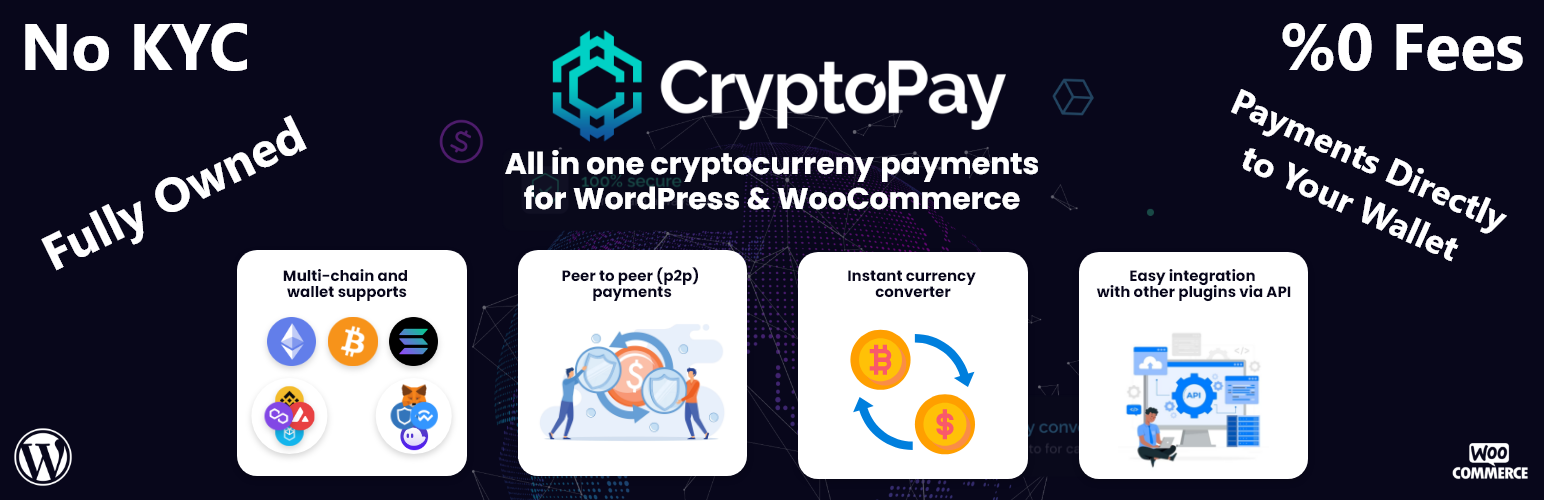
Cryptocurrency Payment Gateway for WordPress & WooCommerce by CryptoPay
| 开发者 |
BeycanPress
BeycanDeveloper |
|---|---|
| 更新时间 | 2026年7月15日 17:46 |
| PHP版本: | 8.1 及以上 |
| WordPress版本: | 7.0 |
| 版权: | GPLv3 |
| 版权网址: | 版权信息 |
详情介绍:
Cryptocurrency Payment Gateway for WordPress & WooCommerce by CryptoPay
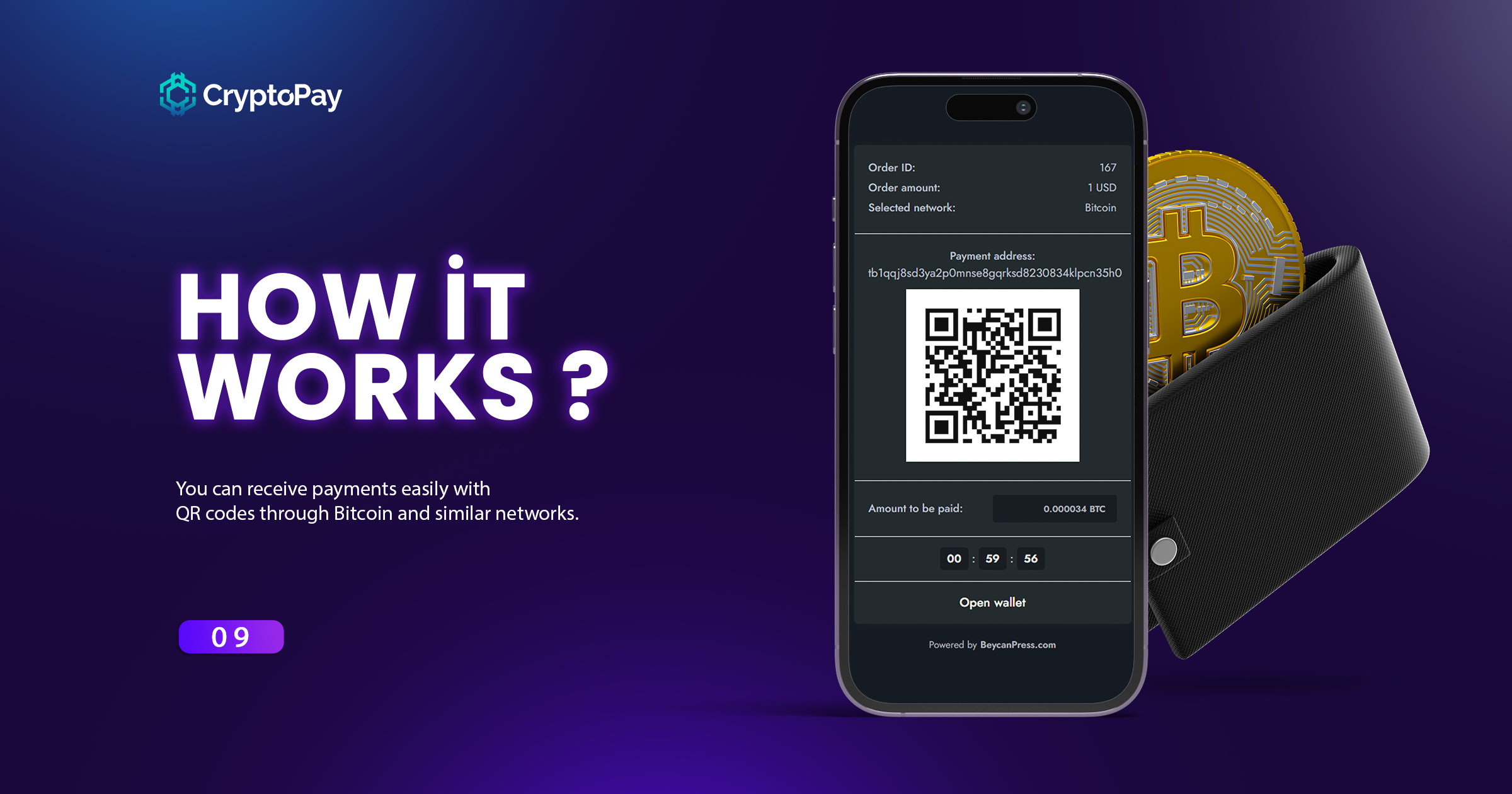
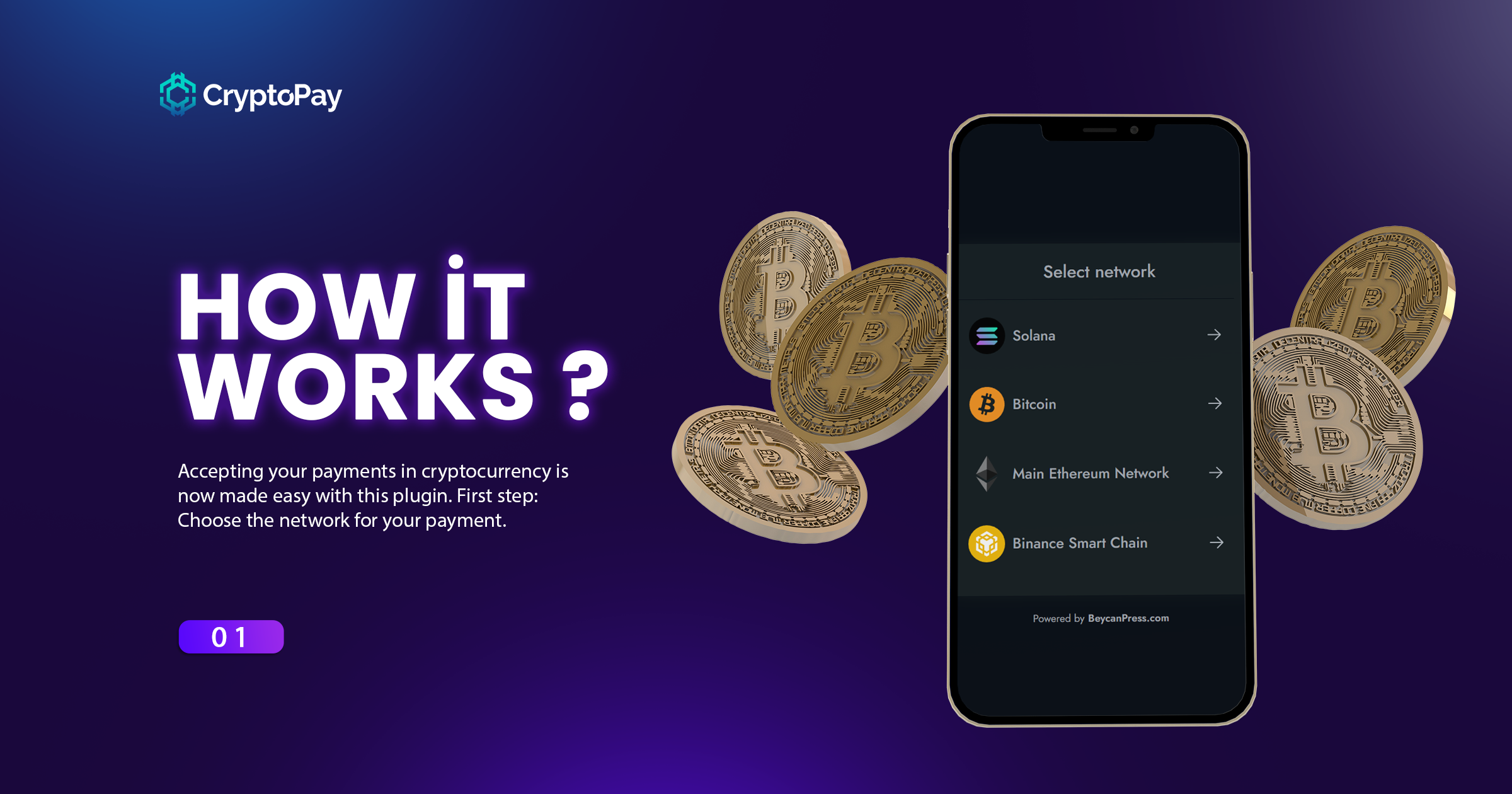
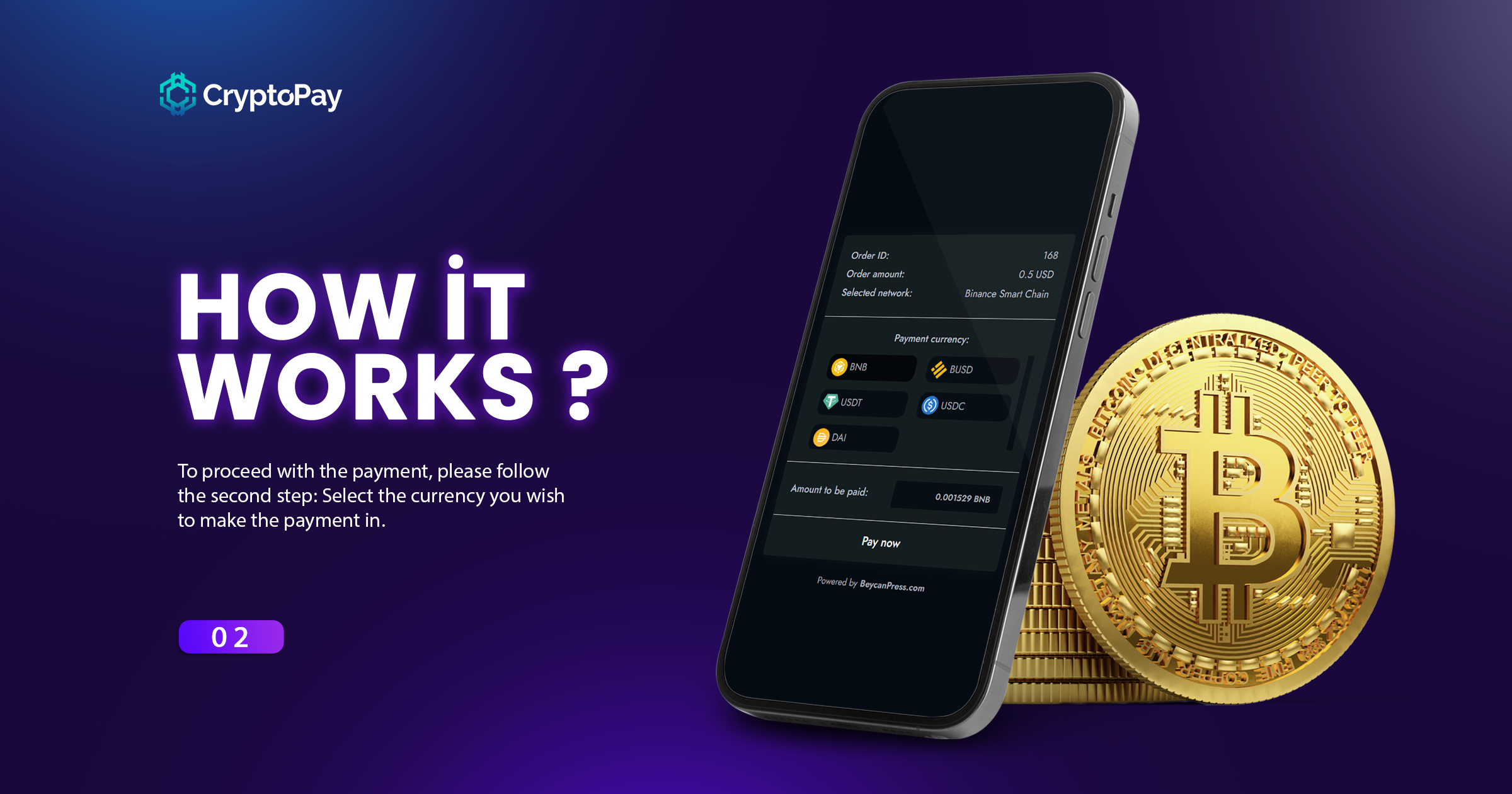
WordPress Cryptocurrency Payment Gateway for WooCommerce by CryptoPay, With CryptoPay, you can receive crypto payments from supported blockchain networks such as Bitcoin Payments, Solana, Tron, especially EVM-based blockchain networks, and the currencies (tokens) under these networks. It natively supports cryptocurrency payments for WooCommerce, and can also be integrated with other plugins thanks to its API. You can also receive direct payments with crypto wallets such as MetaMask, Trust Wallet, Binance Wallet and Phantom. With Reown AppKit support, you can receive WordPress cryptocurrency payments from mobile devices.
Your customer sends 30. You receive 30.
This is worth saying plainly, because it is the one thing people get burned by. Most crypto payment services are custodial: your customer's money lands in their wallet first, they take their cut, and what is left is forwarded to you. The amount you receive is not the amount that was sent, and you find that out after the sale.
CryptoPay is not a service. It is a plugin, and it is peer to peer. Your customer's wallet pays your wallet directly. We are never in the middle, we never hold your money, and we take 0% of it, because there is no way for us to touch it in the first place. The only cost is the blockchain's own gas fee, which the payer pays. No account, no KYC, no withdrawal limits, nothing to wait for.
Review WooCommerce crypto payment gateway with video
What advantages does CryptoPay provide you?
As you know, virtual POS and many other payment methods deduct commission from you. The only commission here is the "gas" fee that blockchain networks charge. So the money will be transferred directly to your account. You can receive payments from all EVM-based networks as well as other Blockchain networks such as Bitcoin, Solana, Tron.
Nonsense that CryptoPay doesn't have:
- No KYC
- You don't need to provide any documents to start receiving payments.
- No commission
- We don't charge any commission (%0 fees). Because we only charge per license.
- No withdrawal limit
- All payments are made directly to your wallet, so you don't have to wait to get your money.
- No 3rd party service
- You can start getting paid as soon as you install the plugin without having any 3rd party services to start with.
- No commission
- No KYC required
- Payment reminders
- WooCommerce supports
- Special currency discounts
- Completely P2P (Peer to Peer)
- Integrations with other plugins (16+ plugins)
- Self-Custody wallets (Money goes directly to your wallet)
- Mobile device support with Reown AppKit (formerly WalletConnect)
- Limited EVM-based network support (Only 5)
- No have pay by transfer to address support (QR Code)
- No have some extra features like custom token & prices support
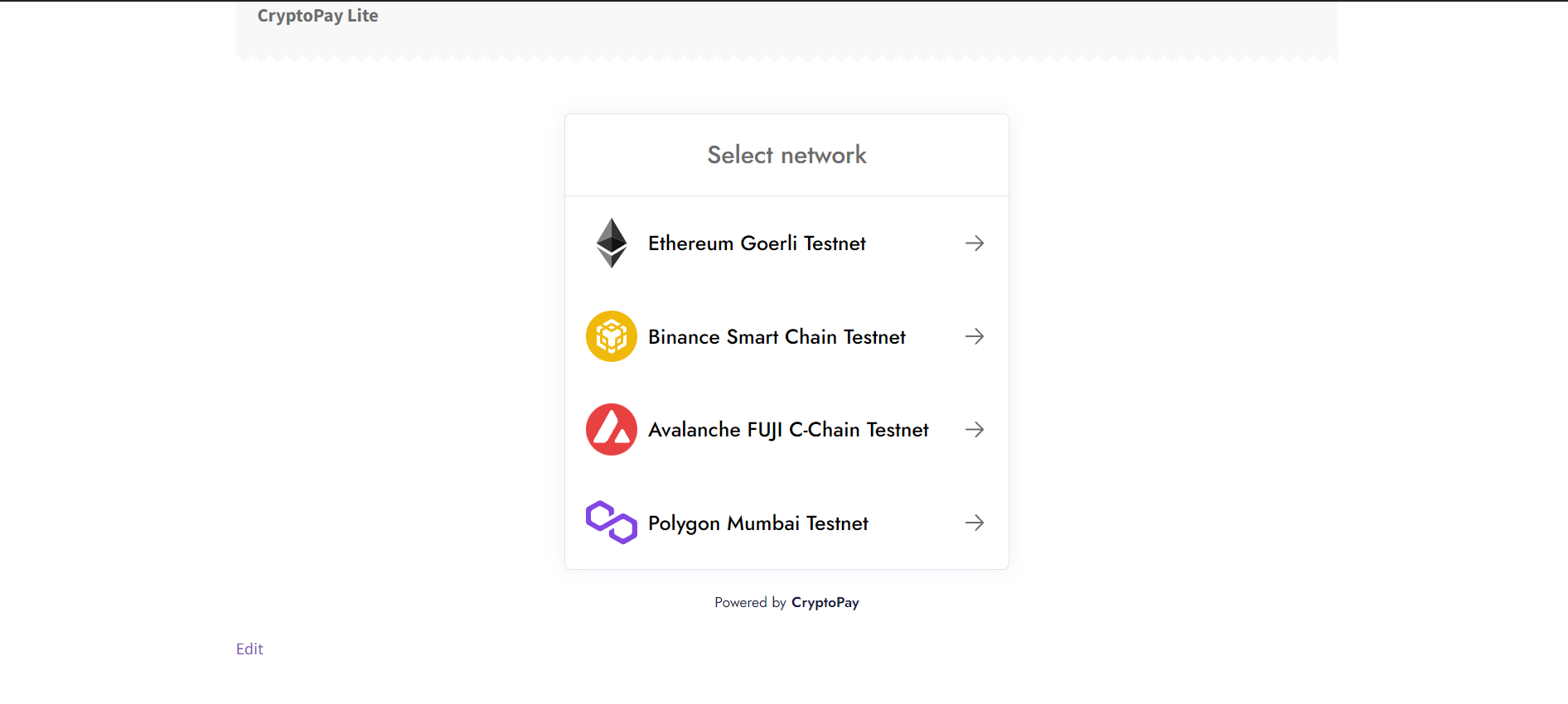
- Unlimited EVM-based network support
- Pay by transfer to address support (QR Code)
- Unlimited coin payments support for each network
- You can add custom token & prices (Your utility tokens)
- You can purchase extra converter add-ons (CoinGecko, Moralis etc.)
- You can purchase extra network add-ons (Bitcoin, Solana, Tron etc.)
- PHP 8.1 or higher
- WordPress 5.0 or higher
- PHP Extensions: cURL, BCMath
- use cookies;
- track users by stealth;
- It only sends active plugin count and active feedback;
- https://beycanpress.com/
- Privacy policy: https://beycanpress.com/privacy-policy/
- This is our website. We use it to provide support and sell premium plugins.
- https://reown.com/
- Privacy policy: https://reown.com/privacy-policy
- This is the main package to accept crypto payments on this plugin.
- https://sweetalert2.github.io/
- Privacy policy: https://sweetalert2.github.io/
- This is the main package to show alerts and modals.
安装:
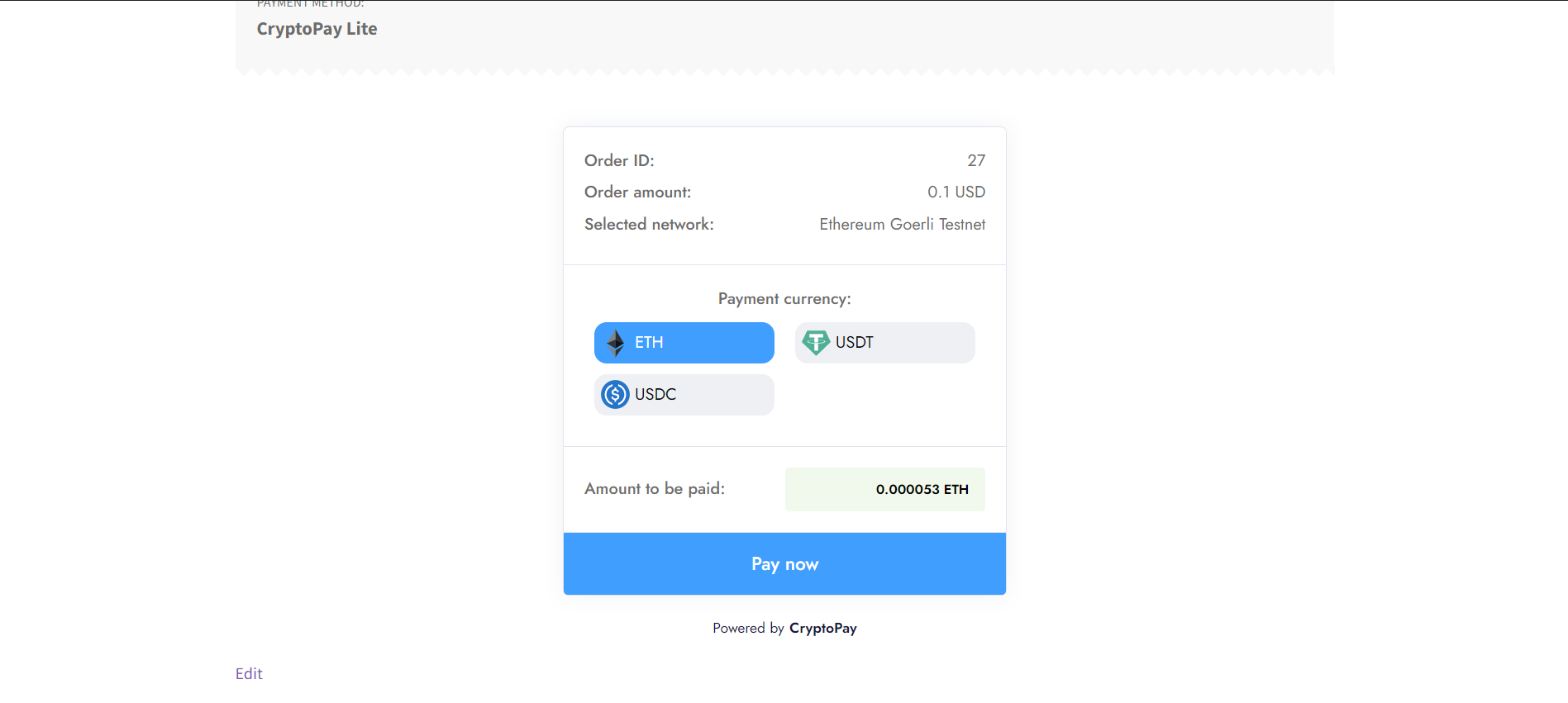
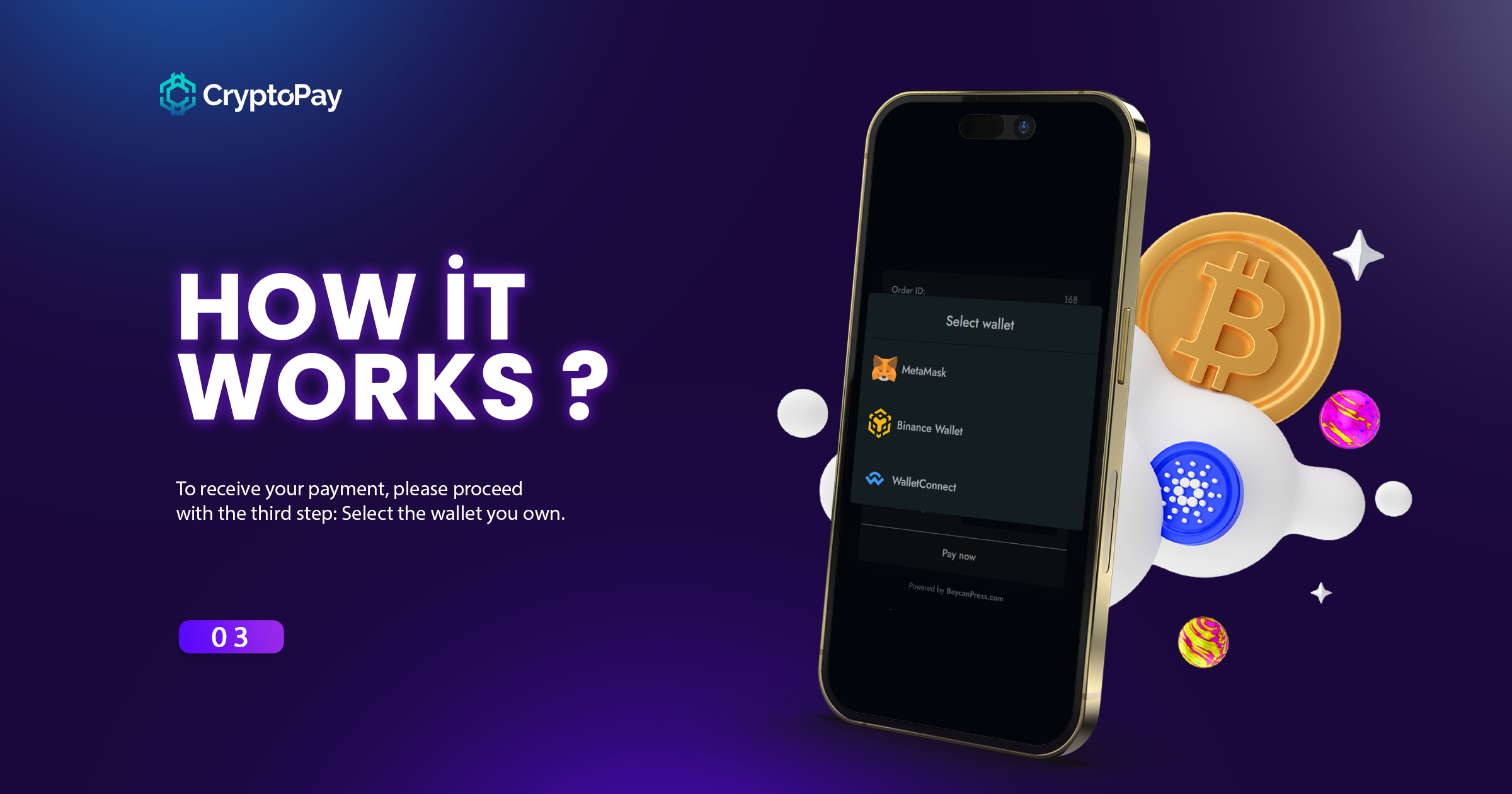
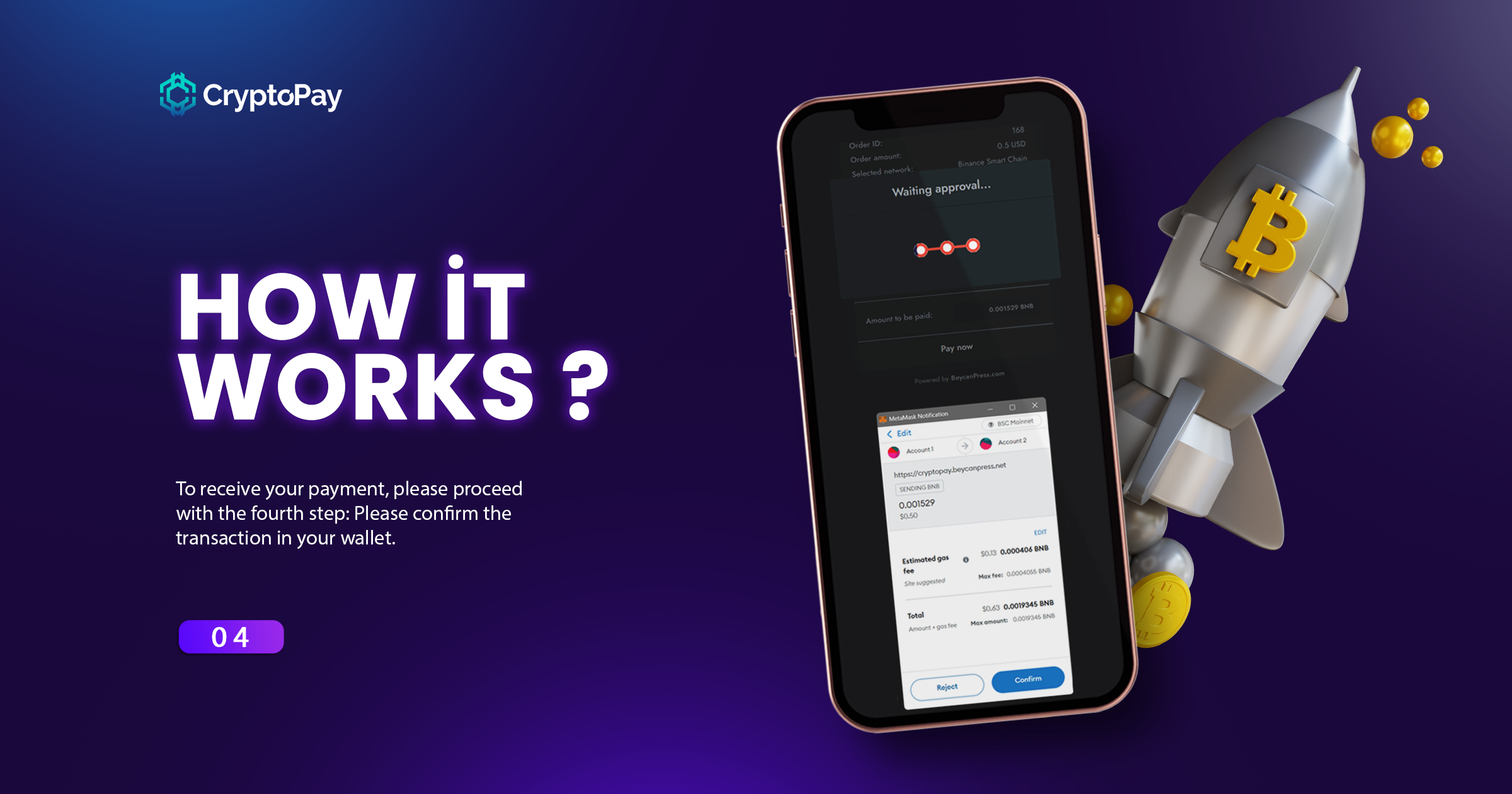
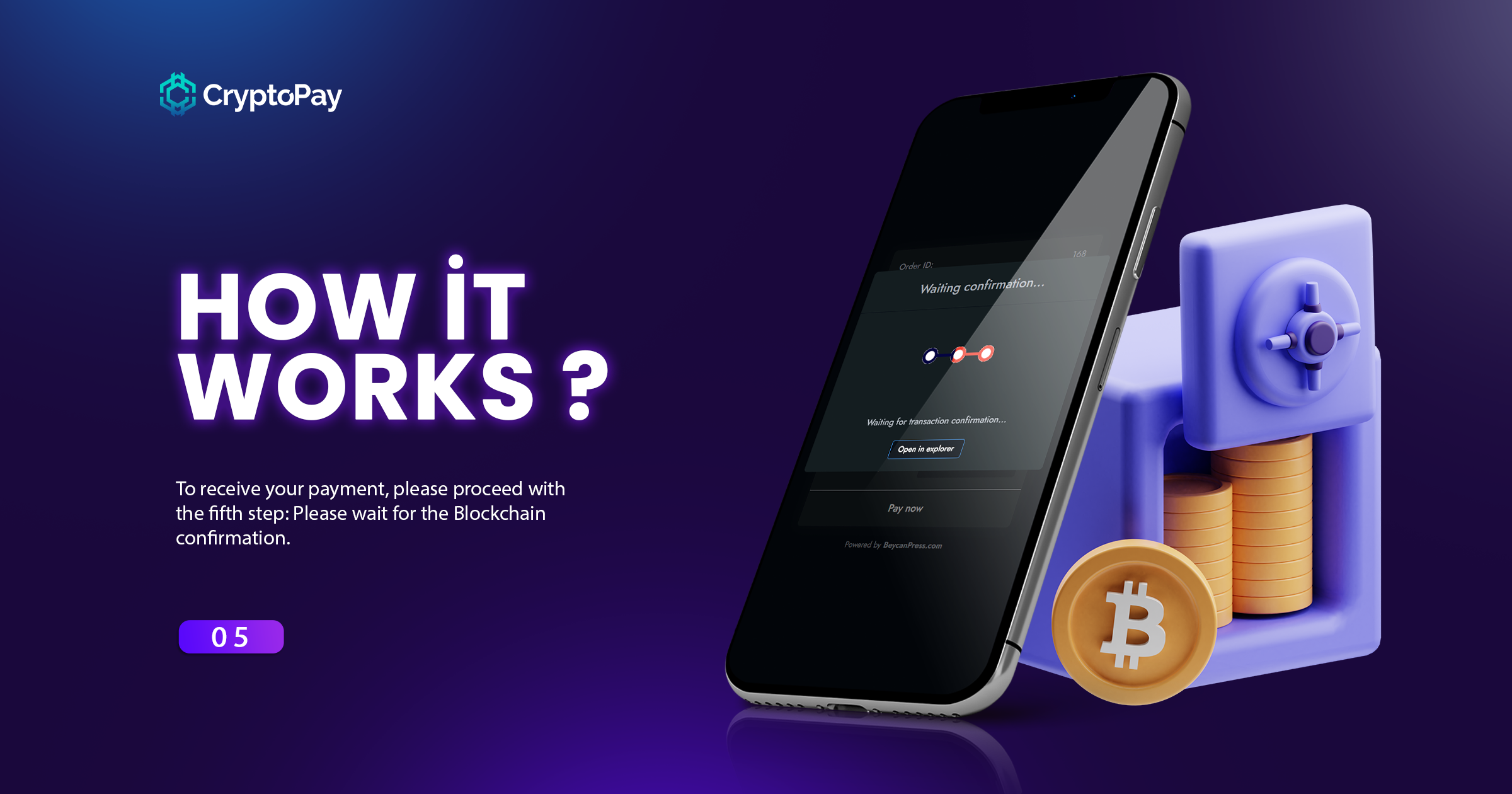
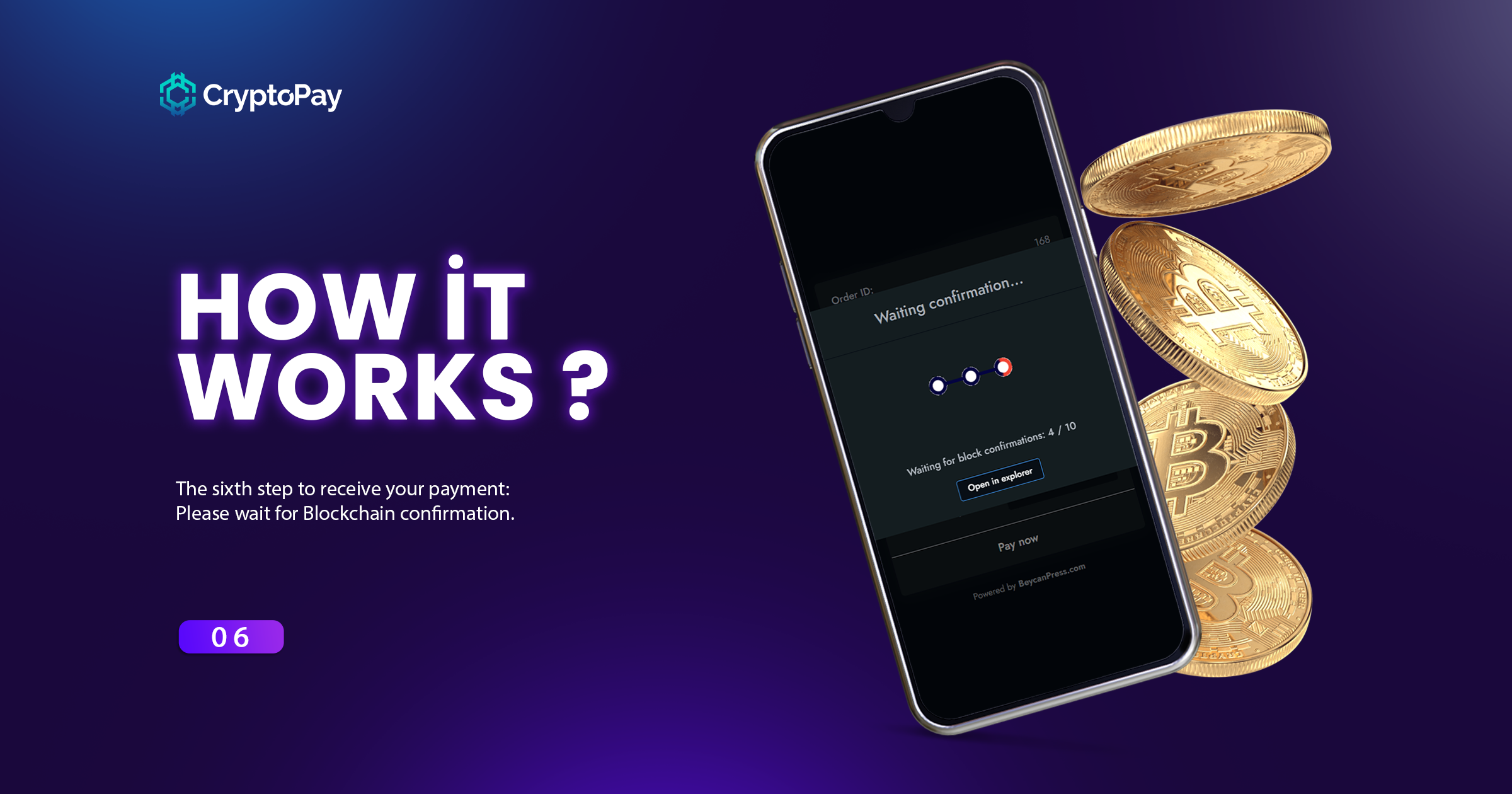
Activate the plugin and a setup wizard opens by itself. It asks for your wallet address, switches the gateway on in WooCommerce, and lets you pick your networks and wallets. Five steps, and you are taking payments.
Note that WooCommerce ships every payment gateway switched off, CryptoPay included. That single setting is the most common reason people report that CryptoPay never shows up at checkout, so the wizard handles it for you. If you skip the wizard, CryptoPay Lite tells you in the admin whenever something still stands between you and a working checkout.
Some settings are restricted in CryptoPay Lite only. You can install with the same logic and add your wallet address to the relevant field.
See: CryptoPay installation documentation
屏幕截图:
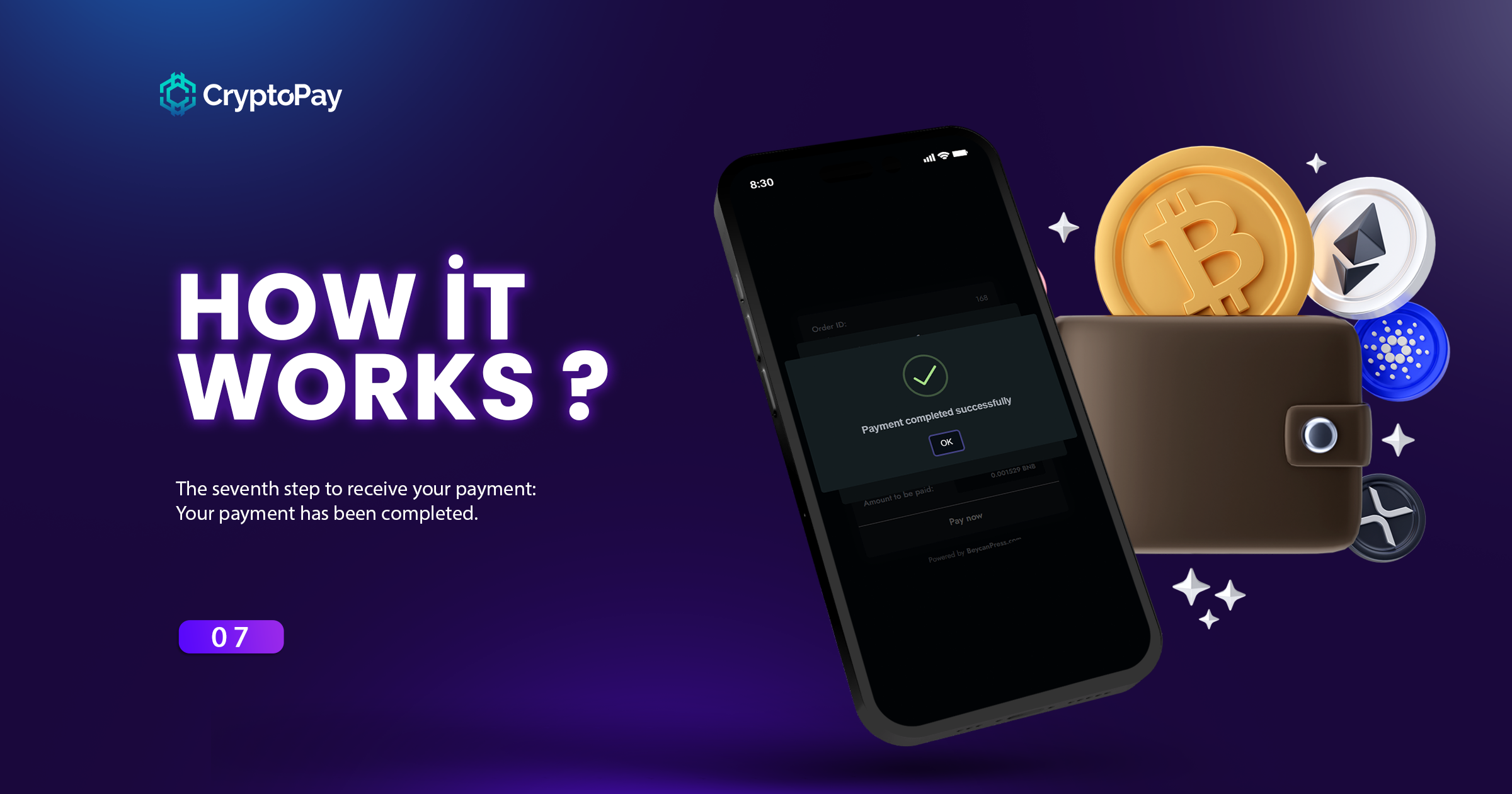
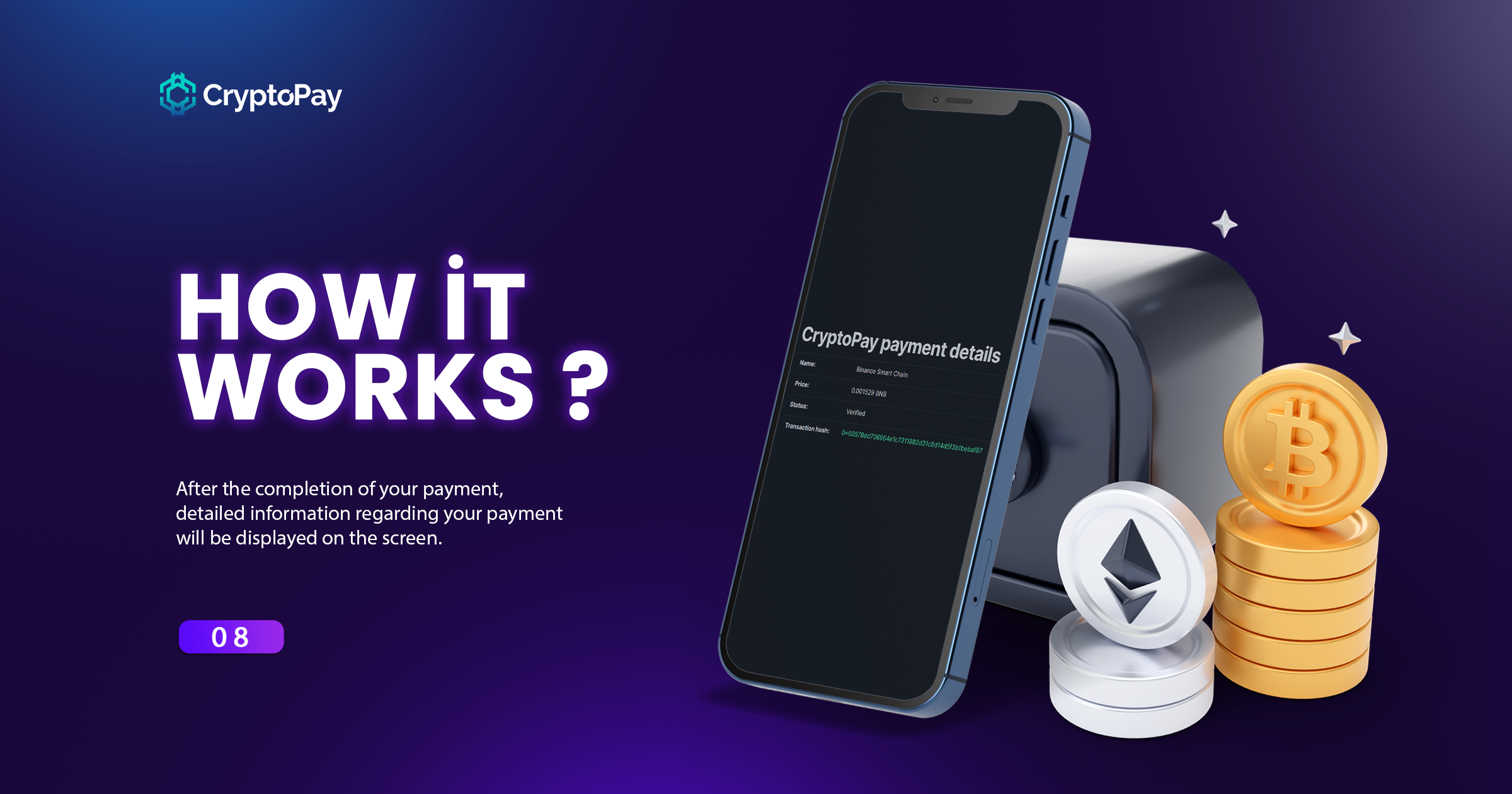
常见问题:
Can I use cryptocurrency payments for WooCommerce?
Yes, our plugin comes with WooCommerce crypto payment gateway support by default. In this way, you can easily accept crypto payments in WooCommerce.
更新日志:
2.4.0
- Added: Setup wizard that runs on activation and walks you through everything needed to appear at checkout
- Added: Status check in the admin that tells you exactly what is missing when CryptoPay is not live at checkout
- Added: Instant payments. A "Buy with Crypto" button on the product page, like PayPal
- Added: Arbitrum One and Optimism networks
- Fixed: Web3 Wallets (Reown AppKit) and WalletConnect were offered to customers without a Reown AppKit ID, which they cannot connect without. They are now hidden until an ID is set, and switch on by themselves once you add one
- Fixed: Fatal error on databases that report no collation support, such as SQLite
- Updated: WalletConnect (legacy) and Web3 Wallets no longer default to on together, a combination that conflicts
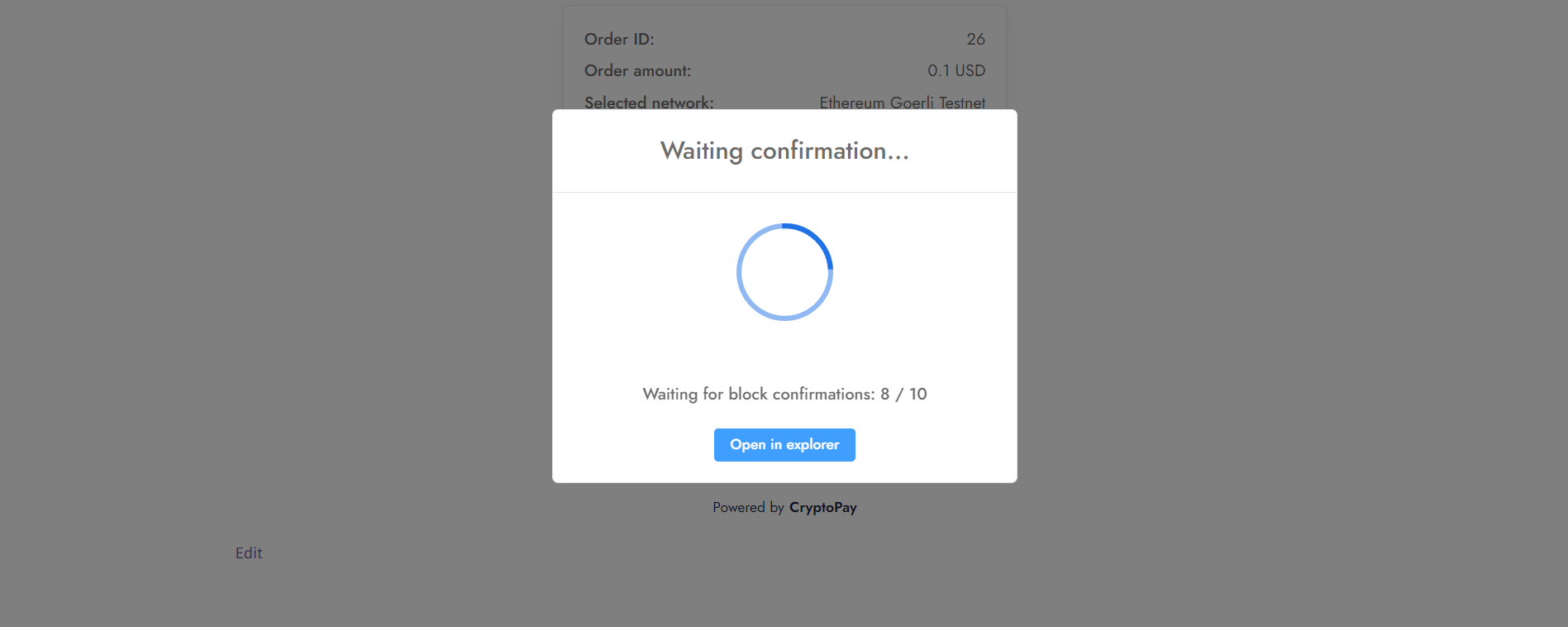
- Fixed: Confirmation process blocking
- Fixed: Block confirmation process
- Updated: Default converter API Binance to Coinbase because of Binance US server restrict.
- Updated: Default currency converter API
- Fixed: Text domain loading issue
- Fixed: WordPress.org commercial plugin requirements
- Updated: Fantom network to Base network
- Fixed: Exists user check on creating account during checkout
- Fixed: _load_textdomain_just_in_time early call
- Fixed: Ethereum Sepolia Testnet RPC not working
- Fixed: User ID not adding WooCommerce checkout payment process if user set reminder email
- Fixed: Transaction list pagination not working
- Fixed: WalletConnect & Web3Modal can connect only one time or you have to refresh the page
- Removed: GMP extension requirement
- Updated: API Endpoints
- Added: Failed reason message for transactions if is failed
- Fixed: Not showing "open in explorer" button for mobile devices
- Fixed: Reminder email not asking email for not logged in users
- Removed: Phantom Wallet support
- Improved: Popup visual improvements
- Fixed: Wallet status information messages
- Fixed: An optional button option has been added for conflict issues that may occur with the theme during the payment process in the WooCommerce checkout section.
- Added: Currency discounts
- Added: Backend confirmation system
- Added: Color manageable new theme system
- Added: WooCommerce checkout page payment process
- Added: Web3Modal, WalletConnect and another wallet supports
- Fixed: Undefined constant problem
- Added: WalletConnect support for mobile devices
- Fixed: MetaMask connection problem with last update
- Removed: BNB Chain Wallet (merged with TrustWallet)
- Added: Block confirmation count setting
- Added: Integrations list page
- Added: registerModel for integration process
- Added: new hooks for transaction update process
- Added: getSingleTxLink method for easy tx link creation
- Added: Message that if the sender and receiver addresses are the same, the transaction may fail because of this
- Updated: loading animation colors to match the theme
- Updated: css in modal payment processes such as Instant payment
- Fixed: Provider connection based bugs on transaction list page
- Fixed: WooCommerce checkout page gives property already exists warning for mainJsKey
- Added: Feedback page
- Added: New wallet supports
- Update: It will now proceed in a separate development process with the premium version
- Added: Xdefi Wallet Support.
- Added: Phase 1 integration for WooCommerce Blocks.
- Added: A visual loading animation instead of the 'Loading...' text.
- Updated: JS Code side has been updated as shadow root so that there will be no CSS conflicts anymore.
- Updated: The QR Verifier service running on Heroku was moved to our own server and a stable IP address was provided.
- Improved: PHP 7.4 support has been completely discontinued, so the codebase has been rewritten for 8.1, 8.2 and later versions.
- Fixed: Bug preventing QR Code payments from working properly on some EVM networks.
- Added: Payment class for developers.
- Added: WooCommerce HPOS compatibility.
- Added: Web3Modal support (supporting 300+ wallets).
- Added: Bitget and Okx wallet support for EVM Based networks.
- Added: Message to application redirects with Deep Link.
- Added: Polygon zkEVM and zkSync Era between Default networks list and Testnets.
- Added: Wallets are not hidden on any platform, instead they provide information about the wallet.
- Added: If it is in a Webview browser, that is, a wallet application, all other options are removed when the relevant wallet is detected.
- Added: Instant purchase option with CryptoPay on WooCommerce product pages.
- Added: Email reminder feature for networks that have been approved for a long time, such as Bitcoin.
- Added: WordPress Cron settings and information for Server cron.
- Added: The ability to choose the payment process you want with network and currency-based listing modes.
- Added: Timeout feature for wallets that do not send an event when the connection is rejected. And if you close the waiting section directly. The wallet connection process is reset.
- Added: The ability to add special discounts for payments in certain currencies.
- Added: Refund via CryptoPay option has been to orders.
- Added: With the Sanctions method and the first sanctions API Coinfirm, the feature of rejecting the payment or showing it in the transaction list if there is a sanction in the wallet addresses has been added.
- Added: Transaction sender & receiver address to the Transactions list.
- Updated: Ethereum Goerli Testnet to Sepolia Testnet.
- Updated: ENS Domain issue has been removed and instead, special domains that you can add for each network have been introduced.
- Improved: Optimization improvements regarding provider installations have been made.
- Improved: In the Checkout section, initialization data started to be given together with the form control, thus reducing two consecutive requests to a single request.
- Improved: For users who do not have the network in the wallet they want to connect to, open RPC addresses provided by wagmi are added instead of adding your RPC URLs.
- Fixed: Issue with auto-updater not resetting after changing currency.
- Fixed: The issue of not receiving specially added field data in the payment feature on the WooCommerce checkout page.
- Fixed: Error when Phantom option is active and Phantom cannot be detected.
- Fixed: Trust Wallet Browser plugin not being detected or it interferes with MetaMask.
- Fixed: the issue where page refresh was required in critical errors but could not be refreshed due to incorrect parameters.
- Removed: BUSD from default settings because Binance ended support
- Deprecated: startPaymentProcess, preparePaymentProcess methods in Services.
- Fixed: Download text looked bad in black theme
- Fixed: In some cases, the get_plugin_data function is not defined
- Fixed: The issue where the wallet selection page if exists QR option does not open on mobile devices
- Fixed: The issue where the wallet list appears when a transaction is rejected when there is only one wallet
- Added: Fantom network added to the list of EVM-based networks that come by default.
- Added: opBNB Mainnet and Testnet added to the list of EVM Based networks.
- Added: EVM Based testnet networks list is sorted according to the mainnet list set on the panel.
- Added: Binance Wallet Support for Ethereum Mainnet.
- Added: WalletConnect support for Solana network.
- Added: Default Solana RPC address to RPC address section.
- Added: Free RPCs that you can use as an alternative to the Official Solana RPC address
- Improved: When there is a single network, we send data on upload instead of receiving dynamic data via API request.
- Improved: Available in wallet listing wallets are listed at the primary.
- Improved: The verification API with address transfer (QR Code) has been redesigned.
- Improved: Debug menu appears when there is any log.
- Fixed: Warning in save settings process if WP_DEBUG enabled.
- Fixed: WooCommerce subscriptions not being created for payments on the Checkout page.
- Fixed: Closed networks appearing in the testnet list.
- Fixed: Problem appearing in "Network sorting" field when you turn off networks.
- Fixed: The issue where the title appears even if the ENS Domain is not entered.
- Removed: The rule that a wallet must remain active.
- Added: The feature of appearing at the top of the detected wallets
- Added: Network switching feature after selecting network
- Added: Arbitrum Goerli testnet support
- Added: EVM Based networks (Arbitrum One, Optimism) that come by default
- Added: When selecting the network, if there is no supported wallet and qr payments are supported, qr payments are automatically selected. Otherwise, it gives a warning
- Added: If there is only one wallet, the Pay now text is updated to Pay with {walletName} and a direct connection is established
- Added: ENS domain support for Ethereum network
- Added: Price update feature at regular intervals after selecting the network and cryptocurrency
- Added: Custom image choosing for EVM Based networks (Because networks like Arbitrum and Optimism show Ethereum icon due to ETH Native Coin)
- Added: Phantom wallet support for Ethereum networks (Currently only supports mainnet)
- Added: Feedback area to get users' opinions and improve our product better
- Improved: The version system has been brought to the Websocket system of payment with QR. This way, you won't be stuck with any version-related incompatibilities
- Updated: .pot Language file
- Fixed: an issue where the WooCommerce order view page redirects to the transaction page
- Fixed: Native Coin payments not working in WalletConnect with Trust Wallet
- Fixed: No unsupported network warning in WalletConnect
- Fixed: An issue where you can't add networks without adding currency in EVM Based networks
- Fixed: QR code overflowing on mobile devices
- Added: All supported wallets are shown and can connect to detected wallets, while undetected ones redirect to download address.
- Added: On mobile devices, wallets with mobile application are listed and when the wallet is clicked, the application redirects to the dapp browser.
- Added: When changing the currency, the "..." dot is displayed in the price section.
- Fixed: Redirects url's hook error.
- Fixed: Very high gas recommendation for token transfers.
- Improved: For add-ons
- Updated: .pot language file
- Updated: EvmChains package
- Improvements have been made to the Dokan crypto withdrawal feature
- Fixed issue where checkout process stopped working due to update
- Fixed Mainnet not working problem
- Added pro version information
- Added Ethereum, Avalanche, Polygon Support
- Added TrustWallet, Binance Wallet support
- Added feedback system
- Added discount code
- Changed readme.txt
- Changed "addon" param to "addon_lite" in cryptopay.js
- Changed "addOn" param to "addon"
- Plugin released.