Cryptoway Payment
| 开发者 | cryptoway |
|---|---|
| 更新时间 | 2026年10月27日 21:47 |
| PHP版本: | 8.1 及以上 |
| WordPress版本: | 7.1 |
| 版权: | GPL-2.0+ |
| 版权网址: | 版权信息 |
详情介绍:
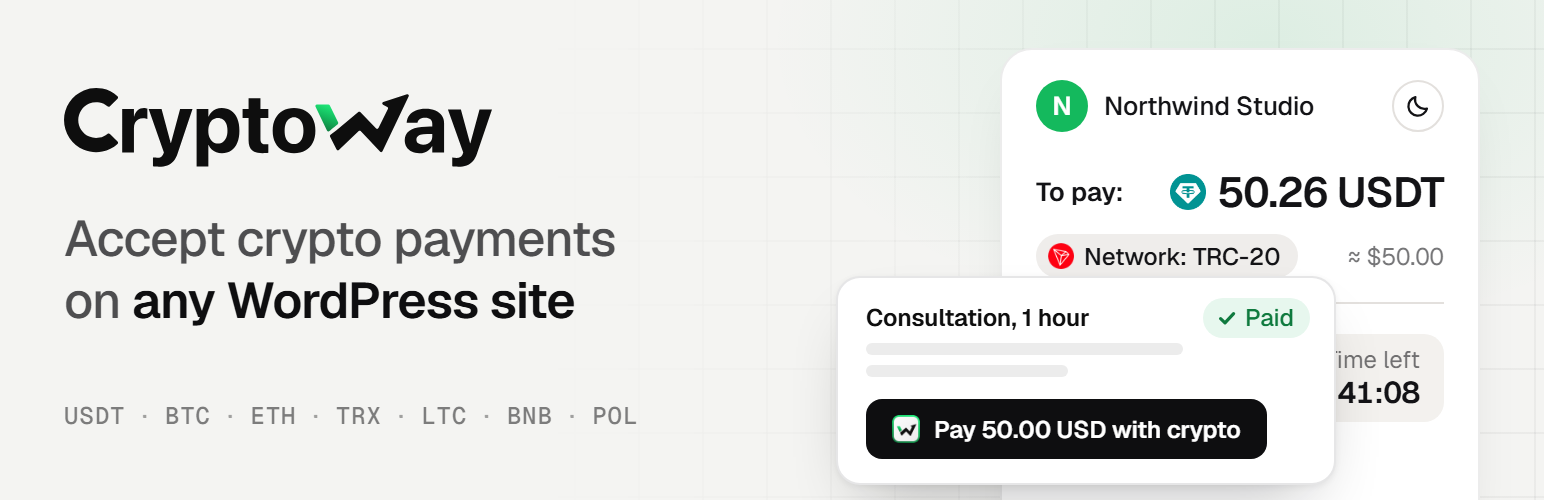
- Consultants and coaches: a "Pay 50.00 USD with crypto" button under your session details.
- Freelancers: a deposit or a finished job, at the price you agreed.
- Writers and creators: an article, a video or a download link that opens after payment.
- Bloggers and streamers: tips, with your suggested amounts or any amount.
- Charities and communities: donations, with amounts in USD, EUR or 13 other currencies.
- Small online services: a one-off fee, or an invite link to a private group.
- They pick or type the amount, if you let them, and press the button.
- They choose a coin and pay from their wallet: right on your page, with a QR code, Copy buttons and a timer, or on the Cryptoway payment page, which can show your logo. You decide which.
- When Cryptoway confirms the payment, they see your thank-you message, your thank-you page or the content they paid for.
- Paid means the money has arrived. A payment is marked paid only after Cryptoway confirms the full amount. One that is too small or too late waits for your review.
- Where the money goes. Payments go to your Cryptoway account, and you withdraw them to your own wallet.
- All payments in one place. Your WordPress admin shows what each payment was for, what was asked, what arrived and where it stands.
- You hear about it. Optional e-mails when a payment comes through or needs your attention.
- Paid content without memberships. No accounts or passwords: buyers get an e-mail link that opens it on any device, and "Already paid?" sends it again.
- Fits your site. The button follows your theme or your colours, and you can change its texts and the payment status messages.
- The plugin is free, with no ads.
- Cryptoway takes a fee only on successful payments, with no setup fee and no monthly minimum. Rates are on the pricing page.
- You decide who pays that fee: you, your visitor, or both.
- The visitor's wallet adds the usual network fee; withdrawing from Cryptoway costs a fixed network fee.
- Create a Cryptoway account and add your site as a project. Cryptoway reviews new projects; payments work once yours is approved. Your site must be live on the internet.
- Install the plugin and paste your Project ID and Secret key into Cryptoway Payment → Settings.
- Add the Cryptoway Payment block to a page and publish. There is no test mode, so make one small real payment yourself and watch it turn Paid.
安装:
- In Plugins → Add New Plugin, search for "Cryptoway", install and activate Cryptoway Payment.
- In your Cryptoway account open Projects → your project → API keys. In Cryptoway Payment → Settings paste the Project ID and Secret key and save. The plugin fetches the callback key by itself. If the Cryptoway plugin for WooCommerce or EDD is already on the site, one button copies the keys from it.
- Pick the currency and the time to pay (60 minutes by default) and whether you want an e-mail about paid payments and the ones that need your review.
- Add the "Cryptoway Payment" block to a page, or the shortcode
[cryptoway amount="50"]. - Make one real payment for a small amount and check that it appears as Paid in Cryptoway Payment → Payments.
常见问题:
How do I add a button?
In the block editor, add the "Cryptoway Payment" block and pick where the visitor pays: on the Cryptoway page, or right on your site (coin, address and QR code under the button). Everything else is in the block's sidebar: a fixed amount or one the visitor picks or types, the button label, what to show after the payment, which payer fields to ask for. On a classic editor, in a widget or in a theme, use the shortcode:
[cryptoway amount="50" currency="USD"]— a fixed amount.[cryptoway amount="free" amounts="5,10,25" label="Support us"]— the visitor picks or types the amount.[cryptoway amount="free" pay="onsite"]— paid on your page: coin, address and QR code.[cryptoway amount="50" after="redirect" redirect="/thank-you/"]— a thank-you page after the payment.[cryptoway amount="free" fields="name,email,message"]— ask the payer for a name, an e-mail or a message.
amount="0" (the same as amount="free": the visitor types the amount), min (the smallest amount a visitor may type, 1 by default), title (what the payment is for, shown on the invoice and in your list), message (shown after the payment), coins (the coin ids offered for payment on the page, e.g. USDTTRC20,BTC), id (the button's own name, see paid content below), class (your CSS class on the button's wrapper).
What do I need?
A Cryptoway account with a project approved by Cryptoway (nothing works while it is in review). One project per site: Cryptoway accepts the keys only from the addresses in the project's Allowed IPs, and the plugin shows a notice in your admin when it refuses them. WordPress 6.5 or later and PHP 8.1 or later, on a site reachable from the internet; on a network of sites (multisite), set the plugin up on each site separately. The site must be able to send e-mail for your alerts and for the access links of paid content.
Can I show something only after payment?
Yes. In the block, set "After payment" to "Open hidden content on this page" and put the paid content into the block under the button — text, a link, a video, a file, a promo code. Before payment that content is not sent to the browser at all: it is not in the page, the feed or the site search (a search plugin that builds its own index may still pick it up). After the payment is confirmed it opens right in place of the button and stays open in that browser for the access period you set (30 days by default). The payer's e-mail is always asked for, as the big checkouts do: a link that opens the content on any device goes there, and "Already paid?" under the button sends that link again. With the shortcode, put the content between the tags and give the button its own id: [cryptoway id="article-1" amount="3" access="30"]Your paid text[/cryptoway]. The block gets its id by itself.
Access is tied to the button, not to its texts: you can change the label, the price or the paid content of a block (or of a shortcode with its own id) and those who paid keep their access. A page opened before you changed the price or the access period cannot be used to pay the old terms: the visitor is asked to reload it. Give each paid button on a page its own id; when two share one, you see a warning above the second while you are logged in. The plugin does not create accounts or memberships. In Cryptoway Payment → Payments you can close a payer's access by hand (after a refund) or open it for a payment you settled with the payer yourself.
Files you upload into the paid part are kept out of the public media lists and attachment pages, but anyone who has a file's direct link can open it. For a file that must stay private, put a link to a private storage into the paid part instead. Keep footnotes out of the paid part: WordPress shows a post's footnotes to every visitor.
The paid part is hidden by the plugin. If you deactivate it, WordPress shows the paid part of a block, and the text between the shortcode tags, to every visitor: take it off the page, or make the page private, before you deactivate the plugin.
Can I change how the button looks?
By default the button looks like the other buttons of your theme. In the block's sidebar (Looks) you can set the button colour, the text colour, the corner radius and make it full width; the shortcode takes the same: [cryptoway amount="50" color="#1f8a5b" text_color="#ffffff" radius="8" width="full"]. For payment on the page the QR code can be switched off in the block (Payment settings) or with qr="no" in the shortcode. "Frame around the form" (or frame="yes") puts the whole form in a card with a border and padding; a card is at most 30em wide, align the block wide or full to let it grow. A custom CSS class works too (the block's Advanced panel, or class in the shortcode).
How do I style it with my own CSS?
Every element has a stable class. The wrapper is .cwbtn, with modifiers .cwbtn--page / .cwbtn--onsite (where the payment happens), .cwbtn--full, .cwbtn--size-small / .cwbtn--size-large, .cwbtn--colored, .cwbtn--rounded, .cwbtn--framed. Inside the form: .cwbtn__form, .cwbtn__amount (the amount fieldset), .cwbtn__chips and .cwbtn__chip (suggested amounts; .cwbtn__chip--custom is "Other amount"), .cwbtn__input, .cwbtn__currency, .cwbtn__hint, .cwbtn__row and .cwbtn__label (coin and payer fields), .cwbtn__select, .cwbtn__button, .cwbtn__error. After the click: .cwbtn__panel, .cwbtn__status (plus --paid, --expired, --cancelled, --failed), .cwbtn__amount-line, .cwbtn__pay, .cwbtn__field, .cwbtn__field-label, .cwbtn__field-value, .cwbtn__copy, .cwbtn__timer, .cwbtn__qr, .cwbtn__link, .cwbtn__again. The button colour, text colour and radius set in the block come as the CSS variables --cwbtn-accent, --cwbtn-accent-text and --cwbtn-radius; the frame's radius is --cwbtn-frame-radius. Put your rules in Appearance → Customize → Additional CSS or in your theme.
Can I change the texts visitors see?
Yes. The form texts (the button, the amount label, "Other amount", the coin and payer fields) are edited right in the block, or with the shortcode parameters label, amount_label, other_label, coin_label, name_label, email_label, message_label. The status lines shown after the click — "Waiting for your payment", "Payment received, confirming", "Your payment is being checked" and so on — are in Cryptoway Payment → Payment statuses: leave a field empty to keep the standard wording (in the site language once a translation is available), or type your own.
Which coins can visitors pay with?
Visitors pay with the coins Cryptoway accepts; the plugin refreshes that list once a day. At the moment: USDT on Tron (TRC-20), Ethereum (ERC-20), BNB Smart Chain (BEP-20), Polygon, Arbitrum, The Open Network and Solana; USDC on Ethereum (ERC-20) and Solana; BTC; ETH on Ethereum and Arbitrum; LTC; TRX; BNB on BNB Smart Chain; POL; SOL; DOGE; GRAM on The Open Network. On the Cryptoway payment page the visitor picks the coin there. In Settings you can allow fewer coins, and a button can offer its own list with coins="...".
Who pays the fees?
There are two. The Cryptoway fee is charged on each successful payment; rates are on the pricing page, and in your project's Fees and markup you choose whether you or the payer pays it, or both share it. The network fee is added by the payer's wallet on top of the amount.
What if the visitor pays less, more, or late?
- Less: the payment is marked Underpaid at once, with what was invoiced, what arrived and what is missing. If the rest arrives in time, it becomes Paid.
- More: the payment is marked Paid. Above a small tolerance, the history shows the overpaid amount to return from your Cryptoway account.
- Nothing within the time to pay: the payment expires.
- Late, after the time ran out: the payment is marked "Paid after the time ran out" for your review; the money is with Cryptoway.
How does payment on my page work?
The visitor chooses a coin and a network, and the plugin asks Cryptoway for an invoice with that coin. Cryptoway answers with the address and the exact amount in the coin, which the page shows with a QR code and a timer. The page checks the status by itself and shows "paid" once Cryptoway confirms the transfer.
Can I test without real money?
No, there is no test mode. Make one real payment a little above the coin's minimum deposit (about 1 USDT) and pay from your own wallet. Network and Cryptoway fees apply.
How do I refund a payment?
From your Cryptoway account, as a new transfer to an address the payer gives you. The plugin does not send refunds.
Where are my keys, and what is sent to Cryptoway?
The keys are stored in the plugin's settings on your site. The Secret key is not shown again, not sent (it only signs requests) and not logged. When a visitor presses the button, the plugin asks the Cryptoway API (api.cryptoway.com) for an invoice: the amount and currency, what the payment is for (its title, the payment number and your site's name), the coin if the visitor chose one on your page, the time to pay, the address of your site for the notification and for the return. When the payment is paid, expired or cancelled, Cryptoway sends a notification to your site, and the plugin reads the invoice back from the API. The plugin also reads the invoice when you press "Check with Cryptoway", when a visitor's page checks the status, and every 10 minutes for open payments. After you save the keys, the plugin asks the API for the project profile (to get the callback key that signs notifications) and for the list of coins. Nothing about the visitor is sent: not the name, e-mail or message you may ask for, and not the IP address. Cryptoway's Terms and Privacy policy apply to the service.
A payment did not update. What can I check?
- Payment notifications arrive at
https://your-domain/wp-json/cryptoway-button/v1/webhook. It must be reachable from the internet. - The status check every 10 minutes needs WP-Cron, which runs on site visits unless a server cron job calls it.
- Open the payment in Cryptoway Payment → Payments and press "Check with Cryptoway". The history says what happened.
- Recent errors are listed at the bottom of Cryptoway Payment → Settings.
My site is behind a proxy or a CDN. Anything to set?
The plugin limits how many payments one visitor can start in ten minutes, by the visitor's address. Behind a proxy or a CDN that does not pass the visitor's real address to WordPress, all visitors share the proxy's address and the limit. Pass the real address with the filter cryptoway_button_client_ip (from the header your proxy always sets), or let the proxy restore it.
更新日志:
- Fixed: after a payment was confirmed, a button that shows a message or paid content reloaded the page again and again.
- Fixed: while the whole amount is being confirmed, the button no longer shows the address and the amount to send.
- Fixed: a visitor who reloads the page while paying, or comes back from the Cryptoway page, now sees that the payment went through.
- Fixed: the move to your thank-you page happens once.
- First release.