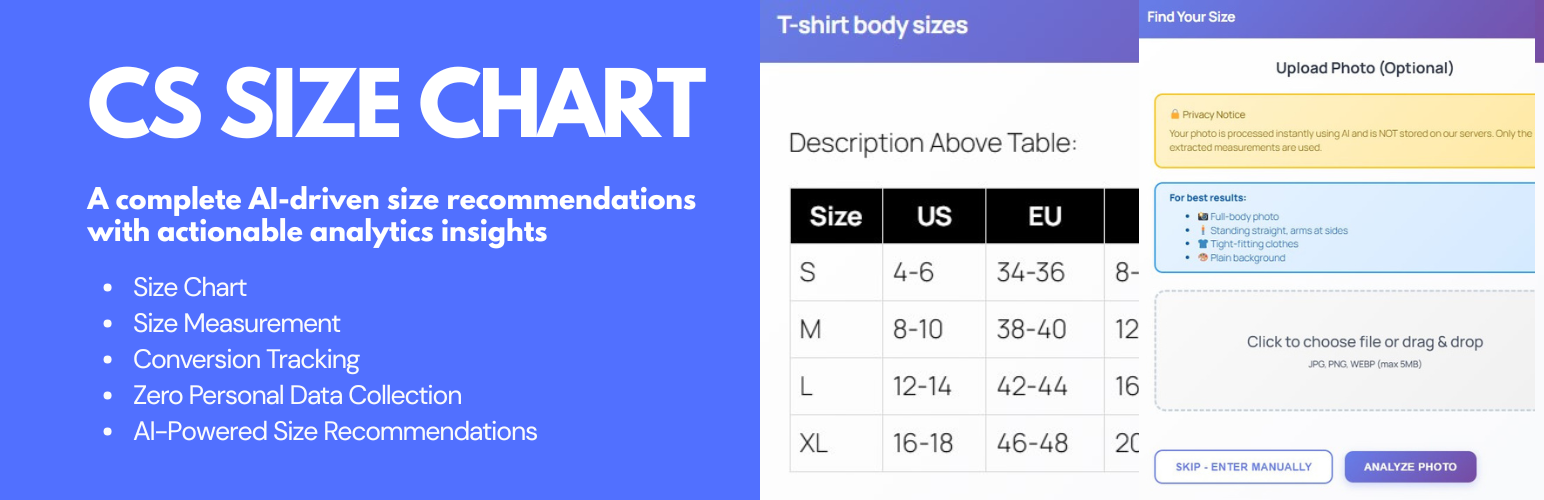
CS Size Chart
| 开发者 | codeshaper |
|---|---|
| 更新时间 | 2026年1月13日 15:14 |
| 捐献地址: | 去捐款 |
| PHP版本: | 7.4 及以上 |
| WordPress版本: | 6.9 |
| 版权: | GPLv2 or later |
| 版权网址: | 版权信息 |
详情介绍:
CS Size Chart is a WooCommerce plugin that allows store owners to create and display clear size charts for their products. It helps customers choose the correct size and reduces confusion by providing structured measurement information.
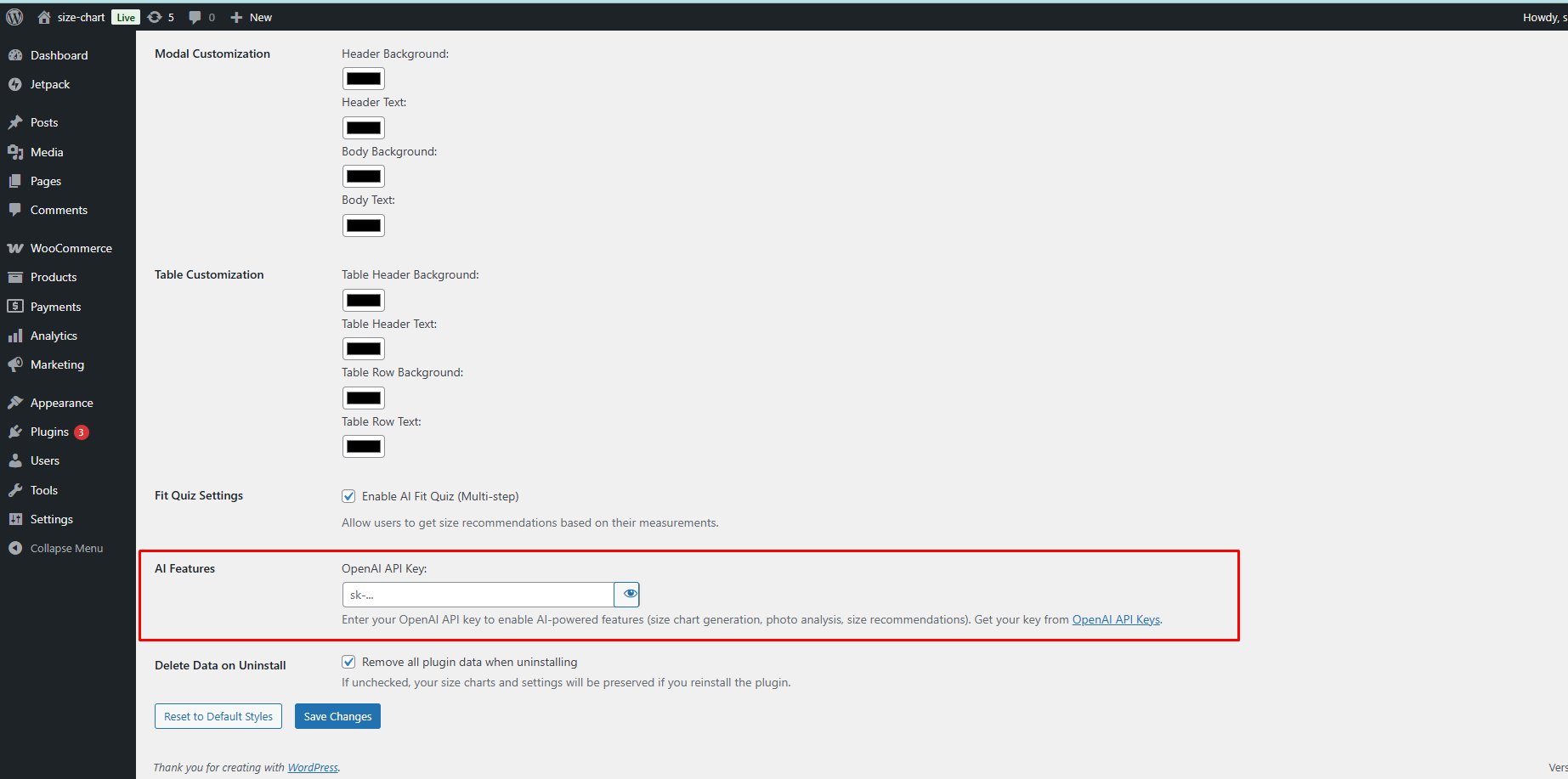
The plugin supports manual charts, templates, and an optional AI assistant for size recommendations. All AI features are disabled by default and only work if the store owner configures their own OpenAI API key.
The plugin follows WordPress coding standards, uses prefixed functions and classes, and does not send data to external services unless optional AI features are explicitly enabled.
Key Features
- Unlimited Size Charts – Create multiple charts for different categories or product types.
- Smart Assignments – Apply charts globally, by product category, or per product.
- Visual Table Builder – Build tables without writing code.
- Pre-Built Templates – Start quickly with common apparel templates.
- Responsive Layout – Charts adapt to mobile, tablet, and desktop screens.
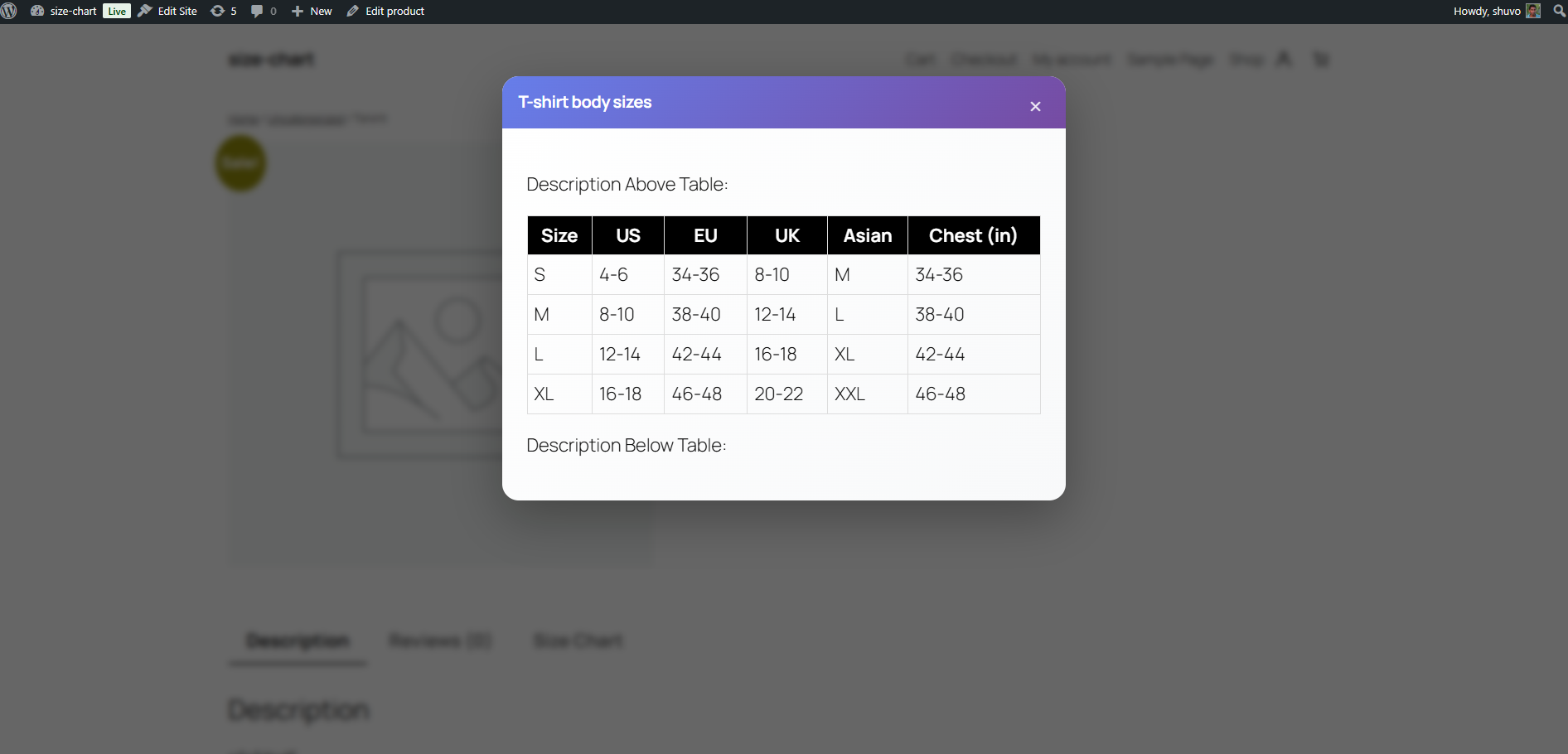
- Flexible Display Options – Show charts as a tab, popup, or via shortcode.
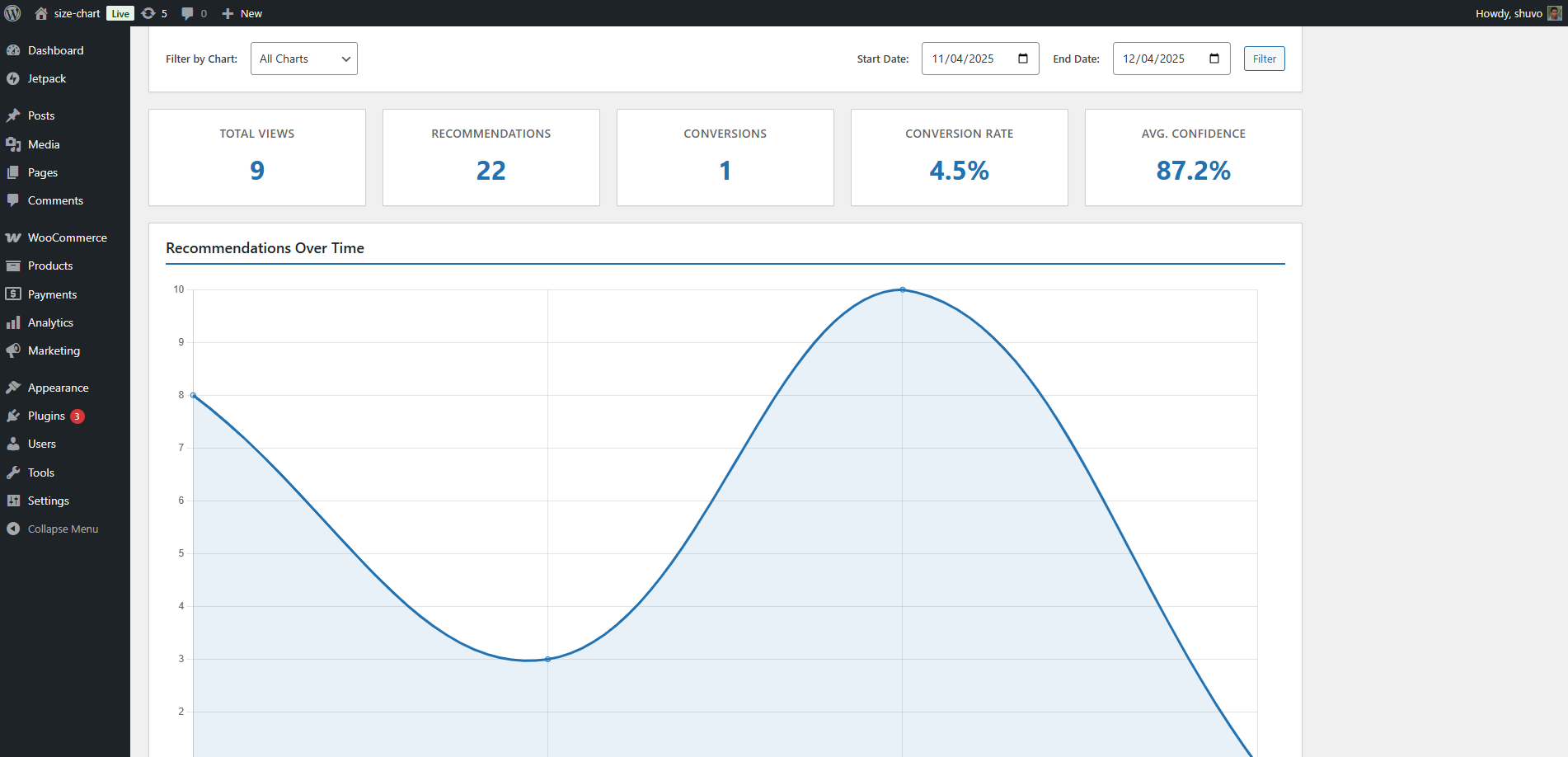
- Optional Analytics – Track non-personal chart interactions and recommendation events (stored locally).
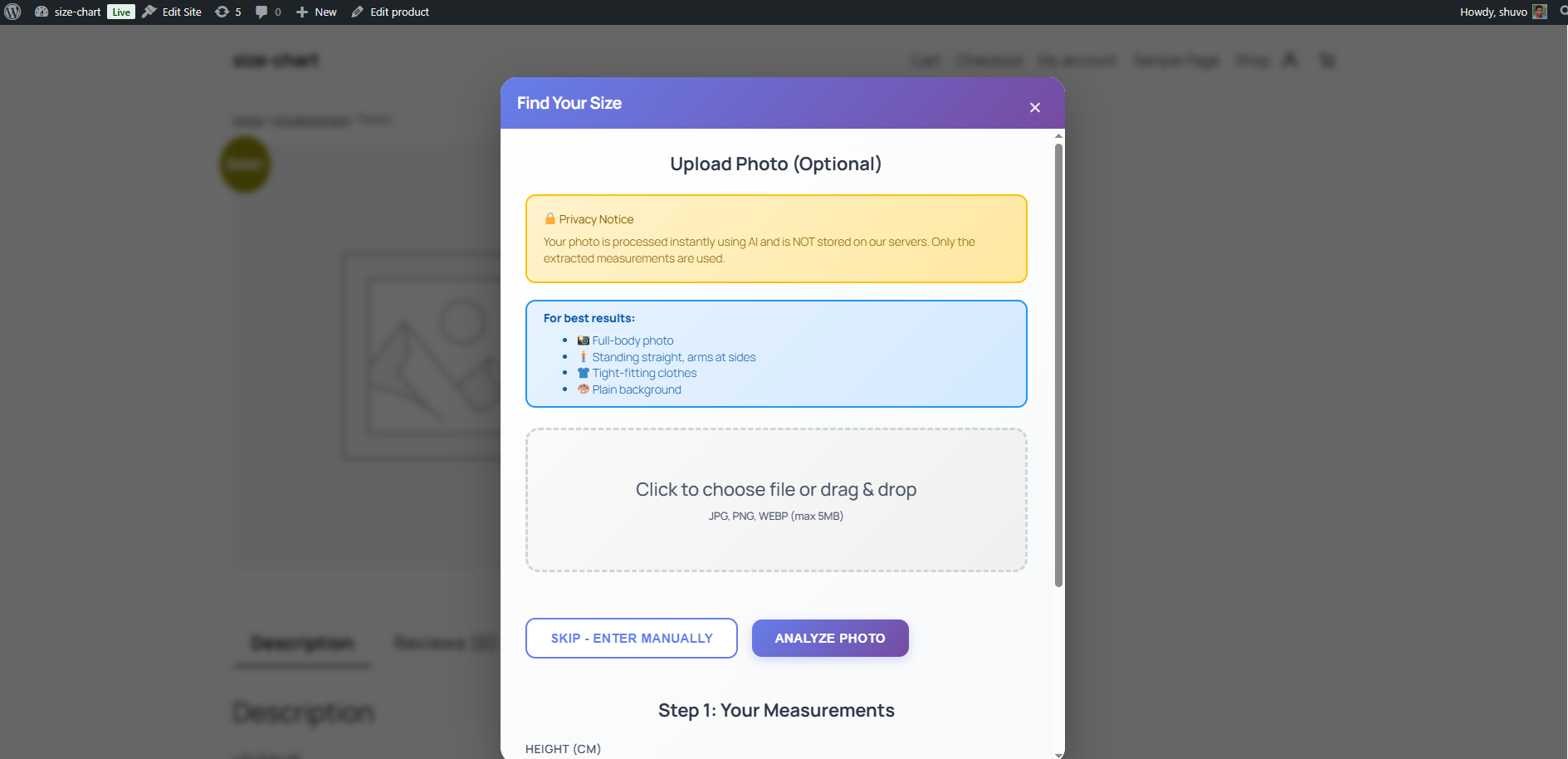
- Optional AI Fit Assistant – Generate size suggestions using the OpenAI API when enabled.
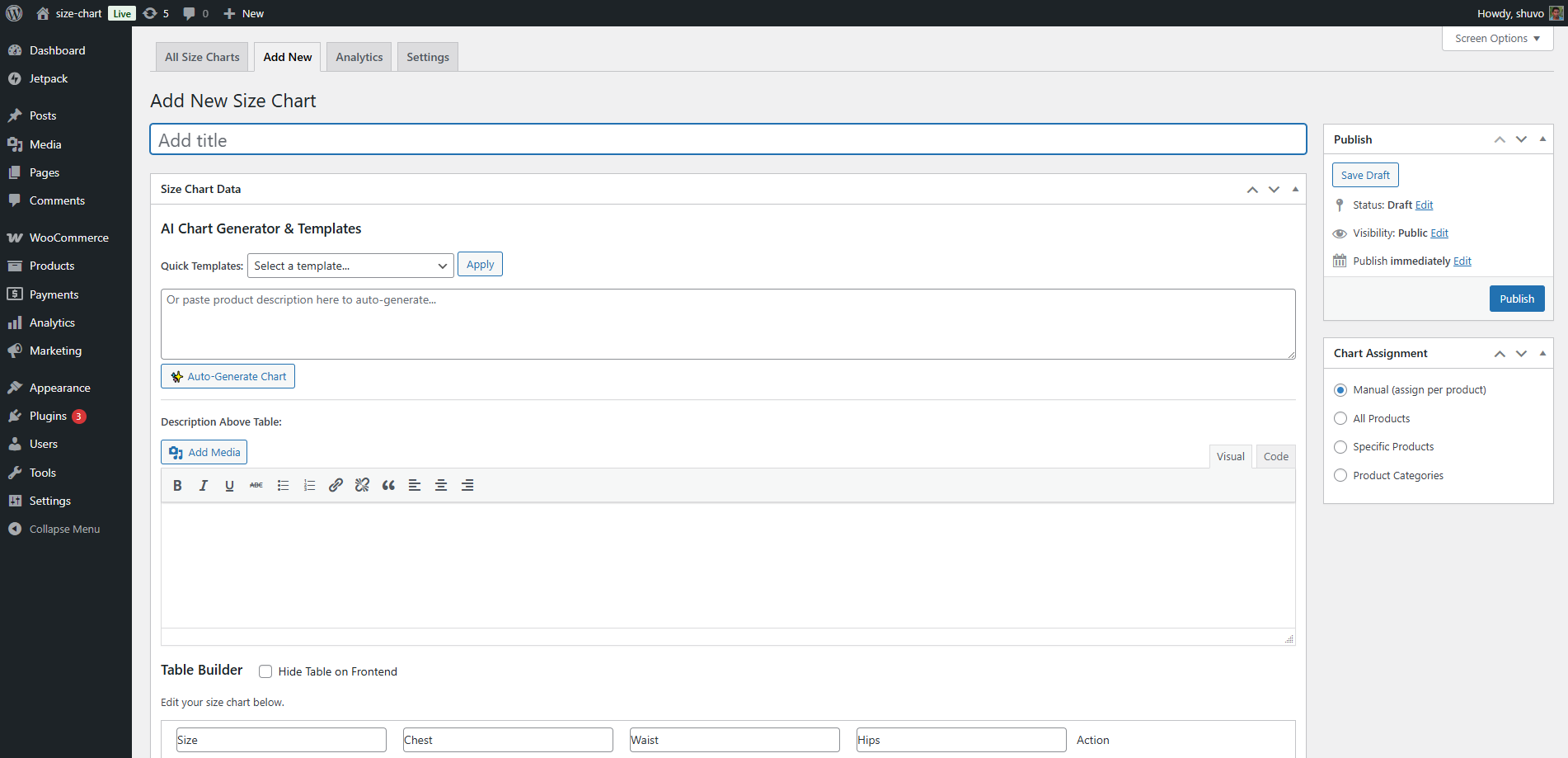
- Create a Size Chart
- Go to Size Charts → Add New
- Use the table builder or choose a template
- Add descriptions or measuring instructions
- Publish the chart
- Assign the Chart
- Globally for all products
- By product category
- Per individual product (override)
- Display the Chart
- As a WooCommerce product tab
- In a modal popup
- Using the shortcode:
[cssc_size_chart id="123"] - Analytics (Optional) If enabled, the plugin stores anonymized interactions such as:
- Chart views
- AI recommendation requests
- Recommended sizes and confidence values
安装:
- Upload to
/wp-content/plugins/cs-size-chartor install via “Plugins → Add New”. - Activate the plugin.
- Ensure WooCommerce is active.
- Create charts under Size Charts in the admin menu.
- Configure optional settings under Size Charts → Settings.
- (Optional) Enable AI features only if you choose to use them.
屏幕截图:
常见问题:
Does this plugin require WooCommerce?
Yes. It is designed specifically for WooCommerce product pages.
Does the plugin send data to external servers?
No, unless AI features are enabled. Core features and analytics run entirely on your site.\ If AI features are enabled, the following data may be sent to OpenAI:
- Height, weight, fit preference, body shape
- (Optional) uploaded photos for measurement analysis
Are photos stored?
No permanent copies are stored by this plugin.\ Photos are processed temporarily by WordPress during upload and sent to OpenAI only when AI features are enabled.
Are AI features enabled automatically?
No. They require:
- An OpenAI API key entered in settings
- The AI options to be manually enabled
- User interaction (quiz/photo)
Which OpenAI API is used?
The plugin uses the Chat Completions API for recommendation logic.\ Photo analysis uses the same API pipeline depending on configuration.
更新日志:
1.0.0
- Initial release
- Size charts and assignments
- WooCommerce integration
- Shortcode support
- Optional analytics
- Optional AI recommendations via OpenAI