CurrencyRate.Today - Currency Blocks and Widgets
| 开发者 | falselight |
|---|---|
| 更新时间 | 2026年8月21日 05:17 |
| 捐献地址: | 去捐款 |
| PHP版本: | 7.4 及以上 |
| WordPress版本: | 7.1 |
| 版权: | GPLv2 or later |
| 版权网址: | 版权信息 |
详情介绍:
安装:
- In your WordPress dashboard, go to Plugins → Add New, search for "CurrencyRate.Today", and click Install. Or upload the plugin folder to
/wp-content/plugins/. - Activate the plugin.
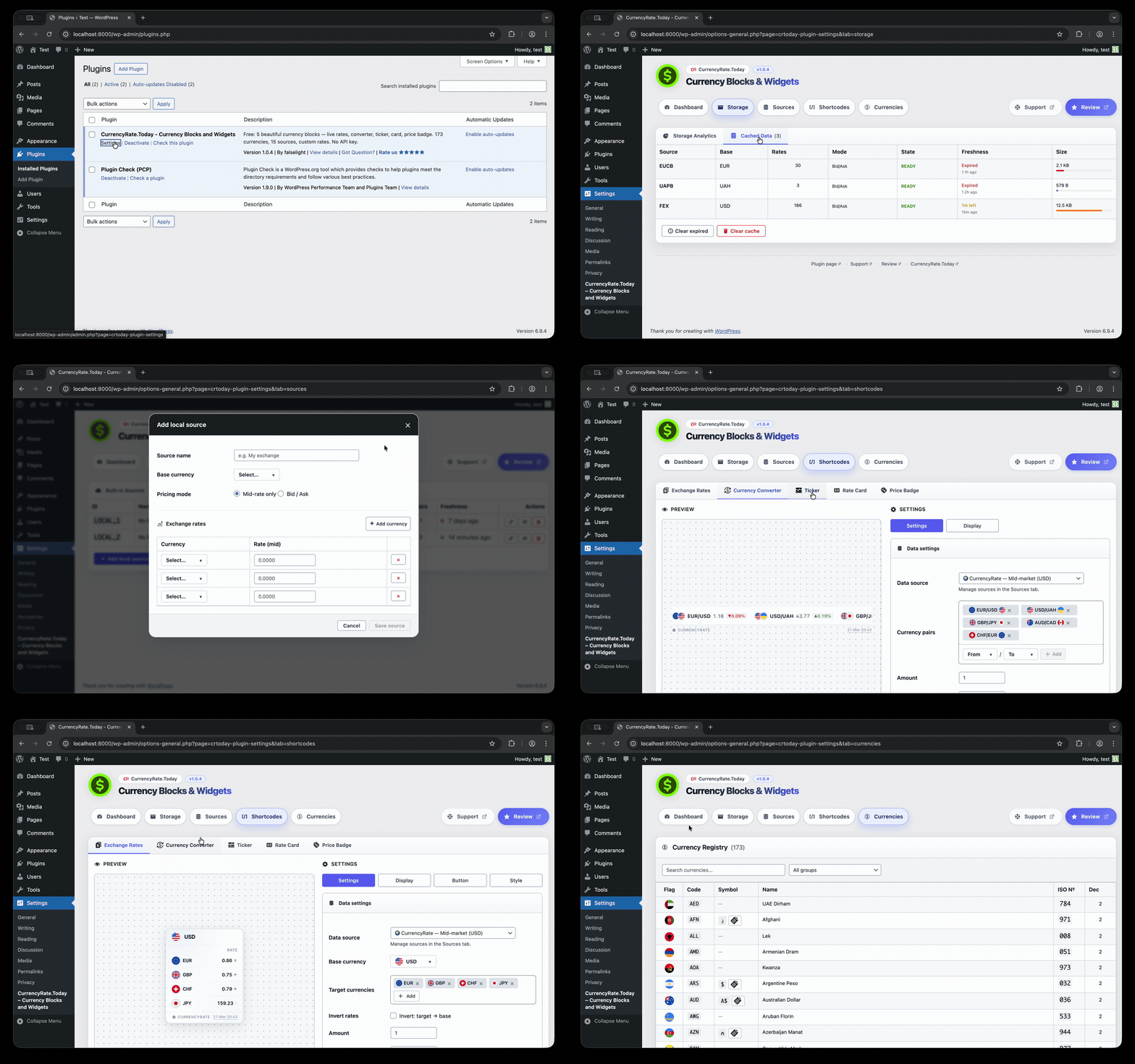
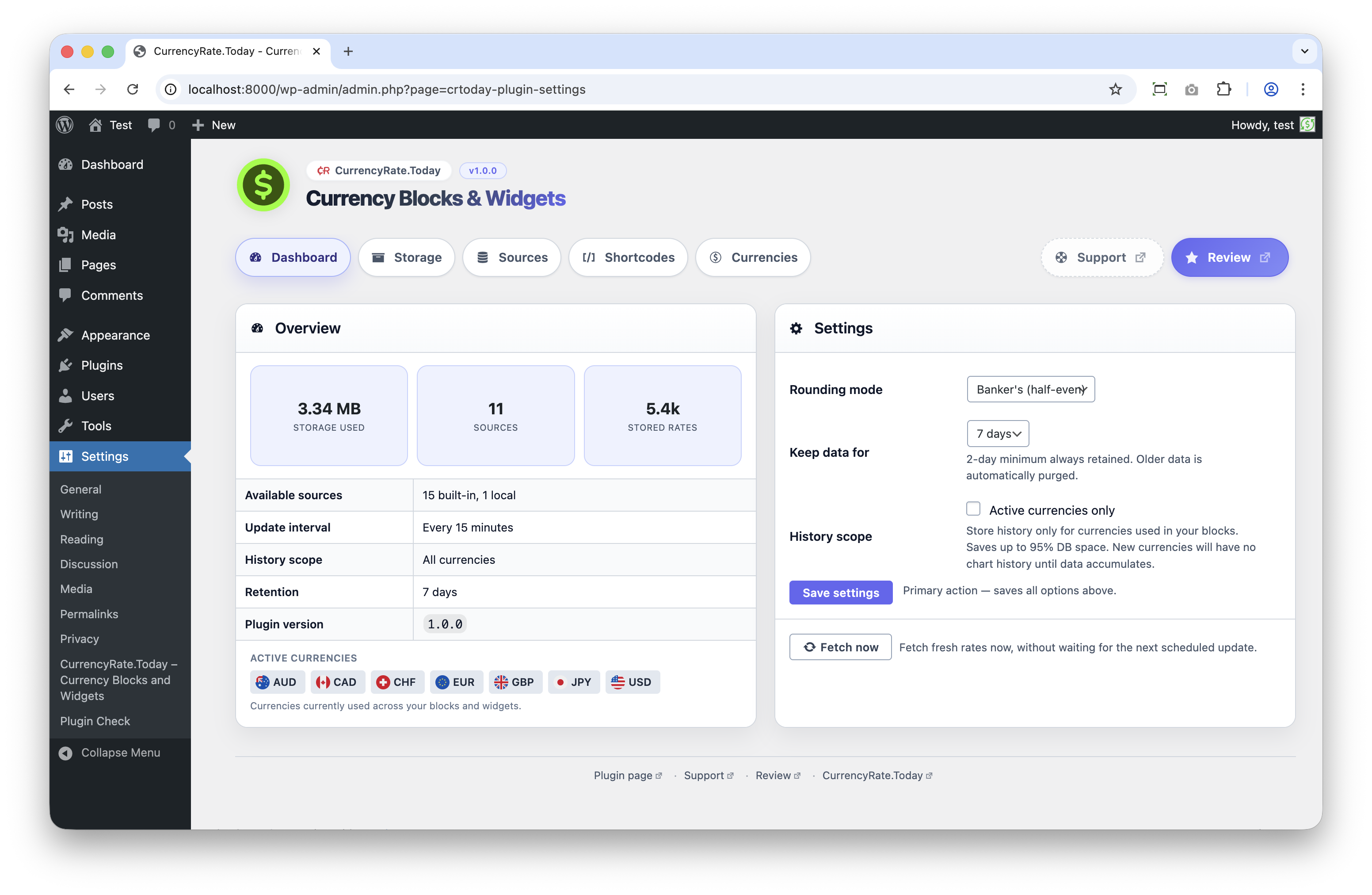
- Go to the plugin settings and choose where to get exchange rates from, how often to update them, and how they should look.
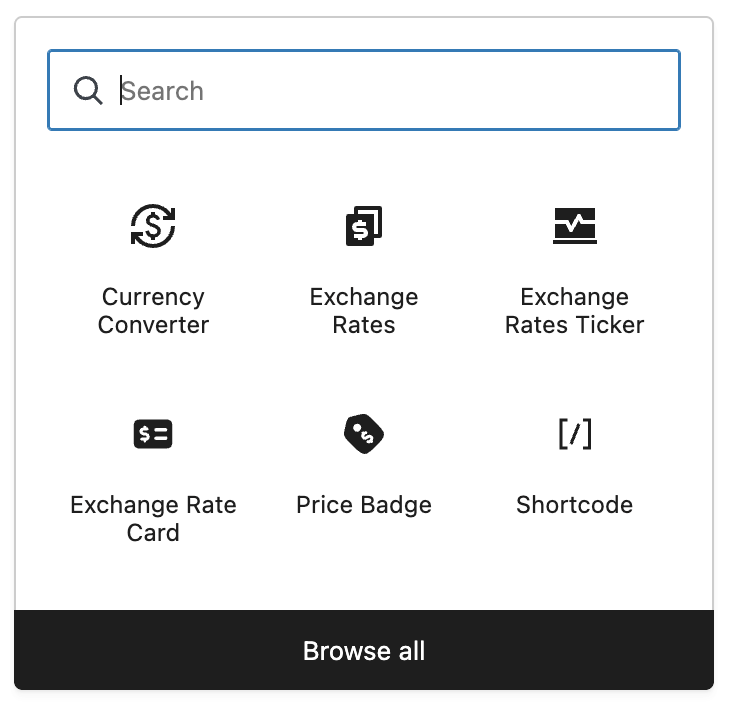
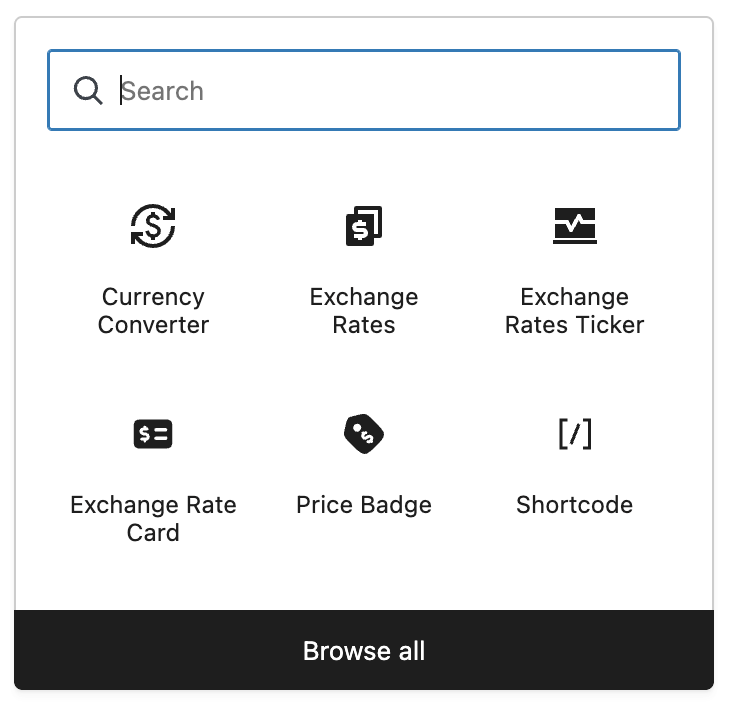
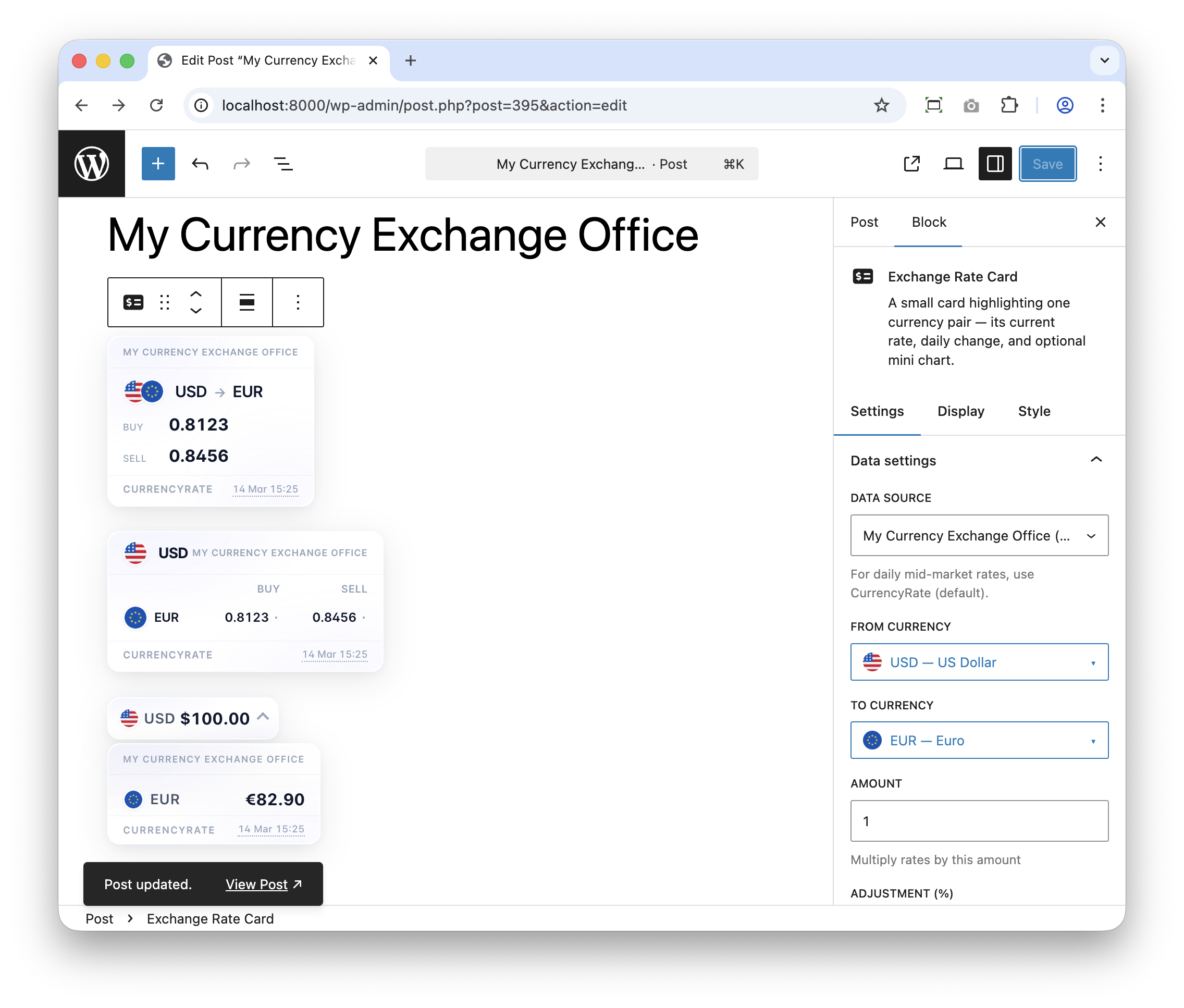
- Open any page in the editor, add one of the five currency blocks, and configure it to show the currencies you need.
屏幕截图:


常见问题:
Do I need to create an account or get an API key?
No. The plugin works right away — no accounts, no keys, no setup with external services.
Does it work in the WordPress block editor?
Yes. All five blocks — Exchange Rates, Currency Converter, Exchange Rate Card, Price Badge, and Exchange Rates Ticker — are native blocks in the WordPress editor.
Can I use it without the block editor?
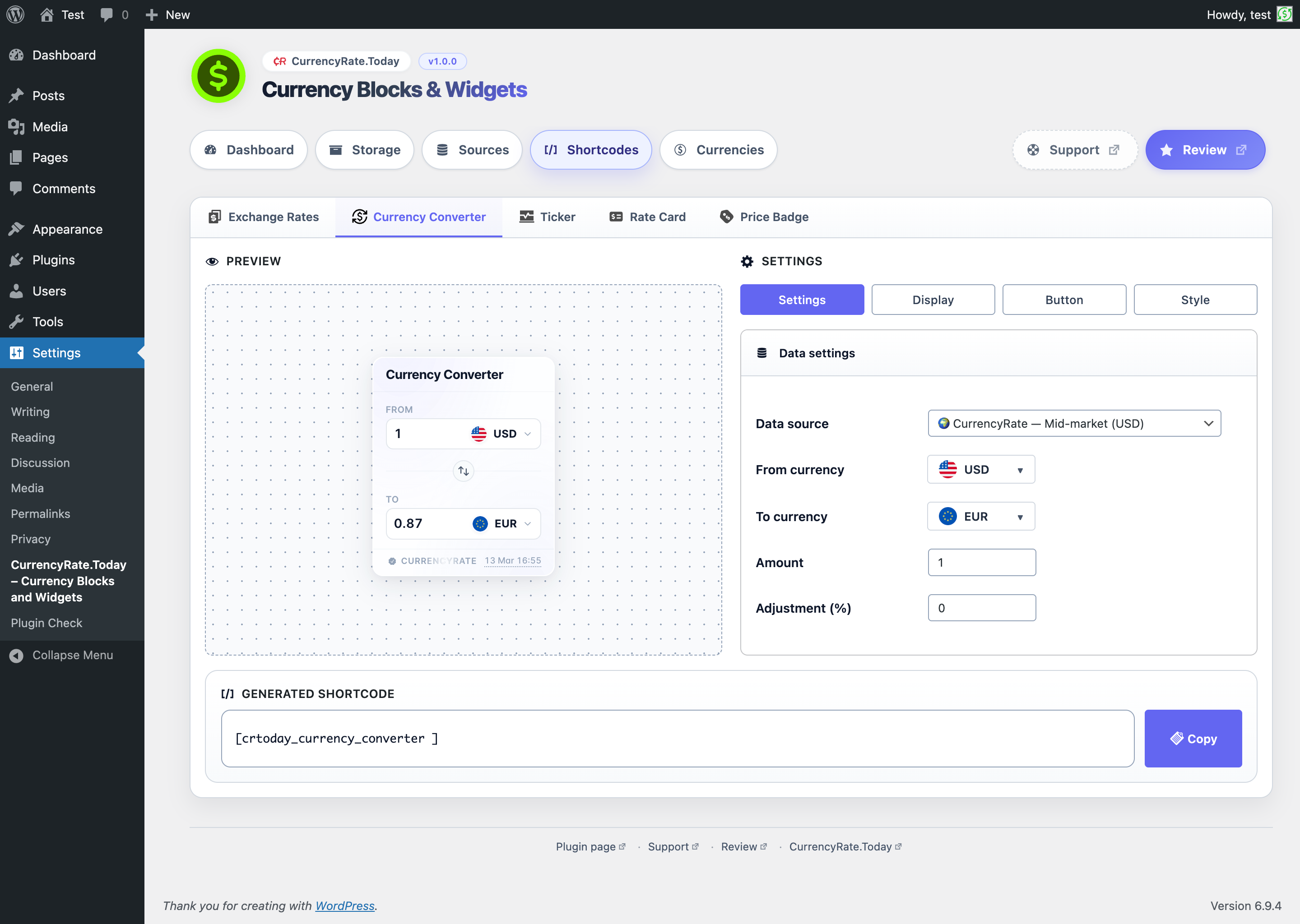
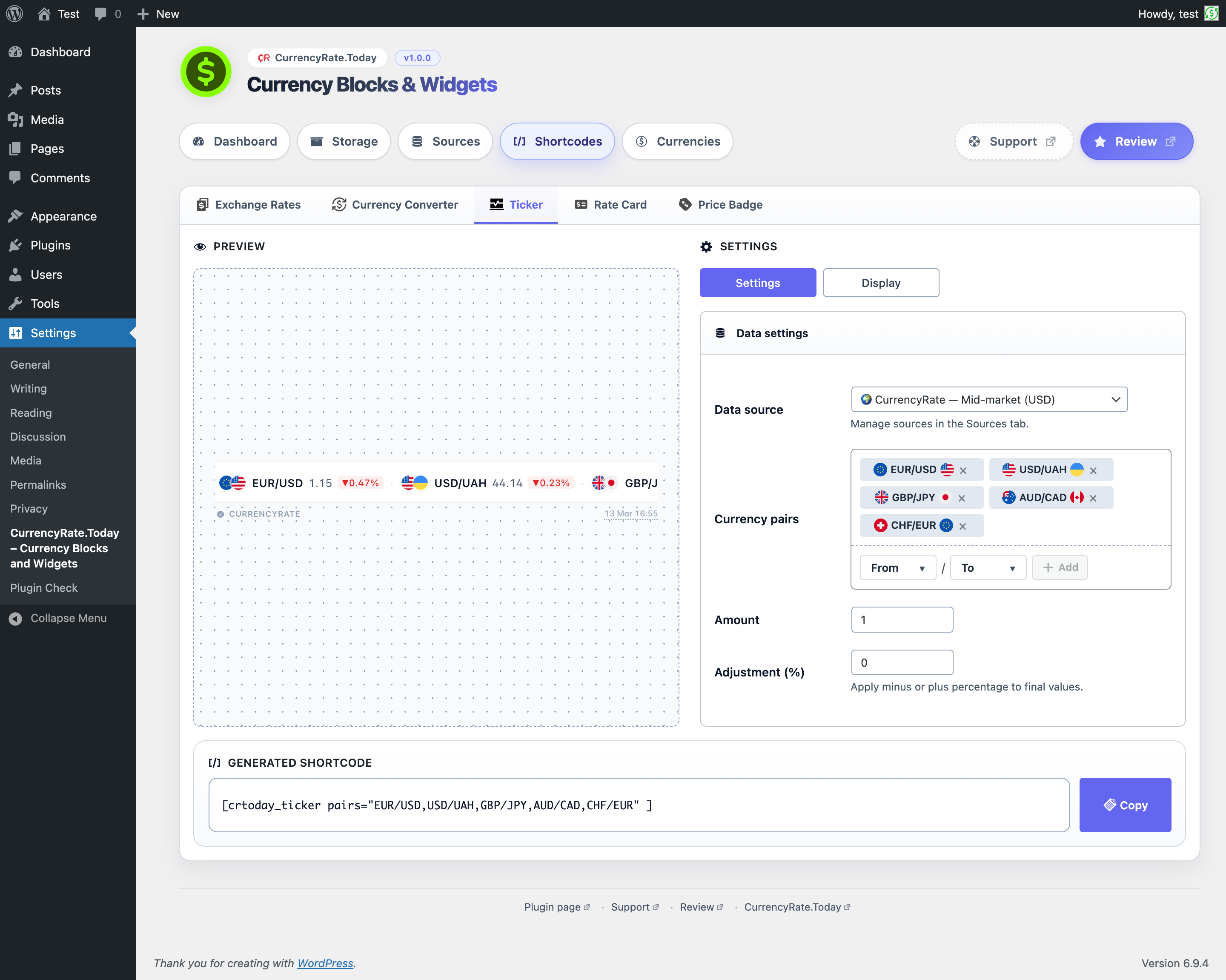
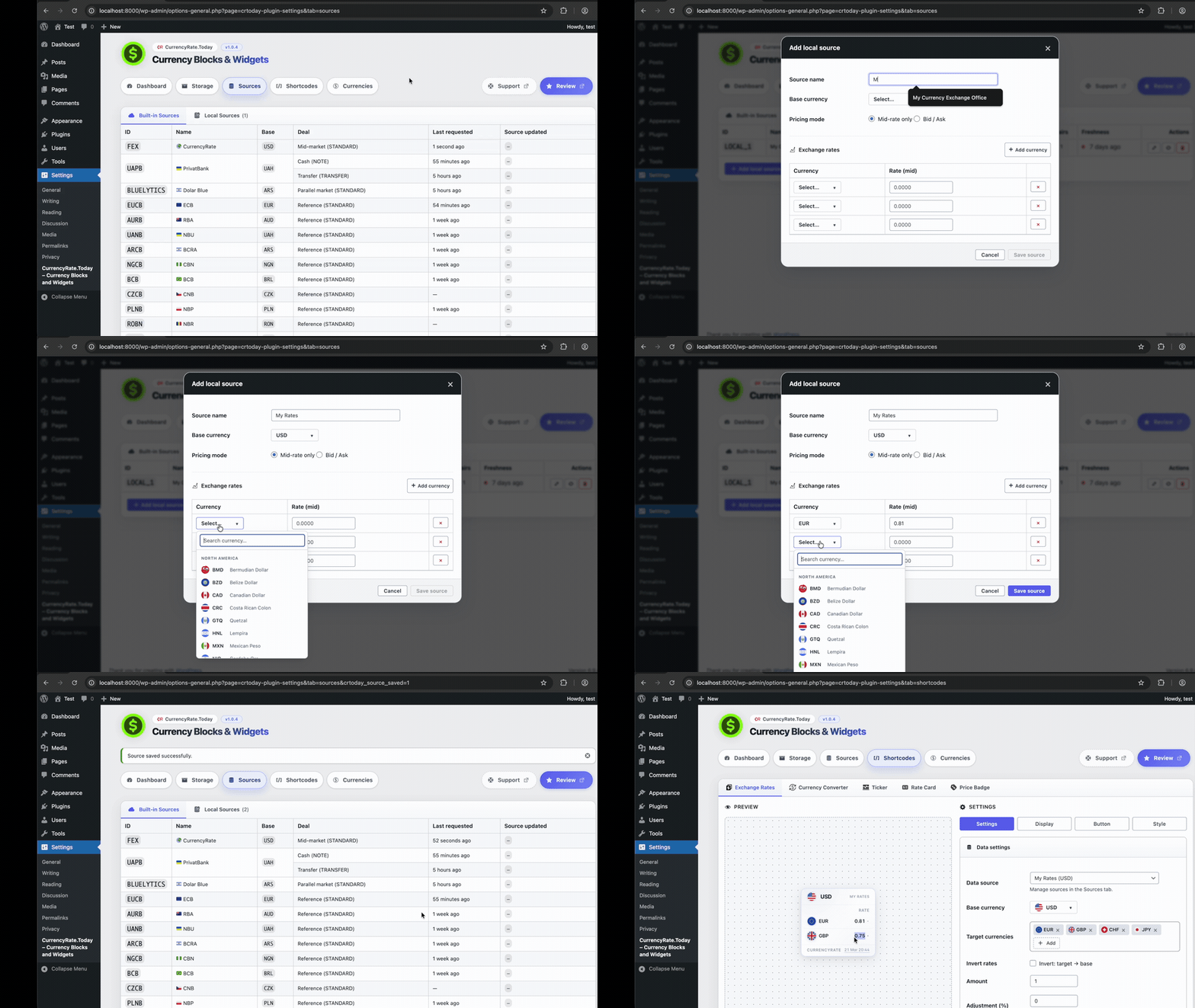
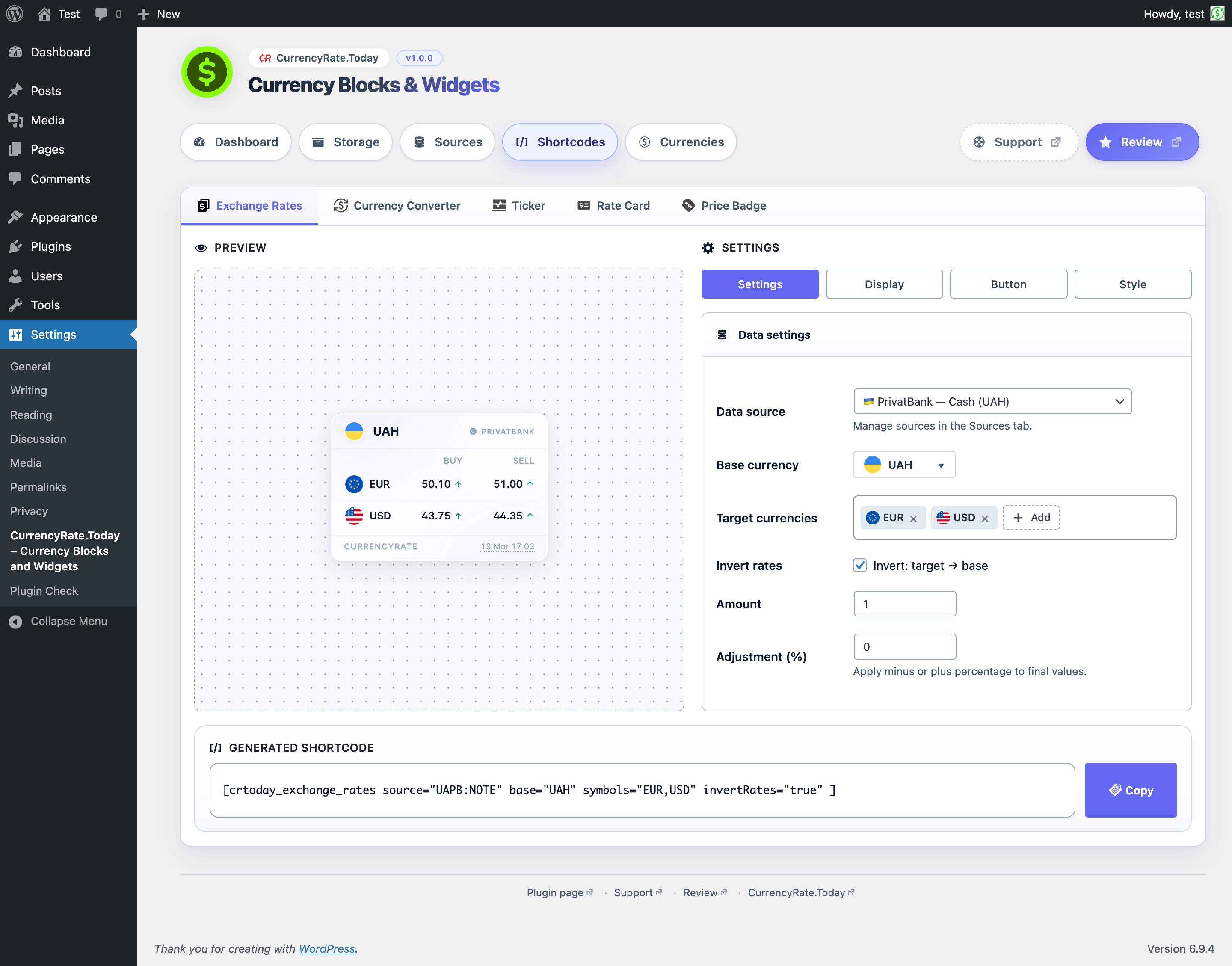
Yes. Every block also works as a simple tag you can paste into any page, post, or widget area. The settings page includes a generator that creates these tags for you — just pick your options and copy.
Which rate sources are built in?
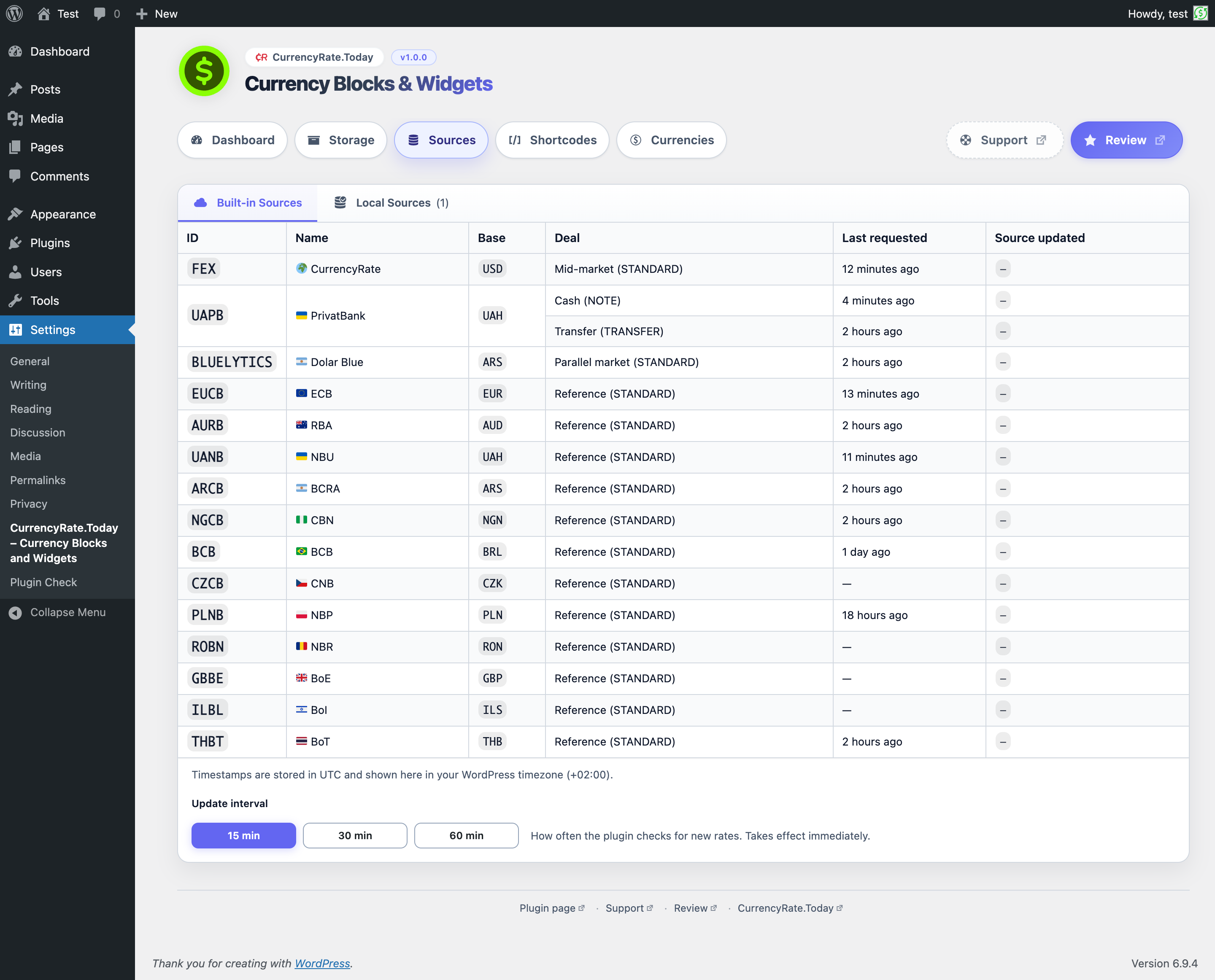
The plugin comes with 15 built-in sources from central banks and markets. You can also enter your own rates manually.
- 🌍 CurrencyRate (USD) — 173 currencies, mid-market rates
- 🇺🇦 PrivatBank (UAH) — cash and transfer deals
- 🇪🇺 ECB (EUR) — ~30 currencies, European Central Bank reference rates
- 🇦🇺 RBA (AUD) — Reserve Bank of Australia reference rates
- 🇺🇦 NBU (UAH) — National Bank of Ukraine reference rates
- 🇦🇷 Dolar Blue (ARS) — Argentine parallel-market rates
- 🇦🇷 BCRA (ARS) — Banco Central de la República Argentina reference rates
- 🇳🇬 CBN (NGN) — Central Bank of Nigeria reference rates
- 🇧🇷 BCB (BRL) — Banco Central do Brasil reference rates
- 🇨🇿 CNB (CZK) — Czech National Bank reference rates
- 🇵🇱 NBP (PLN) — National Bank of Poland reference rates
- 🇷🇴 NBR (RON) — National Bank of Romania reference rates
- 🇬🇧 BoE (GBP) — Bank of England reference rates
- 🇮🇱 BoI (ILS) — Bank of Israel reference rates
- 🇹🇭 BoT (THB) — Bank of Thailand reference rates
- ✏️ Custom rates — enter your own rates for any pair
Can I show rates from different sources on different pages?
Yes. Each block can use its own rate source independently.
Can I use my own exchange rates?
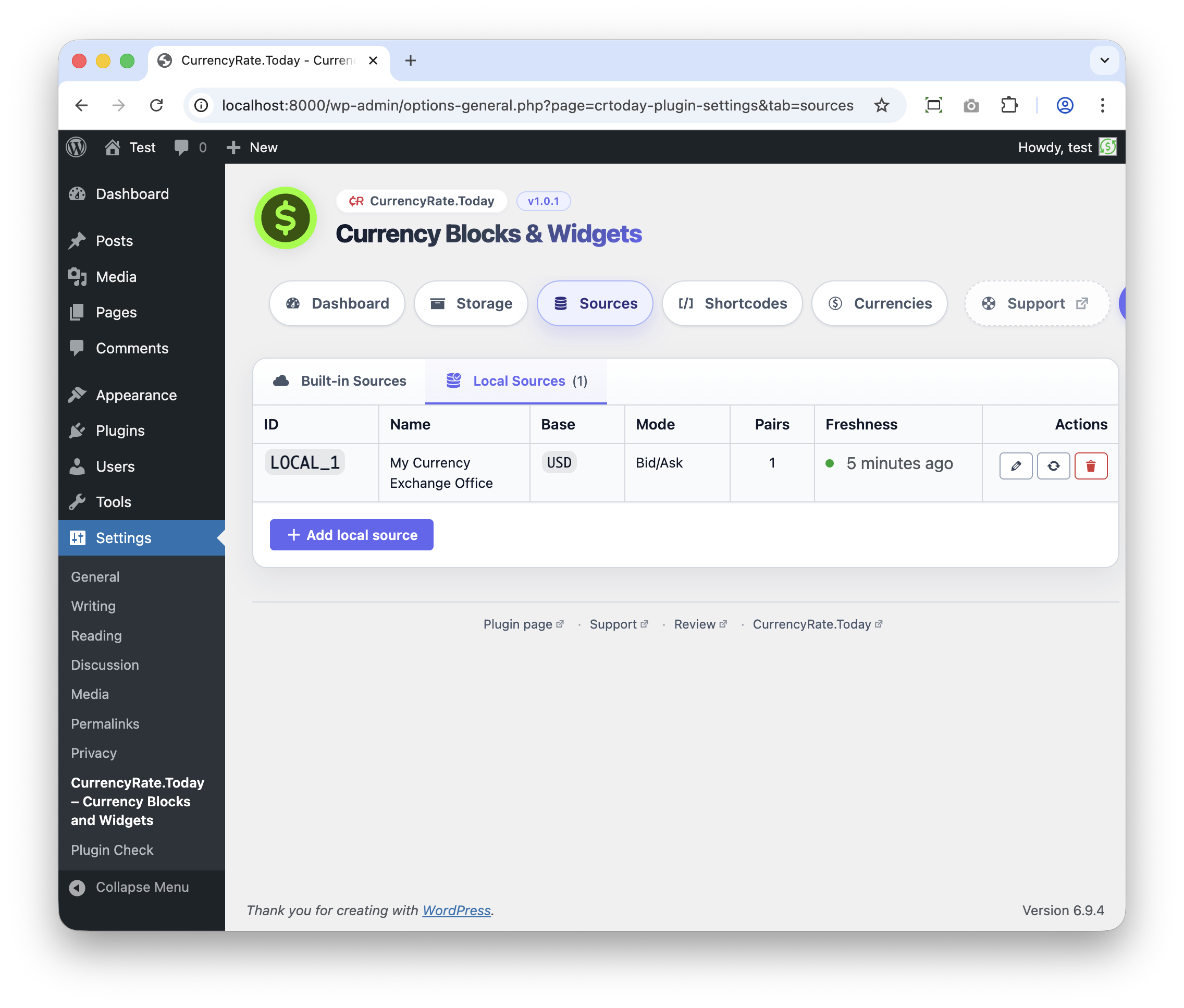
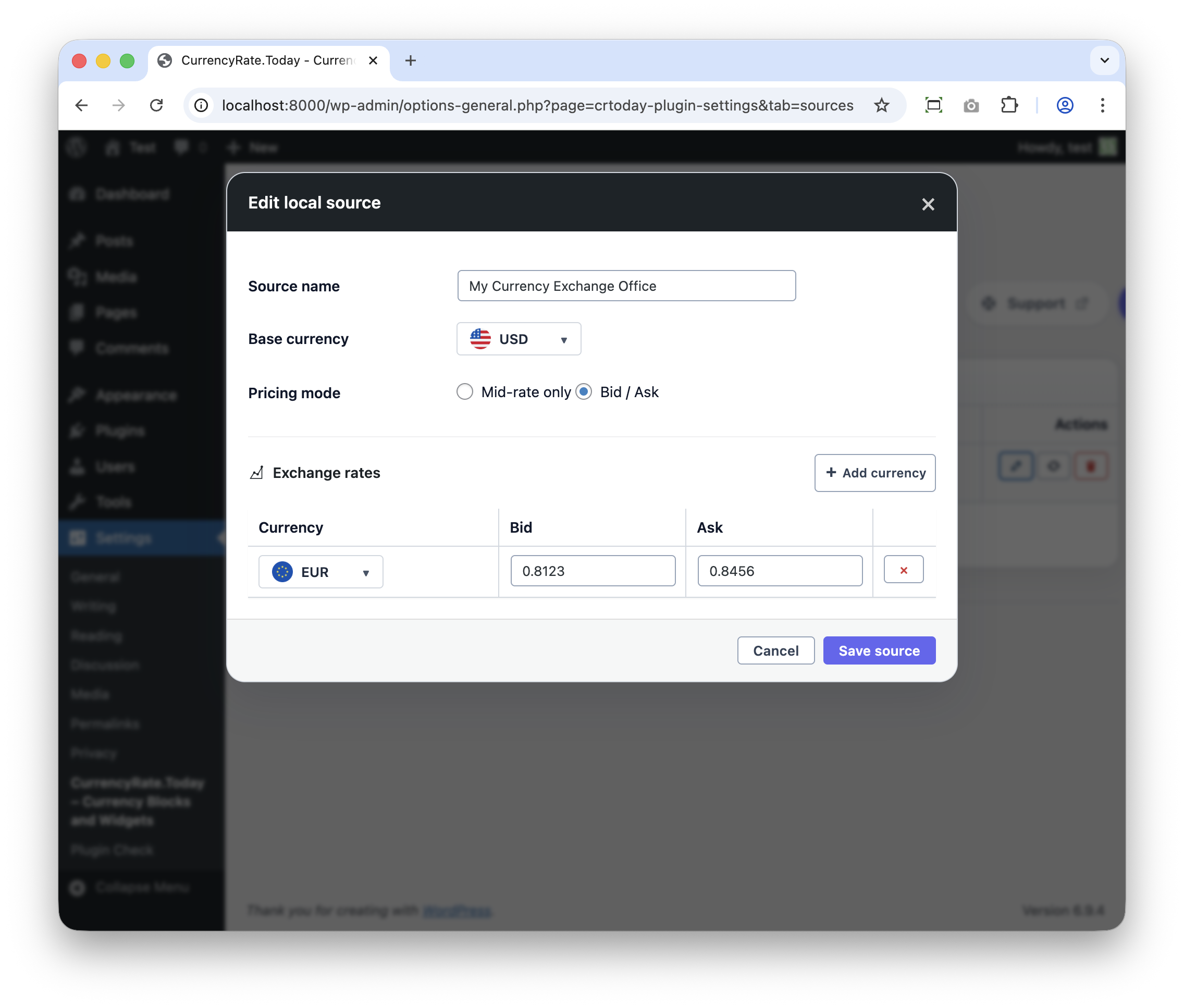
Yes. Enter custom rates for your exchange service, bank, or internal pricing.
Is the widget GDPR compliant?
The widget does not collect any personal user data. It only fetches exchange rates.
How often are rates updated?
You choose how often the plugin checks for new rates — as often as every 15 minutes. The rate data itself is usually refreshed about every 5 minutes at the source.
Who is behind this plugin?
CurrencyRate.Today has been building currency tools since 2014. Learn more at http://currencyrate.today/. Support typically responds within 24 hours.
Does this plugin connect to external services?
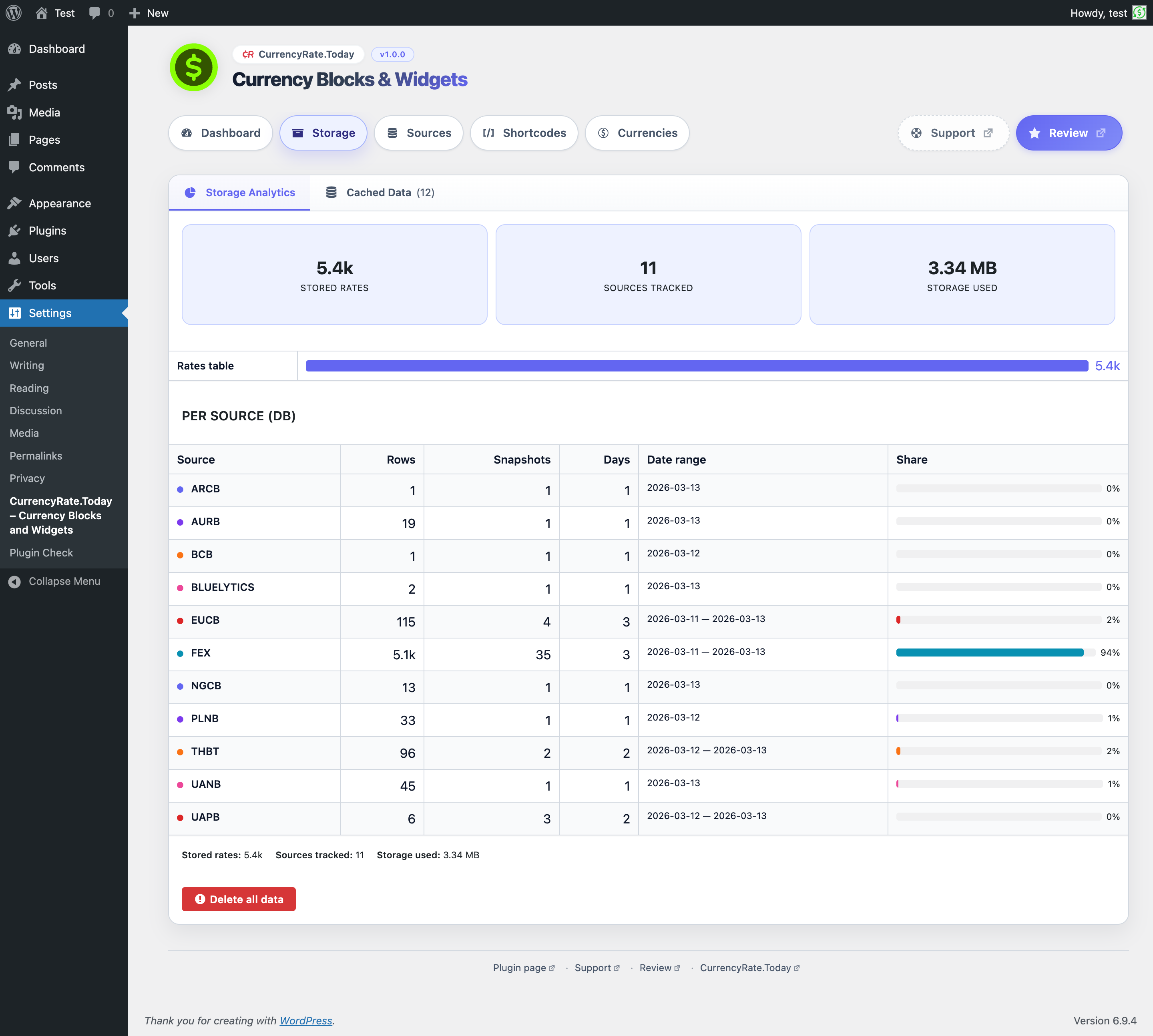
Yes. The plugin downloads exchange-rate data from remote services when you enable a rate source.
Does the plugin track my visitors?
No. It does not include any analytics or visitor tracking.
Which external services may be used?
When a source is enabled, the plugin connects to one of these services to get rate data: CRToday Currency Proxy: https://crtoday.fex.to/ CurrencyRate.Today: https://currencyrate.today/
When does the plugin contact external services?
The plugin requests new rate data when: a page with a currency block is viewed and the stored rates have expired; you manually refresh rates in the plugin settings.
What data is sent and received?
When checking for new rates, the plugin sends a standard web request containing the selected source and the currencies you chose. It receives rate numbers and timestamps in return. No visitor data is sent. As with any web request, your server's IP address is visible to the service. For the default service, review the Terms of Service (https://crtoday.fex.to/terms.html) and Data Disclaimer (https://crtoday.fex.to/disclaimer.html).
Can’t find your exchange rate source?
Reach out to us via our support page. We’re happy to review new sources and will do our best to make them available in the plugin whenever possible.
更新日志:
- Fixed all five blocks missing from or crashing in the block editor on WordPress 6.3–6.5: the editor bundle is now compiled with the classic JSX runtime (wp.element.createElement) instead of react-jsx-runtime, which those WordPress versions do not ship
- Editor asset dependencies declared by the build are now filtered to handles actually registered by the running WordPress version
- Verified compatibility with WordPress 7.1
- Verified compatibility with WordPress 7.0, including upgrade-path rehearsal from the public 1.0.4 release
- Fixed TypeScript configuration gaps uncovered during WordPress 7 compatibility validation
- Hardened the Rate Card frontend observer code so builds and runtime checks pass cleanly on the WordPress 7 test matrix
- Removed layered frontend CSS so plugin block styles are no longer demoted below hostile unlayered theme resets
- Hardened shared block styling against aggressive theme rules for lists, details/summary, fieldsets, and form controls
- Fixed Currency Converter CSS structure regression introduced during theme-hardening work
- Removed translucent block surface backgrounds so cards, dialogs, ticker, and converter surfaces render opaque by default
- Fixed seamless Transparent mode so Light/Dark/Auto theme selection stays available and the chosen theme is preserved for remaining text and UI colors
- Exchange Rates block: rate lookup keys normalised to uppercase — fixes missing rows when an API source returns lowercase currency codes
- Editor amount input: European number format (e.g. 1.234,56) now parsed correctly instead of being truncated
- Editor amount input: multiple commas (e.g. 1,234,567) treated as thousand separators instead of decimal
- CTA links include rel="noopener noreferrer" for safer external navigation
- Currency Converter: added DOM guard — throws a descriptive error instead of a silent null-reference crash when markup is incomplete
- Currency name cache is now locale-aware, preventing stale translations on multilingual sites (WPML, Polylang)
- Accessibility audit (WCAG 2.1/2.2 Level AA) — full checklist, findings report, and remediation backlog
- Currency Converter announces results to screen readers via aria-live region with debounced updates
- Exchange Rate Card chart tabs follow WAI-ARIA Tabs pattern with keyboard arrow navigation
- Chart loading state announced to assistive technology through live region
- Sparkline SVG elements include role="img" and aria-label for screen readers
- Focus indicators remain visible in Windows High Contrast Mode (transparent outline fallback)
- Screen-reader-only utility class (.crtoday-sr-only) added to shared styles
- Local Storage: currency codes validated against ISO 4217 pattern and normalised to uppercase
- Local Storage: duplicate recent-currency entries eliminated via Set-based deduplication
- Local Sources refresh button no longer causes a full page reload (uses AJAX)
- Frontend chart and loading labels are now translatable via i18n instead of hardcoded English
- Redesigned review banner with premium styling matching the admin panel design system
- Review banner now appears immediately after plugin activation instead of a 7-day delay
- "Remind me later" and dismiss (×) postpone the banner for 14 days instead of 7
- Fixed "Rate the plugin" button — review page now opens reliably without popup blocking
- Fixed debug "Trigger banner" — injected banner is now fully interactive
- Unified i18n translator comments for "Remove %s" string across all admin panels
- First stable public release with all five blocks production-ready
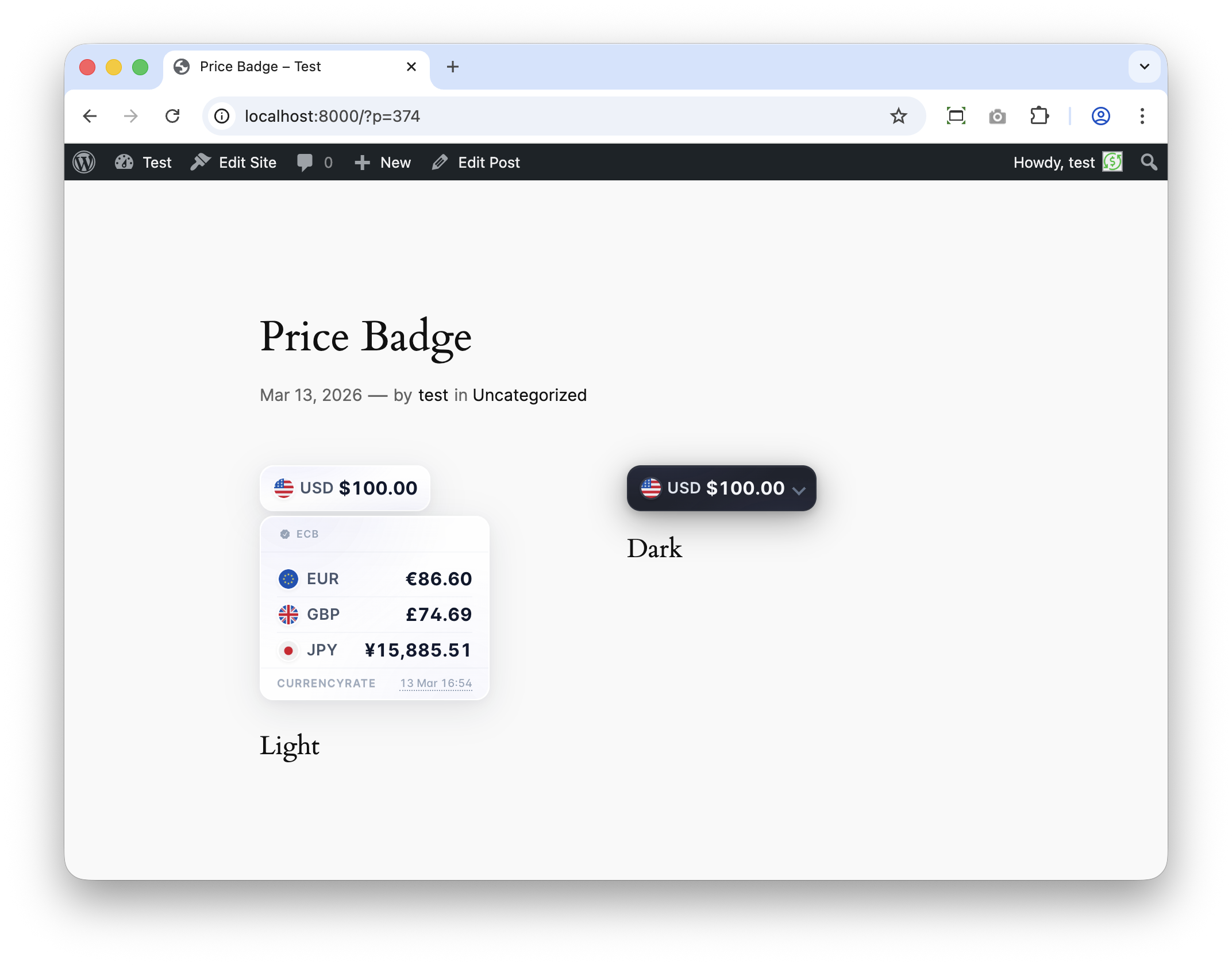
- Full-width mode for Price Badge — stretches to fill the container width
- Compact and normal display modes with proportionally scaled typography, padding, and flags across all blocks
- Edge-to-edge sparkline charts in Exchange Rate Card (no horizontal padding)
- Fixed Rate Card rendering error when chart data is unavailable
- Fixed Price Badge primary value binding and shortcode attribute handling
- Fixed admin preview rendering for flags and always-expanded panels
- Improved dark-theme consistency for source links, labels, and footer chrome
- Reduced WordPress editor deprecation warnings for block controls
- Shortcode generator covers every block option including compact mode and full width
- Release packaging and metadata aligned for WordPress.org distribution
- Added 12 new built-in central bank sources: ECB (EUCB), RBA, NBU, Dolar Blue, BCRA, CBN, BCB, CNB, NBP, NBR, BoE, BoI
- WP-Cron background fetch — exchange rates refresh automatically without blocking page loads
- Source selection limited to 3 active sources (MAX_SOURCES = 3)
- Sub-tab navigation for Sources (Built-in / Local) and Storage (Database / Cache) settings
- Renamed ECB source identifier to EUCB for consistency
- Emoji flags next to source labels in admin UI
- Renamed internal "DEFAULT" deal type to "STANDARD" across the codebase
- Shortcode generator updated for all five blocks
- Added 3 new blocks: Exchange Rate Card, Price Badge, and Exchange Rates Ticker
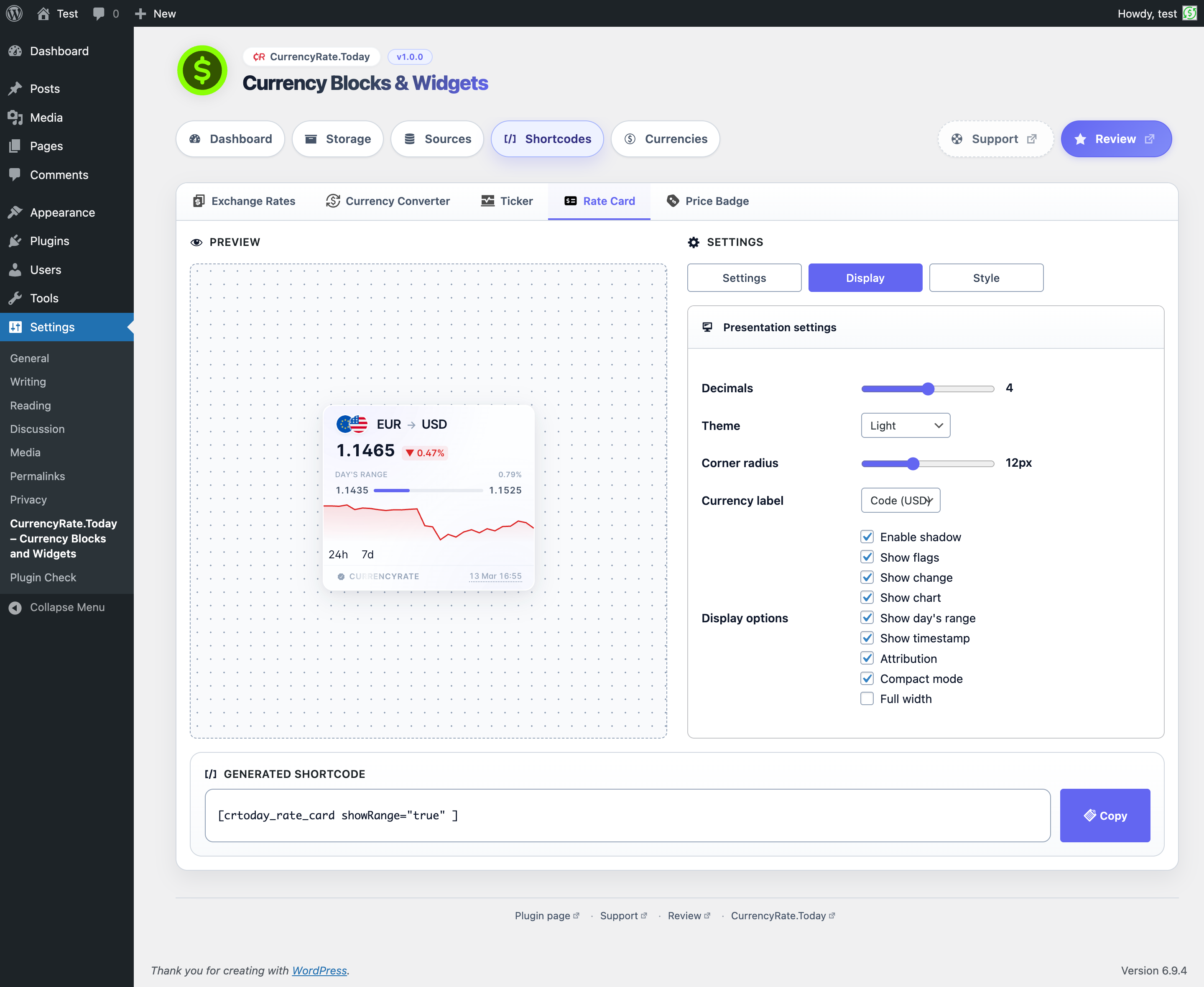
- Exchange Rate Card — single currency pair with current rate, 24-hour change, and optional sparkline chart
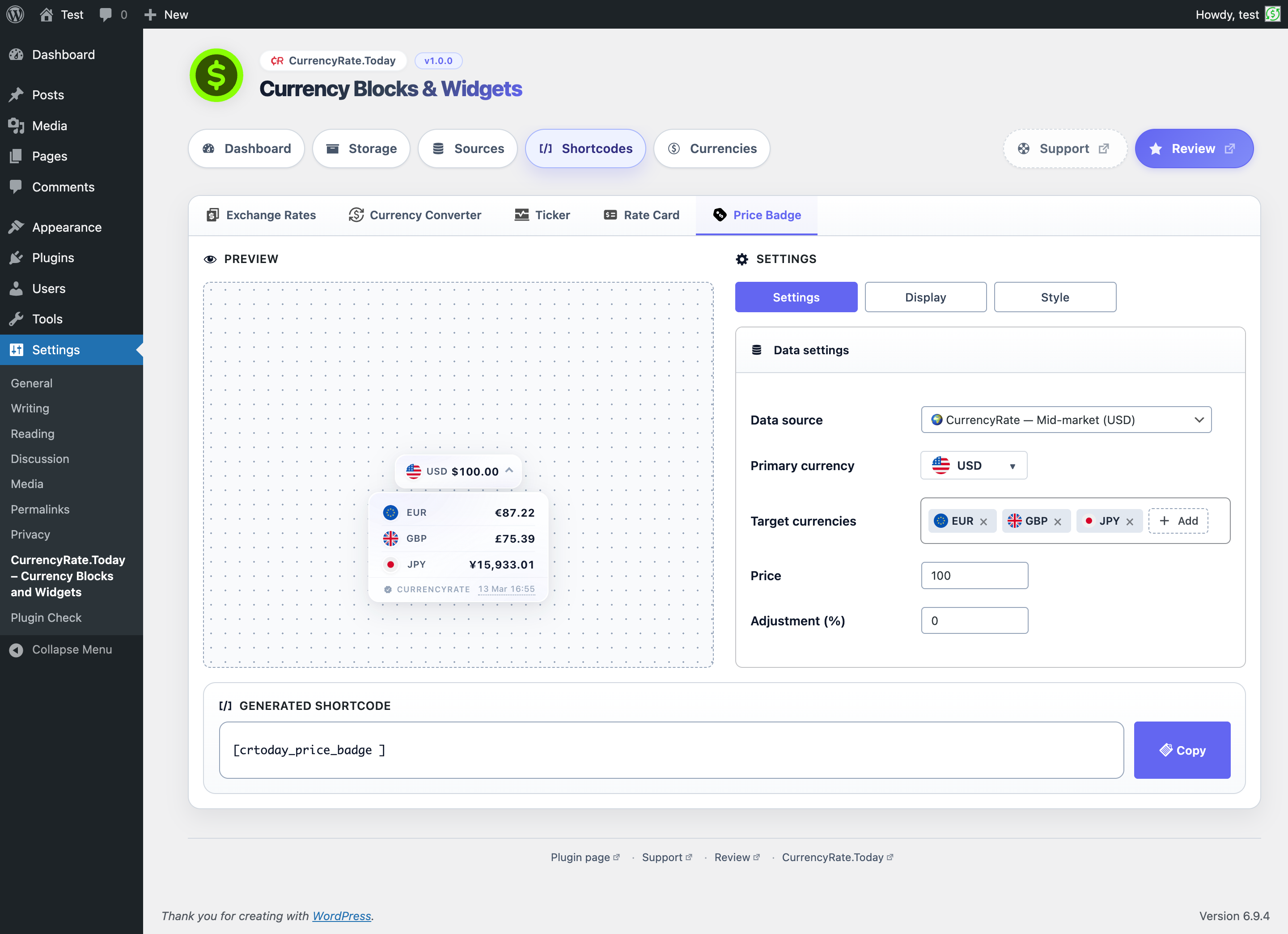
- Price Badge — collapsible badge converting a fixed amount into multiple target currencies
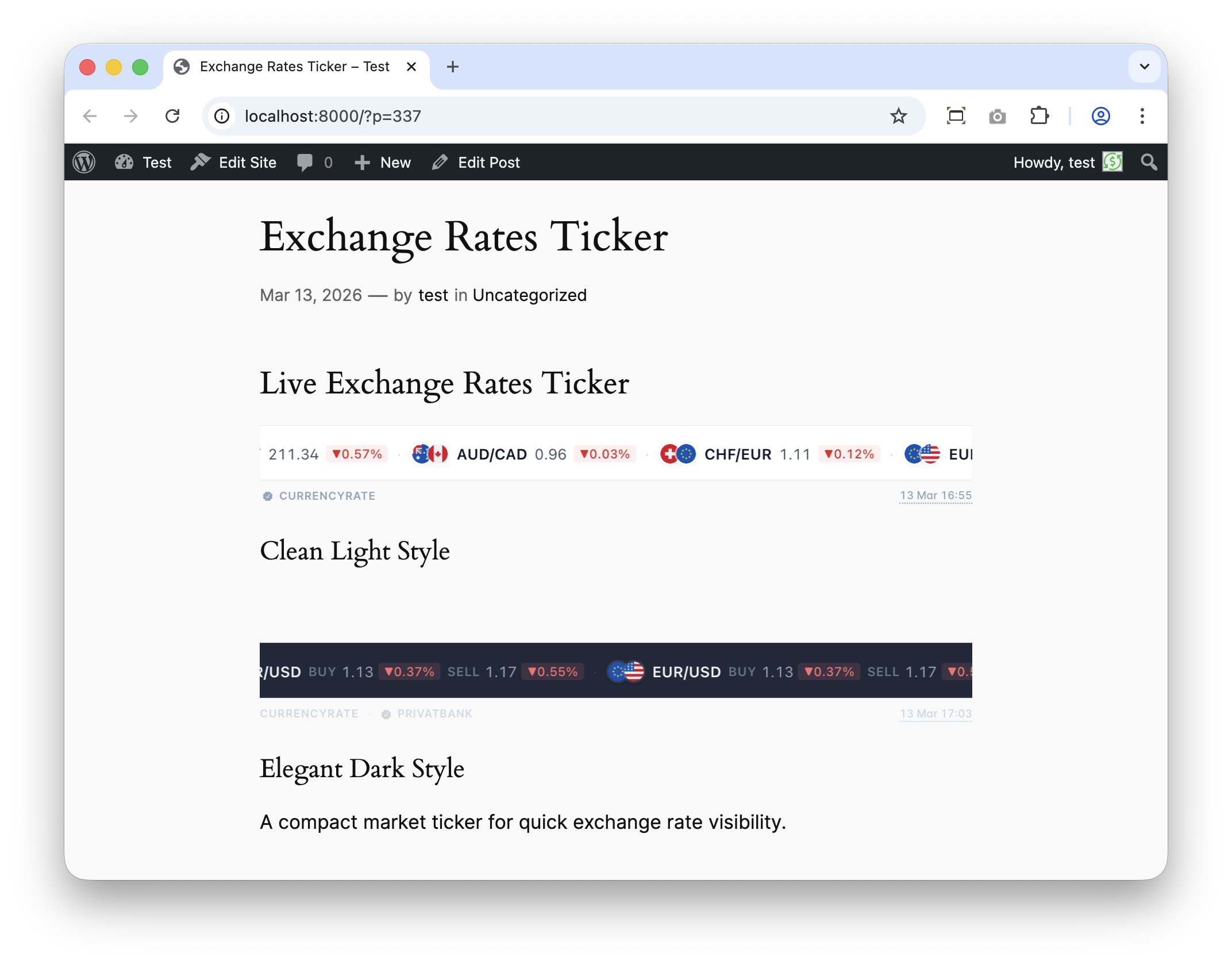
- Exchange Rates Ticker — horizontally scrolling marquee with multiple currency pairs, configurable speed, direction, and separators
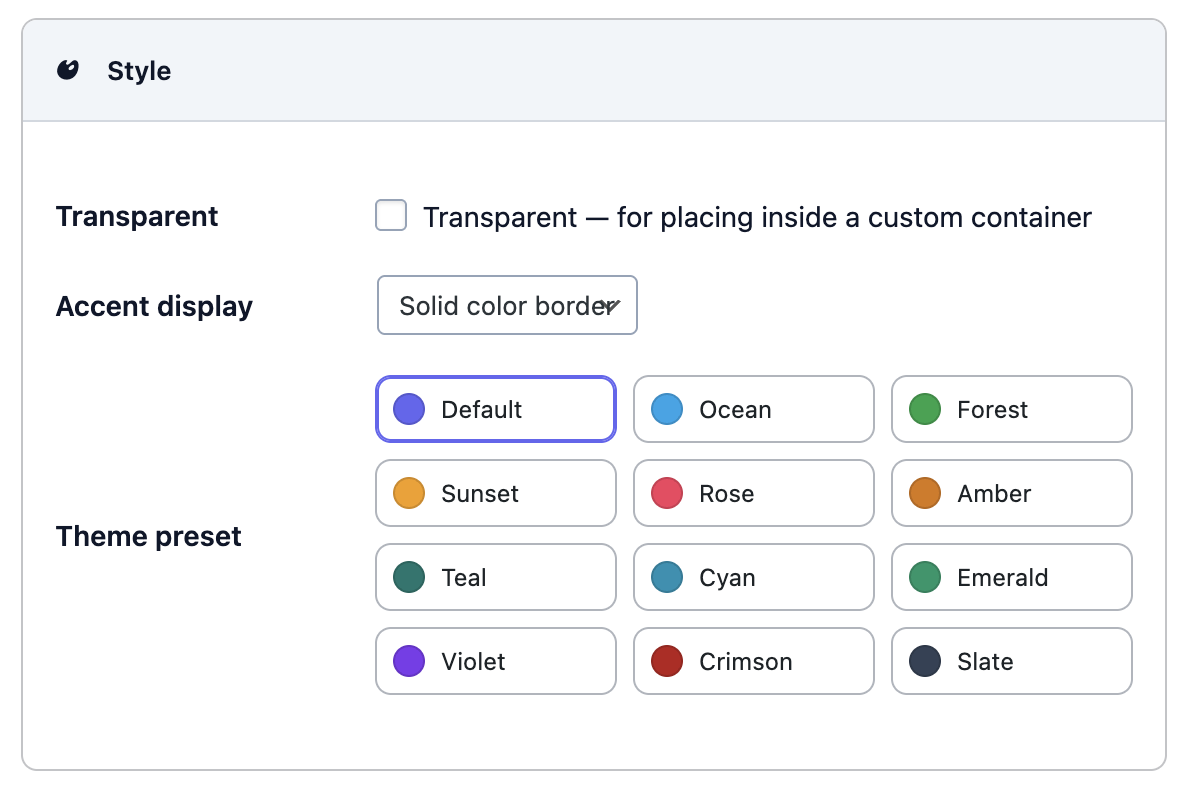
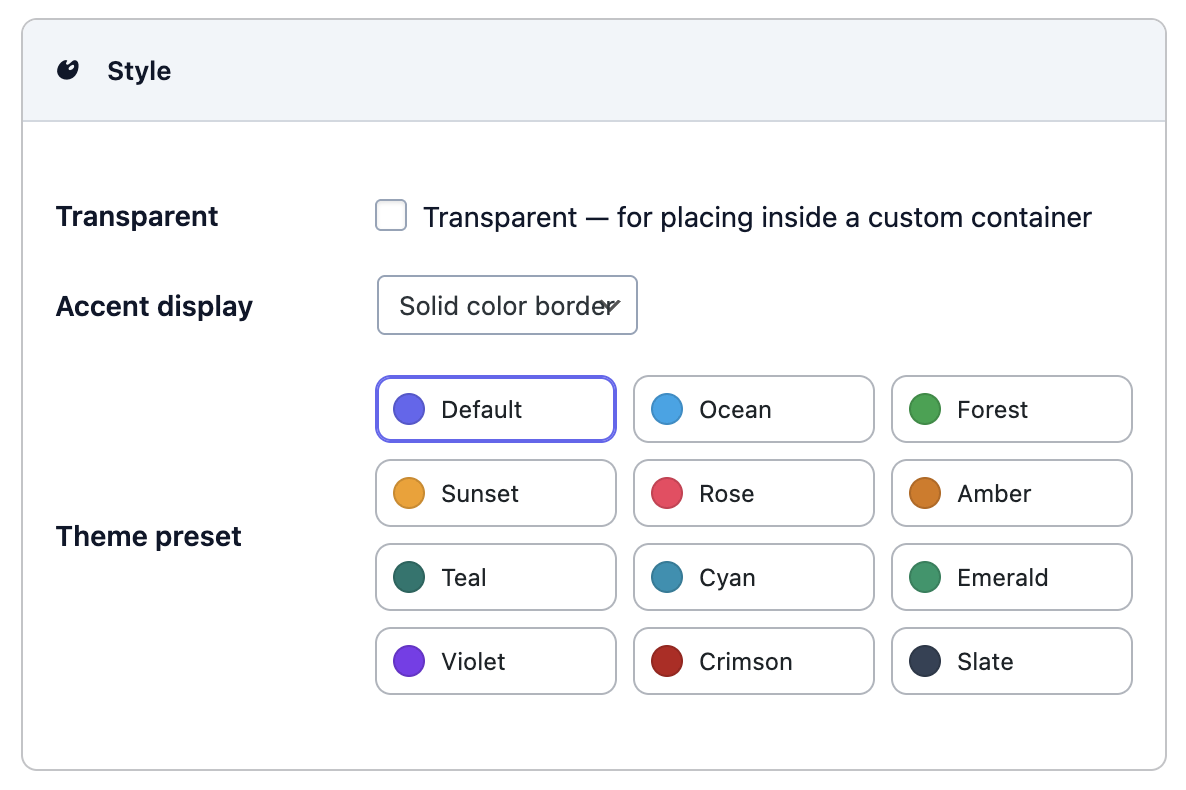
- Accent stripes and color-border styling with gradient theme presets for all card-style blocks
- Compact mode and source label support across all blocks
- Built-in shortcode generator now covers all five blocks
- Unified default handling: shortcode generator produces clean shortcodes with no redundant attributes
- Improved internal code consistency and reduced code duplication
- Minor bug fixes in Currency Converter behavior
- Improved keyboard focus handling in converter currency dropdown search
- Small visual polish update for converter fields and currency selector button
- Shortcode generator fixes and UI improvements
- Initial public release
- Exchange Rates and Currency Converter Gutenberg blocks
- Shortcode support and built-in shortcode generator
- Multiple source support
- Custom rate support
- Optional CTA buttons
- ExchangeRateSpecification JSON-LD output