
Sectorize - Custom Author Archives & Collective Authorship
| 开发者 | Turtlesoup |
|---|---|
| 更新时间 | 2026年10月8日 08:24 |
| PHP版本: | 7.4 及以上 |
| WordPress版本: | 7.1.3 |
| 版权: | GPLv2 or later |
| 版权网址: | 版权信息 |
详情介绍:
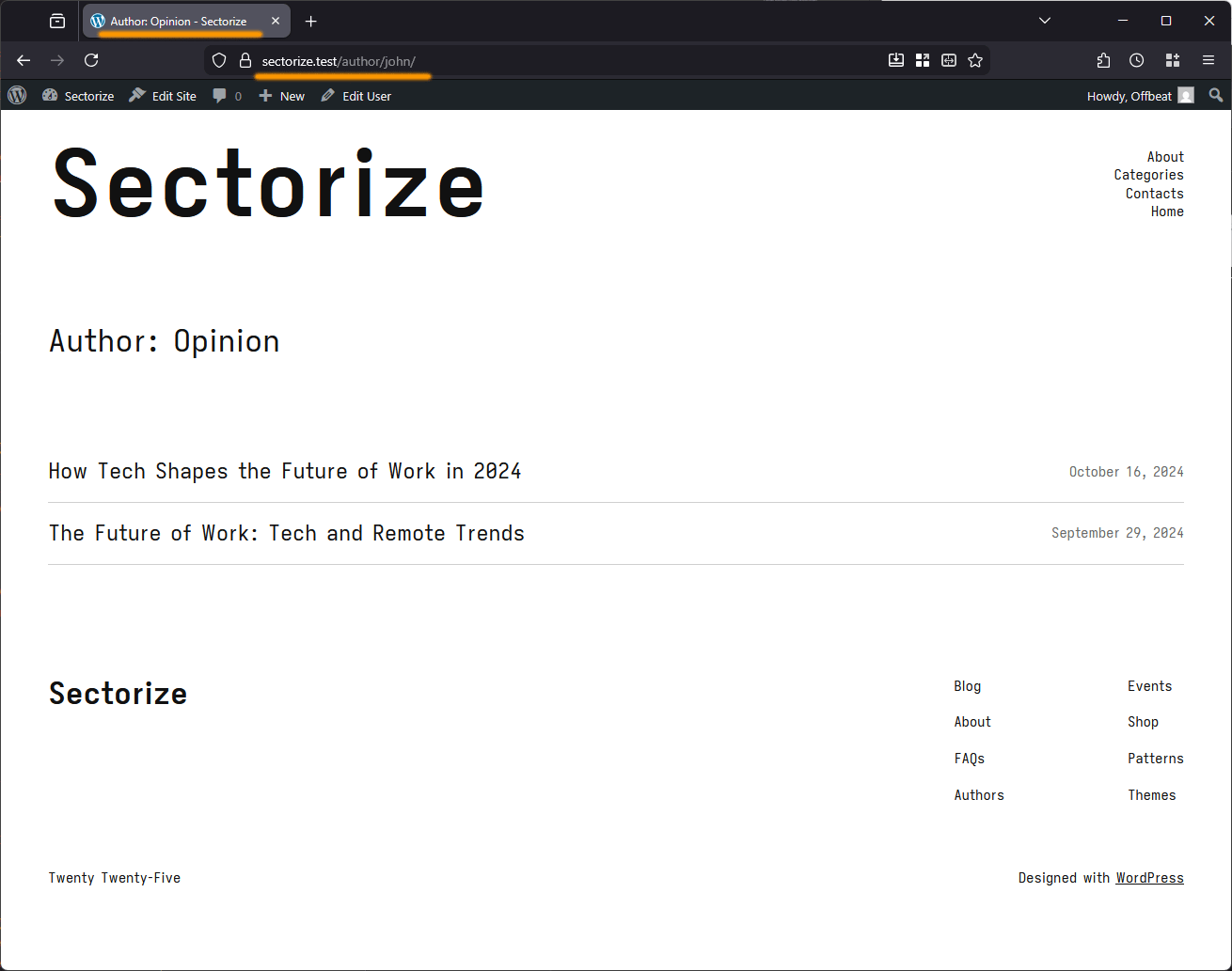
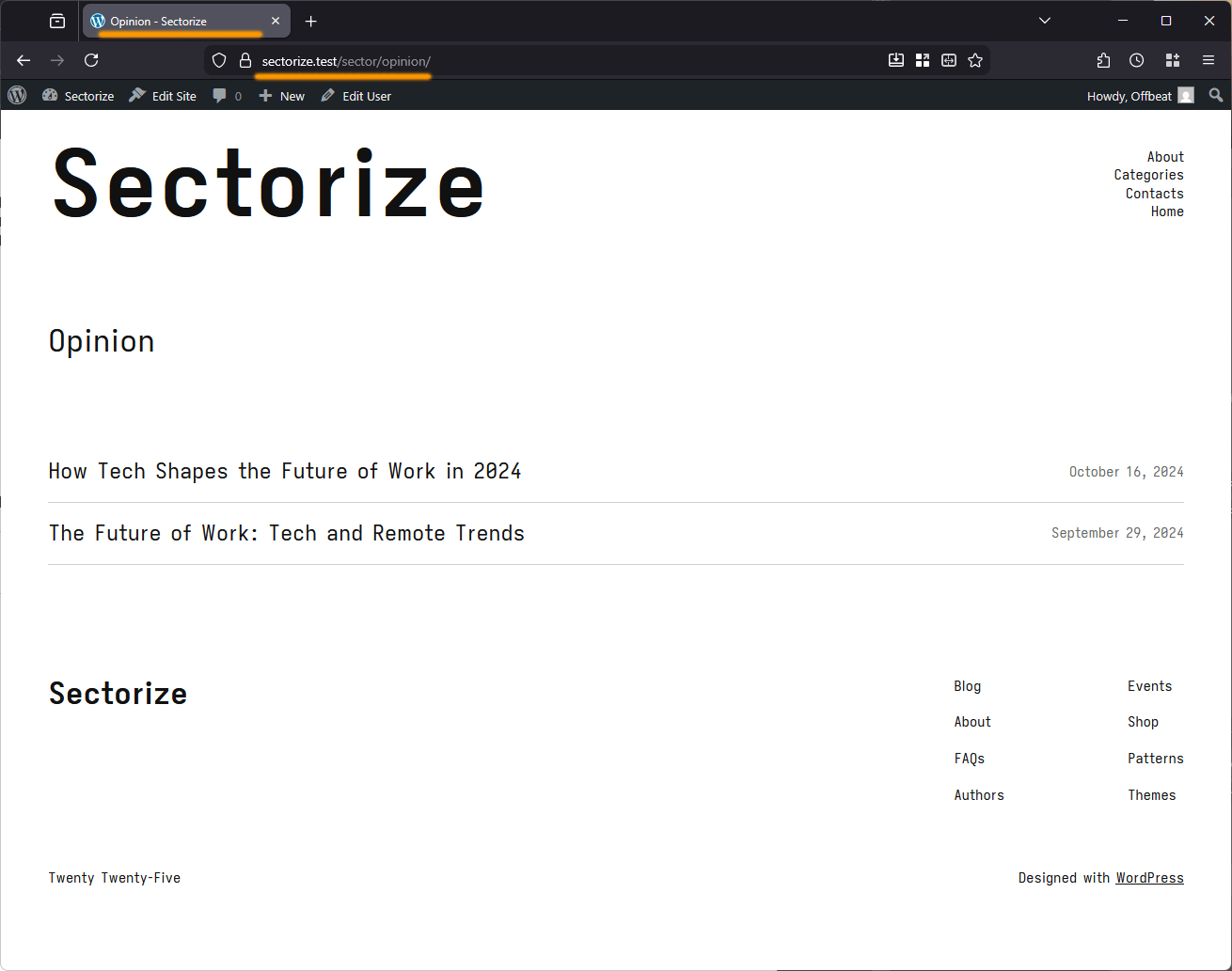
/author/username slugs and redirects them to clean, secure /sector/{nickname} URLs which improves privacy and branding. It also transforms author archives (pages SEO plugins often recommend disabling) into structured, sector-based archives.
安装:
- Install and activate Sectorize.
- Create or edit users and set their nickname to the desired sector name.
- Assign posts to sector users.
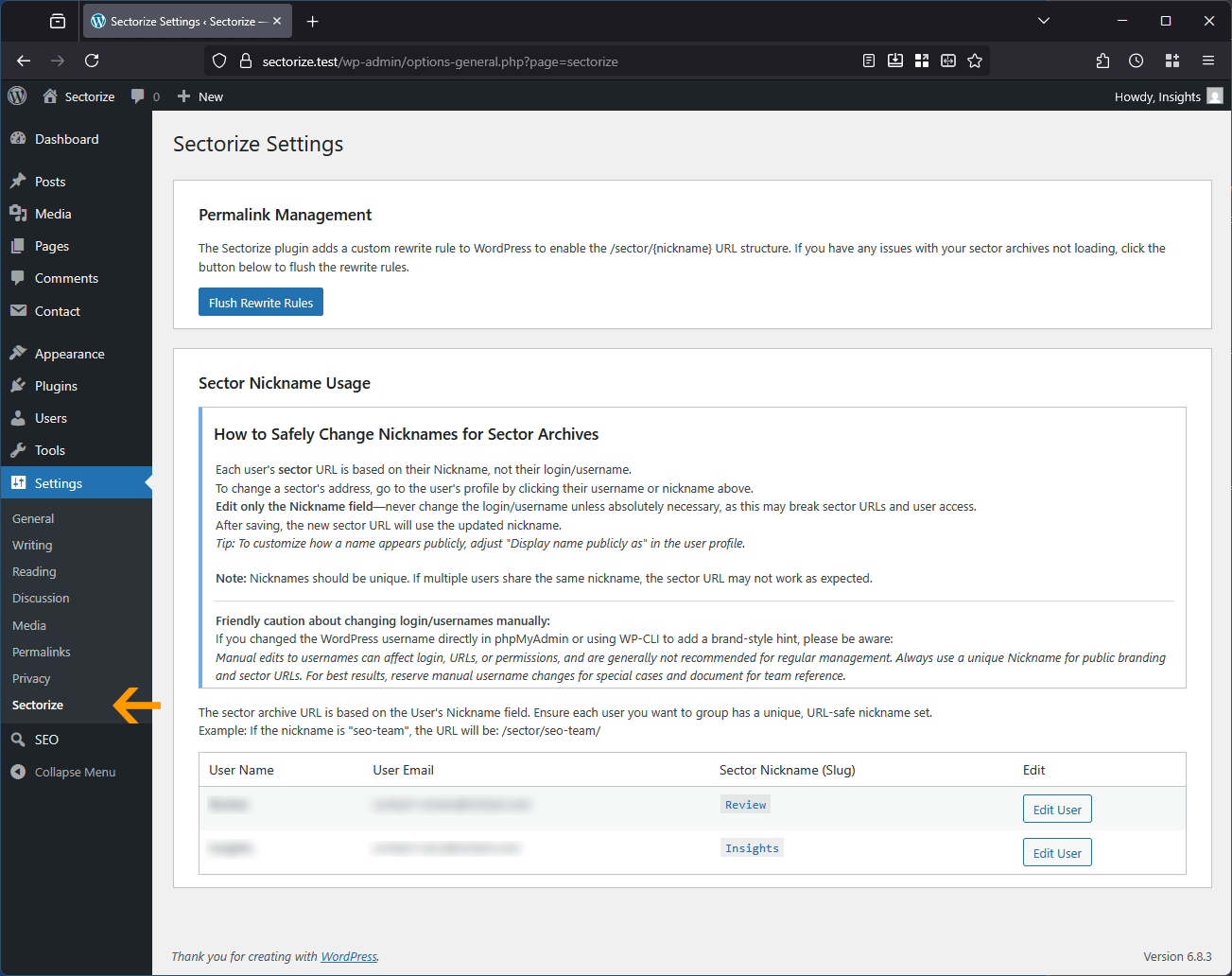
- Flush rewrite rules once via Settings → Sectorize.
屏幕截图:
常见问题:
Does this replace the native author archive?
No. Sectorize adds a parallel /sector/{nickname} archive. The native /author/username archive remains in place but is safely redirected to prevent login exposure.
Why use nicknames instead of usernames?
Nicknames are designed for public display and branding. Usernames are tied to login credentials and should never appear in public URLs.
Can I change the sector base?
By default, the base is sector. Future versions may introduce customization options.
How do I create a new sector?
Simply create a new WordPress user, set their nickname to your desired sector name (e.g., "Technology"), and assign posts to that user.
Do I need to configure anything after activation?
No. Sectorize works immediately after activation. Just flush your permalinks from Sectorize Admin UI and you're ready to go.
Will old /author/ URLs still work?
Yes. Sectorize automatically creates 301 redirects from old /author/username/ URLs to the new /sector/nickname/ URLs, preserving your SEO.
Will this affect my existing content?
No.
Does this work with caching plugins?
Yes.
Does this work with page builders?
Yes.
Some themes show "By Review" - can I remove the "By" prefix?
Yes, though this is a theme-specific issue, not a Sectorize limitation. Most well-coded themes respect WordPress's author display system. However, some premium themes hardcode the "By" prefix in their templates.
Can I still use WordPress’s native author archives?
No. Sectorize replaces the native /author/{username} archives with /sector/{nickname}. Native author archives will not function in the current version of Sectorize.
更新日志:
- Hardened
handle_flush_rewrites()with strict referer validation to prevent open redirect vulnerabilities - Refactored
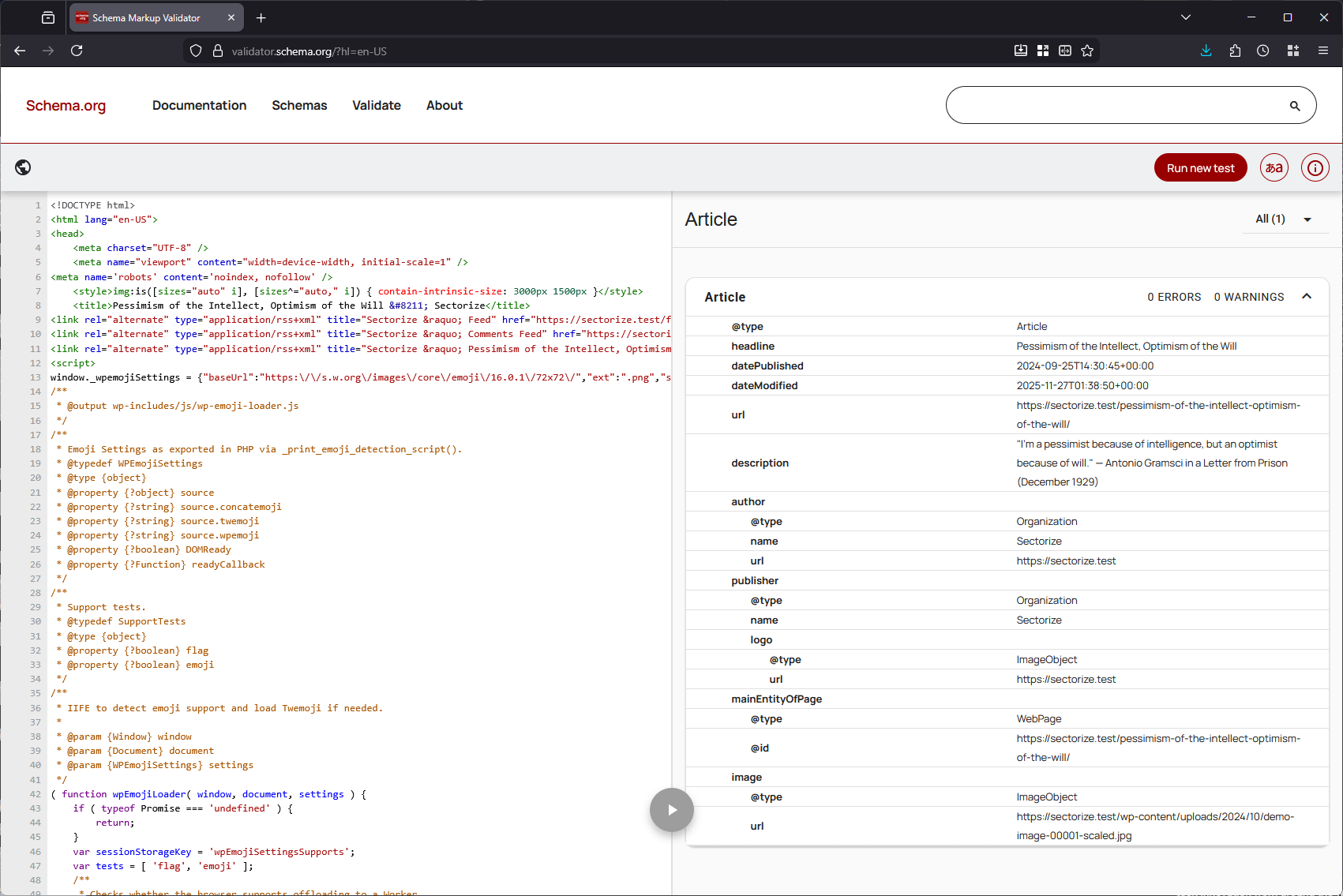
wp_json_encode()in Schema output usingJSON_UNESCAPED_SLASHES | JSON_HEX_TAG | JSON_HEX_AMPto prevent XSS vectors in script tags - Stripped double HTML entity escaping in JSON-LD output to ensure clean Schema data for crawlers
- Fixed unescaped regex pattern in
class-sectorize-schema.phpimage fallback to prevent warnings on complex HTML - Updated
class-sectorize-redirect.phpto prevent infinite redirect loops on subdirectory WordPress installs - Updated URL generation in admin settings and columns using
home_url()to support sub-directory and multi-language installs - Corrected
languages/index.phpcomment blocks and missing trailing newline to pass PHPCS standards - Optimized
class-sectorize-rewrite.phpdatabase query to retrieve only user IDs ('fields' => 'ids') instead of fullWP_Userobjects
- Removed inline block from render_settings_page()
- Added enqueue_admin_assets() hooked to admin_enqueue_scripts
- Enqueues css/sectorize-admin.css with proper versioning (1.0.0) and scope (settings_page_sectorize only)
- Replaced dirname(FILE) with DIR for path resolution (PHP ≥ 5.3)
- Added admin settings interface (Settings → Sectorize)
- Implemented nonce verification for all admin form submissions
- Added capability checks for user management operations
- Enhanced input sanitization and validation
- Improved transient caching with expiration
- Added permalink flush functionality in admin UI