Custom Feed for TikTok – Social Post Feed Plugin for TikTok
| 开发者 |
devutpol
techjewel tanjimtc71 wpmanageninja |
|---|---|
| 更新时间 | 2026年7月20日 21:30 |
| PHP版本: | 7.4 及以上 |
| WordPress版本: | 7.0 |
| 版权: | GPLv2 or later |
| 版权网址: | 版权信息 |
详情介绍:
安装:
- Login to the WordPress Admin section
- Go to Plugins > Add New
- Type “Custom Feed for TikTok” on the Search bar and enter
- Find this plugin and Click “Install Now”
- Activate The Plugin
- Download the plugin from the WordPress.org repository
- On your WordPress admin dashboard, go to Plugins > Add New > Upload Plugin
- Upload the downloaded Plugin (custom-feed-for-tiktok.zip) file and click Install Now
- Activate “Custom Feed for TikTok” from your Plugins page
- Use Custom Feed for TikTok on your site from the WP Social Ninja dashboard
屏幕截图:
常见问题:
What is a TikTok feed plugin for WordPress?
A TikTok feed plugin for WordPress is a tool that connects your WordPress website to your TikTok account and automatically displays your TikTok videos in a customizable layout. Custom Feed for TikTok uses the TikTok Display API to fetch your videos and embed them on any page or post, without manual embedding or coding.
How do I embed TikTok videos in WordPress?
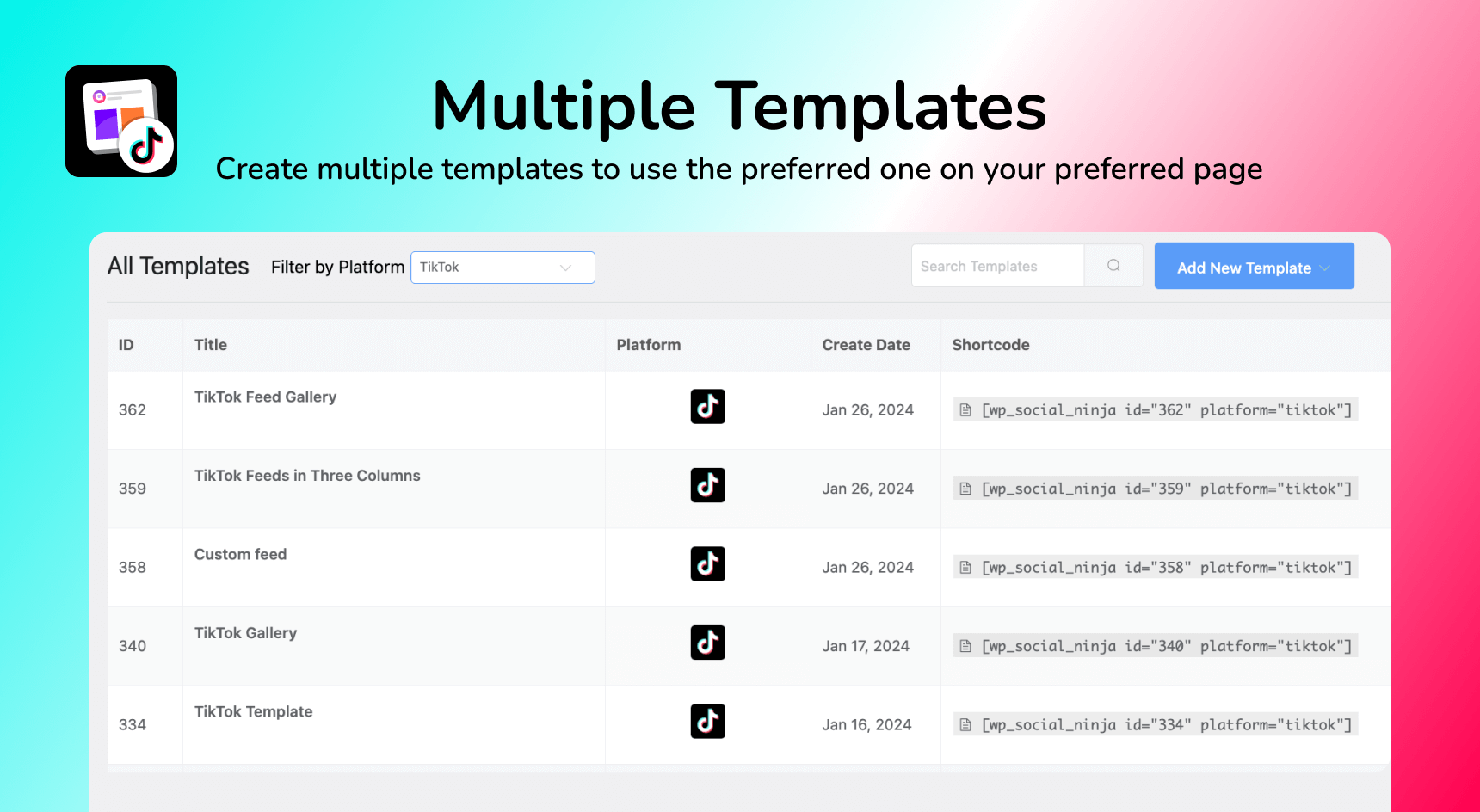
Install Custom Feed for TikTok, connect your TikTok account, create a feed template, and paste the shortcode [wp_social_ninja id="template_id" platform="tiktok"] into any page or post. Your TikTok feed will appear immediately and update automatically when you post new videos.
Does this TikTok plugin work without coding?
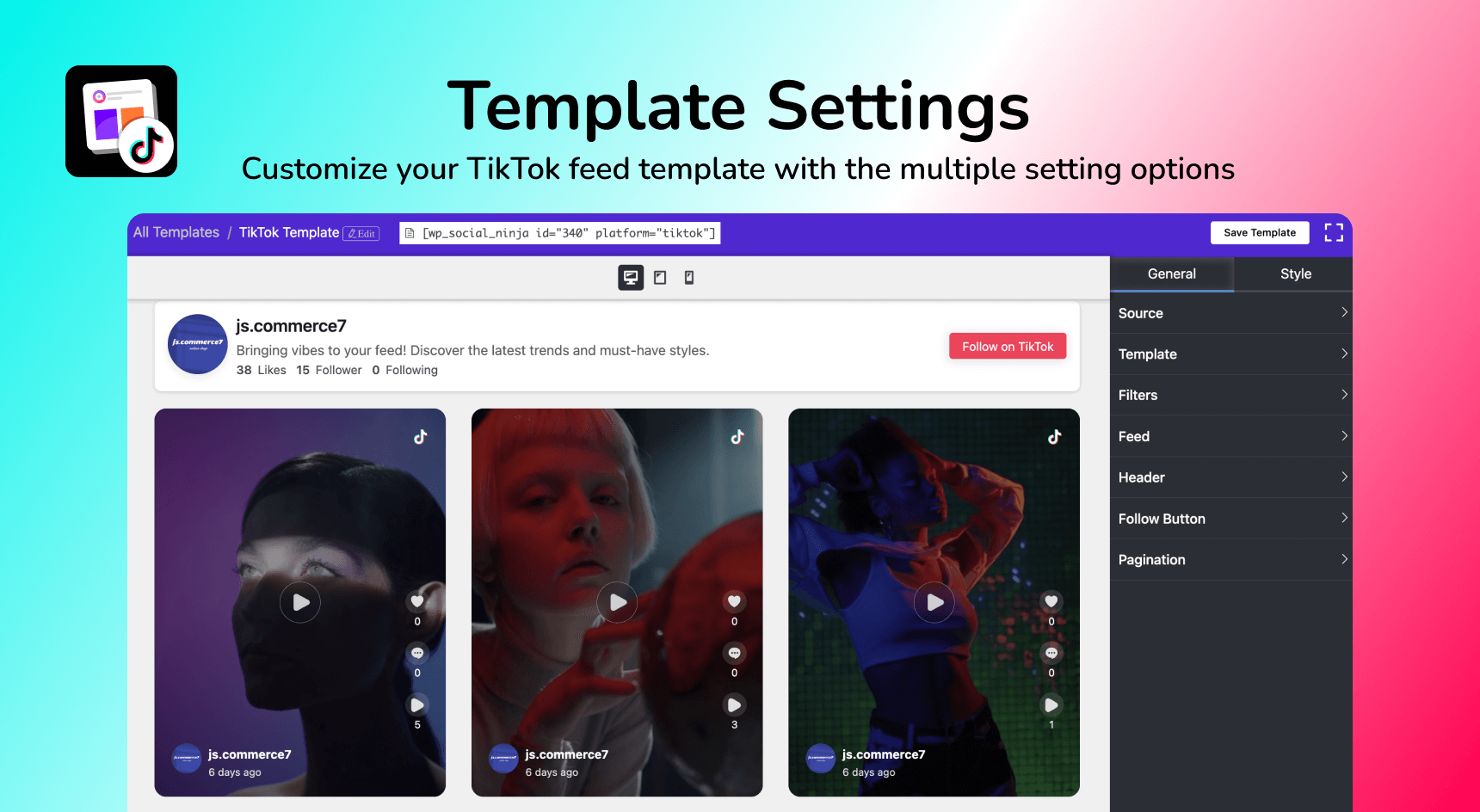
Yes. You can configure everything through a visual settings panel. No PHP or CSS needed.
Can I display multiple TikTok feeds on one page?
Yes. Create separate feed templates for different accounts or hashtags, then paste each shortcode into the page where you want it. You can display as many feeds as you need.
Can I show TikTok feeds from multiple accounts?
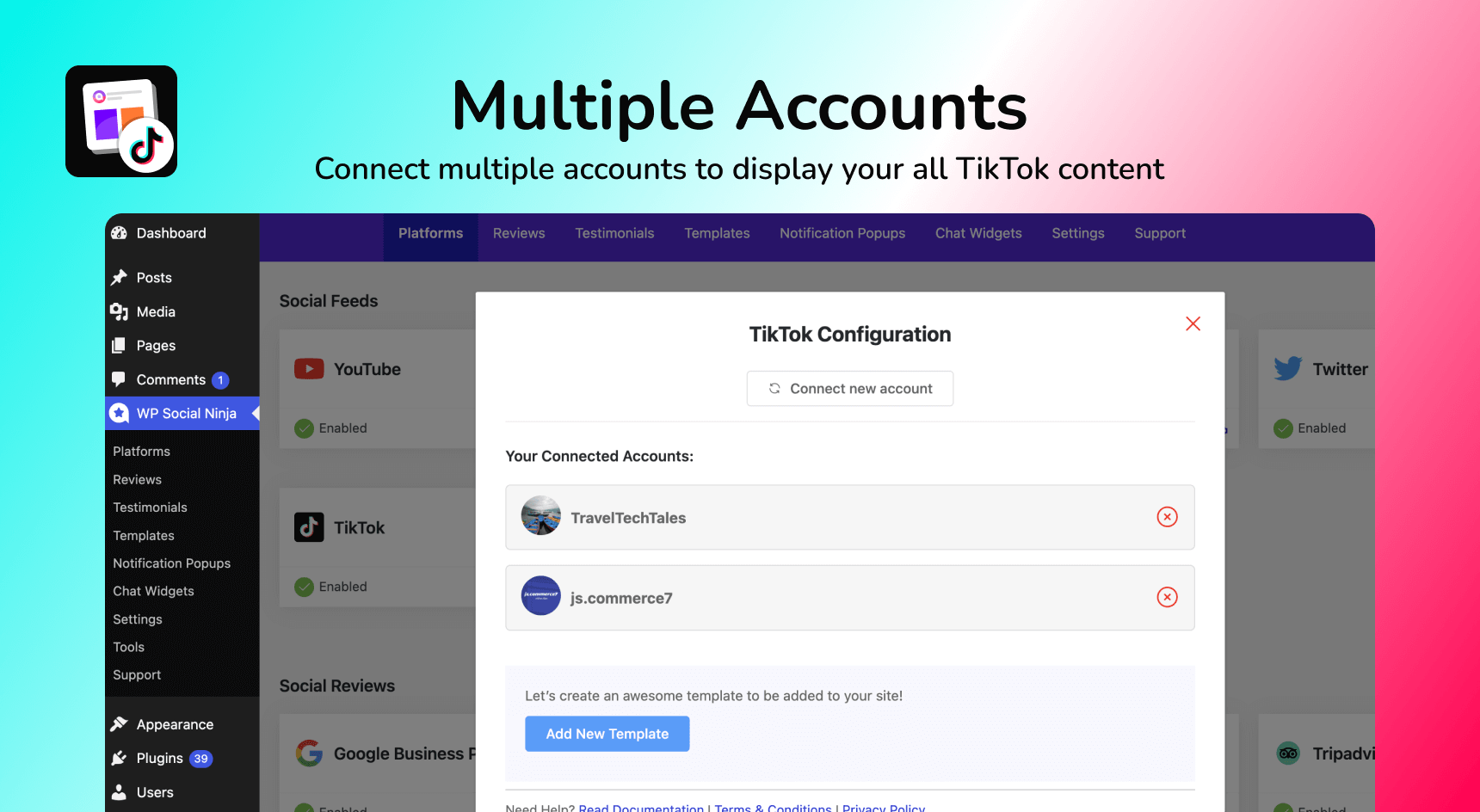
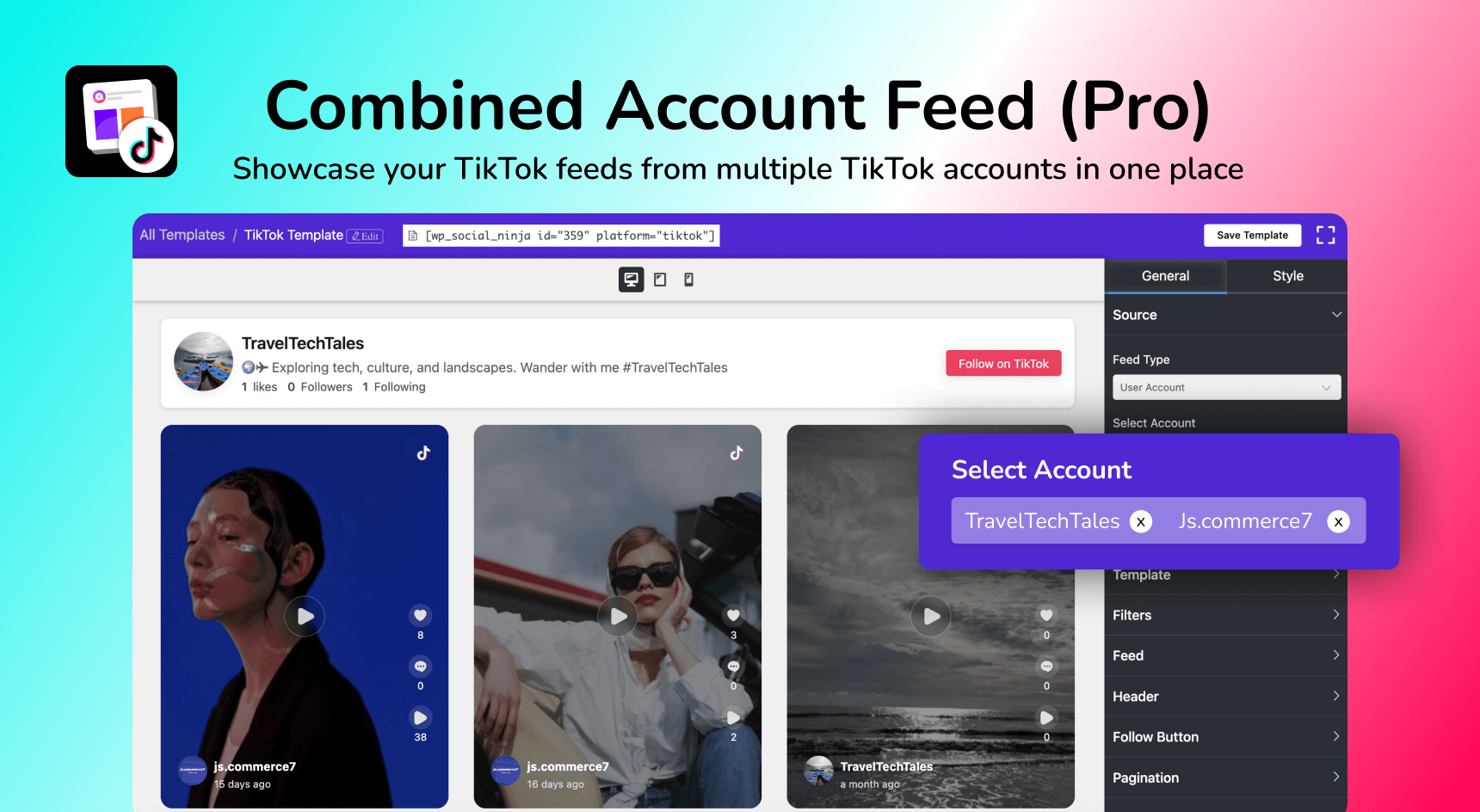
Yes, in the Pro version, you can connect multiple TikTok accounts and display them in separate feeds or combined into a single gallery.
Does this plugin work with Elementor?
Yes. Custom Feed for TikTok integrates natively with Elementor, Oxygen, and Beaver Builder. Add your TikTok feed widget to any page builder section without touching code.
Does this plugin work after TikTok API changes?
Yes. We regularly update the plugin to stay compatible with TikTok Display API. If your feed stops working, simply update to the latest version. If you still face issues, our support team is ready to help.
Is this TikTok feed plugin GDPR compliant?
Yes. WP Social Ninja is GDPR-compliant for social feeds. The plugin uses TikTok's official Display API and handles data according to TikTok's Terms of Service and Privacy Policy.
What TikTok layouts are available?
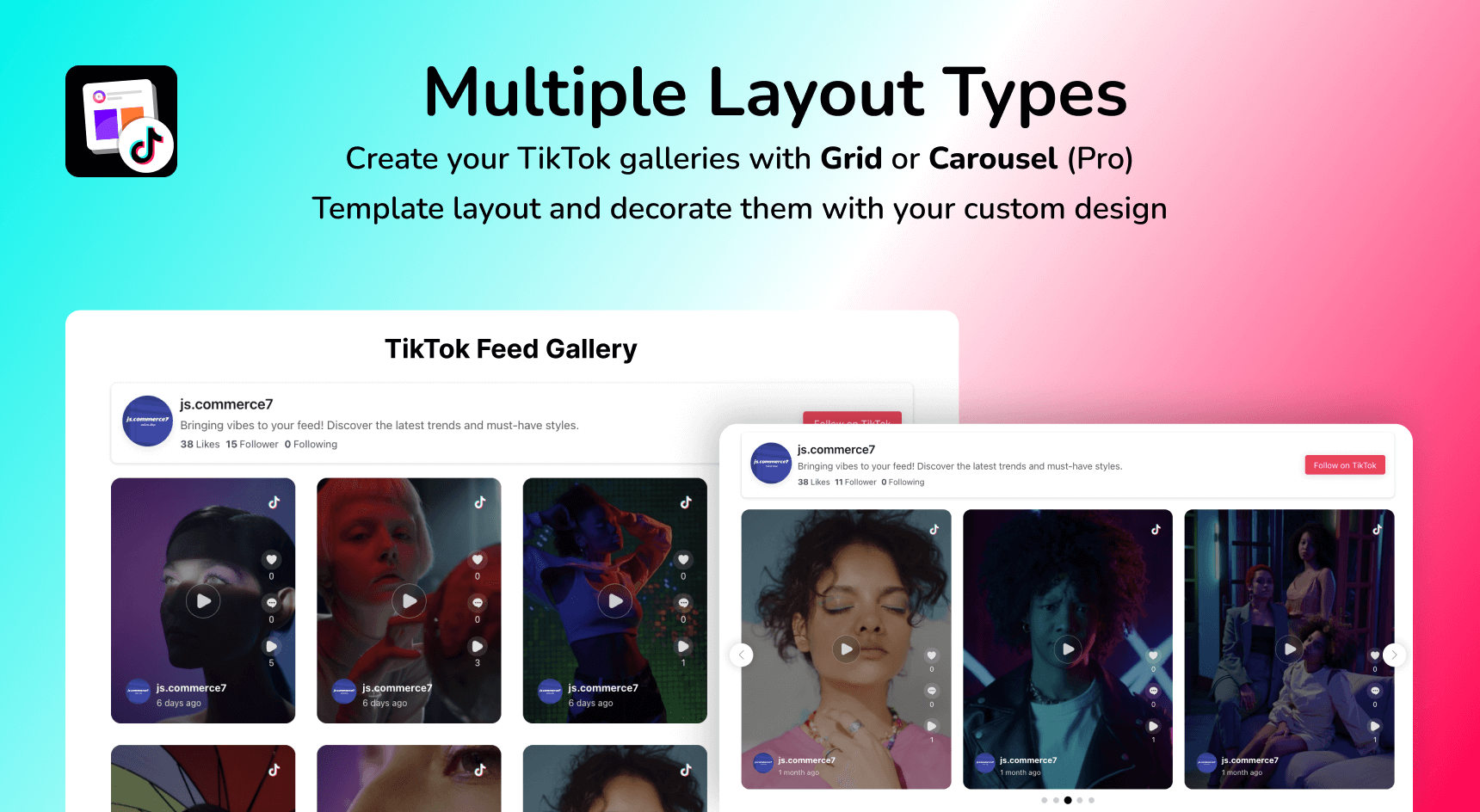
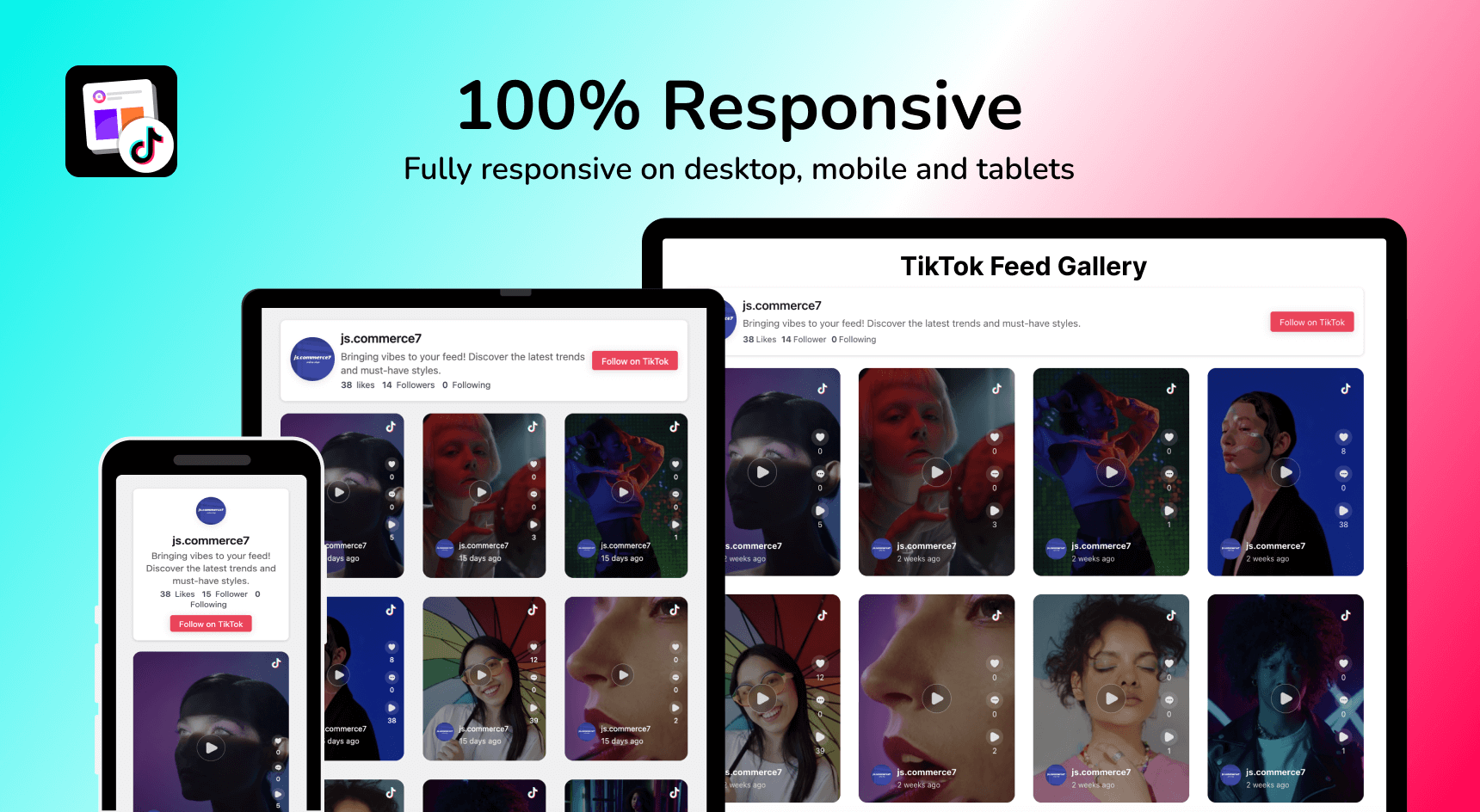
The free version includes a responsive Grid layout. The Pro version has Masonry and Carousel with autoplay, slide speed control, and navigation options.
Where can I get support?
Submit a support ticket here. Our team responds within 24 hours on business days.
更新日志:
- Introduced a centralized OAuth bridge connection flow for TikTok, replacing legacy per-platform OAuth redirects.
- Updated core plugin framework to enhance compatibility with the latest WordPress versions. 1.2.3
- small bug fixes and performance improvements 1.2.2
- Optimized database queries and improved security 1.2.1
- Added device-based responsive control for ‘Load More’ behavior.
- Added advanced style options for templates, including box shadow, border radius, hover effects, and padding and spacing controls. (Pro) 1.2.0
- Enhance HTML sanitization for user-generated content
- New UI improvements for better user experience 1.1.8
- Removed redundant load_plugin_textdomain() initialization
- Improved sanitization and escaping for imported feed content 1.1.7
- Improved Error Handling: Added encryption error detection, with clear, user-friendly error messages (includes error code 999 for access token issues). 1.1.6
- Fixed TikTok feed disconnection issue by improving token management, adding a safety buffer for expiration checks, and enhancing error handling. 1.1.5
- Added missing text domains for better translation support.
- Included string comments for translators. 1.1.4
- Fixed TikTok feed display issue on mobile devices
- Improve popup button display in responsive mode 1.1.3
- Fixed an issue with TikTok feed filters on mobile devices
- Improved accessibility for the TikTok feed 1.1.2
- Fixed optimize profile photo invalid url issue
- Fixed unknown error message display issue 1.1.1
- Resolved an issue with the display of TikTok Feed user names and images on animated backgrounds.
- Preloader in feed templates not disappearing after storing images locally has been resolved. Preloader now correctly disappears after images are successfully stored. 1.1.0 • Added Optimize Images settings option in Settings -> Feed Platforms -> TikTok Settings. This feature automatically saves local copies of TikTok feed images on your server for better performance. • Added TikTok Feed GDPR compliant settings option in Settings -> Advanced Settings. • Added an option to reset Optimize Images settings in Settings -> Feed Platforms -> TikTok Settings • Added an option to customize image resolution in Template Editor -> Post -> Images Resolution. • Added a warning notice in the wp social ninja admin area to alert you about critical issues with your TikTok Feed. • Enhanced error handling and added more descriptive error messages for TikTok Feed issues. • Added automated email notification alerts for critical TikTok Feed issues. You will receive an email notification if any unresolved issues with a TikTok feed arise on your website.
- init the first release