
Custom Login Page Logo
| 开发者 | Horendra |
|---|---|
| 更新时间 | 2026年10月15日 11:44 |
| 捐献地址: | 去捐款 |
| PHP版本: | 7.4 及以上 |
| WordPress版本: | 7.0.3 |
| 版权: | GPLv2 or later |
| 版权网址: | 版权信息 |
详情介绍:
Make your WordPress login page look professional, modern, and fully branded — without writing a single line of code.
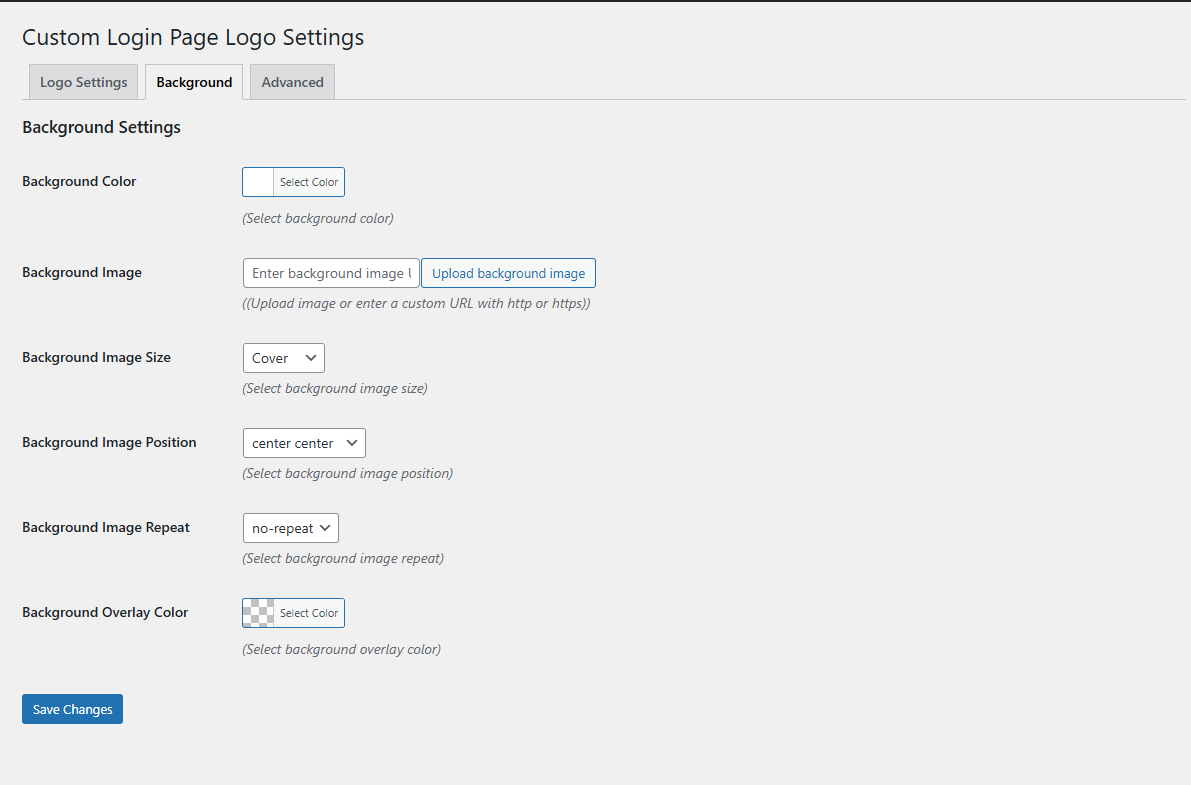
By default, WordPress displays its own logo and a simple background on the login screen. This plugin allows you to replace the default logo and customize the login form, background, language switcher, notice and add your custom css to match your brand identity.
Whether you are a freelancer, agency, business owner, or developer, you can create a clean and professional login experience in minutes.
安装:
From WordPress.org
- Download "custom login page logo" plugin.
- Upload the plugin folder to your /wp-content/plugins/ folder.
- Go to the Plugins page and activate the plugin.
- Simply go to the Plugins admin menu
- Click on Add New Plugin
- In the search plugins type custom login page logo horendra
- When you find it, click on Install and activate
屏幕截图:
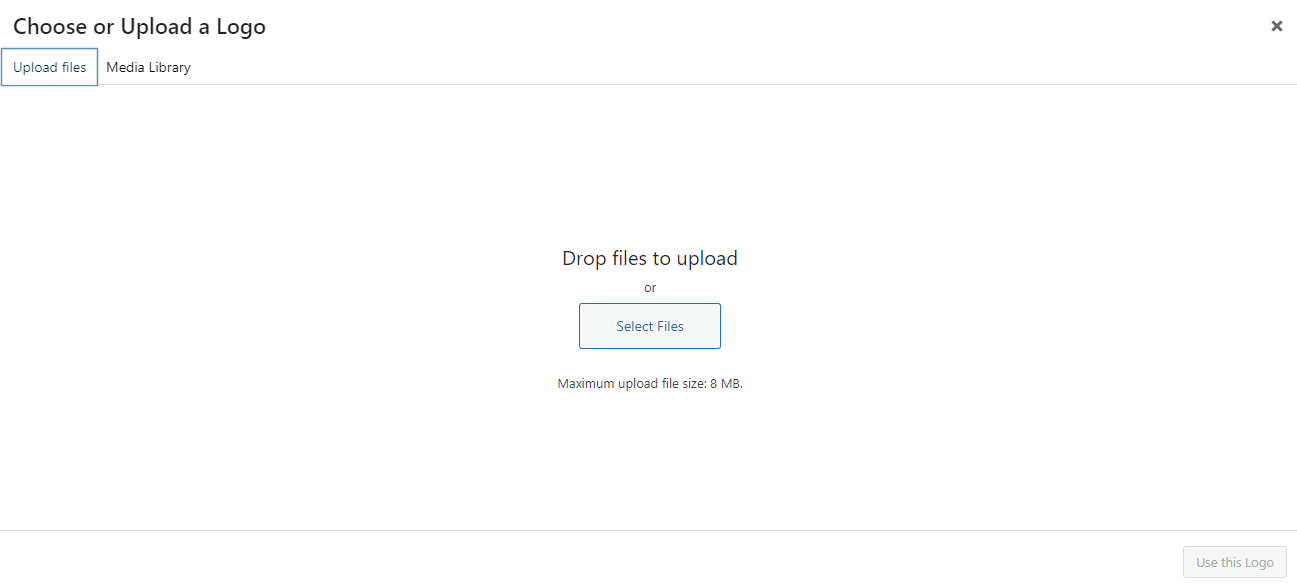
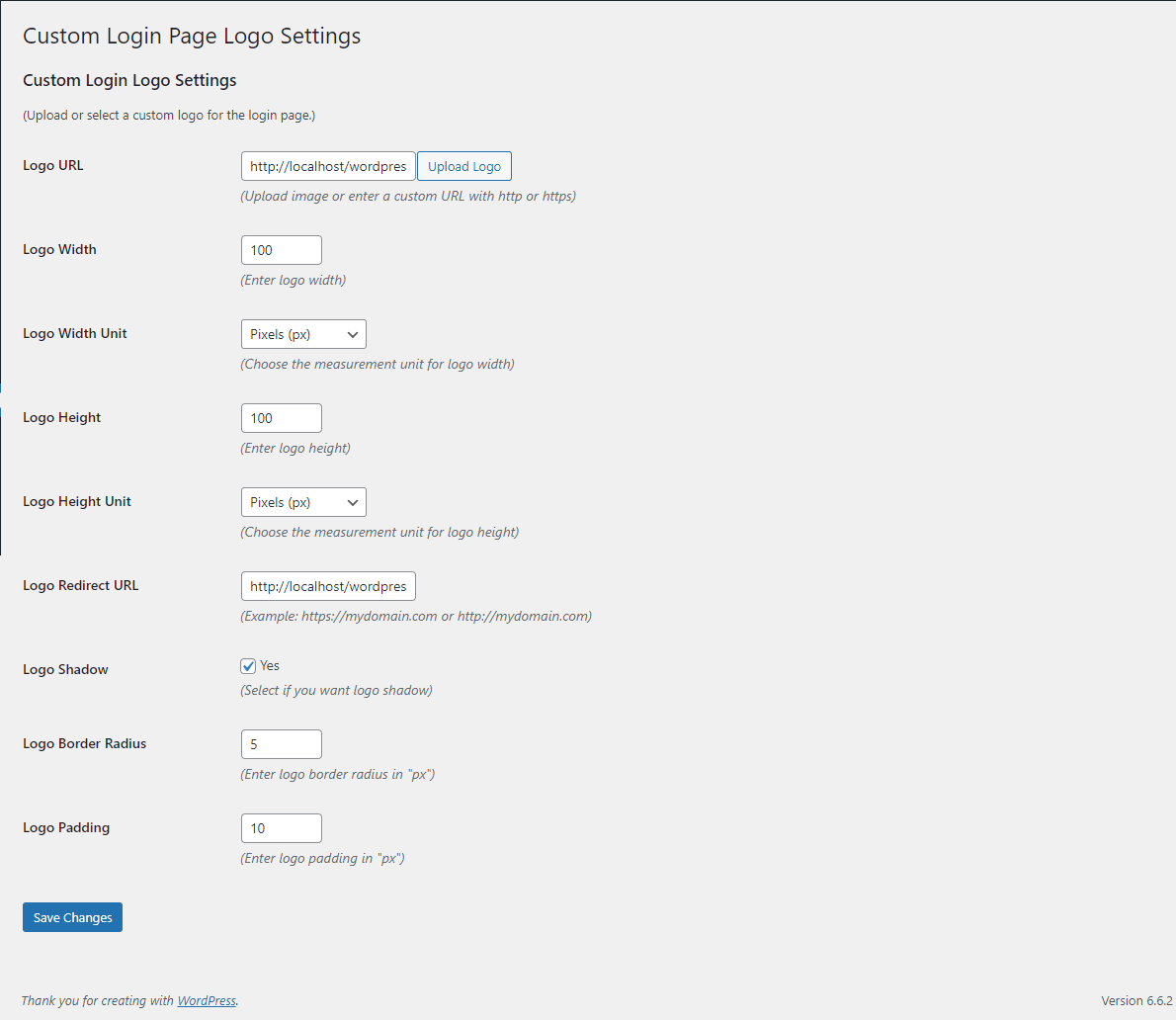
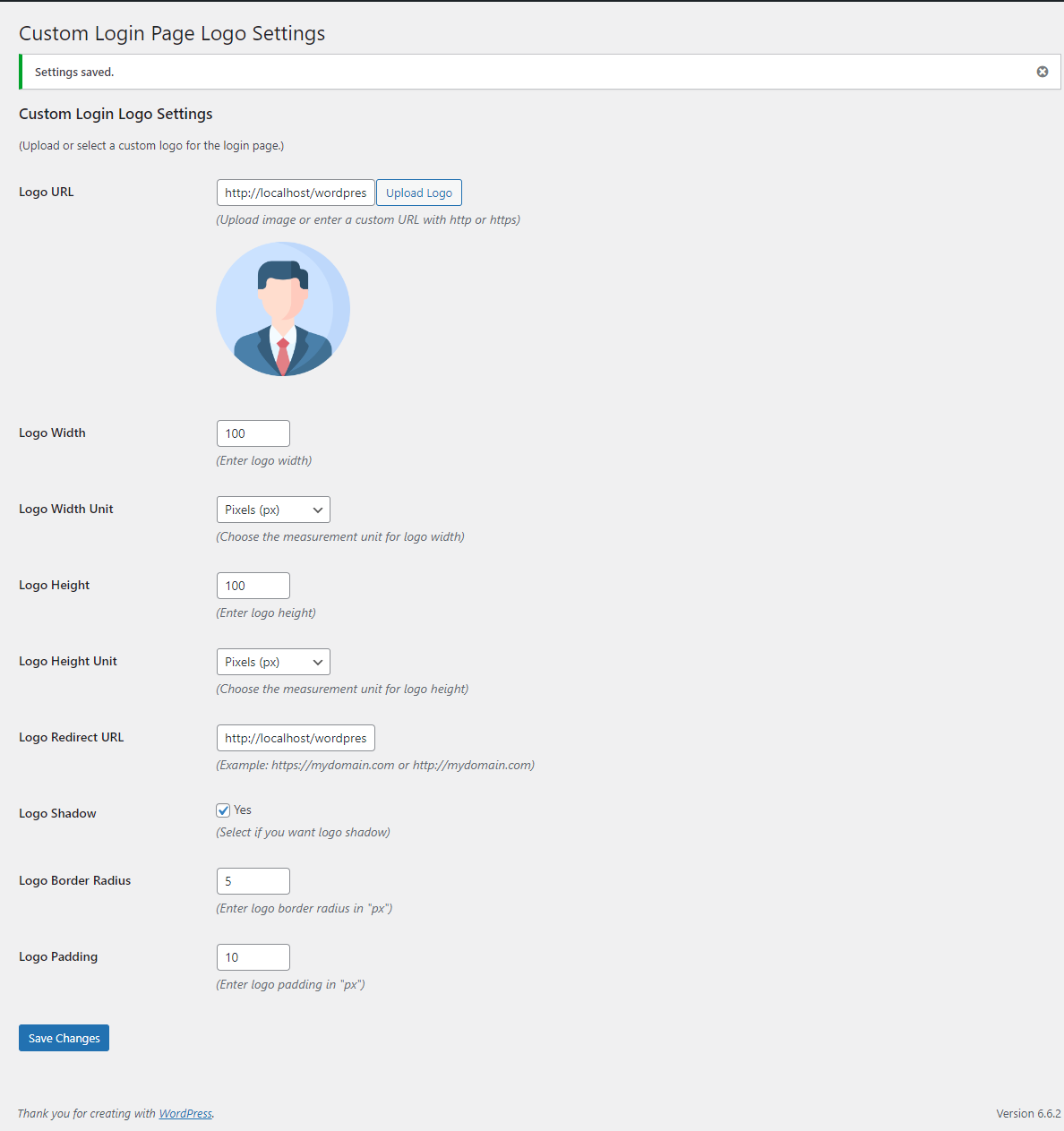
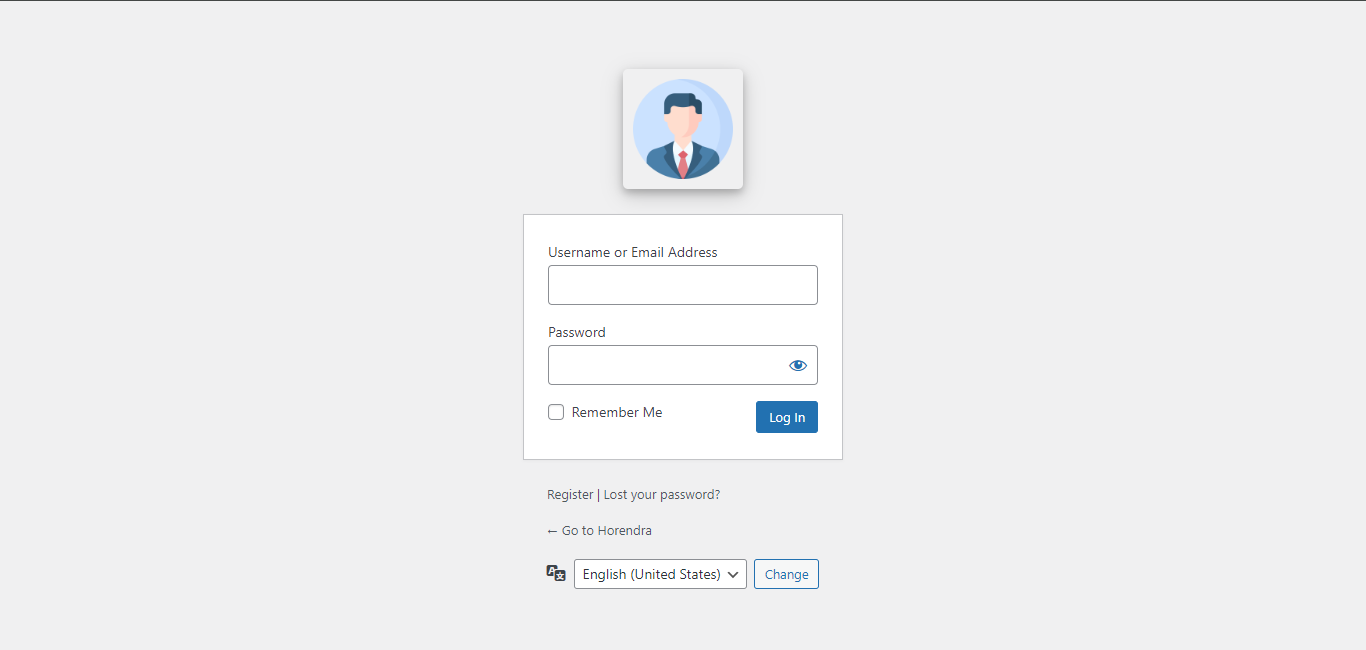

常见问题:
Will this slow down my website?
No. The plugin only loads scripts on the login page.
Can I use my own background image?
Yes. You can upload any custom image and control its size and position.
Does this work with any theme?
Yes. It works independently of your active theme.
Is coding knowledge required?
No. Everything is controlled via simple settings.
Is it compatible with the latest WordPress version?
Yes, it works with the latest version of WordPress.
Is this pugin translation ready?
YES, this plugin is translation ready for the following languages:-
- English (Default)
- Hindi
Do you offer support?
YES, For support or inquiries, please fill out the following form
更新日志:
1.4.6
- Admin Menu name is updated
- Compatible to 7.1.1
- Custom CSS is added
- Compatible to wordpress 7.0.6
- A new look of the plugin is created
- Logo display option is added
- Background Type option is added
- Compatible to wordpress 7.0.1
- Language switcher tab is added
- Language Switcher- background color, text color, border color and drop down arrow color is added
- Button- background color, text color and border color is added
- Language Switcher on hover- background color, text color and border color is added
- Button on hover- background color, text color and border color is added
- Language Switcher on focus- background color, text color and border color is added
- Compatible to wordpress 6.9.9
- Login form tab is added
- Login form background and label color are added
- Input field- background, border and text color are added
- Button- background, border and text color are added
- Password eye icon and Password reset color are added
- Remember me (checkmark and checkbox) color are added.
- Go to site color is added
- Compatible to wordpress 6.9.1
- Background Tab is added
- Background color is added
- Background image is added
- Background image - position, repeat, size is added
- Background overlay is added
- Compatible to wordpress 6.8.10
- Code is improved
- Database is changed
- Tabs are added
- Features are divided into tabs
- Background color is added
- Compatible to wordpress 6.8.1
- Logo radius is added
- Logo padding is added
- Translation file is Updated
- Compatible to wordpress 6.7.9
- Short, and Long Description are updated
- Screenshote are updated
- Titles are added
- Logo redirect URL is added
- Logo shadow is added
- Descriptions are added
- Plugin logo is changed
- File names are changed
- New php file is created for separate css
- Update Translation file
- Compatible to wordpress 6.7.1
- Add height and width including unit for Logo
- Improve coding and functionality
- Update Translation file
- Compatible to wordpress 6.6.9
- Translation ready
- Compatible to wordpress 6.6.1.
- Description updated
- Plugin released.