Custom URL Mapper
| 开发者 |
Michael Kiamanesh
Grigor Nikolov |
|---|---|
| 更新时间 | 2024年10月22日 12:46 |
| PHP版本: | 5.0 及以上 |
| WordPress版本: | 6.6 |
| 版权: | GPLv2 or later |
| 版权网址: | 版权信息 |
详情介绍:
安装:
- Upload the plugin files to the
/wp-content/plugins/custom-url-mapper/directory, or install the plugin through the WordPress plugins screen directly. - Activate the plugin through the 'Plugins' screen in WordPress.
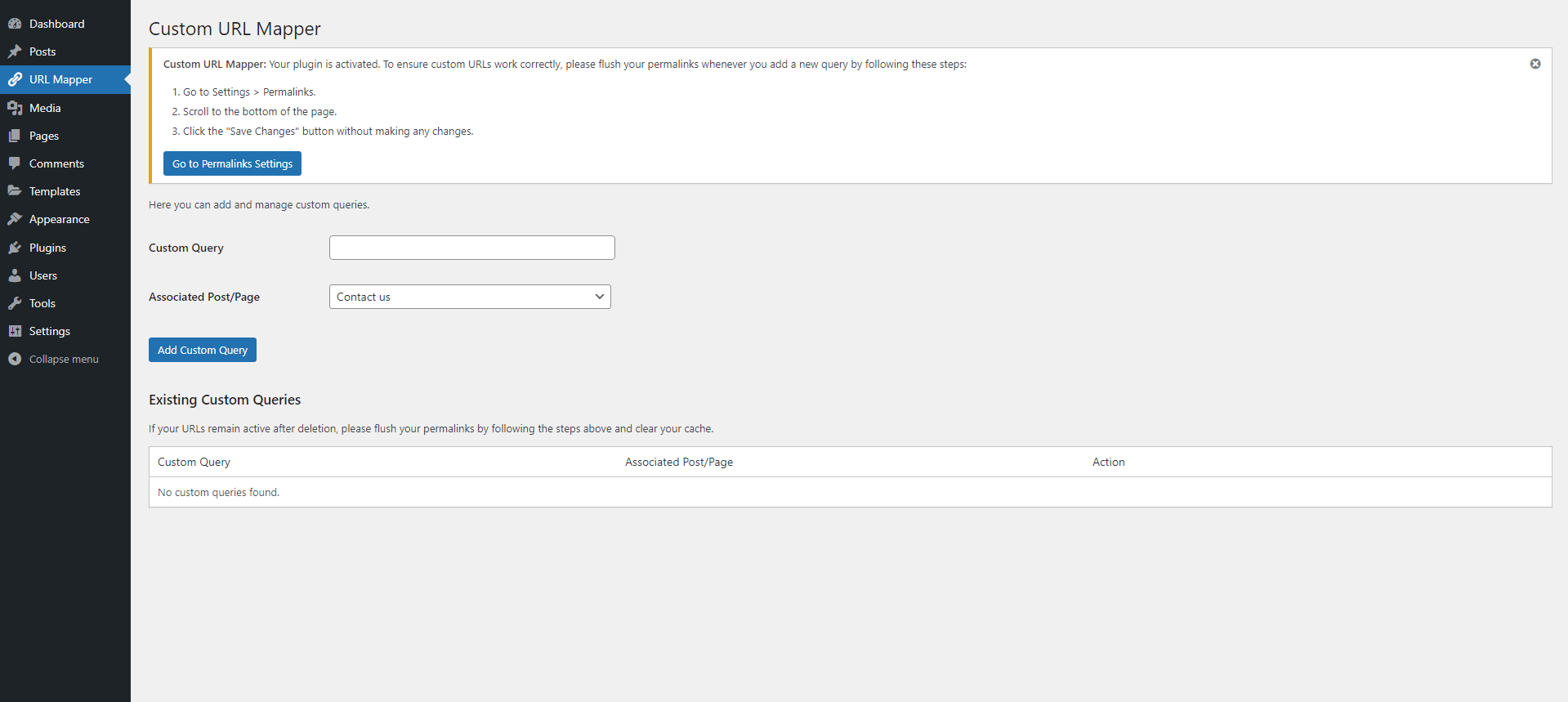
- Go to 'URL Mapper' in the admin menu to add custom queries and associate them with posts or pages.
- Go to Settings > Permalinks and click "Save Changes" to flush your permalinks.
屏幕截图:
常见问题:
How does Custom URL Mapper work?
Custom URL Mapper lets you create custom URLs and redirect them to any post or page on your WordPress site. Just add a word or phrase in the Custom Query field, select a post or page from the dropdown menu, and click save. After that, anyone who visits the custom URL will be redirected to the page or post you chose.
Is this plugin really free?
Yes, Custom URL Mapper is 100% free, with no hidden costs or premium versions. All features are available to everyone.
Do I need to flush permalinks after adding custom URLs?
Yes, after adding new custom URLs, make sure to flush your permalinks. Go to Settings > Permalinks and click "Save Changes" without modifying any settings. This ensures the new URLs will work properly.
Do you plan to support and upgrade this plugin?
Yes! We are committed to supporting and upgrading Custom URL Mapper with new features, bug fixes, and improvements based on user feedback.
Do you offer support?
Yes! For any questions, please visit the support forum on WordPress.org after installation, and we’ll be happy to assist you.
What should I do if a custom URL link still works after deletion?
If the custom URL still works after deletion, clear your browser cache and flush your permalinks by going to Settings > Permalinks and clicking "Save Changes."
更新日志:
- Initial release of Custom URL Mapper.