
CYBERMAPS: XML Sitemaps & llms.txt
| 开发者 | oreshkin |
|---|---|
| 更新时间 | 2026年11月22日 12:22 |
| PHP版本: | 8.2 及以上 |
| WordPress版本: | 7.1 |
| 版权: | GPLv2 or later |
| 版权网址: | 版权信息 |
详情介绍:
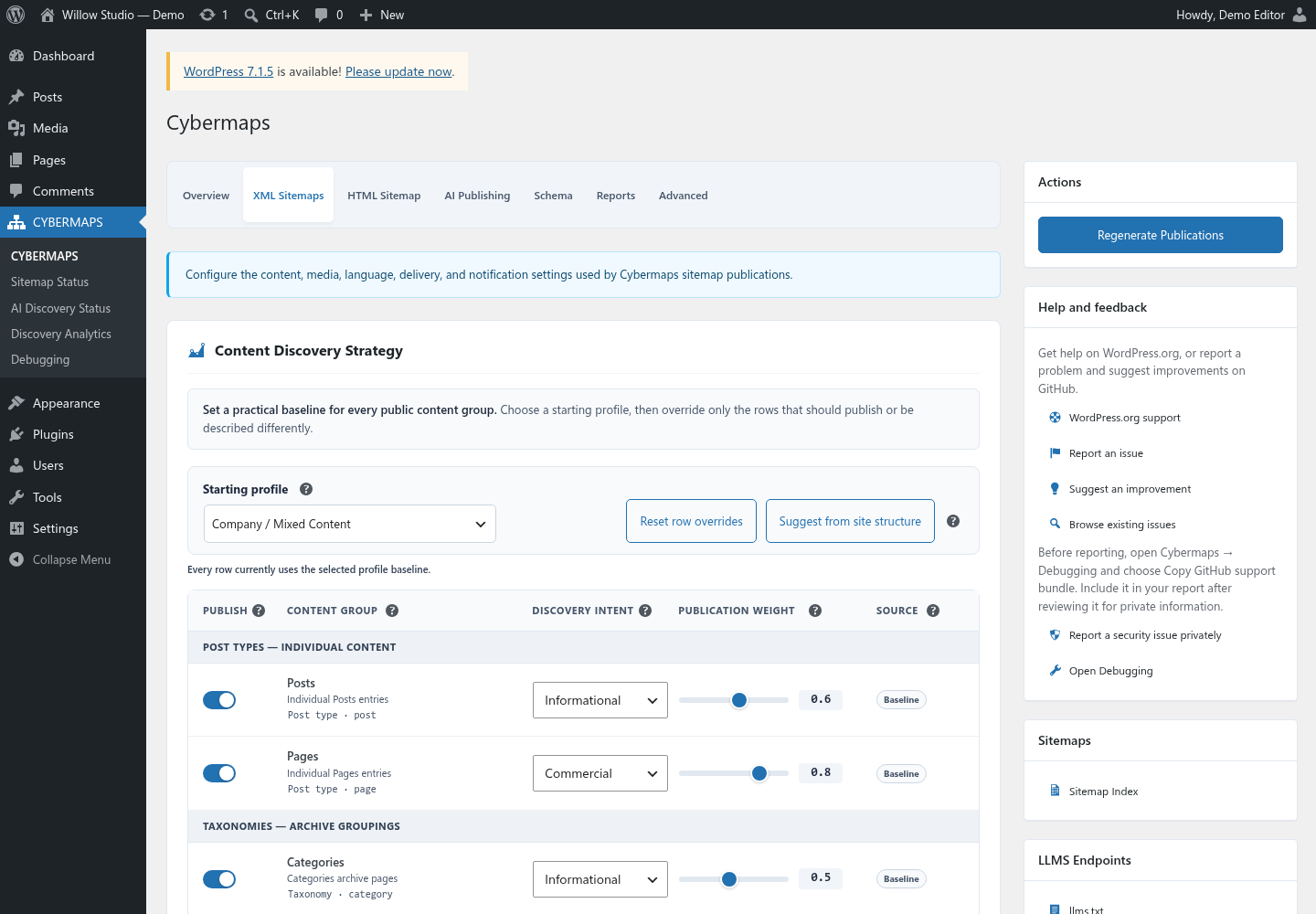
- XML sitemap index and child sitemaps for public posts, pages, custom post types and taxonomies.
- News, image, video, author, archive and RSS output, with content-selection controls.
- A configurable HTML sitemap for visitors using the [cybermap] shortcode.
- Optional XML management: keep another sitemap solution in charge while using Cybermaps discovery and reporting features.
- llms.txt with selected links, and Markdown versions of eligible public pages.
- Optional full-text llms-full.txt and bounded retrieval chunks.
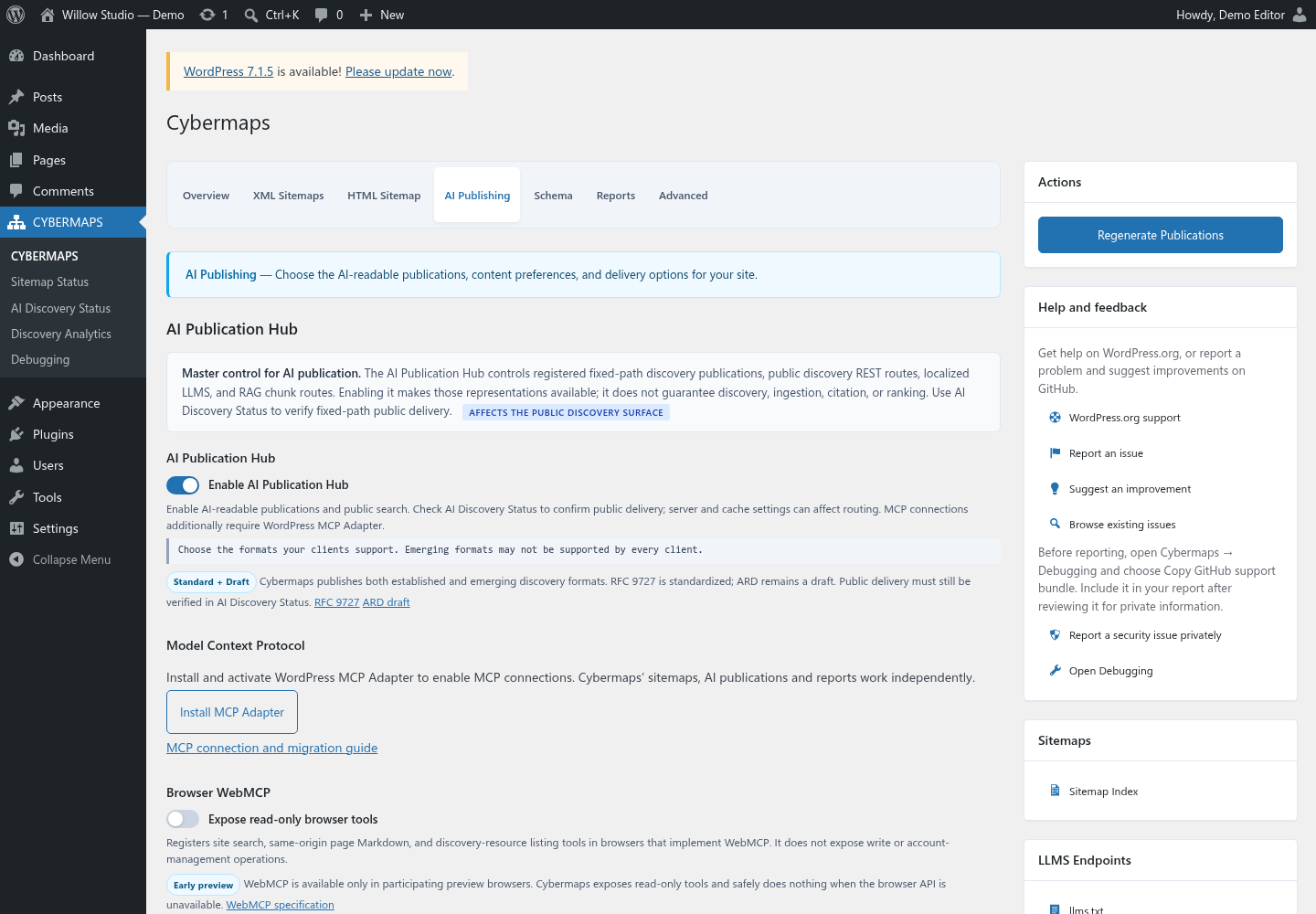
- An opt-in AI Publication Hub with an AI manifest, JSON Feed, knowledge graph, AI sitemap, API Catalog, OpenAPI and public search.
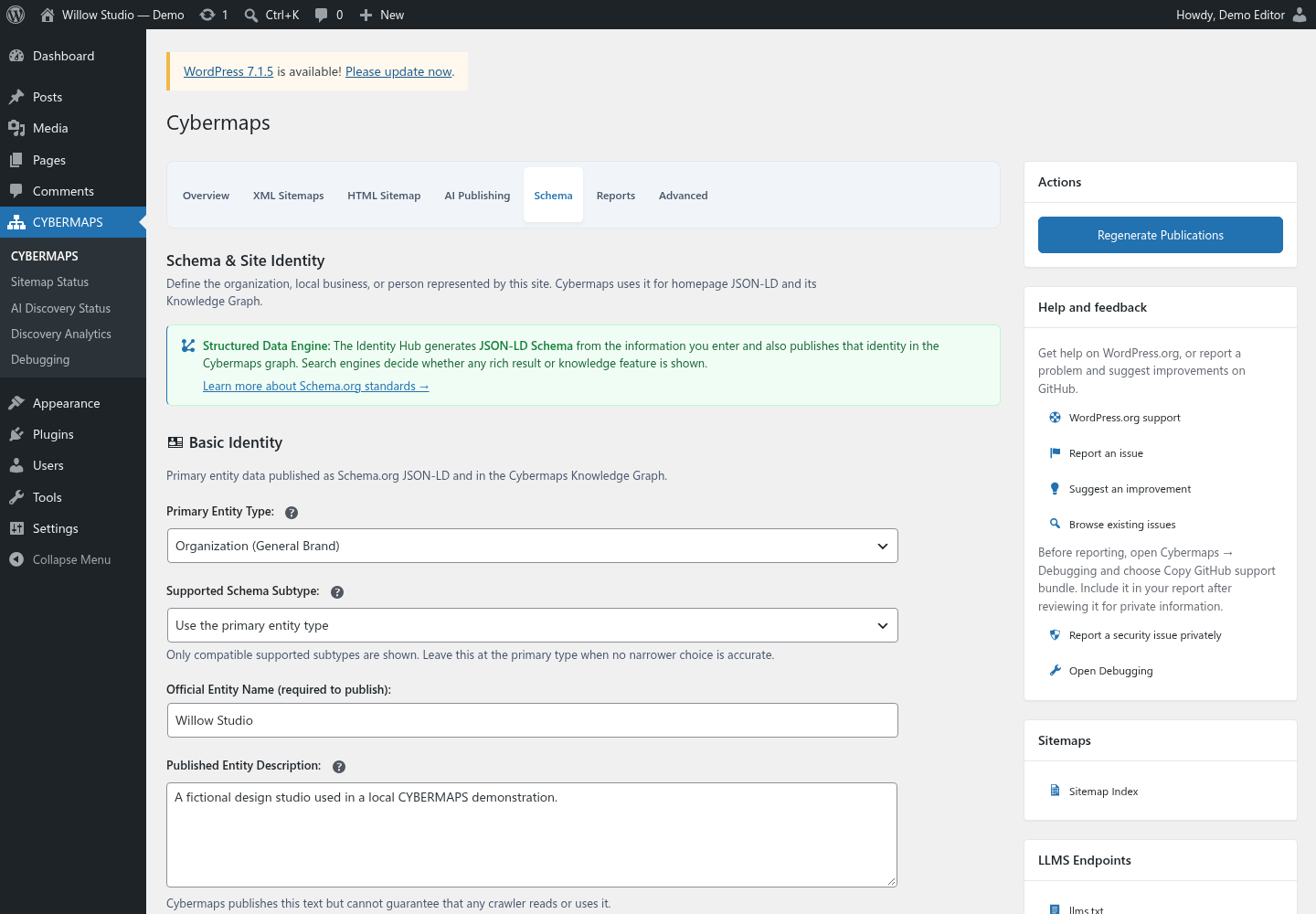
- Site identity, crawler preferences and a read-only Agent Skills guide.
- Optional read-only MCP connections through the separate WordPress MCP Adapter plugin. Core features work without it.
- Sitemap Status and AI Discovery Status check public URLs, response headers and routing.
- Content reports highlight metadata, media and internal-link findings, with saved comparisons and printable, CSV or JSON exports.
- Opt-in local analytics show crawler requests, with retention, export and clearing controls.
- The optional Static File Engine publishes supported files with ownership checks; multisite uses dynamic delivery.
- Optional IndexNow notifications, WebSub notifications and Cloudflare configuration are explained below. Each requires configuration or consent.
安装:
- Install and activate CYBERMAPS from Plugins → Add New Plugin, or upload the installable release ZIP.
- Open Cybermaps → Overview → Quick Setup and choose your publishing settings.
- In XML Sitemaps, choose the content to include. Turn XML management off if another plugin handles your sitemaps.
- Review Sitemap Status. Enable the AI Publication Hub in AI Publishing only if you want those publications, then review AI Discovery Status.
- Enable analytics, external notifications or static publication separately if needed.
屏幕截图:


常见问题:
Does Cybermaps replace WordPress sitemaps?
Cybermaps replaces the built-in sitemap only when XML management and the Core sitemap redirect are enabled and your site uses pretty permalinks (any setting other than Plain). Turn XML management off to let WordPress handle its built-in sitemap again, subject to your site's privacy settings and other plugins.
Do I need MCP Adapter?
Only for MCP clients. Install WordPress MCP Adapter 0.7.0+, then save the read-only opt-in in AI Publishing. Connect over HTTPS with a Subscriber Application Password, or use WP-CLI. This exposes reviewed public resources and search, not remote site administration. MCP setup.
Does it send analytics to a service?
No. Optional crawler analytics stays in your WordPress database. External services run only for their configured purpose, as disclosed below. Review diagnostic bundles before sharing them publicly.
Can I use it on a large site?
Publications have documented byte, query and scan limits. Large full-text exports or reports may be incomplete or reach a limit; the plugin reports that instead of claiming a complete result. Check your own site's workload and hosting resources.
Where can I get help?
Use the WordPress.org support forum for help, or GitHub issues for reproducible bugs and feature requests. Cybermaps → Debugging can create a support bundle. Report security issues privately.
Source Code
https://github.com/Alex9001/cybermaps/tree/v8.1.2 JS/CSS: assets/; setup-wizard.js uses wp.element. No compilation. Build: composer install; bash bin/package-candidate.sh.
External Services: Cloudflare and Cybermaps OAuth relay
Opt-in Cloudflare OAuth sends PKCE challenge, state and code to https://connect.cybermaps.dev for five minutes. No verifier, token, WP identity, site URL or rules. Hosting processes network metadata; limits use salted IP hashes. WordPress sends Cloudflare credentials for exchange/revocation, zone, hostname and rules. Manual/self-managed modes bypass the relay. Policies: https://cybermaps.dev/privacy/#cloudflare-oauth-relay https://www.cloudflare.com/website-terms/ https://www.cloudflare.com/privacypolicy/
External Services: IndexNow
Opt-in changes send URLs, host, key and key location to
https://api.indexnow.org/indexnow. Headless sites must serve /{key}.txt.
Terms/privacy: https://www.indexnow.org/terms
External Services: WebSub
Opt-in WebSub notifies HTTPS hubs of public /feed.json. Hubs/policies: https://pubsubhubbub.appspot.com/ https://policies.google.com/terms https://policies.google.com/privacy https://pubsubhubbub.superfeedr.com/ https://superfeedr.com/terms https://superfeedr.com/privacy Custom hubs: own policies.
Public delivery checks
GET/HEAD probes use the site/Frontend Base URL; X-Cybermaps-Diagnostic: 1 excludes analytics. Configured Varnish receives purges.
Privacy
Opt-in analytics is local: /24 IPv4, /64 IPv6 by default; 1–365-day retention, export and clear. Public rate limits: 60 seconds. REST search stores no raw IPs or queries. Logged-in rows keep WP user IDs, but omit IPs, requester keys and User-Agent. Diagnostic probes are excluded. Uninstall retains data unless cleanup is enabled.
更新日志:
- Withdraw content from origin publications when a public page becomes private or password-protected.
- Prevent shared proxies from serving another site's sitemap or sitemap redirect.
- Avoid writing a temporary content-analysis cache entry for every post in a full content report.
- Stable WordPress.org launch with clearer setup, directory presentation and support links.
- Improve dashboard contrast, mobile tables and keyboard navigation.
- Reduce content-report database writes while preserving findings and WordPress field validation.
- Stronger release checks for installation, upgrades, complete workloads, screenshots and website consistency.
- Condition Core sitemap replacement on XML ownership.
- Fix sitemap/report buffers.
Full release history and archived upgrade notices:
changelog.txt.