Daily Tarot
| 开发者 | dar8mar |
|---|---|
| 更新时间 | 2026年6月5日 06:03 |
| PHP版本: | 8.1 及以上 |
| WordPress版本: | 7.0 |
| 版权: | GPLv2 or later |
| 版权网址: | 版权信息 |
详情介绍:
- Tarot readers & spiritual practitioners
- Daily "Card of the Day" blogs
- Coaches & healers
- Content-driven tarot websites
- Daily tarot card publishing
- Calendar-based scheduling
- Decks & spreads management
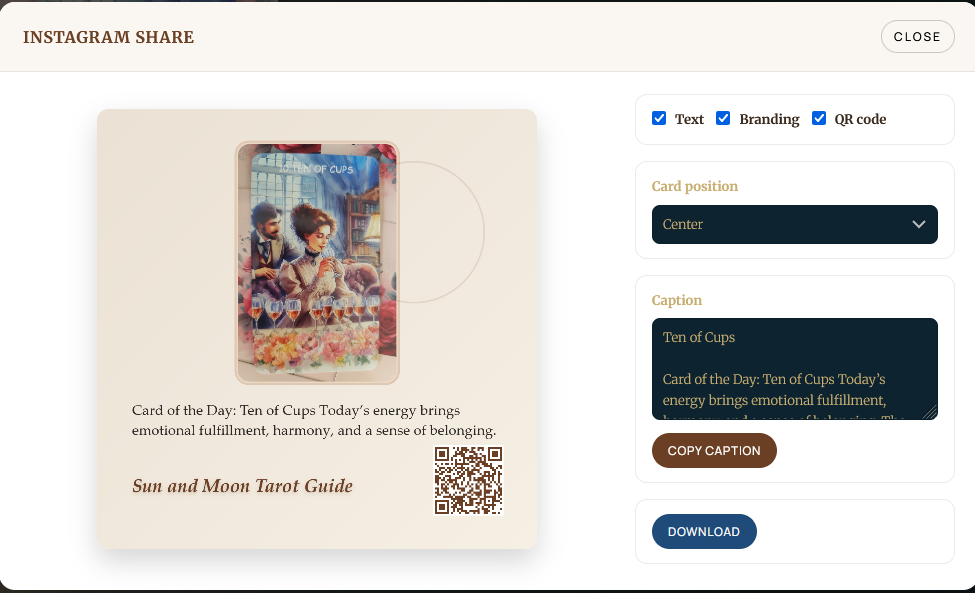
- Visual social sharing (Instagram-ready images)
- Shortcodes & Gutenberg blocks
- Calendar-driven publishing workflow
- Decks + Meaning Packs
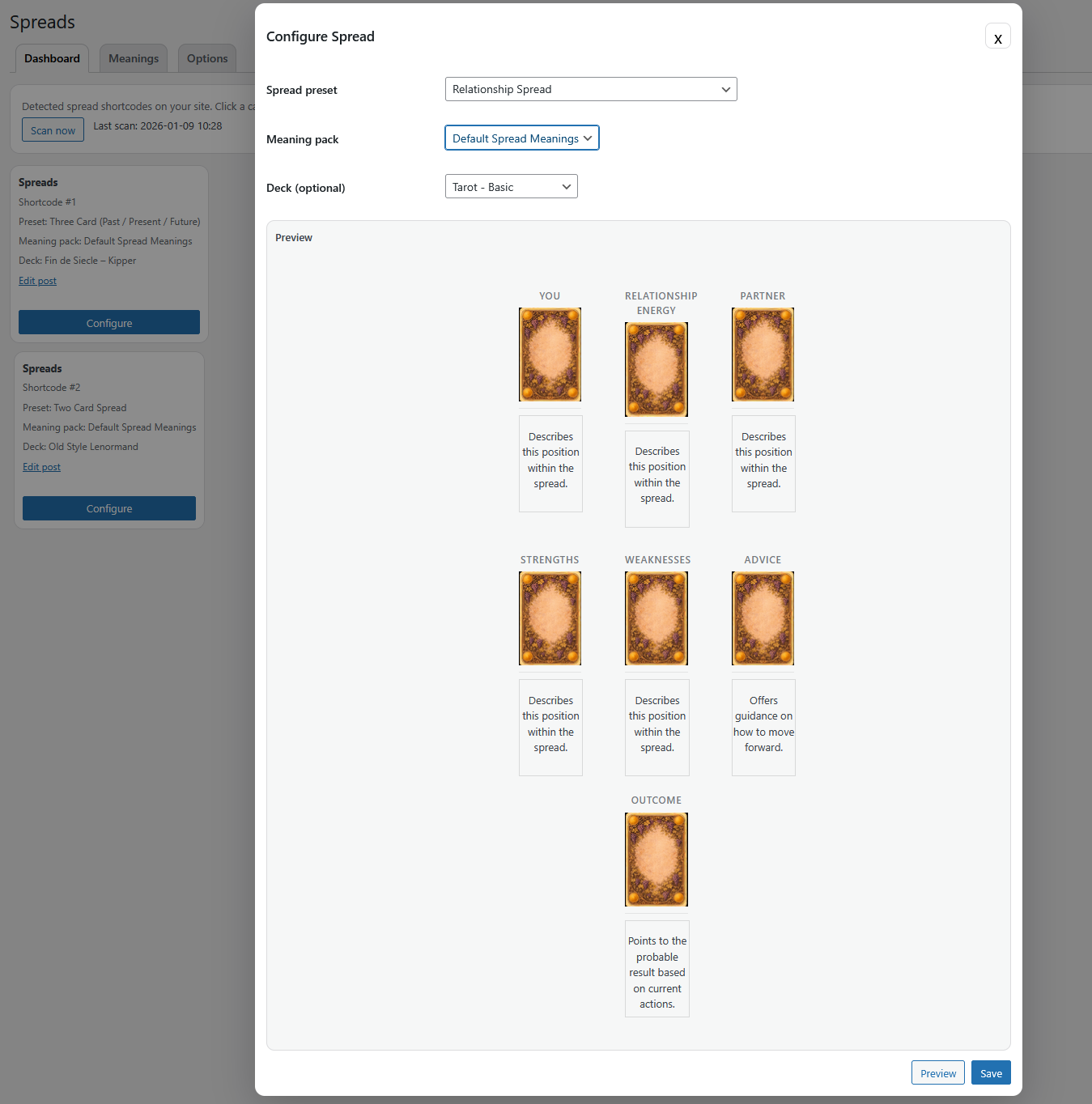
- Spreads with presets and meaning packs
- Visual sharing tools (image + caption)
- Shortcodes + Gutenberg blocks
- Backup, import, export tools
- SEO: readable daily URLs + built-in sitemap + Yoast/Rank Math support [//]: # fs_premium_only_begin
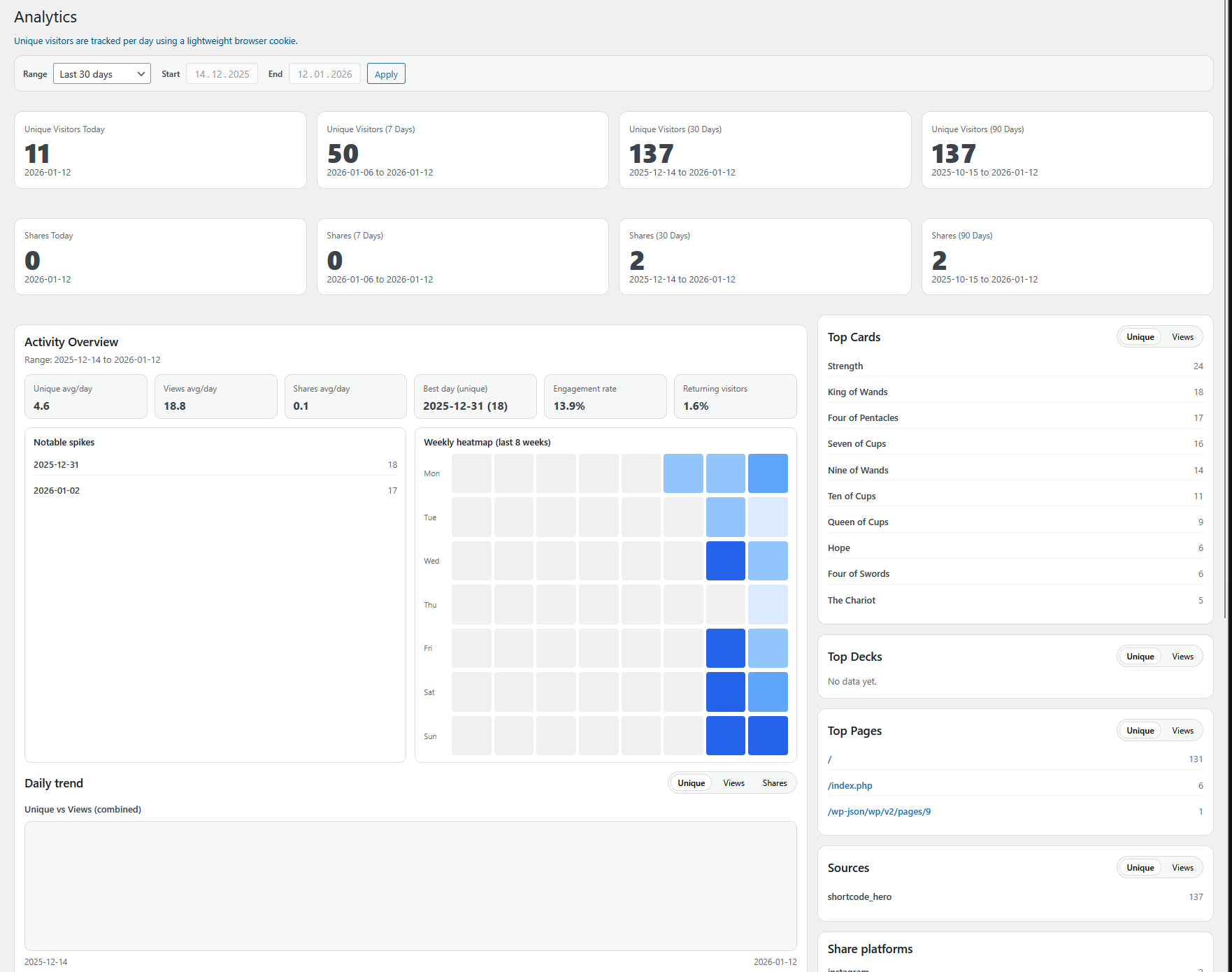
- Pro: Analytics + AI Integration + payment options [//]: # fs_premium_only_end
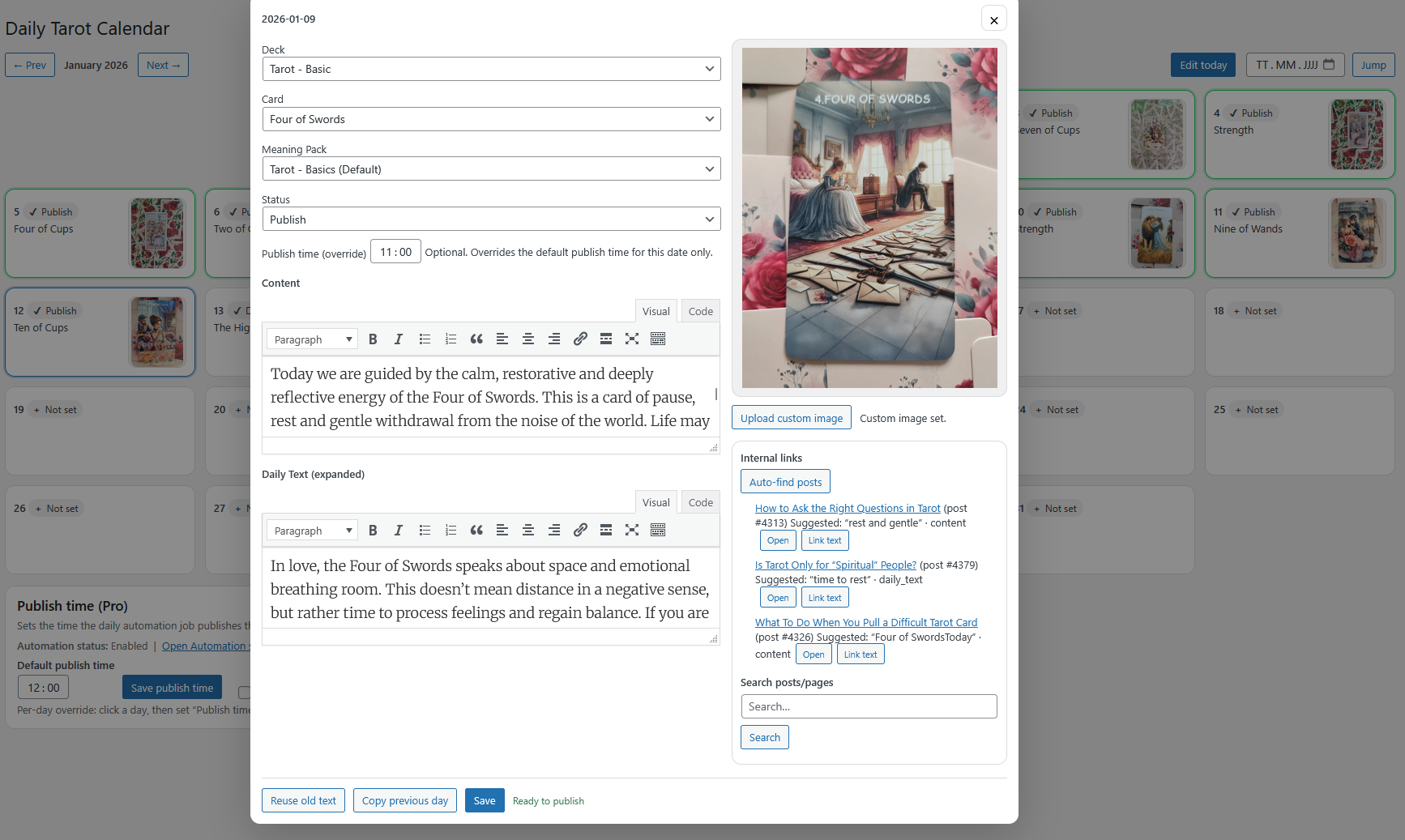
- Calendar (edit today + tomorrow)
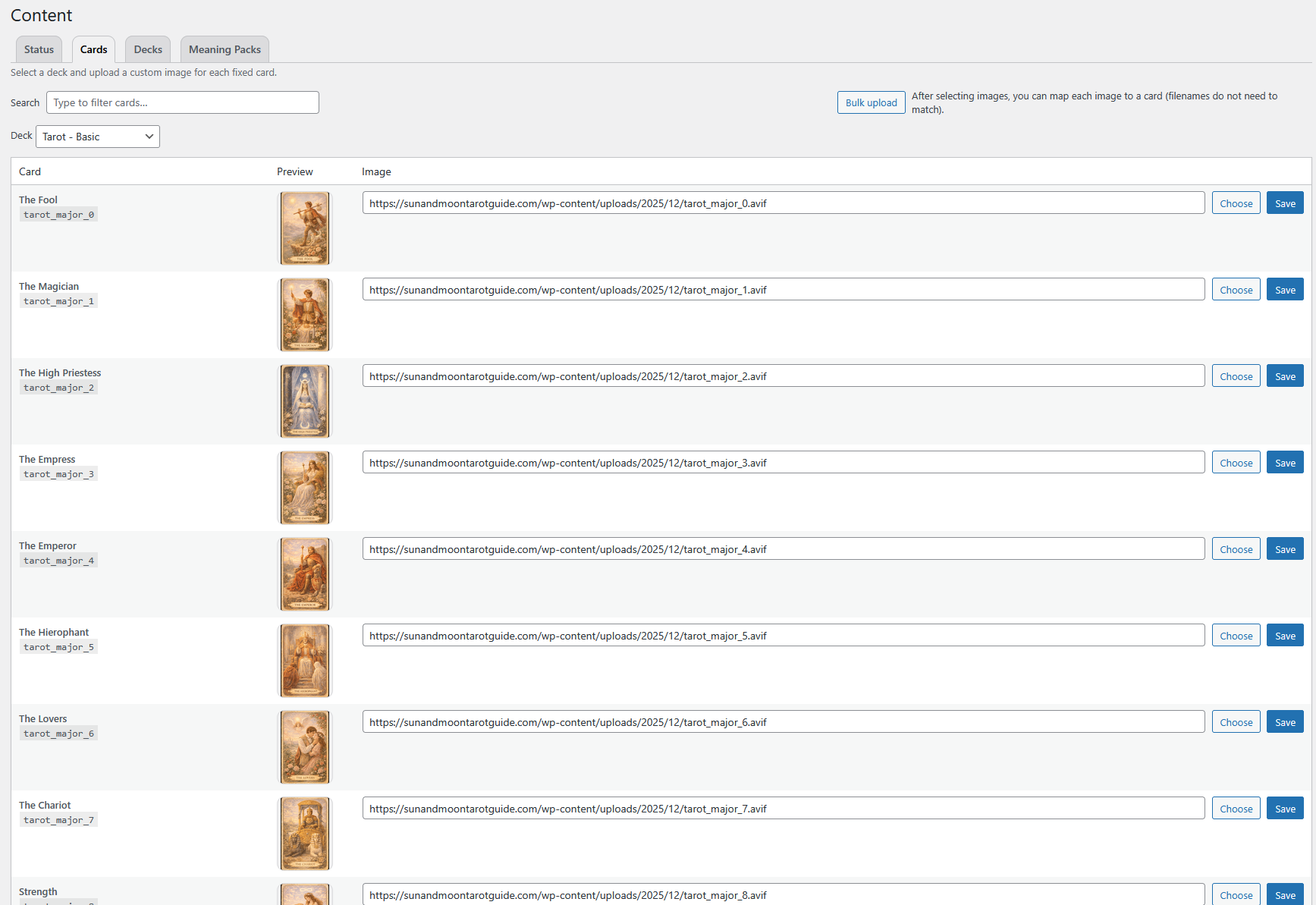
- Decks and Meaning Packs
- Spreads (scan + presets + meaning packs; free users can create one custom meaning pack)
- Shortcodes + Gutenberg blocks
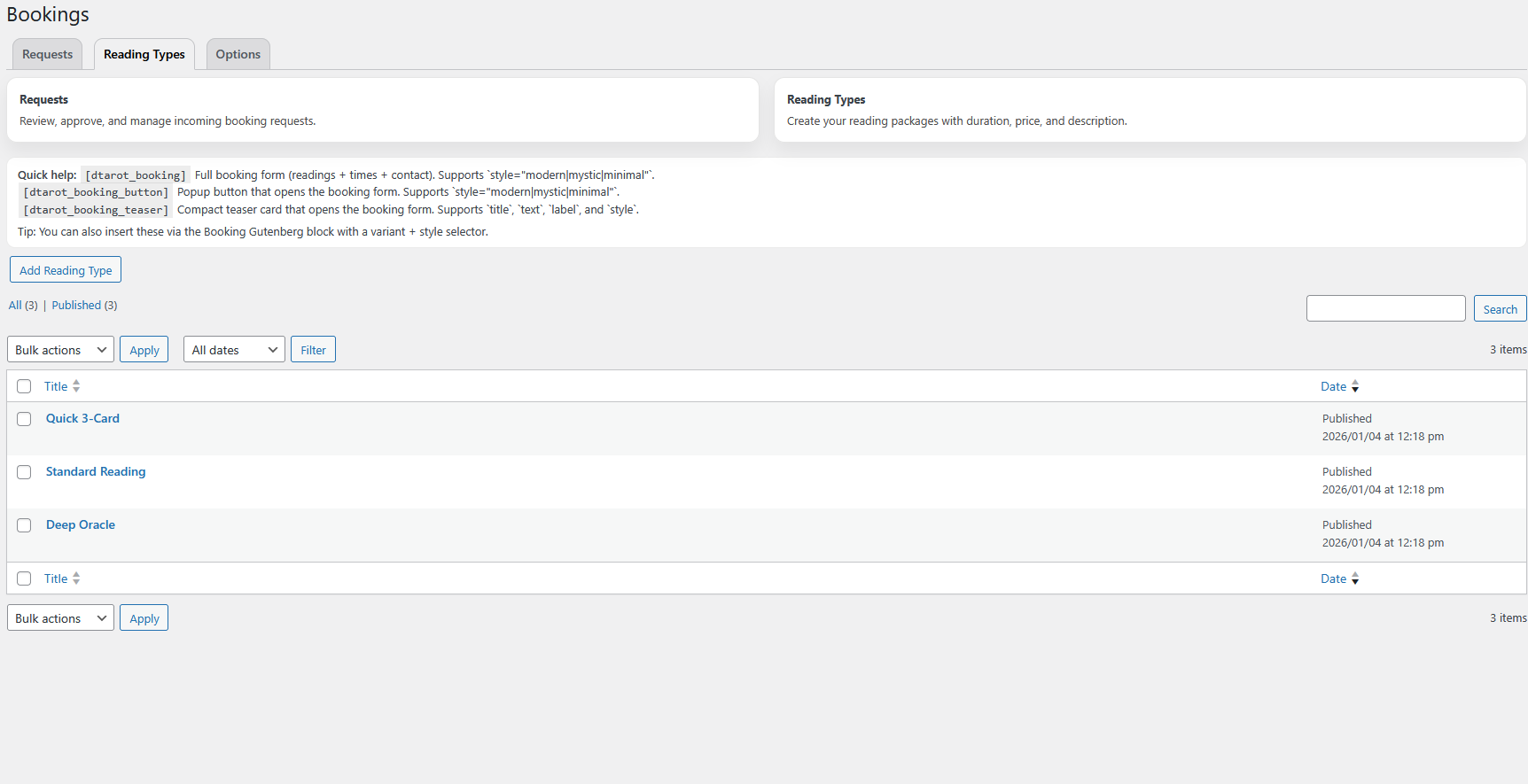
- Bookings (requests, reading types, availability, emails)
- Feedback (admin-only) [//]: # fs_premium_only_begin Pro unlocks:
- AI Integration (experimental) + provider settings
- Analytics dashboard
- Calendar editing beyond tomorrow
- Booking payment options (PayPal/Stripe + pay before/after)
[//]: # fs_premium_only_end
This plugin bundles the Freemius SDK under
vendor/freemiusfor licensing and updates.
安装:
- Upload the plugin folder to
wp-content/plugins/. - Activate Daily Tarot in WordPress Admin -> Plugins.
- If the readable route is enabled/used, re-save permalinks once after activation.
屏幕截图:
常见问题:
How do I start a daily card workflow?
Create a deck, add a meaning pack, then open Daily Tarot -> Calendar and set a card + text for each date.
My card image is missing - what should I do?
Pick a deck for the same system (Tarot/Kipper/Gypsy) and upload the card image in Daily Tarot -> Content -> Cards.
Meanings are blank or wrong - how do I fix this?
Choose a meaning pack for the same system and fill meanings for the card IDs in Daily Tarot -> Content -> Meaning Packs.
I don't know what to do first
Create a Deck (images), then a Meaning Pack (text), then use Calendar to publish. Check the Content tab for deck/pack setup. Short version: Decks = images, Meaning Packs = text, Calendar = publish, and systems must match.
How do I publish the daily card?
Go to Calendar, pick a date, select deck + meaning pack + card, then publish.
What's the difference between Kipper and Gypsy?
They are separate systems with different fixed card IDs. Make sure your deck and meaning pack are set to the system you want.
Does Daily Tarot create posts automatically?
No. Daily Tarot stores your daily entries internally and renders them via shortcodes and readable routes. (Pro can unlock extra automation tools.)
Can I use the plugin without AI or analytics?
Yes. AI and analytics are Pro-only; the core daily tarot workflow works without them.
Why do I see warnings after installation?
Some notices are shown only to administrators for configuration and troubleshooting. They don't affect visitors or site performance.
Why are my card URLs returning 404?
Re-save permalinks (WP -> Settings -> Permalinks -> Save Changes). This rebuilds rewrite rules.
What shortcodes should I start with?
Use [daily_tarot] on a page for the current day, and [dtarot_spread] to embed a spread.
Where do I manage bookings?
Go to Daily Tarot -> Bookings for requests and reading types. Booking settings live under Daily Tarot -> Settings -> Bookings.
Where do I get support?
Email dailytarothelp@gmail.com.
更新日志:
- Combination Finder: fix sidebar card/title layout and add thumbnails to related combinations.
- Journal: add persistent device identity so returning users can save without re-entering email.
- Analytics: add lightweight Combination Finder and journal event tracking with an Analytics tab under Combination Finder.
- Admin: restore the legacy Analytics menu page while keeping the new finder analytics in the Combination Finder area.
- Dashboard: simplify the top hierarchy and refine quick shortcuts.
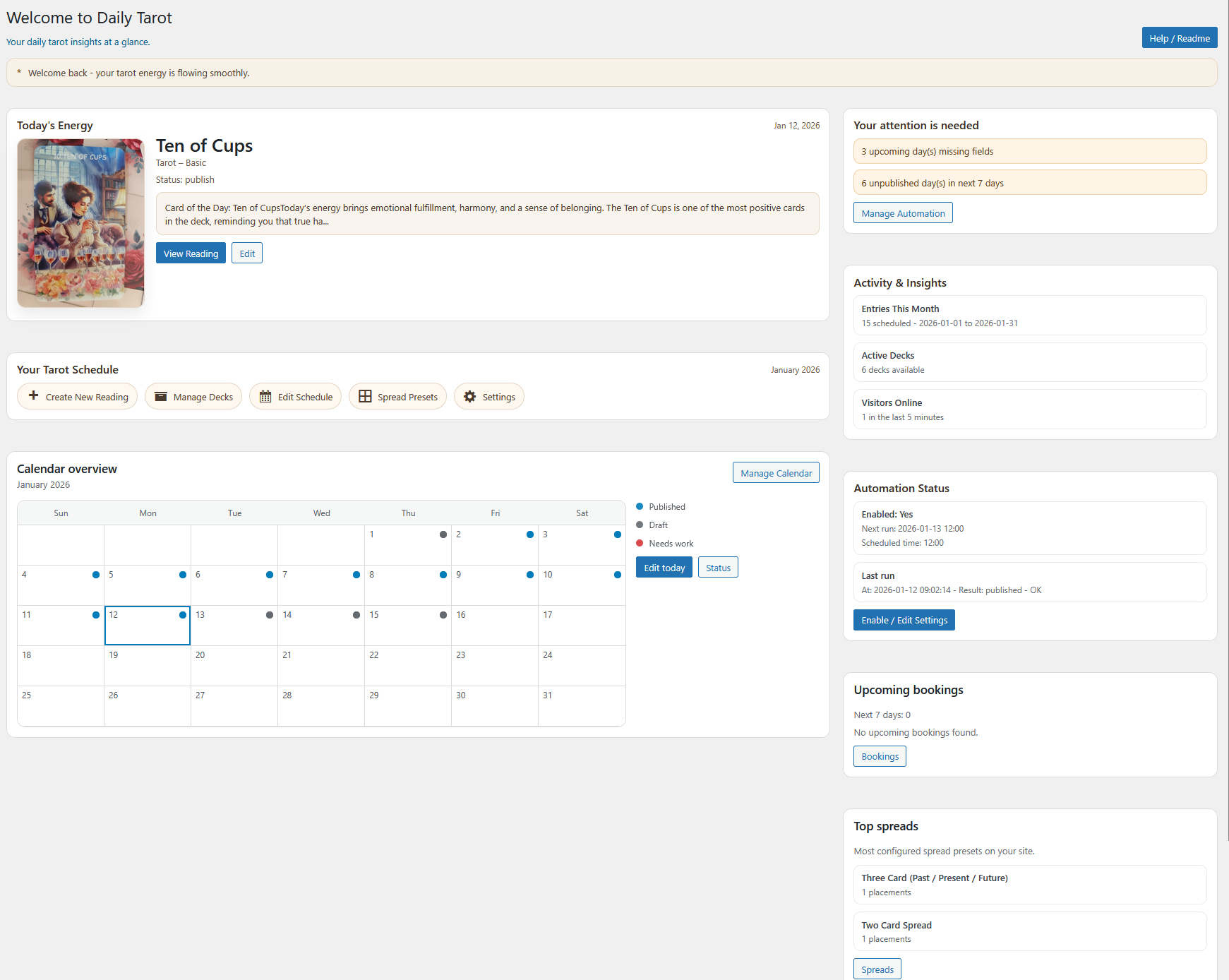
- Dashboard: replace the mini calendar with a status-first overview widget.
- Admin UI: improve shared button/card consistency across key screens.
- Help Center: upgrade the Help/Readme tab into a more structured guide surface.
- Analytics: simplify the layout and reduce low-value clutter.
- Frontend: improve empty states, CTA presentation, and month navigation on smaller screens.
- Daily card frontend: render "Read more" above share buttons.
- Daily card frontend: normalize footer spacing after CTA/share order update.
- Expanded FAQ section with common setup questions.
- Added onboarding banners on Content and Calendar pages.
- Conditional Feedback (free) / Contact Us (Pro) menu item.
- Improved Kipper/Gypsy card alias handling in Calendar previews.
- Added deactivation feedback prompt.
- Clarify plugin header description text.
- Improve WP.org readme for SEO and clarity.
- WP.org: adjust review prompt to link to the unfiltered reviews page.
- Calendar: harden free-plan calendar limit messaging.
- Packaging: improve Pro-only file stripping compatibility.
- Add Related Links: optionally link each card to a WP post/page (auto-detect + manual mapping in Settings).
- Fix Yoast SEO Open Graph URL filter crash when Yoast passes a null URL.
- Fix Settings Pro tab click reliability (fallback navigation on AJAX failure).
- Fix PHP notices on readable routes (undefined deckId/cardId).
- Packaging/compliance fixes for WP.org submission.
- Guard against oversized booking settings option.
- Packaging fix for Freemius upload.
- Dashboard refresh and onboarding tour.
- Initial Freemius release build.