DailyBuddy — Free All-in-One Toolkit
| 开发者 | beckerilja |
|---|---|
| 更新时间 | 2026年10月14日 02:18 |
| PHP版本: | 7.4 及以上 |
| WordPress版本: | 7.1 |
| 版权: | GPLv2 or later |
| 版权网址: | 版权信息 |
详情介绍:
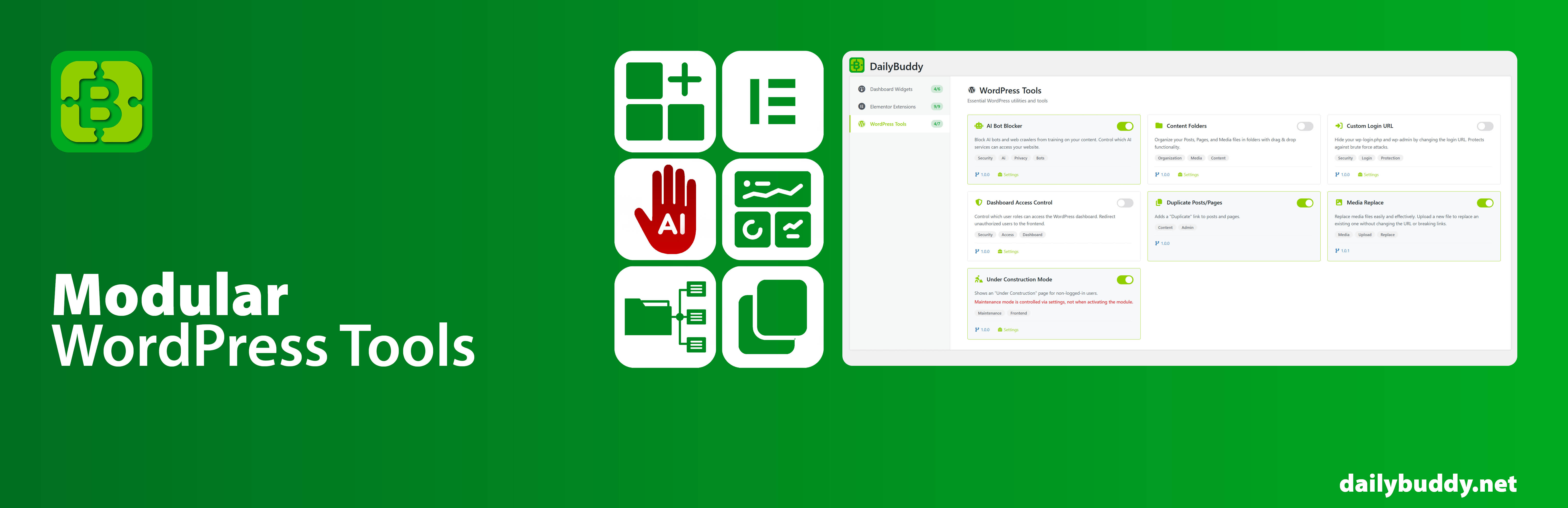
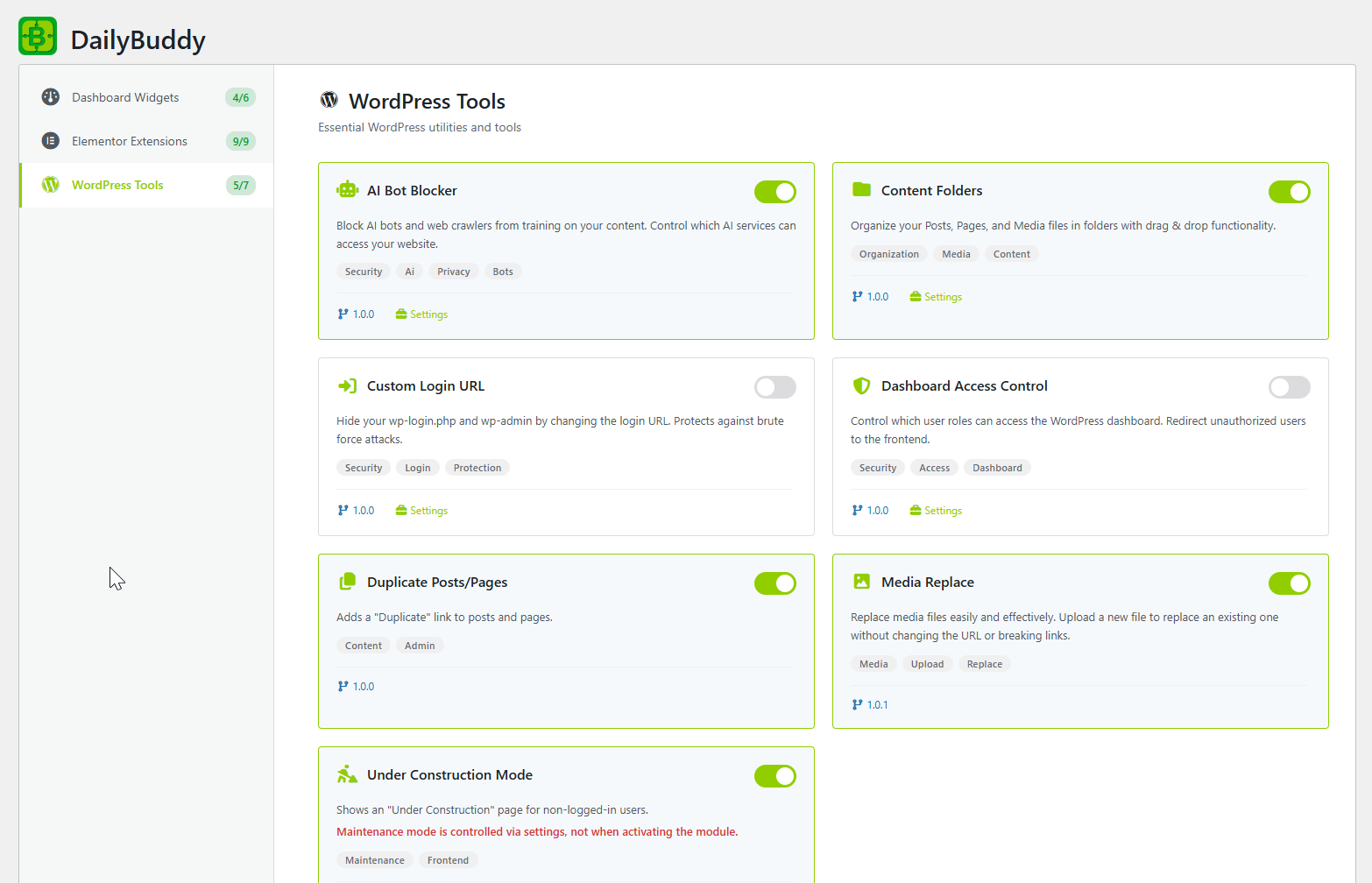
- Content Folders — Organize posts, pages, and media into drag-and-drop folders. No more scrolling through hundreds of files.
- Duplicate Posts — One-click duplication of any post or page, including all metadata.
- Custom Login URL — Change your default wp-login.php slug to anything you want.
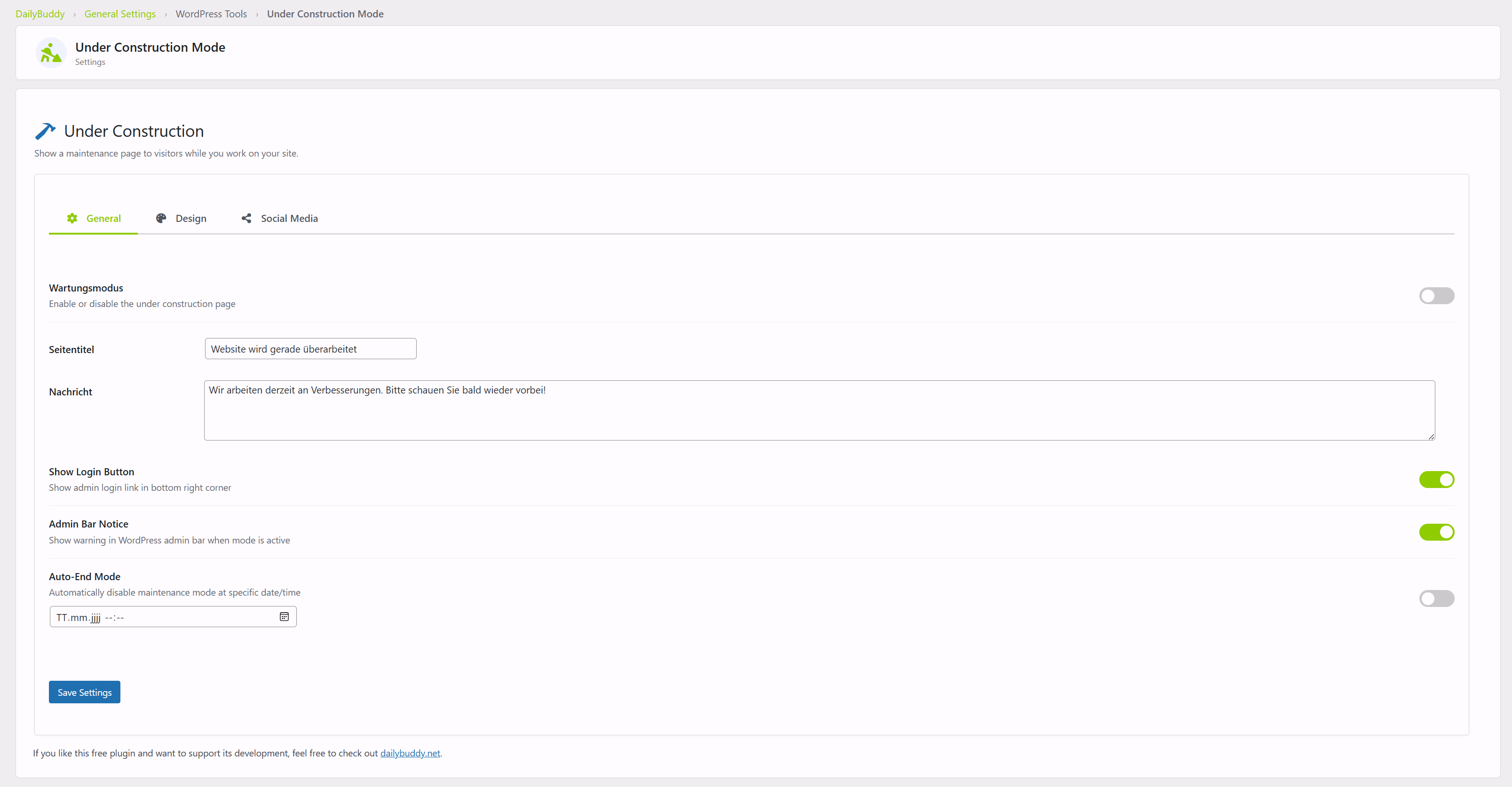
- Maintenance Mode — Show a branded maintenance page to visitors while you work on your site.
- Media Replace — Swap out media files without breaking any links or references.
- Classic Editor — Switch back to the classic TinyMCE editor if Gutenberg isn't for you.
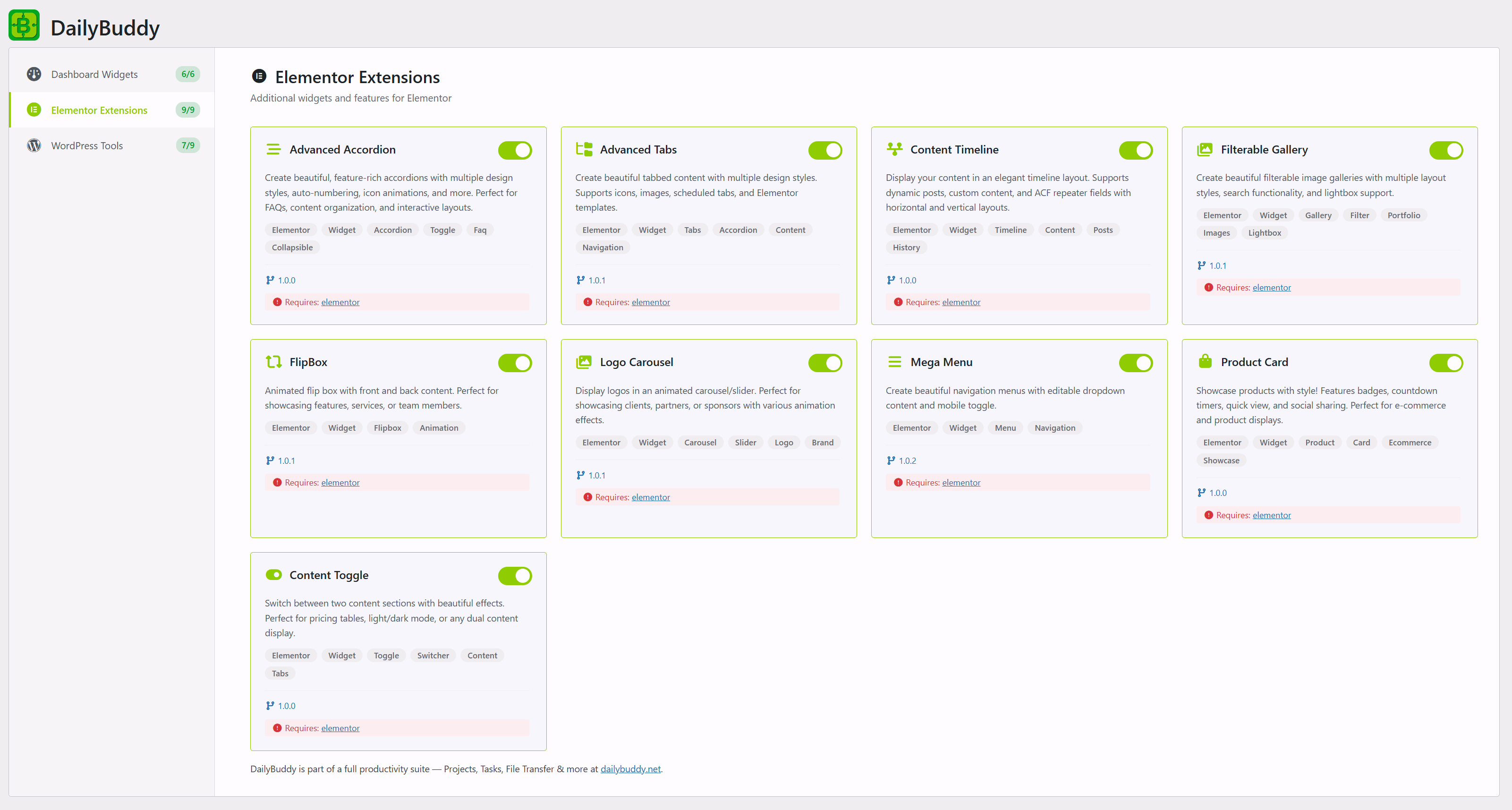
- 10 Elementor Widgets — Advanced Accordion, Tabs, Timeline, Gallery, FlipBox, Logo Carousel, Process Steps, Product Card, Content Switcher, and Mega Menu.
安装:
- Upload the plugin files to the
/wp-content/plugins/dailybuddydirectory, or install the plugin through the WordPress Plugins screen. - Activate the plugin through the "Plugins" menu in WordPress.
- Go to DailyBuddy > Modules to enable or disable individual features.
屏幕截图:
常见问题:
How does the Content Folders module work?
Content Folders adds a drag-and-drop folder sidebar to your posts, pages, and media library. You can create, rename, and nest folders, then drag items into them. Folders are virtual — your actual content stays where it is.
Can I duplicate posts and pages with one click?
Yes. Once the Duplicate Posts module is enabled, a "Duplicate" link appears in the post/page row actions. Clicking it creates an exact copy including all metadata.
How do I change my WordPress login URL?
Enable the Custom Login URL module, then go to its settings to choose a new slug (e.g. /my-login). The default /wp-login.php will no longer be accessible.
Does the maintenance mode work with caching plugins?
Yes. The maintenance page is shown before WordPress fully loads, so it works with most caching plugins. Logged-in admins can always see the normal site.
Can I replace media files without breaking links?
Yes. The Media Replace module lets you upload a new file to replace an existing one. All links, embeds, and references keep working because the URL stays the same.
Which Elementor widgets are included?
DailyBuddy includes 10 Elementor widgets: Advanced Accordion, Advanced Tabs, Content Timeline, Filterable Gallery, FlipBox, Logo Carousel, Process Steps, Product Card, Content Switcher, and Mega Menu. All are free and included in the plugin.
Does DailyBuddy conflict with other plugins?
DailyBuddy is designed to be modular and lightweight. Each module only loads when enabled, minimizing conflicts. If you already use a plugin for one of these features, simply keep that module disabled.
Is DailyBuddy really completely free?
Yes. Every feature is free, with no premium tiers, locked modules, or upsells. All updates are free through wordpress.org.
Does this plugin require Elementor?
Only the Elementor Extensions modules require Elementor. All dashboard widgets and WordPress tools work without Elementor.
What is the TranslatePress Language Detection module?
It detects your visitors' browser language and shows a popup, hello bar, or automatic redirect to the matching TranslatePress language version. Fully customizable appearance and GDPR-friendly (uses sessionStorage, no cookies).
更新日志:
- WPBuddy Connector: image audit no longer reports images as unused that are actually in use.
- WPBuddy Connector: link scan fixes for links wrongly listed as broken.
- WPBuddy Connector: link scan no longer reports working links as broken. Checks now run at most 20 in parallel (3 per host) instead of firing every URL at once, which made servers rate-limit the burst and time out healthy links.
- Plugin URI now points to the wordpress.org listing.
- WPBuddy Connector: maintenance toggle, link scan and image audit endpoints.
- Housekeeping: WPCS cleanup pass.
- Add Pageviews dashboard widget — 365-day traffic counter with Week/Month/Year switch, hover tooltips, and localized dates. No cookies, no external service. Toggleable under Dashboard Widgets.
- Add WPBuddy Connector module (beta) — pair this site with a WPBuddy platform via one-time signed token to run remote snapshots, comment moderation, one-click WP-admin SSO and site optimization (revisions / spam / OPTIMIZE TABLE). Multi-pair supported.
- Compat: tested with WordPress 7.1
- Housekeeping: replaced
parse_urlwithwp_parse_url,esc_url_rawwithsanitize_url, addedwp_unslashto$_SERVERreads, i18n translator comments, WPCS cleanup pass
- Tested with 7.0.2
- Accordeon Elementor Shadow Fix
- Mega Menu layout
- some Fixes
- Mega Menu: Hintergrundfarbe-Control, durchgehender Gradient, Mobile Hover-Tab, Anker-Scrollspy, Item-Einblend-Animation, Body-Scroll-Lock entfernt, Width im Editor sichtbar
- Advanced Tabs: Icon-Gap fix, Active-Tab Box-Shadow Control, horizontaler Scroll-Modus mit Pfeilen, weichem Shadow und Color-Controls
- Fix Translate Widgets
- Fix TranslatePress Tools: Remove redirect action type due to SEO/indexing issues (causes redirect loops for crawlers). Existing settings auto-migrate to popup
- Fix Process Steps: Replace CSS Container Queries with Media Queries to prevent height calculation conflicts with Elementor's flex layout
- Fix Process Steps: Reduce vertical spacing in mobile/vertical mode (smaller icons, shorter connectors)
- Add Category Post List Elementor widget: linked post navigation for category-based content (e.g. tool collections)
- Add Process Steps Elementor widget with snake flow layout, compact inline, and card stack variants
- Add TranslatePress Language Detection module with popup, hello bar, and redirect support
- Add customizable appearance settings for language detection (colors, border radius, overlay opacity)
- Update plugin description and tags for better wordpress.org discoverability
- Expand FAQ to 10 keyword-rich questions
- Update cross-promotion link to dailybuddy.net
- Fix click event for delete/rename folder in Content Folders
- Add custom width for mobile menu in Elementor Mega Menu
- Nested-elements user notification in Elementor Mega Menu
- Nested-elements fix for Elementor Mega Menu