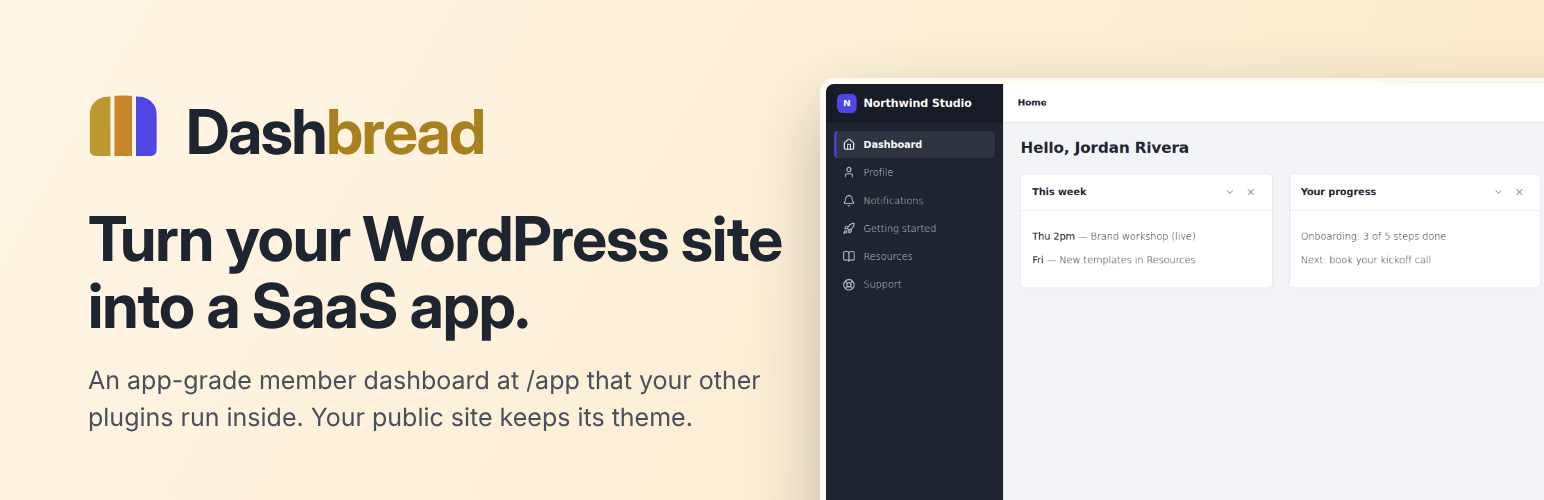
Dashbread – Turn Your Site into a SaaS App
| 开发者 | digibread |
|---|---|
| 更新时间 | 2026年10月30日 22:04 |
| PHP版本: | 8.2 及以上 |
| WordPress版本: | 7.1 |
| 版权: | GPLv2 or later |
| 版权网址: | 版权信息 |
详情介绍:
/app to any WordPress site. Your public site is untouched and keeps whatever theme it has. Signed-in members get something else: an app with its own sidebar, header, dashboard, notifications and pages, where every page or plugin you put inside it looks like part of one product instead of a stack of WordPress screens. Members never have to see wp-admin.
Everything in this plugin is fully functional, with no usage caps and no expiry.
Dashbread is made and maintained by Digital Bread, LLC (digitalbread.com). Docs and Dashbread Pro: dashbread.com.
What you get
- The app at /app – a responsive app shell (sidebar, header, breadcrumbs, light/dark mode) at a route you choose, with a conflict check.
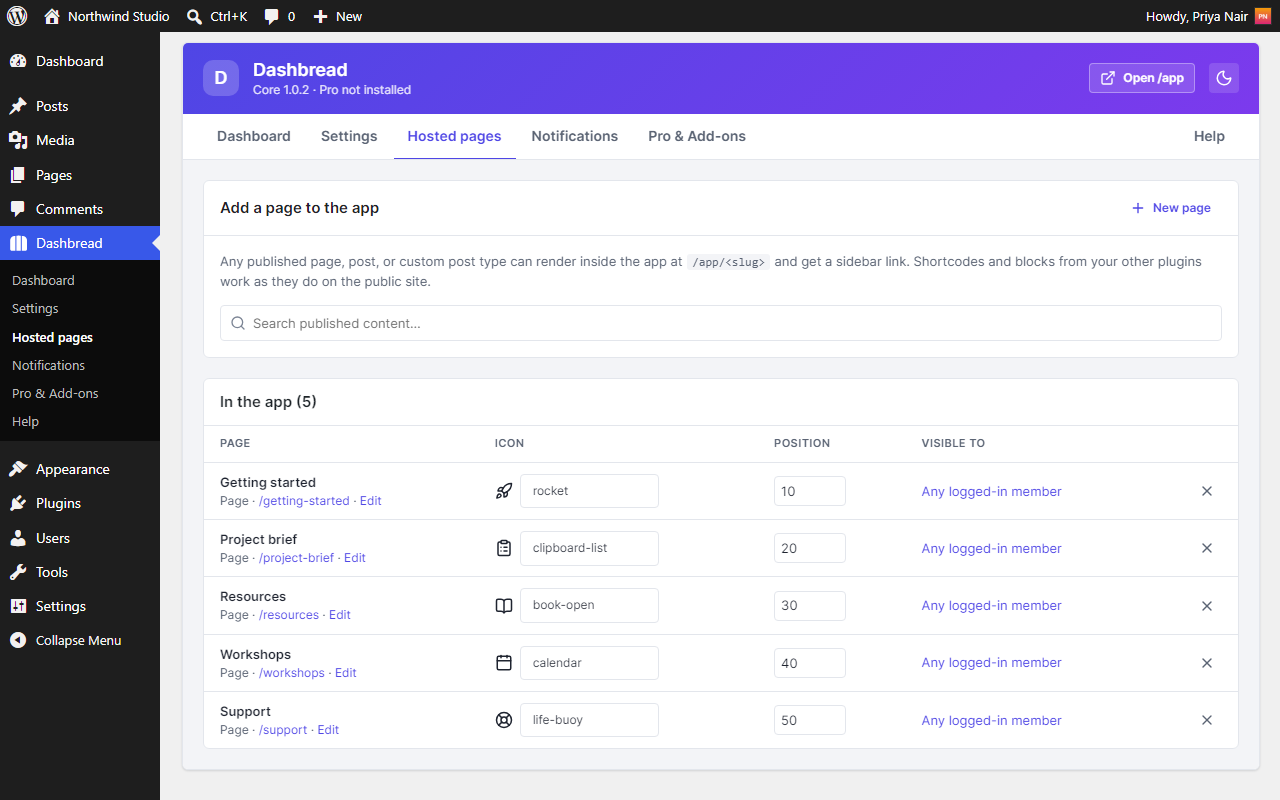
- Hosted pages – tick "Show in Dashbread app" on any page or post and it opens inside the app, with a menu link, an icon and optional role visibility. Shortcodes from your other plugins (forms, courses, shops, support desks) work there as usual.
- Menus – an app sidebar, header and account menu under Appearance › Menus, with icons and per-role visibility per item.
- Dashboard – a real WordPress widget area. Use any widget; members can hide or collapse the ones they don't need.
- Notifications – an in-app bell and a full notifications page, with built-in notices and an API (
dashbread_notify()) for other plugins. - Profile – profile, avatar, email change with confirmation, password, notification preferences, appearance and account deletion requests.
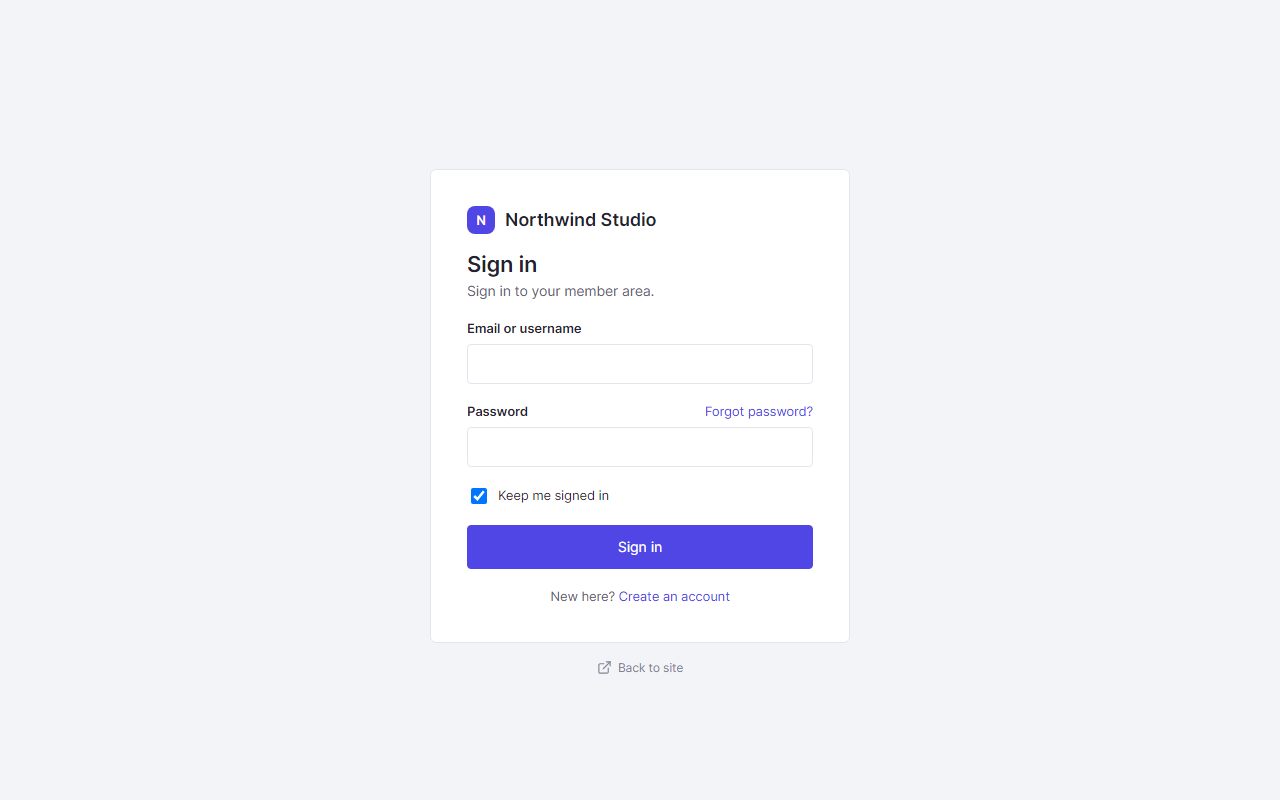
- Sign-in screens – login, registration and password reset screens that match the app, with optional redirects away from wp-login.php and wp-admin for members.
- Shortcodes –
[dashbread_app_link],[dashbread_login],[dashbread_logged_in],[dashbread_logged_out],[dashbread_role],[dashbread_show],[dashbread_protect],[dashbread_expire]and[dashbread_user]for your public pages. - Admin – a single Dashbread menu with Dashboard, Settings, Hosted pages, Notifications, Pro & Add-ons and Help screens.
assets/build/. Their readable source is included in the plugin under app/ and is built with esbuild (npm run build in the project repository).
安装:
- Install and activate Dashbread from Plugins › Add New, or upload the
dashbreadfolder to/wp-content/plugins/. - Visit
/appwhile signed in. That's the member app; your public pages don't change. - Put content in it: tick Show in Dashbread app on a page, add widgets to the Dashbread Dashboard widget area, and shape the sidebar under Appearance › Menus.
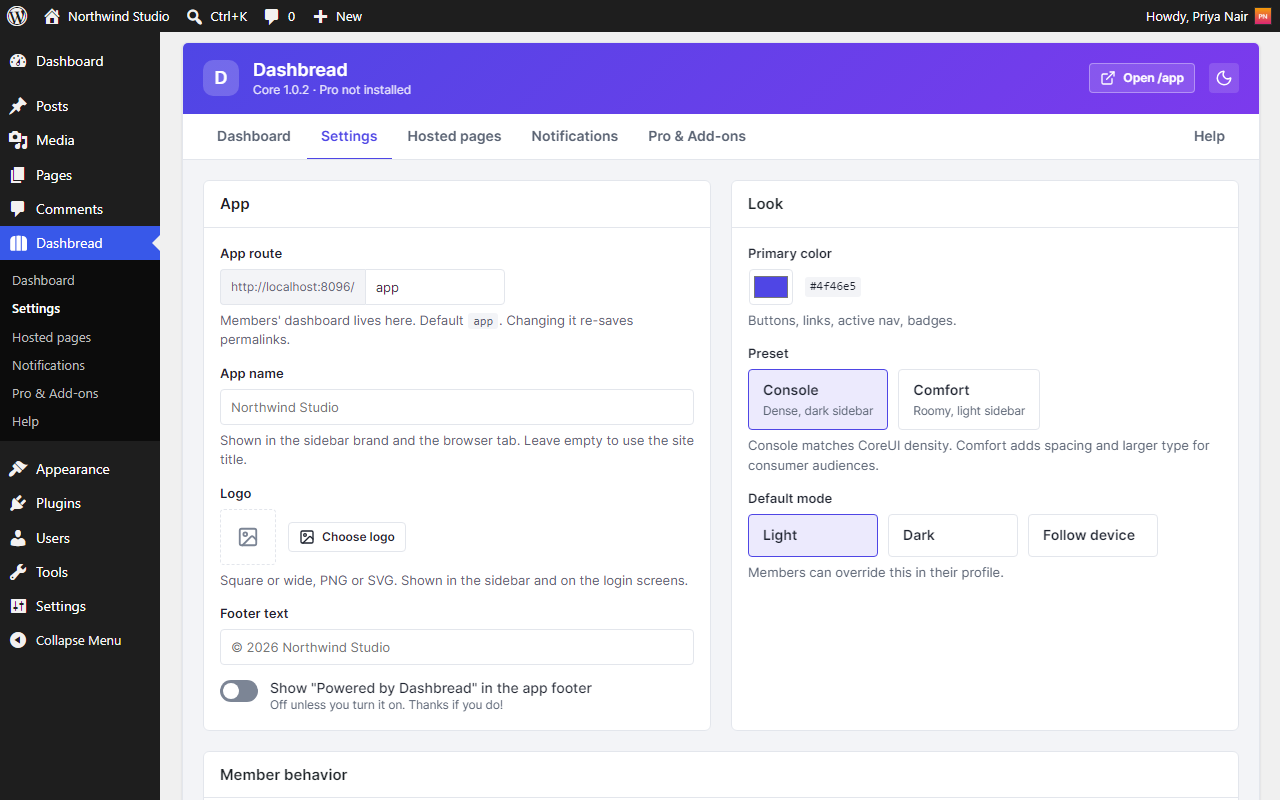
- Brand it under Dashbread › Settings: name, logo, primary color, preset, light or dark.
屏幕截图:
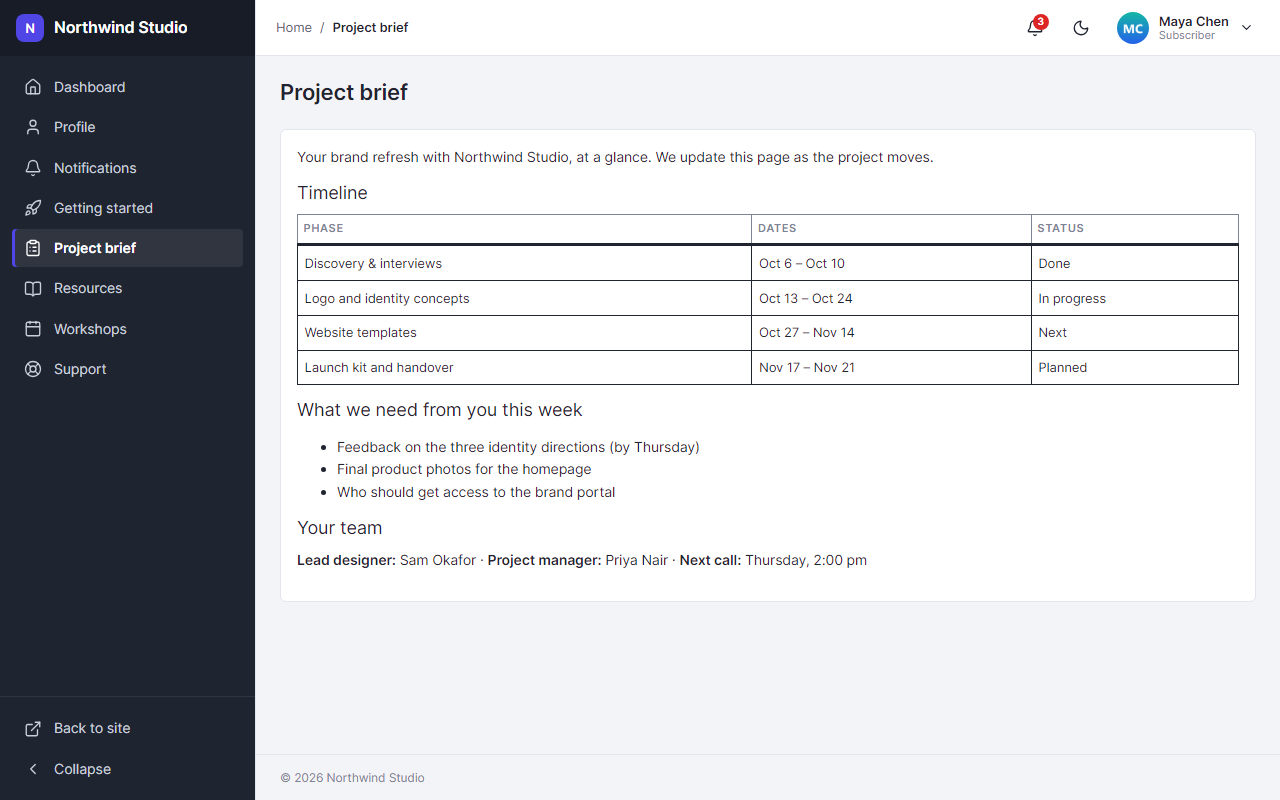
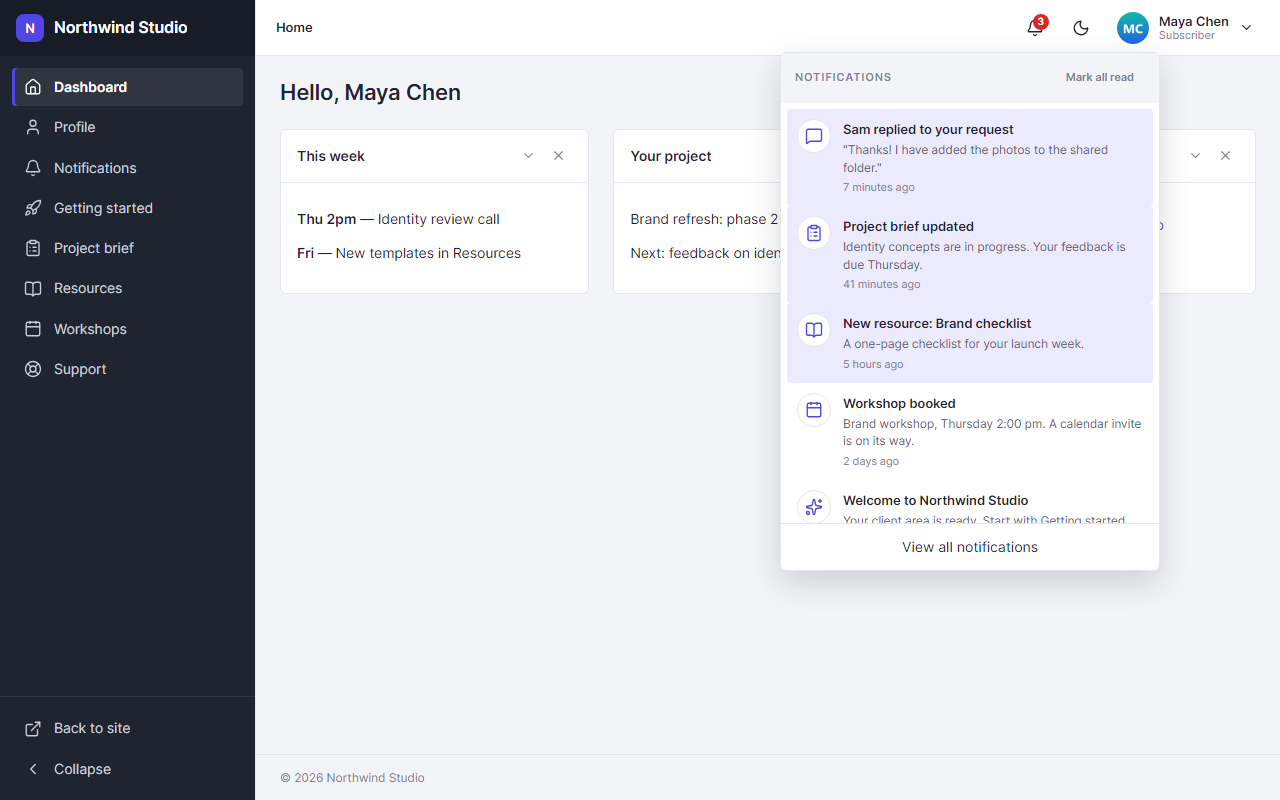
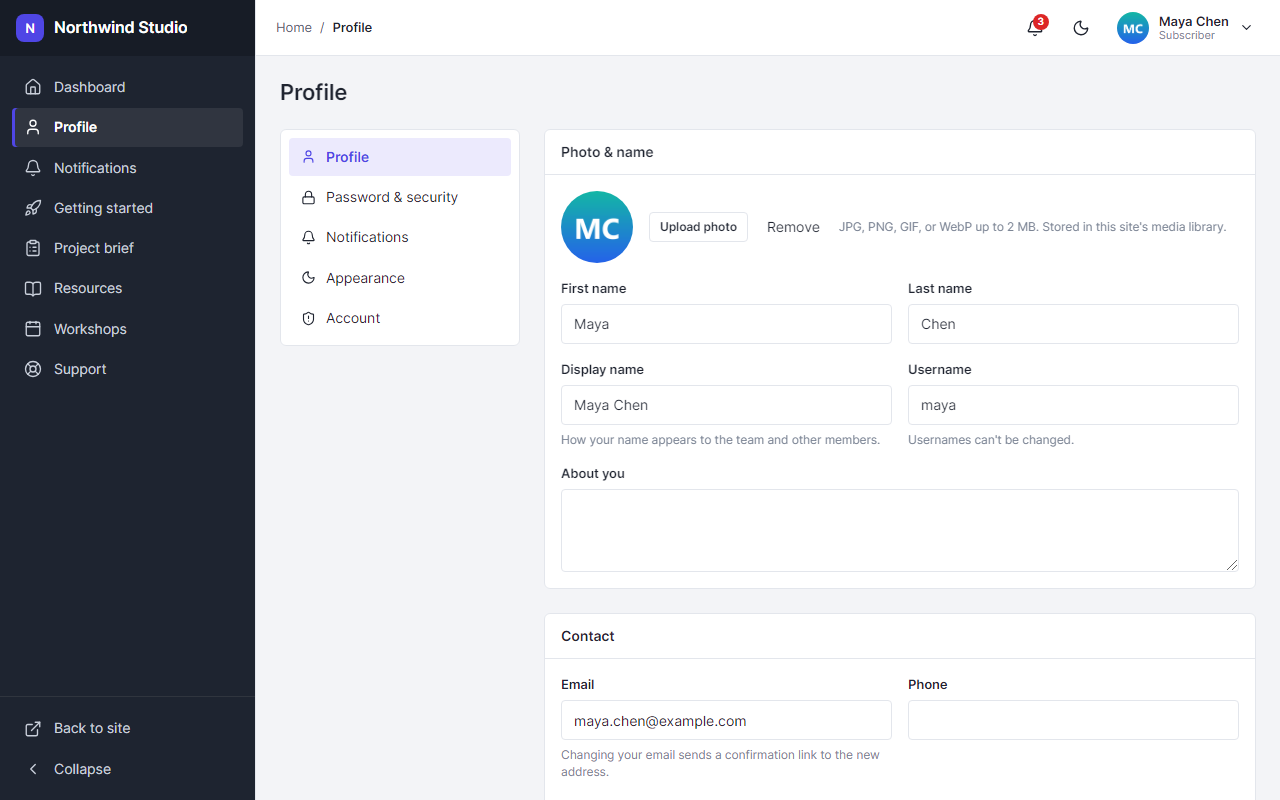
常见问题:
Does Dashbread change my theme or public pages?
No. The app lives at its own route (/app by default). Everything else on your site keeps your theme.
Will my other plugins work inside the app?
Any page or post can be shown in the app. If a plugin works through a shortcode or block on a page, it works in the app too.
Can members still reach wp-admin?
By default, members without editing rights are sent to the app instead of wp-admin and don't see the admin bar. Each of these is a switch under Dashbread › Settings.
Can I change /app to something else?
Yes, under Dashbread › Settings. Dashbread checks the new address doesn't clash with an existing page.
Does Dashbread add a credit link to my site?
Only if you ask it to. "Powered by Dashbread" in the app footer is off unless you turn it on under Dashbread › Settings.
What happens to my data if I delete the plugin?
Deleting Dashbread from the Plugins screen removes its settings, its notifications table, and the user and page meta it added. Your pages, menus and users stay.
更新日志:
- Signing in from a limited page's link keeps the rest of the link (such as tracking tags like ?utm_source=) and goes straight to the page, without an extra redirect.
- Fix: signing in from a limited page's address takes members straight to that page in the app again (1.3.8 sent them to the dashboard).
- Privacy: a page limited to certain roles or plans now behaves exactly like a page that doesn't exist for anyone who can't open it, also in feeds, embeds, preview links, comment forms and the site's API (including saves and comments).
- Privacy: closed the remaining ways a page limited to certain roles or plans could be told apart from a page that doesn't exist, or have its address or title read, by someone who can't open it: the site's API (including "include" lists, search, revisions and response headers), embeds (oEmbed) and links by page number (?p= and ?page_id=). People who can open the page see it as usual.
- Signing in from a limited page's address now brings you back to that address.
- Privacy: asking the site's API for a page limited to certain roles or plans, by its number, now answers "not found" for anyone who can't open it, exactly like a number that isn't used. Before, the answer revealed the page's address. People who can open the page see it as usual.
- Faster pages on sites with many pages limited to roles or plans: the check that keeps them private now takes a handful of database queries instead of two per limited page, and none for administrators.
- Fix: site tools that run without a signed-in user, such as WP-CLI (
wp post list) and scheduled tasks, see every page again instead of only public ones. Page content stays private.
- Navigation menus in block themes (such as Twenty Twenty-Five) now leave out links to pages limited to certain roles or plans for people who can't open them.
- Fix: on sites with many app pages, page limits now apply to every page. Before, pages past the first 100 could show to the wrong people or be hidden from the right ones.
- Pages limited to certain roles or plans are now also left out of search results, page lists, menus and the site's API for people who can't open them, so their titles stay private too.
- Staff who can edit a limited page now see it in the app as well, matching what they see on the site.
- Security fix: a page shown in the app and limited to certain roles (or to a Dashbread Pro membership plan) is now limited everywhere. Before, its content could still be read at the page's normal address and through the site's API. Visitors who may not see it are now sent to the app (signing in first), and its text is left out of the API, search results and feeds. Pages without a limit are unchanged.
- Fix: when Dashbread Pro is installed but has no active license, pages limited to a membership plan stay closed and out of the app menu. Before, their content was shown to every member.
- Fix: changing the app address in Settings (for example from /app to /portal) now takes effect right away. Before, the old address kept working and the new one could fail until permalinks were saved again.
- Fix: the "Upload photo" button on the Profile page uploads the photo as soon as you pick it.
- Fix: with "Keep members out of wp-admin" on, members who open a wp-admin link they can't use (Posts, Media, Settings...) are taken to the app instead of WordPress's "Sorry, you are not allowed" page.
- Fix: signing in from a link that ends in #something (a deep link to a folder, for example) takes you to that exact spot afterwards.
- Fix: an app address that doesn't exist answers "Page not found" with a proper 404, so search engines and uptime checks see it correctly.
- Fix: when Dashbread Pro is switched off, pages that need it (plan-only pages and form pages) leave the app menu instead of showing empty, and plan-only pages stay closed.
- New: a Support link at the far right of the Dashbread admin header, next to the light/dark switch. One click opens Help & Support, so the guides are always one step away.
- Dashbread now needs PHP 8.2 or newer, as PHP 8.1 is no longer supported. Sites still on PHP 8.1 stay on Dashbread 1.2.1 until their host moves them to PHP 8.2 or later. Ask your host to upgrade PHP if 1.3.0 doesn't show up as an update.
- Dashbread Pro 1.3.0, released alongside, keeps your Pro features working after a license expires. See dashbread.com for its notes.
- Fix: with WooCommerce's "Coming soon" mode on, the sign-in screen showed the coming soon page instead, so nobody could sign in (wp-admin included). The app's screens are now left out of coming soon mode; the rest of the site stays hidden.
- New: an Email preferences tab on the member's Profile when Algamail (algamail.com, sold separately) is active. Algamail fills it with the member's email choices; Dashbread does nothing with it otherwise.
- The Communications add-on is gone from Dashbread › Pro & Add-ons and its guide from Help. In its place, an Algamail card: Algamail (algamail.com, sold separately) is now the email, newsletter and CRM layer for Dashbread.
- Developers: the
dashbread_notifiedaction is documented as a stable hook (notification ID, user ID, type, payload).
- New: a "Check for updates" link on the Plugins screen asks for updates right away instead of waiting for WordPress' twice-daily check.
- New: the Plugins screen and Dashbread › Dashboard say whether Dashbread and Dashbread Pro are on the latest version.
- Dashbread and Dashbread Pro now have their own version numbers. Each Pro release names the oldest Dashbread it needs, and a Pro update waits until Dashbread is new enough, so "Update all" and automatic updates are safe in any order.
- Database upgrades after an update run once, even when several pages load at the same moment.
- Fix: the icon preview on Dashbread › Hosted pages shows every icon the picker offers, not just a short built-in list.
- Fix: notifications show the icon they were sent with (any icon in the set), instead of falling back to a bell.
- Readme: screenshot captions match the screens.
- New name: Dashbread (slug, text domain, settings, hooks and REST namespace).
- Security hardening: every form handler verifies its own nonce; the sign-in, registration and lost-password forms carry nonces; profile custom fields are sanitized as they are read; HTML built by the app's helpers is escaped with wp_kses() where it is printed.
- Admin notices appear only on Dashbread's own screens and can be dismissed; the Pro notes on the member profile page are gone.
- Translations: role names, numbers and dates follow the site language; the account-deletion email is translatable.
- First public release.
- The app shell at a route you choose, with hosted pages, app menus with icons and role visibility, a widget dashboard members can tidy, and light/dark mode.
- In-app notifications with a bell, a full page and a developer API.
- Profile manager: avatar, email change with confirmation, password, notification preferences, appearance and account deletion requests.
- Matching sign-in, registration and password screens, with optional redirects away from wp-login.php and wp-admin for members.
- Shortcodes for app links and logged-in/logged-out content.
- Admin screens: Dashboard, Settings, Hosted pages, Notifications, Pro & Add-ons, Help. The add-on catalog and the Help guides ship with the plugin; Dashbread makes no outbound requests.
- "Powered by Dashbread" in the app footer is opt-in (off by default).
- Uninstall removes Dashbread's own settings and data.