
Bisteinoff SEO Robots.txt
| 开发者 |
Denis Bisteinov
bisteinoff |
|---|---|
| 更新时间 | 2025年12月19日 08:04 |
| 捐献地址: | 去捐款 |
| PHP版本: | 7.0 及以上 |
| WordPress版本: | 6.9 |
| 版权: | GPL2 |
详情介绍:
- Automatic generation of optimized robots.txt with WordPress-specific rules
- Special rules for Google and Yandex search engines
- Custom rules support for any search engine bot
- Automatic sitemap detection and inclusion
- WooCommerce compatibility with specific rules
- Multisite support
- Easy-to-use admin interface
- Modern PHP architecture with namespaces for conflict-free operation
安装:
- Upload db-robotstxt folder to the
/wp-content/plugins/directory - Activate the plugin through the 'Plugins' menu in WordPress
- The plugin will automatically create a virtual robots.txt file
- Go to Settings > SEO Robots.txt to customize rules
屏幕截图:
常见问题:
Will it conflict with any existing robots.txt file?
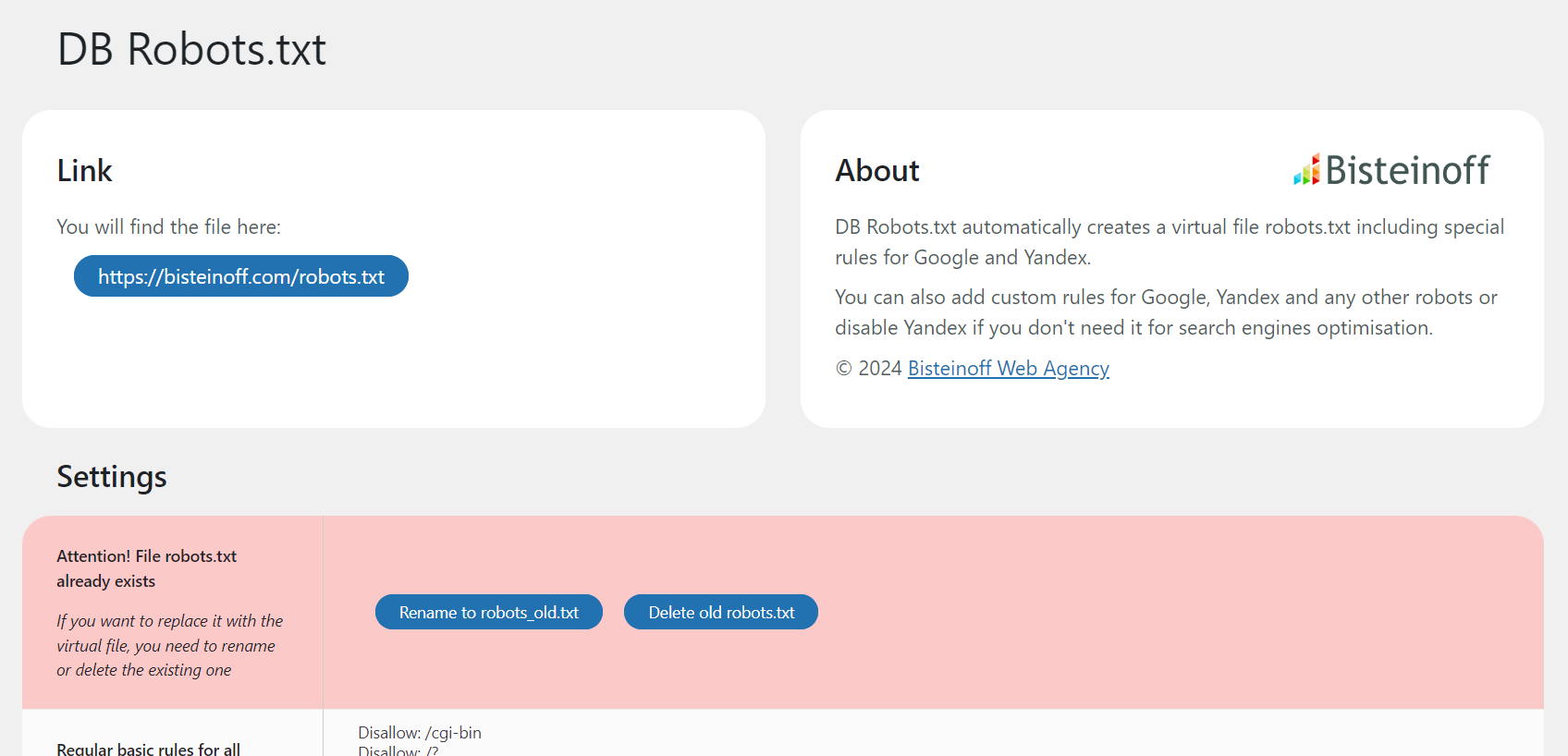
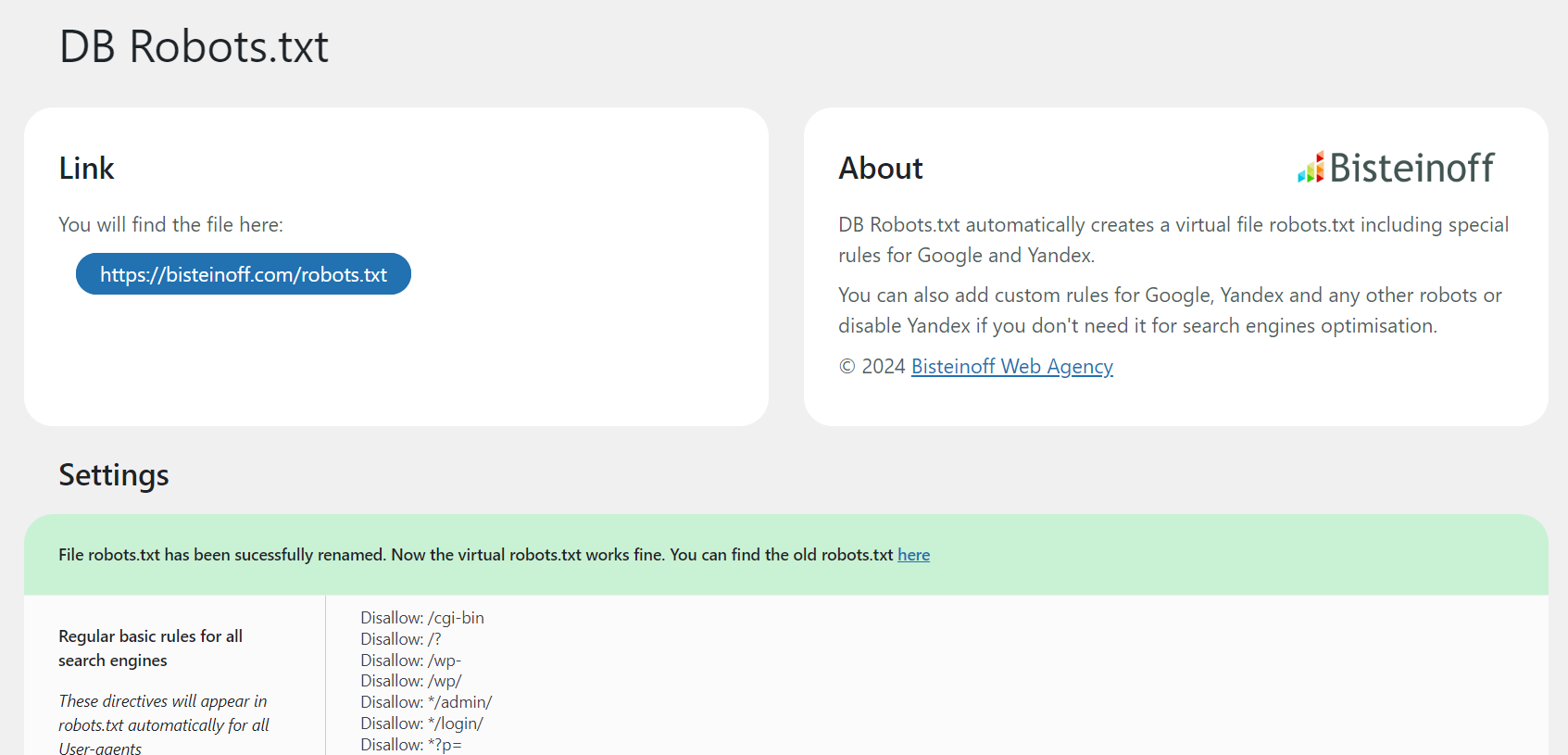
No, it will not. If the file robots.txt is found in the root folder it will not be overridden. On the Settings page you will see a notification with two options: rename or delete the existing file robots.txt. The plugin provides this functionality directly in the admin interface.
Could I accidentally block all search robots?
Once the plugin is installed it will work fine for all search engine robots. If you are not aware of the rules for fine-tuning a robots.txt it is better to leave the file as is or read first a corresponding manual to learn more about the directives used for robots.txt.
Note: the following directives would block the corresponding search robot(s):
Disallow:
Disallow: /
Disallow: *
Disallow: /*
Disallow: */
You should use any of these directives only if you do not want any page of your website to be accessible for crawling.
Where can I read the up-to-date guide on robots.txt?
What happens when I update to version 4.0?
For regular users: Nothing changes! The plugin will automatically migrate all your settings. Everything continues to work exactly as before. For developers: Version 4.0 introduces a complete code refactoring with modern PHP classes and namespaces. If you have custom code that references this plugin's functions, constants, or options, please review the migration information below.
Migration to v.4.0 - Information for Developers
If you have custom code that integrates with this plugin, please note these changes:
Checking for deprecation notices: All deprecated elements will trigger _doing_it_wrong() notices when WP_DEBUG is enabled. Enable debug mode to identify any issues:
define('WP_DEBUG', true);
Changed option names:
db_robots_custom→bisteinoff_plugin_robots_customdb_robots_custom_google→bisteinoff_plugin_robots_custom_googledb_robots_if_yandex→bisteinoff_plugin_robots_enable_yandexdb_robots_custom_yandex→bisteinoff_plugin_robots_custom_yandexdb_robots_custom_other→bisteinoff_plugin_robots_custom_otherNote: Options are migrated automatically. Old option names are removed from the database after successful migration.
DB_PLUGIN_ROBOTSTXT_VERSION→BISTEINOFF_PLUGIN_ROBOTS_VERSIONDB_PLUGIN_ROBOTSTXT_DIR→BISTEINOFF_PLUGIN_ROBOTS_DIRNote: Old constants remain defined for backward compatibility.
publish_robots_txt()→ Use\Bisteinoff\Plugin\RobotsTXT\Generator::generate()insteaddb_robots_admin()→ Use\Bisteinoff\Plugin\RobotsTXT\Admin::add_menu_page()insteaddb_robotstxt_admin_settings()→ Use\Bisteinoff\Plugin\RobotsTXT\Admin::render_settings_page()insteaddb_settings_link()→ Use\Bisteinoff\Plugin\RobotsTXT\Loader::add_settings_link()instead Note: Deprecated functions continue to work with backward compatibility.
更新日志:
- MAJOR UPDATE: Complete code refactoring with modern PHP architecture
- Compatible with WordPress 6.9
- Compatible with WordPress Theme Bisteinoff 2.4+
- Compatible with PHP 7.0 through PHP 8.4 (no deprecated PHP features used)
- Feature: Modern PHP namespaces (
Bisteinoff\Plugin) to prevent conflicts with other plugins - Feature: Seamless integration with Bisteinoff WordPress themes and plugins
- Feature: Efficient class-based architecture with lazy loading
- Feature: Automatic migration system for settings and options
- Fix: Undefined variable warnings for
$db_renamedand$db_deleted - Backward Compatibility: All old function names preserved until at least February 16, 2027
- Backward Compatibility: Old constant names (DB_PLUGIN_ROBOTSTXT_*) preserved
- Backward Compatibility: Options automatically migrated from old to new names
- For Developers: See FAQ section "Migration to v.4.0" for detailed technical information
- Compatible with WordPress 6.7
- Rewritten the code with depricated and discouraged functions
- Security issues
- Design of the Settings page in admin panel
- Custom rules for WooCommerce if the plugin is installed and activated
- Fixing ampersand symbol
- Security issues
- Compatible with WordPress 6.5
- Security issues
- Compatible with WordPress 6.3
- Security issues
- Compatible with multisites
- Corrected errors in the functions for translation of the plugin
- Now the translations are automatically downloaded from https://translate.wordpress.org/projects/wp-plugins/db-robotstxt/ If there is not a translation into your language, please, don't hesitate to contribute!
- Compatible with GlotPress
- New options to rename or delete the existing robots.txt file
- New option to disable the rules for Yandex
- Design of the Settings page in admin panel
- New basic regular rules for Googlebot and Yandex
- Now more possibilities to manage your robots.txt: you can add custom rules for Googlebot, Yandex and other User-agents
- More information about your robots.txt on the settings page
- Added a settings page in admin panel for custom rules
- Tested with WordPress 6.2.
- The code is optimized
- Added the robots directives for new types of images WebP, Avif
- Fixed Sitemap option
- Tested with WordPress 5.5.
- Added wp-sitemap.xml
- Tested with WordPress 5.0.
- The old Host directive is removed, as no longer supported by Yandex.
- The robots directives are improved and updated.
- Added the robots directives, preventing indexind duplicate links with UTM, Openstat, From, GCLID, YCLID, YMCLID links
- Initial release.