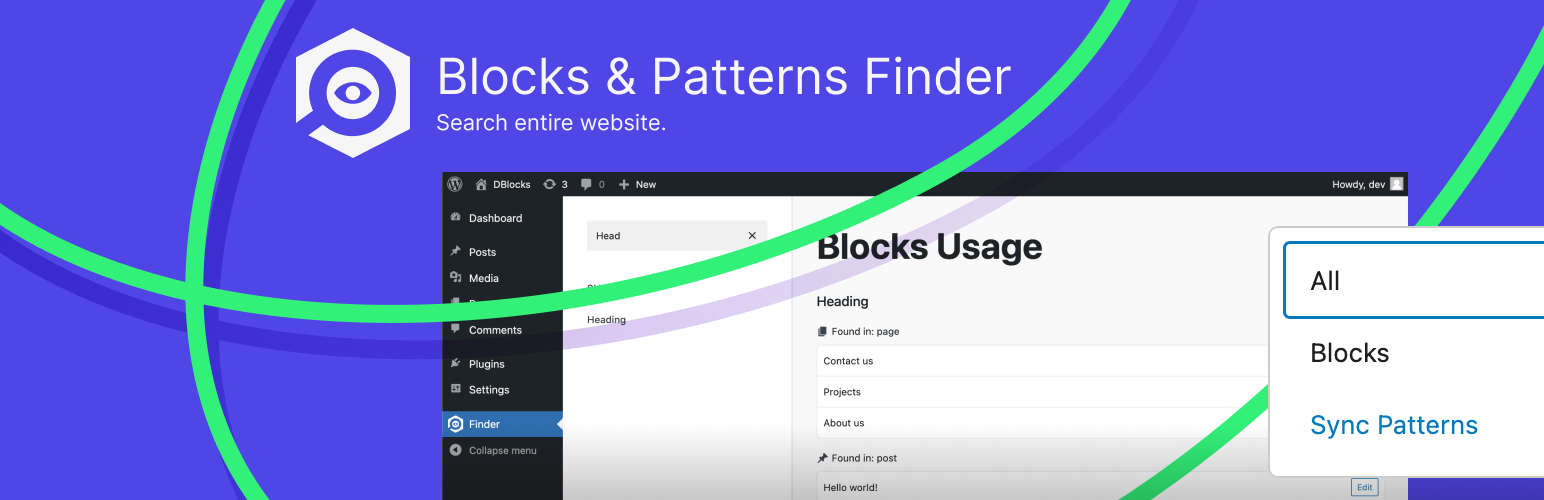
DBlocks Finder – Find Patterns and Blocks
| 开发者 |
dplugins
krstivoja |
|---|---|
| 更新时间 | 2026年10月30日 02:25 |
| PHP版本: | 7.4 及以上 |
| WordPress版本: | 7.1 |
| 版权: | GPL-2.0-or-later |
| 版权网址: | 版权信息 |
详情介绍:
- Core blocks, such as Heading, Paragraph, Group, Image, Query Loop and Navigation
- Third-party blocks from any block plugin or theme
- Synced patterns (formerly reusable blocks) and where each one is placed
- Blocks nested inside groups, columns and other inner blocks
- Usage in posts, pages and every public custom post type
- Usage in block theme templates and template parts from the Site Editor
- Block usage report: every block and synced pattern used on the site, in one list
- Usage counts: see how many times each block is used on every page, plus a site-wide total for each block and pattern
- Post type filter: click tags to show only pages, posts, templates, template parts or any custom post type, alone or combined
- Search blocks: type part of a block name to filter the list instantly
- Filter: show blocks, synced patterns, or both
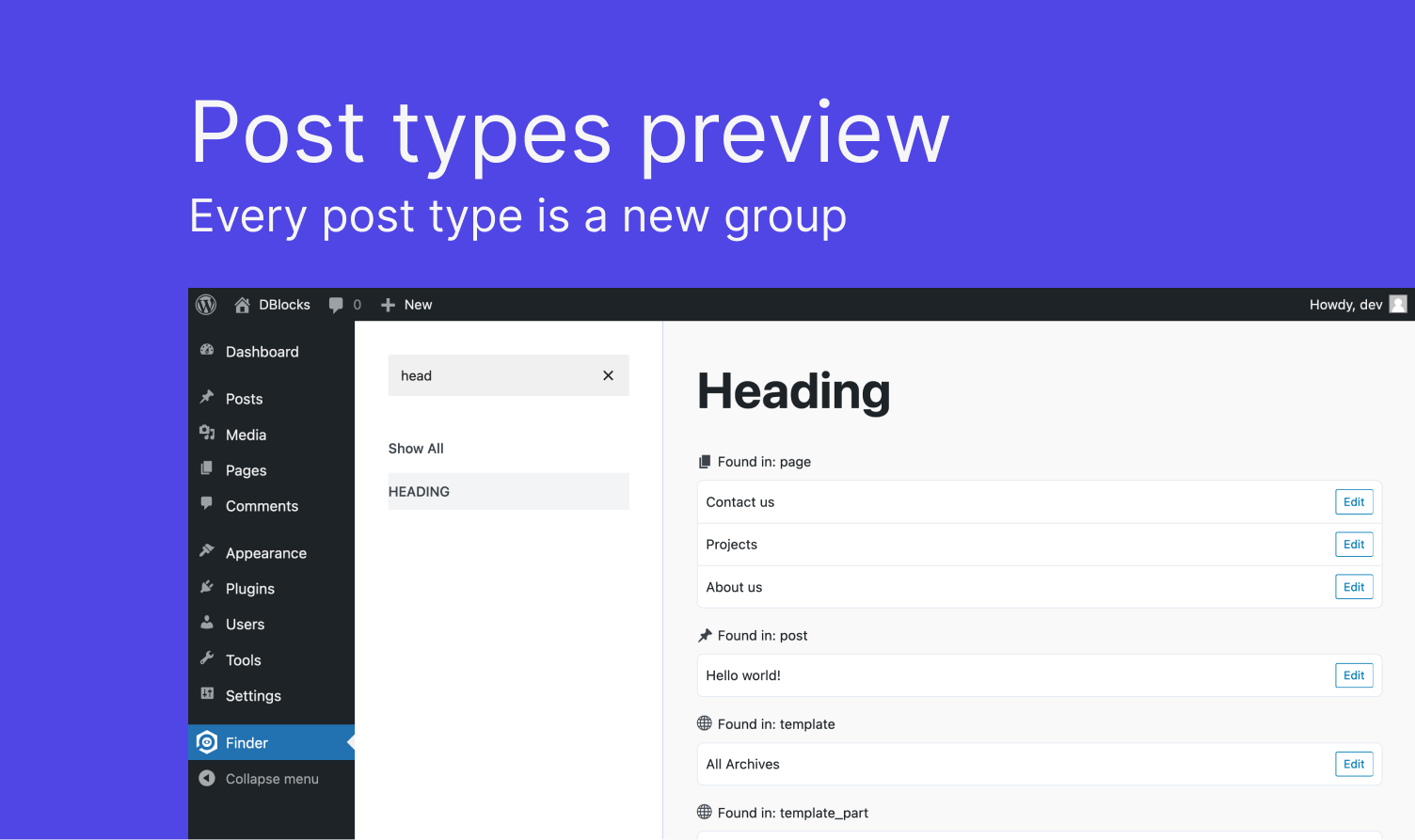
- Grouped by post type: results for pages, posts, templates and template parts are kept apart, with the same icons as the admin menu
- Edit links: open any result in the editor in a new tab
- Keyboard navigation: move through the list with the arrow keys and press Enter to open a block
- Translatable: the whole interface is ready for translation
- Before removing a block plugin: check that none of its blocks are still used, so no page breaks
- Before changing or deleting a synced pattern: see every page that will change with it
- Site audits and cleanups: find blocks that are used only once, or not where you expect them
- Redesigns and migrations: list every page that uses a block you are restyling or replacing
- Client handovers: show clients which blocks and patterns their content relies on
安装:
- In your WordPress admin, go to Plugins → Add New and search for "DBlocks Finder".
- Install and activate the plugin.
- Open Finder in the admin menu to see where your blocks and synced patterns are used.
屏幕截图:
常见问题:
How do I find which pages use a specific block?
Open Finder in the admin menu and search for the block name, for example "Heading" or "Query Loop". Select it to see every post, page, template and template part that contains it.
How do I find where a synced pattern (reusable block) is used?
Set the filter to synced patterns and select the pattern. DBlocks Finder lists every page and template where it is placed, so you know what will change when you edit it.
Can I see how many times a block is used?
Yes. Each block and synced pattern shows its total number of uses, and every page in its list shows how many times it appears on that page. Blocks inside a synced pattern count toward the pattern, not toward each page that uses it.
Can I show only pages, or only posts?
Yes. Click the post type tags under the heading to choose which post types to show. You can combine several, and the counts and block list follow your selection.
Does it find blocks inside other blocks?
Yes. It also checks inner blocks, such as blocks inside Group, Columns or Cover blocks.
Does it work with custom post types and block themes?
Yes. It scans every public post type, plus templates and template parts from block themes.
Does it work with third-party blocks?
Yes. Any block saved in your content is listed, whichever plugin or theme registered it.
Which content does it scan?
Published content only. Drafts, private posts and trashed posts are not included.
Does it slow down my site?
No. It runs only when you open its admin page and adds nothing to the front end.
Does it work on large sites?
Yes. Version 1.1.0 rewrote the scan to read content in batches, so memory use stays low no matter how much content the site has. A test site with 6,000 block-heavy posts went from running out of memory to finishing in about two seconds.
更新日志:
- Fixed: the Finder ran out of memory on large sites; the scan now reads content in batches and uses a fraction of the memory, and is much faster
- New: usage counts — how many times a block is used on each page, and a total for each block and synced pattern
- New: post type tags to show only the post types you choose, with counts and the block list following the selection
- "Found in" headings now show post type names, such as Pages and Template Parts
- Tested up to WordPress 7.1
- Made the whole admin UI translatable: menu titles, search, "Show All", "No blocks found.", the Edit button, filter labels and headings
- Updated @wordpress/scripts to v31.0.0 and rebuilt the plugin with the latest Gutenberg packages
- Patched js-yaml and fast-uri in the development tooling (build only, no released version was affected)
- Removed development notes from the release zip
- Tested up on wp 6.9
- Fixed: Sync patterns was not scanned in child pages
- version bump
- fixed it to work in domain subdirectory
- updated assets
- updated assets
- added readme.txt
- test push
- Release == Upgrade Notice ==