DBM Sonia Shop Assistant
| 开发者 | alinrizea |
|---|---|
| 更新时间 | 2026年4月16日 16:53 |
| PHP版本: | 7.4 及以上 |
| WordPress版本: | 6.9 |
| 版权: | GPLv2 or later |
| 版权网址: | 版权信息 |
详情介绍:
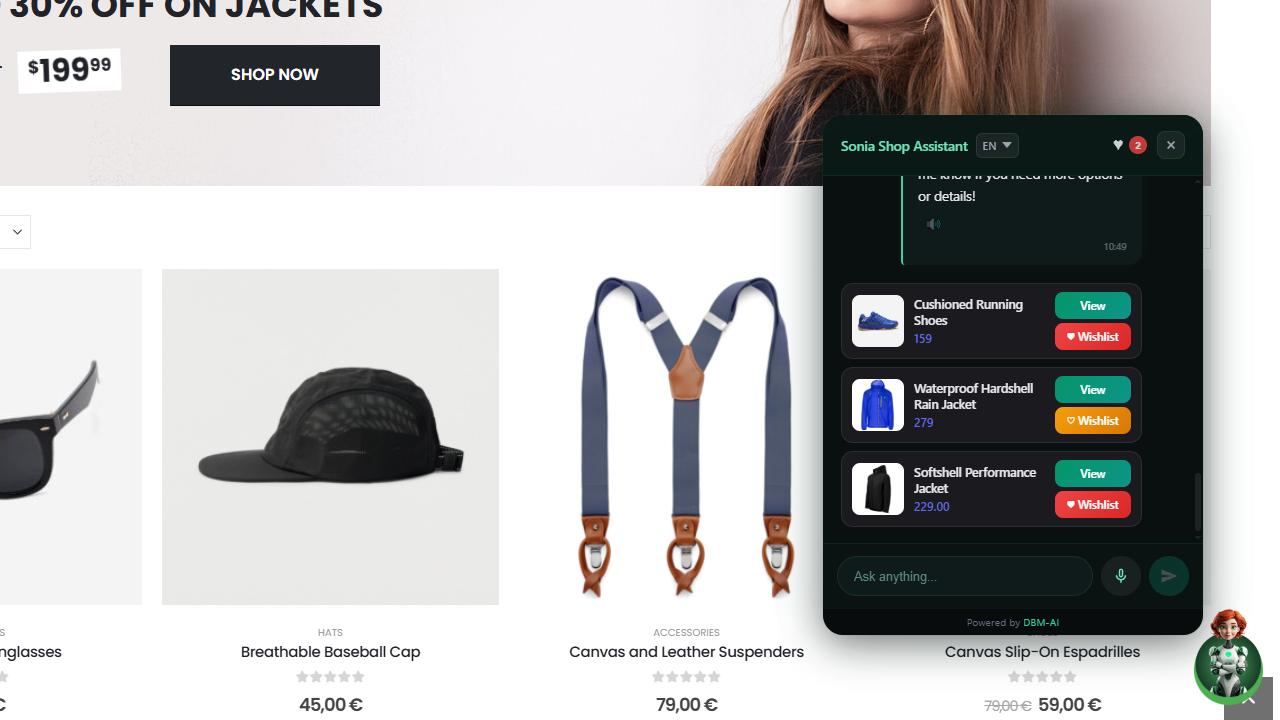
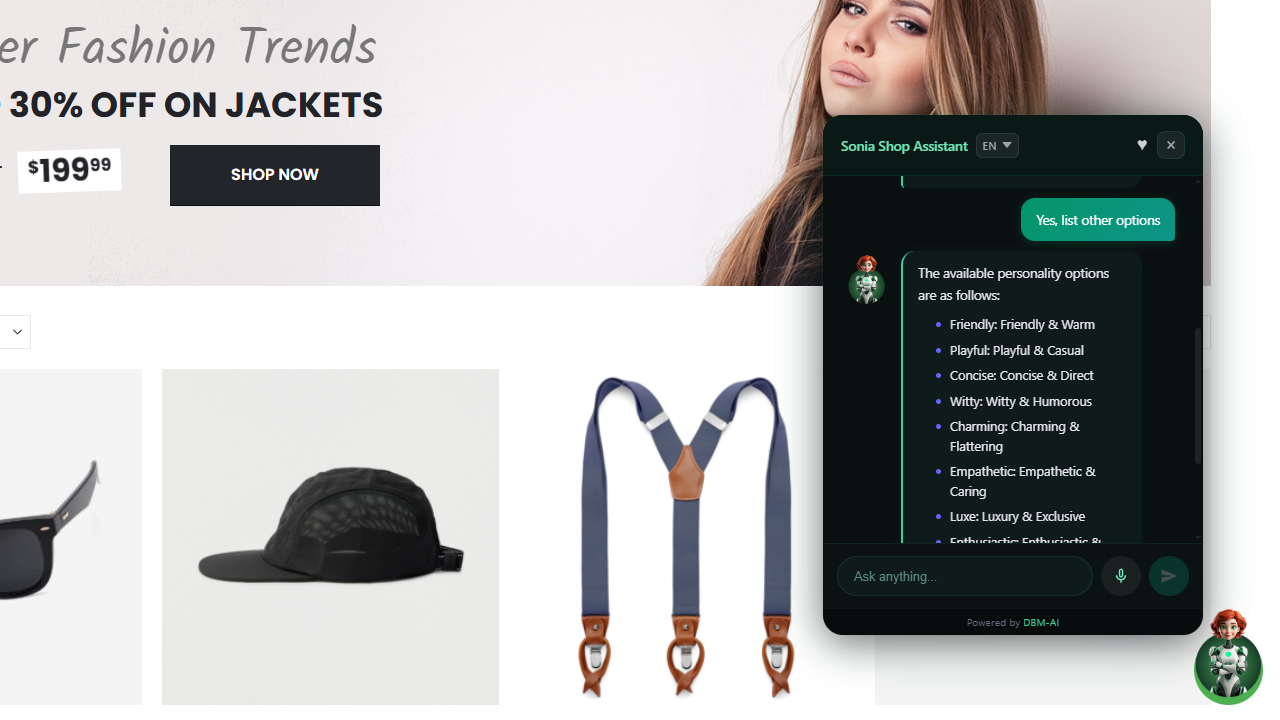
- Shop assistant — answers product questions, searches your WooCommerce catalog, compares items, recommends alternatives, and notifies on restocks.
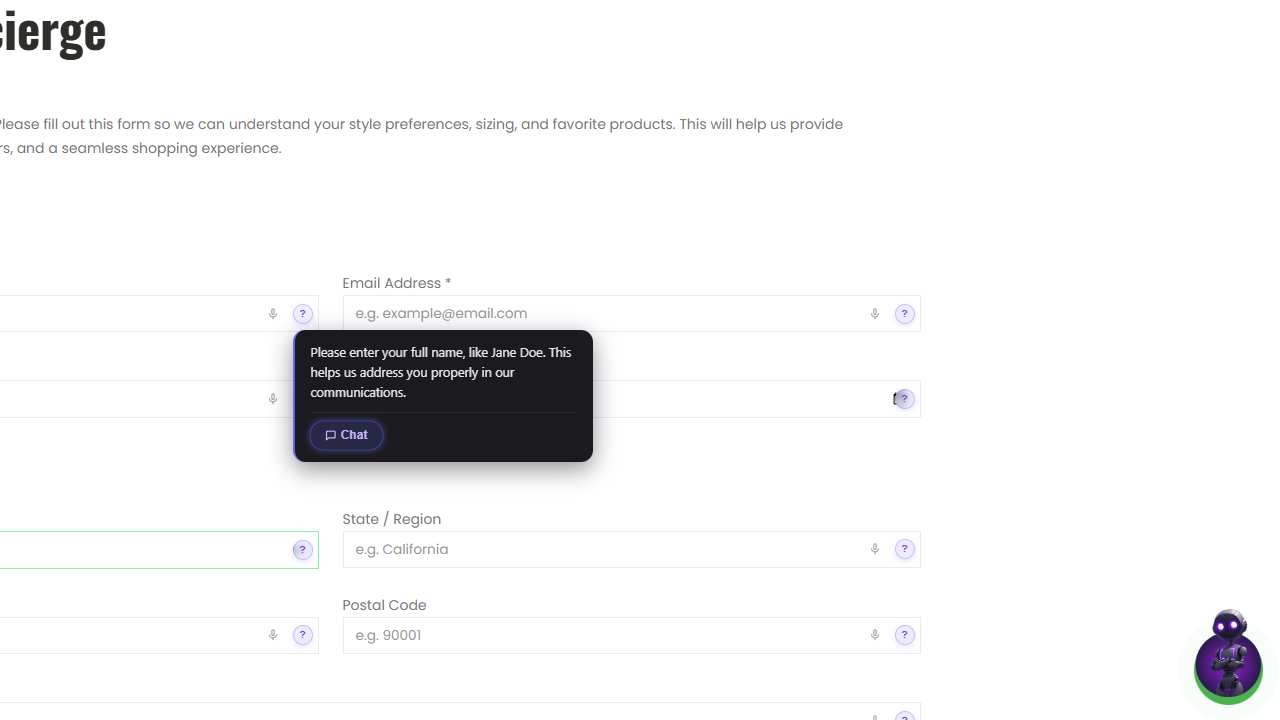
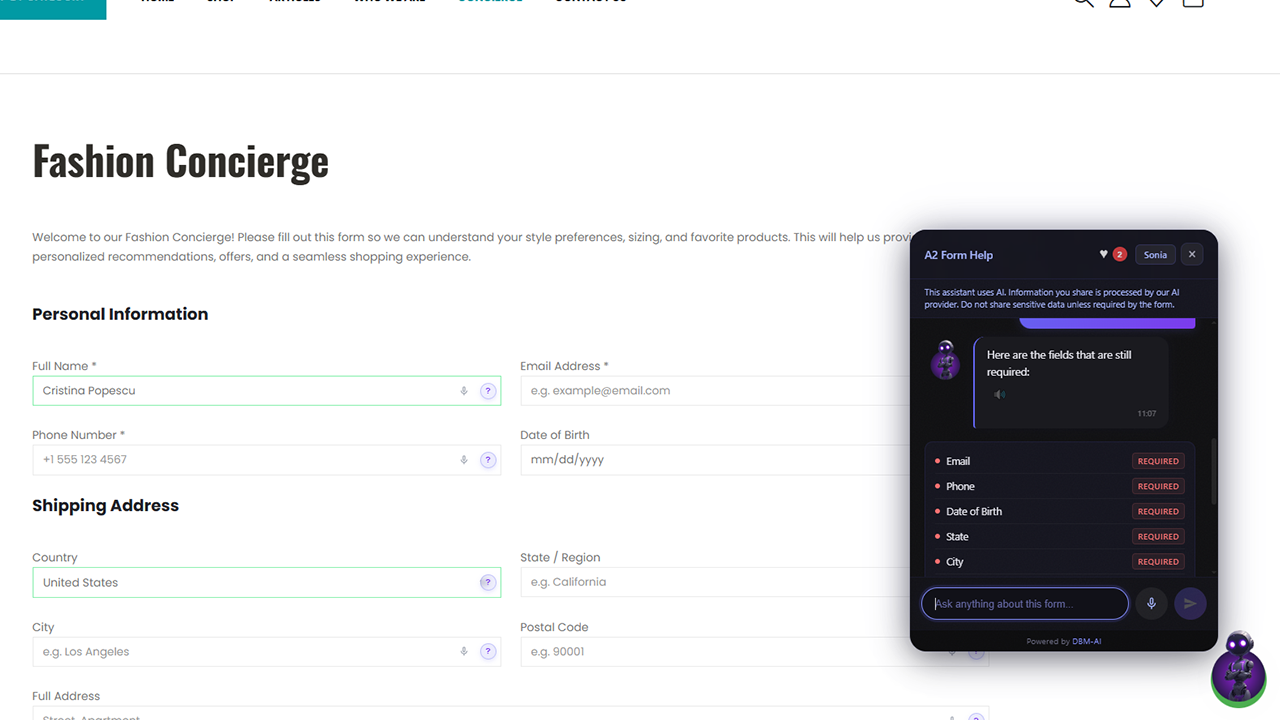
- Form completion assistant — guides visitors through forms with field-by-field help, multi-field pre-fill from natural language, and accessibility features.
- Conversational shop assistant for WooCommerce — product search, details, comparison, recommendations, restock notifications
- Form completion assistant — field help icons, multi-field pre-fill from natural language
- Multilingual product search — visitors can search in 8 languages (EN, RO, ES, FR, DE, IT, PT, NL) even if your catalog is in a different language
- Smart query matching — fuzzy matching maps visitor queries to your store's categories, brands, colours, and sizes
- Optional text-to-speech for AI replies
- Optional speech-to-text voice input
- Works with Contact Form 7, WPForms, Gravity Forms, Elementor Forms, and any HTML form
- Shadow DOM isolation — zero CSS conflicts with your theme
- Mobile responsive
- Per-page enable/disable control
- Optional Cloudflare Turnstile bot protection
- Privacy-first: PII is sanitized before reaching the AI
- Install and activate the plugin
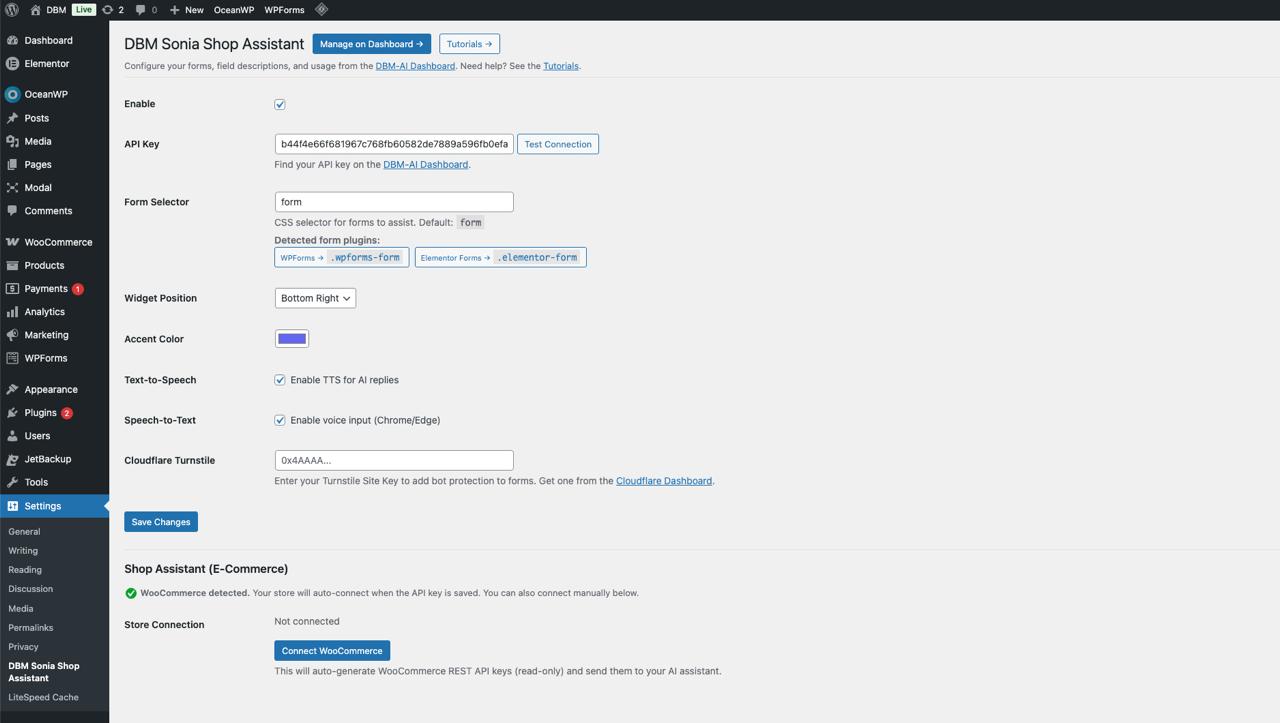
- Go to Settings > DBM Sonia Shop Assistant
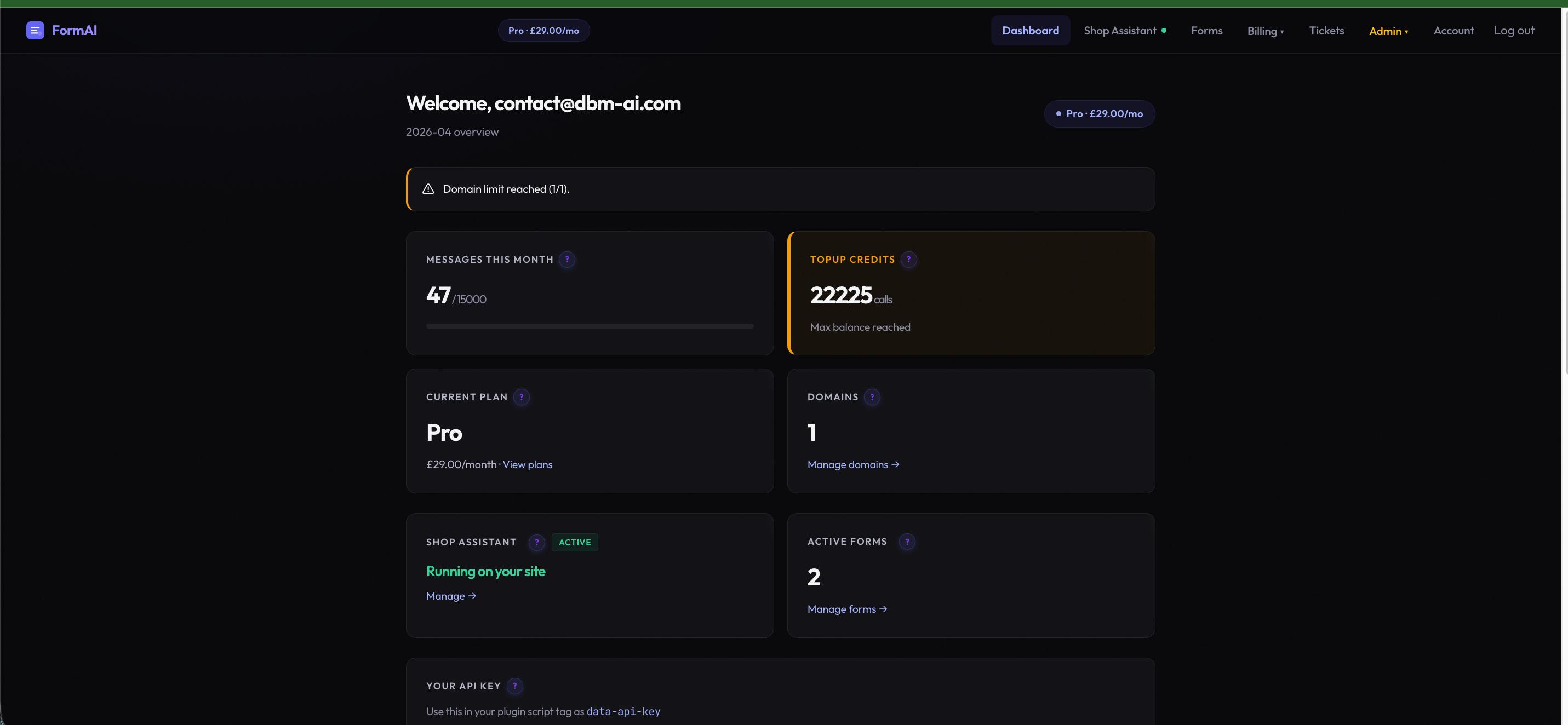
- Paste your API key from your DBM-AI Dashboard
- Choose your form selector (auto-detected for popular form plugins)
- Done!
安装:
- Upload the
dbm-sonia-shop-assistantfolder to/wp-content/plugins/ - Activate the plugin through the Plugins menu
- Go to Settings > DBM Sonia Shop Assistant and enter your API key
- (Optional) If WooCommerce is active, the plugin will auto-connect your store
屏幕截图:
常见问题:
Where do I get an API key?
Sign up at dbm-ai.com to create your account and get an API key.
Which form plugins are supported?
The plugin works with Contact Form 7, WPForms, Gravity Forms, Elementor Forms, and any standard HTML form. It auto-detects popular form plugins and suggests the correct CSS selector.
Does this work with WooCommerce?
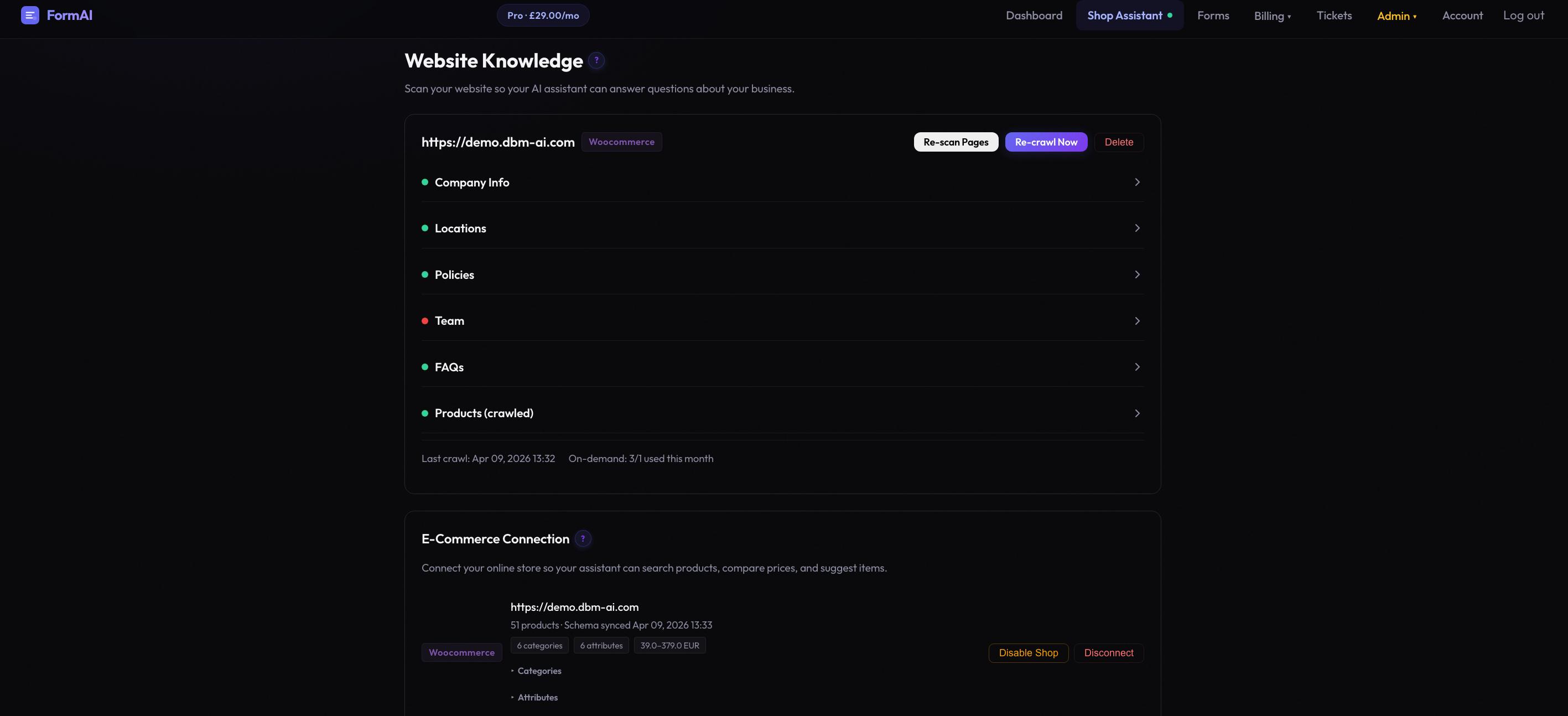
Yes. When WooCommerce is active, the plugin will auto-generate read-only API keys and connect your product catalog to the AI assistant. Visitors can search products, compare items, check stock, and get personalised recommendations directly in the chat. Product search works across 8 languages — visitors can ask in their own language even if your store catalog is in a different language.
Can I disable the assistant on specific pages?
Yes. Each post and page has a "DBM Sonia Shop Assistant" meta box in the editor sidebar where you can disable it per page.
What data is sent to the external service?
Visitor chat messages, form field questions, and your API key are sent to the DBM-AI service for processing. PII is sanitized before reaching the AI. See the External services section below for full details.
Is this GDPR compliant?
The plugin sanitizes PII before sending data to the AI service. You should include a note about the AI assistant in your site's privacy policy. The plugin provides a suggested privacy policy snippet under Settings > Privacy.
Where can I find more help?
See the Tutorials for step-by-step guides and tips.
更新日志:
- Initial release
- Conversational shop assistant for WooCommerce
- Form completion assistant with per-field help and pre-fill
- Text-to-speech and speech-to-text support
- Optional Cloudflare Turnstile bot protection
- Per-page enable/disable