Description List Block
| 开发者 | kometschuh |
|---|---|
| 更新时间 | 2026年10月22日 20:46 |
| 捐献地址: | 去捐款 |
| PHP版本: | 7.0.0 及以上 |
| WordPress版本: | 7.1 |
| 版权: | GPL-2.0-or-later |
| 版权网址: | 版权信息 |
详情介绍:
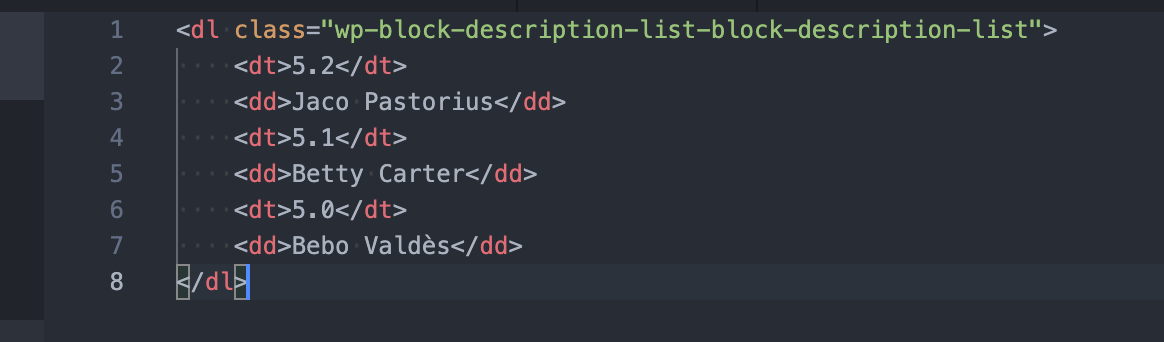
<dl> element with term (<dt>) and description (<dd>) pairs, the markup made for exactly this kind of content and understood by browsers, screen readers and search engines.
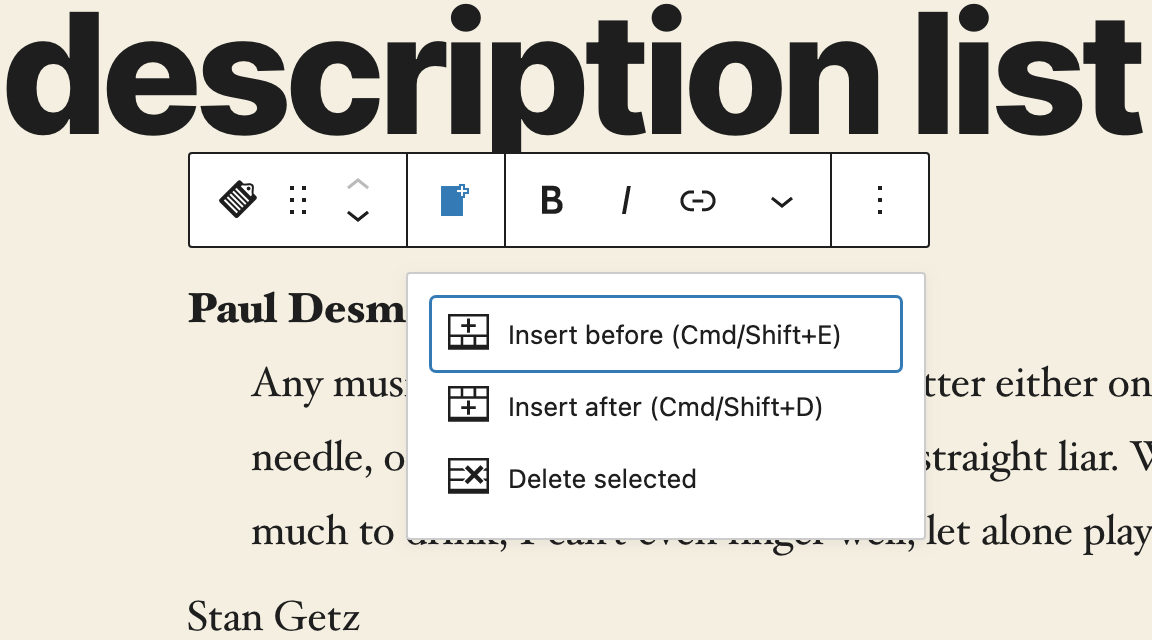
Add, insert and delete term and description pairs right in the editor, choose an indent or grid layout and style terms and descriptions separately. Already have a list, a few paragraphs or <dl> HTML? Transform it into a description list with one click, or simply paste the markup.
Tip Top Press
We're Tip Top Press and create Gutenberg blocks for WordPress. If you want to know what we're working on and are interested in the background, you can read all news stories on our blog.
Features
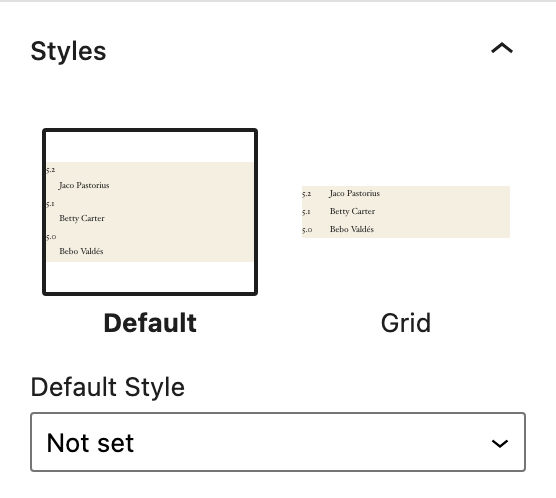
- Indent-, Grid and Disable Block CSS Block Styles
- Indent or spacing settings
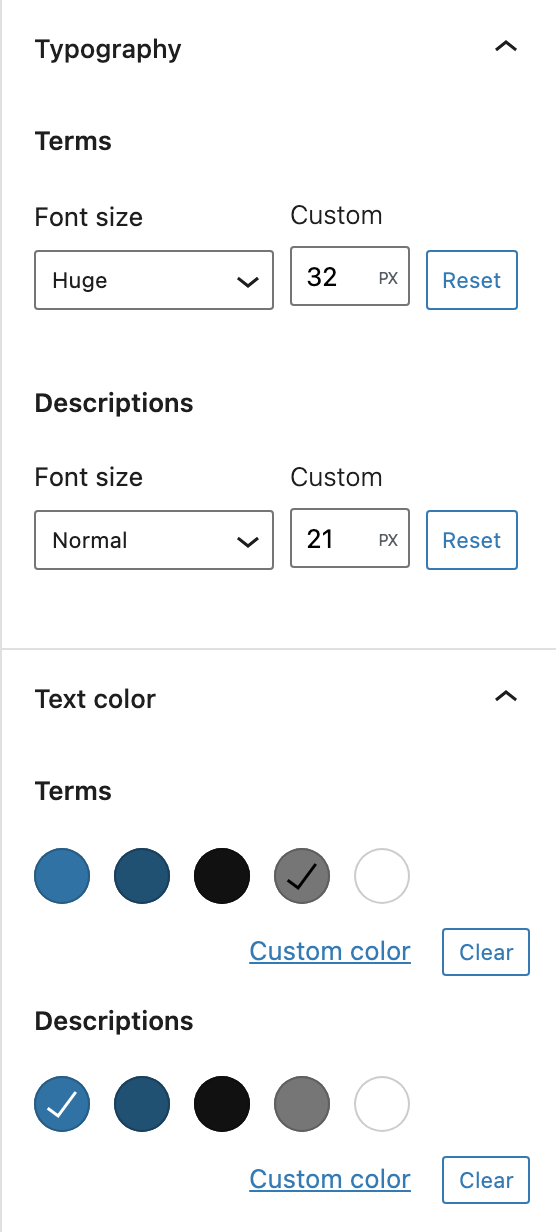
- Color, spacing, indent, horizontal whitespace, font-size, font-style and font-weight settings for both element tags
- Create a description list with n-elements
- Insert a new term (
<dt>) and description (<dd>) before selection - Insert a new term (
<dt>) and description (<dd>) after selection - Delete the selected term (
<dt>) and description (<dd>) pair - Transform a Custom HTML block, a list or paragraphs into a description list and back
- Paste description list markup as a description list
安装:
- Upload the plugin files to the
/wp-content/plugins/description-list-blockdirectory, or install the plugin through the WordPress plugins screen directly. - Activate the plugin through the 'Plugins' screen in WordPress.
屏幕截图:
常见问题:
How do I create a glossary in WordPress?
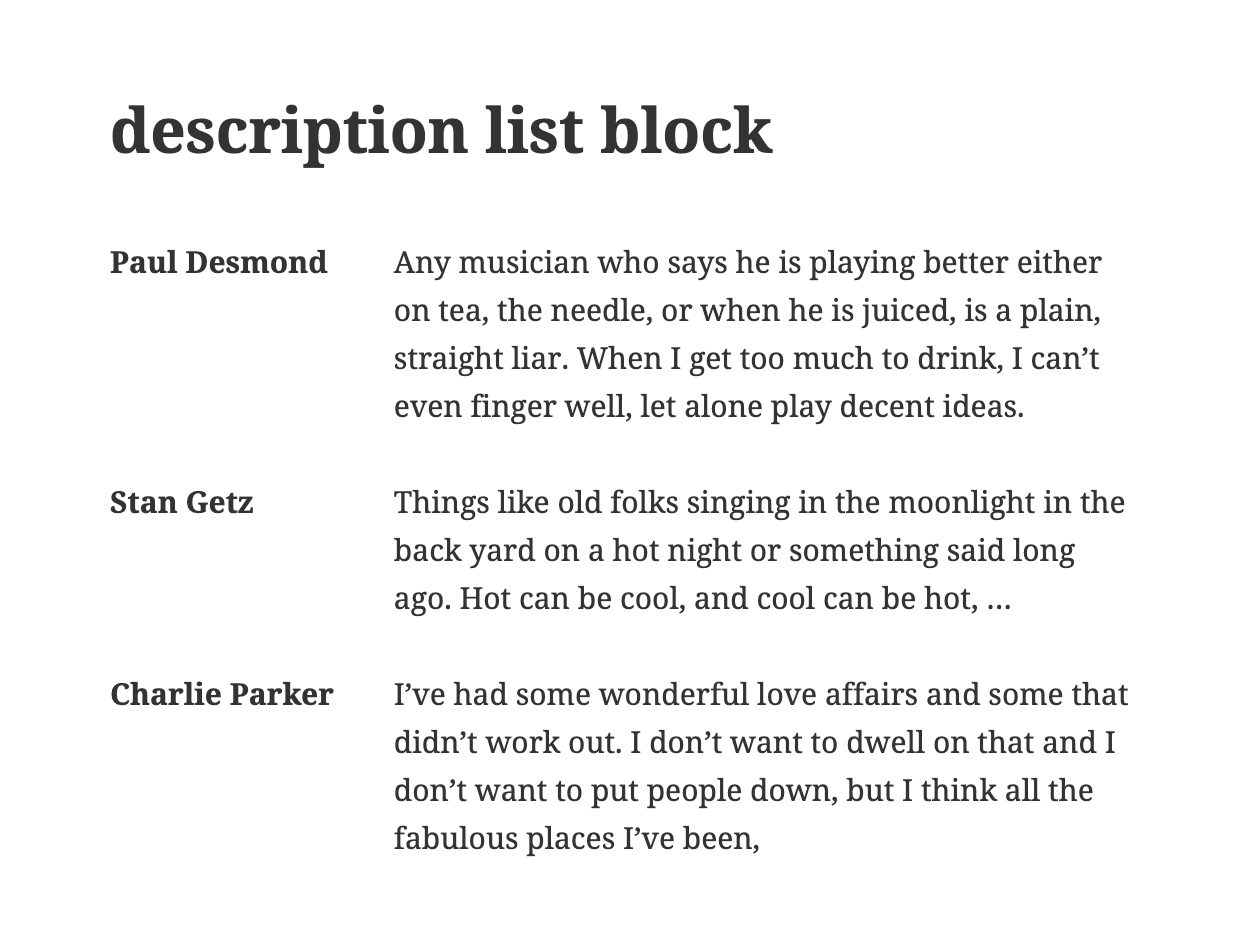
Add the Description List Block to a post or page, type a term in the first line and its explanation in the second. Use the block toolbar to insert more term and description pairs before or after the selected one. Pick the Grid style to show terms and descriptions side by side.
Is the output SEO-friendly and accessible?
Yes. The block saves plain semantic HTML: a <dl> with <dt> terms and <dd> descriptions, without wrapper <div>s inside the list. Screen readers announce it as a list of terms, and search engines can tell which description belongs to which term.
How do I convert a list, paragraphs or HTML into a description list?
Select the block and choose "Description List Block" in the transform menu of the block toolbar. It works with the List block, one or more Paragraph blocks and a Custom HTML block that contains <dl> markup:
- List or paragraphs: the items become term, description, term, description, and so on.
- Nested list: each top-level item becomes a term, its sub-items become the descriptions.
- Custom HTML: every
<dl>becomes a description list; the HTML around it stays in Custom HTML blocks.
<dl> markup into the editor creates a description list directly.
Can I use the styles of my theme instead of the block's CSS?
Yes. Choose the block style "Disable Block CSS" and the block no longer adds its own spacing, font and color rules, so the <dl>, <dt> and <dd> styles of your theme apply.
Can I link to a description list?
Yes. Enter an HTML anchor under Advanced in the block settings, then link to it with #your-anchor.
How to add only dd elements?
Add term and description pairs (<dt>, <dd>) as usual and leave the <dt> element empty.
更新日志:
- Translation and dependencies update
- Transform a Custom HTML block into a description list and back
- Transform a list into a description list and back
- Transform paragraphs into a description list and back
- Paste description list markup as a description list
- Bugfix Invalid CSS variables in the saved markup
- Write only non-default values to the block markup
- Wrong icon
- Bugfix Rendered HTML
- Font-Style and Font-Weight
- Calm whitespace with Horizontal
- Use CSS selectors
- Bugfix OnFocus WP 6.3 ready
- Remove Shortcuts
- Bugfix Slow save
- Bugfix Update component inside a function body of a different component
- Backward compatible experimental flag usage
- Bugfix Shortcuts with WordPress 5.9
- Add Block Style Disable Block CSS
- Reset for margin and padding
- Add option padding
- Bugfix Text Colors in Gutenberg widget area
- Bugfix Inner Blocks
- Add indent or spacing option
- Delete obsolete styles Grid 1:4, Grid 1:2, Indent 40 PX
- Add styles Grid 1:4, Grid 1:2, Indent 40 PX
- Change option margin (from padding)
- Add style Indent Start
- Add option padding
- Color styles for element tags
- Font-size styles for element tags
- Bugfix WordPress 5.8 API change block.json fontSize
- Shortcut Delete selected description list
- Grid style
- Shortcuts
- Release