
Smart Preload DL
| 开发者 | devlemon |
|---|---|
| 更新时间 | 2026年8月25日 03:12 |
| PHP版本: | 7.4 及以上 |
| WordPress版本: | 7.1 |
| 版权: | GPLv2 or later |
| 版权网址: | 版权信息 |
详情介绍:
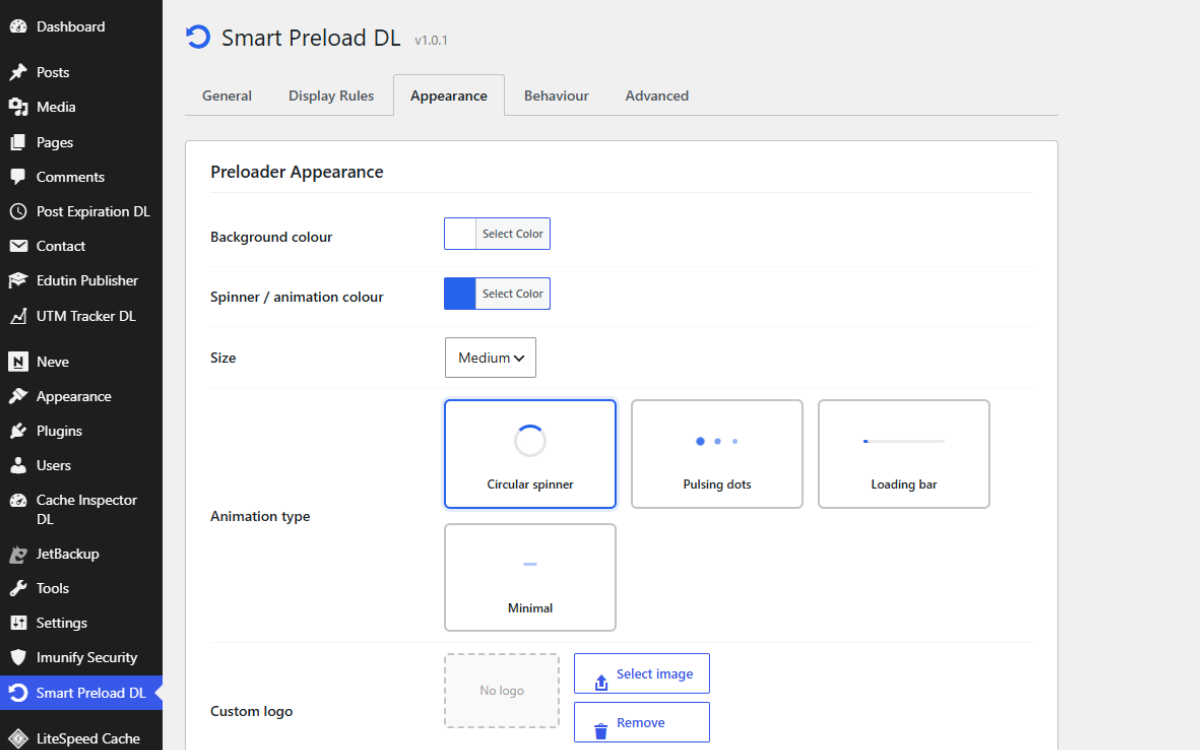
- 4 animation styles: Spinner, Dots, Progress Bar, and Minimal
- Custom background and animation colours
- Optional logo above the animation
- Optional loading text below the animation
- Three animation sizes: Small, Medium, Large
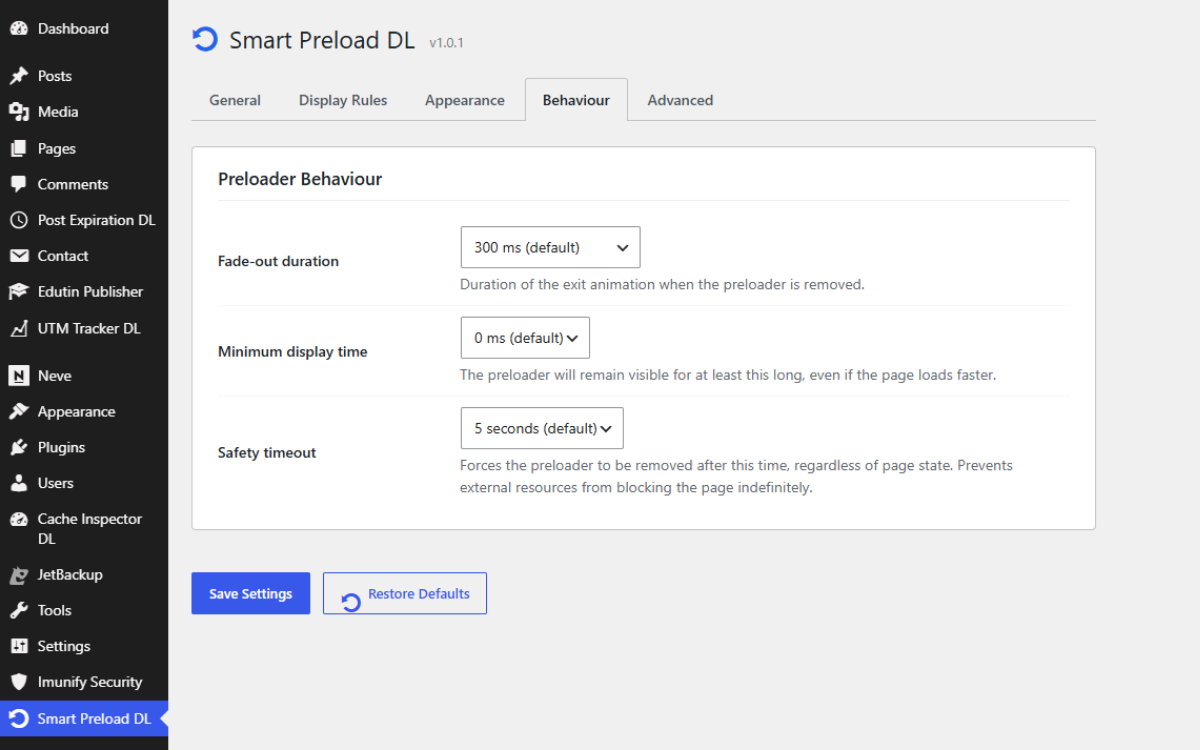
- Configurable minimum display time, fade-out duration, and safety timeout
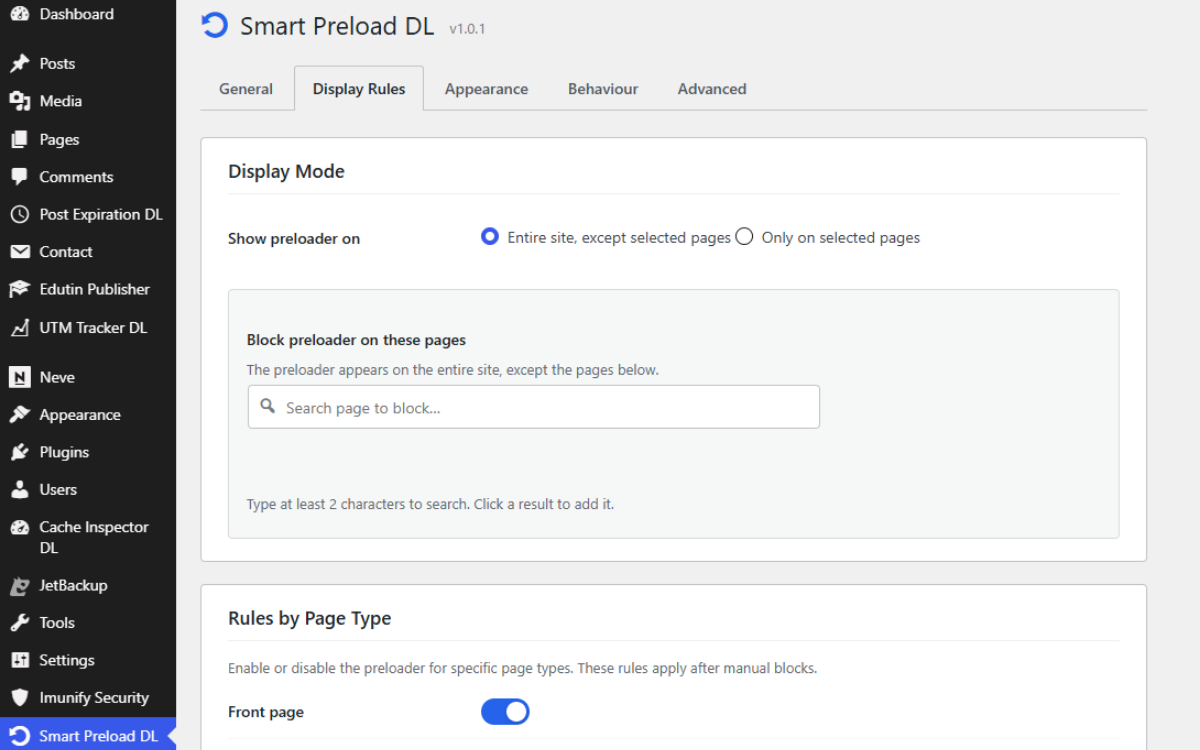
- Show on all pages or only on selected pages
- Exclude specific pages from a site-wide display
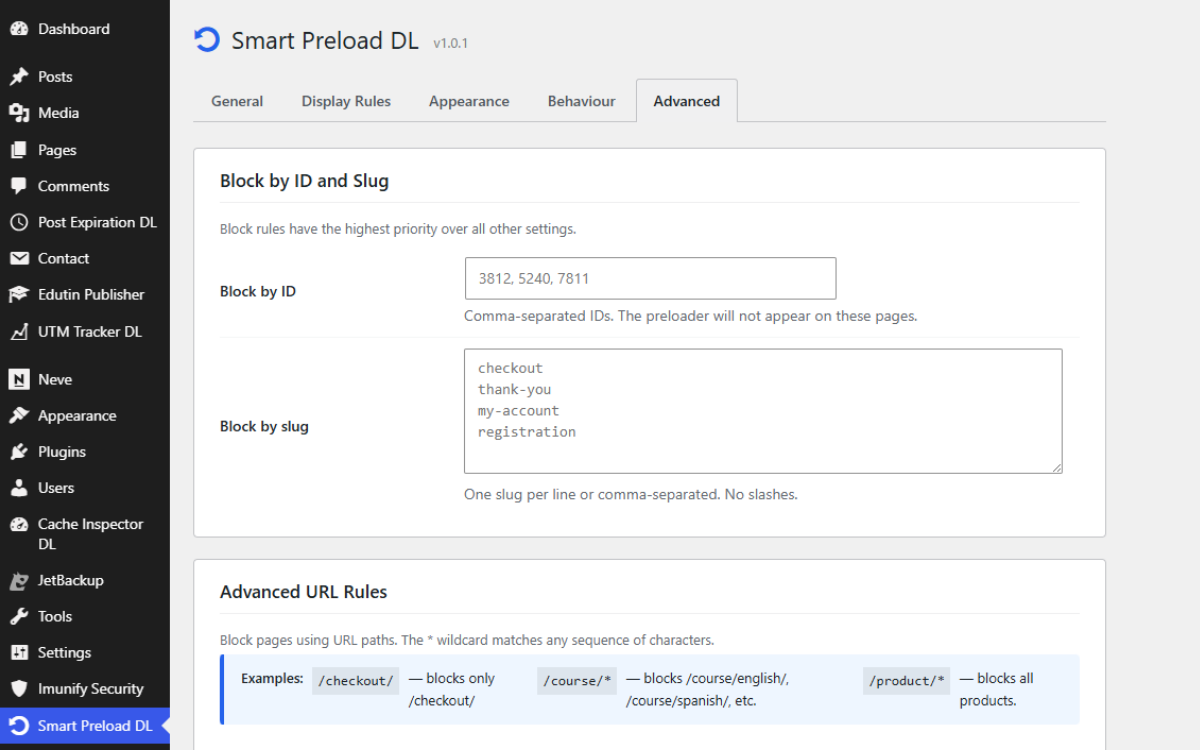
- Block by page/post ID (comma-separated list)
- Block by slug (one per line)
- Block by URL pattern with
*wildcard support - Per-type rules: Front Page, Blog Index, Single Posts, Pages, Categories, Tags, Archives, Search, 404
- Option to hide the preloader for logged-in users
- No external HTTP requests
- Front-end JavaScript is vanilla JS — no jQuery dependency
- CSS and JS are only enqueued on pages where the preloader is shown
- Uses the native
wp_body_openhook for early preloader rendering - Full internationalisation support
- Settings stored in a single serialised option; clean uninstall removes all plugin data
安装:
- Install Smart Preload DL through Plugins → Add New in your WordPress dashboard, or upload the plugin files to the
/wp-content/plugins/directory. - Activate the plugin through the Plugins menu.
- Go to Smart Preload DL in the left-hand admin menu.
- Configure your animation style, colours, and display rules, then click Save Settings.
屏幕截图:
常见问题:
The preloader shows for a split second even when it should be hidden.
Clear your browser cache and any server-side page cache (LiteSpeed Cache, WP Rocket, W3 Total Cache, WP Super Cache, etc.) after changing settings.
The preloader keeps spinning and never disappears.
The Safety timeout setting (Behaviour tab) forces removal after a set period even if the page never fully loads. The default is 5 seconds. If you have slow-loading resources, consider increasing this value.
Does the preloader affect search engine indexing?
Smart Preload DL adds a visual loading overlay without replacing the underlying page content. The plugin does not intentionally alter page metadata or prevent search engines from accessing the page content.
Can I use my own logo?
Yes. Under Appearance, click Select Logo to choose any image from your Media Library.
Is WooCommerce required?
No. WooCommerce-specific rules appear automatically when WooCommerce is active. The plugin works fully without it.
I want to show the preloader only on specific pages.
Set Display Mode to Only on selected pages (Display Rules tab), then search for and add the pages you want.
Can I show the preloader everywhere except a few pages?
Keep Display Mode set to All pages and use the Excluded pages selector or the Block by ID / slug / URL pattern fields.
Does it work with page cache plugins?
Yes. Smart Preload DL does not use PHP sessions and does not rely on logic that is incompatible with page caching.
更新日志:
- Updated compatibility information for WordPress 7.1.
- Fixed the admin preview overlay so it stays hidden until opened and closes reliably.
- Improved preview focus handling and ARIA state for accessibility.
- Initial release.