
Digiter Builder Lite
| 开发者 | digiterorg |
|---|---|
| 更新时间 | 2026年10月31日 20:16 |
| PHP版本: | 8.2 及以上 |
| WordPress版本: | 7.1 |
| 版权: | GPL-2.0-or-later |
| 版权网址: | 版权信息 |
详情介绍:
Website: digiter.org | Full version / Shop
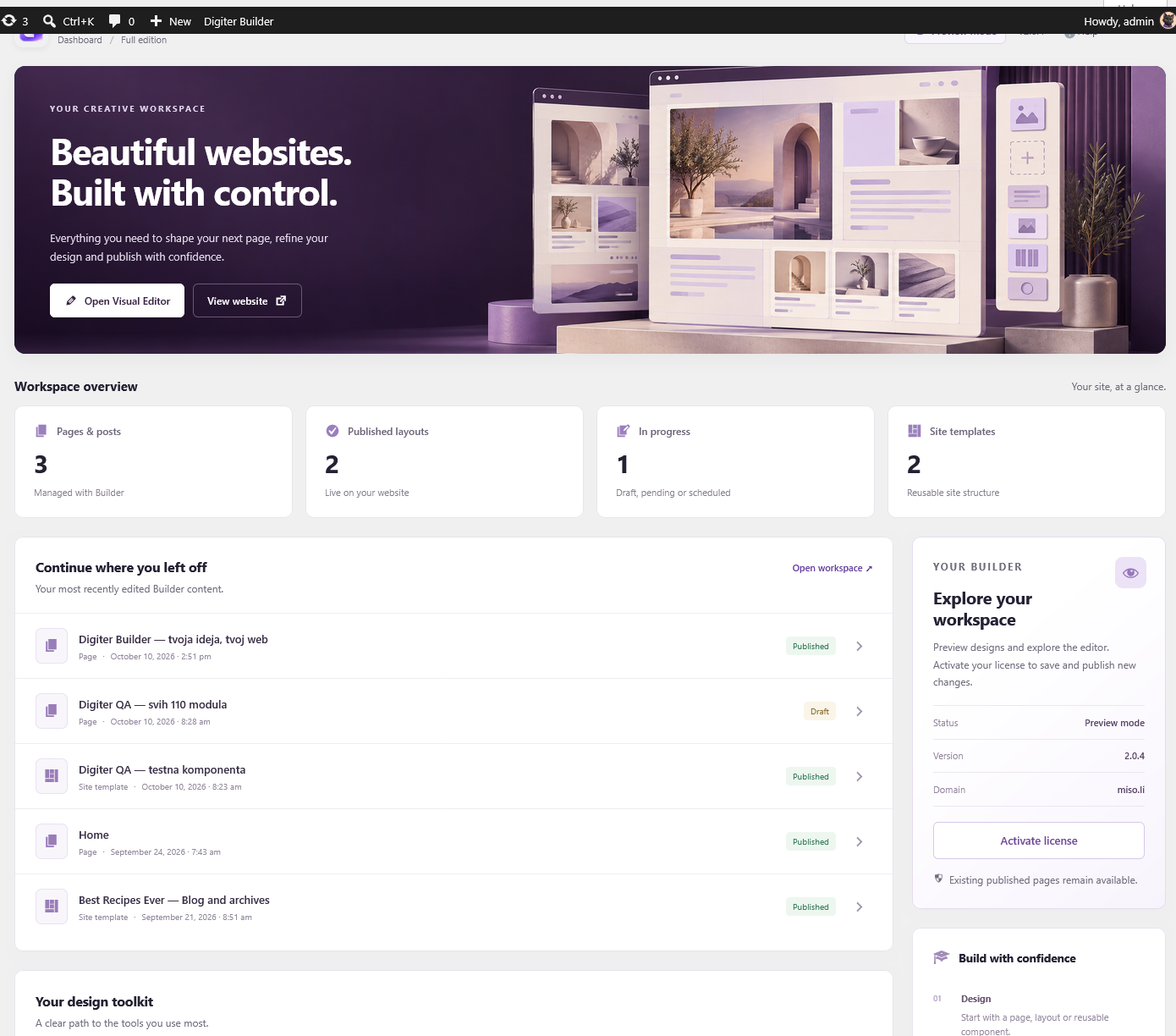
Digiter Builder Lite provides 36 content and layout modules and 4 bundled templates. Build with sections, columns, headings, text, images, buttons, galleries, tabs, accordions and more. Preview responsive layouts, save drafts and publish explicitly.
Included tools work without payment, a license key, registration or a time limit. Shared styles, reusable components, saved versions and design package import/export are included. AI generation and the commercial updater are not included. Plugin updates use WordPress.org.
Buy the Full version from WordPress
Administrators can open Full version under the plugin menu or use Buy Full version on the Plugins screen. Open Digiter Shop, choose Digiter Builder, review the current price and renewal terms, and complete checkout on digiter.org. Recurring plans require a verified Digiter Account. Download the Full ZIP and license from the order or Customer Account. Back up your site, test on staging, deactivate Lite, and install the Full ZIP through Plugins > Add New > Upload Plugin. Activate the license in the Full plugin's License screen.
Lite and Full use separate storage identifiers. There is no automatic conversion of Lite layouts into the Full edition. Keep your backup and verify existing content on staging before switching.
All Lite features remain free. These are ordinary optional links: Lite makes no new external requests and never downloads or installs premium code. Full version documentation.
安装:
- Back up and test on staging.
- Deactivate the separate Digiter Builder commercial edition, if installed.
- Upload the ZIP through Plugins > Add New > Upload Plugin and activate it.
- Open Digiter Builder > Open editor. Create, preview, save and publish a page. Lite 1.0.2 upgrades earlier Lite storage to its own digibl-prefixed names. Back up your site before upgrading. Lite cannot edit documents using modules outside its catalogue. Do not downgrade advanced commercial layouts to Lite or use Lite as an automatic edition switch. Do not run both editions together.
屏幕截图:
常见问题:
Is a paid license required?
No. All included functionality is free and does not expire.
Will deactivation delete pages?
No. Layout data is retained. Pages relying on Builder need an active compatible edition to render their layouts.
Is AI included?
No. The Lite package contains no AI API client.
更新日志:
1.0.5
- Make the website and Full version shop links visible at the beginning of the description and provide the product homepage link.
- Add optional Full version purchase links and clear checkout, installation and edition-transition instructions in WordPress.
- Preserve the site stylesheet registry while rendering isolated previews and saved content.
- Use WordPress filesystem APIs for local asset installation and cleanup.
- Clarify narrowly scoped static-analysis exceptions for trusted WordPress output and read-only diagnostics.
- Use the unique digibl prefix for PHP APIs, options, hooks and editor requests.
- Upgrade existing Lite storage while preserving layout documents and user CSS.
- Exclude development Python scripts from the distribution.
- Read local audio manifests through the WordPress JSON file helper.
- Use WordPress stylesheet APIs for generated layouts, previews and local fonts.
- Validate client addresses and request URLs; restrict editor cache bypass to authorized requests.
- Harden diagnostic JSON export and remove promotion of filtered content into the document head.
- Document optional external services and correct the Lottie source link.
- Use the digiter_builder_content_changed integration action.
- Keep diagnostics local; remove the unused external reporting client and key settings.
- Initial standalone free edition derived from Digiter Builder 2.0.2.
- Free authoring, a focused module/template catalogue, and WordPress.org updates.