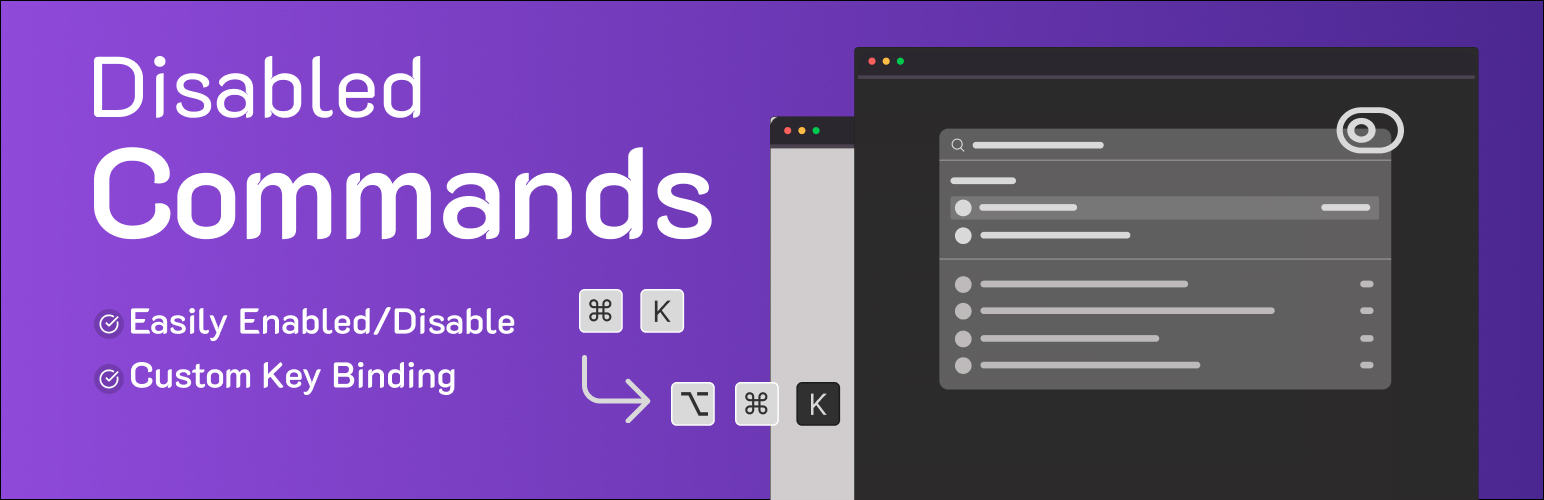
Disable Commands - Custom Key Binding in Command Palette
| 开发者 | kakon4366 |
|---|---|
| 更新时间 | 2026年8月30日 00:25 |
| PHP版本: | 7.4 及以上 |
| WordPress版本: | 7.1 |
| 版权: | GPLv3 or later |
| 版权网址: | 版权信息 |
详情介绍:
- Resolve keyboard shortcut conflicts with other software or browser extensions.
- Simplify the admin interface and command-bar for yourself or your clients.
- Prevent accidental triggering of it and its commands.
- Customize the default shortcut and key binding to better match your own workflow and navigation habits.
- Keep quick admin search available while adjusting how it behaves. Features include:
-
Disable Command Palette: A toggle to completely disable the
wp-commandsscript, hiding the command-bar and its built-in commands from the dashboard. - Custom Key Binding: Remap the command palette shortcut to any combination of modifier keys (Ctrl/Cmd, Alt, Shift) and a single letter, number, or punctuation key. For example, set
Ctrl + Shift + Pinstead of the defaultCtrl/Cmd + K. - Admin Productivity Controls: Keep the commands and admin search features you rely on, while turning off the shortcuts and navigation triggers you don't need.
安装:
- Search WordPress.org for "Disable Commands" and upload the plugin files to the
/wp-content/pluginsdirectory, or install the plugin through the WordPress plugins screen directly. - Activate the plugin through the 'Plugins' screen in WordPress.
- Navigate to Settings > Disable Commands to configure its key binding and shortcuts.
常见问题:
Does this plugin disable the Command Palette in the Site Editor?
Currently, this plugin primarily targets the admin command palette script (wp-commands) and its command-bar in the WordPress dashboard, rather than the Site Editor.
Can I re-enable it after disabling?
Yes. Simply uncheck the "Disable Command Palette" option on the settings page and save your changes to restore the default commands, shortcuts, and navigation behavior.
Can I use multiple modifier keys for my custom shortcut?
Yes. You can select any combination of the available modifier keys (Ctrl, Cmd/Meta, Alt, Shift) along with a single character key to build a key binding suited to your admin productivity needs.
What happens if I define a shortcut that's already in use by my browser?
The plugin assigns the shortcut and key binding within WordPress, but browser shortcuts typically take priority. Choose a combination not heavily used by your browser to avoid conflicts.
Will this affect admin search or navigation elsewhere in WordPress?
No. This plugin only controls it, its command-bar, and its shortcuts. Regular admin search and navigation menus continue to work as expected.
更新日志:
- Update: Readme update
- Update: Please refer to the readme for detailed information and a better understanding of the changes.
- Initial release: disable the command palette, remap its shortcuts, and set a custom key binding for improved admin productivity.