
Display Server Info
| 开发者 | robert2021south |
|---|---|
| 更新时间 | 2026年3月15日 22:12 |
| 捐献地址: | 去捐款 |
| PHP版本: | 7.2 及以上 |
| WordPress版本: | 6.9 |
| 版权: | GPLv3 or later |
| 版权网址: | 版权信息 |
详情介绍:
Full Description:
Display Server Info is a powerful WordPress plugin that provides detailed server information for administrators directly within the dashboard.
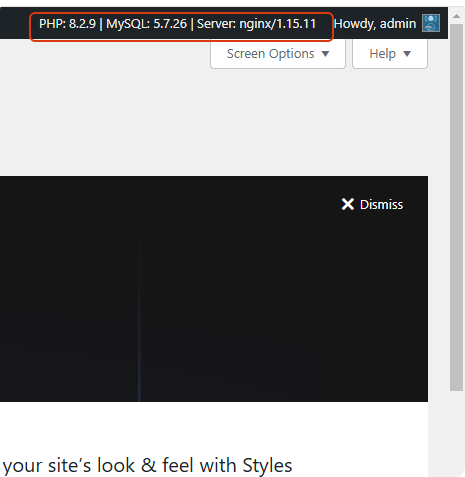
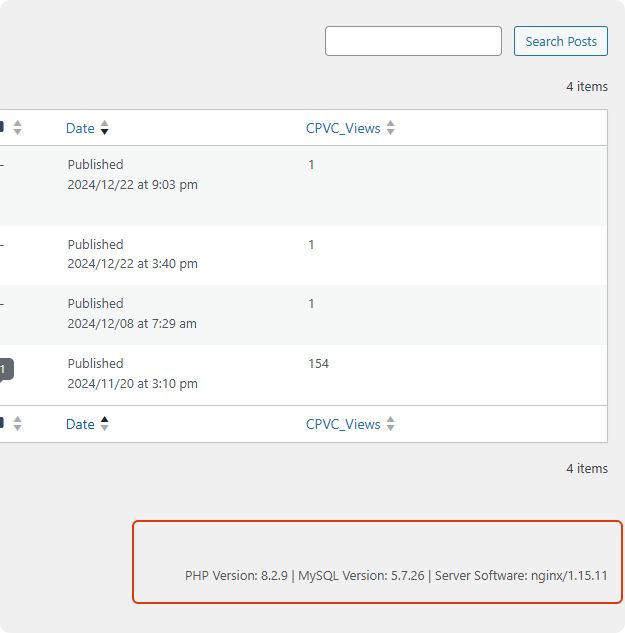
It adds server, PHP, and database information to the dashboard, top admin bar, and footer for quick access.
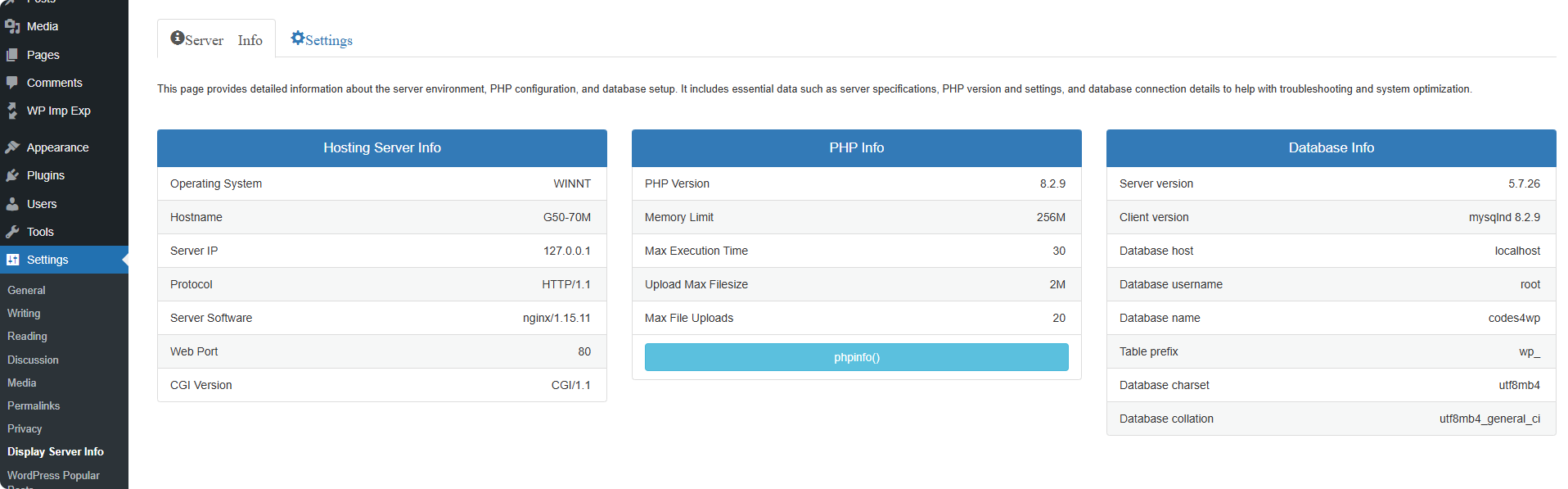
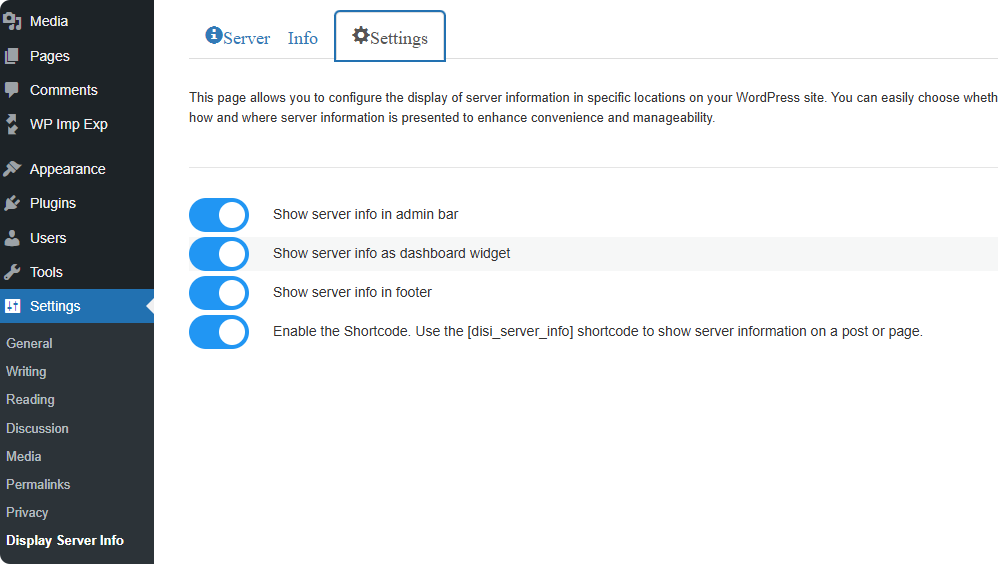
The settings menu includes a "Display Server Info" submenu with two tabs:
- Server Information Tab: In this tab, you will see the information about: Operating System Hostname Server IP Protocol Server Software Web Port CGI Version
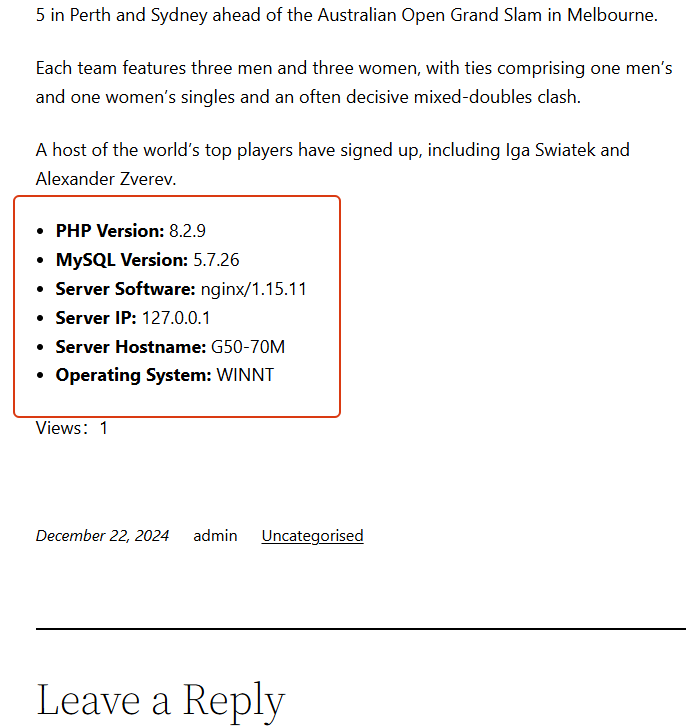
[disi_server_info] to display server information anywhere in posts or pages.
The plugin is fully translated into 7 international languages, making it accessible for a global audience.
Privacy
This plugin respects your privacy. Any data collected (such as anonymous usage stats or optional feedback) is handled transparently and securely.
All data, including any optional email address, is transmitted securely (via TLS/HTTPS) and retained only as long as necessary. For example, feedback data is retained for a maximum of 12 months to help us improve the plugin.
For complete details on what data is collected, how it is stored (including hashing and encryption for email addresses), the legal basis under GDPR/CCPA, and your rights, please read our full privacy policy:
https://robertwp.com/privacy-policy
安装:
Installation from within WordPress
Visit Plugins > Add New.
Search for Display Server Info.
Install and activate the Display Server Info plugin.
Manual installation
Upload the entire display-server-info folder to the /wp-content/plugins/ directory.
Visit Plugins.
Activate the Display Server Info plugin.
If everything is all right, you will see the "Server Information" widget under the dashboard "At a Glance" widget.
屏幕截图:
常见问题:
Does this plugin slow down my website?
No. Display Server Info is lightweight and optimized. It performs simple server checks and does not impact your site’s performance.
Where can I see the server information after installing the plugin?
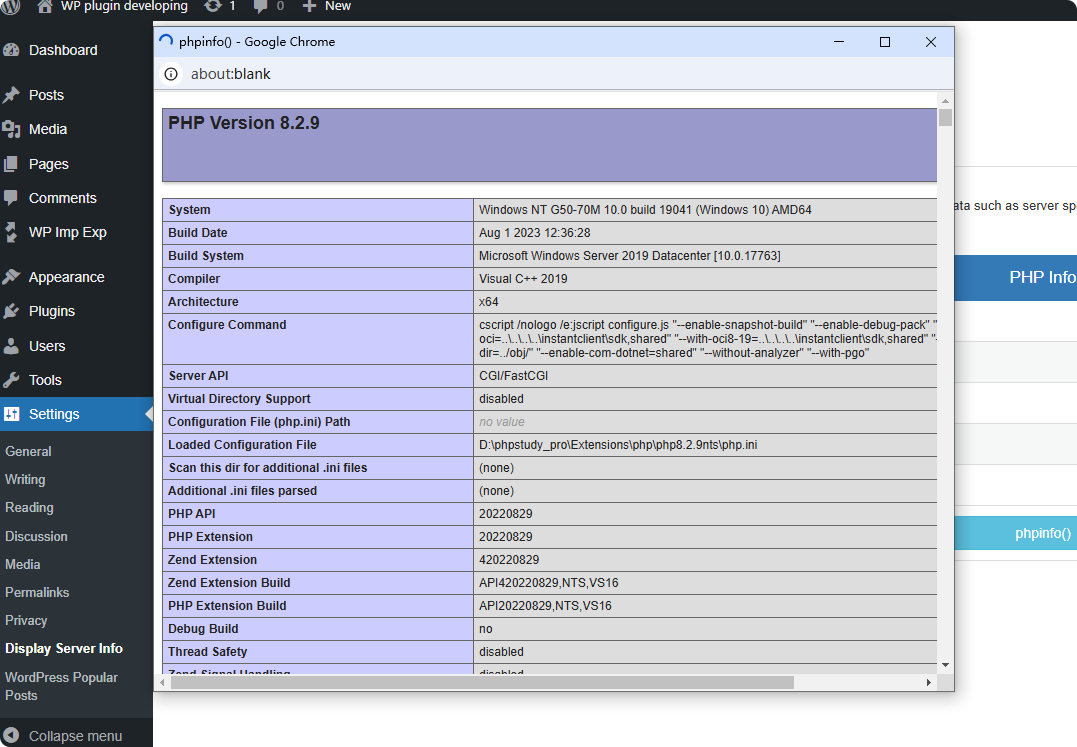
You can view it in multiple places: Dashboard widget Top admin bar Admin footer “More Info” page PHP info page And via shortcode on posts or pages
Does the plugin clean up after uninstalling?
Yes. All plugin options are removed during uninstall to keep your database clean.Lorem ipsum dolor sit amet, consectetur adipiscing elit. Ut elit tellus, luctus nec ullamcorper mattis, pulvinar dapibus leo.
Is the plugin compatible with the latest WordPress version?
Yes. The plugin is tested with the latest WordPress releases and maintained with ongoing updates.
Can I display server information on the frontend?
Yes. Use the shortcode [disi_server_info] to display server details anywhere on your site.
更新日志:
2.2.0
- Added feedback form in settings page
- Implemented star rating system with half-star support
- Added option to leave feedback with email (optional)
- Enhanced user experience with toast notifications
- Update author name
- Added Author URI to the plugin header: https://robertwp.com
- Replaced namespace DisplayServerInfoPlugin with RobertWP\DisplayServerInfo
- Removed
load_plugin_textdomain()call since it's no longer needed for WordPress 4.6 and above.
- Added uninstall cleanup functionality — plugin options will now be removed when uninstalled.
- Added uninstall cleanup functionality — plugin options will now be removed when uninstalled.
- Code refactored to object-oriented
- Added new feature: Display server information in the upper right corner of the management bar
- Added new feature: Display server information in the footer
- Added more pages: Display more server information, PHP information and database information
- Added configuration page: Configure whether to display in the dashboard, top management bar and footer
- Added shortcode support: Server information can be called in posts and pages
- Initial version