Lost Search Result Tracker
| 开发者 | ditsagency |
|---|---|
| 更新时间 | 2026年7月21日 03:24 |
| PHP版本: | 8.1 及以上 |
| WordPress版本: | 7.0 |
| 版权: | GPLv2 or later |
| 版权网址: | 版权信息 |
详情介绍:
Turn Lost Searches into Content Opportunities
Discover what your visitors are searching for but can't find - and use that data to improve your content, SEO, and user experience.
When users search and get no results, they leave. This leads to missed content opportunities, lost engagement, and weaker SEO performance.
Lost Search Result Tracker automatically records search queries that return no results in your WordPress site, giving you direct insight into real user intent.
Instead of guessing what to create next, you can:
- Discover missing topics and keywords
- Build content based on real demand
- Improve internal search experience
- Reduce bounce rate from search pages
- Make smarter content decisions
- Track all "no results" search queries
- Works with default WordPress search
- View queries in the admin dashboard
- Filter and analyze search data
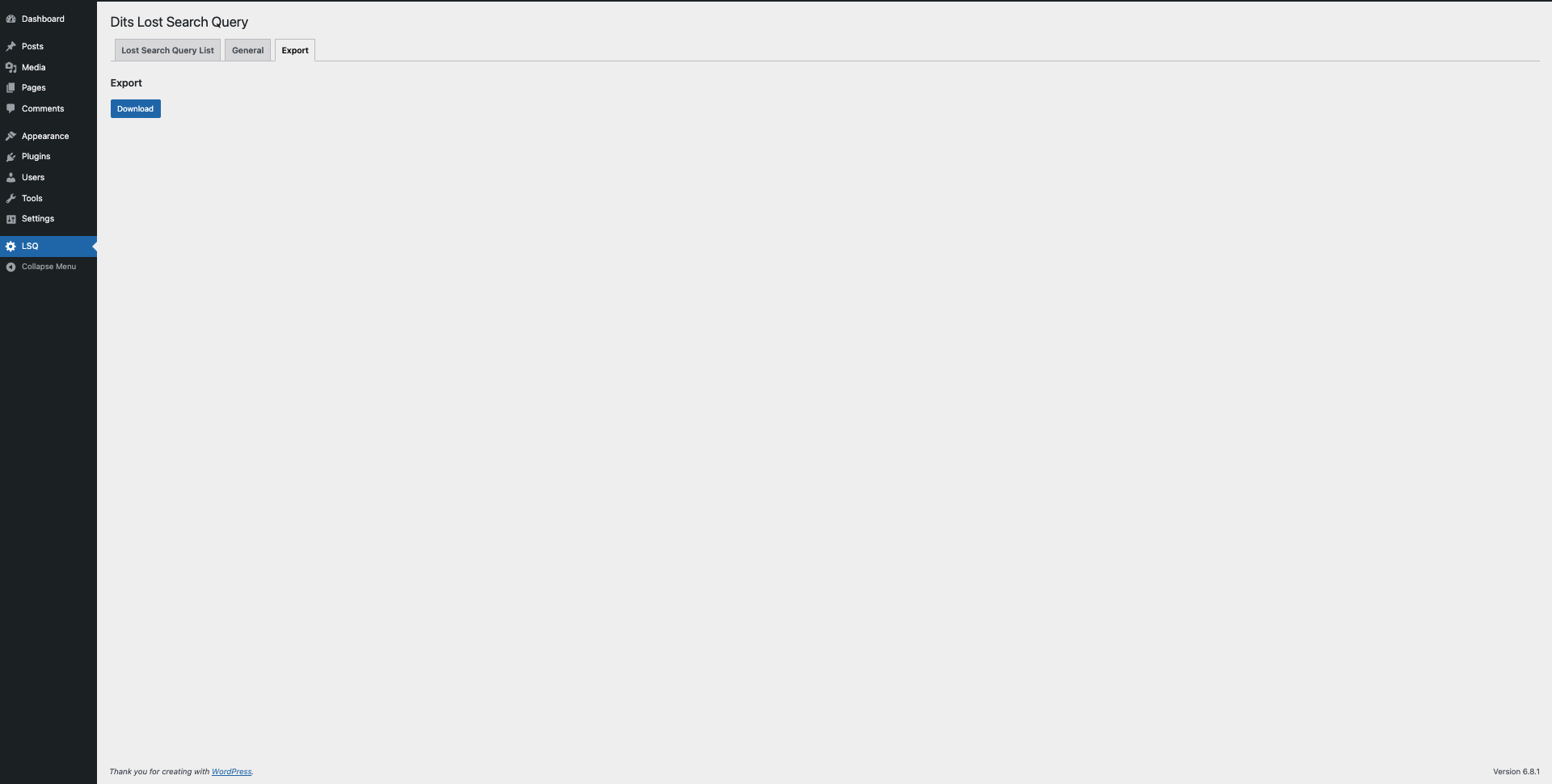
- Export queries for further analysis (CSV)
- Lightweight and fast
- No external services required
- Unlimited Data Collection: Store unlimited search queries for long-term analysis.
- Advanced Email Alerts: Set custom thresholds and receive notifications.
- CSV / JSON Export: Export data for reporting and integrations.
- Extended Search Integration: Supports Relevanssi, SearchWP, and WordPress core search.
- Turn failed searches into new content ideas
- Improve SEO using real search behavior
- Understand what users expect to find
- Reduce frustration from empty search results
- Optimize your site based on real demand
- What users are searching for but not finding
- No setup required
- Minimal interface
- Immediate value after activation
- Content-driven websites
- Blogs and publishers
- SEO specialists
- Content marketers
- Agencies managing WordPress sites
安装:
Automatic Installation
- Log into your WordPress admin panel.
- Go to Plugins > Add New.
- Search for Lost Search Result Tracker and click Install Now.
- Activate the plugin after installation.
- Download the plugin ZIP file and extract it.
- Upload the extracted folder to your
/wp-content/plugins/directory using FTP or your hosting control panel. - Go to Plugins in your WordPress dashboard and click Activate next to Lost Search Result Tracker.
屏幕截图:


常见问题:
What are lost search queries in WordPress?
Lost search queries are search terms that return no results on your website. These highlight missing content that users expect to find.
How can I track search queries in WordPress?
This plugin automatically logs all search queries with no results using WordPress native search.
How does this plugin help SEO?
It reveals real keywords your visitors are searching for, helping you create relevant content and improve rankings.
Does the plugin store personal user data?
No. The plugin does not store personal data and works without external tracking services.
Does it require any setup?
No. Install and activate - tracking starts automatically.
Does the plugin work with custom search forms?
Yes, as long as your custom search uses WordPress's native get_search_query() functionality.
Can I export the data?
Yes. Search queries can be exported for further analysis.
更新日志:
1.1.7
- Tested compatibility with WordPress 7.0.1.
- Updated plugin screenshots and screenshot descriptions.
- Updated the minimum PHP requirement to 8.1 to match the bundled dependencies.
- Improved reliability and performance of bulk operations.
- Minor stability improvements and internal optimizations.
- Fixed issues with bulk delete functionality.
- Improved stability of bulk actions processing.
- Fixed a bug affecting the storage of search results.
- Added integration groundwork for Algolia Search. This release introduces the base architecture for Search Engine integrations; additional integrations will be available soon in the Pro version.
- Added new components that prepare the plugin for upcoming Premium features.
- Fixed scripts and styles in admin panel.
- This update fixes minor issues with loading scripts and styles. No changes to plugin functionality.
- Initial release.