
DK Headless API
| 开发者 | digitizedkosmos |
|---|---|
| 更新时间 | 2026年7月1日 03:48 |
| 捐献地址: | 去捐款 |
详情介绍:
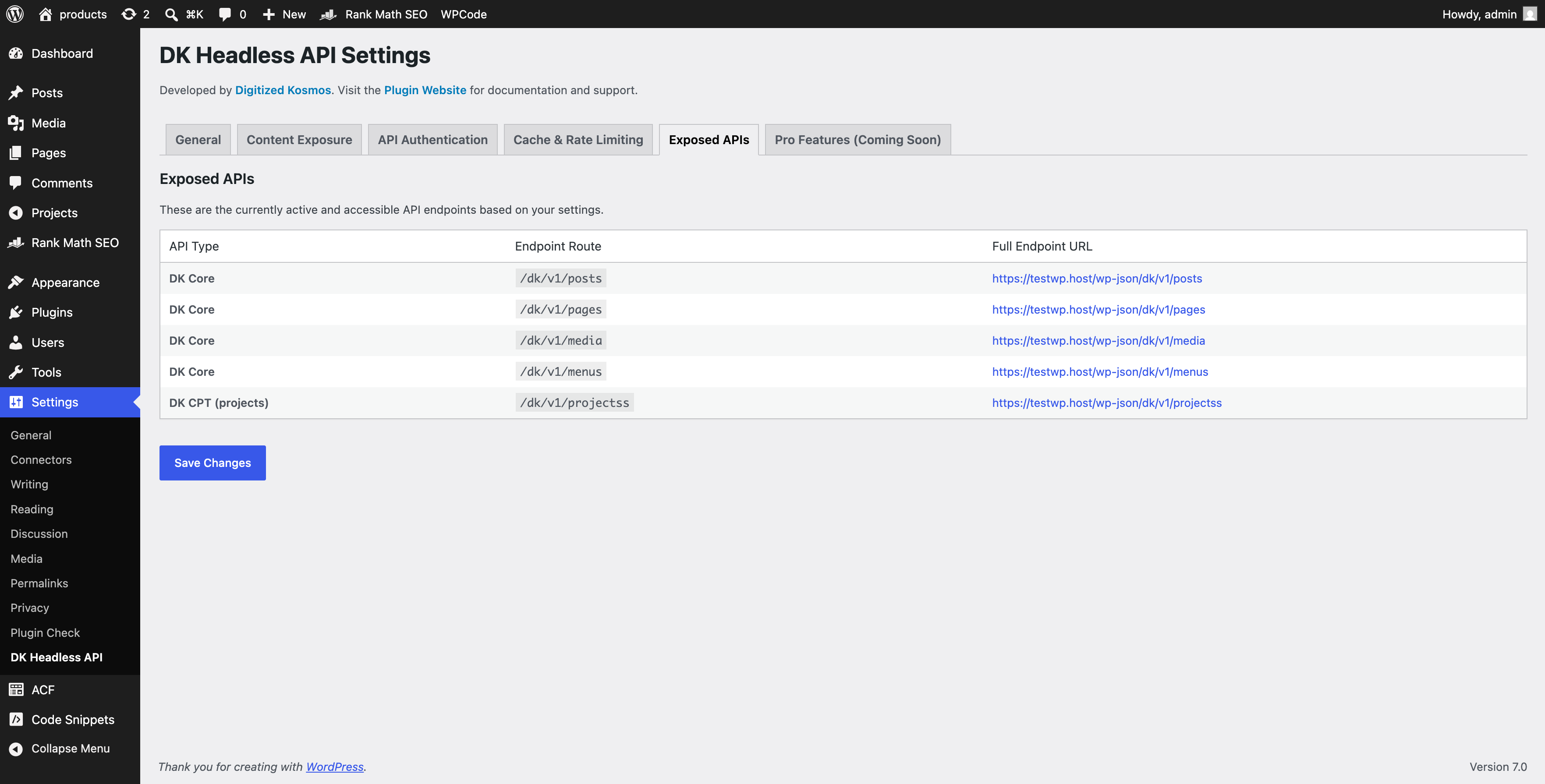
dk/v1) designed specifically for modern frontend engines (Next.js, React, Astro, Vue, Svelte).
Key Takeaways
- Instant Decoupling: Turns off the theme template engine (returning
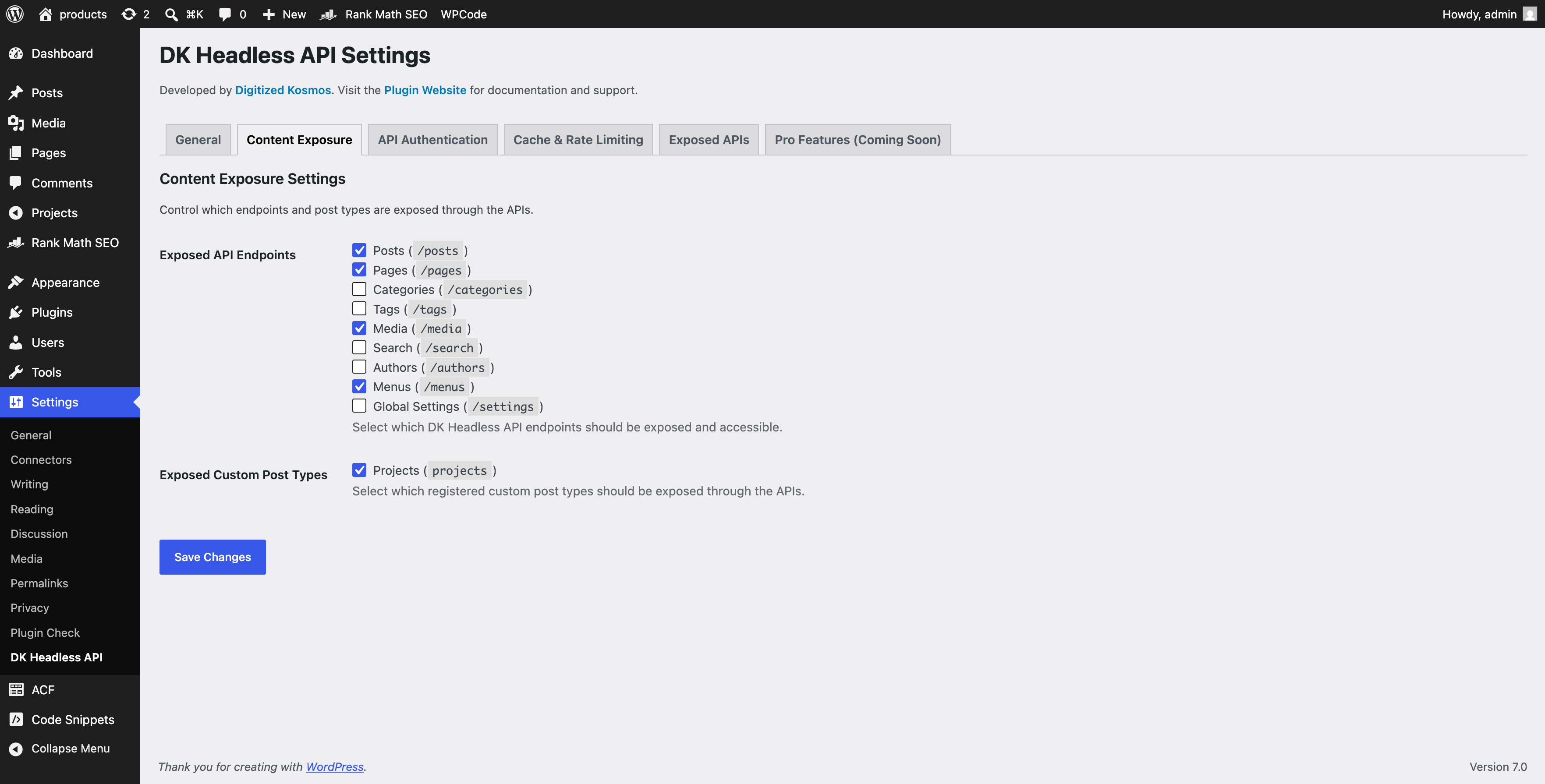
410 Gone) and dequeues all frontend scripts. - ACF & Gutenberg Integration: Natively embeds Advanced Custom Fields (ACF) data and parses Gutenberg blocks into clean API payloads.
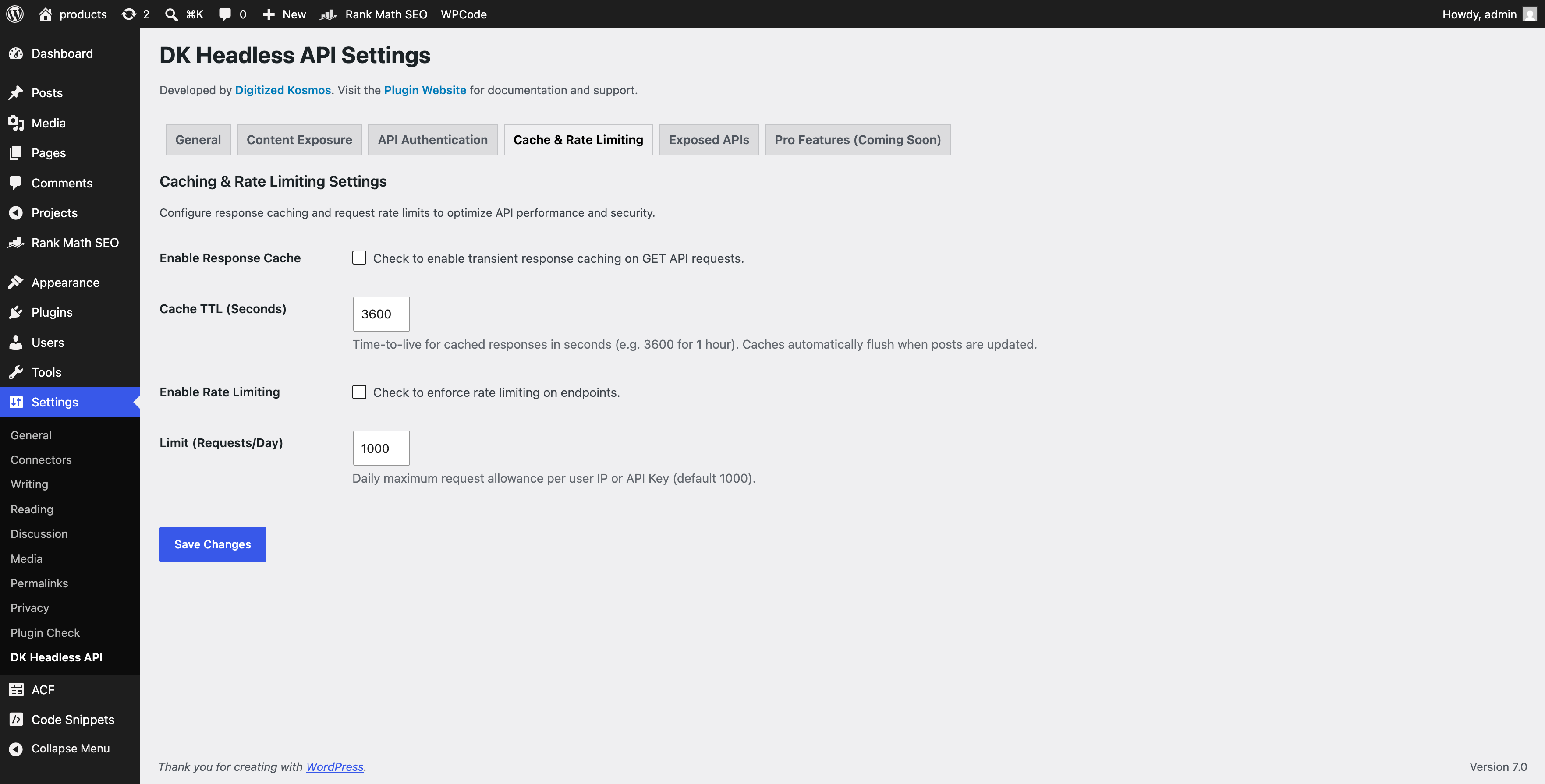
- Advanced Caching: Implements smart transient caching that auto-invalidates when posts are updated or deleted.
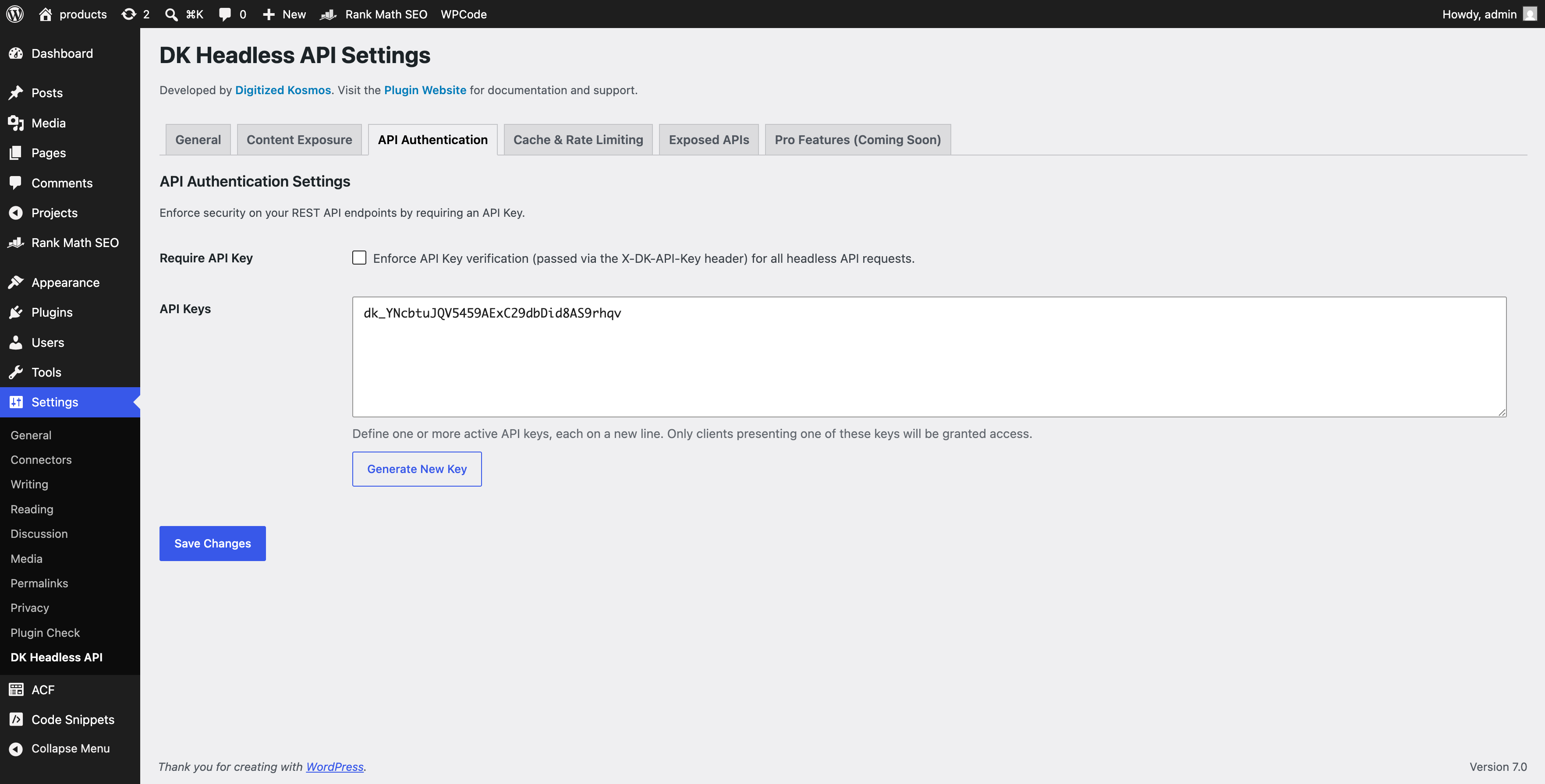
- Security & Rate Limiting: Features dynamic API Key generation (
X-DK-API-Key) and daily request limiters per IP/key. - Tree-Menu Resolver: Translates complex WP menu hierarchies into clean nested JSON trees.
- Sub-second Load Times: Serving static HTML via CDNs.
- Improved Security: Hiding the WP database and admin panel behind custom api restrictions.
- Better Developer Experience: Allowing front-end engineering teams to build with modern UI libraries.
/users) | REST Pruning & API Key restrictions |
| ACF Field Resolution | Requires separate helper plugins | Native & embedded out-of-the-box |
| Menu Hierarchy | Flat arrays (hard to parse) | Smart tree resolver (nested JSON) |
| Smart Transient Cache | None (requires external DB queries) | Caching with auto-invalidation on save |
| Rate Limiter | No rate protection | Daily rate limiting per client IP/Key |
🚀 Need Help Designing Your Headless Architecture?
Decoupling WordPress can introduce complex challenges regarding static site generation (SSG), incremental static revalidation (ISR), CORS handling, and preview modes.
If you are an agency, founder, or marketing team looking to build a high-performance headless architecture:
- Book a Free 30-Minute Strategy Session with the Digitized Kosmos engineering team.
- We will audit your current endpoints, optimize your server-side configurations, and help blueprint your Next.js/React revalidation flow.
- 👉 Schedule Free Consultation
安装:
- Upload & Install: Upload the folder to your
/wp-content/plugins/directory, or install directly via the WordPress Plugin search. - Activation: Activate the plugin.
- Configure Settings: Go to Settings > DK Headless API in your WP Admin Dashboard.
- Setup CORS: Enter your Frontend URL (e.g.
https://myfrontend.com) in the General Settings to allow secure CORS headers. - Secure Your Endpoint: Toggle API Key enforcement, generate an authorization key, and configure your daily rate limits.
屏幕截图:
常见问题:
Does this disable the Gutenberg editor?
No. The WP Admin dashboard, block editor, Gutenberg previews, login paths, and essential admin REST interfaces are preserved. Only the front-facing theme pages are deactivated.
How do I pass the API Key from Next.js / React?
If you toggle "Require API Key" in the settings, send the key inside your request headers:
X-DK-API-Key: your_generated_key_here
Can I use this plugin for free commercially?
Yes. The plugin is 100% free, fully functional, and licensed under GPLv2. We do not place quota limits, license-locking mechanisms, or trial periods inside the codebase. All pro feature enhancements live in separate addon branches.
How do I clear the cache?
The cache engine clears automatically when posts, pages, or custom post types are published, updated, trashed, or deleted. You do not need to manage it manually.
Does it support WooCommerce?
It supports core custom post type exposure out-of-the-box. Advanced ecommerce integrations (cart hooks, checkout gateways) are best handled using custom controllers or dedicated headless addons.
更新日志:
- Renamed namespaces and option prefixes to dkhwp_ and DKHWP\ to fully comply with WordPress.org guidelines.
- Improved security checks for cached REST endpoints in rest_pre_dispatch.
- Strengthened URL input sanitization using esc_url_raw().
- Hardened rate limiting transient keys generation against IP/Key attacks.
- Implemented dynamic developer API Key generator in admin pages.
- Added custom Next.js headless consultation admin notice on settings pages.
- Added fully compliant icons and banners to repository assets.
- Initial release of DK Headless API.
- Decoupled frontend template engine (
410 Gone). - REST endpoint pruning for secure public access.
- Built-in ACF custom fields resolver.
- Built-in smart transient caching with hooks-based flushing.
- Custom Next.js-ready nested tree-menu parser.
- Multi-key authentication manager.
- Daily IP/Key rate limiter.