Dollie AI - Connect
| 开发者 |
GetDollie
getdollie bowromir codezz geowrge |
|---|---|
| 更新时间 | 2026年3月31日 15:56 |
| PHP版本: | 8.0 及以上 |
| WordPress版本: | 6.7 |
| 版权: | GPLv2 or later |
| 版权网址: | 版权信息 |
标签
下载
详情介绍:
wp_query syntax or write a code snippet for you to copy and paste. With Dollie, AI executes real operations on your actual sites:
- Update plugins across your entire portfolio in natural language
- Run security scans and get AI-drafted reports for clients
- Create backups before making changes — automatically
- Manage content, users, and settings without touching wp-admin
- Monitor uptime, errors, and site health across all connected sites
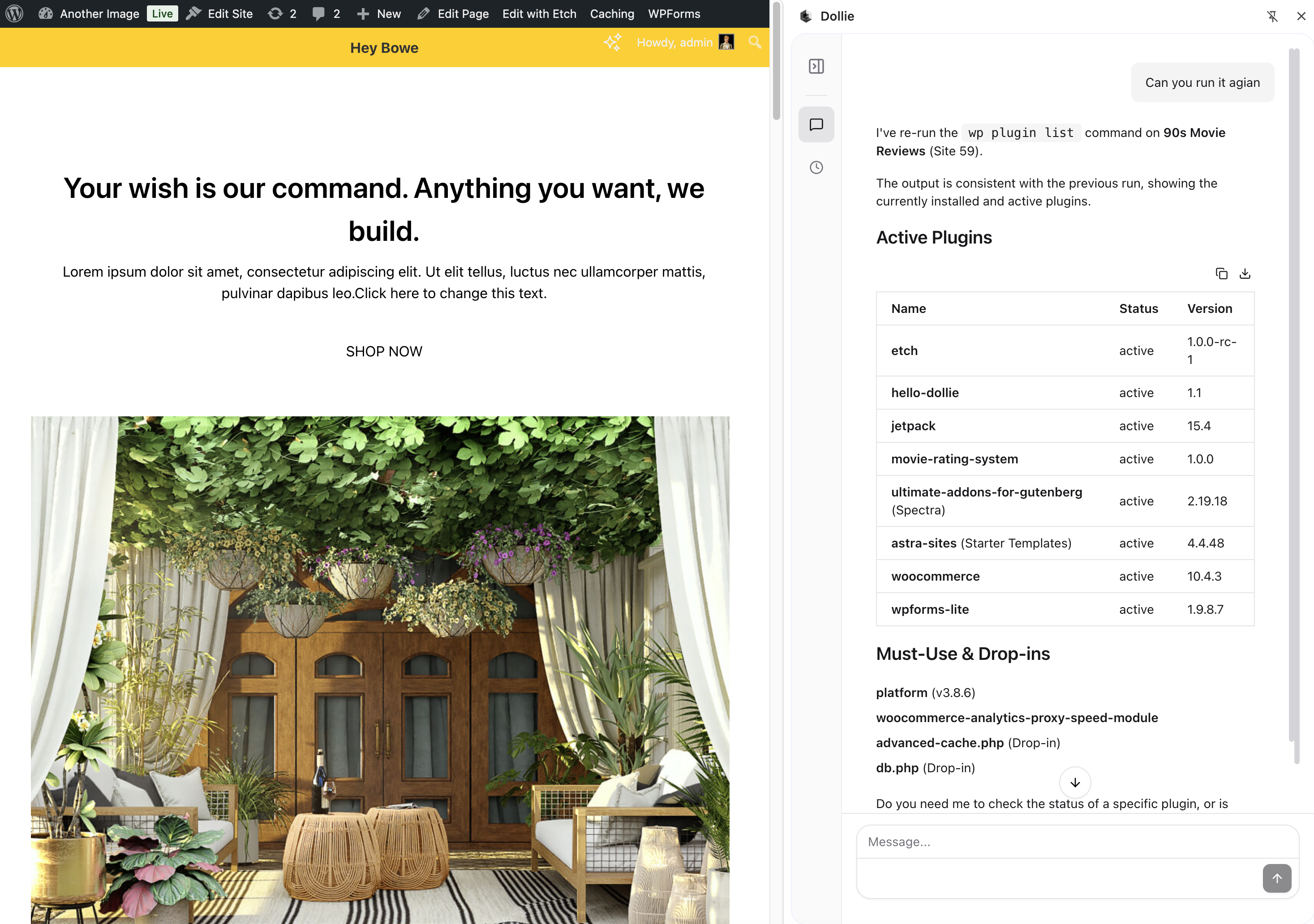
- Execute WP-CLI commands remotely through conversation
- Dollie Chat — Natural language, right in the dashboard. Ask questions, run operations, generate reports. No learning curve.
- MCP — Connect Claude Desktop, VS Code, Cursor, or Claude Code. Your agency context follows you into your development tools.
- API — Build custom applications, client portals, or internal tools on top of your agency intelligence.
- Sign up for free at getdollie.com
- Install this plugin on your WordPress site
- Connect the site from your Dollie dashboard
- Start a conversation — ask your agent to check site health or generate a report
安装:
- Go to Plugins > Add New in your WordPress admin
- Search for Dollie AI - Connect
- Click Install Now, then Activate
- Follow the connection prompt to link your site to Dollie
- Download the plugin zip file
- Go to Plugins > Add New > Upload Plugin
- Upload the zip file and click Install Now
- Activate the plugin
- Follow the connection prompt to link your site to Dollie
- WordPress 5.6 or higher
- PHP 7.4 or higher
- A Dollie account (sign up free)
屏幕截图:
常见问题:
What is Dollie?
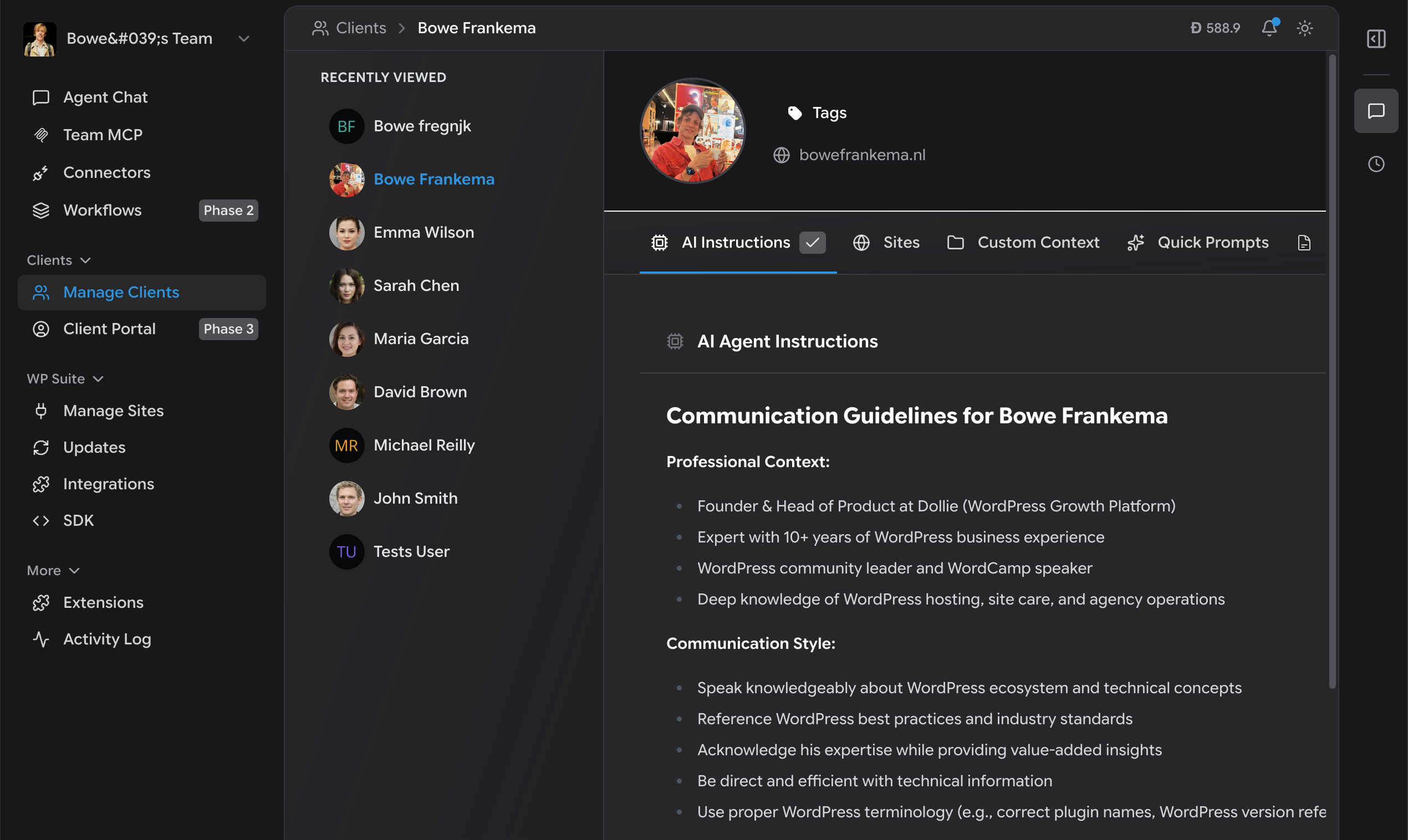
Dollie is your Agency HQ for the AI Era — a platform where all your agency knowledge (clients, sites, preferences, processes) connects to any AI tool. Think of it as the central brain for your agency that makes every AI tool you use smarter about your specific work.
Does this work with any hosting provider?
Yes. The plugin connects to Dollie over a secure API. It works on any host where WordPress runs — shared hosting, VPS, managed hosts, or your own servers. Your hosting choice is yours. Dollie adds AI-powered management on top.
What can AI actually do on my site?
Once connected, AI can execute real operations: update plugins and themes, create backups, run security scans, manage content and users, execute WP-CLI commands, and monitor site health. These are actual operations, not just explanations or code snippets.
Is my site safe?
All communication is encrypted and authenticated using secure tokens. No passwords are stored or transmitted. Every operation is logged with a full audit trail. You maintain full control and can disconnect your site at any time.
Can AI make changes without my approval?
You and your team control what happens. Operations are always initiated by a person — through Dollie's chat, MCP tools, or API. Critical changes include safety checks, and every action is logged so you always know what happened and when.
Does this affect my site's performance?
No. The plugin is lightweight and only communicates with Dollie when operations are requested. It adds no overhead to your front-end performance.
Can I install this on all my client sites?
That's exactly what it's built for. Install the plugin across your portfolio, connect each site to Dollie, assign them to clients, and manage everything from one place. The more sites you connect, the more useful your agency brain becomes.
What happens if I deactivate the plugin?
Your site continues to work normally. It simply disconnects from Dollie. Reactivate anytime to reconnect.
What AI tools does this work with?
Dollie works with any AI tool. Use the built-in chat interface, connect Claude Desktop or VS Code via MCP, or build custom applications using the OpenAI-compatible API. Same data, same capabilities, whichever tool you prefer.
Do you support multisite?
The plugin can be installed on individual sites within a WordPress multisite network.
更新日志:
- Complete rebuild for the Dollie platform
- New: Connect your site to Dollie — your Agency HQ for the AI Era
- New: AI-powered site management through chat, MCP, and API
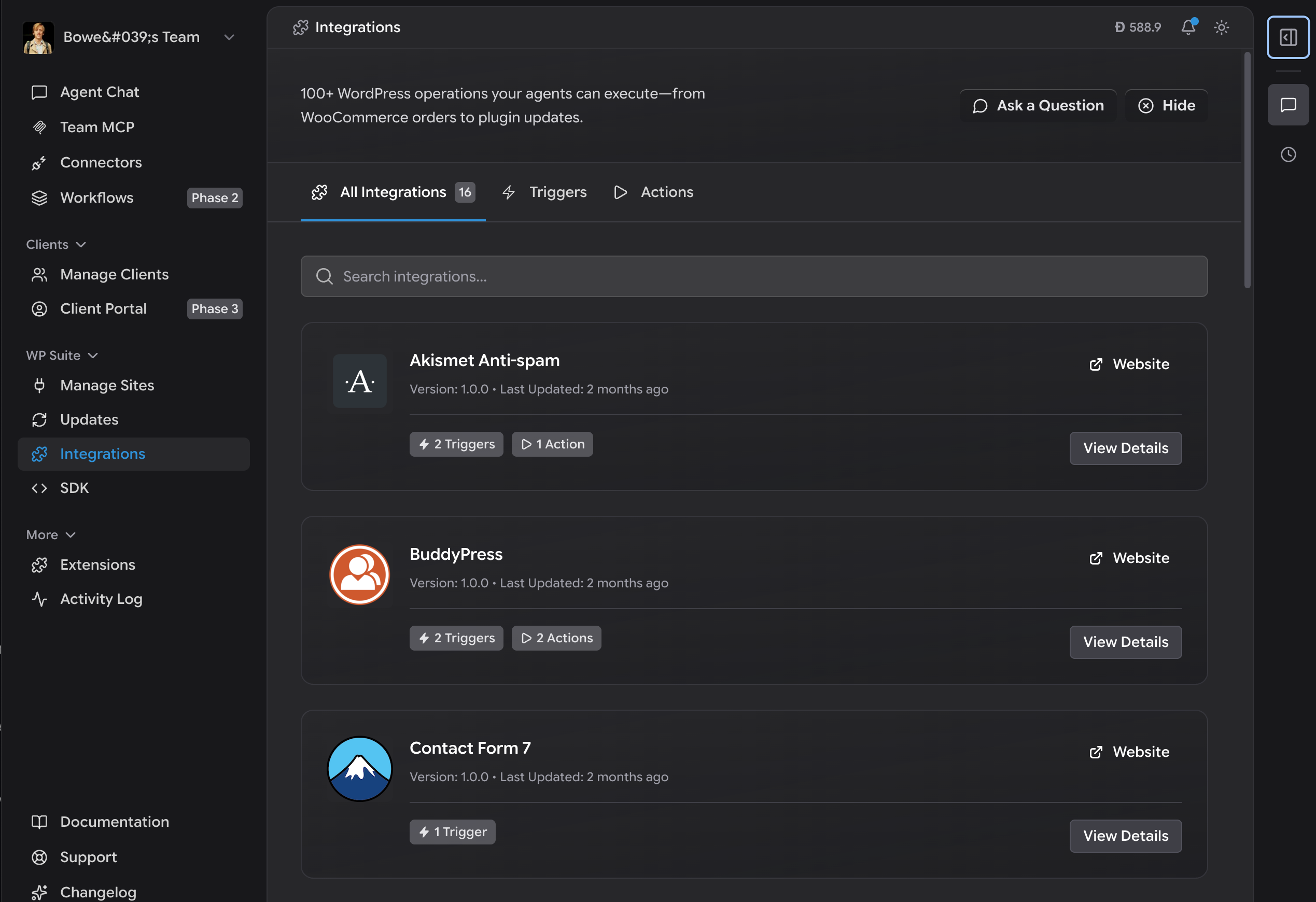
- New: 100+ plugin integrations via the WordPress SDK
- New: Full activity and error log monitoring
- New: Remote WP-CLI execution
- New: Automated backup management
- Improved: Authentication and security