
Domain For Sale – Landing Page Per Domain, Domain Mapping, Offers & Listings
| 开发者 |
FixoLab
ThemeAtelier themeatelier darkify faysal61 shshakib2001 tamimaziz |
|---|---|
| 更新时间 | 2026年10月31日 14:24 |
| PHP版本: | 7.4 及以上 |
| WordPress版本: | 7.1.3 |
| 版权: | GPLv2 or later |
| 版权网址: | 版权信息 |
标签
下载
详情介绍:
安装:
- Visit Plugins > Add New.
- Search for Domain For Sale.
- Install and activate the plugin.
- Download domain-for-sale.zip
- Navigate to the ‘Add New’ in the plugins dashboard
- Navigate to the ‘Upload’ area
- Select domain-for-sale.zip from your computer
- Click ‘Install Now’
- Activate the plugin in the Plugin dashboard
- Download domain-for-sale.zip
- Extract the domain-for-sale folder to your computer
- Upload the domain-for-sale folder to the /wp-content/plugins/ directory
- Activate the plugin in the Plugin dashboard
- Go 'Domain For Sale' Menu from the left panel of admin
- Configure settings as you want. For basic usage, have a look at the quick start guide
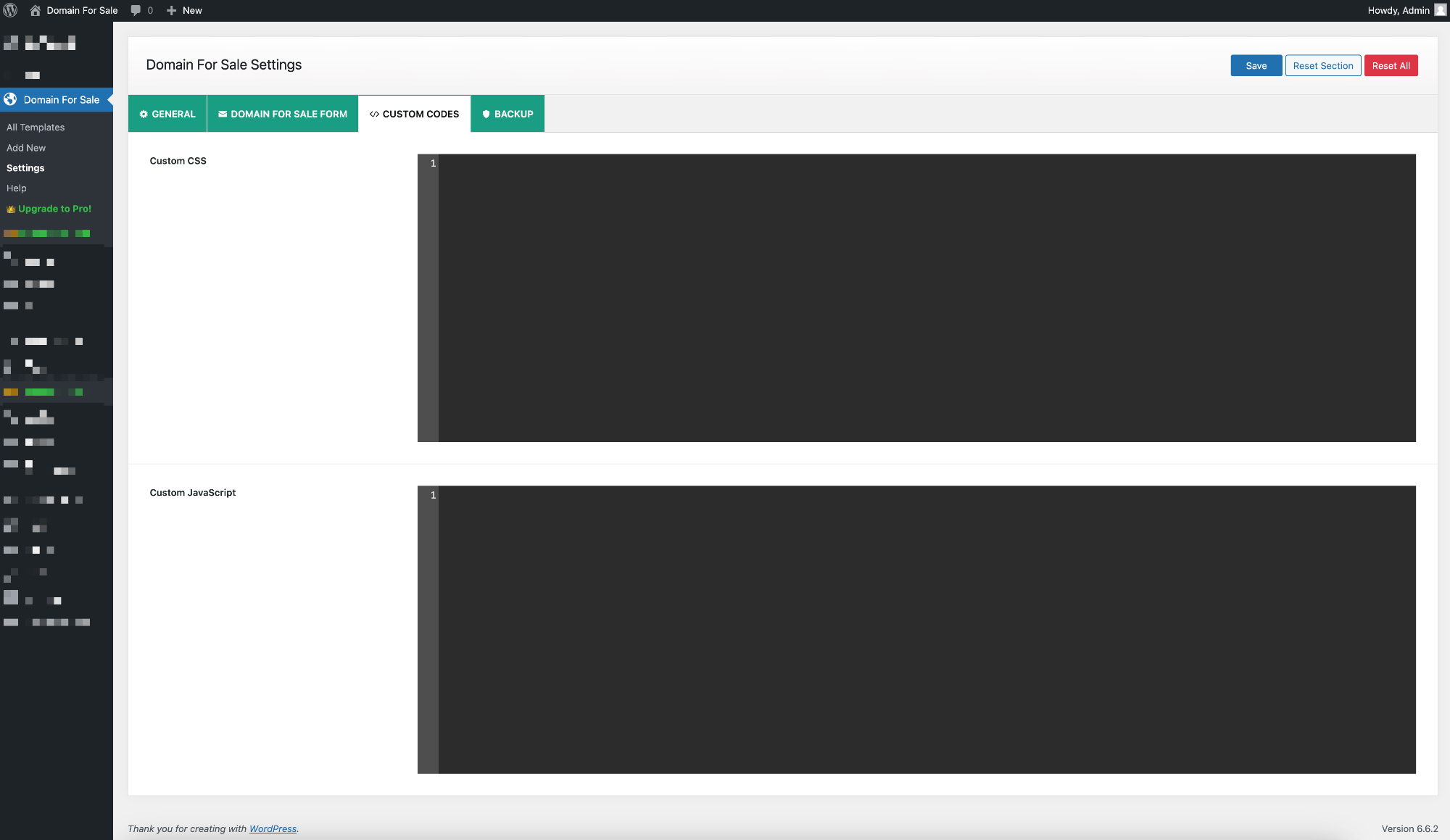
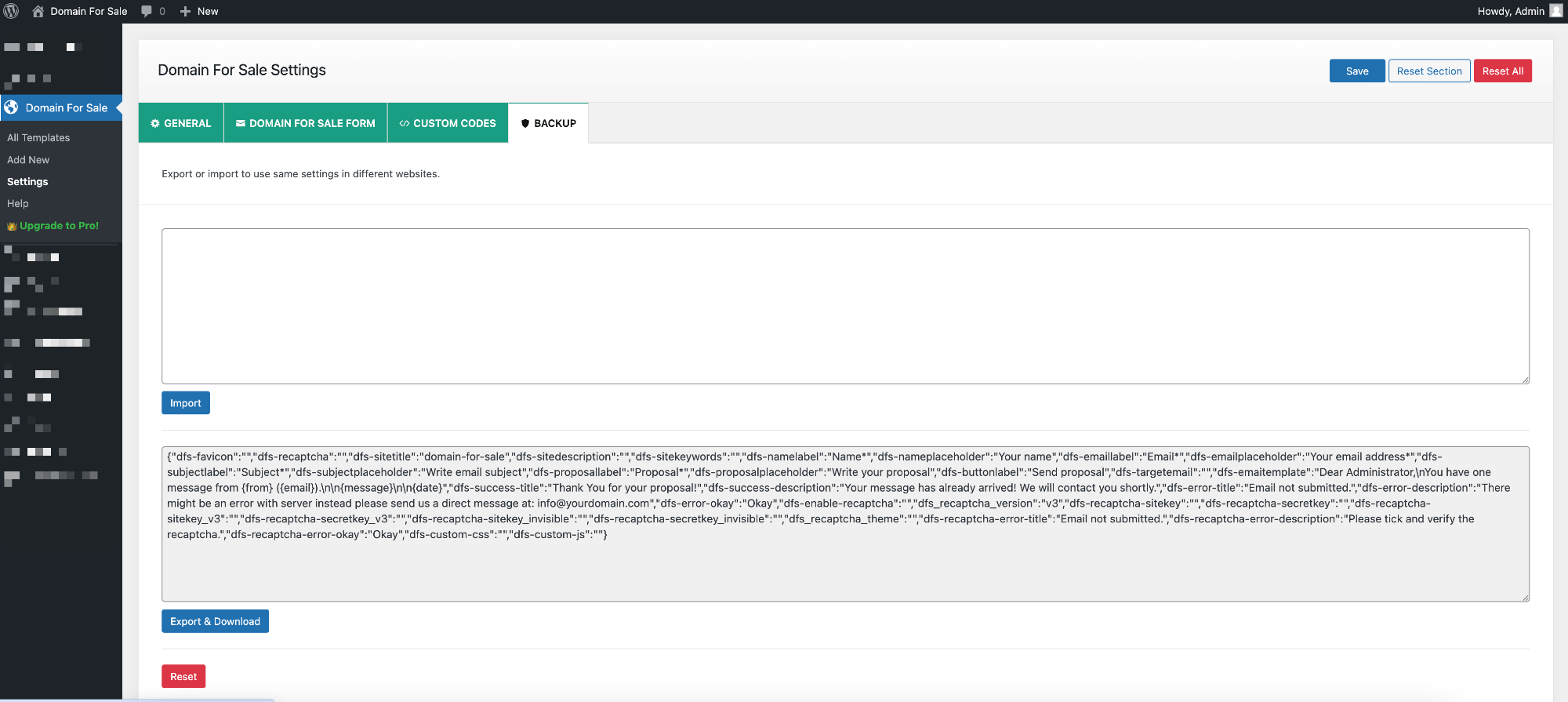
屏幕截图:
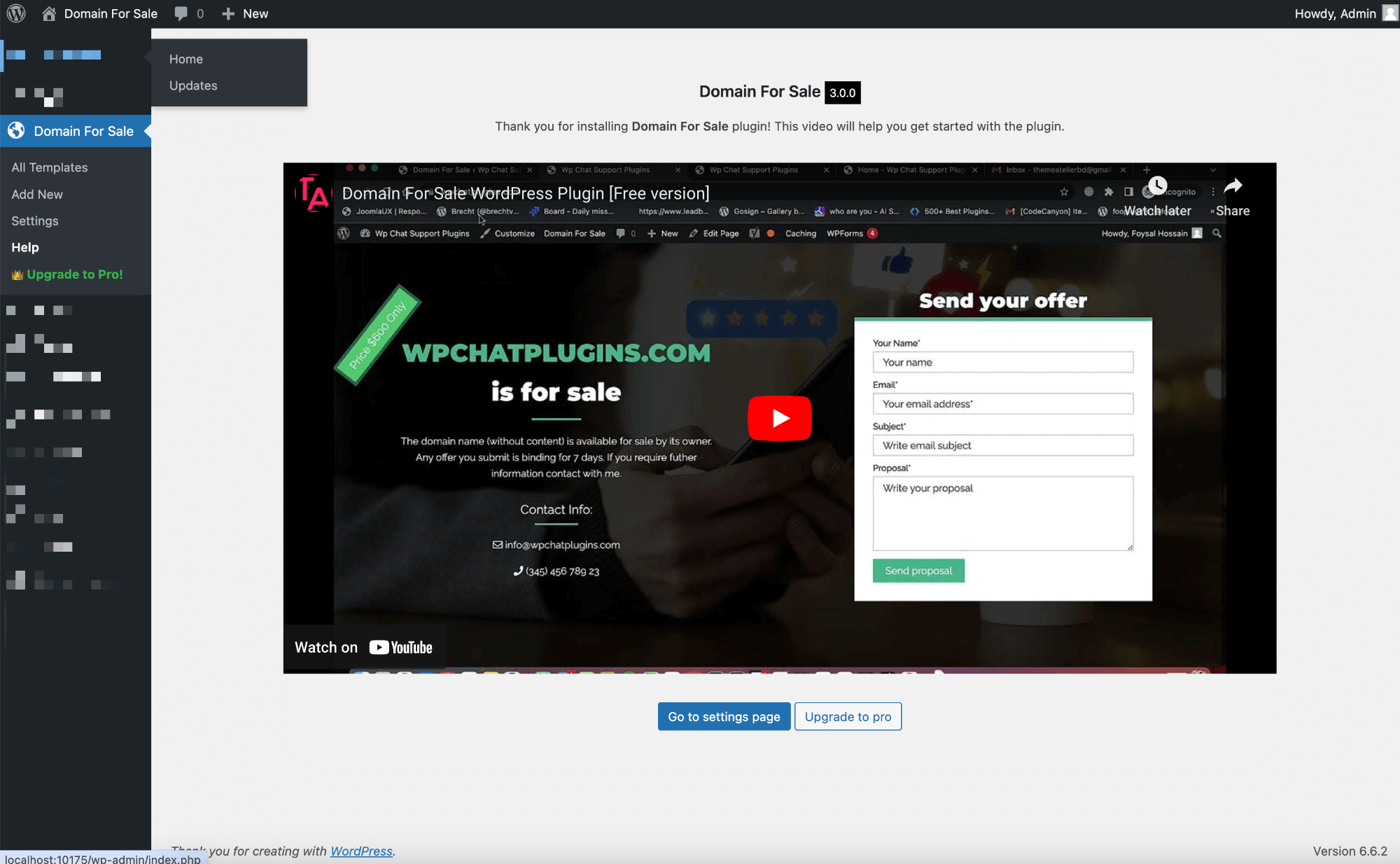
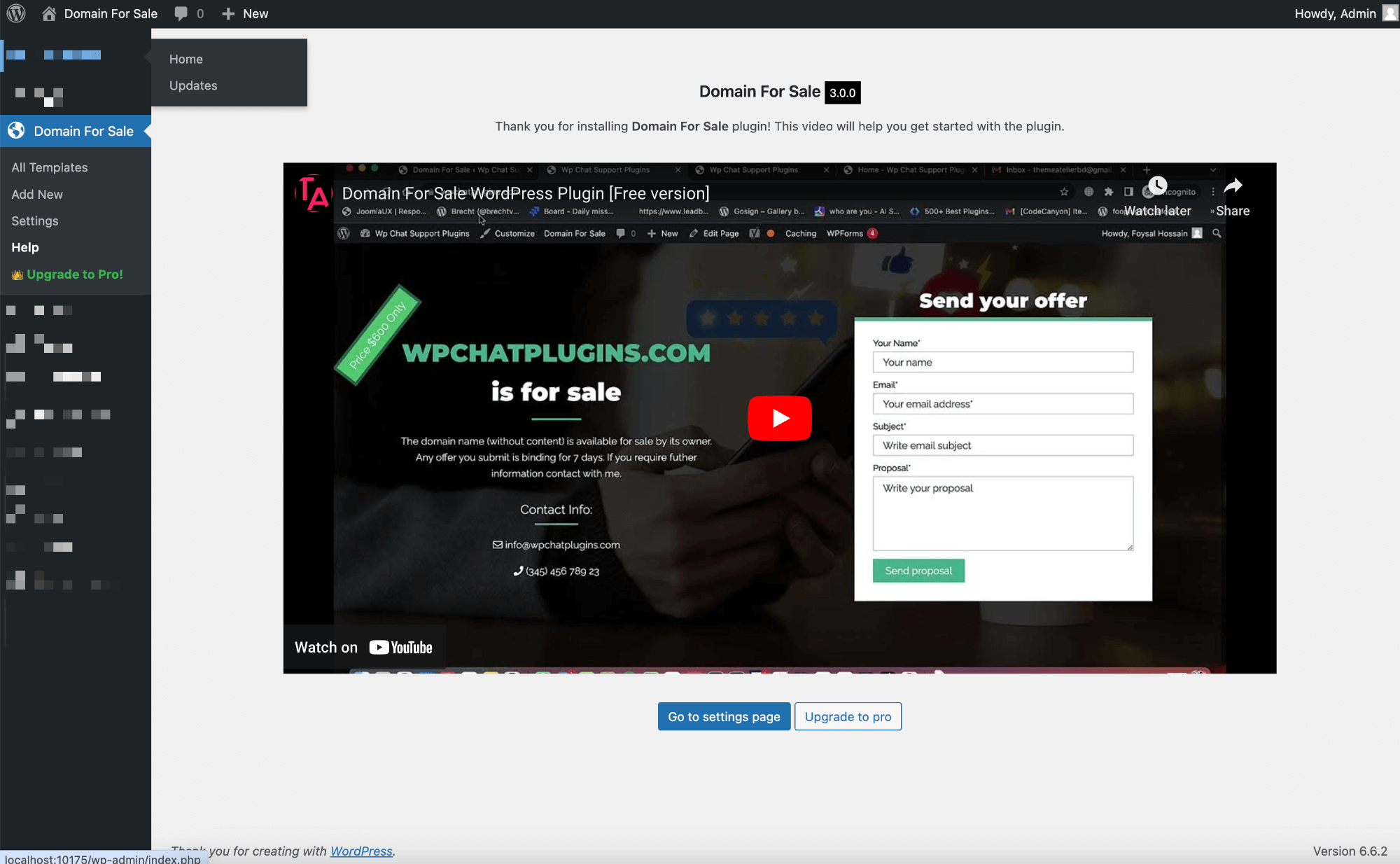


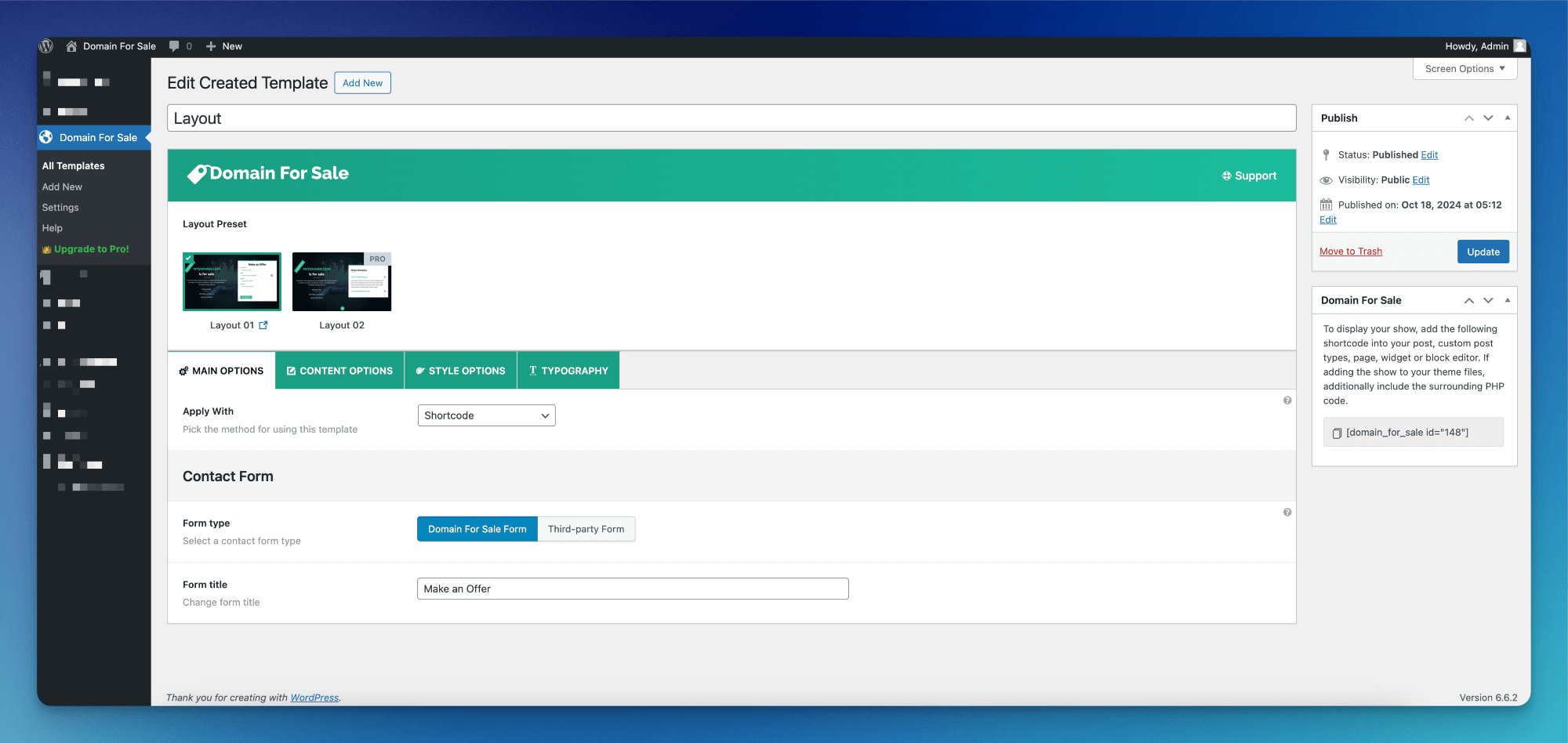


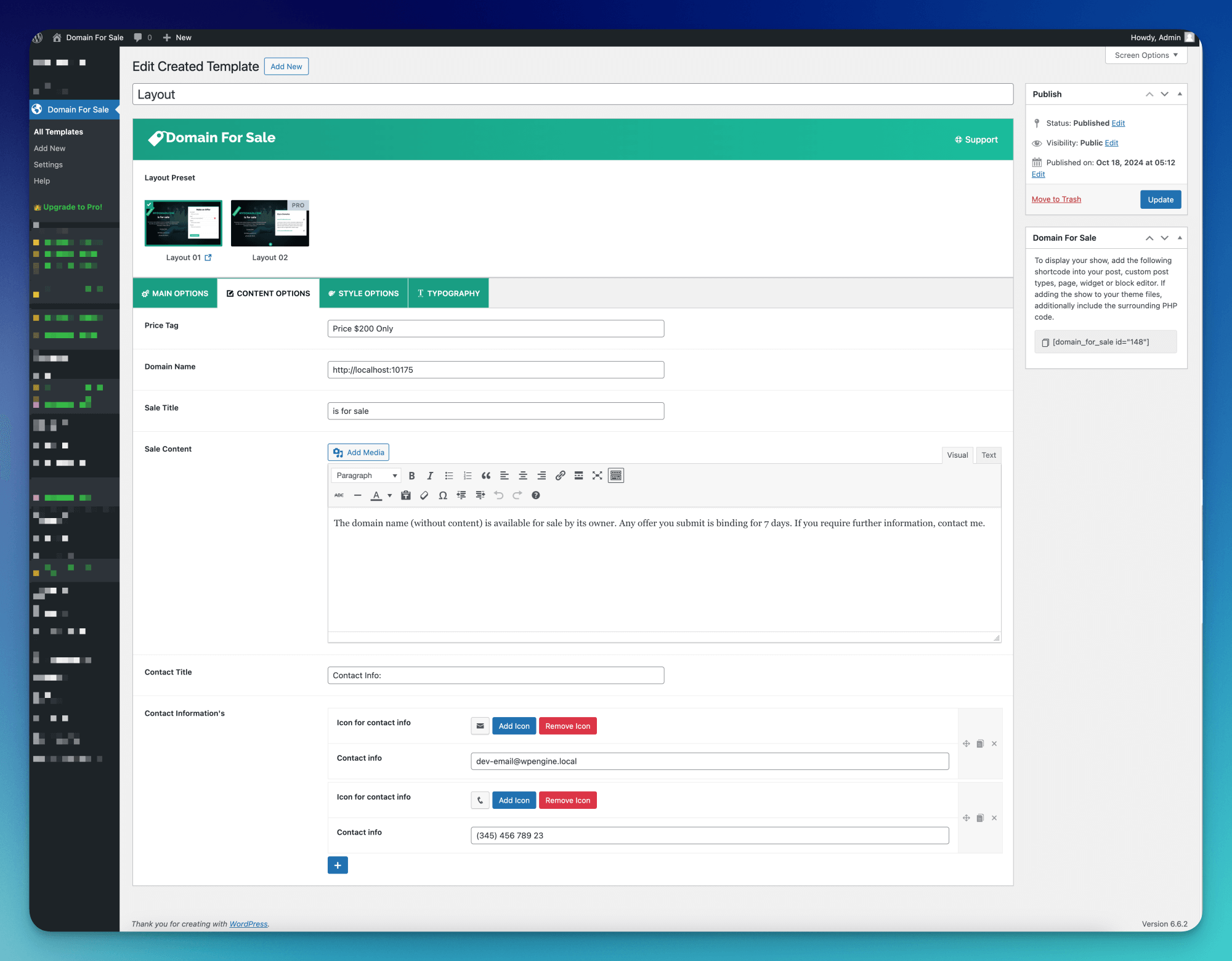
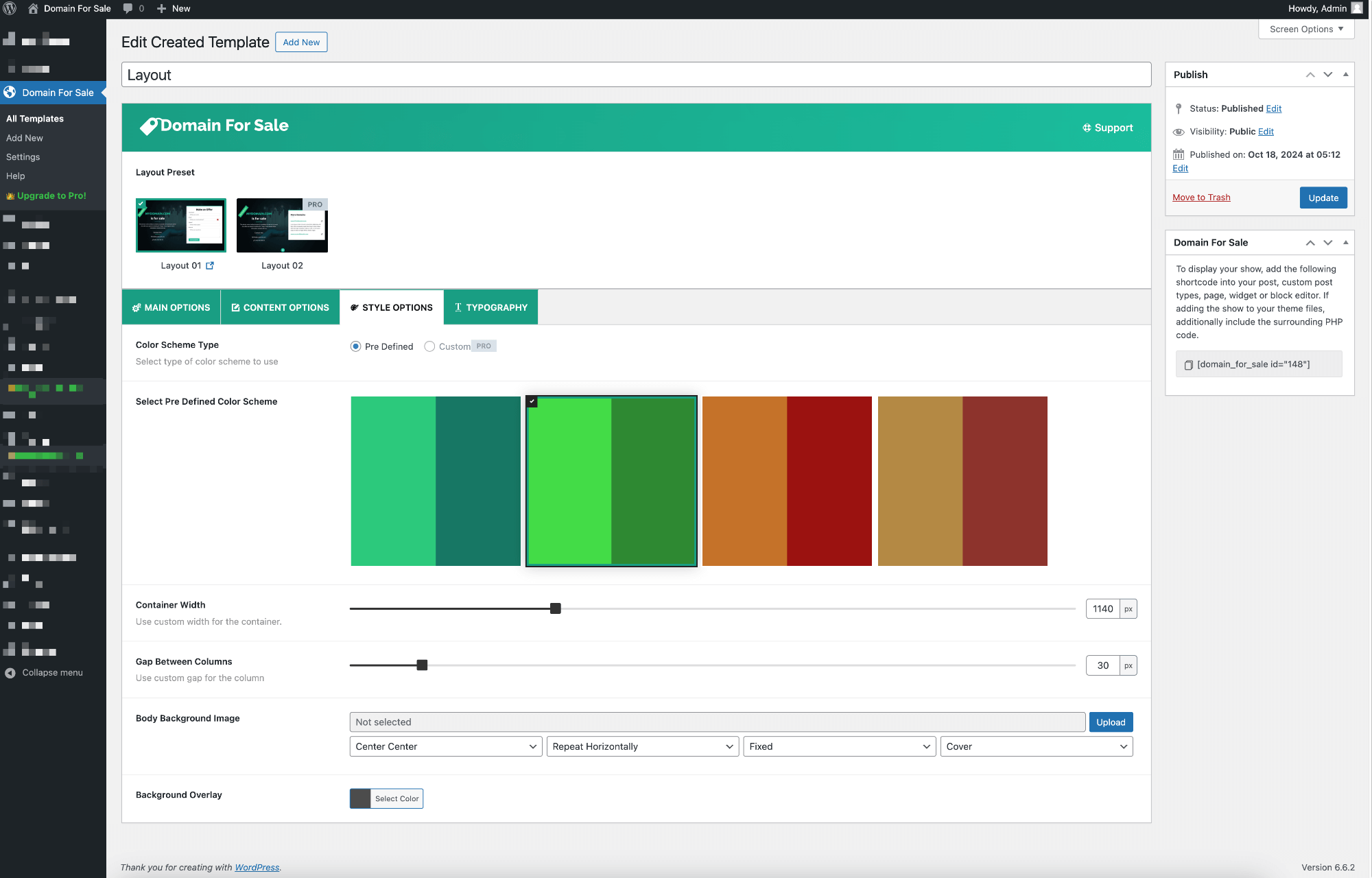
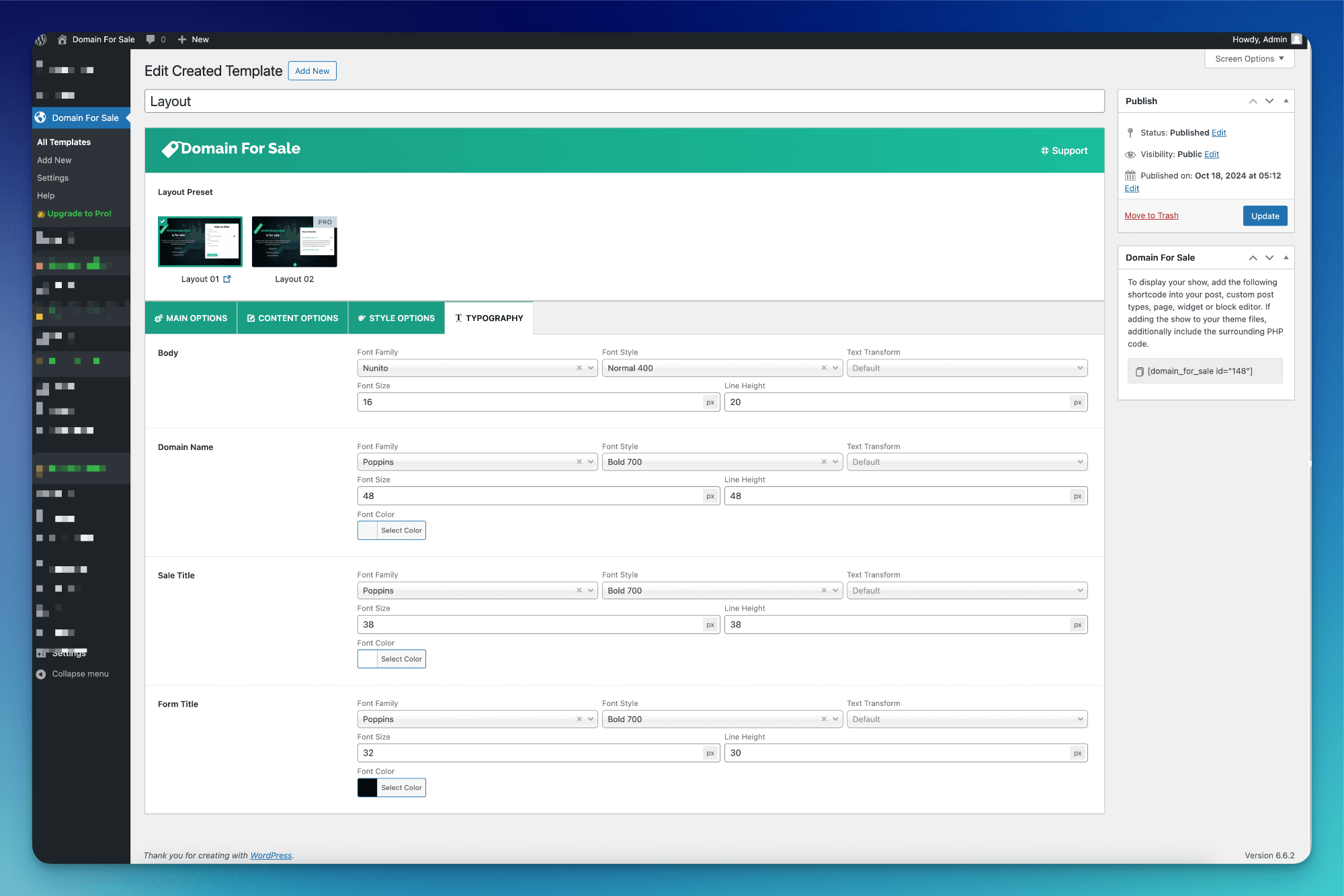
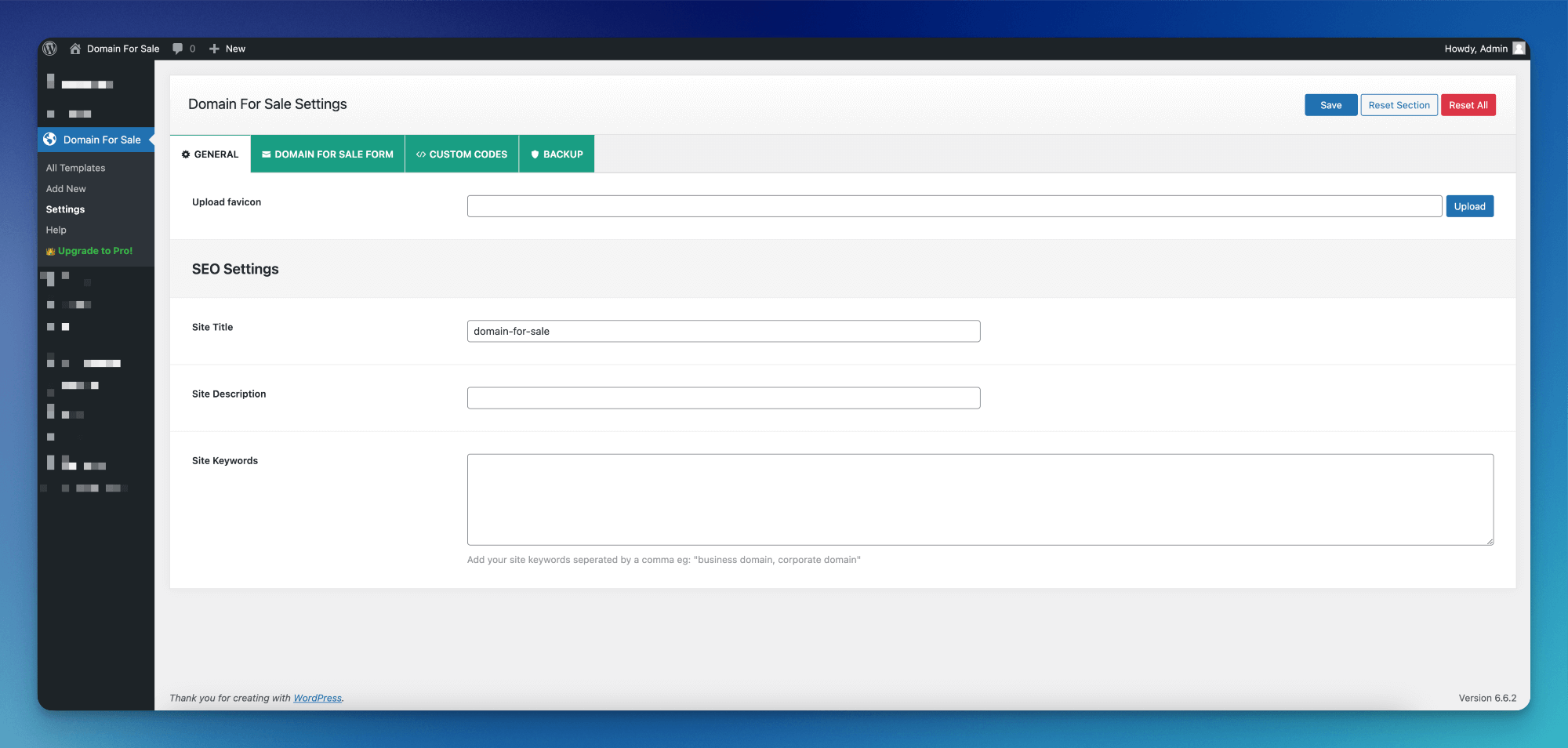
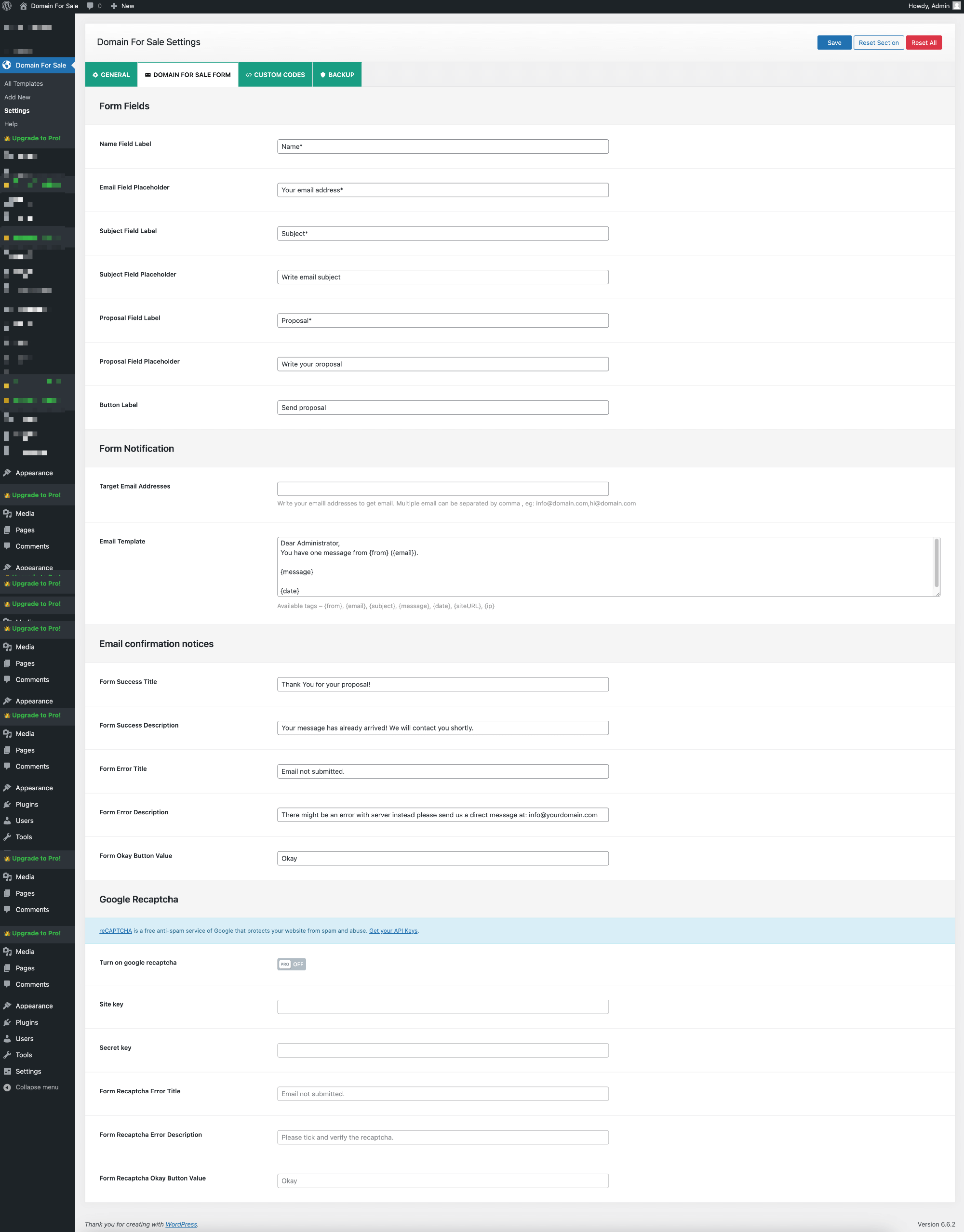
常见问题:
Who should use Domain For Sale?
This plugin is ideal for domain owners, investors, agencies, and businesses who want to create a professional landing page and receive offers or inquiries directly through their WordPress website.
Do I need coding skills to use this plugin?
No coding skills are required. The plugin provides a user-friendly interface with visual controls and simple settings to create and manage sale pages.
Is the plugin responsive?
Yes. All layouts are fully responsive and automatically adapt to desktops, tablets, and mobile devices.
Can I add a sale page anywhere on my website?
Yes. You can display layouts using shortcodes, Gutenberg blocks, or Elementor widgets, allowing you to place them on any page or post.
Can I create multiple sale layouts with different settings?
Yes. You can create multiple layouts, each with its own design, content, and configuration options.
Will it work with my WordPress theme?
Yes. The plugin works with most modern WordPress themes that follow WordPress coding standards and does not rely on theme-specific functionality.
How can buyers contact me about purchasing a domain?
Interested buyers can submit offers or inquiries using the built-in form. All submissions are stored in the Offers section of the plugin, and email notifications can be enabled. You may also display your email address or phone number on the page for direct contact.
Can I use this plugin for commercial purposes?
Yes. The plugin is free to use for both personal and commercial projects.
I configured everything correctly, but I am not receiving emails. Why?
Some hosting providers restrict the default PHP mail function. To improve email delivery, we recommend using an SMTP plugin such as WP Mail SMTP or Fluent SMTP.
Is it multilingual ready?
Yes. The plugin is translation-ready and works with popular multilingual plugins such as WPML, Polylang, GTranslate, Loco Translate, and WPGlobus.
Is it compatible with WordPress Multisite?
Yes. The plugin is fully compatible with WordPress Multisite environments.
How can I get support?
You can ask questions or report issues in the official WordPress.org support forum: https://wordpress.org/support/plugin/domain-for-sale/
I have suggestions or feature requests. How can I share them?
We welcome feedback and suggestions. You can share ideas or report bugs through the support forum. We actively review user feedback to improve the plugin.
Can each domain use a different landing page design?
Yes. Every domain has a Landing page control under its name: Standard page renders the shared single page, Template design renders the template built for that domain. Settings → Single Page sets the default for domains that have not chosen. Selecting which template when a domain has several, and applying a choice across the whole catalogue, are Pro features.
I want more features. Is there a Pro version available?
Yes. A Pro version is available and includes additional features and enhancements. You can learn more on the official website: https://wpdomainforsale.com/pricing/
更新日志:
- Fixed: On block themes such as Twenty Twenty-Five, the header and footer on single domain pages appeared without their layout — the menu and site title lost their alignment and the footer columns collapsed — because their styles were never loaded. They now look exactly as they do on the rest of the site. The domains archive and category pages had the same problem and are fixed too.
- Fixed: "Header And Footer In Single Domain" showed as on in the settings, but single domain pages were drawn without the header and footer until the settings had been saved at least once. The page now follows what the setting shows.
- Fixed: On a child theme whose text domain differs from its folder name, the header and footer could be missing from single domain pages.
- Fixed: Issue where the default background image was still displayed even when a custom body background image was set in the Style Options tab.
- Tested: WordPress 7.1.3 compatibility.
- Added: Support for displaying individual domain logos in Related Domains cards across the Standard Page and all available layouts.
- Added: Domain Attributes on the Standard Page, under Settings → Single Page → Standard Page. Choose which facts appear under the domain description and in what order — Character Length and Extension — or turn them off with Show domain attributes.
- Added: Display style for Domain Attributes. Summary line keeps the familiar one-line look ("15 characters, .com"). Info boxes, a row of labelled highlight boxes, and the Age, Offer Count and Custom attributes are available in Pro.
- Fixed: Issue where the default domain description was displayed instead of the domain's own description. The domain's custom description is now shown when available, with the default description used as a fallback.
- Fixed: A fixed-price domain whose Purchase method is Proposal Form headed that form "Purchase Now", over a button reading "Send proposal" — it promised a checkout the form does not have. It now reads "Make an Offer", as it already did on domains that also accept offers below the asking price.
- Fixed: A settings toggle whose description ran long pushed the row wider than the card it sat in, and the text was clipped at the edge. Descriptions now sit under the label and wrap.
- New: Form Builder, under Settings → Sales Forms → Form Builder → Form fields. Build the Fixed price and Make an offer forms visually: drag fields to reorder them or pair them side by side, hide the ones you do not need, choose which a buyer must fill in, and reword every label, placeholder, help line and button. Name, Phone and Proposal can each be hidden or made optional; Email and the amount always stay, because confirmation mail and the minimum-offer check depend on them. Your existing labels, field order and button wording carry over as they are, and nothing on the site changes until you save.
- New: Fixed-price domains have a form layout of their own, separate from Make an offer. Its Offer field appears only on domains that also accept offers below the asking price, and its button takes over from the old "Send proposal button label" setting.
- New: The browser's own validation messages ("Please enter a valid email address.") now use your wording. Set it once under Messages & Errors → Required Field Error and Invalid Field Error, or give any field its own error message in the builder; the same text is shown whether the browser or the server catches the mistake.
- New: Insert tag, on every email setting under Notifications and on the messages that take tags. A small button opens a searchable list of the tags that field accepts, each named in plain words, or type
{in the field to pick one as you write. The old "Available tags" lines are gone. - New:
{all_fields}lists every answer the buyer gave, one "Label: value" per line, and{field:key}inserts a single one. When a field is hidden, a line such as "Phone: {phone}" is removed from your emails automatically instead of arriving empty. - Changed: The phone field accepts international numbers — a leading +, spaces, brackets and dashes — and no longer shows number spinner arrows. It was a number input, which rejected "+44 20 7946 0958" outright.
- Changed: The Make an offer button reads "Send offer" by default rather than "Send proposal" — the buyer is naming a price, and with the Proposal field hidden there is no proposal to send. The Fixed price form keeps "Send proposal". A site that has set its own button wording keeps it.
- Changed: The name field accepts accented letters and apostrophes. "José" and "O'Neil" were rejected by a pattern that allowed only unaccented letters and digits.
- Changed: Required fields are now checked on the server as well as in the browser, and an offer only records the fields its form actually asks for. Previously any extra value posted to the form was stored and mailed along with the offer.
- Changed: The Field labels group, the Make an offer Button Label and the Fixed price "Send proposal button label" settings are replaced by the builder, which carries their saved wording.
- Fixed: Help text under a field was white on the light form card in the shortcode layouts, and so unreadable.
- Fixed: Uneven spacing between fields — a field paired beside another left a gap under its row that a field on its own did not.
- New: Domain Mapping, under Settings → Domain Mapping. Point any domain you own directly at a Domain listing or Template — visitors who type that domain in see the listing with no redirect, the domain staying in their address bar the whole time, and no separate WordPress install to run for it. The domain's own DNS still has to point at this server, and your hosting account still has to be told the domain shares this site's files; the field itself documents both. Add, edit and remove mappings from one screen, with a search picker to find what to map and an on-demand check for whether a mapped hostname is currently reachable. Canonical URLs and Yoast/Rank Math's own canonical output are set to the mapped domain automatically, so search engines are told the mapped address is the real one rather than treating it as duplicate content.
- Fixed: The offer/proposal form's Name, Email, Phone and Proposal fields could render with no visible background or border under some themes, Blocksy among them — the fields blended invisibly into the card behind them. Their styling depended on CSS custom properties that a theme's own form reset could stop from resolving, and a custom property failing to resolve drops the whole declaration it appears in rather than falling back to anything. The fields now carry fallback values of their own and are protected against a theme's global form styling overriding them.
- Fixed: The offer form could not be submitted from a mapped domain — it failed with an empty "Error" dialog. The form posted to admin-ajax.php on the site's own configured domain, which from a mapped domain is a different origin, so the browser blocked the response before the page ever saw it. It now posts to the host the visitor is actually on, which the same WordPress install already answers, and mapped hostnames are additionally registered as allowed origins so a host that refuses to serve /wp-admin/ on anything but the primary domain still works.
- Changed: An offer no longer records the buyer's approximate location. It came from a third-party IP lookup (ipwhois.app) called on every page view, which had begun returning 403 on its free tier and logged an error in the browser console. Offers still record the buyer's IP address, device, browser, platform, screen, language, page and referrer, and offers taken before this update keep the location they were saved with.
- Fixed: Pages could not be edited with Elementor while the plugin was active — the editor stopped on "Sorry, the content area was not found in your page." A template set to replace the theme took over every front-end request, including the one Elementor loads to find the content area it attaches to, so the editor never saw a page to edit. The takeover now stands down inside a page builder's editor and its editing preview — Elementor, Beaver Builder, Divi, WPBakery, Oxygen, Bricks, Brizy, Thrive Architect, Breakdance, Zion Builder and SiteOrigin — while the public front end renders exactly as before.
- Fixed: A listing had nowhere to copy its shortcode from. It was suppressed on the grounds that the Publishing card carried it instead, which only ever held true for templates. Every record that has a shortcode now shows it in one place.
- Fixed: The Offers filter bar left the right half of a wide card empty — three fixed-width selects huddled on one line with the date range and search dropped to the next. The filters now share the row evenly and reflow to fewer per line, then to one, as the screen narrows.
- Fixed: The editor's loading skeleton drew a screen the editor stopped having several releases ago — a 220px nav rail down the left and a single card. It now draws the sidebar the editor actually paints.
- Changed: The editor's sidebar is one card. Everything it used to spread over three or four panels — the preview controls, status, where the record is placed and the shortcode that places it, and a domain's landing page, logo and categories — reads top to bottom in Publishing, above the Move to Trash / Reset / Update row. Each panel had been a card header restating the label of the single control beneath it.
- Changed: That card stays pinned as the form scrolls past it, so Preview and Update are reachable from anywhere in a long form. On a window too short to hold it, the rows inside it scroll while the actions stay on its bottom edge, rather than the card being cut off at the fold.
- Changed: The preview toggle is no longer a button floating over the bottom-right corner of the screen, where it covered whatever sat beneath it and stood two cards away from "Open preview in new tab". Both preview controls sit together at the top of the Publishing card.
- Changed: The placeholder reference — {domain}, {price} and the rest — moves from a sidebar panel into a "Dynamic placeholders" button that opens the full list on click. It is a lookup read once while writing the copy, and as a panel it was the longest thing in the sidebar, pushing everything actually edited further down the page.
- Changed: The Pro features card no longer shows in the Template and Listing editors, whose Publishing card is pinned — a second card under a pinned one leaves the upsell on screen while the record being edited scrolls away. It stays in the Domain editor, whose sidebar scrolls with the form and is not pinned for that reason.
- Changed: The "Upgrade to Pro!" menu item opens in a new tab. It is the one item in that menu that leaves the site, and following it in place cost the admin whatever screen they were on, an unsaved editor included.
- Fixed: A domain whose landing page was designed by a template rendered without that design — no sale title, no offer tag, no contact block. A template and the domain it draws share a slug, the domain wins that URL, and a domain's own record carries none of the copy the template holds. The domain's page now renders the template built for it. Sites left with blank-looking landing pages after the domain/template split are the ones this fixes.
- Fixed: The template editor's preview pane showed the domain's page instead of the template being edited, for the same reason — the preview URL is the one the domain owns. The pane now pins the template it is previewing.
- Fixed: Layout 01 opened on Make an Offer rather than Purchase Now on any site that had never opened Settings → Payments, contradicting "Make as Toggle Form", which is on by default.
- Fixed: Templates rendered in the Elementor editor fell back to the browser's serif instead of the font they were set to. The widget renders after the page has printed its font stylesheet, so the fonts were never requested; the editor preview now loads them, and every font setting carries a sans-serif fallback for when a web font cannot load.
- Fixed: Importing a CSV that matched a draft domain or listing inserted a second copy beside it on every run, because the "does this already exist?" lookup only searched publicly readable posts.
- New: Landing page, per domain — the standard single page, or the design of the template that selects it. It sits under the domain name, in its own sidebar card.
- New: Default landing page, under Settings → Single Page, deciding for domains that have not chosen one. Existing domains keep the page they already render.
- New: A Domain Listing block for the block editor. Pick a listing in the sidebar and it renders in place — cards, search, sort and pagination — and the preview behaves exactly as the published page does, so a listing can be arranged without leaving the editor.
- Changed: The listing tagline is a single-line field, being a single-line value; the asking and reduced prices share one row with the currency named once on its heading; and the tagline and description now say where they are read, since the Landing page choice governs neither.
- Security: Exported CSVs neutralize values a spreadsheet would run as a formula. Offer proposals and domain names are typed on a public form, so an export opened in Excel, LibreOffice or Sheets was a path from a stranger's keyboard into the seller's machine. Applies to the offers export and to every domain/listing export.
- Security: The "resend verification" and "send congratulations" admin actions now require a request token as well as the capability, so a page an administrator merely visits can no longer make their browser send those emails.
- Security: The Escrow API key is no longer printed into the admin page. Only whether one is configured is sent to the browser, which is all the screen ever asked.
- Security: Added the missing direct-access guard to fourteen PHP files, so requesting one by URL exits instead of executing.
- Improved: Uninstall honours "Clean-up Data on Deletion" as before, but now clears everything the plugin created — including posts left behind by earlier releases, per-user screen preferences, scheduled events, and every site on a multisite network. It no longer loads the plugin to do it, so an error elsewhere cannot leave the cleanup half-finished. Options belonging to the Pro plugin are deliberately left alone.
- New: Settings → Single Page → Assign Template decides which design draws your domains, as a rule rather than a setting written onto each one. Point every domain at one design and changing that rule changes every page it covers; changing it back restores them. Replaces the site-wide default landing page and the "apply to all domains" sweep. Rules that segment a catalogue — by category, or by domains named one by one — and lists of rules read top-down are available in the Pro version.
- New: {length} and {extension} placeholders, so a description can say "a 7-character .com" and stay true as the catalogue changes. Bare-number forms — {lengthChars} — are there for copy that supplies its own wording, and a domain with no name yet resolves them to nothing rather than to a guess. {age}, which reads the registration date from the domain registry, is available in the Pro version.
- New: Bulk editing on the Domains screen — select any number of domains, pick a field, set one value, apply. Available in the Pro version.
- Changed: A domain's Landing page now offers Automatic as well as Standard and Template. Automatic is the default and hands the question to the assignment rules; the other two answer for that domain alone and outrank every rule. There was previously no way back: picking either side once excluded a domain from every rule thereafter.
- Changed: A template no longer has to name a domain. It is a design, and one design can draw a whole portfolio with each page still showing its own name, price and status. The Domain field stays as the preview subject and as the live source wherever a template is placed by shortcode, by replacing the theme, or on specific pages.
- Changed: Where a design is placed — shortcode, theme replacement, specific pages — moves into a Placement card in the template editor's sidebar, with the shortcode itself at the foot of that card rather than three rows away under Publishing.
- Fixed: Opening a domain and saving it silently re-pointed its page. The editor pre-filled the Landing page field with whatever the domain currently resolved to and wrote that back on save, turning an unstated answer into a stated one — which, once assignment rules existed, opted the domain out of them for good. The field now keeps whatever is stored, blank included, and says in words what draws the page and where that came from.
- Fixed: A segmented control lit its first segment before anything was chosen, so a control that appeared to be set to "Automatic" saved no such thing. Nothing is lit until a choice is made, and an unanswered control now draws as buttons rather than as flat words.
- Fixed: A dialog taller than the window could not be scrolled — its head and foot stayed off-screen with no way to reach them.
- Fixed: A dropdown opened inside a dialog ignored the mouse wheel; its list could only be moved by dragging the scrollbar.
- Fixed: A select with nothing chosen rendered as an empty box, saying neither what it was for nor that it was unset.
- Fixed: Font size and line height inputs clipped their own digits behind the "px" badge on a narrow column — "40" reading as "4" — and the background position selects overlapped their neighbours.
- Improved: On upgrade, each domain's current design is written down explicitly before anything changes, so every page renders exactly as it did. Domains carrying their own design are counted on the Assign Template screen, with one action to hand them back to the rules. Domains that had been stamped with "standard page" without anyone choosing it are unstamped, so the rules can reach them.
- Improved: Design pickers are searchable, which on a portfolio of hundreds of near-identical names is the difference between typing and hunting.
- Security: Fixed a broken access control issue where the Offers and Dashboard REST endpoints could be read or deleted without authentication because the permission check returned the required capability name instead of verifying it.
- Security: The "resend verification" and "send congratulations" admin actions now require the dashboard capability instead of being reachable while logged out.
- Security: Hardened unserialize() calls storing offer data against PHP object-injection.
- Security: Added missing sanitization/unslashing on request data across the admin and frontend, and moved raw SQL table-name interpolation onto prepared statements where supported.
- Improved: Replaced direct filesystem calls in CSV import/export with the WordPress Filesystem API, and standardized on wp_json_encode() throughout.
- Credit: Thanks to Labda for responsibly disclosing the broken access control issue in the Offers and Dashboard REST endpoints.
- Fixed: The Domains, Offers, and Analytics screens showing no data when the permalink structure is set to "Plain" — a malformed REST request URL was silently failing.
- New: Completely redesigned admin area, rebuilt as a modern React single-page application.
- New: Migrated the entire admin away from the legacy Codestar options framework to a native React + REST API architecture, removing ~35,000 lines of legacy framework code for a lighter, faster plugin.
- New: React-based Settings, Offers, Transactions, Import/Export, Help, and License pages, all powered by a unified REST API and shared schema registry.
- New: Reworked Post List and Post Editor screens with bulk actions, one-click shortcode copy, and an integrated rich text editor.
- New: shadcn/ui component system across the admin (calendar, popover, hover card, dialogs, dropdowns, toast notifications, and more) for a consistent, accessible UI.
- New: Frontend single Domain Listing template for displaying listings on their own page.
- Improved: Admin navigation now intercepts WordPress menu clicks and routes through the React SPA, eliminating page reloads and menu flickering.
- Improved: Replaced Toastify with shadcn/ui Toast for consistent in-app notifications.
- Improved: Added internationalization (i18n) support throughout the React admin.
- Fixed: Hash-based route navigation for Offers, Transactions, Settings, and Help pages.
- Fixed: PHP notice triggered on fresh plugin activation —
map_meta_capcalled on unregistereddfs_templatepost type duringwp_insert_post. - Updated:
Tested up toset to WordPress 6.9. - Updated:
Requires PHPbumped to 8.0.
- Updated: Admin preview now displays correctly on responsive devices.
- Fixed: Minor CSS issues in the admin panel.
- Fixed: An issue where domain titles were being automatically normalized to lowercase
- Tested: WordPress 7.0
- Fixed: The Dashboard link now navigates via hash routing, consistent with all other React sub-pages.
- Cleanup: Removed unused file to reduce plugin size.
- Fixed: Critical bug in 3.3.0 migration that blanked domain_name when old key was absent — loop now skips keys that don't exist.
- Fixed: Recovery script restores domain_name from post_title for any template where domain_name was wiped by the 3.3.0 migration.
- Added: React-based Dashboard page for the free version with live stat cards (Total Domains, Total Offers, Total Impressions, Domain Listings).
- Added: REST endpoint GET /domain-for-sale/v1/dashboard returning live plugin stats.
- Added: Pro upgrade preview section on the Dashboard with blurred analytics screenshot and upgrade CTA.
- Added: Domain view/impression tracking — creates wp_dfs_domain_views table and records views for shortcode, replace_theme, and singular dfs_template modes automatically.
- Fixed: Help page slug conflict — renamed internal slug from domain-for-sale to dfs-help so Dashboard and Get Help pages no longer collide.
- Improved: Admin submenu order — Dashboard, All Domains, Add New Domain, Domain Listing, Offers, Settings, Tools, Recommended, Lite vs Pro, Get Help.
- Update: Refactored domain meta keys for improved consistency.
- Cleanup: Removed unnecessary files to reduce plugin size.
- Update: Domain name meta key.
- Added: Full CSV, XML, and JSON import/export support for Domains.
- Added: Full CSV, XML, and JSON import/export support for Listings.
- Improved: Enhanced conflict detection for more accurate import behavior.
- Updated: Settings backup import/export option moved under the Tools tab.
- Fixed: Issue where textarea input containing emojis was not being saved in the database.
- Added: Option to show or hide content under the listing domain.
- Added: Content length setting under the listing domain.
- Fixed: Domain extension filter issue.
- Fixed: Issue causing duplicate domain offers.
- Added: Conditional logic to hide the price tag when the sale price or starting price is not set.
- Added: Domain Listing feature to showcase multiple domains.
- Added: Option to upload and display a Domain Logo.
- Added: Option to show or hide the Header and Footer on single domain pages.
- Added: Custom URL slug field for individual domain pages.
- Update: Reorganized domain settings into a new Domain Panel for improved usability.
- Update: Moved Currency setting to the General tab.
- Updated: Plugins readme. See changelog for all versions.