Don't Mess Up Prod
| 开发者 | eightface |
|---|---|
| 更新时间 | 2026年5月13日 00:09 |
| PHP版本: | 8.0 及以上 |
| WordPress版本: | 7.0 |
| 版权: | GPL-2.0-or-later |
| 版权网址: | 版权信息 |
详情介绍:
安装:
屏幕截图:
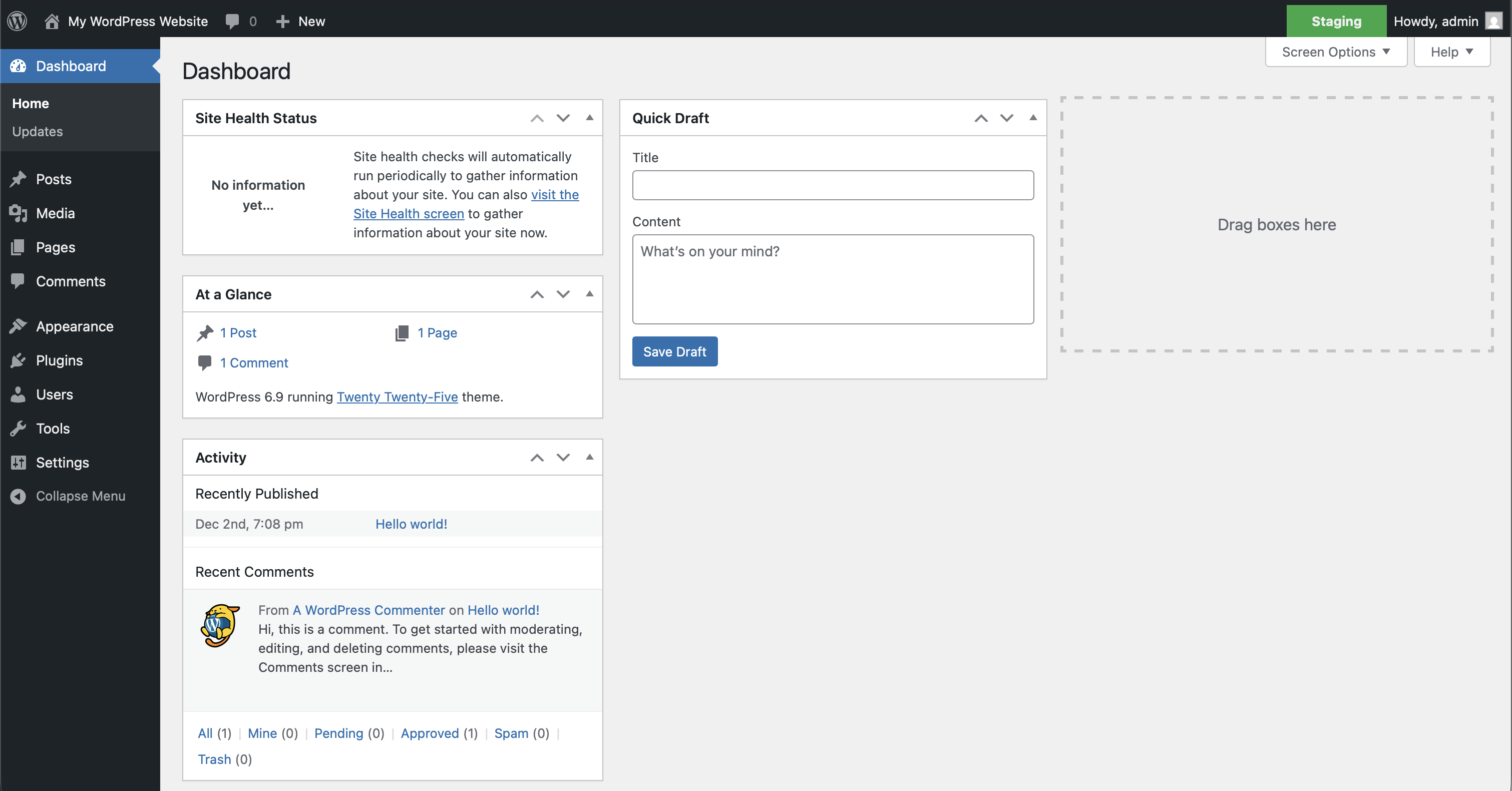
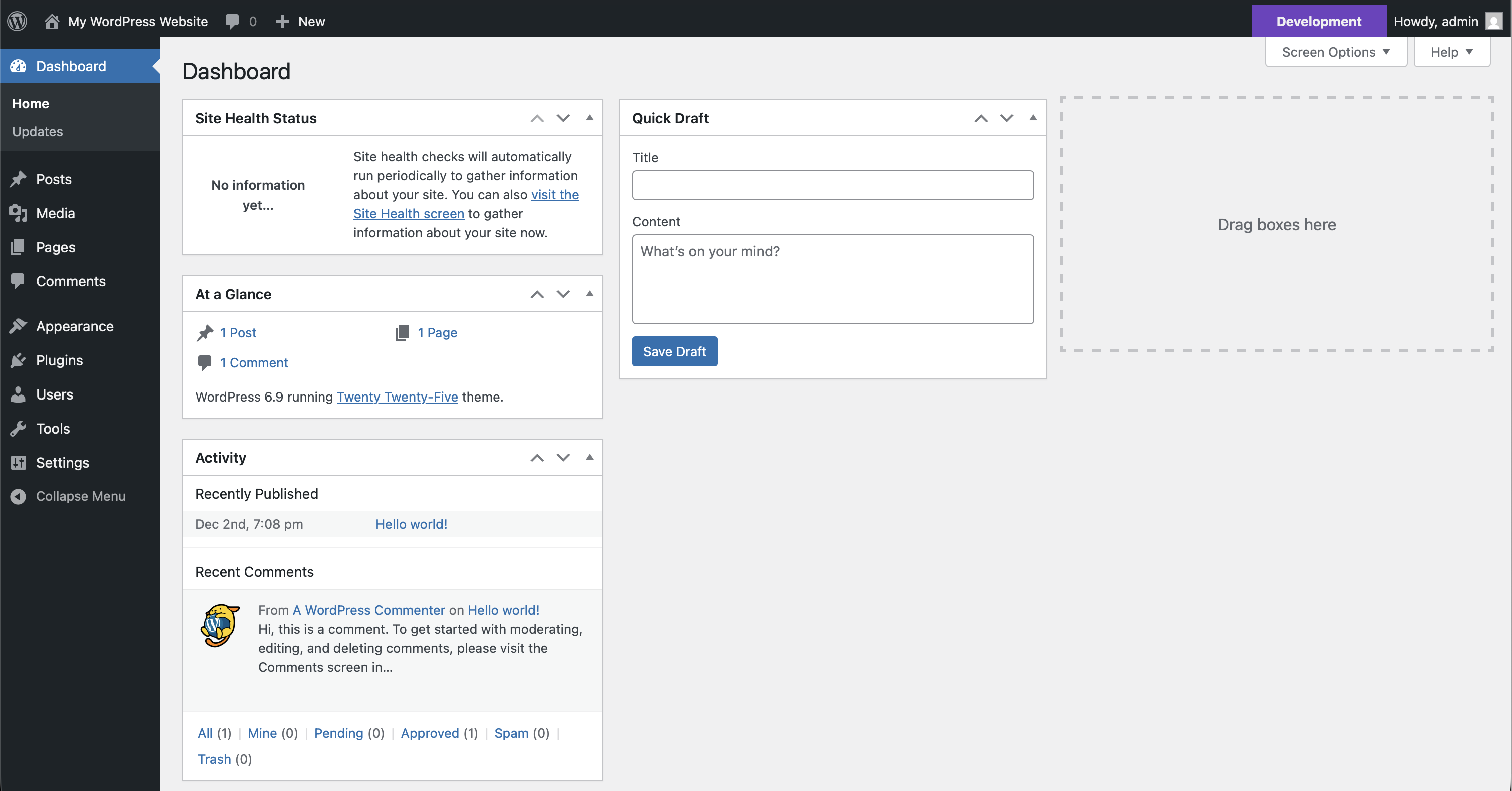
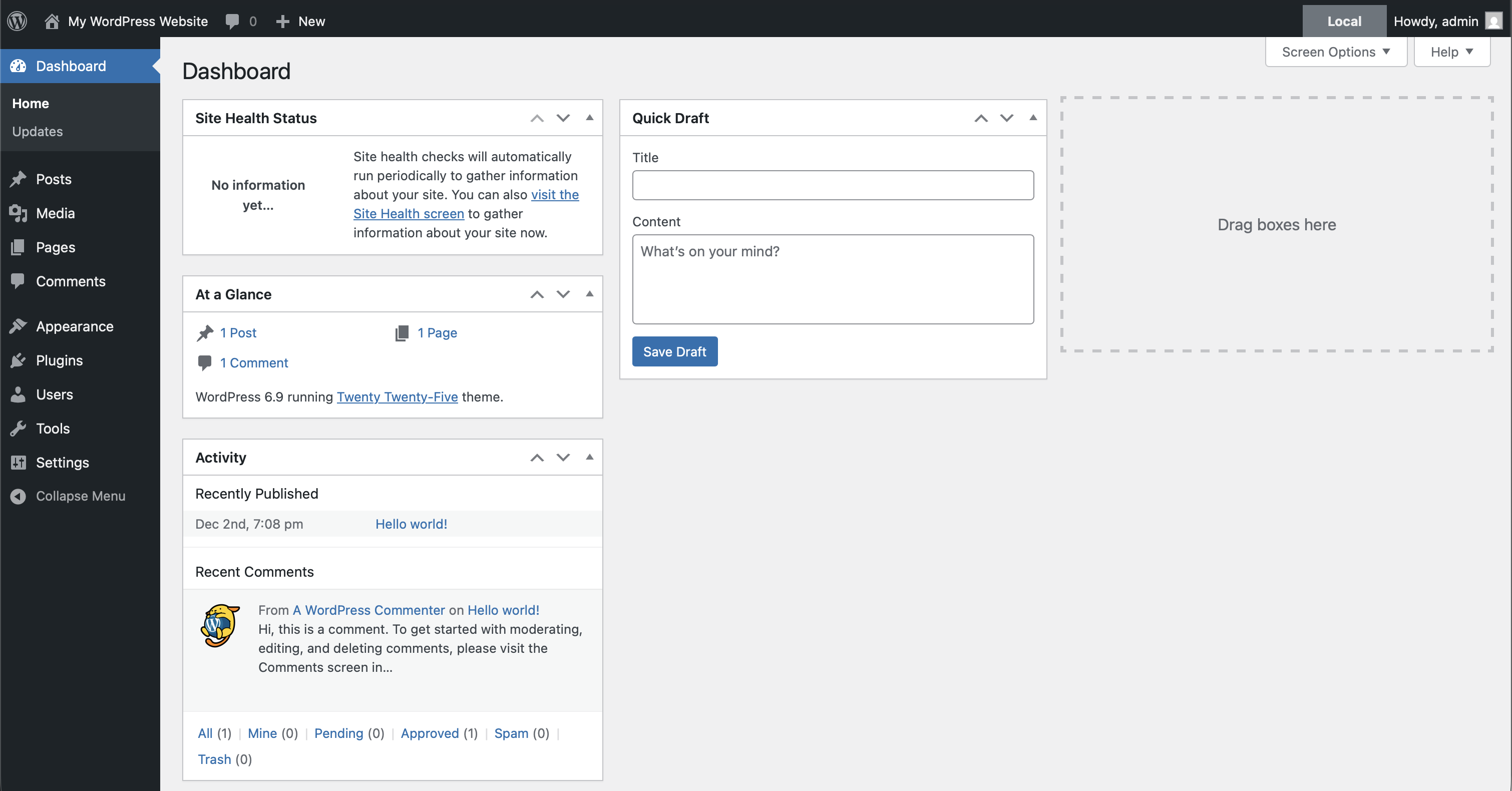
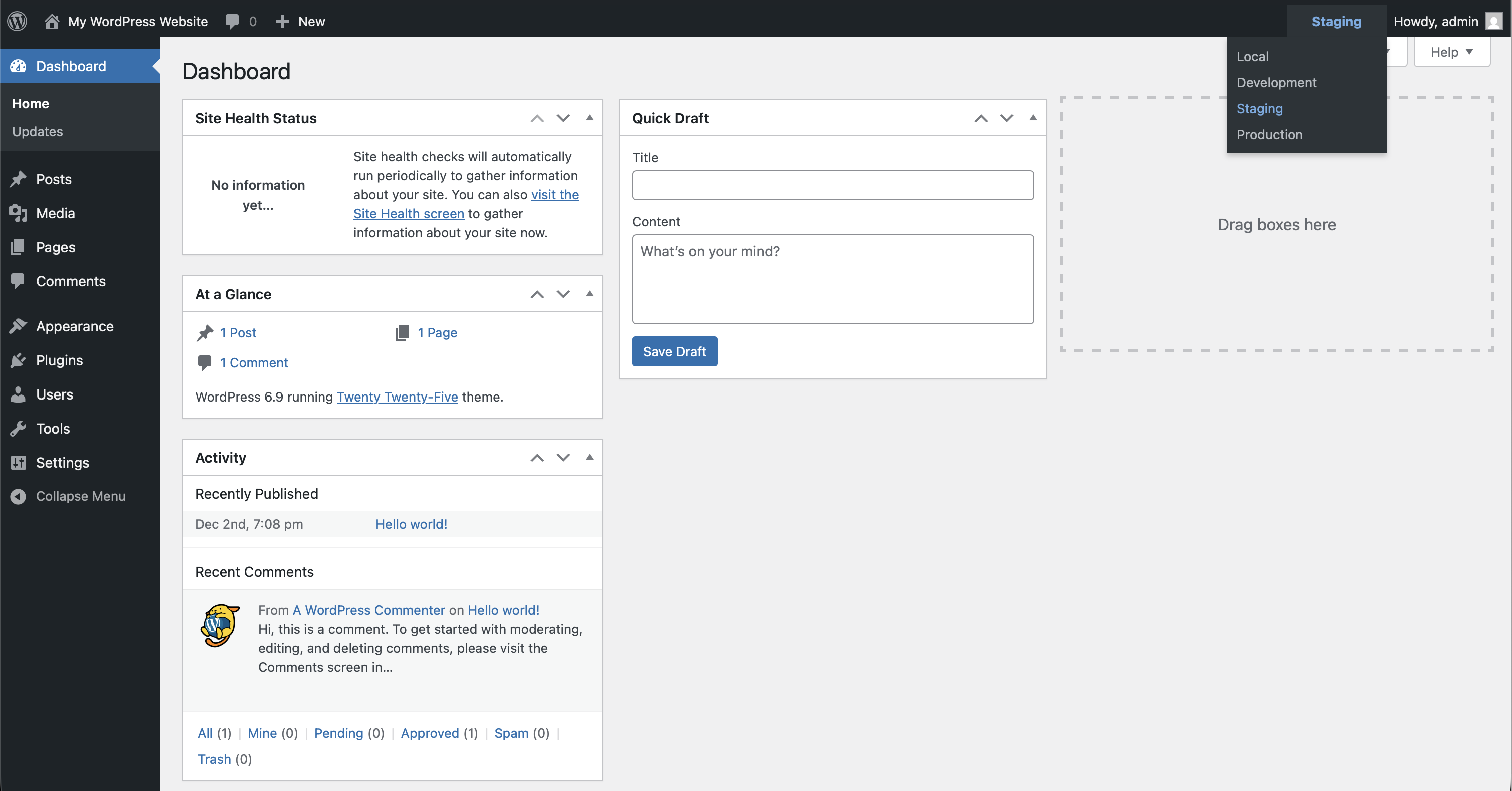
常见问题:
How do I configure which environment I'm in?
The plugin detects your environment automatically in two ways:
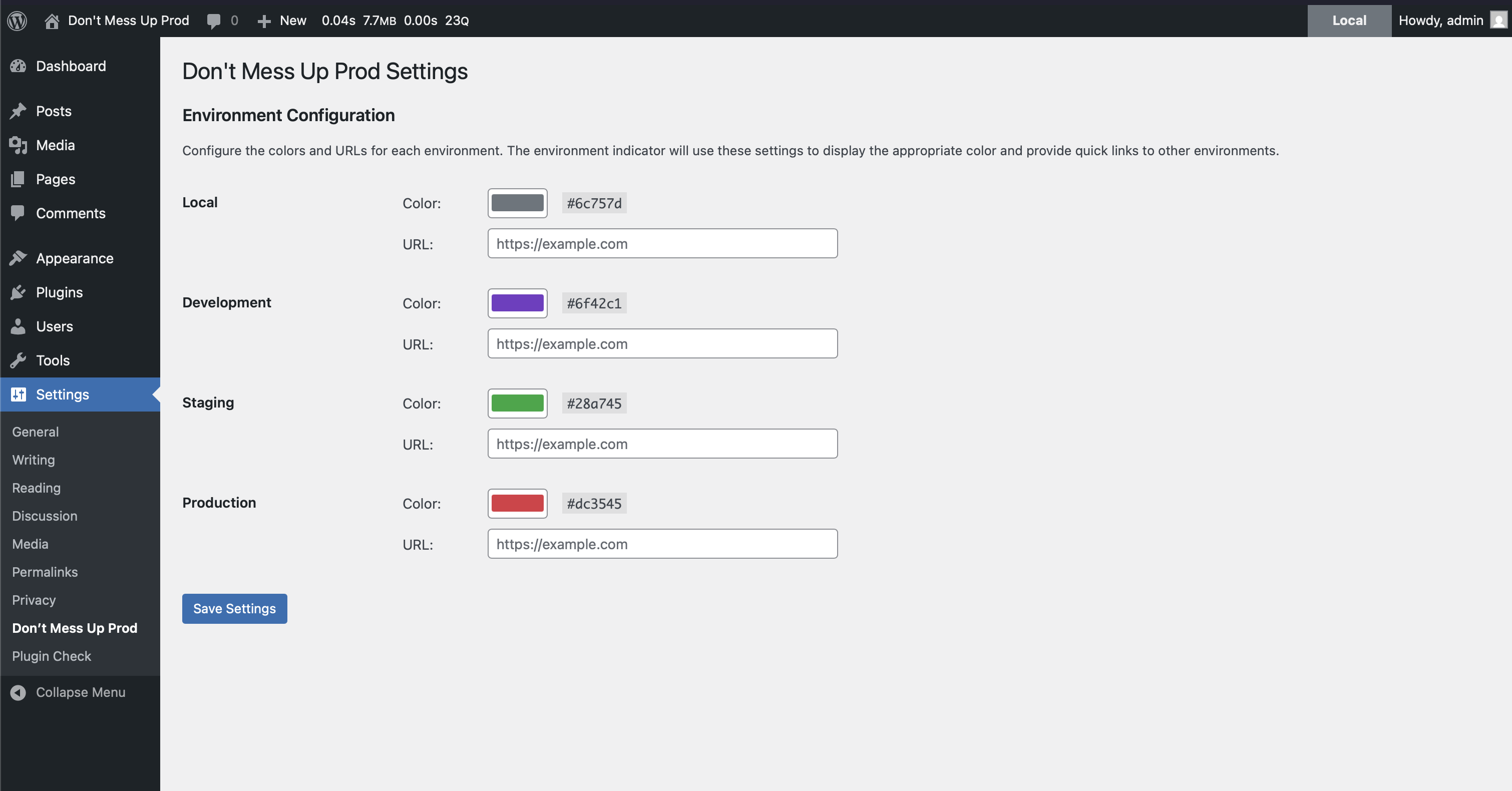
- URL Matching – Configure environment URLs in Settings → Don't Mess Up Prod, or using the
dmup_environment_urlsfilter - WP_ENVIRONMENT_TYPE – Set this constant in your
wp-config.php:
define( 'WP_ENVIRONMENT_TYPE', 'staging' );
How do I customize the colors?
Use Settings → Don't Mess Up Prod to set colors, or add a filter in your theme's functions.php or a mu-plugin:
add_filter( 'dmup_environment_colors', function( $colors ) { return [ 'local' => '#17a2b8', // blue 'development' => '#6f42c1', // purple 'staging' => '#ffc107', // yellow 'production' => '#dc3545', // red ]; } );
How do I control who can see the indicator?
By default, users with the publish_posts capability can see it. Customize this:
Role-based access:
add_filter( 'dmup_minimum_capability', function() { return 'edit_posts'; // or 'manage_options', etc. } );
Specific users only:
add_filter( 'dmup_allowed_users', function( $users ) { return array_merge( $users, [ 'johndoe', 'janedoe' ] ); } );
How do I add environment URLs for quick switching?
Configure environment URLs in Settings → Don't Mess Up Prod to show a menu with links to other environments, or use the filter:
add_filter( 'dmup_environment_urls', function() { return [ 'local' => 'http://yourproject.local', 'development' => 'https://dev.yourproject.com', 'staging' => 'https://staging.yourproject.com', 'production' => 'https://yourproject.com', ]; } );
更新日志:
- Add settings link on plugins list page
- Adding admin settings page
- Initial wordpress.org release