
DooBlockPatterns
| 开发者 |
teodw
enricdw doowebs |
|---|---|
| 更新时间 | 2026年5月23日 12:55 |
| PHP版本: | 7.4 及以上 |
| WordPress版本: | 7.0 |
| 版权: | GPLv2 or later |
| 版权网址: | 版权信息 |
详情介绍:
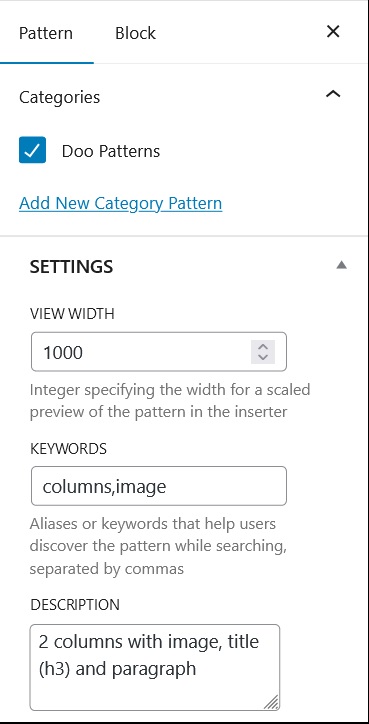
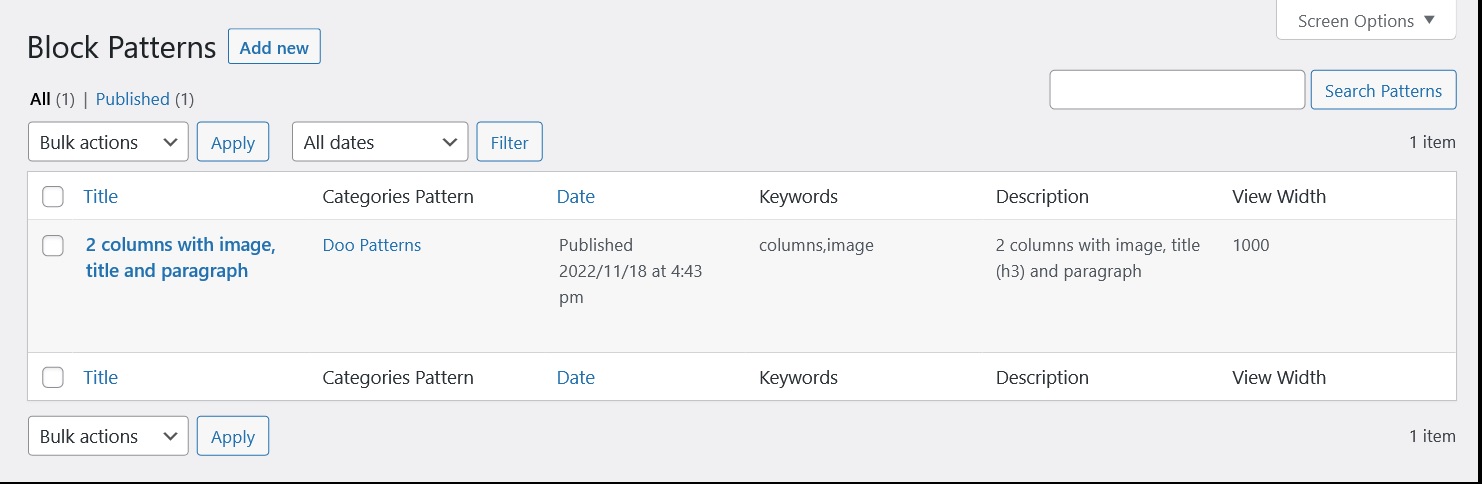
Create custom block patterns. The patterns can be designed just like you design a blog post or a page with the block editor.
You can assign any category or keywords.
安装:
From your admin dashboard,
- Select Plugins > Add New.
- From the search box, type Doo Block Pattern and then search.
- Click the install button and then activate the plugin.
屏幕截图:
常见问题:
How to make a copy of the patterns and incorporate them into another WP?
Simply, using the WP export tool, generate an XML file, which serves as a copy and can be imported into another WP.
What users/roles have the ability to create pattern blocks?
The users who can create custom block patterns in this plugin are those with the role of: administrator, editor or author.
Who can change the plugin settings (for example, delete data on uninstall)?
Only administrators (capability manage_options).
更新日志:
[1.0.0] - 2022-11-26
Initial release.
[1.1.0] - 2022-12-02
Fix a bug on remove plugin.
Improved: CPT register not public
[1.2.0] - 2022-12-03
Improved: Performance.
Added: FAQ's in readme.txt
[1.2.1] - 2022-12-16
Fixed: bug in save block pattern.
[1.2.2] - 2022-12-16
Improved: multisite.
[1.2.3] - 2023-04-07
Fixed: bug in display manage columns.
Update: readme.txt
[1.2.4] - 2023-06-03
Fixed: bug in meta box.
[1.2.5] - 2023-10-14
Tested and review WP 6.3.2
Add revisions in editor
[1.2.6] - 2024-05-09
Tested and review WP 6.5.3
Add revisions in editor
[1.2.7] - 2024-08-28
Tested and review WP 6.6.1
Add revisions in editor
[1.2.8] - 2026-05-09
Tested up to WordPress 6.9.4.
Fixed incorrect mapping between viewport width and keywords when registering patterns.
Hardened metabox saves with a nonce; restrictive plugin settings now require manage_options.
Sanitized pattern descriptions and taxonomy labels used for pattern categories.
Fixed uninstall flow (no longer loads main plugin file; taxonomy cleanup uses Core APIs; runs outside is_admin-only gate).
Settings checkbox for uninstall data now saves correctly when unchecked.
[1.3.0] - 2026-05-10
Improved internationalization: reliable loading of bundled translations (es_ES.mo), fallback to WordPress language packs, and minor Spanish string fixes in es_ES.
Updated Poedit keyword list for future string extraction.
Bundled es.mo alongside es_ES.mo for sites using the generic es locale. PO header Language set to es_ES.
[1.3.1] - 2026-05-23
Tested up to WordPress 7.0.