DPA AI Assistant
| 开发者 | digistatejp |
|---|---|
| 更新时间 | 2026年6月24日 09:34 |
| 捐献地址: | 去捐款 |
| PHP版本: | 8.0 及以上 |
| WordPress版本: | 7.0 |
| 版权: | GPLv2 or later |
| 版权网址: | 版权信息 |
详情介绍:
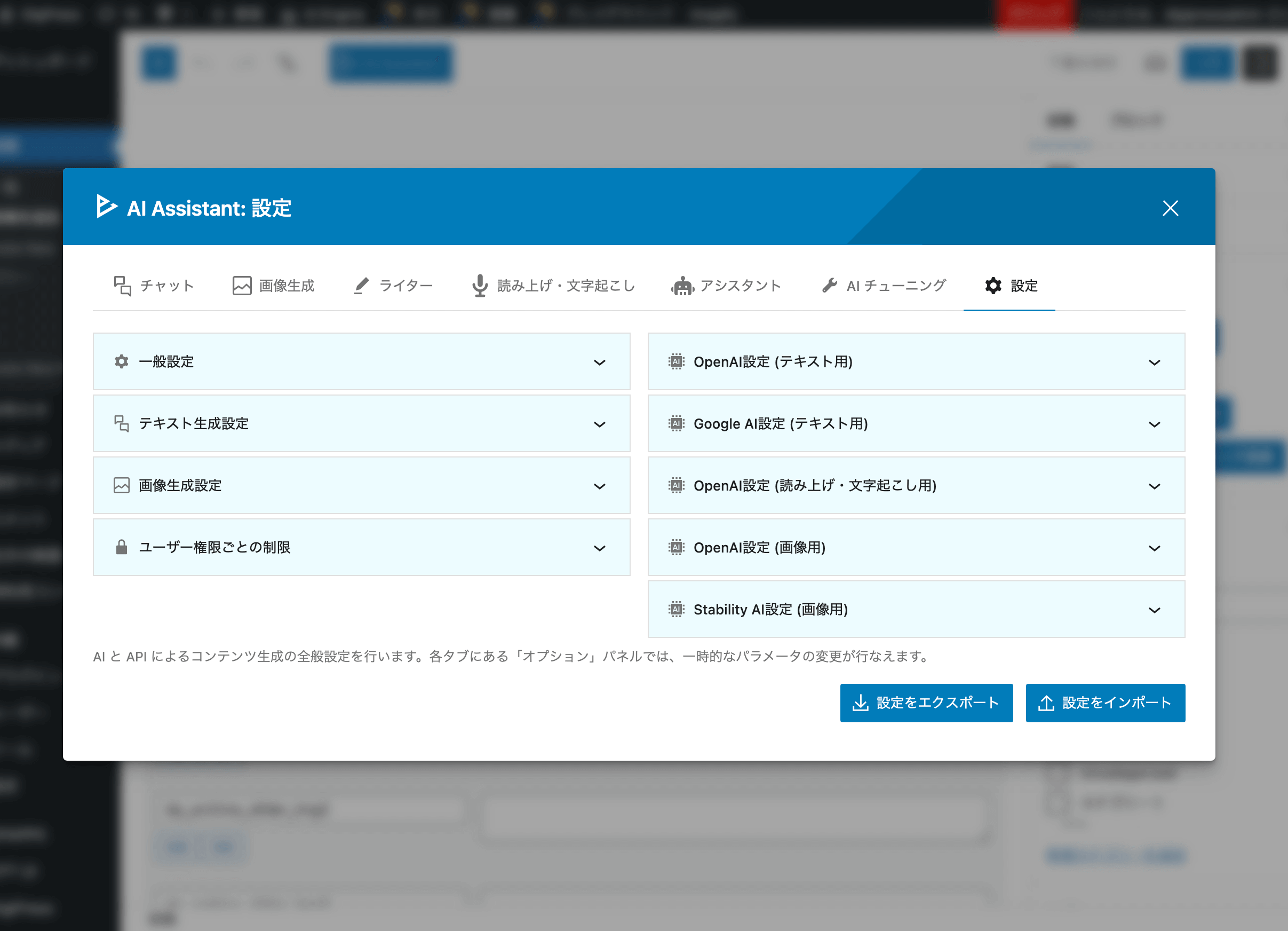
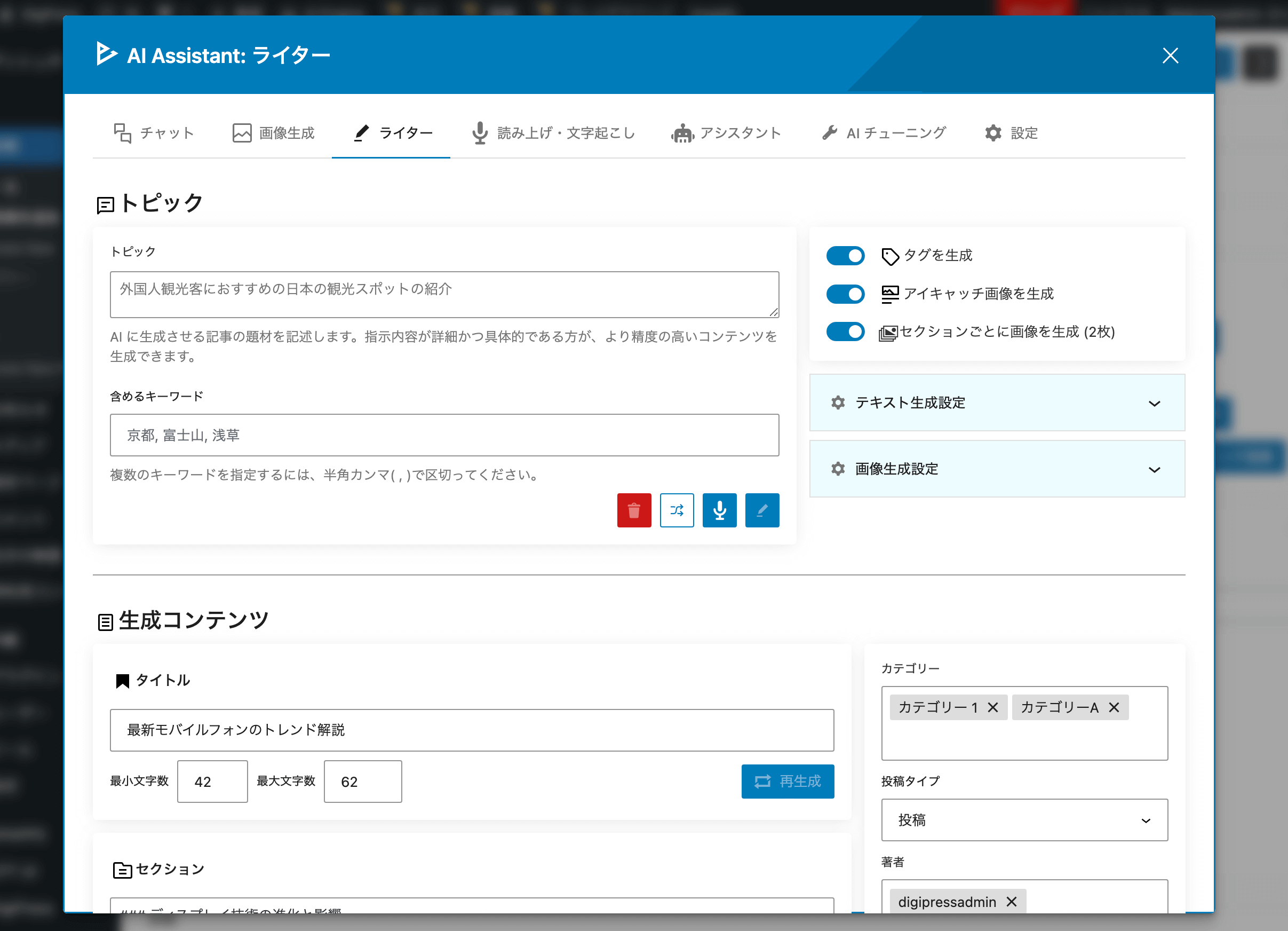
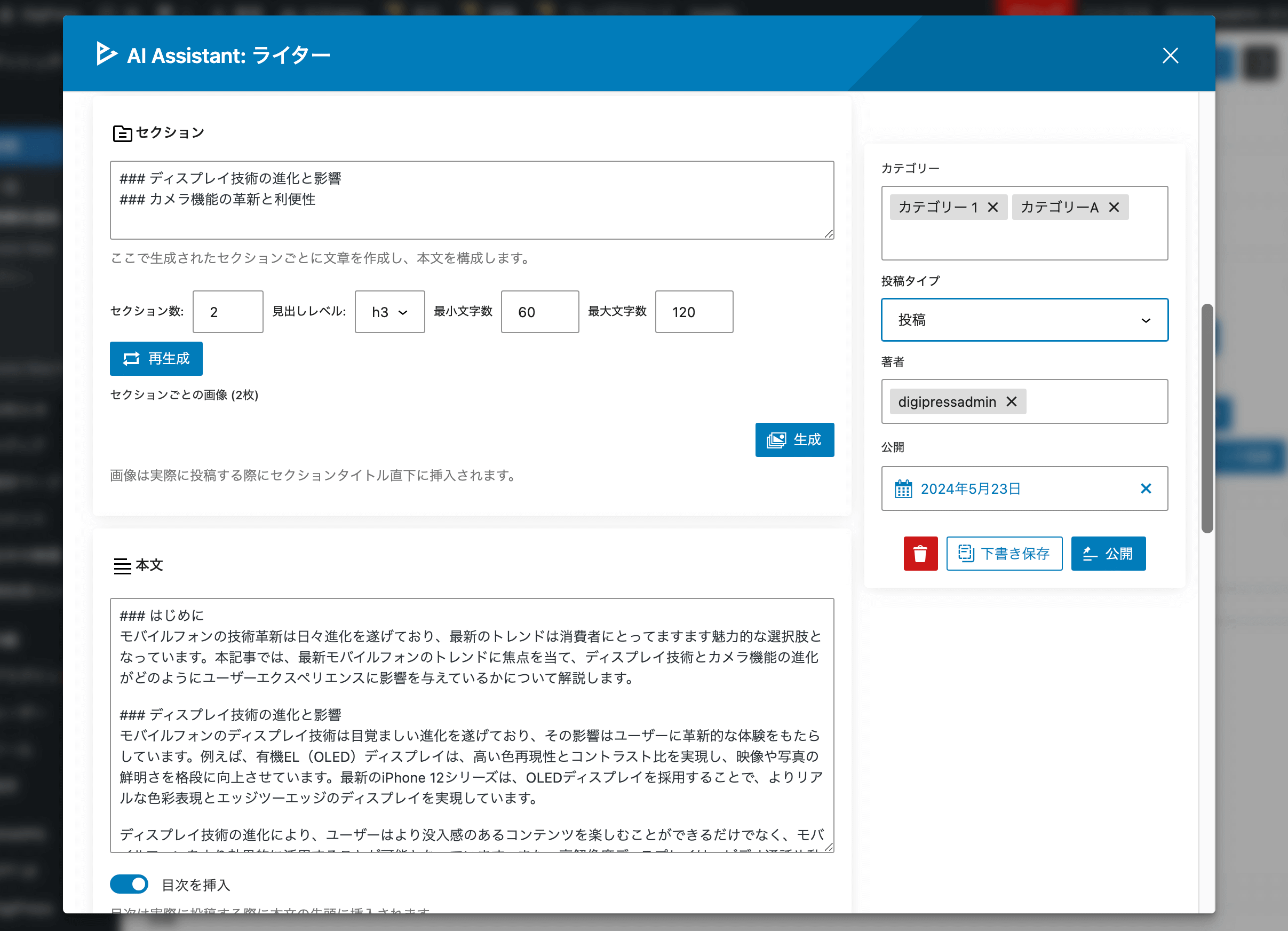
- Chat, Writer, and editor title/excerpt suggestions with GPT, Gemini, or Claude
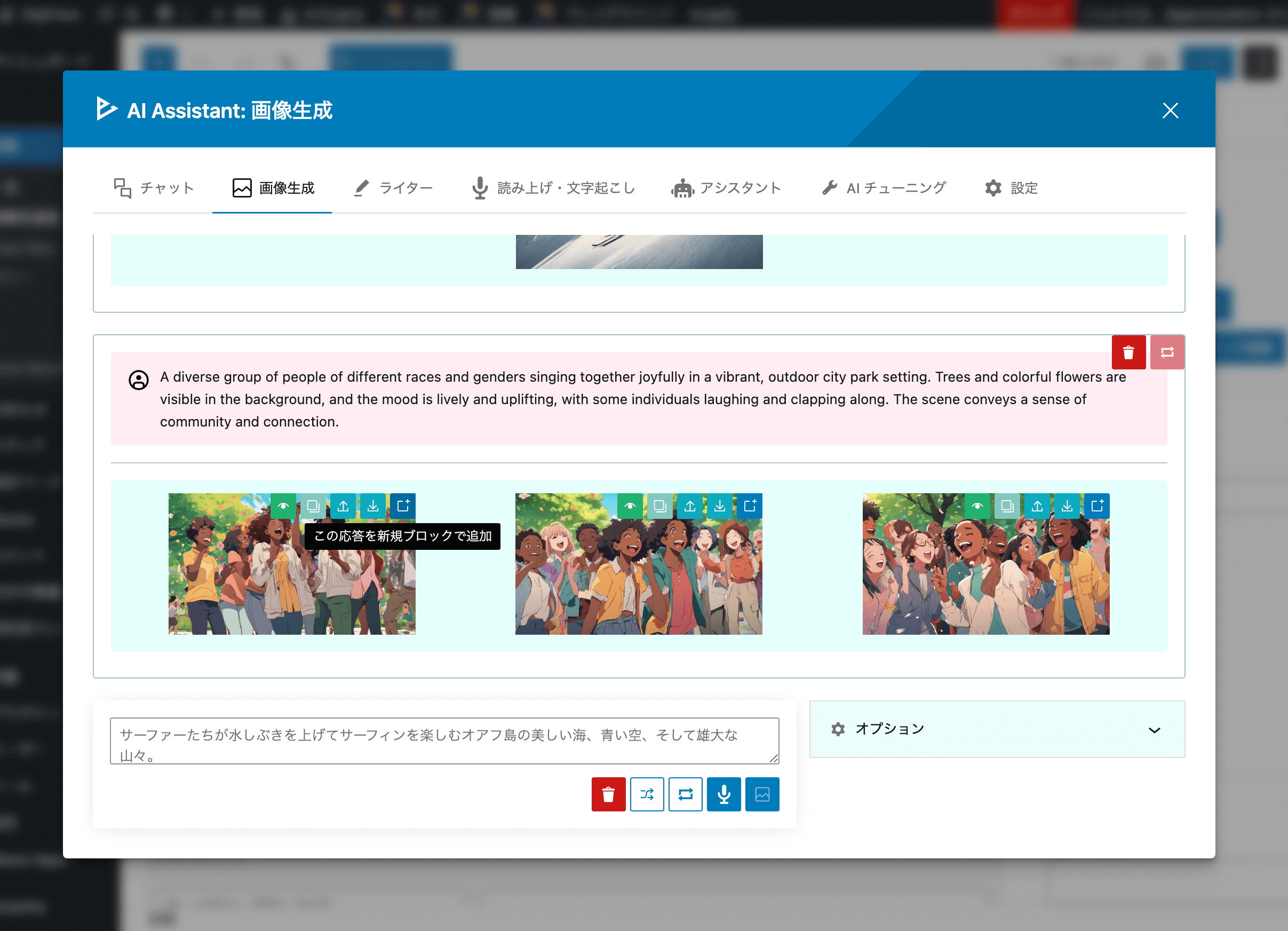
- Image generation with DALL-E, Gemini (via Connectors), or Stability AI
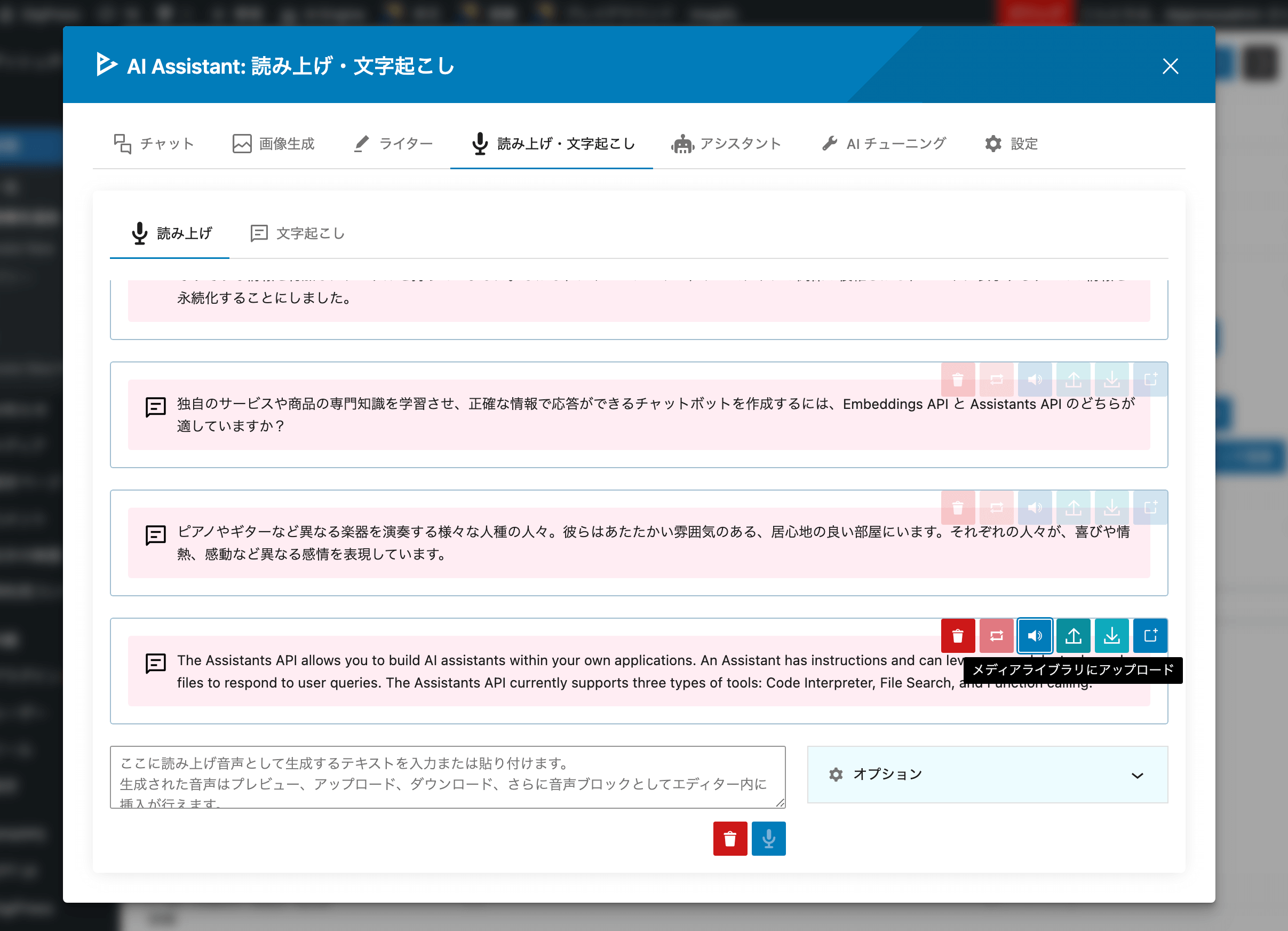
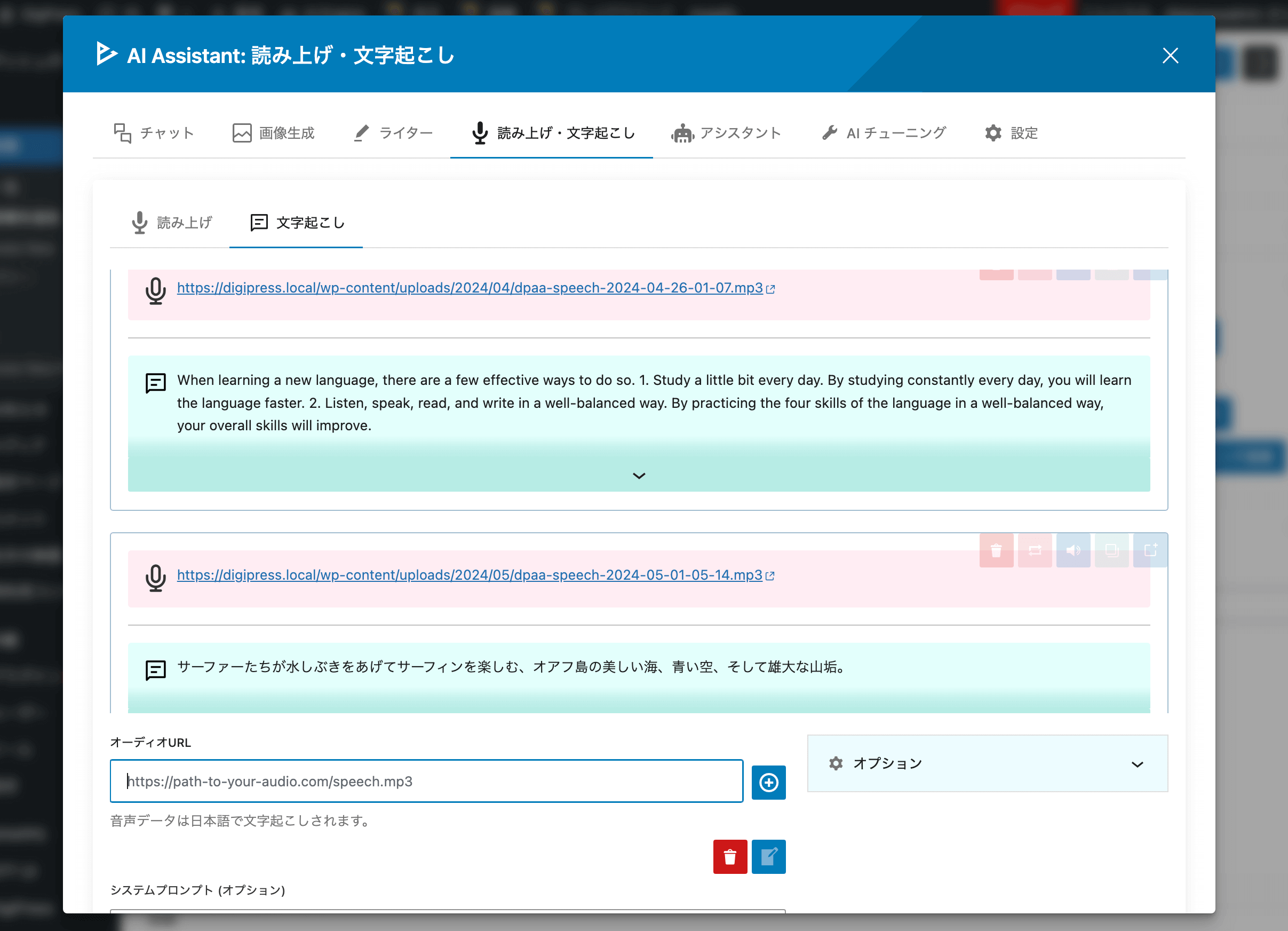
- Voice Conversion (TTS / STT) including Google speech models where Connectors support them
- Custom AI — instructions and reference files with OpenAI file search
- WordPress 7.0 AI Connectors integration (Auto, Connectors-only, or plugin API key modes)
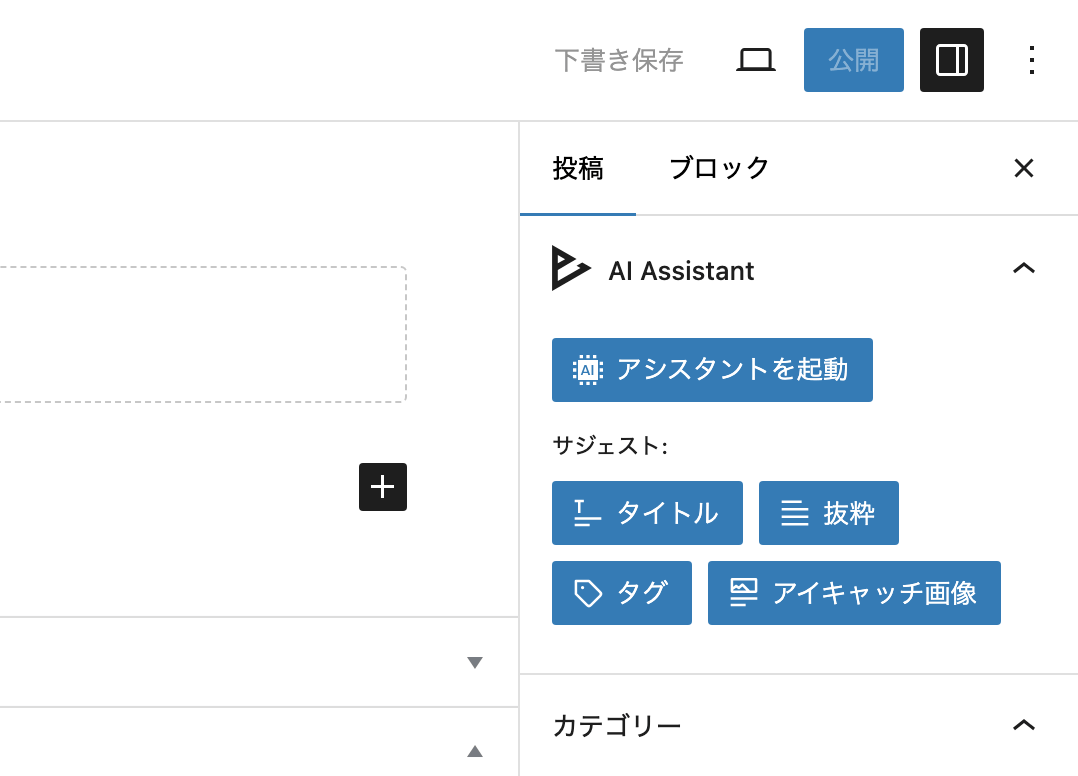
- Block editor sidebar — suggest titles and excerpts (Connectors or plugin OpenAI key)
安装:
- From the WP admin panel, click "Plugins" -> "Add new".
- In the browser input box, type "DPA AI Assistant".
- Select the "DPA AI Assistant" plugin and click "Install".
- Activate the plugin.
- Download the plugin from this page.
- Save the .zip file to a location on your computer.
- Open the WP admin panel, and click "Plugins" -> "Add new".
- Click "upload".. then browse to the .zip file downloaded from this page.
- Click "Install".. and then "Activate plugin".
屏幕截图:
常见问题:
What is the "DPA AI Assistant" plugin?
DPA AI Assistant is a WordPress plugin that connects your site to generative AI services. It helps you draft and refine content with Chat and Writer, generate images, convert speech and text, and tailor GPT responses with Custom AI — all from the block editor and the DPAPPS admin screen.
Do I need WordPress 7.0 to use this plugin?
No. The plugin works on WordPress 6.2 and later. WordPress 7.0 adds optional AI Connectors support so you can manage OpenAI, Google, and Anthropic API keys under Settings > Connectors and use them from compatible features without entering keys in the plugin.
What is AI Connectors integration?
On WordPress 7.0+, you can register API keys once under Settings > Connectors. DPA AI Assistant can use those keys for text generation (GPT, Gemini, Claude), Gemini image generation, and related features. In plugin settings, choose Auto (plugin OpenAI key first, then Connectors), Use WordPress AI Connectors, or Use plugin OpenAI API key.
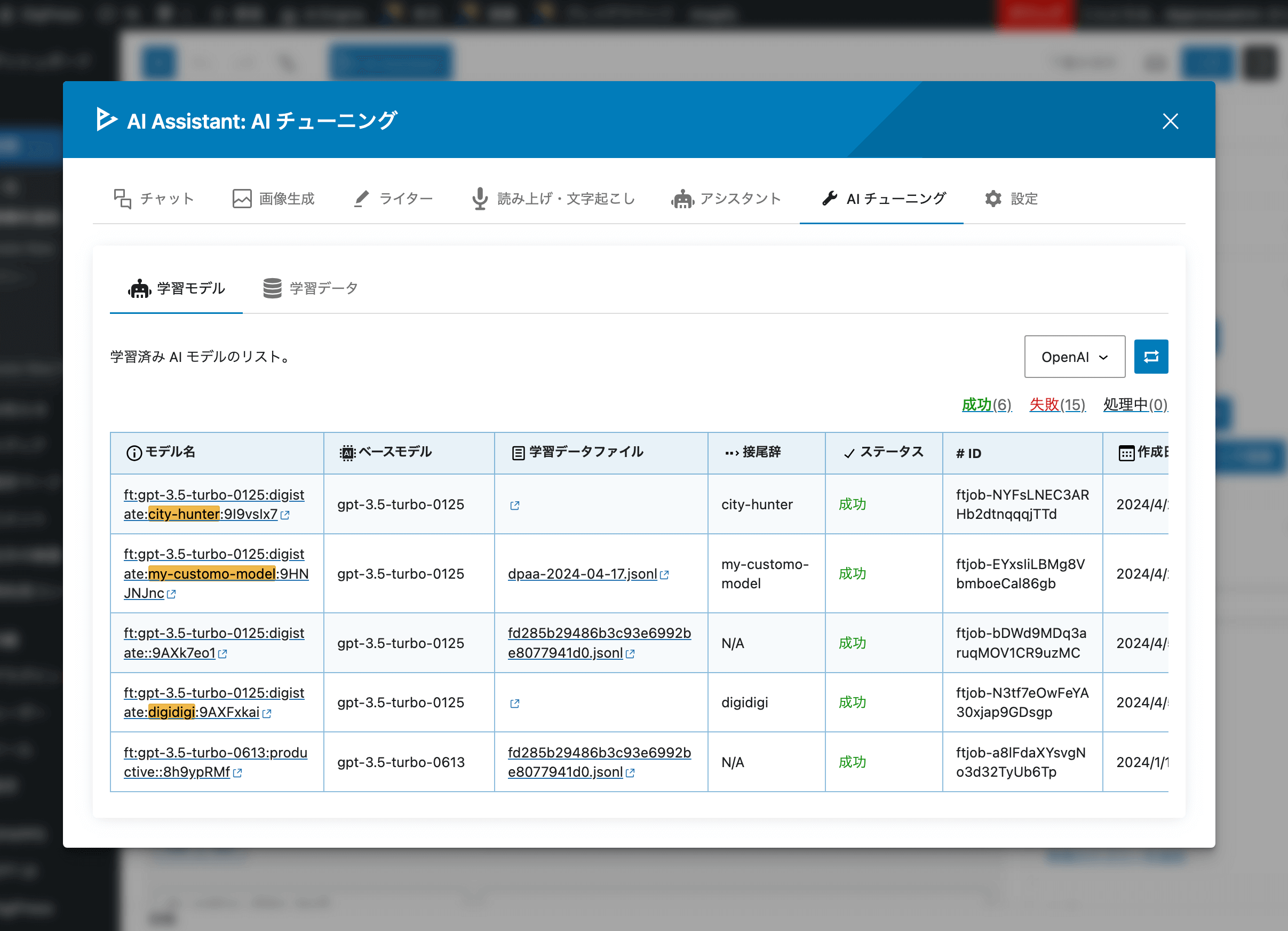
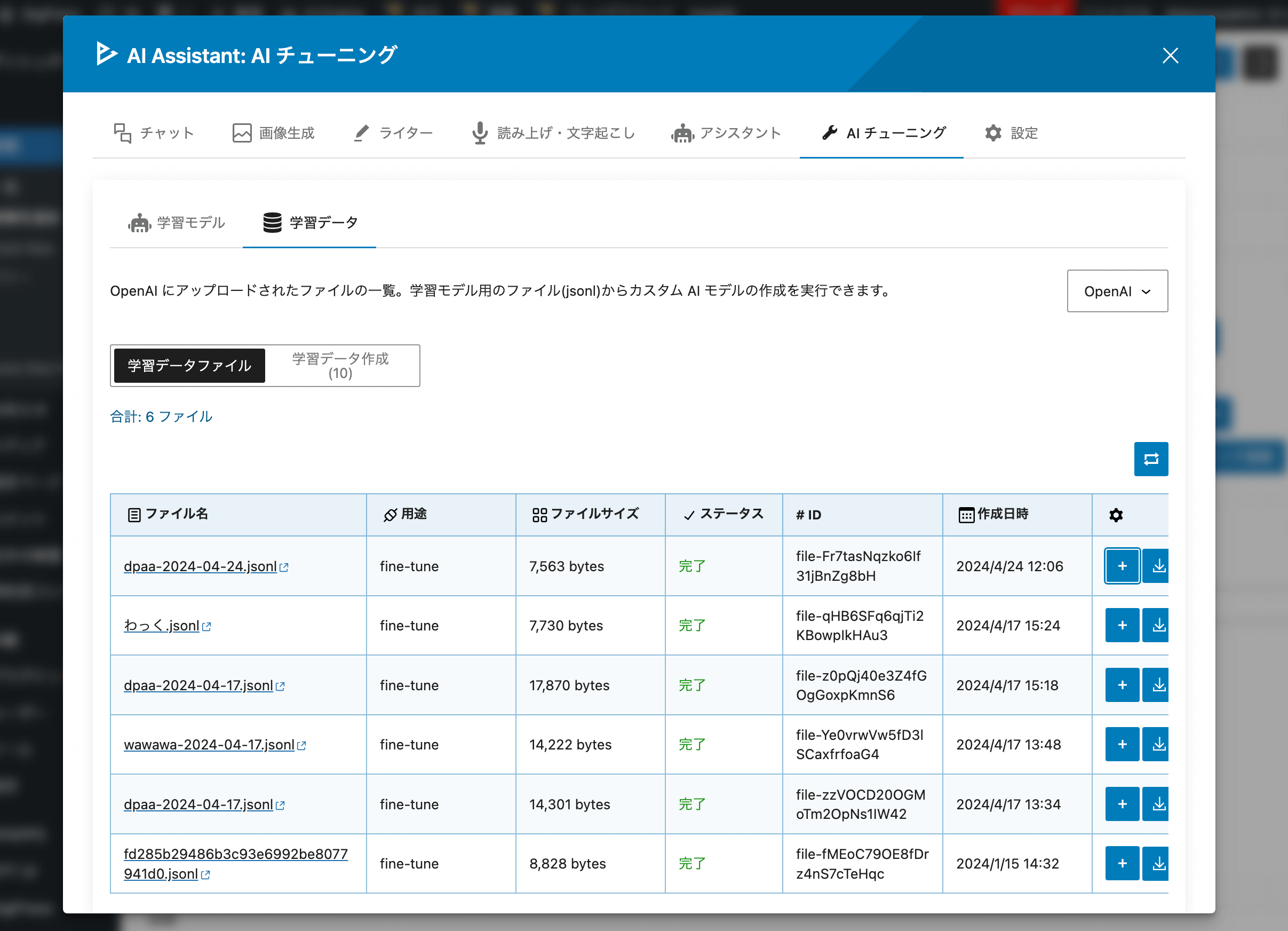
What happened to Fine-Tuning and Assistants?
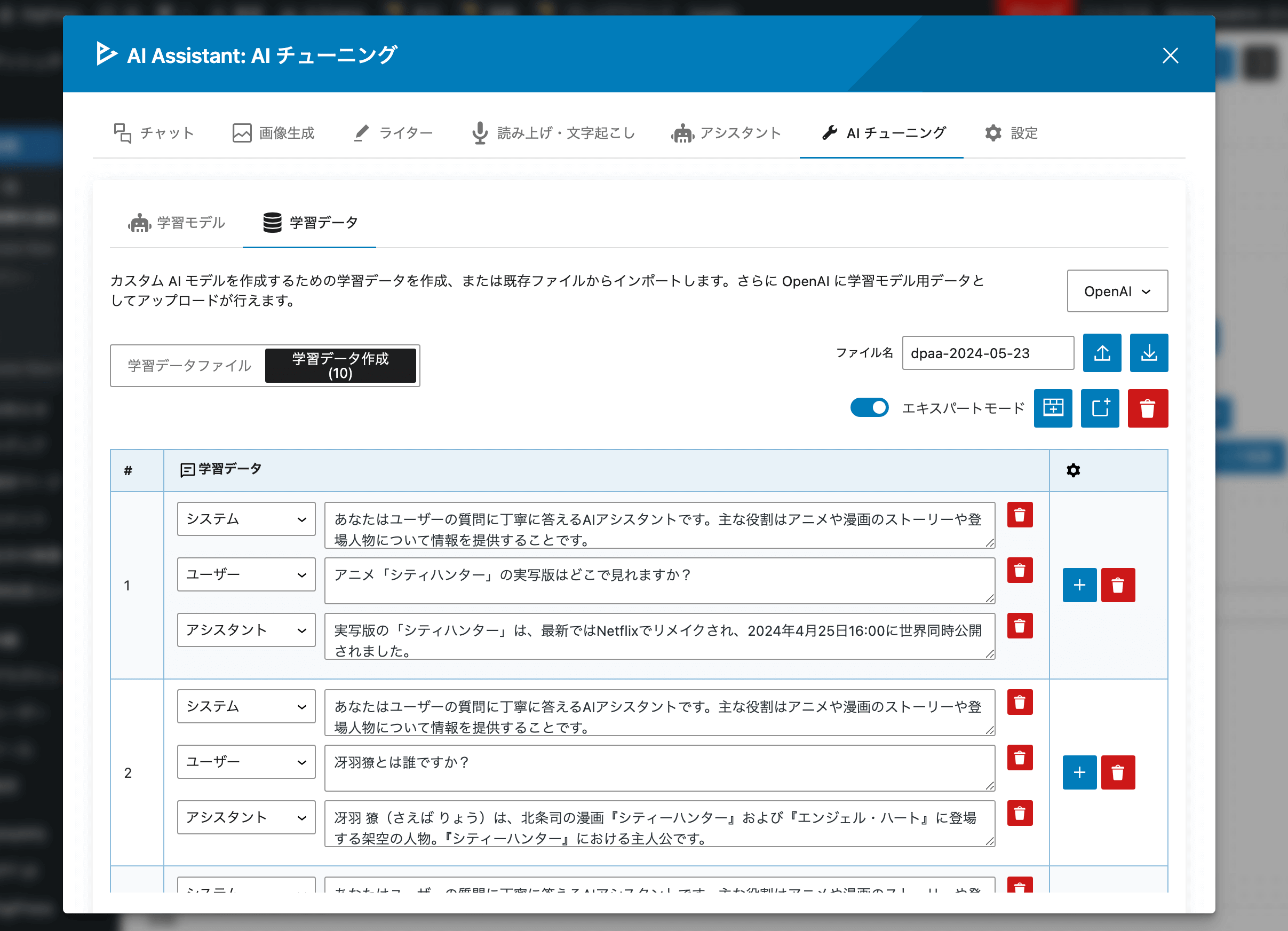
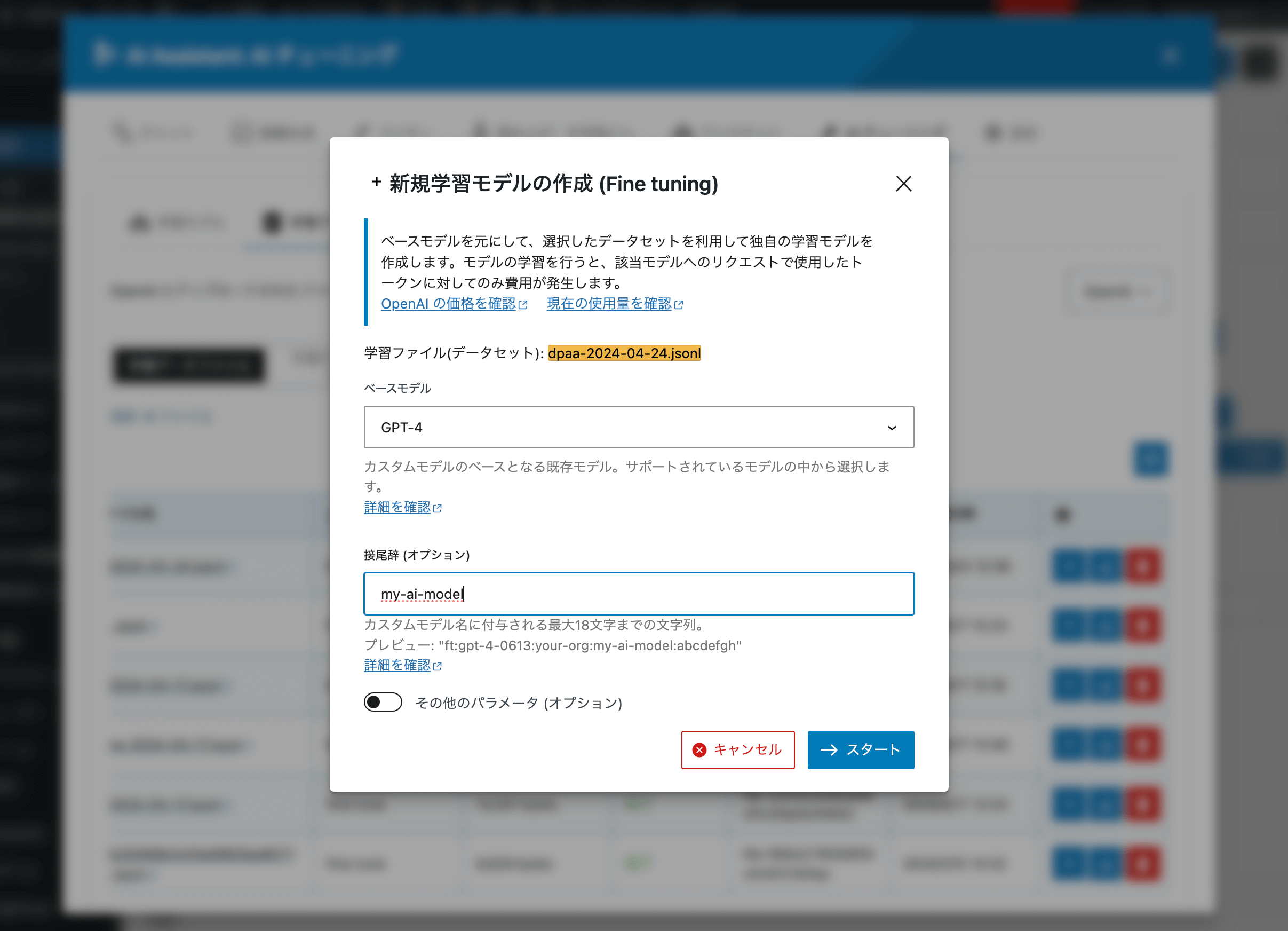
Fine-Tuning and OpenAI Assistants have been removed in version 0.4.0. They are replaced by Custom AI, which lets you add custom instructions and upload reference documents for GPT in Chat and Writer. This approach uses OpenAI file search instead of training custom models.
What is Custom AI?
Custom AI is a panel where site administrators can enable custom instructions and upload reference files (PDFs, text, and other supported formats). When enabled for Chat or Writer, GPT can use your instructions and search uploaded documents while generating answers. Custom AI and reference files require a plugin OpenAI API key; they are not available through Connectors mode alone.
Which AI providers are supported?
- OpenAI — Chat, Writer, DALL-E images, Voice Conversion, Custom AI, and editor suggestions
- Google (Gemini) — Chat and Writer text (via Connectors); Gemini images and speech (via Connectors where supported)
- Anthropic (Claude) — Chat and Writer text (via Connectors)
- Stability AI — Image generation (plugin API key in settings)
Do I still need my own API keys?
Yes. This plugin connects to third-party AI services; you are responsible for obtaining API keys and complying with each provider's terms and billing. Keys can be stored in the plugin settings and/or in WordPress Connectors (7.0+), depending on the feature and provider mode you choose.
Can I suggest titles and excerpts without an OpenAI key in the plugin?
Yes, on WordPress 7.0+ with AI Connectors configured and Connectors integration enabled in the plugin, title and excerpt suggestions in the block editor sidebar can use Connectors even if no OpenAI key is saved in the plugin.
更新日志:
- Fix: Re-uploaded version 0.4.0 because the file structure of the "includes" directory was incorrect in the version uploaded to the official WordPress directory.
- New: Added WordPress 7.0 AI Connectors integration. Text generation in Chat, Writer, and editor title/excerpt suggestions can use API keys managed under Settings > Connectors (Auto, Connectors-only, or plugin OpenAI key modes with optional fallback).
- New: Added support for Google (Gemini) and Anthropic (Claude) text models through AI Connectors, including dynamic model lists from connected providers.
- New: Added Gemini image generation via WordPress AI Client (Connectors). Google image parameters (aspect ratio, orientation, output modalities, and candidate count) are supported.
- New: Added Google speech generation settings and Text-to-Speech via Connectors where supported.
- New: Replaced Fine-Tuning with Custom AI — custom instructions plus reference file uploads (OpenAI Files and Vector Stores) for GPT in Chat and Writer, using the Responses API with file search when reference files are attached.
- New: Added speech-to-text prompt input via microphone recording in Chat, Writer, and Image Generation.
- New: Added Writer support for generating tags and featured images, including Gemini-based featured image generation when Connectors are available.
- Update: Removed the Assistants panel and related OpenAI Assistants API integration.
- Update: Removed Fine-Tuning (dataset creation, job list, and tuned model management). Existing saved initial-tab values for Fine-Tuning or Assistants open the Custom AI tab instead.
- Update: Updated Japanese translation files.
- Improved: Compatibility with WordPress 7.0.
- Improved: Editor sidebar title and excerpt suggestions now work when only WordPress AI Connectors are configured (no plugin OpenAI API key required).
- New: Added AI suggest buttons in core document settings panels (excerpt, tags, and featured image), using the same suggestion modals as the AI Assistant panel.
- New: Added a "Generate title" button that appears at the top-right of the post title field in the editor canvas when the title is focused.
- Improved: Suggest buttons in the AI Assistant panel and document settings now share consistent icons and labels.
- Fix: Fixed the post title suggest button not appearing in the block editor canvas (correct editor iframe targeting).
- Fix: Fixed suggestion modals showing
[object Object]when an API error object was passed to the error display. - Improved: Image generation log actions (upload to Media Library, download, and insert as a block) are available in the free version without a Pro upgrade prompt.
- Improved: Chat and Writer UI refresh (engine-aware logs, streaming fallback for Connectors text generation, and expanded provider settings).
- Fix: Minor UI and stability fixes.
- Update: Added GPT-5.1 and GPT-5.2 to the selectable text generation AI models.
- Update: Added GPT Image 1 mini and GPT Image 1.5 to the selectable image generation AI models.
- Update: Updated Japanese translation file.
- Improved: Compatibility with WP 6.9.
- Fix: Fixed an issue where the plugin settings panel could not be displayed due to an Undefined error.
- Fix: Minor fixed.
- Update: Updated japanese translation file.
- Fix: Fixed a JavaScript error that occurred when selecting the Speech to Text tab.
- Update: Added GPT-5 mini, GPT-5 nano and GPT-5 to text generation models.
- Update: Added "Verse" voice for GPT speech models.
- Update: Updated japanese translation file.
- Improved: Added support for direct send prompts via Enter key (chat, image generation, writer, text-to-speech).
- Improved: Compatibility with WP 6.8.2.
- Update: Added GPT-4.1 mini, GPT-4.1 nano, GPT-4o mini, GPT-4o mini Search Preview and GPT-4o Search Preview to text generation models.
- Update: Added GPT image 1 to image generation models.
- Update: Added GPT-4o mini TTS 1 to text to speech models.
- Update: Added GPT-4o mini Transcribe 1 to speech to text models.
- Update: Added support for custom instruction input in text-to-speech mode (for GPT-4o mini TTS).
- Update: Optimized the system prompt for writer mode by converting it to markdown format.
- Update: Changed to display markdown-formatted responses as HTML.
- Update: Updated japanese translation file.
- Improved: Compatibility with WP 6.8.1.
- Fix: Minor style and UI improvements.
- Update: Added o1 and o3-mini to GPT models.
- Update: Updated japanese translation file.
- Improved: Compatibility with WP 6.7.2.
- Update: Updated japanese translation file.
- Improved: Compatibility with WP 6.7.1.
- Update: Added new GPT model "o1-preview" and "o1-mini" in chat and writer function.
- Update: Updated all npm packags.
- Update: Added new text generation model "GPT-4o mini" in Chat function.
- Update: The default GPT model is changed from "GPT-3.5 Turbo" to "GPT-4o mini".
- Fix: Fixed a bug in the writer function where it was not possible to replace the intro and outro titles when selecting gpt-4o-mini.
- Fix: Removed deprecated models in Open AI from plugin's selectable AI models.
- Fix: Fixed a bug that caused values to be unable to be passed to the props spread syntax due to the change from defaultProps to default parameters.
- Fix: Removed unnecessary custom components.
- Fix: Removed
defaultProps(Deprecated in React 19). - Fix: Removed unnecessary custom components.
- Fix: Removed
defaultProps(Deprecated in React 19). - Fix: Minor fixed for the next WordPress 6.6.
- Update: Update Japanese translation file for PHP (dpa-ai-assistant-ja.po).
- Update: Update readme.txt and README.md.
- Fix: Sanitize post data sent via REST API.
- Fix: Matched the text domain to plugin slug.
- Fix: Escaping text output.