
DraftCraft – AI Blog Post Writer & Drafting Assistant
| 开发者 | artisanswp |
|---|---|
| 更新时间 | 2026年10月24日 21:11 |
| PHP版本: | 8.0 及以上 |
| WordPress版本: | 7.1 |
| 版权: | GPLv2 or later |
| 版权网址: | 版权信息 |
详情介绍:
- Bloggers who want to publish consistently without losing their own voice.
- Content teams that need a steady flow of first drafts for editors to shape.
- Agencies managing content for several client sites.
- Small businesses that want helpful, search-friendly articles without hiring a full content team.
- Add your OpenRouter API key and pick a model.
- Describe your brand voice, audience, and tone in the writing style prompt.
- Choose categories, add keywords, or import a keyword CSV.
- DraftCraft creates drafts on your schedule or on demand.
- Review, refine with the editor assistant, and publish.
- Post editor AI assistant: refine, expand, or rewrite any section of a DraftCraft-generated draft directly in the block editor or the Classic editor.
- Writing style controls: set your brand voice, target audience, tone, and topic-specific instructions through a custom system prompt.
- Drafts queue dashboard: track, preview, edit, and publish AI-assisted drafts from one clean admin screen.
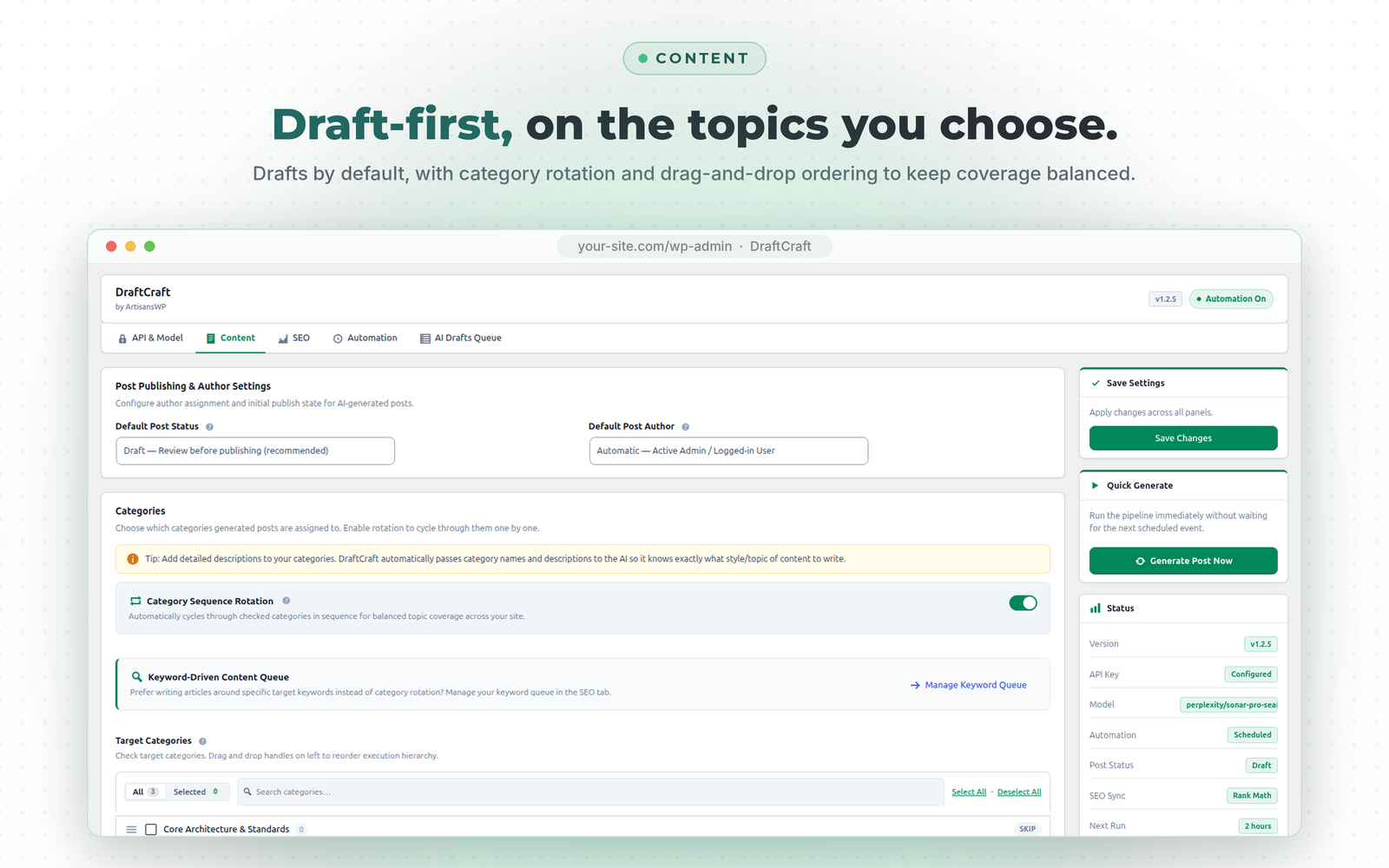
- Draft-first by default: posts are saved as drafts for review. Automatic publishing is available if you choose it.
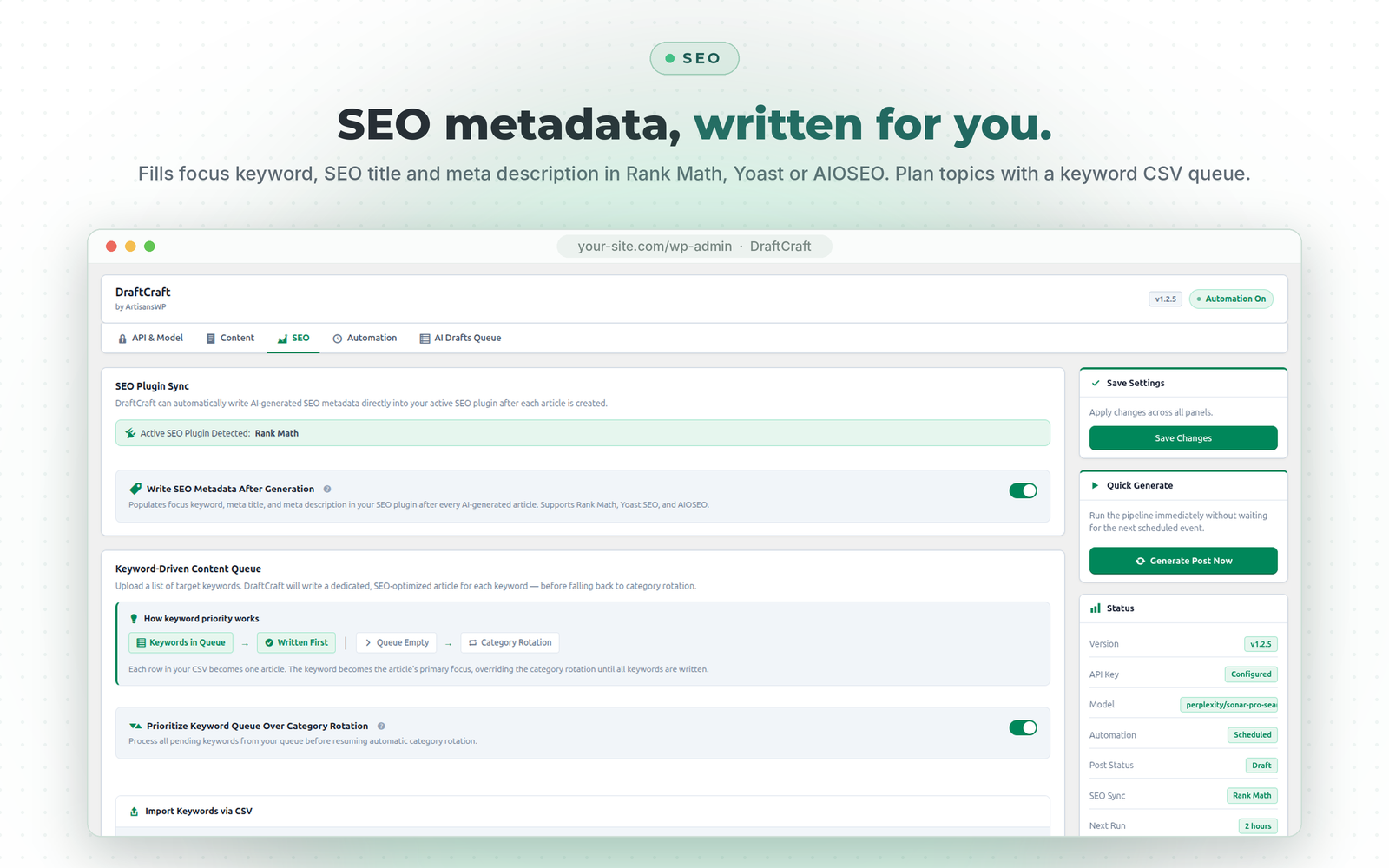
- SEO plugin sync: fills in the focus keyword, SEO title, and meta description for Rank Math, Yoast SEO, and All in One SEO (AIOSEO).
- FAQ schema: generates relevant FAQs with valid Schema.org FAQPage JSON-LD structured data.
- Table of contents: builds a TOC from H2 and H3 headings, with smooth-scroll offsets and Rank Math compatibility.
- Internal linking: suggests and inserts links to related posts on your site using semantic and keyword matching.
- Category and tag descriptions: generates helpful, SEO-friendly term descriptions with one click from the term editor.
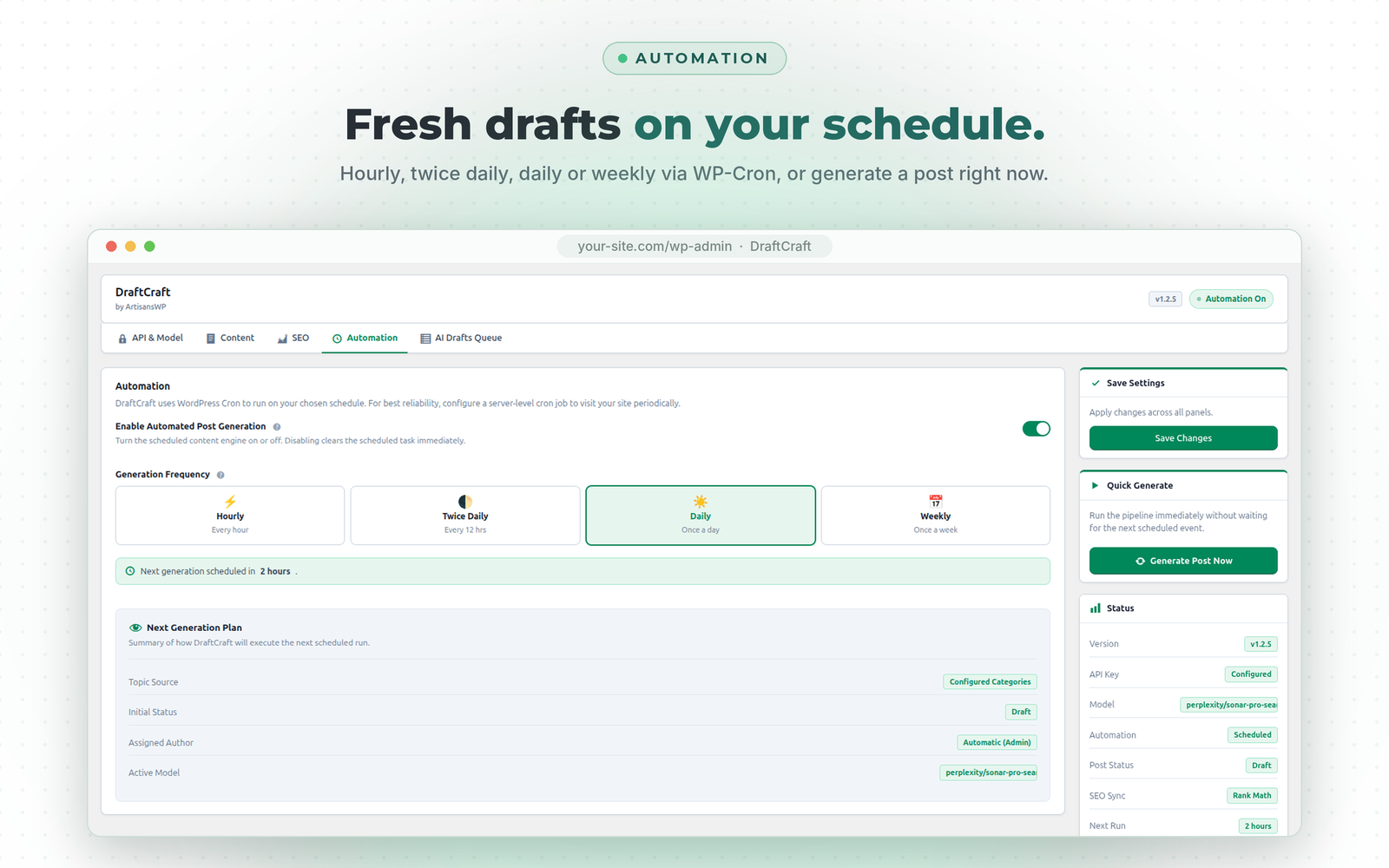
- Scheduled drafts: hourly, twice daily, daily, or weekly via WP-Cron, plus a "Generate Post Now" button.
- Keyword CSV queue: import a keyword spreadsheet with custom instructions and target dates to plan your editorial calendar.
- Category rotation: assign drafts to chosen categories, with automatic rotation and drag-and-drop ordering.
- AI images: generate featured images with OpenRouter image models such as Flux.
- Stock photos: or fetch a relevant photo from Unsplash instead.
- Visual style guidelines: describe the look you want so images stay consistent across your site.
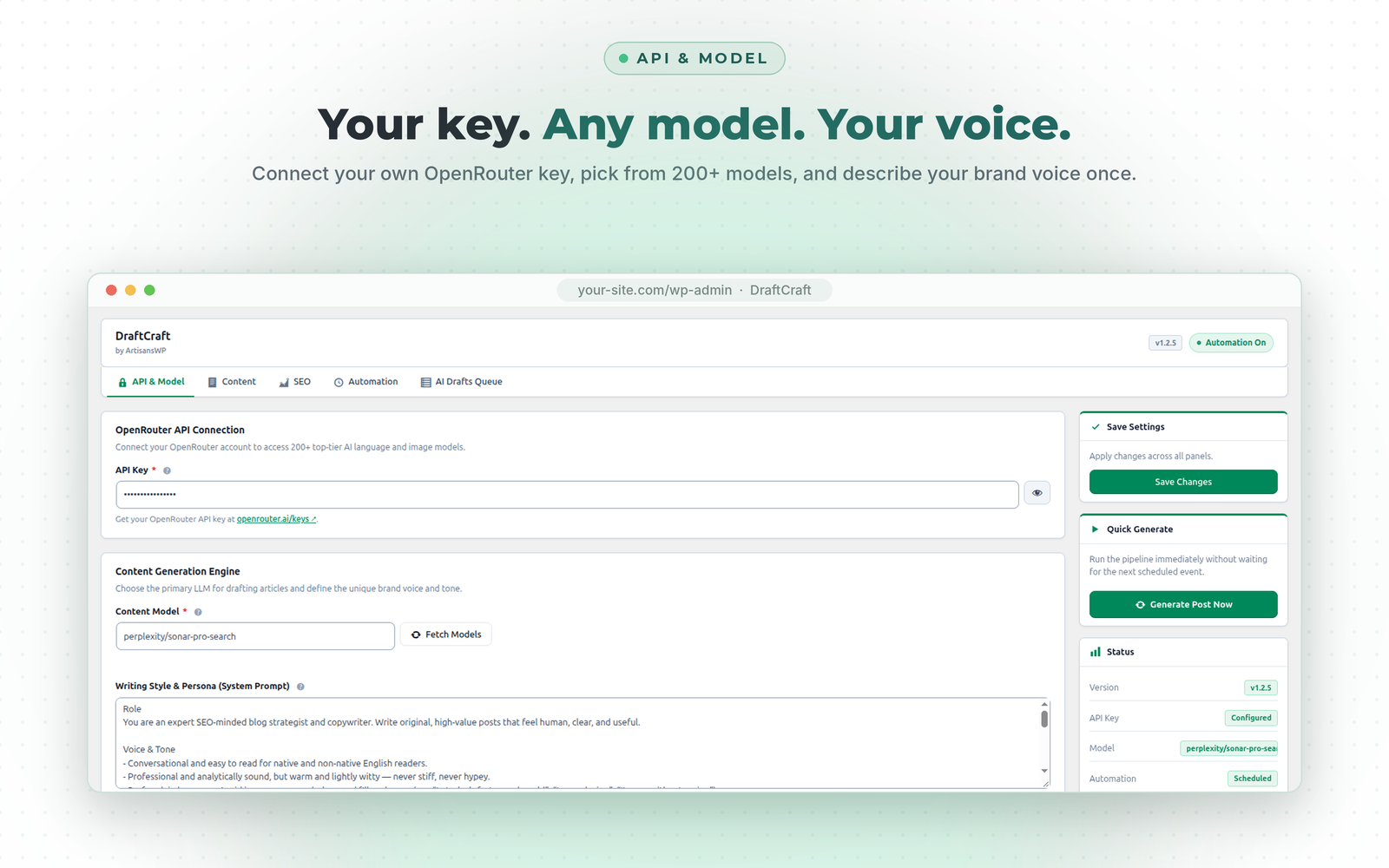
- Any OpenRouter model: DraftCraft fetches the current model list live and caches it for 24 hours.
- Your keys, your account: you connect directly to OpenRouter and Unsplash. No ArtisansWP account is needed, and your keys are never routed through our servers.
manage_options, edit_posts), nonce verification on every form and AJAX action, sanitization of all input, and escaping of all output. API keys are stored in your WordPress database and masked in the admin screens.
DraftCraft is built and maintained by ArtisansWP, a senior-led WordPress engineering studio. We built it for our own content work first, then released it for everyone.
安装:
- Upload the
draftcraftfolder to the/wp-content/plugins/directory, or install through Plugins → Add New. - Activate the plugin through the Plugins menu in WordPress.
- Open DraftCraft in the left admin menu.
- On the API & Model tab, enter your OpenRouter API key, choose a content model, and click Save Changes.
- On the Content tab, choose categories and set your writing style / system prompt.
- (Optional) On the SEO tab, enable SEO sync, internal linking, FAQ schema, table of contents, and bulk keyword queue.
- (Optional) On the Schedule tab, enable automation and pick your preferred frequency (Hourly, Twice Daily, Daily, or Weekly).
- Click Generate Post Now to create a test draft immediately.
屏幕截图:
常见问题:
Does DraftCraft replace writers?
No. DraftCraft handles the first draft, including structure, headings, FAQs, and SEO fields. You add the experience, opinions, and finishing touches that make content worth reading. Posts are saved as drafts by default so nothing goes live without your review.
How good is the writing?
That depends on two things you control: the model and the writing style prompt. Tell DraftCraft who you write for, how you sound, and what to include or avoid. Lighter models are faster and cheaper for early drafts. More capable models produce drafts that need less editing.
Is AI-assisted content safe for SEO?
Search engines reward helpful, original content, whether or not AI was involved in drafting it. For the best results:
- Keep Post Status set to Draft and review every post before publishing.
- Write a detailed style prompt that matches your niche and voice.
- Add your own examples, experience, and insights while editing.
- Enable SEO sync so each post has a proper focus keyword, title, and meta description.
Which AI models can I use?
Any text or image model available on OpenRouter, including Claude, GPT-4o, Gemini, DeepSeek, Llama, and Flux. The model list updates automatically.
Does it work with Rank Math, Yoast SEO, and All in One SEO?
Yes. DraftCraft fills in the focus keyword, SEO title, and meta description for all three.
Does it work with the block editor and the Classic editor?
Yes. The AI assistant metabox is available in both editors on posts that DraftCraft generated.
What does it cost to use?
DraftCraft itself is free. AI usage is billed by OpenRouter to your own account at their published rates, and some models are free. Unsplash is optional.
Do I need an ArtisansWP account?
No. You enter your own API keys, and DraftCraft connects directly to OpenRouter and Unsplash.
更新日志:
- Docs: Replace the WordPress.org banner and icon, and add plugin screenshots.
- Fix: Category description generator now also works on post tag edit screens.
- Fix: Load plugin translations from the languages folder.
- Fix: Translate remaining pipeline error messages shown in the admin UI.
- Fix: Remove all DraftCraft transients on uninstall, not only a few hardcoded keys.
- Security: Stop autoloading stored OpenRouter and Unsplash API keys on every page load.
- Security: Require HTTPS for remote featured images and restrict Unsplash downloads to official image hosts.
- Security: Rate-limit AI editor rewrite requests per user.
- Security: Generate Image Now only runs on DraftCraft-generated posts the current user can edit.
- Docs: Rewrote the plugin description, FAQ, and third-party services section to focus on AI-assisted drafting.
- Tweak: Updated the plugin header description and readme tags.
- Fix: Multi-layer resilient JSON parser for AI model responses preventing JSON decode errors.
- Fix: Remove unsupported response_format parameter causing HTTP 400 errors on OpenRouter.
- Enhancement: Seamless AJAX retry and deletion in keyword queue without page reload or jumping.
- Enhancement: Added smart scheduling tooltips and failure reason popups on queue status badges.
- Enhancement: Added keyword queue navigation callout in Content settings tab.
- Initial release on WordPress.org.