
DraftForge – AI Draft Poster
| 开发者 | muryam |
|---|---|
| 更新时间 | 2026年7月5日 10:58 |
| PHP版本: | 7.4 及以上 |
| WordPress版本: | 7.0 |
| 版权: | GPLv2 or later |
| 版权网址: | 版权信息 |
详情介绍:
- Generates a ~600 word draft post from a topic you type.
- Creates the categories it suggests (and assigns tags).
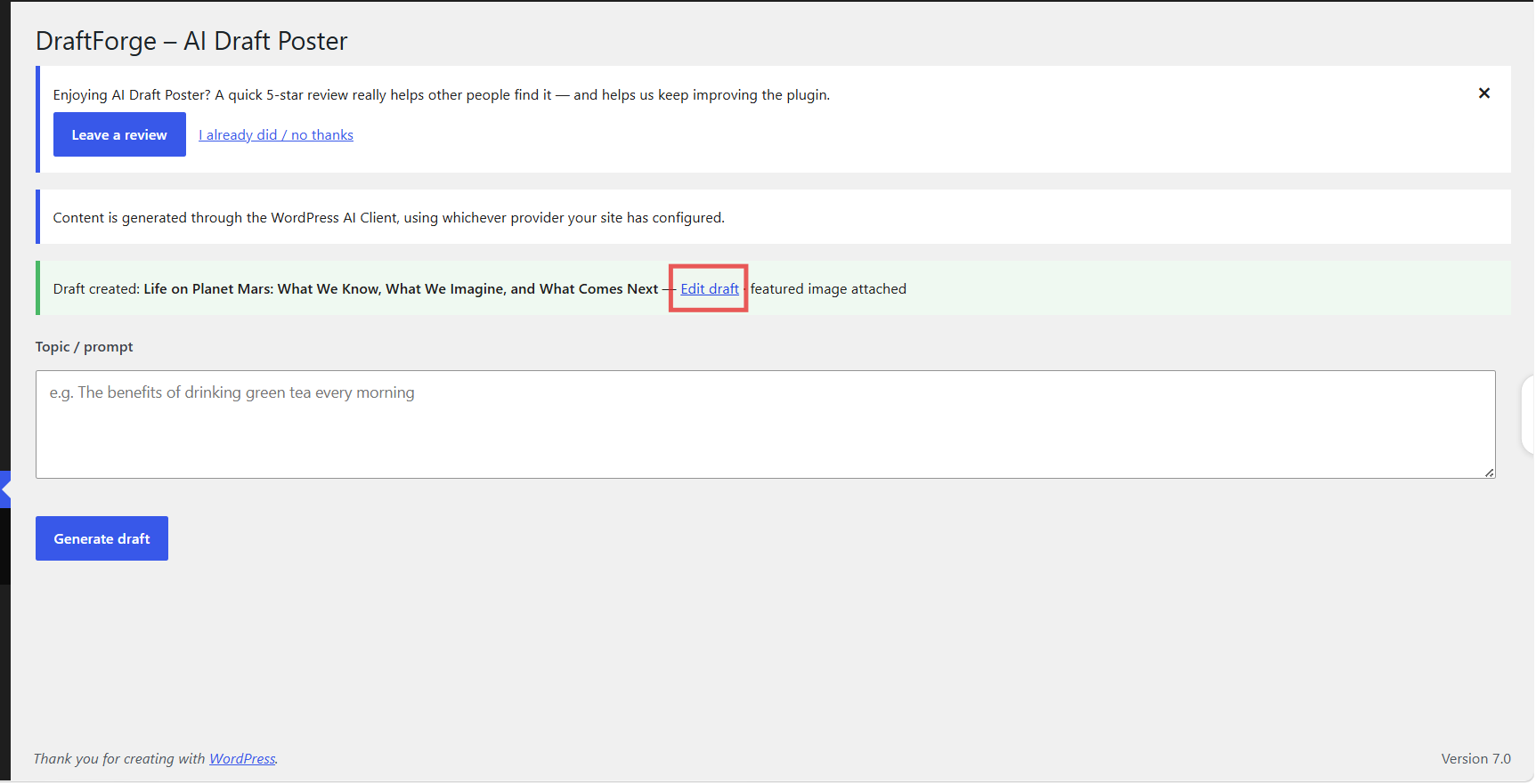
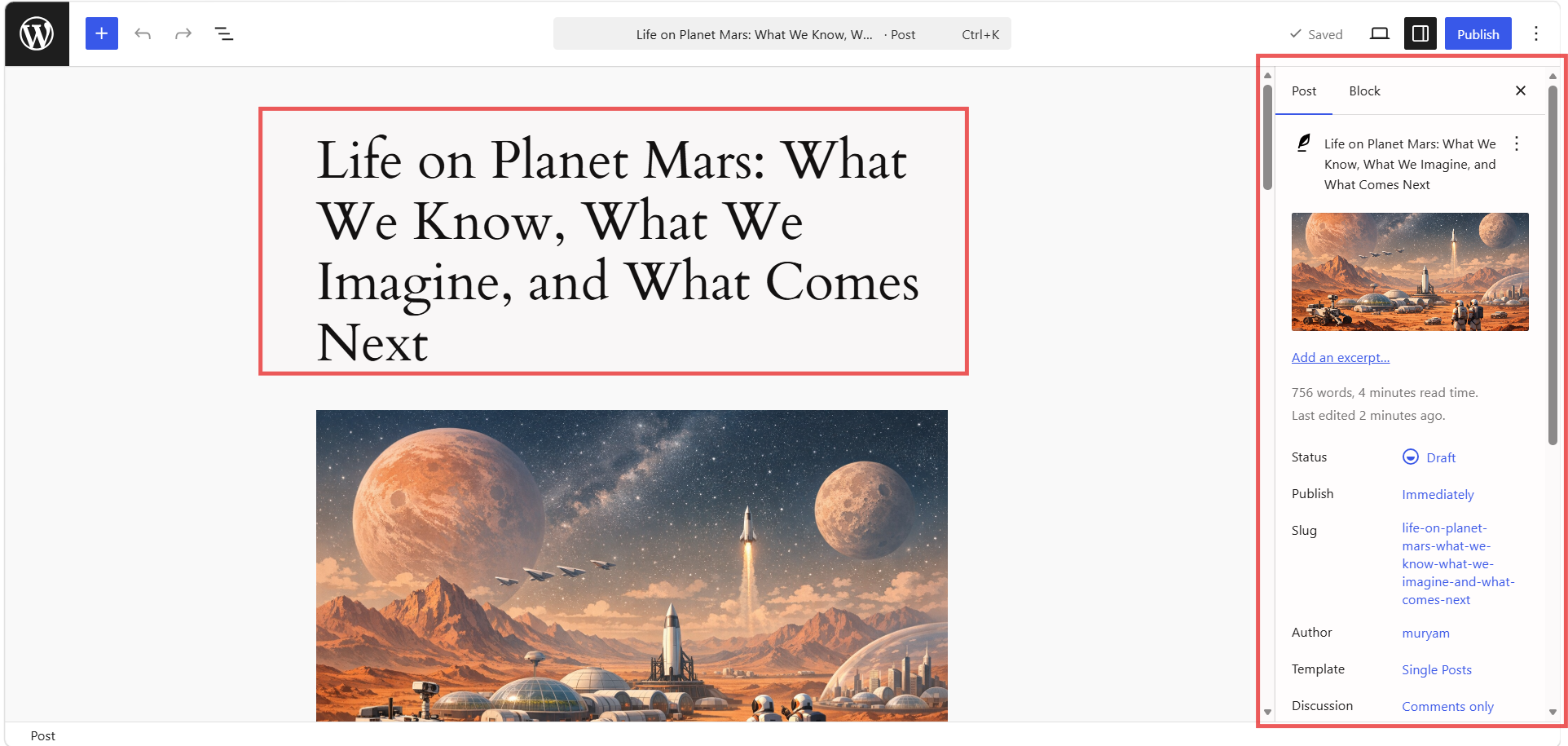
- Saves the post as a draft so you always review before publishing.
- Adds a featured image (when your configured provider supports image generation) and embeds it at the top of the post body.
- Posts are always created as drafts.
- The only credential the plugin stores is the optional OpenAI key you enter on the Settings page for the direct image fallback — and only if you choose to use it.
安装:
- Upload the
draftforge-ai-draft-posterfolder to/wp-content/plugins/, or install the ZIP via Plugins → Add New → Upload. - Activate the plugin.
- Make sure you are running WordPress 7.0+ and have configured an AI provider for the WordPress AI Client.
- (Optional) If the AI Client has no image model on your site, go to AI Draft Poster → Settings, add your OpenAI key, and pick the image model your key supports for the direct image fallback.
- Open AI Draft Poster, enter a topic, and click Generate draft.
屏幕截图:
常见问题:
Is this an AI content generator for WordPress?
Yes. It generates a full blog post draft — title, body, categories, tags, and a featured image — from a single topic, through the WordPress AI Client.
Do I need an API key?
Usually no — DraftForge uses the WordPress AI Client, so you configure your AI provider once at the site level. You only need to enter an OpenAI key (on the Settings page or via the OPENAI_API_KEY constant) if you want the direct image fallback for sites where the AI Client has no image model.
How do I pick the image model for the fallback?
On AI Draft Poster → Settings, enter your OpenAI key and save. The Image model dropdown then lists the image models your key can actually access, so you can select the one to use (e.g. DALL·E 3 or gpt-image).
Which AI provider does it use?
Whichever one you have configured for the WordPress AI Client. DraftForge does not lock you to a specific provider.
Can I edit the AI-generated post before it goes live?
Always. Posts are created as drafts, so you can review, rewrite, and add your own touch before publishing.
Will it publish posts automatically?
No. Every post is created as a draft for you to review and publish manually.
Why did my featured image come from a stock photo?
If the provider you configured for the WordPress AI Client cannot generate an image (for example its model or your key lacks image access), the plugin falls back to a free LoremFlickr stock photo so the draft still has a featured image. Once your provider has image access, AI-generated images are used automatically.
更新日志:
- Added an optional Settings page to configure a direct OpenAI image fallback for sites where the WordPress AI Client has no image model. Enter your OpenAI key and choose from the image models your key can access.
- Image generation order is now: WordPress AI Client → direct OpenAI (if a key is configured) → stock photo.
- Now generates both the post text and the featured image entirely through the WordPress AI Client. You configure your AI provider once at the site level — no API key is entered in the plugin.
- Removed the plugin's settings page, its stored API key, the custom connector/MCP endpoints, and all direct provider calls.
- If the configured provider cannot generate an image, the draft falls back to a free stock photo so it still gets a featured image.
- Requires WordPress 7.0 or later (where the AI Client ships in core).
- Renamed the plugin to "DraftForge – AI Draft Poster" for a distinctive, unambiguous identity.
- API key and connector/MCP tokens are now stored verbatim (only trimmed), so credentials are never altered on save.
- Moved the admin menu item lower so it no longer sits among core WordPress menu items.
- Image generation now tries both WordPress AI Client entry points (the procedural helper and the official facade), improving compatibility with sites where only one of them has an image-capable model.
- The OpenAI API key entered on the Settings page now takes precedence over an OPENAI_API_KEY constant, so the key you choose is always used.
- Now fully self-contained: removed all references to and dependency on other plugins. Image generation uses the WordPress AI Client, an optional endpoint you configure, or a direct OpenAI call.
- Added a gentle, dismissible review request shown on the plugin's screens after a couple of drafts are created.
- Added uninstall cleanup: plugin options and cached data are removed when the plugin is deleted.