Drag and Drop File Upload for Contact Form 7
| 开发者 |
appointmentsbooking
addonsorg |
|---|---|
| 更新时间 | 2026年4月3日 15:35 |
| PHP版本: | 5.0 及以上 |
| WordPress版本: | 6.9 |
| 版权: | GPLv2 or later |
| 版权网址: | 版权信息 |
详情介绍:
[youtube https://www.youtube.com/watch?v=vPc9YBP85b8]
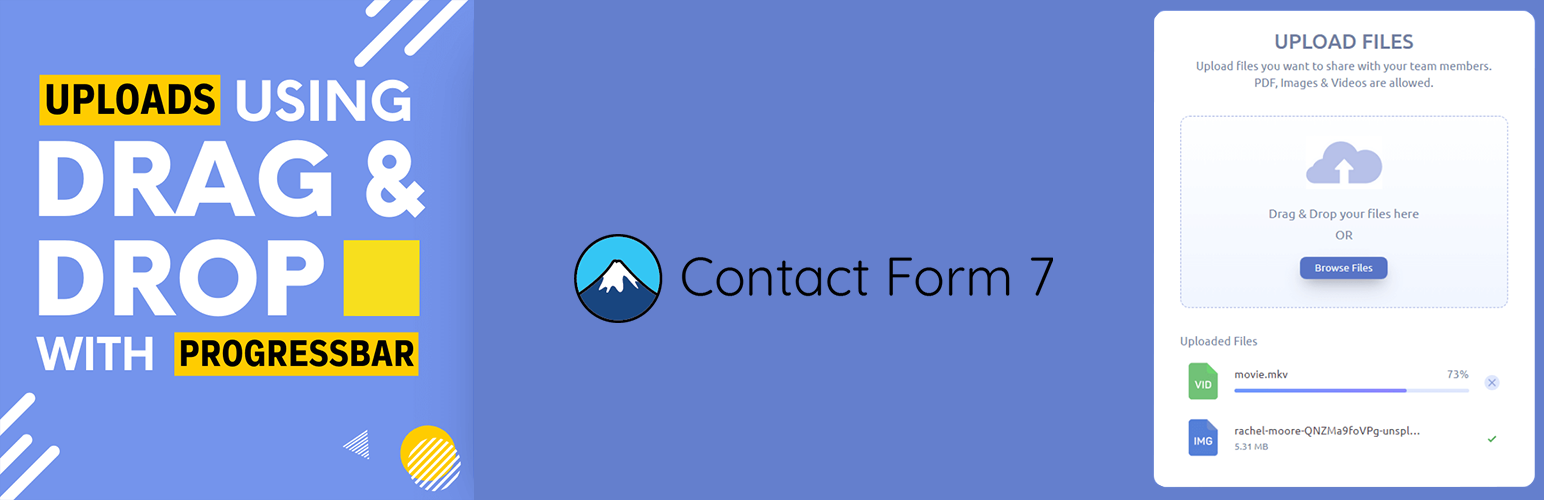
Drag and Drop File Upload for Contact Form 7 is the most advanced extension for CF7 that replaces the boring standard file upload field with a beautiful, high-performance Drag and Drop area.
Built with modern AJAX technology, it allows your users to upload files in the background. No more form submission delays or timeouts for large files! Once the user drops a file, it starts uploading immediately, providing a smooth and professional user experience.
Why Choose This Plugin?
- Modern AJAX Upload: Files upload instantly upon selection, reducing the chance of form submission errors by up to 80%.
- Multiple Files Supported: Give your users the freedom to upload one or dozens of files at once.
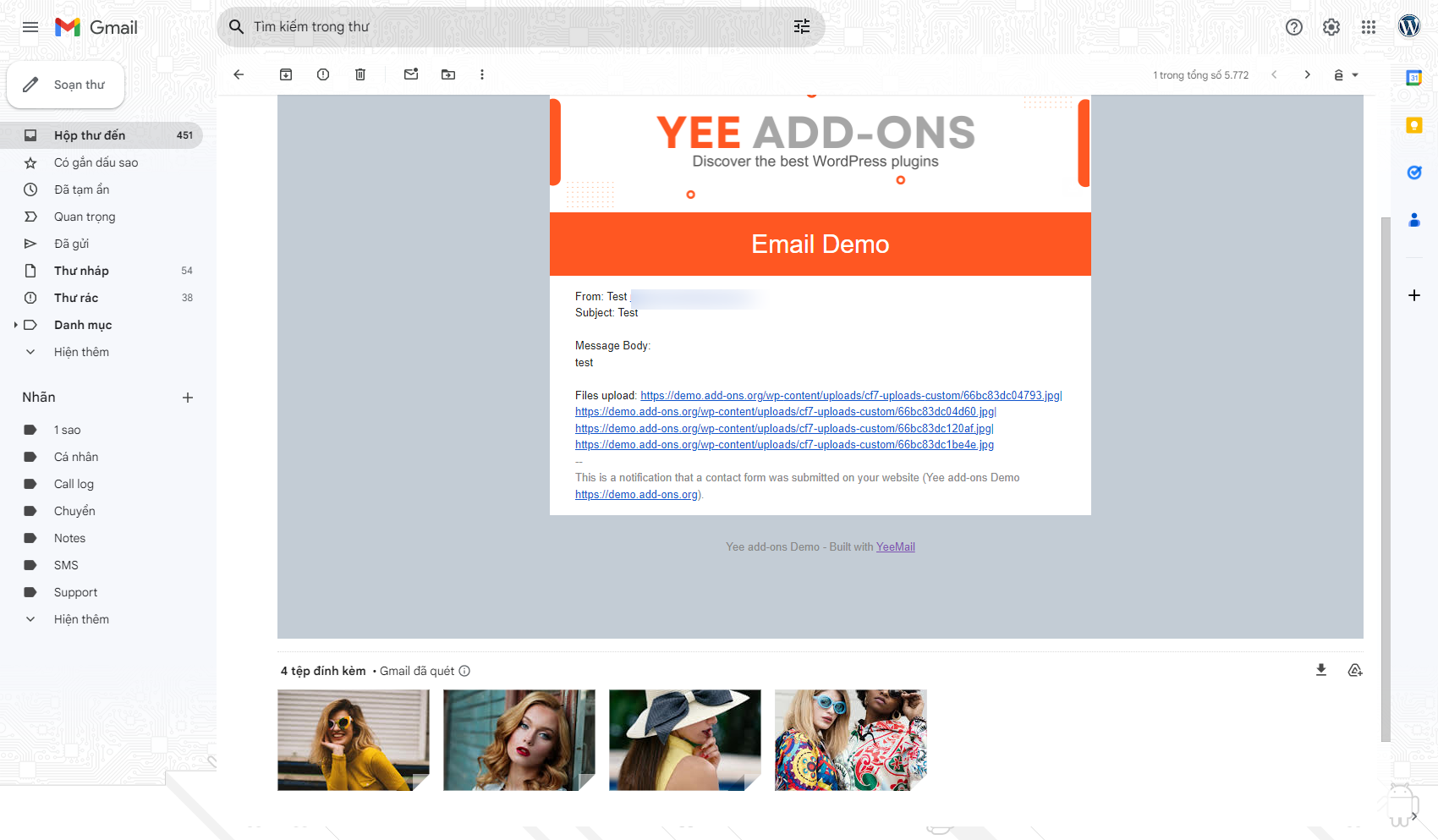
- Email Attachments: Automatically attach uploaded files to your Contact Form 7 emails without any extra configuration.
- SEO & Speed Optimized: Lightweight JS and CSS ensure your site stays fast while looking premium.
- Automatic Storage Management: Includes a smart auto-cleanup feature to delete temporary files daily, keeping your server storage lean. DEMO: View Live Demo DOCUMENTATION: Setup Guide PRO VERSION: Download Premium
安装:
- Log in to your WordPress Dashboard.
- Go to Plugins > Add New.
- Search for "Drag and Drop File Upload for Contact Form 7".
- Click Install Now and then Activate.
- Edit your Contact Form 7 form. Click the "File Uploads" button in the tag generator at the top, configure your options, and insert the tag into your form template.
屏幕截图:

常见问题:
Does it send files as email attachments?
Yes! By default, the plugin attaches the uploaded files to the email sent by Contact Form 7. You can also configure it to send links to the files instead.
Where are the files stored?
Files are temporarily stored in /wp-content/uploads/cf7-uploads-custom/. The plugin automatically cleans this folder every 24 hours to save server space.
Can I limit the file size?
Absolutely. You can set the "File size limit (MB)" in the tag generator for each individual field.
Is it compatible with the latest WordPress?
Yes, we rigorously test the plugin with the latest versions of WordPress and Contact Form 7 to ensure 100% compatibility.
更新日志:
1.1.4
- IMPROVED: Refactored internal code for better security and performance.
- UPDATED: Switched to internal
Yeekitbranding for improved maintainability. - FIXED: Improved AJAX file handling and multi-file count logic.
- UPDATED: Optimized readme for SEO and better user guidance.
- UPDATED: Standardized internal file handling functions.
- FIXED: Minor pathing issues for temporary uploads.
- FIXED: Fully compatible with Contact Form 7 version 6.0 and above.
- Initial Release.