
Dran Admin Cleaner
| 开发者 | dranworks |
|---|---|
| 更新时间 | 2026年9月26日 14:31 |
| PHP版本: | 8.0 及以上 |
| WordPress版本: | 7.1 |
| 版权: | GPLv2 or later |
| 版权网址: | 版权信息 |
详情介绍:
- Menu Cleaner: hide, rename, reorder, and quickly lock WordPress admin menu items.
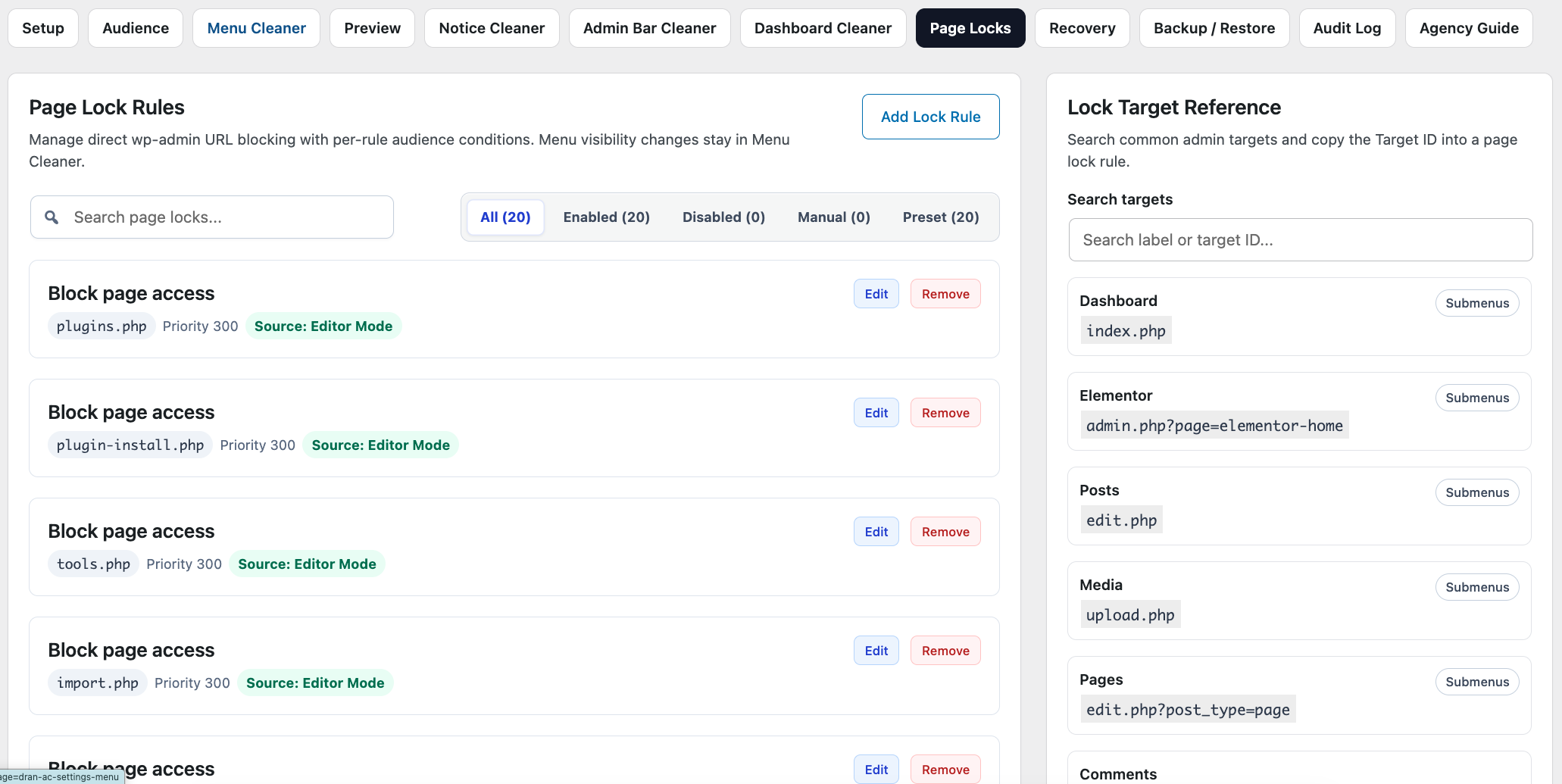
- Page Locks: redirect selected admin pages and show a notice when a matched user tries to open them directly.
- Preview: review the saved admin menu experience by role or user before handoff.
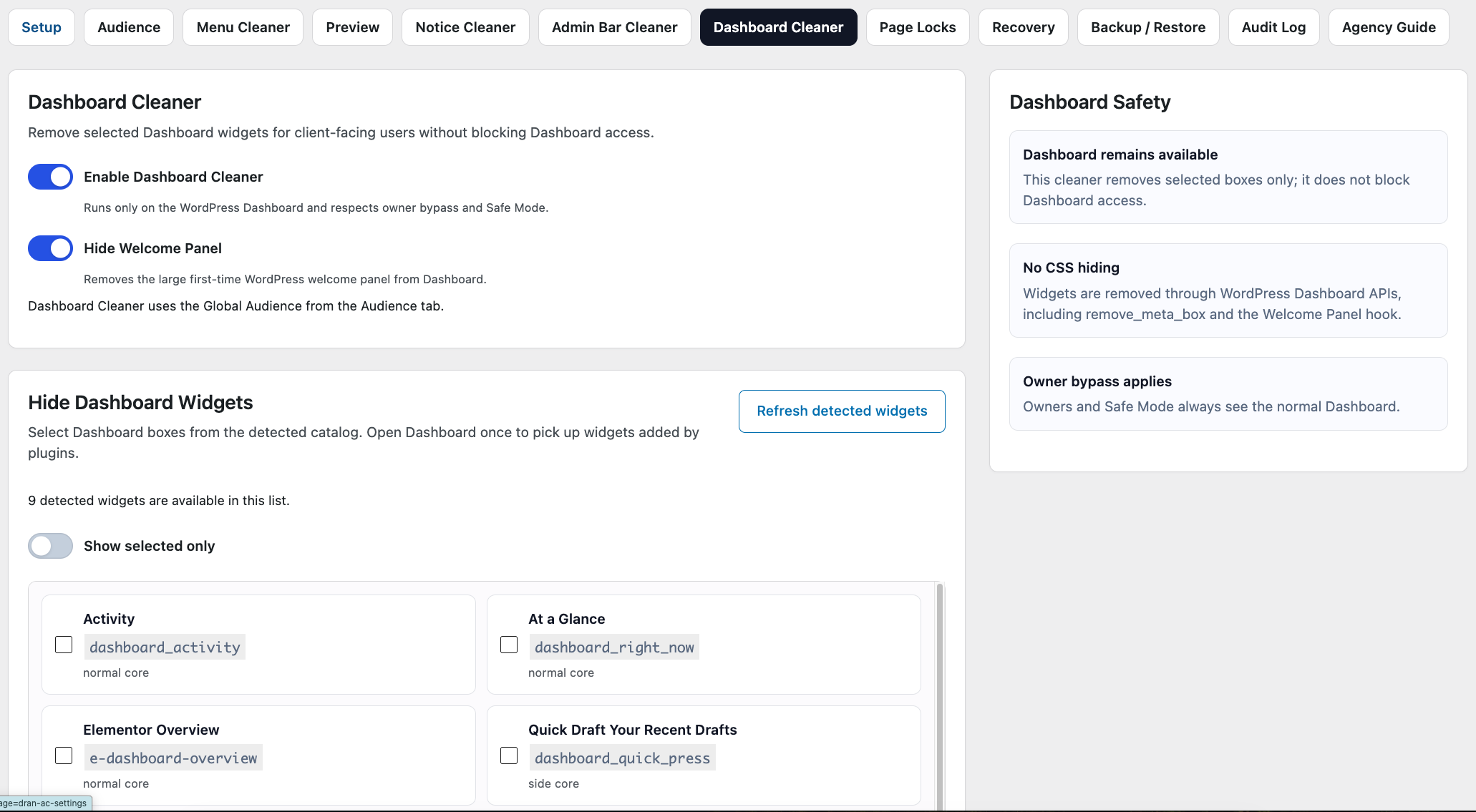
- Dashboard Cleaner: hide selected Dashboard widgets and the WordPress Welcome Panel.
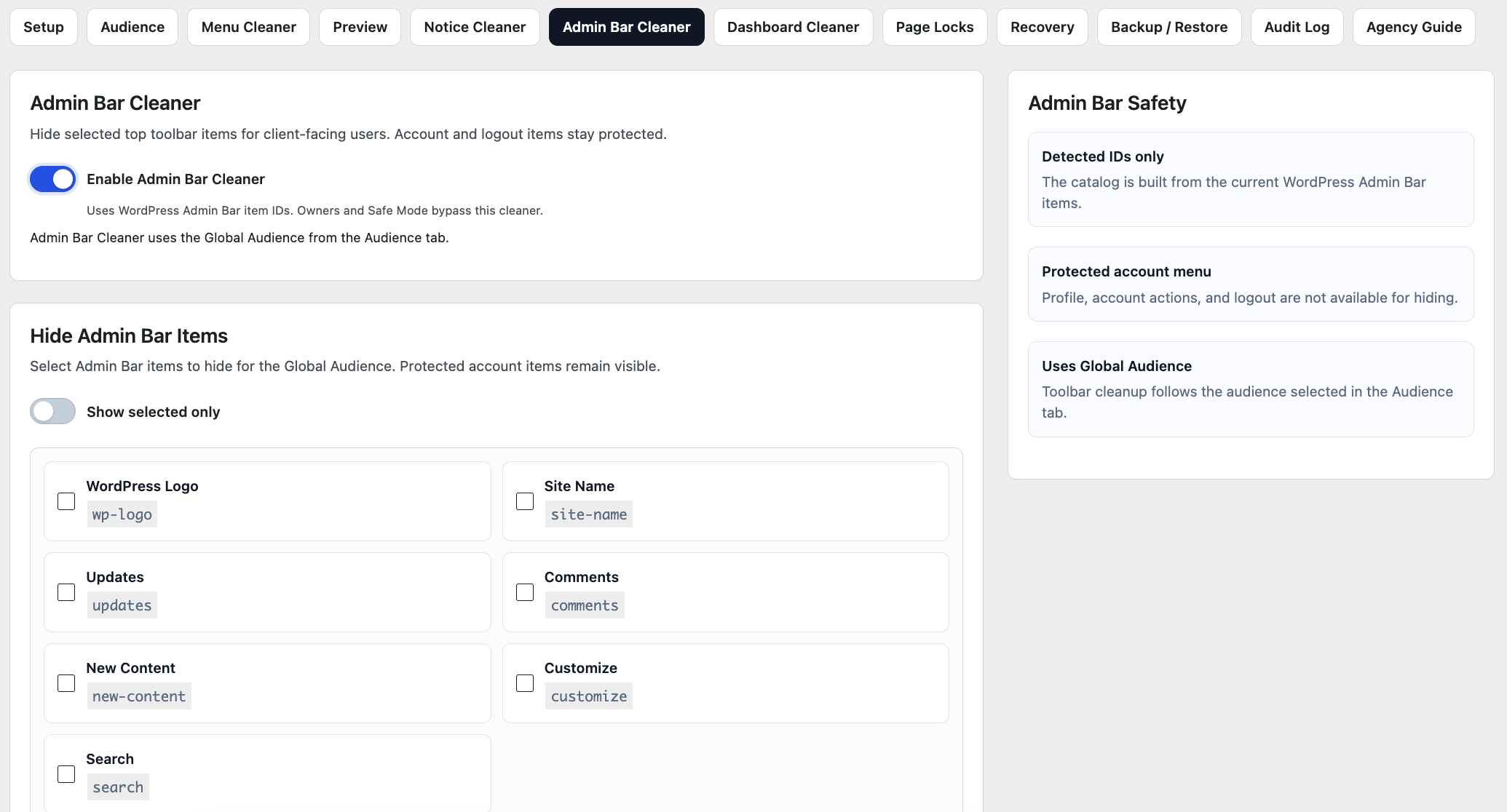
- Admin Bar Cleaner: hide selected toolbar items while keeping account and logout controls protected.
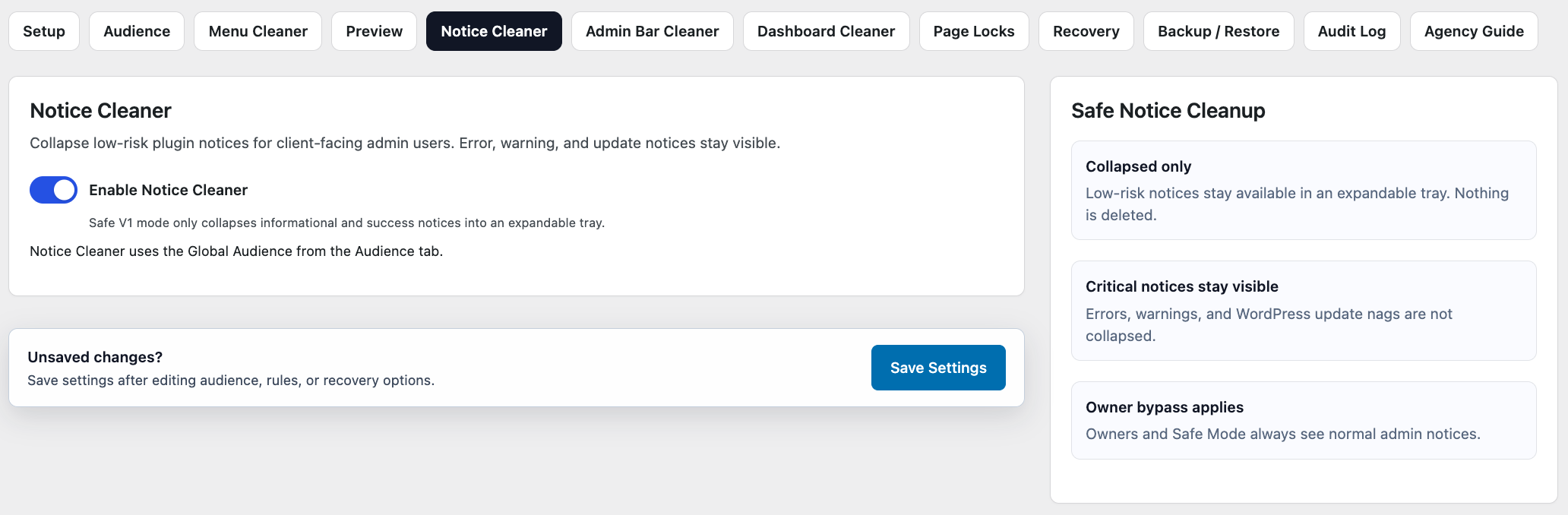
- Notice Cleaner: collapse non-critical notices into a tray while leaving warnings, errors, and update nags visible.
- Presets: start from common handoff setups, then adjust the rules.
- Recovery: owner bypass, Safe Mode, and Recovery URL support help avoid lockout.
- Backup / Restore: export and restore JSON backups for review and same-site recovery.
- Audit Log: keep a lightweight record of important configuration changes.
- Agency Guide: built-in documentation for setup and client handoff.
- It does not modify WordPress core files.
- It does not rewrite user roles or capabilities.
- It does not provide absolute security against administrators.
- It does not hide critical warnings aggressively.
- It does not run remote requests, tracking, or telemetry.
- Japanese (ja)
- Simplified Chinese (zh_CN)
安装:
- Install Dran Admin Cleaner from the WordPress Plugin Directory, or upload the plugin ZIP through Plugins > Add New > Upload Plugin.
- Activate the plugin.
- Open Dran Admin Cleaner in the WordPress admin menu.
- Choose the audience that should receive cleanup rules.
- Apply a preset or configure menus, page locks, dashboard widgets, notices, and toolbar items manually.
- Use Preview before handing the site back to a client.
- Store the Recovery URL somewhere safe after it is generated.
屏幕截图:

常见问题:
Does Dran Admin Cleaner change user permissions?
No. Dran Admin Cleaner does not change WordPress roles or capabilities. It changes the admin experience and can add soft Page Locks for selected admin URLs.
Is this a security plugin?
No. It helps prevent accidental access and reduces admin complexity, but it does not replace WordPress capabilities, security plugins, or a proper user role strategy.
What is the difference between hiding and locking?
Hide removes a menu or submenu item from the admin interface. Lock blocks a matched direct wp-admin URL with a redirect or blocked-page notice.
What happens if I lock myself out?
Owner users always bypass cleanup rules. The plugin also includes Safe Mode, a DRAN_AC_SAFE_MODE constant override, and a Recovery URL flow with explicit confirmation for administrator-level recovery access.
Can I use exported settings on another site?
Exports are best for backup, review, and same-site restore. Cross-site restores should be reviewed carefully because user IDs, roles, and plugin menu slugs can differ between sites.
Does Notice Cleaner hide critical admin notices?
No. Notice Cleaner is intentionally conservative. It collapses lower-risk notices and keeps errors, warnings, and update nags visible.
Does it support plugin-created admin menus?
Yes. Dran Admin Cleaner detects WordPress admin menus and submenus from core and plugins, then stores rules by stable menu targets instead of visible labels.
Can I network activate it on WordPress Multisite?
No. Network activation is not supported in version 1.0. Activate the plugin separately on each site where it is needed.
更新日志:
- Added Simplified Chinese translation.
- Added Japanese translation.
- Updated plugin banner and icon.
- Added setup workflow and presets.
- Added audience targeting by role and user.
- Added Menu Cleaner for hiding, renaming, reordering, and locking admin menu items.
- Added Preview for reviewing the saved admin menu experience.
- Added Page Locks for soft direct URL blocking.
- Added Notice Cleaner.
- Added Admin Bar Cleaner.
- Added Dashboard Cleaner.
- Added Recovery tools, owner bypass, Safe Mode, and Recovery URL support.
- Added Backup / Restore.
- Added Audit Log.
- Added built-in Agency Guide.