
WooCommerce Plugin for Drive FX
| 开发者 | phcwordpress |
|---|---|
| 更新时间 | 2025年12月5日 01:36 |
| PHP版本: | 4.5 及以上 |
| WordPress版本: | 4.8 |
| 版权: | GPLv2 or later |
详情介绍:
- Automaticly create new clients in Drive FX accounting software
- Generate orders and invoices based on what the client orders in the website
- Option to automatically send invoices via email for new orders
- Sync all your products and correspondent stock from Drive FX software to Woocommerce.
安装:
- Upload the
pluginfolder to the/wp-content/plugins/directory or install via the Add New Plugin menu; - Activate the plugin through the 'Plugins' menu in WordPress;
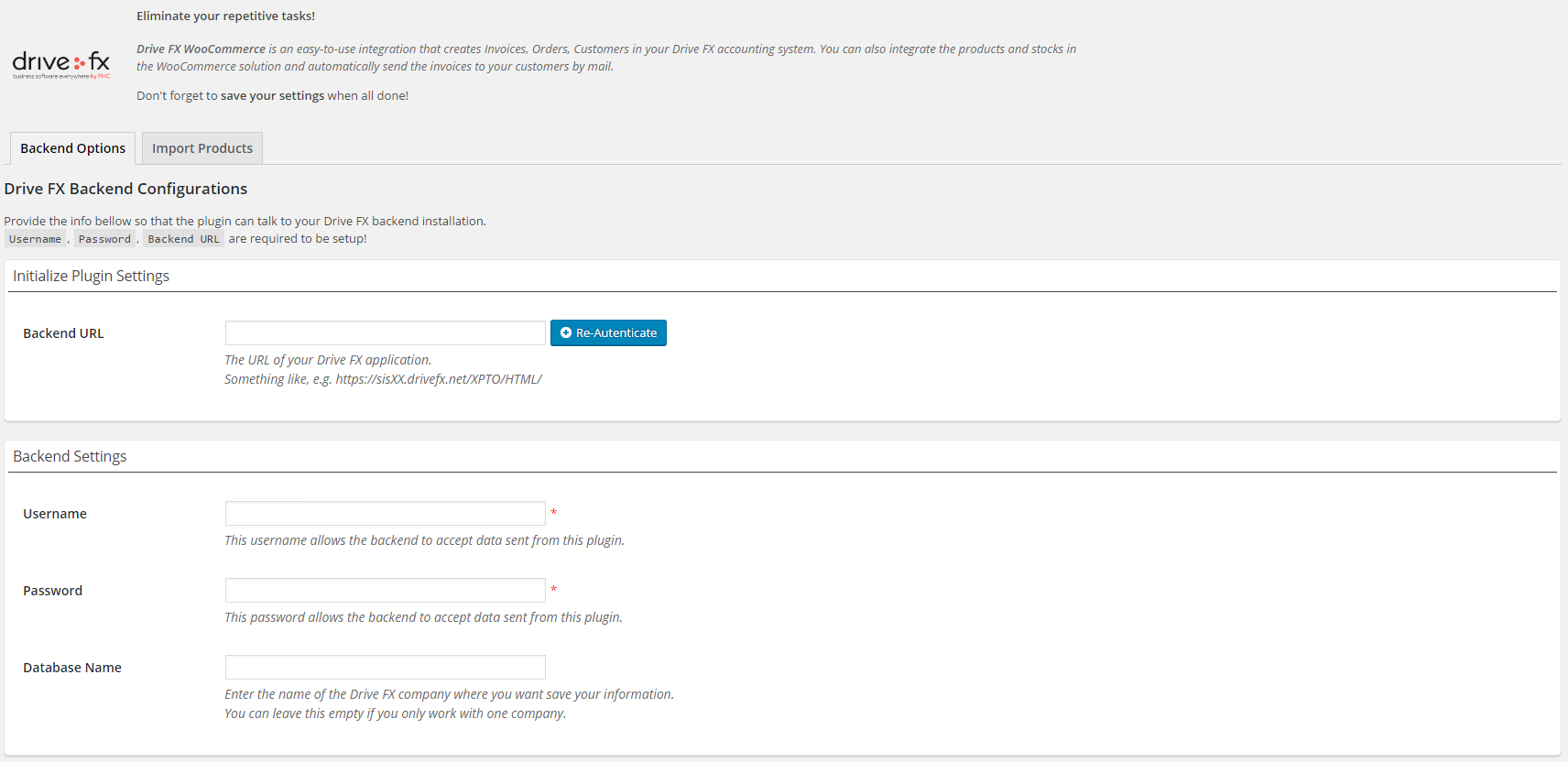
- Enter your Drive FX backend info in 'Settings' page. Its required to set the username, password, Drive FX backend URL and your generated user's API Key;
- Import your products from FX to begin integration with Drive FX, because you need use the same reference of your products.
屏幕截图:
常见问题:
If I have errors in plugin, where are showed?
You can see erros in /wp-content/plugins/drivefx-woocommerce/logsErrors/.
No clients / internal documents / invoices are being stored in my Drive FX database that i want?
Possibly you don't choose a specific database in your Drive FX backend. If this is the case, the database used is the first catched. So please write the name of database that you want.
No clients / internal documents / invoices are being stored in my Drive FX database and i have configured database?
Possibly you don't choose a specific type of invoice document in your backend settings of plugin.
I can create an invoice without internal document?
Yes. Don't choose a type of order and invoices are generated without an internal document.
Can i choose some price from my database?
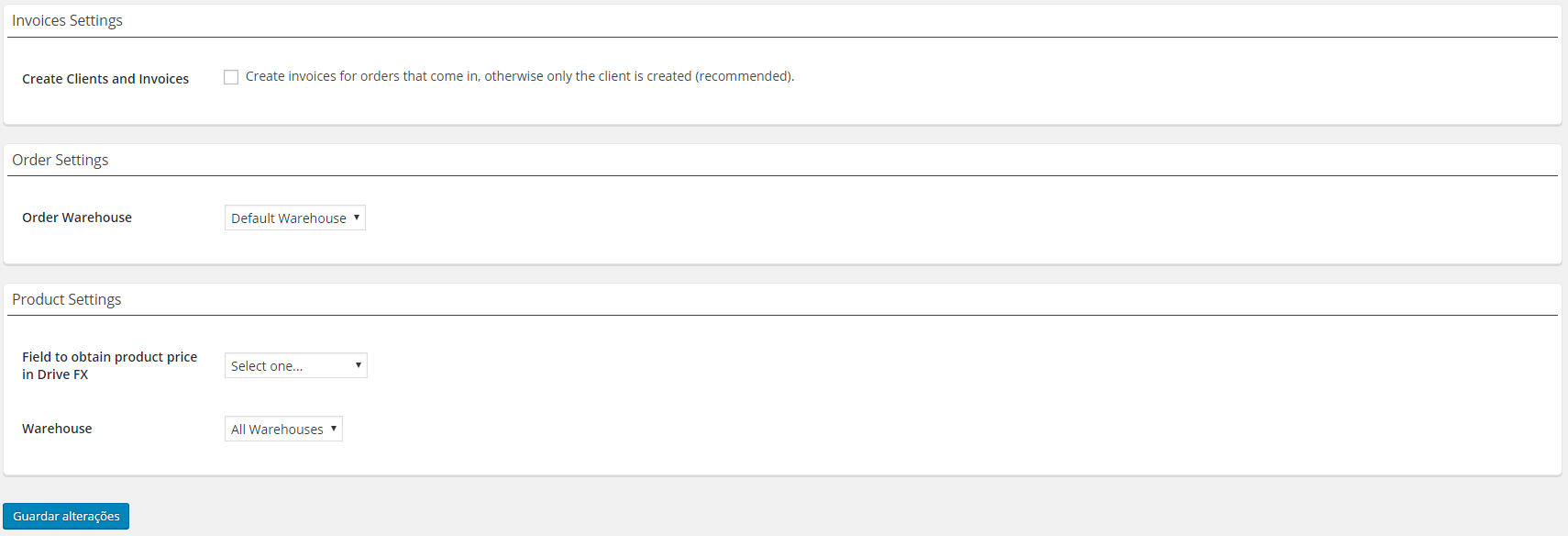
Yes. Just choose wich field do you want in backend settings.
When i choose type of order, is showed two new fields. This is for what?
This fields allows you choose where do you want order status in your Drive FX. If you leave "save field status" empty, you can't able to see order status in your Drive FX.
When i import products what means "image of right"
In tab "Import" you can see all your products presented in your Drive FX and import them to your shop. Choose products and click to save them. Now you can see the products presented in Drive FX and your shop through the image of right. Through the checkbox to update products is possible update name of products / prices and stocks you "save / import products"
更新日志:
- the first version!
- major adjustments to new version of drivefx
- major adjustments to the new version of Drivefx v23